I do not comment on IFR ATC which, as a trained Pilot, I ignore. It is, IMHO, so unrealistic it is a complete mess, fit only for entertaining “Gamers”
Re. ATC changes. as per:-
ATC window should now list the entire name of approaches
ATC should respond to requests for changing an approach into an airport
ATC should now respond to requests for changing runways while near / on approach to an airport.
While an attempt to make VFR ATC more realistic is welcome, the implementation of these changes is incomplete.
A case in point:-
I approached YBAS from the SE in calm wind conditions. ATC nominated the landing runway as RWY 30 (NW) with no option for RWY 12 which is the main landing RWY at YBAS and has an ILS approach. On takeoff RWY 30 was nominated again with no option for RWY12 even though the wind was still calm and the RWY12 hold was the nearest to the terminals.Please note this is not the only time these ATC changes have not worked as described.
The responsibility for runway allocation in real world aviation rests with “Tower” not “Ground” or “Approach”…where there is a “Tower” in operation.The main criteria is always the wind direction and strength…if there is no wind it is usually Pilot choice.
This ATC module clearly is not taking the wind into account.
Further to this:-
More testing has revealed that after the update ATC does indeed offer alternative runways fo takeoff and landing…but only on Airports with no active Tower frequency ie Traffic announcements only. Where an airport has an Active ATC then the Sim ATC module has not changed. Every little helps !
It does now, but it doesn’t change the runway! So you end up with those approaches where you have to circle back to land on the runway they gave you in the first place. I don’t think I tried changing the runway, then the approach. The last time I tested that I don’t believe the option to change runways as well was there.
For those who are uncomfortable with the intensity and night light in general since the last two patches. We need to put votes on these two Q&A topics.
https://forums.flightsimulator.com/t/any-plans-to-remove-night-lighting-in-rural-roads-everywhere
and
https://forums.flightsimulator.com/t/any-plans-to-adjust-the-night-light-intensity
New performance video with RTX3080 in high quality 1080p
CPU I7 6800K
No offence but 1080P on an RTX3080 is a bit like using a modified road legal F1 car to do the weekly shop. I would suggest the overwhelming majority that buy this card will be far more interested in what the card can do when its pushed a bit at higher resolutions.
I have to say first run for about 3 hours yesterday and very impressed!, graphics are working fine have been running a log of issues but its only early days. Looking forward to having hand controller access if that is in the forward plan.
Nice idea putting a watermark on that ■■■■ fps counter. Genius work.
Amazing discovery, I must say. I wish all my MSFS problems were already solved or so insignificant that I had enough time to worry about the picture on the UI. Don’t worry it’ll change with the next world update.
My 1080ti with high-end setting have better FPS then this video lol
CPU limited…
Good morning to all, I have a problem and I would like you to help me,I have the Game Pass on PC and it turns out that I only get two planes, I don’t have the A320 NEO for example, There will be a solution for this because before it was not like that from one moment to another after the updates I only get two planes, thank you
This may be one of the known issues.
@smothjazzboy : Log out on the Xbox app, and log back in again. Reboot the game. Click on your name in the top right. Make sure you are connected to a server before going to the flight plan screen. Everything should be good then.
This also applies to live weather. I’ve noticed that if I go to the flight plan screen, and see no clouds over the world, I can return to the menu and click on my name. At first I see ‘…automatic..’ listed as the server I’m connected to. Then it can change to ‘North Europe’ or whatever, but if I’ve already been to the world map before this happens, I’ll get no live weather without rebooting and ensuring I’ve connected to a server before accessing the world map.
I’ve learned that no clouds on the world map means no connection to the servers, no matter what the game tries to tell me.
thanks for help!
For anyone noticing graphics downgrade, make sure to check your graphics settings and check that they have not been changed. In my case, every time I update my NVidia graphics card driver, it resets my MSFS graphics settings to HIGH. I always have to change it back to ULTIMATE after driver update.
You do not seem to be able to reset the graphics settings. Although I change the values from low to high, the graphics do not change at all. I’ve noticed that the ■■■■ useless gforce experience software keeps resetting the graphics to low despite removing the game optimization. Needless to say, I’ve reinstalled the nvidia drivers 5000 times. i can’t solve the problem. even if i put the xbox app offline i can’t reset the graphics and worse than fsx it looks like 2004 now!
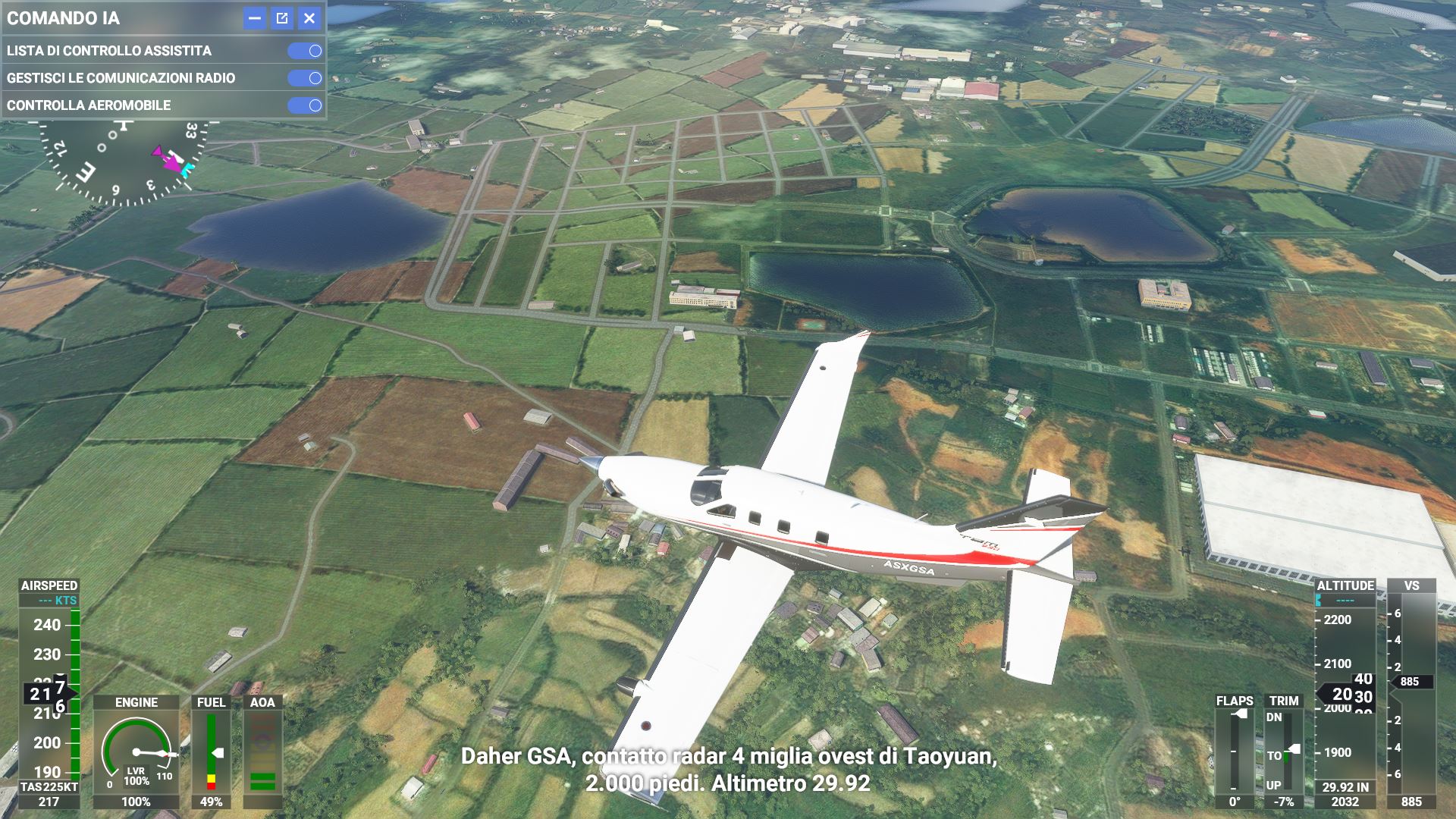
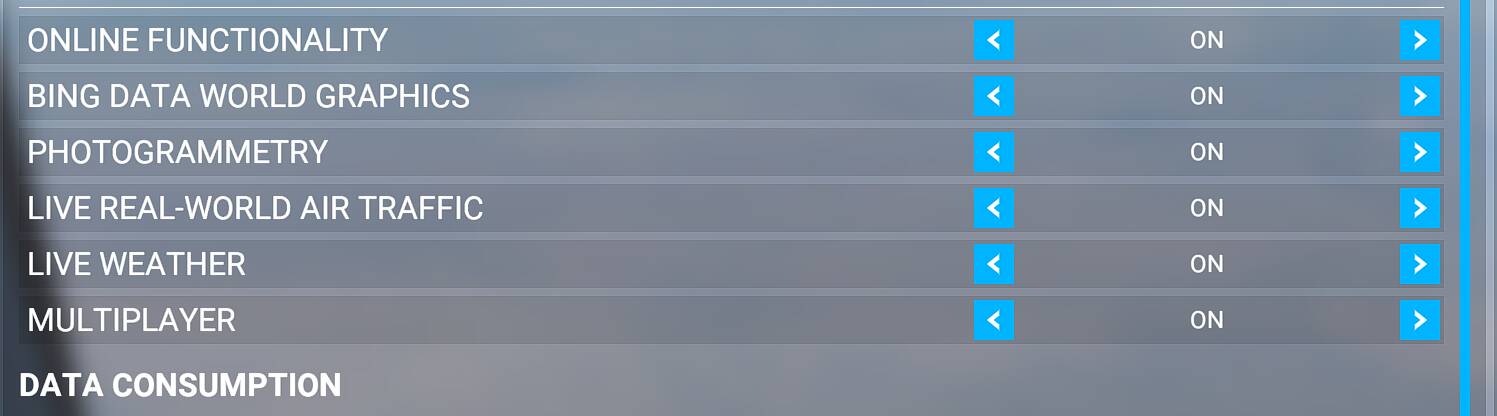
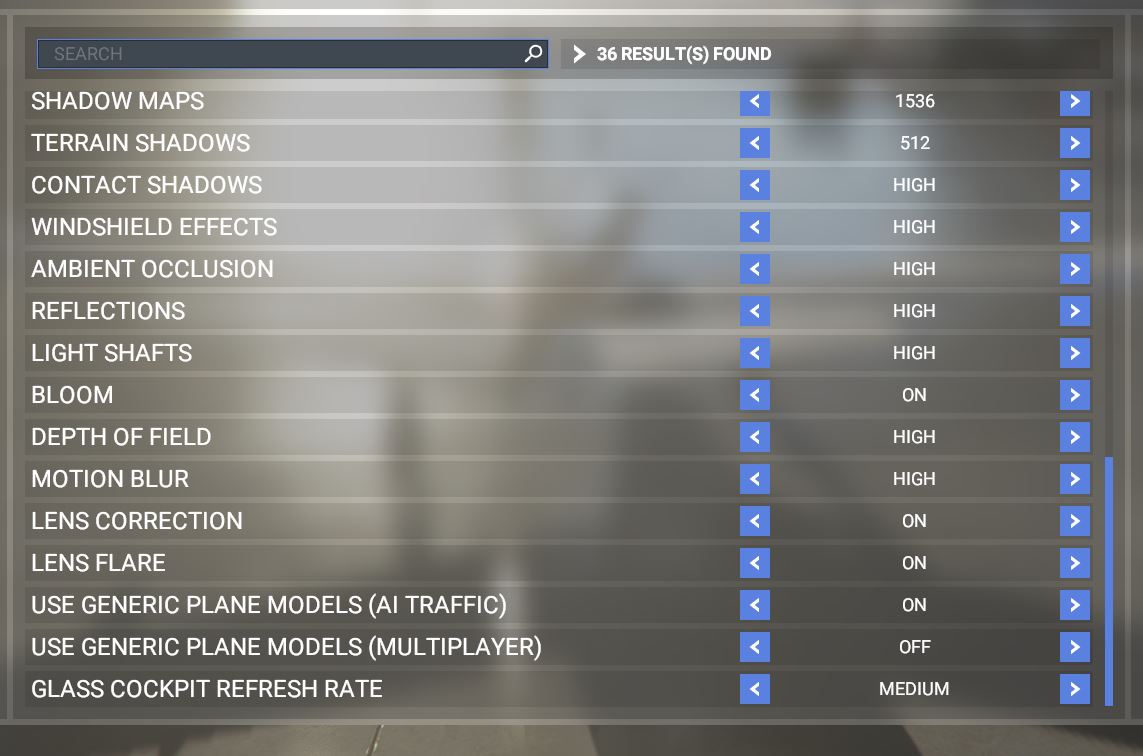
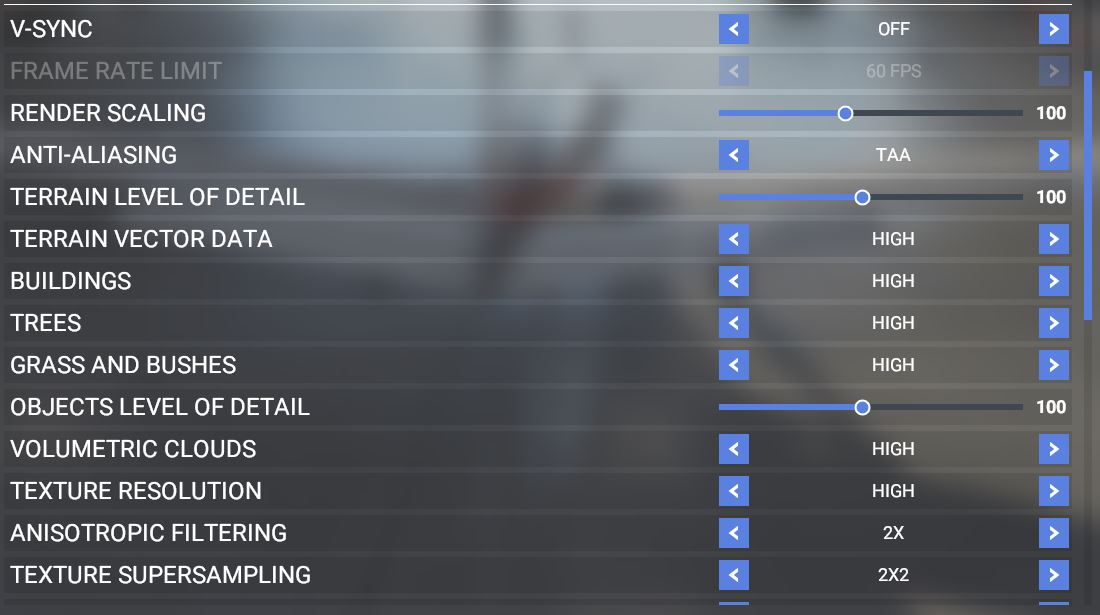
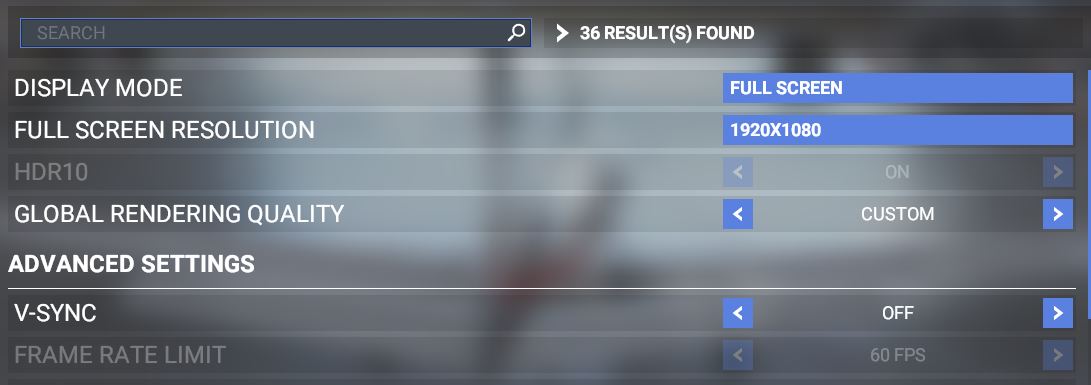
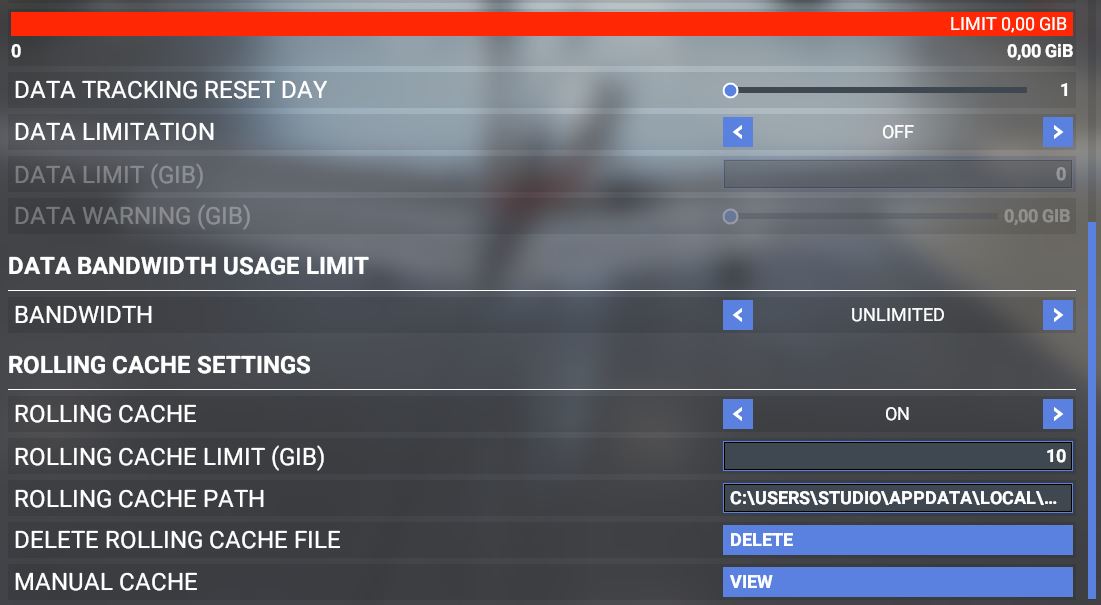
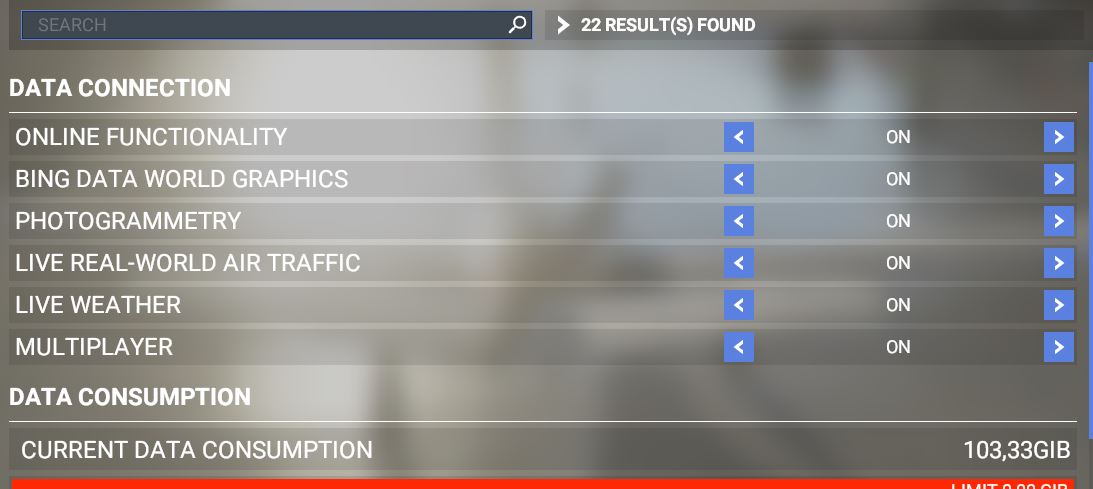
Is it working again Was it turned off Bing data? my buddy turned it off after the update.
there is also an update for Xbox and Gaming Services

That image is autogen scenery. That means you have no connection to the servers OR the satellite imagery on bing maps is so bad in the area that it has no choice but to revert to autogen instead. This can happen when the satellite imagery has a cloud obscuring the ground too. No alteration to your graphics settings will fix this.
Whenever you see roads cutting through farms fields in random ways that make no sense, like in your screenshot, it’s autogen scenery. So you are either not connected to the servers (for whatever reason), or you have ‘bing data world graphics’ turned off, or your connection is so weak it can’t download the data.
You posted lots of pics, but not one showing that you are connected to a server, only that you are telling the game that you want to be. Click your name on the main screen to see which server you are connected to. If it says ‘…automatic’, then you are not connected to anything.