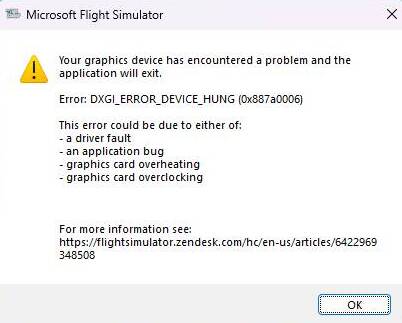
So right now I’m using the latest drivers (581.15), and the crash occurred when i was loading into a flight.
P.S. My sim is the 2020
So right now I’m using the latest drivers (581.15), and the crash occurred when i was loading into a flight.
P.S. My sim is the 2020
My build:
Ryzen 5 1600X
4x 8 GB DDR4
MSI X370 GAMING PRO MB
500 GB SSD
RX VEGA 64
…..
MSFS 2024 was working wonderful !!
Every evening I relaxed withone or more a flights… Then one day I tried to connect my TV via a HDMI Cable as second screen. My normal screen is connected via DP. It did not work, my PC got mad, and I left the try. It seemed that the HDMI-cable is to long to send high resolution to my TV.
SINCE THIS DAY I HAVE THE ABOVE ERROR. TRIED EVERY POSSIBLE SOLUTION I FOUND ! Please Microsoft: DO something ! ….
Did anybody experience this behavior after using/switching the GC-Outlet ?
I want to fly again…. IT was running, so even my old build was good enough.
Or is it just because I use it in XBOX App with GamePass Ultimate ?
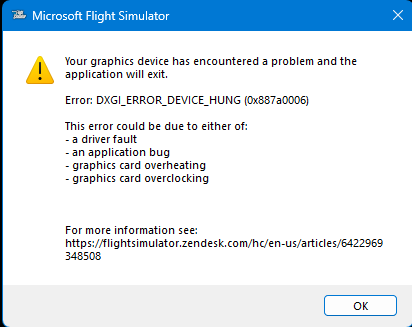
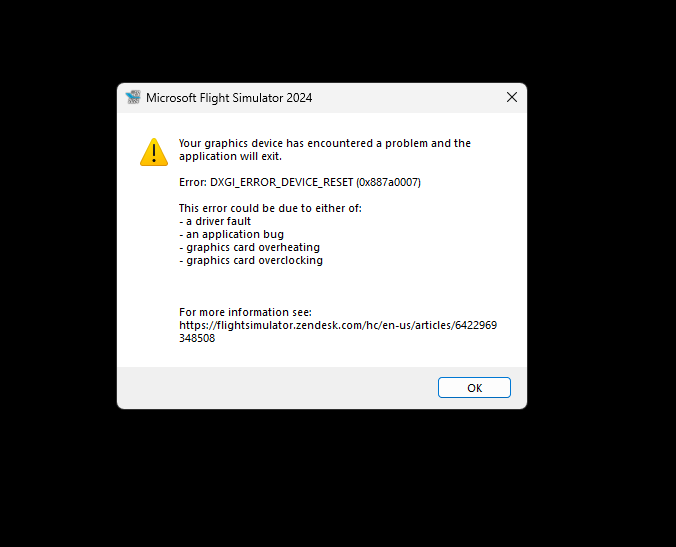
What does this mean? For me it sounds, this caused the problem. Maybe a hardware defect, or a configuration issue?
Same problem here.
Switch to Dx12 or roll back to 572.83 (there might also be some newer ones that work with DX11).
All was working good, but now out of the sudden can’t stay in game for 20 minutes without a crash since this morning…
Does it happen everywhere or only PG areas?
I’m beginning to think it’s due to a conservative undervolt I had. Only PG triggered the crash.
I have PG turned off, and due to my VA schedule, yesterday I have flown in and out of the same area. Today I can’t do anything.. The GPU runs in default (AMD).
In case you manipulated the hardware parameters like overclocking or undervolting, you don’t need to search for other reasons. This is a very common reason for device hangs.
Yeah that’s what I realized. It’s just very odd as it was only happening with the newer drivers and one time I specifically set everything back to stock, and it still happened. Maybe that was just bad luck though. I upped the undervolt and it’s fine so far.
I tried all July driver versions but still getting a CTD from time to time. Is Microsoft/Asobo aware of this issue?
CTD or Device Hang? That is NOT the same!
I’m also get this bug since SU 4 beta. VR user here, thought it was a VR related issue, but now “happy” to see, that’s not a VR related issue.
I think it’s more likely to happen in VR. For me only in PG areas actually.
Thanks for your hint, i mean this dialog shows up and after clicking OK the sim quits.
Hello. I have this unkown for me issue when I want to play MFS 2020. I used to play mfs 2024 and everything was fine but when I switched to mfs 20 I am getting this strange report. I tried 4 diffrent drivers for my gpu and none worked, always the same bug report. It only appeared when I fully downloaded the game. Gpu is at 2 % usage when I try to turn it on and at 30 C.
Same problem here with FS24. FS20 runs perfectly.
tried everything but 24 since one month crashes continuously.
My (x887a0006) CTD experience in the last time:
https://forums.flightsimulator.com/t/permanent-ctd-switching-back-to-2d-vr/738153