Do you have the same issue if you follow the OP’s steps to reproduce it?
Yes
Provide extra information to complete the original description of the issue:
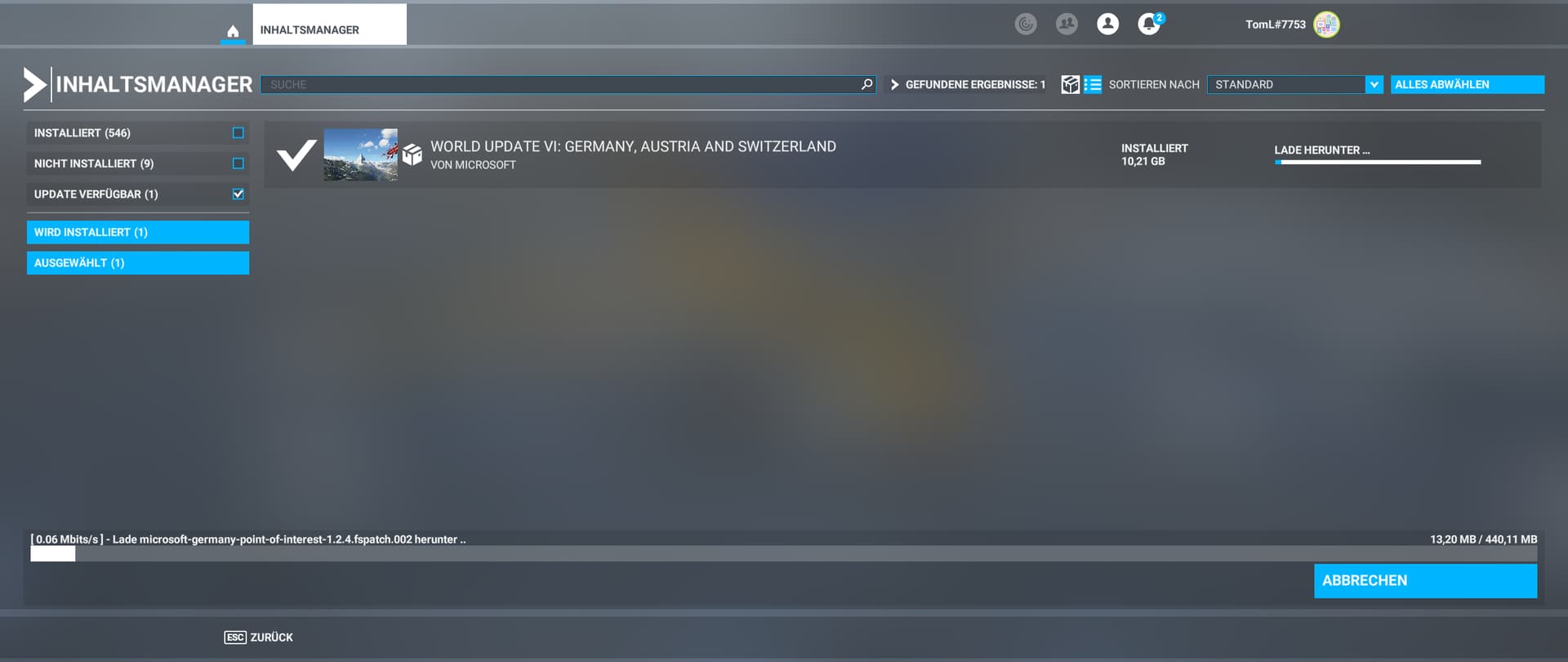
German Telekom Fiber with 500 MBit, everything works like a charm, except MSFS. It doesn’t matter if I use 5Ghz Wifi or an ethernet cable. Extremely frustrating, DL speeds hovering between 15’ish and 0.00 (!!!) Megabits. It will take me hours and hours just to download the last world update.
If relevant, provide additional screenshots/video:
Do you have the same issue if you follow the OP’s steps to reproduce it?
YES
Provide extra information to complete the original description of the issue:
Download speed from just 2 MBit/s. Occasionally rising to 20-40MBit/s, (if lucky). I am not seeing the ‘checking for updates’ screen at start-up.
As of 20/8/23 The Market Place and the Content Manager are not loading. The little circle for the Content Manager just keeps spinning and not resolving to anything. I am getting a warning that on-line content is unavailiable.
If relevant, provide additional screenshots/video:
Do you have the same issue if you follow the OP’s steps to reproduce it?
yes
Provide extra information to complete the original description of the issue:
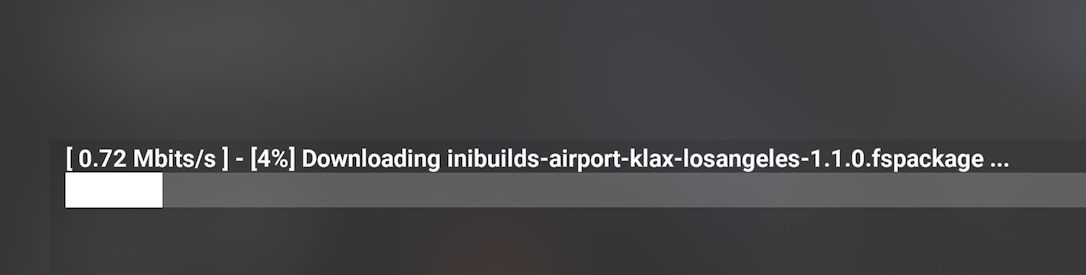
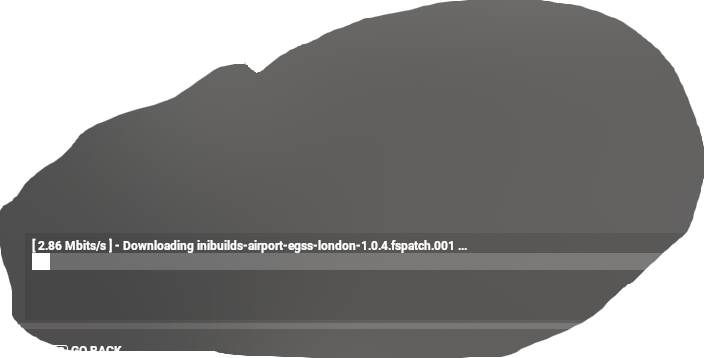
Painfully slow download speeds - I am in the UK and on a 500mbit synchronous fibre. 1-2mbps on a 65gig update…
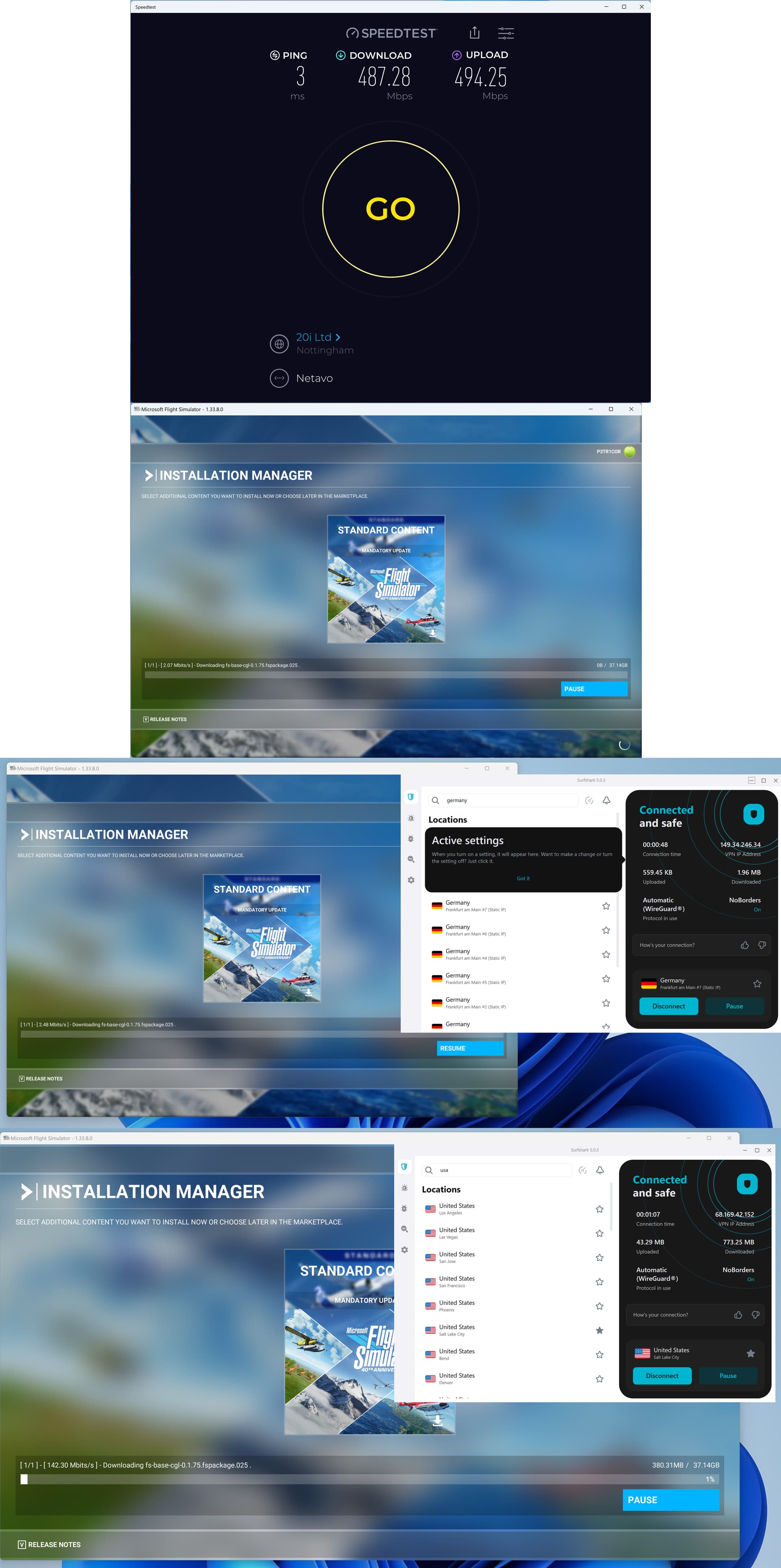
Most interestingly: When VPNing to the US, the problem disappears. I get about 150Mbps download bandwidth to the US using Surfshark, and MSFT saturates this bandwidth provided by my VPN fully when updating.
Further, it’s not my ISP: When VPNing to the UK or other locations in Europe (Germany as an example below), the issue is back, the same painful drip-feed, so it appears to be the location of the server hosting the download that makes the difference.
If relevant, provide additional screenshots/video:
So, annoyingly, as someone volunteering my time to help fix this (you’re welcome), I can only upload one file as being a “new user”. Alas, all photoshopped together in one image. What you see in top-down order here is:
Connection speed to my ISP
MSFT Update Speed without VPN (London, UK)
MSFT update speed with VPN to Frankfurt, Germany
MSFT update speed with VPN to Salt Lake City, US (saturating available bandwidth from VPN channel)
Do you have the same issue if you follow the OP’s steps to reproduce it?
Yes, for too long now. It sucks!
Provide extra information to complete the original description of the issue:
Updates associated with latest City Update via Content Manager: Download speeds are extraordinary slow before approx. 20% of the file are downloaded, only then does it ignite and goes to full speed, which is 100 MBit/s in my case.
If relevant, provide additional screenshots/video:
Yeah looks like the speed is purposefully throttled for a period of time presumable until you move further up the queue then it opens up a bit.
The frustating thing for me is the introduction of restarts to the download process, what is that all about. I can’t imagine I have that many errors before that the download feels it needs to restart all the time. This has to be another bug.
2mbps for me on a fibre to premises (FTTP) 500mbps connection. Used to get up to 150mbps but average 70mbps in the content manager until recently. UK based.
Very slow download speeds for me right now. same thing going on every time 2MBit/Sec then eventually several minutes into download it pops back up to 28MBit/Sec.
When it switches to part 2 of a download it drops back to slow speed again 2MBits/sec then eventually several minutes into download pops back up to 28MBit/Sec again.
It’s definitely at the start of a download or start of the 2nd part of the download etc that the slowdown kicks in. Only when downloading from content manager do I see this, never when receiving sim updates or downloading anything external from the sim etc.
Glad I’m not presently re-installing much.