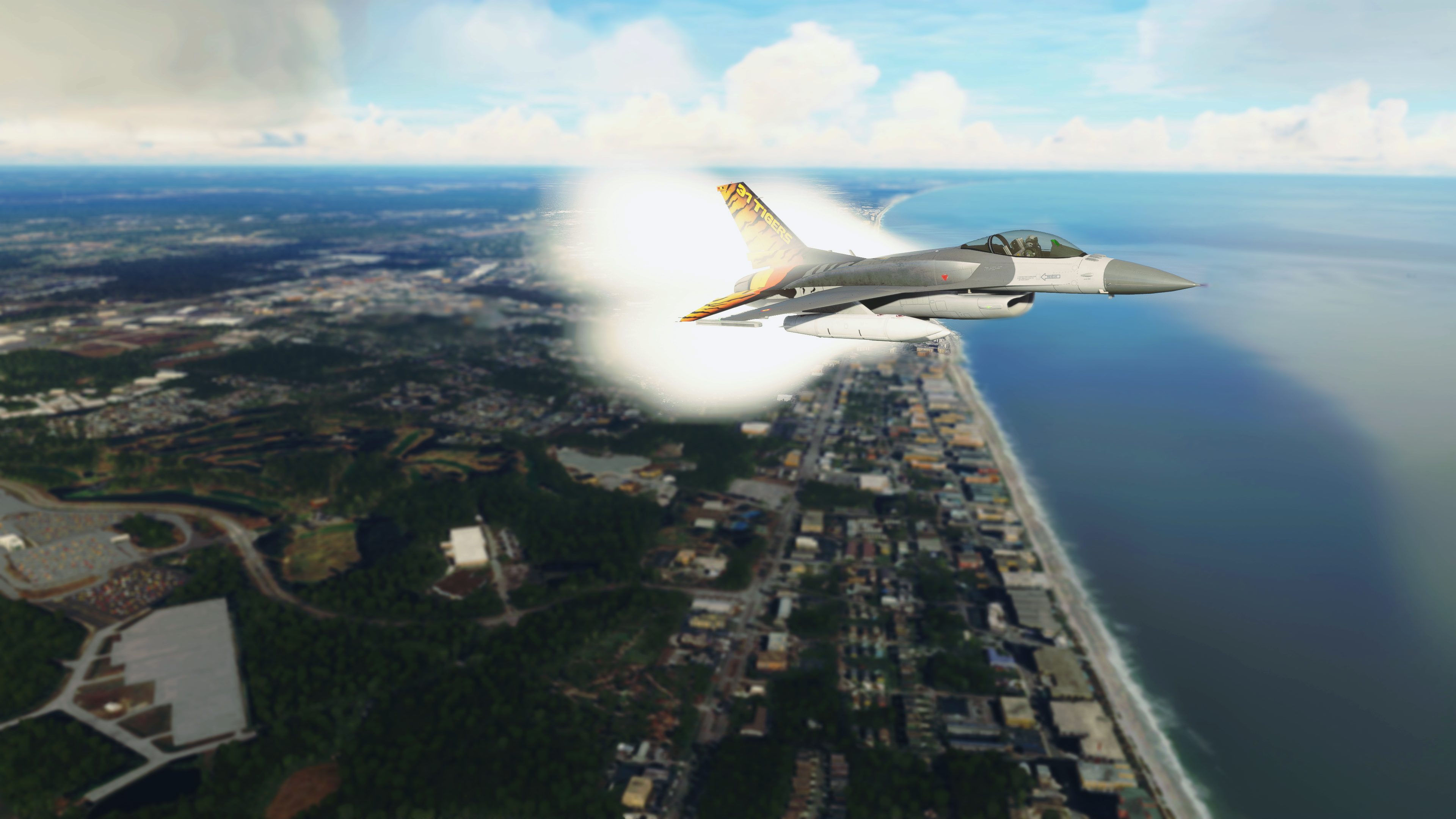
What are you on about ? It is awesome.The only thing that is needed in my opinion,is some smoothing on the edges of the vapors and not the cone
1 Like
Yeah im talking about the smoothing on the edge , also compared to the f18 mod, I think the one from the f18 look tad better
smoothing is another thing and “kinda basic” is also another.
The F/A18 is just a mod.(i have it and i think is less impressive)
The F16 is a complete aircraft with many variations.Patience and please watch the forum.Dean already said that in 2022,major updates are coming for all the birds
4 Likes
Visual effects will get updated and improved as people understand more about them, how to create them properly, etc. The visual effects editor is not terribly simple to use or understand. Over time these effects will get even better.
4 Likes
Thank you so much for this! From the moment the F16 came out, I was hoping for someone to create this livery. Especially looking at you!
These are the ones that fly over my town so regulary. Love it!
Heel hartelijk bedankt.
Just had a quick flight after the update. The new canopy reflections make a huge difference in VR. It really looks and feels like there’s a canopy around you now. Very immersive.
Great work 
5 Likes
I’ve only got a couple of flights in the aircraft so far, but one weirdity I found was that the autopilot connected to VOR2 but not VOR1. Not sure if it’s something I did, I was tinkering with a lot of the switches. But how do you switch between the 2 inputs, I don’t see anything in the manual, only how to switch between VOR and GPS. Thanks!
liking it so far - but how to you remove these 2 side pods on the C model? (assume they are extra fuel tanks?)
Set to zero the CENTER 2 fuel option
1 Like
Dean, can you please remove / edit this ?
It looks so weird, it’s floating.
Can I replace this part of the aircraft without affecting anything else ? I still have the version 0.2.0
Waiting until the next update wouldn’t be a great idea
Thank you in advance
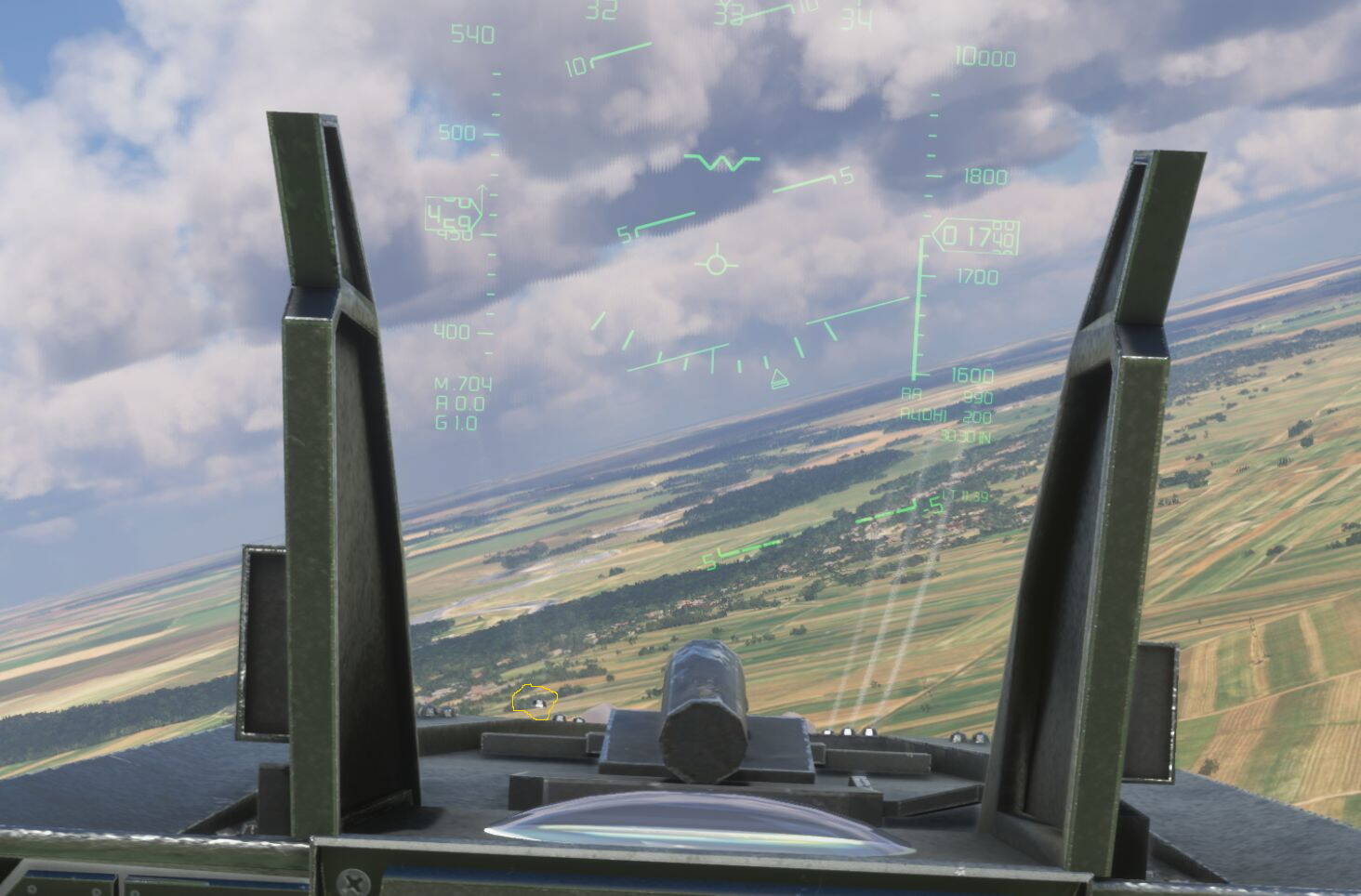
Pretty “weird” to takeoff and land without any Stickinputs but fun anyway. I just want to know how much of the autopilot is real, i would not think that any real F16 pilot would use an autopilot but maybe im totally wrong.
To be honest I have only done the takeoff with autothrottle (so i used rudder to maintain the plane straight), the autopilot was activated in the air. Once i enabled the AP, i used heading managed to follow the waypoints or steerpoints (in the real plane is called STRG mode, and there’s no need to use LNAV/GPS in that situation):

The real F-16 can do ILS landings perfectly.
I have been reviewing it, and there is no such switch but I don’t know if it would be necessary to implement it (it could be interesting if you are having problems so I will listen to your feedback). If you use radionav and you tune a VOR / ILS frequency in NAV1, NAV1 will be the active frequency and depending on whether it is VOR you can correct the course with the CDI knob (or type the course in the DED’s CRS field). If you tune a Frequency in NAV2, without a valid frequency in NAV1, the NAV2 frequency becomes active (but you can only correct the course through the DED if you enter the CRS via keyboard since the CDI knob is only able to correct NAV1). If the two frequencies are valid, NAV1 would predominate over NAV2. In that case, you might be interested in NAV2 being a VOR frequency and NAV1 an ILS frequency, which would come active when approach mode is enabled.
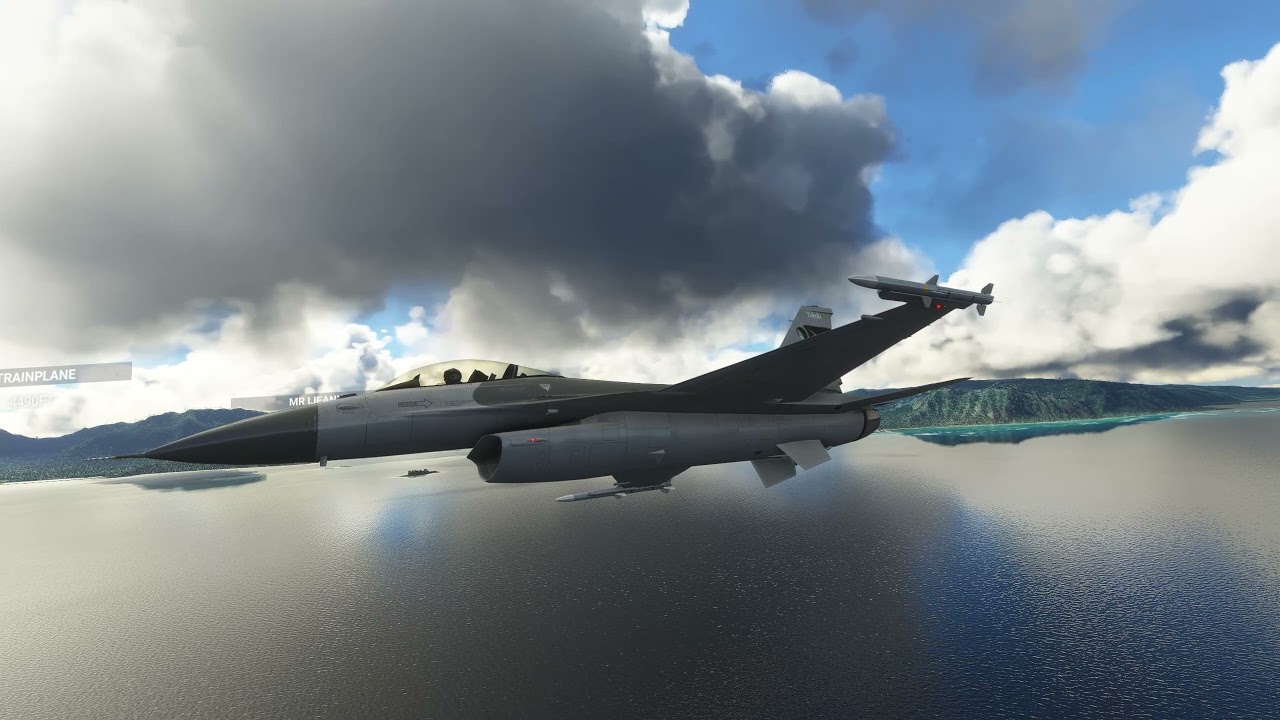
Just took the newly-updated C model around Oahu for a quick jaunt. The smoke and tire barks on touchdown are perfect chef’s kiss 
4 Likes
I can live with that, I normally tune VOR2 to the next station to be sure it’s receiving before I swap for navigation. I was surprised when the autopilot connected to VOR2. I wasn’t actually flying a flight plan in this case, just testing the frequencies. A much bigger problem for me is the inability to press the ‘.’ decimal point to set frequencies. I just flew again after the update and if anything it’s worse than before. If I can’t use the decimal, I can’t tune radio aids or radios. Is there another way to tune in the frequencies?
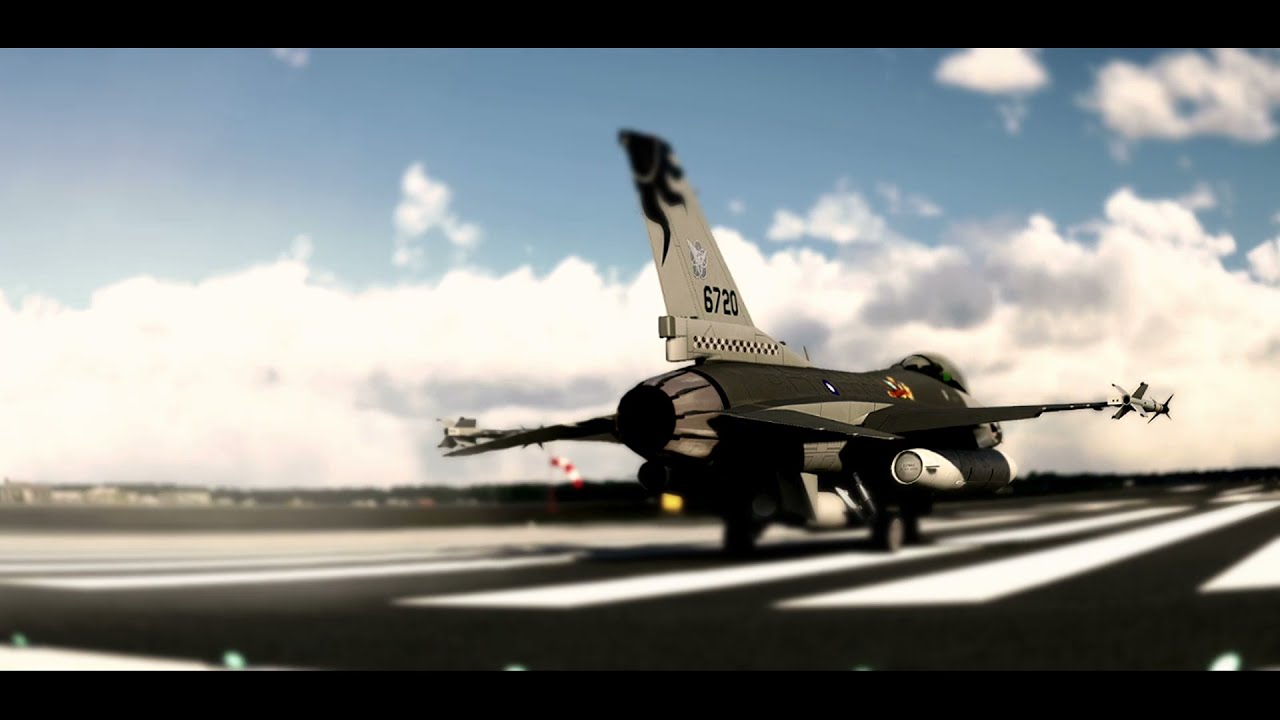
I am trying to showcase this bird,as better as i can.
The Falcon takes no prisoners.Takes no s## 

3 Likes
Sure, the knobs on the left console allow you to tune the standby nav1 frequency and switch it to active.
The Dot button of the keypad is not working on your end? that button currently has two functions: short press “.”, long press “space”
1 Like
I can get it to hit maybe one out of 6 times I try. By then the space has happened, and the frequency ignores the tenths digit. I’ll try changing how I press it, but I don’t have any problems with the rest of the keys, just that one.
This is the same flight behaviour (FBW) I found out with the F-18 when the aircraft was introduced with SU7.
In certain speed ranges at low altitudes, you suddenly have the feeling that you are getting from a sports car into a truck. This can be very dangerous in tight turns and also with the Hornet you have to be very careful in the Mach Loop that you keep a maximum of 520 KN in mind. Otherwise you will end up in a mountain very quickly. If you know that, it’s no problem to fly the Mach Loop perfectly also with the F-18 Hornet.
With the F-15 it is completely different because the aircraft reacts much more directly to the inputs. That’s what you constantly find in the comments about the F-16, that the aircraft is so smooth to fly.
The F-15 you have to fly smoothly by hand and the F-16 seems easier to handle in direct comparison. But for me it’s a matter of taste and I still prefer the F-15 in the mach loop. 
2 Likes
I’ll review it. Maybe do the long press time longer
1 Like