Radio Dismuke is another streaming service offering vintage recordings. Radio Dismuke is a public service of Early 1900s Music Preservation, featuring original 78 rpm era recordings from the 1925 - 1935 decade.
3 Likes
I just noticed that most of the 1935 airports in the US follow a pattern (KARC is the exception):

I found that interesting. Are they trying to recreate a specific route?
There is less of a pattern in Europe (though there are a ton of locations in Switzerland):

4 Likes
US Contract Air Mail (CAM) routes. Looks like they have CAM #1 NYC to Boston and CAM #17 NYC to Chicago and also either CAM #13 or #15 Philadelphia to Washington D.C. They’re all part of the pre 1934 US air mail system which also had hundreds of concrete arrows and flashing beacons guiding the pilots
https://www.dreamsmithphotos.com/arrow/index.html
Check out this mod (which I may have a vested interest in  ) , for some West Coast US air mail routes. And if I ever pull my thumb out, maybe some more in the future.
7 Likes
Thanks for the info!
I second that. Great info!
I bought the France and German packs for xbox, there are problems.
It has replaced, in my aircraft selection screen,
Cessna 152 with a camo green bi-plane. ( I can’t identify it but I want it )
Airbus neo with a DC 3 looking plane.
Nx Cub with a cream coloured bi-plane. They are actually flyable using external view but cockpit view is the internal chest cavity of the pilot avatar. So unusable.
TBM 930 missing altogether.
Various airport staff and ground services outside of France and Germany are now 1935. As are the generic aircraft on the ground and in the air. I want to keep the look of 35 in Fr an Ger, as I have no desire to fly there in the present, which suits me fine. Hey it’s a big world and so little time.
At 16Gb for both dowloads, I don’t want to delete them and then spend an half/hour redownloading every time I fancy a 1935 flight. Looks like I have no choice as I love this concept. In fact, I wish, instead of the upcoming 2024 version, give me MSFS 1935!
1 Like
Try investigating MSFS Add-on Linker. That will let you down lid them to a separate folder and turn them on or off in the Community folder at will before a session in the sim. No need to delete and re-download.
1 Like
He is on Xbox though… this is a limitation of the built in store sadly. Have to waste time and bandwidth to toggle things on and off temporarily.
1 Like
Ah,sorry. Not so helpful then
Sadly I’m on xbox so no can do. 
haha. The original 152 
Not gonna roll too wheel on those half-wheels 
I am not so good at recognising planes but I bet someone will tell you what it is.
Spad XIII… Late war French WWI fighter
Also flown by the Americans, including Eddie Rickenbacker
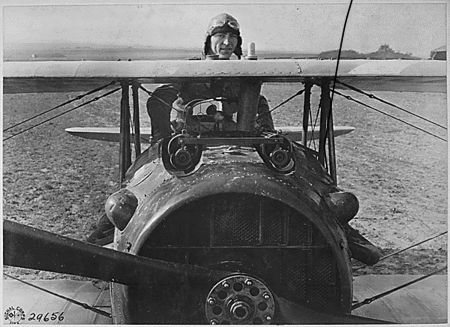
Very capable machine, on par with the Fokker DVII
3 Likes
I’ve moved fully on to MSFS 2024 for general flying, as virtually all of the add-ons I use work there, and I enjoy the various performance, visual, and flight model improvements. I had debated finally deleting MSFS 2020, until I had a wonderful idea.
I realized I’d purchased a bunch of the Redwing 1935 airports a while back in discounted bundles, and not done much flying around them. They replaced modern airports, and were Marketplace items, so it was a pain to use them when 2020 was my primary sim. But now I could just make them my default and strip out everything modern in the older sim!
I went into the content manager, downloaded all of the 1935 airports, and deleted all of my modern aircraft.
Then I went into Addons Linker and enabled all of my 1910-1945 airplanes, Arrows Across America, and my WW2 airports.
So now, I have a dedicated 1940s-and-earlier flight sim. I’ll pick up more of the US Redwing 1935 airports next time they go on sale, and I also have Bagalou’s 1935 additions and a few other random retro airports for 2020. No more hassle configuring the sim, as 2020 will only be used as a dedicated WW2-and-earlier sim. I can just leave Addons Linker untouched.
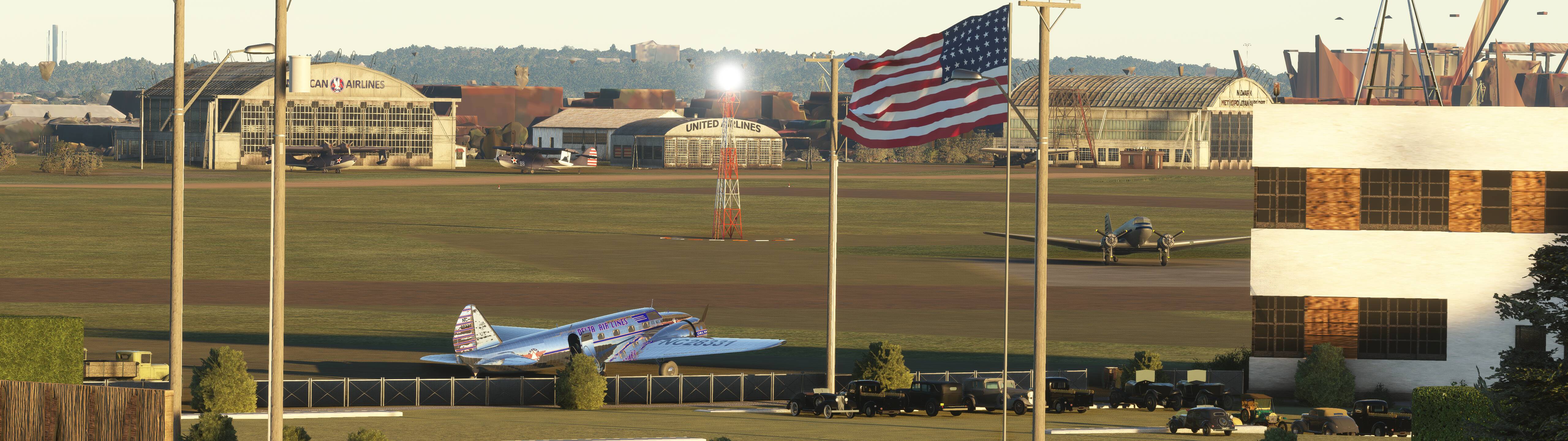

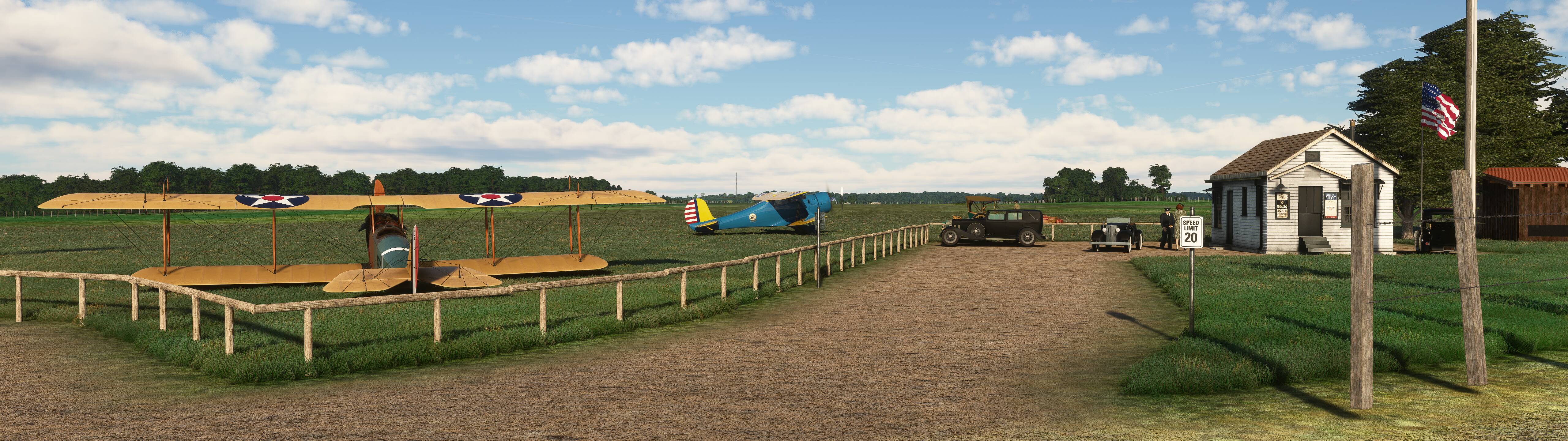
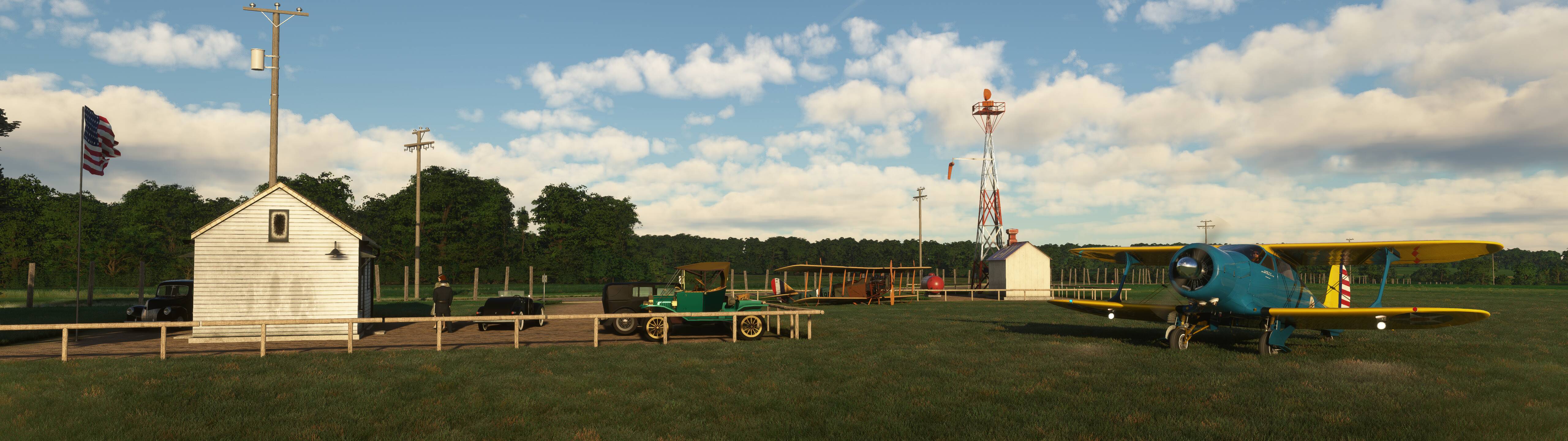
3 Likes
Still using 2024 for most of my flying, but when I want to enjoy some low-and-slow grass-field ops in an older plane, my old 2020 install is now a charming retro sim.
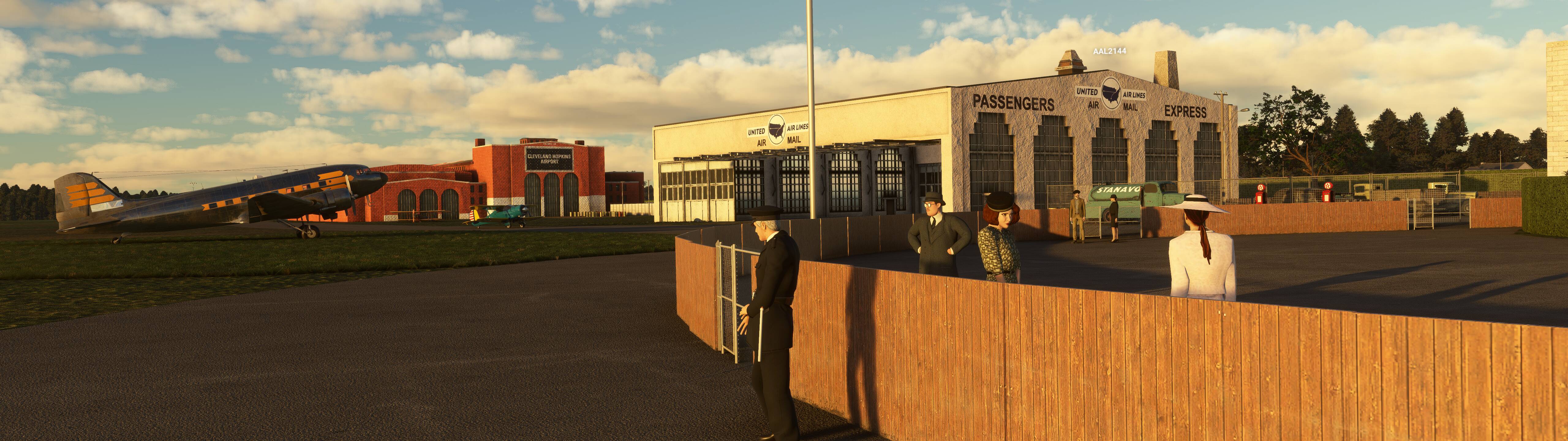
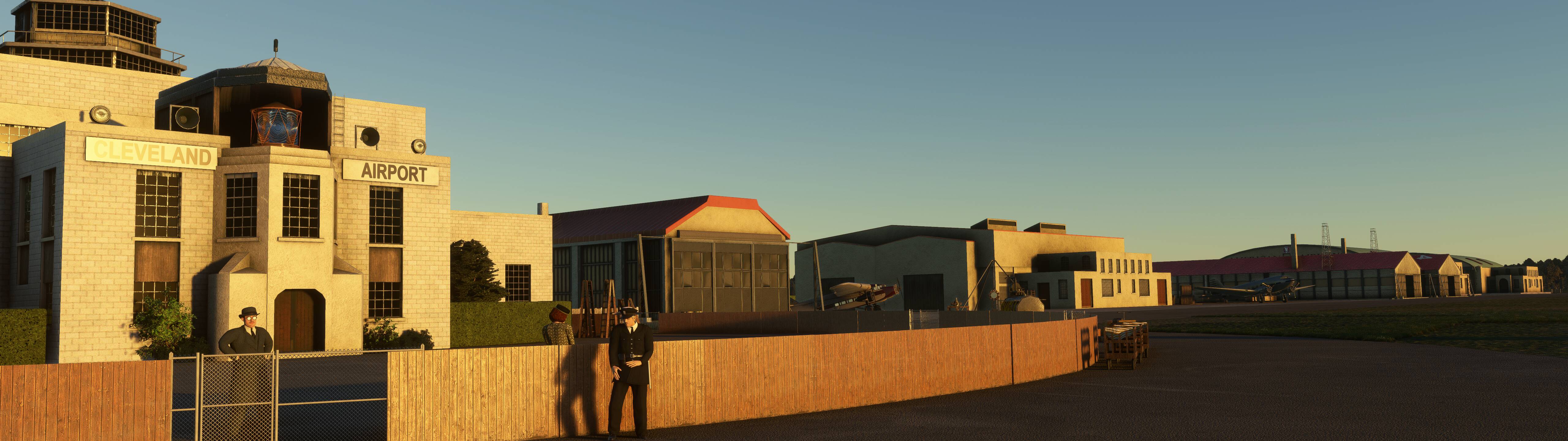
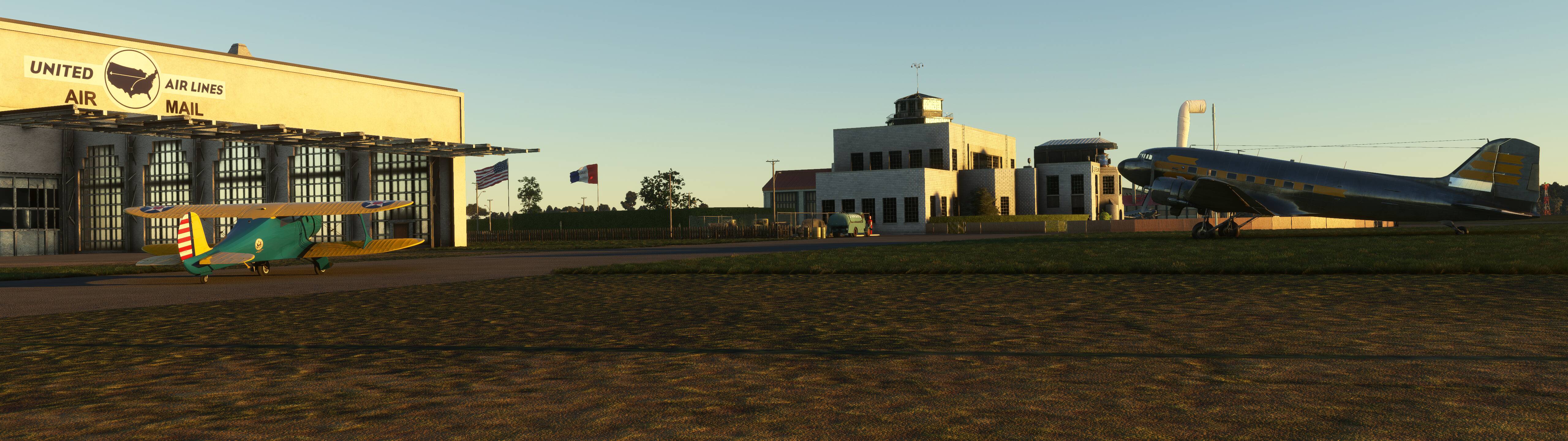
Now if only there was some way to make the rest of the world look more “period” and bring back all of the retired navaids…
4 Likes
Brilliant idea! I had occasion to reinstall 2020 to work on a livery, and realized the same thing - I have a lot of Redwing and other vintage sceneries, and a pretty good assortment of vintage planes. Before 2024, I’d had a special 1935 preset in Add-On Linker. In 2024, it’s a pain because you almost have to download the 1935 sceneries and put them in Linker’s special Official folder, so they can be added to a preset. A dedicated sim seems the much better solution. Thanks for the first look.
1 Like
Assuming you’re not using the Navigraph AIRAC in your vintage sim, there is a package on flightsim.to that establishes 1958 “golden age” navaids in the continental United States.
2 Likes