Oh wow! That’s crazy! What sim graphics settings do you have on?
Yes. It’s really hit and miss. I’m running 9800x3D, RTX 4080 and 32GB DDR5 G-Skill Trident 6000Mhz CL30.
And I can’t consistenly play with stable FPS. Crazy.
MSFS 2024 Graphics Settings Impact
They will downgrade a lot of things now? I hope they find a way to fix this without graphical downgrades 
Look at the Trees impact…
edit: More detailed comparisons <3
Awesome find!  Thanks for posting.
Not sure about downgrades, it might be the fact we’re streaming everything, is it being cached correctly? Is it only downloading what we need?
The insane stats that @ElSkiel posted above suggests something else at play. How on earth does it go over 32GB RAM?? Granted, not sure what settings they have enabled yet, so I can only speculate at this stage.
I do remember Seb mentioning 64gig, while ideal, would be best utilised by streamers, or doing recordings.
I just noticed last night that some airports are absolutely killing my performance (3rd party) by using too much VRAM. This brought me to this thread. Further, a lot are using VRAM that doesn’t leave much if any headroom if they do have usable performance.
I never really ran into this issues with the same airports in 2020. And last time I flew 2020 I was using weaker hardware.
Are we all testing in this thread with 3rd party airports or is it a mixture?
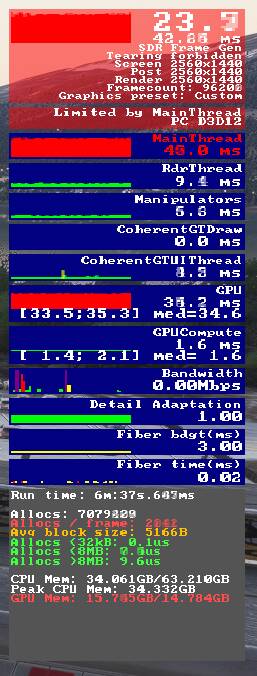
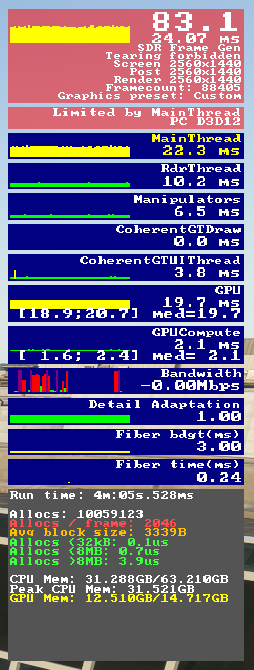
You would have thought large airports are going to be bigger culprits than small ones but this is not necessarily what I’ve found. For example MM ENTC will not run with usable performance without texture res turned down to medium yet iniBuilds EGLL will run fine on ultra.
7800X3D / 4080 Super / 64GB DDR5
MM ENTC:
ini EGLL:
Only one 3rd party so far which was Maccosim Manchester. Obviously it’s not 2024 native but it loads in fine. Performance is ok for about 5 mins, then it tanks through the floor. In fact, I had a hard time even closing the sim, so had to Alt + F4. This suggests to me, caching of some sort.
Sim included airports are much the same, especially Heathrow but not quite as quick to drain VRAM. Add in the Fenix A320, and I’ve got 1 frame per full moon.
dx12 allows the cpu to allocate directly to vram as opposed to allocating first to system ram and then moving it to vram
this is a good thing, because you skip one step, so… more performance
the drawback however, is that now its up to the developer to manage vram usage, whereas, before, that was handled by the underlying api, so the dev could just forget about it
now, careful vram management is required, and a big part of that is unloading assets that won’t be needed anymore, which is a bit lacking right now, vram goes up, but it rarely goes down
regarding why you ran dx12 in 2020 with no problems, i believe the answer to be simple, something that was previously allocated in the main ram is now being allocated directly on the vram
the offscreen precache being highly suspect but dont quote me on that
DX12 in MSFS2020 was also largely a port of the existing DX11 pipeline, which was poorly optimized and why many of the DX11 limitations carried over (i.e., massive mainthread limitations). From what I gather, DX12 in MSFS2024 has had a significant overhaul and is immediately apparent in CPU usage and VRAM allocation.
So yes, comparing DX12 MSFS2020 vs DX12 MSFS2024 is largely irrelevant.
Well i got it to work more or less, but i had to set a lot of settings to low for a 4080 and 7950X3D.
Some things just stay stuck in VRAM, it is a problem in their DX12 implementation.
Hopefully they will fix this in the next hotfix.
This is the #1 blocker for me to be able to enjoy this.
I wish MS/Asobo would give an update on this issue and that it is being investigated with priority.
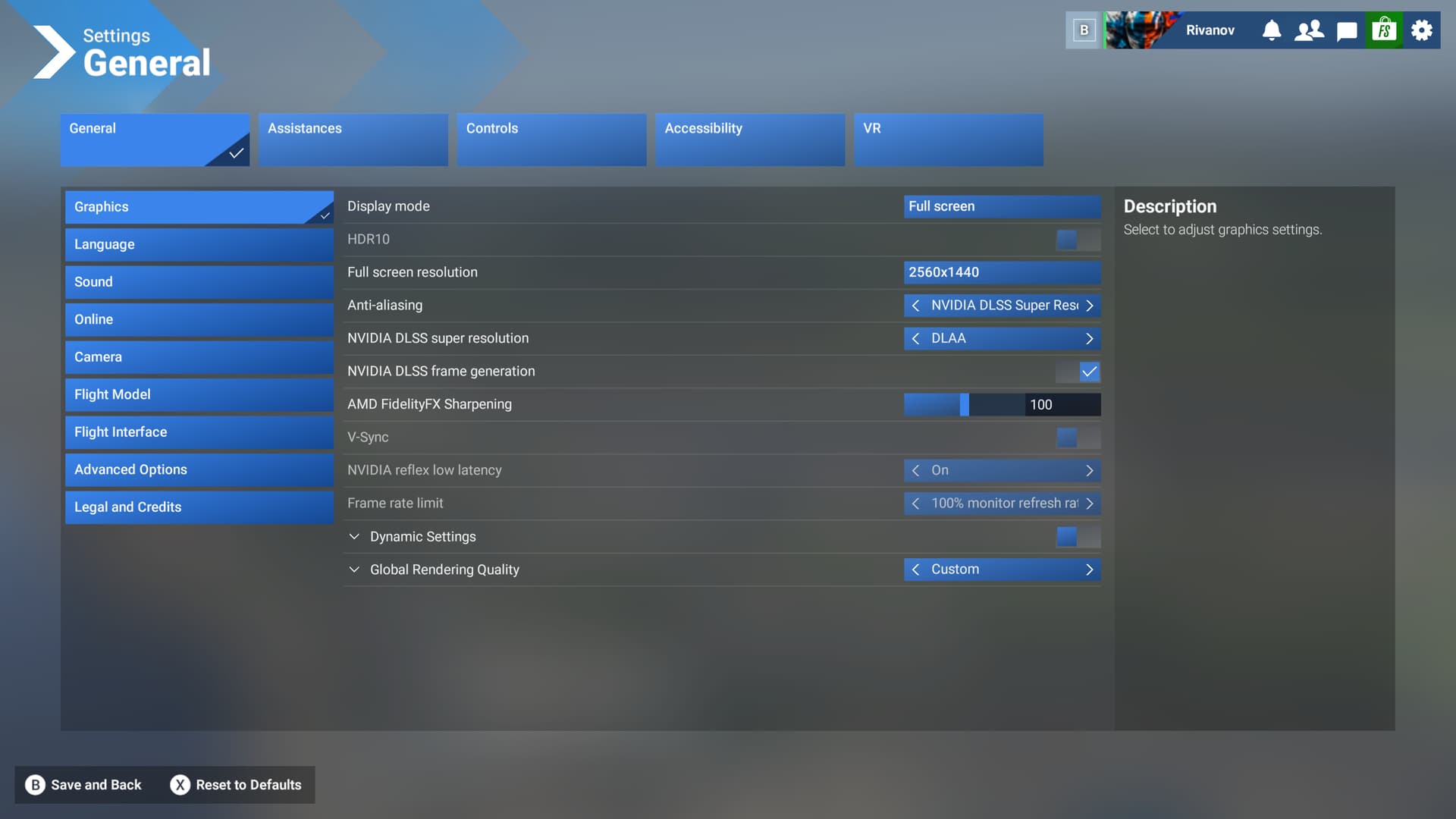
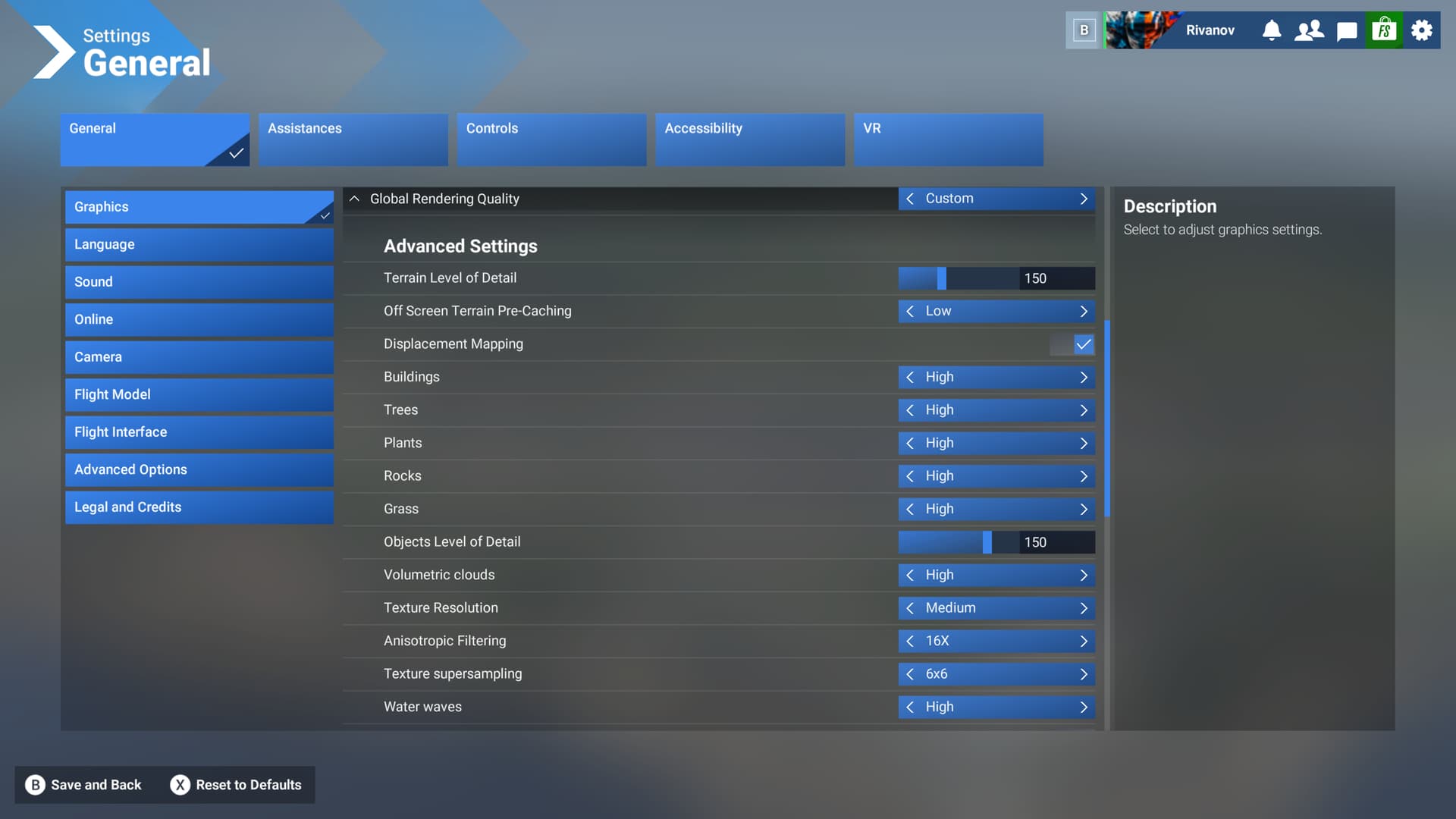
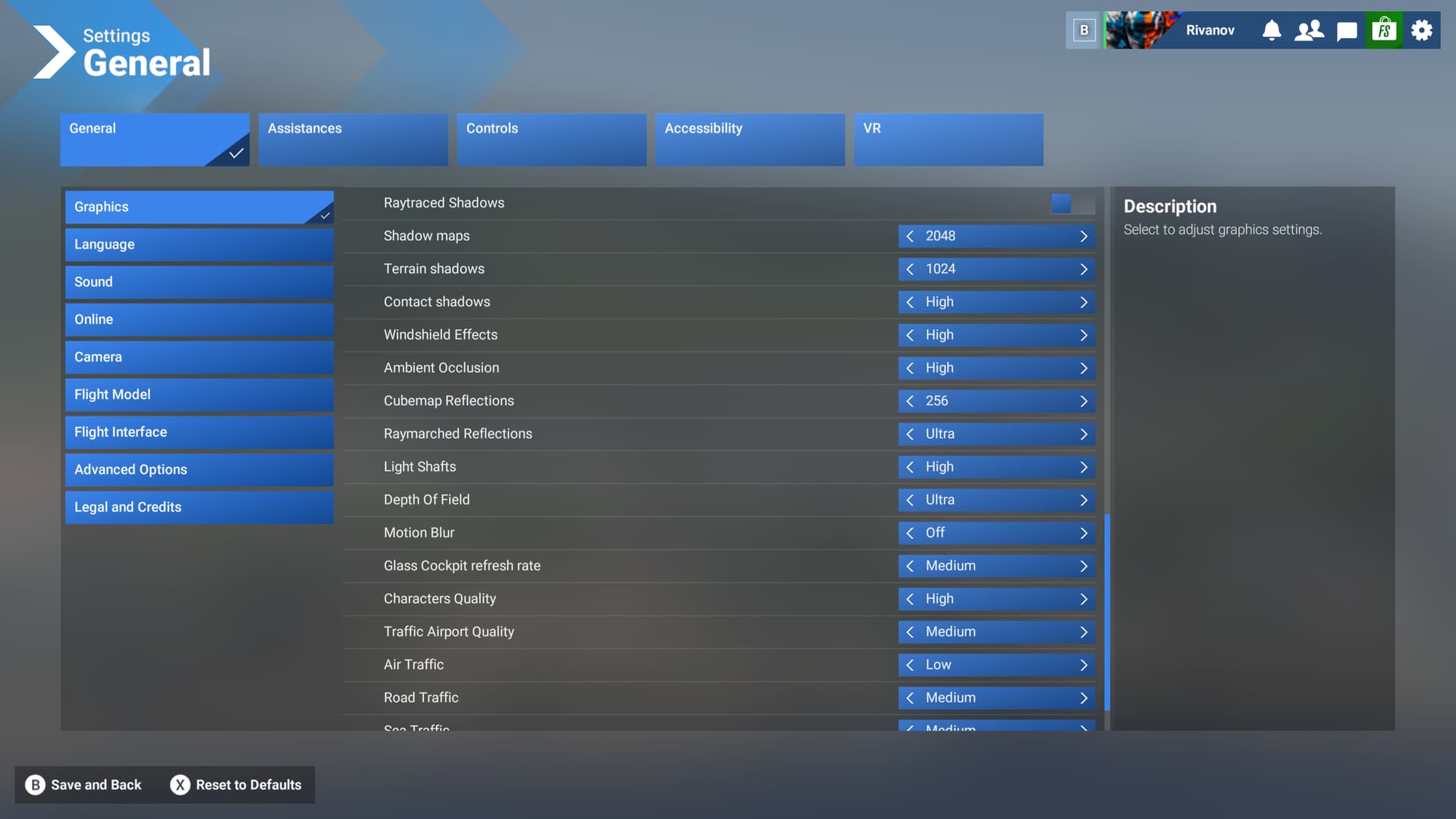
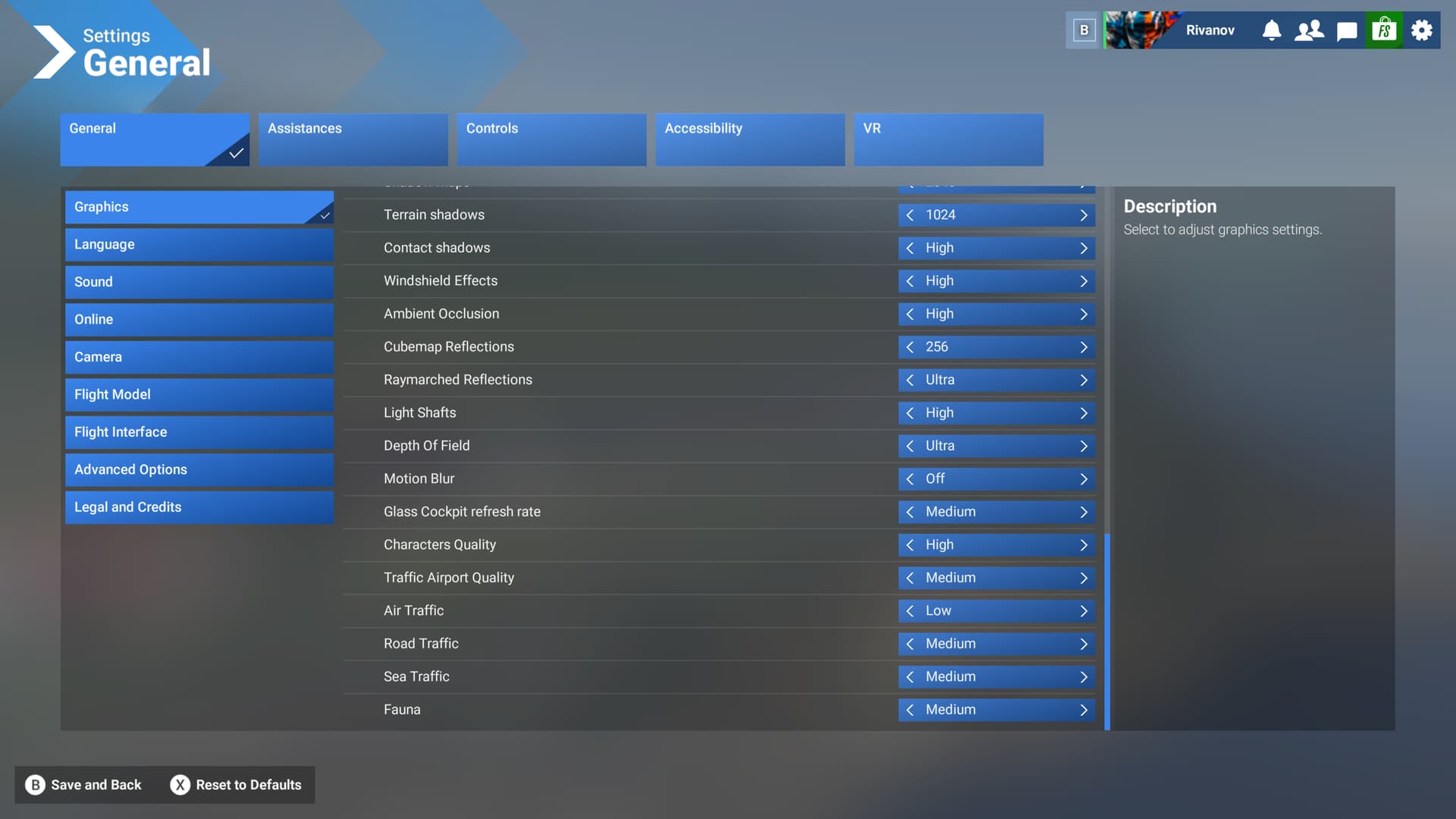
FS 2024. I found a bug with the glass cockpit setting (medium) on several airplanes that use the big garmin type glass screens. If I use the High or low setting, my VRAM/RAM use goes back to normal. I found no impact to fps using high in fs2024. Setting to medium and VRAM/RAM go to full use.
Several posts removed as non compliant with above staff notice.
Same issue here even with cessna
7600x
32gb ram
4070 12gb vram
Game installed on NVME
Same stutter…
I have a rtx3080/I9 12900K and 64GB DDR5 Ram and an 1080P Monitor. Even on Medium Settings the stutters are extrem and low fps
This is interesting. I am going to try to lower cockpit instrument refresh rate to medium from high, to see if this impacts me.
i was unable to reproduce this issue using 24gb vram and 64gb ram (minus 16gb for rollingcache ramdrive) and 2tb of available storage on the system/directstorage drive.
with the exception of a mission bugged out and i needed to reload which was maybe about 5 minutes out of 130hrs of playtime.
the system uses about 40-50% vram at the main menu and 60%-80% in flight as evidenced by pics
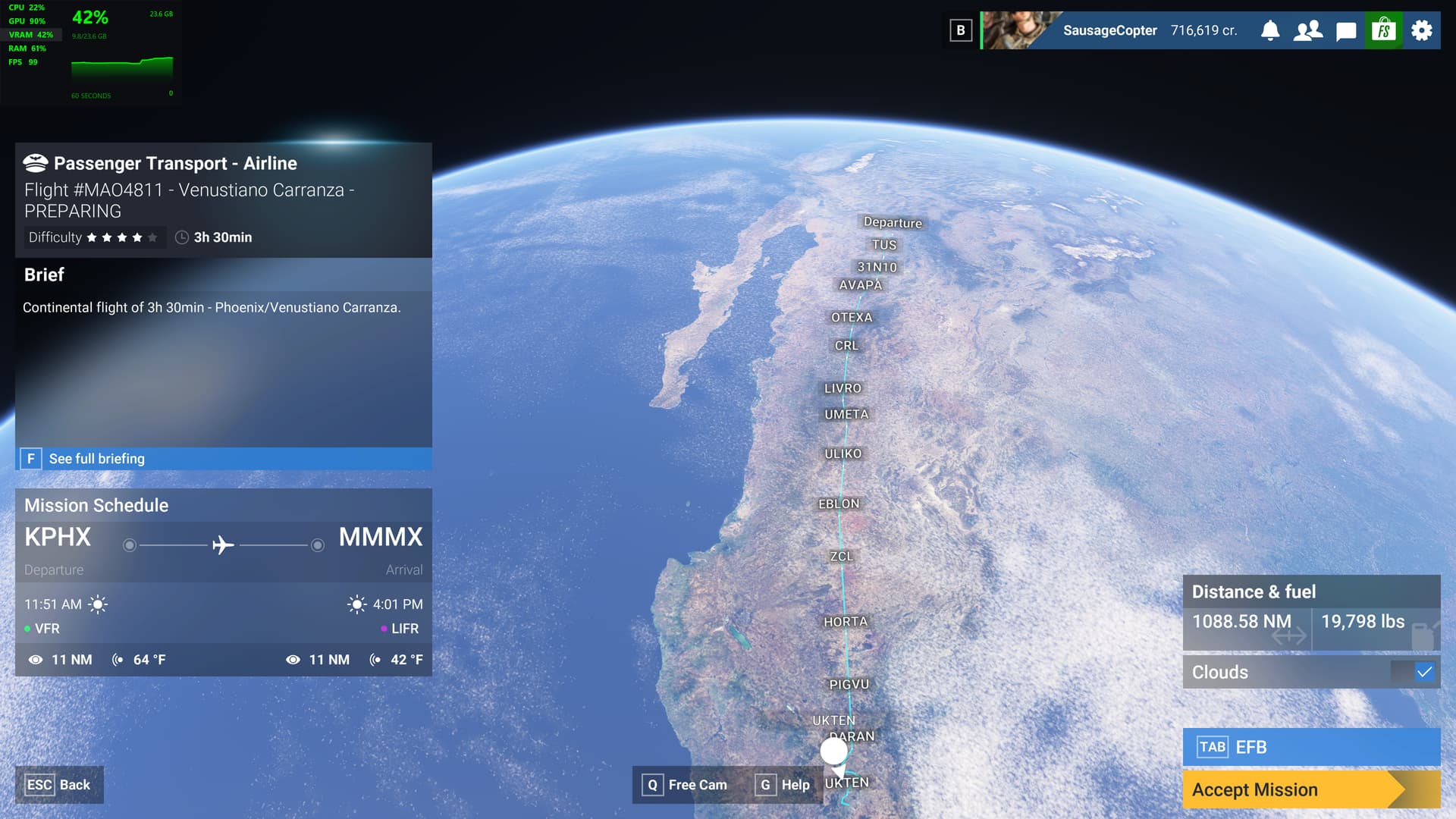
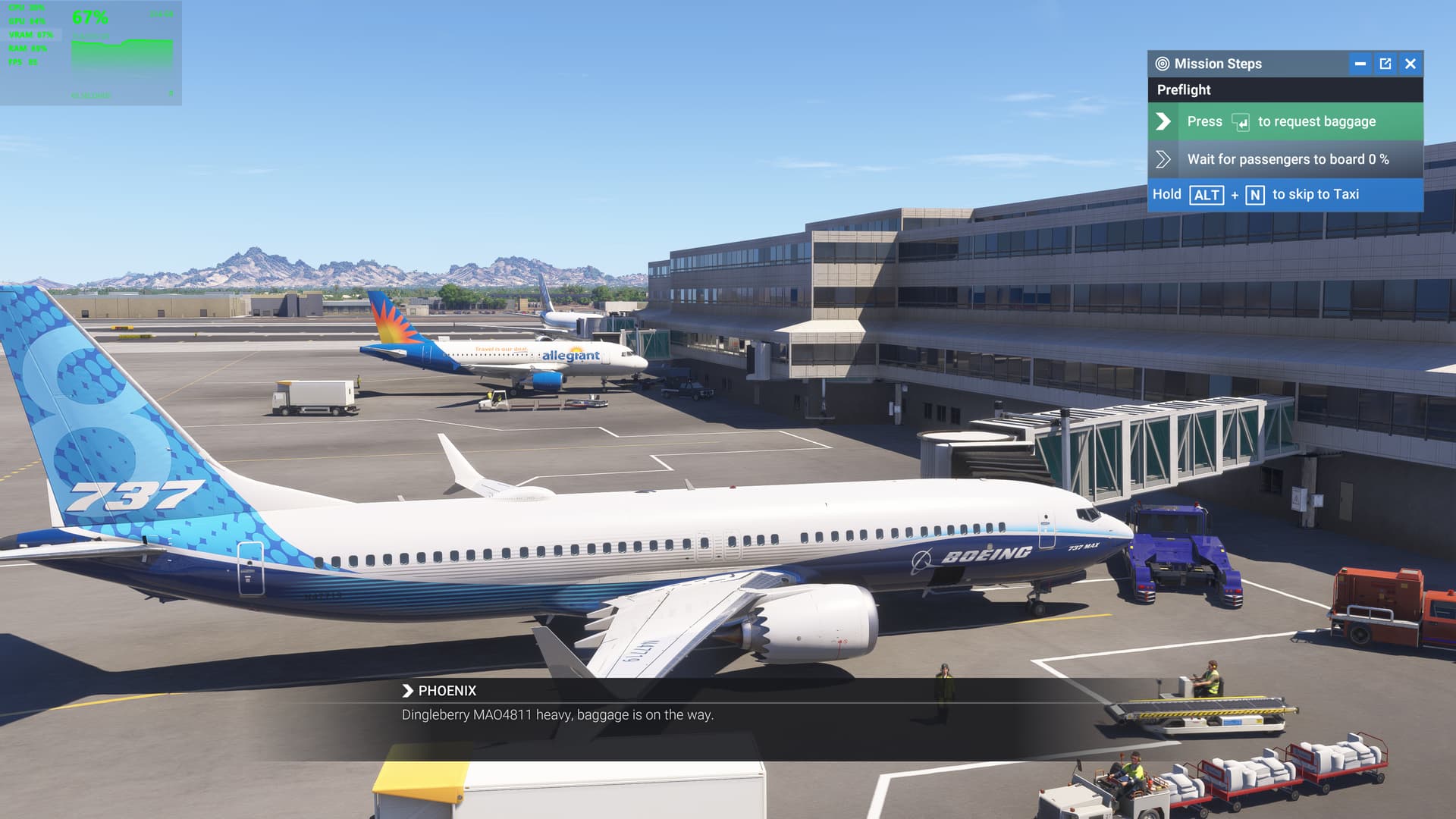
You probably want to use the in-sim dev mode fps counter instead for a more accurate read on what the sim is pulling.
If your percentages were true it would mean 12Gb (Vram) is being used just on the main menu alone and 19Gb while flying- both would signify an even bigger problem/leak than most of us have. @SausageCopter
I’m only able to get playable framerates (35-45) by changing everything to low or off and selecting smaller aircraft (Icon A5 or the Sky Rascal for example). VRAM usage hovers around 7.25GB in that configuration. If I pick say an A320 or the Beluga or turn settings up to medium it rockets to 12+GB and my framerate plummets to around 10.
Specs:
i5 12400F
32GB DDR5
Arc A750LE 8GB
Same setup ran 2020 on high without problems