My graphics are going in and out in terms of FPS like you seem to be describing. My system is pretty high end: Ryzen 7950 64GB RAM and 3070 RTX.
I also am not interested in degrading the graphics to get this to run smooth.
Any suggestions for diagnostics… I think my video settings are optimal and have the latest drivers.
Piece of junk… I volunteered for the alpha testing and never heard anything… they would have known… had they given me the chance. They are going to pay a very high price for this launch…
Same exact error, everytime im even at a gate of a big airport…
7950x3d
4080 super
64gb ram
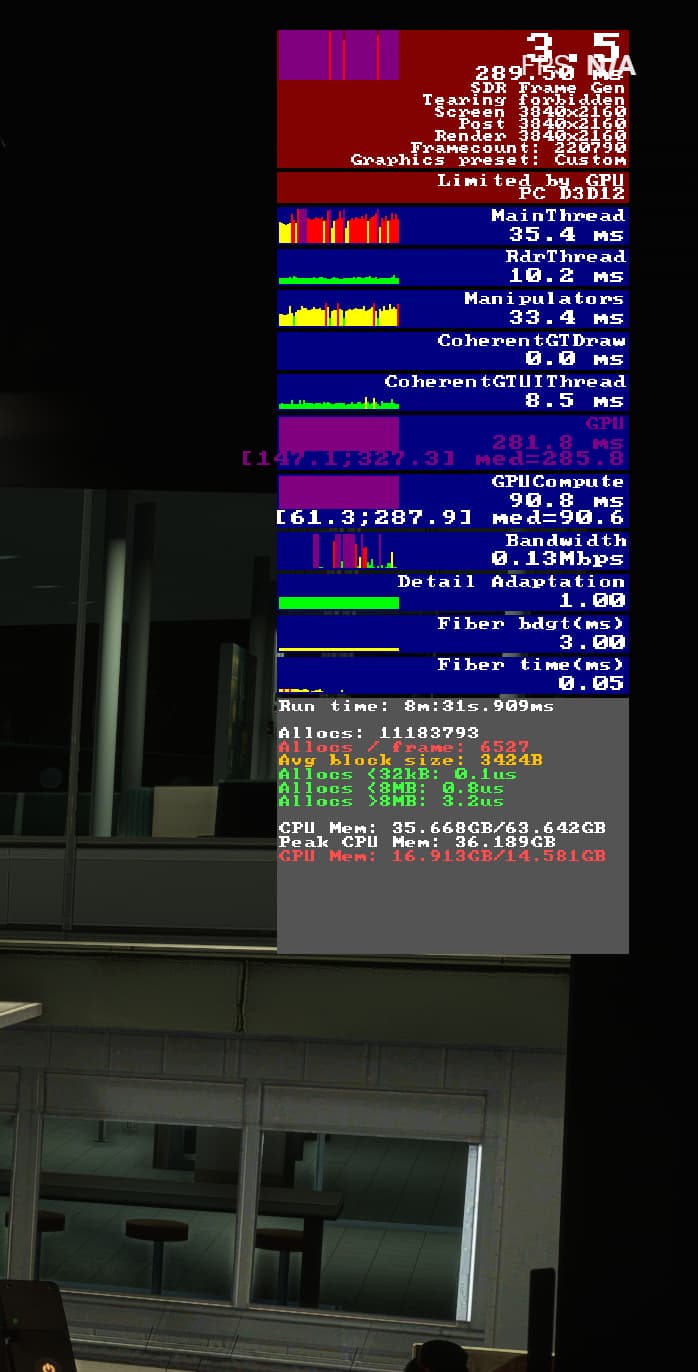
Impossible with this specs im being “limited by mainthread” theres something seriously wrong in the game engine.
Running on TAA, i have tried DLSS even downloading the latest version but it still feels too much washed out for me. Having DLSS as an option in the game is no excuse for the devs to slack on optimization.
Im on a 7900x3d, 4080 and for the first time Im GPU limited. Always was CPU before. GPU utiization like 95-100%, while the CPU isn’t working very hard at all…
Strange.
And same with TAA. Have to use that. All other settings are blurry on my 5120x1440 res.
I just rebooted the application and it ran smoothly. You figure. First stuttering was at SFO and the second my local airport PAO… maybe complexity of database an issue?
Do you have the same issue if you follow the OP’s steps to reproduce it?
• Yes
Provide extra information to complete the original description of the issue:
• Cpu use low, Gpu use high, gpu temperatures high, Fps low, after some time the sim completely tanks and fps drop to below 10 even in the main menu. FS2020 runs with no issues
If relevant, provide additional screenshots/video:
•
I just did an 3h free flight with the A321, from LGIR to EDDH.
After landing in EDDH i saw that the textures werent downloaded. after the download i saw that the FPS dropped hard to about 20 fps with a lot of stuttering.
It seems that that caused by the Limit of VRAM. I think there are some hickups with VRAM in the sim. the sim showed me a usage of 15,7 GB of Vram. After closing the sim I saw about 1,7gb of usage on the desktop.
Update: Is it possible that the star airport AND an in buyed msfs2020 marketplace scenery will be streamed together into the sim? that could explain the heavy usage. I cant find an option to disengage streaming for star airports ect because it seems that this is binded to the marketplace which sadly doesnt exist at the moment?
But the VRAM issue seems to also happen at another, especially star airports, where you load about 14 GB into the VRAM.
FYI: i run in the ultra preset which should be fine performancewise (getting over the flight about 90-160 fps.
Pc Specs:
7800x3D
RAM: 64gb 6000mhz
RTX4080 (16gb Vram)
I run the sim in 2560*1440p resolution.
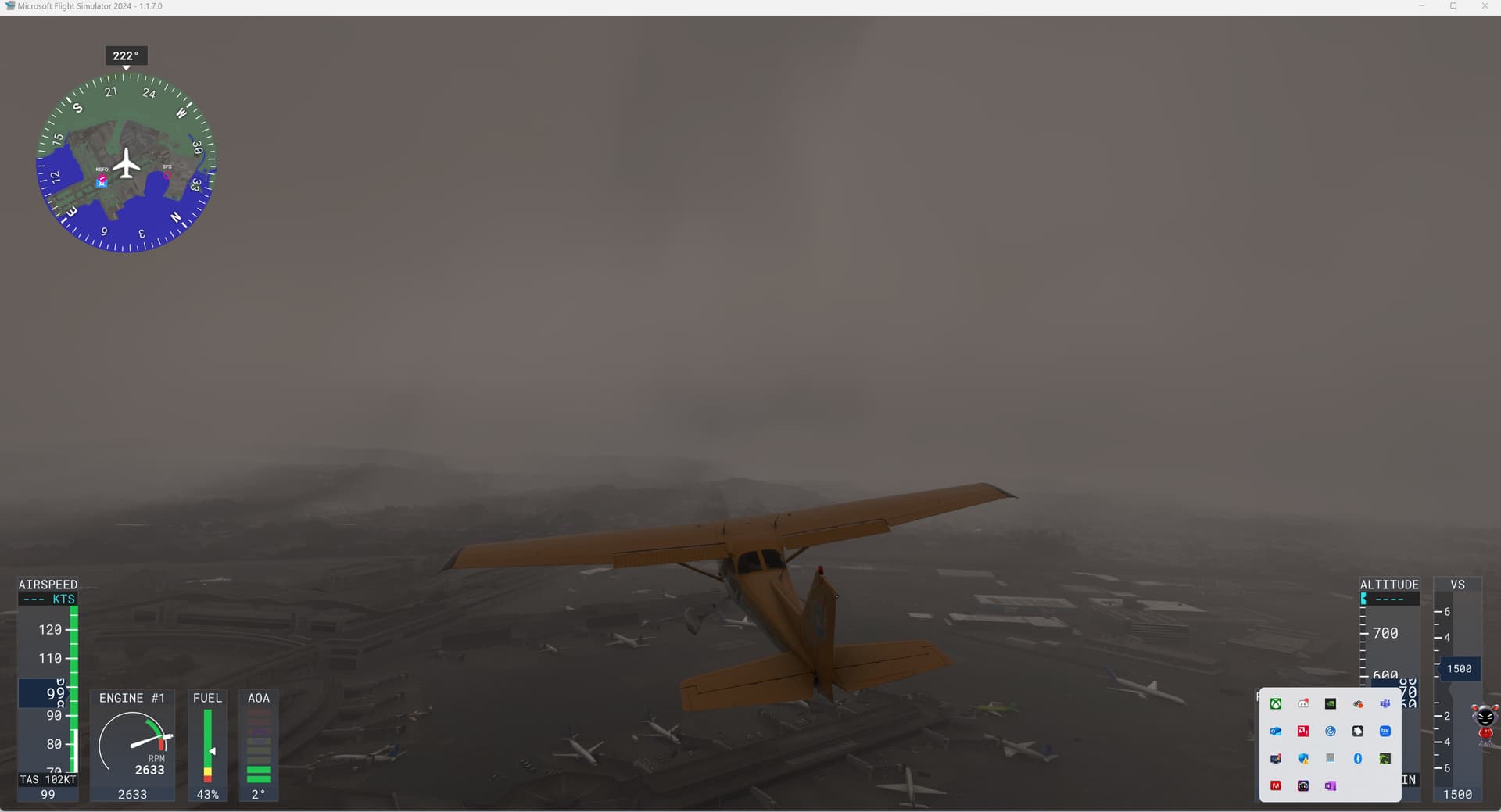
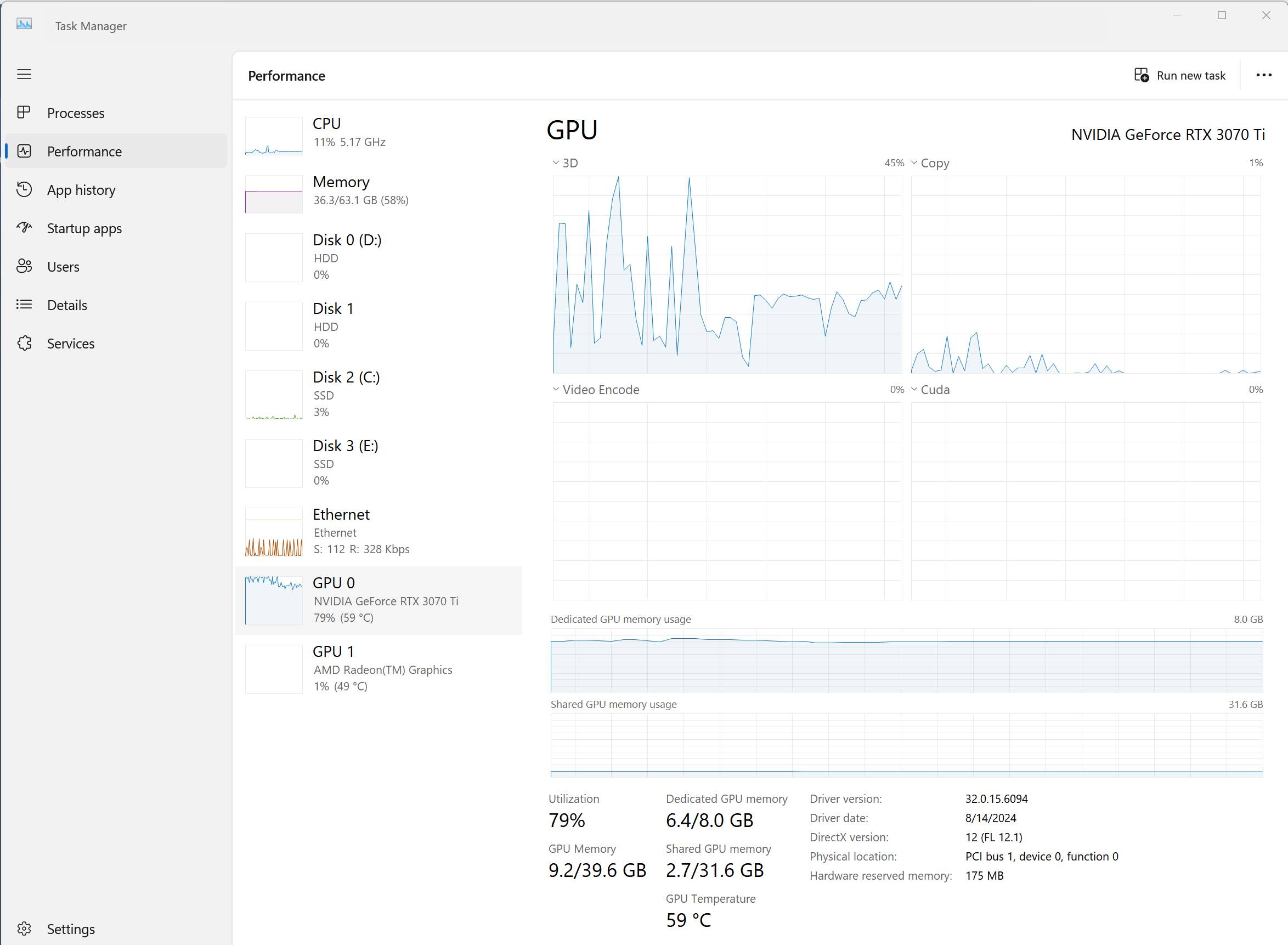
Guys, now it is working at SFO. Here are the baseline Task Manager Performance readings at startup. Followed by a graphic at SFO. Then the measures during the SFO flight that worked.
What I noticed was it does not seem to be using the CUDA CORES. Those are used in all my other high end programs including image processing at work.
I will check the graphics at the simpler airport but this is a stress test. I note that the SF Bay Area display list is missing a lot of secondary bridges and things for which I had paid previously.
I cant deal with this… There is seriously some kind of problem with this game engine.
As soon as i load in i can go around the plane and stuff and then suddenly i get that and i stop hearing my video card fans… after a while it “turns on” again and everything comes back
yeah the vram is getting destroyed… but im running the same exact settings as in 2020… this is a very very very unpolished release… like they are laughing at us for writing all these posts…
7950x3d + 4080 super… how am i not able to almost max this out? Need to use DLSS because basically they are pushing it onto us