I also experienced this while changing weather presets of an addon, suddenly stucked at 22fps with all red debug signs and changing to clear weather instantly cleared it. (addon was sosoft or something forgot) Changing to real weather had no issue later. Was strange. I was at nzwn with small new plane.
FPS are dropping below 10 during 20-30 seconds then increase.
It happens on different airports (Bordeaux-Léognan-Saucats, Périgueux…), even with the C172. And then it is random in the air, and on approach.
My configuration : Nvidia RTX 2080 8G VRAM, 5800X3D, 32G RAM.
I have Gsync enabled, TAA anti-aliasing. My settings are globally on high.
On Windows 11 24H2 up to date.
If relevant, provide additional screenshots/video:
• I have uploaded my problem here on YouTube. You might be able to analyze it and it might help you.
Having similar FPS performance. Given I was running msfs 2020 on ultra and still getting 60fps minutes, COD6 at 120fps…msfs 24 at 20fps. Had to go down to medium just to get it over 40 with FSR2.
Same issue for me - however, I’ve noticed that it seems to be linked to the server/streaming. When everything is smooth and loading fine, my performance is totally perfect. When the sim takes ages to load and the servers are strained (as they seemed to be tonight), then my FPS drops and VRAM issue sets in again. It’s very odd.
If we all open a ticket here and share our experiences, we may be able to draw more attention to the problem and this may be higher on their to do list to make it right again with updates etc
Guys, I’m now convinced it’s something on their end, probably their servers. I spawned again this morning with the A330 in Munich, with TAA and texture resolution on HIGH and look at the VRAM!!! ONLY 6.9 sometimes a bit over 7 when looking around in the cockpit, but that’s it. Yesterday it was over 9GB!!! with the same settings I have now and I was at 6 FPS.And now I’m at about 30 FPS, dropping when you look around, but it’s not dropping to 6 and just staying there. It must have something to do with the servers and the fact that we’re streaming the aircraft. The servers are probably the least used this time of the day ( morning in Europe, past midnight in most parts of the US)
I was actually able to do a takeoff for the first time with the A330 out of a heavy scenery like munich, with TAA and texture resolution set to high, and the FPS NOT dropping to 6fps and somehow crashing my game. Although the FPS occasionally drops off a little, for example during the takeoff roll, it recovers quickly. It’s just ridiculous. They really need to fix their game and servers! It’s unacceptable that it is not playable in the evening European time, but only possible early in the morning. Yesterday afternoon/evening (European time) it wasn’t even possible with DLSS and texture resolution set to medium, lowering the settings everywhere and spawning at a little default airport.
Still not sure why Windows Task manager is reporting 0% use for the GPU, yet MSI AFB clearly shows 99%. I tested a bunch of other games/titles including FS2020 last night, and all of them show usage in Windows TM.
Yeah there’s definitely an oversight on optimization on the Asobo side… they focused only on dlss so we don’t really have another option to use… lazy devs until proven innocent
After many tests with the A321 at KJFK I think I found some stability in the fps, even in 4k with TAA. I set everything to ultra, except the texture resolution which I set to medium. In this way, according to the fps monitor, the vram is not saturated (average 12/16) and I can get about 40 fps. In my case however, the RAM is also saturated (32 Gb) and this still causes some stutter. This is why 64 Gb are recommended for ideal requirements.
Have not purchased 2024 (and no plans to having seen what they have both done and not done with it). But that aside, your statement/question got me thinking.
I have had 2 FS2020 content folders for quite a while now. I remember IslandSimPilot commenting on it in one of his vids. That was the first time I noticed it. Never really thought too much about it because it did not seem to affect 2020 in any way.
Strangely, on the 19th one of them disappeared and I now only have one (again). I also noticed that FG was disabled in the sim (2020). Turned out HAGS had been disabled in Windows, I never touched it. Seems to me that there was some sort of intermingling with 2020 during the dev. of 2024.
If there is/was there would naturally be a possibility of data corruption or duplication in one, the other or both versions.
Not a conspiracy, just fact and opinion based on observation.
What I wonder, though, is why some people have no performance issues at all with the same hardware, while others do. And if it has something to do with the servers, why does it still only affect certain people, and always the same ones? That wouldn’t really make sense either. But I’m not an expert in this field.
Clean install, nothing in community folder.
Reduced LOD to 100, disabled Traffic n stuff. Default C152 and default airport (KORS).
9800X3D, 32GB RAM, 40070Ti OC.
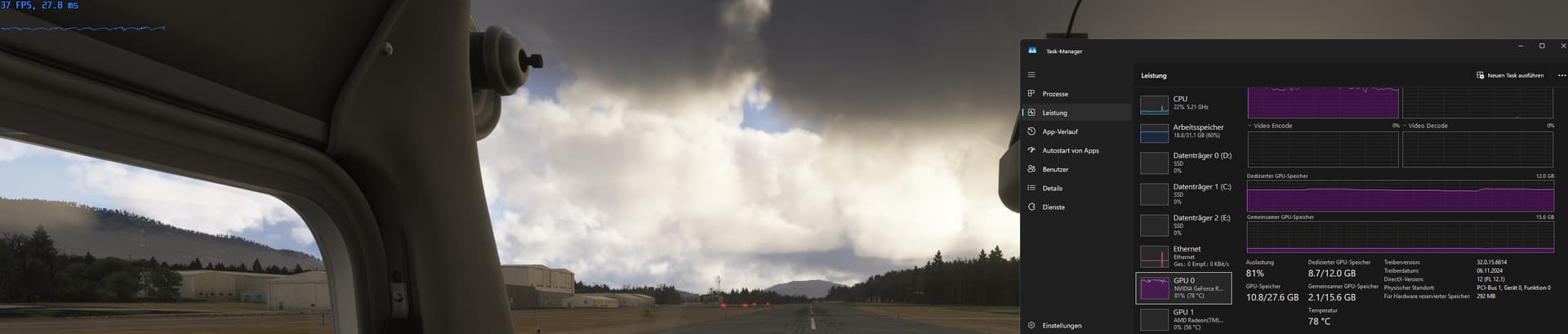
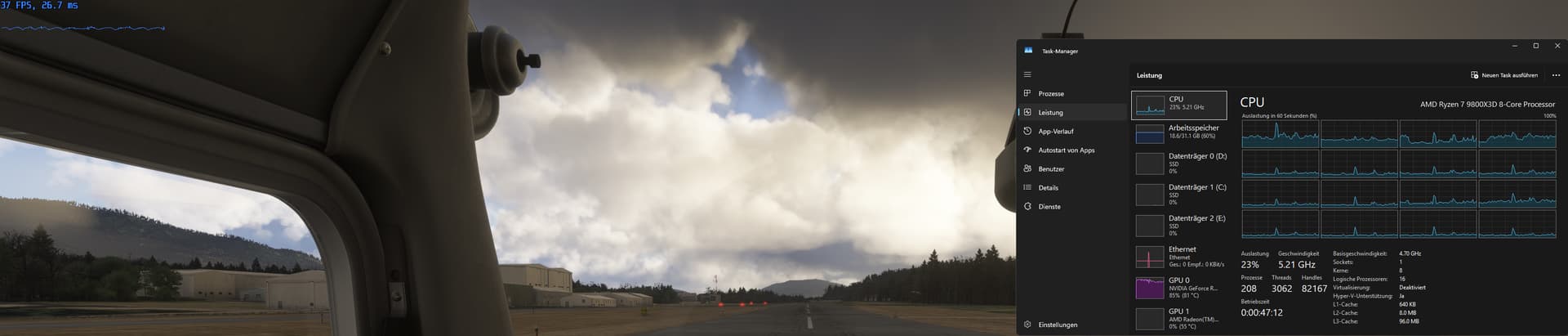
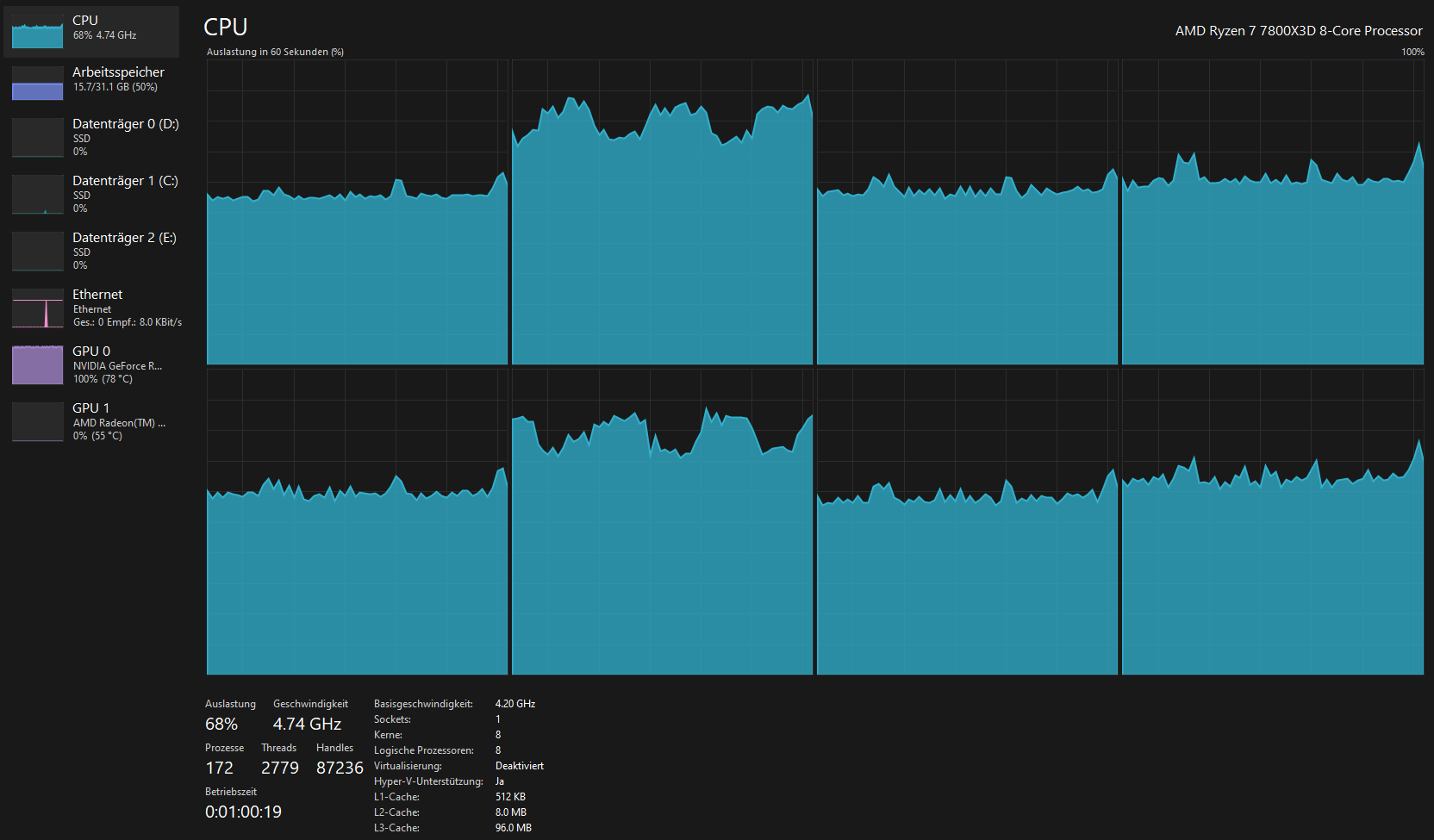
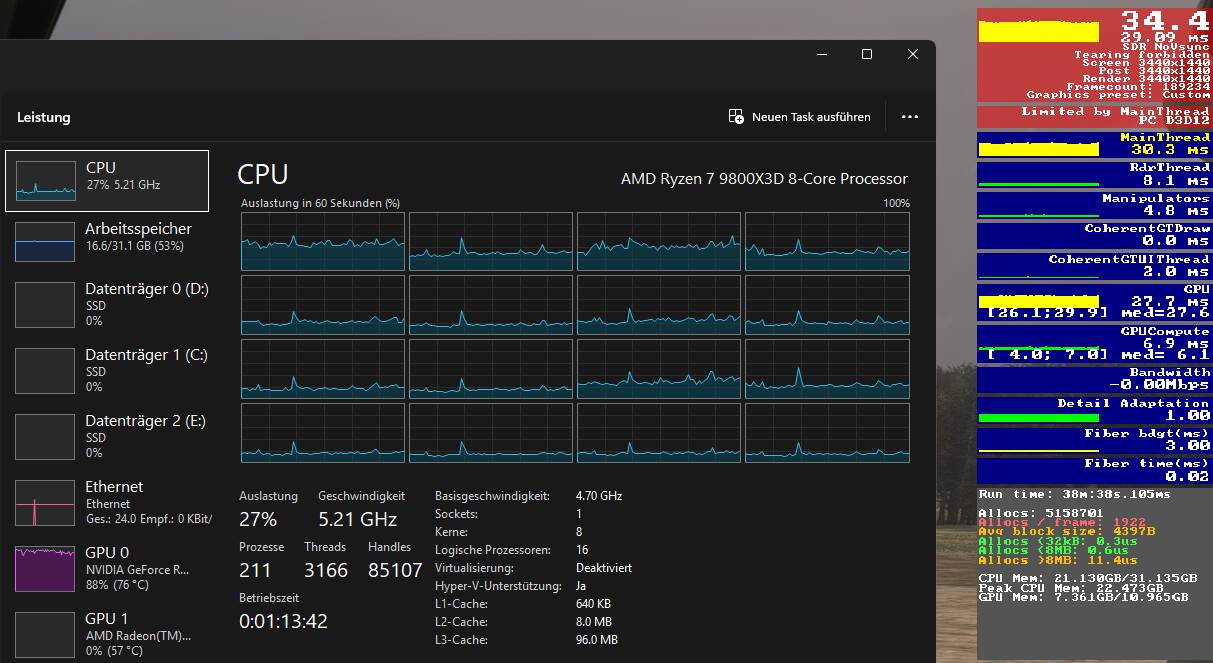
Around 35 FPS (no FG or DLSS, native!) Neither my CPU on any core, nor my GPU (80% usage) nor the VRAM (4GB spare) is used by the sim.
Means, the sim is kinda bottlenecking itself. Reducing settings further does NOT lead to an improvement.
It was very different in the Alpha, where my CPU got pushed on all cores and GPU was at 99% as it should be with unlimited frames.
I think I’ve found the culprit. The reason is, GPU sleeps…
I have a laptop with RTX 4070 (max TGP is 140W), I monitored the watt usage on HWMonitor, and saw that it uses between 70-90W when the FPS is high. But I noticed that it uses around 50W when the fps drops, while it’s supposed to consume more watt to work faster under heavy workload. Which means the GPU sleeps while the apocalypse is breaking out… Hope the developers would fix it asap.
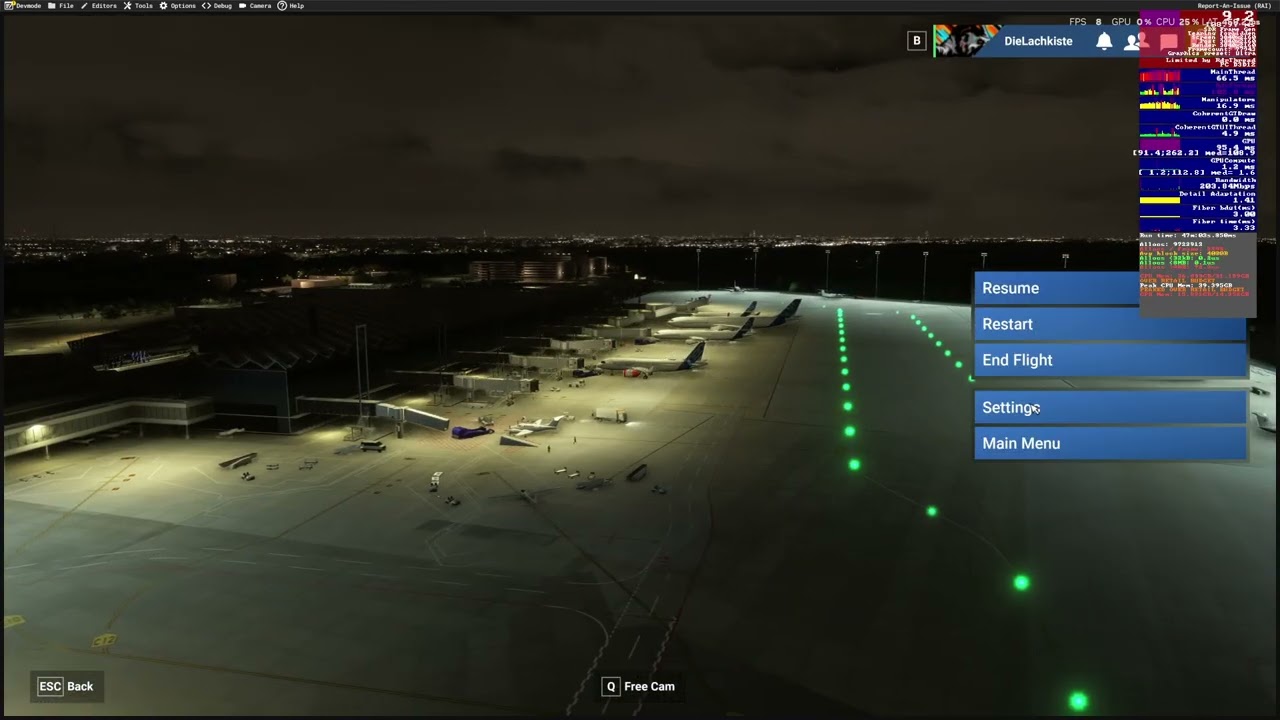

 Although the FPS occasionally drops off a little, for example during the takeoff roll, it recovers quickly. It’s just ridiculous. They really need to fix their game and servers! It’s unacceptable that it is not playable in the evening European time, but only possible early in the morning. Yesterday afternoon/evening (European time) it wasn’t even possible with DLSS and texture resolution set to medium, lowering the settings everywhere and spawning at a little default airport.