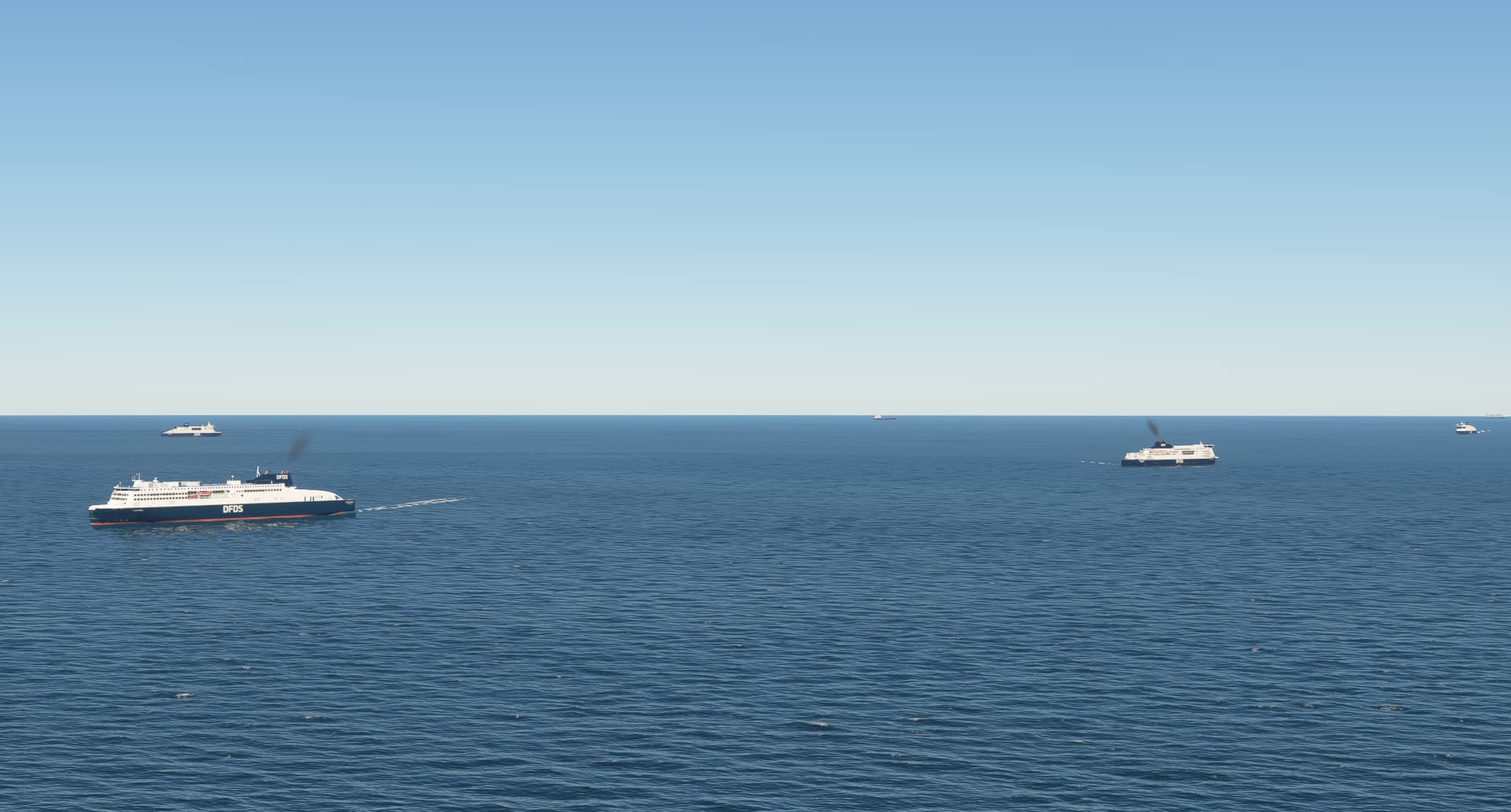
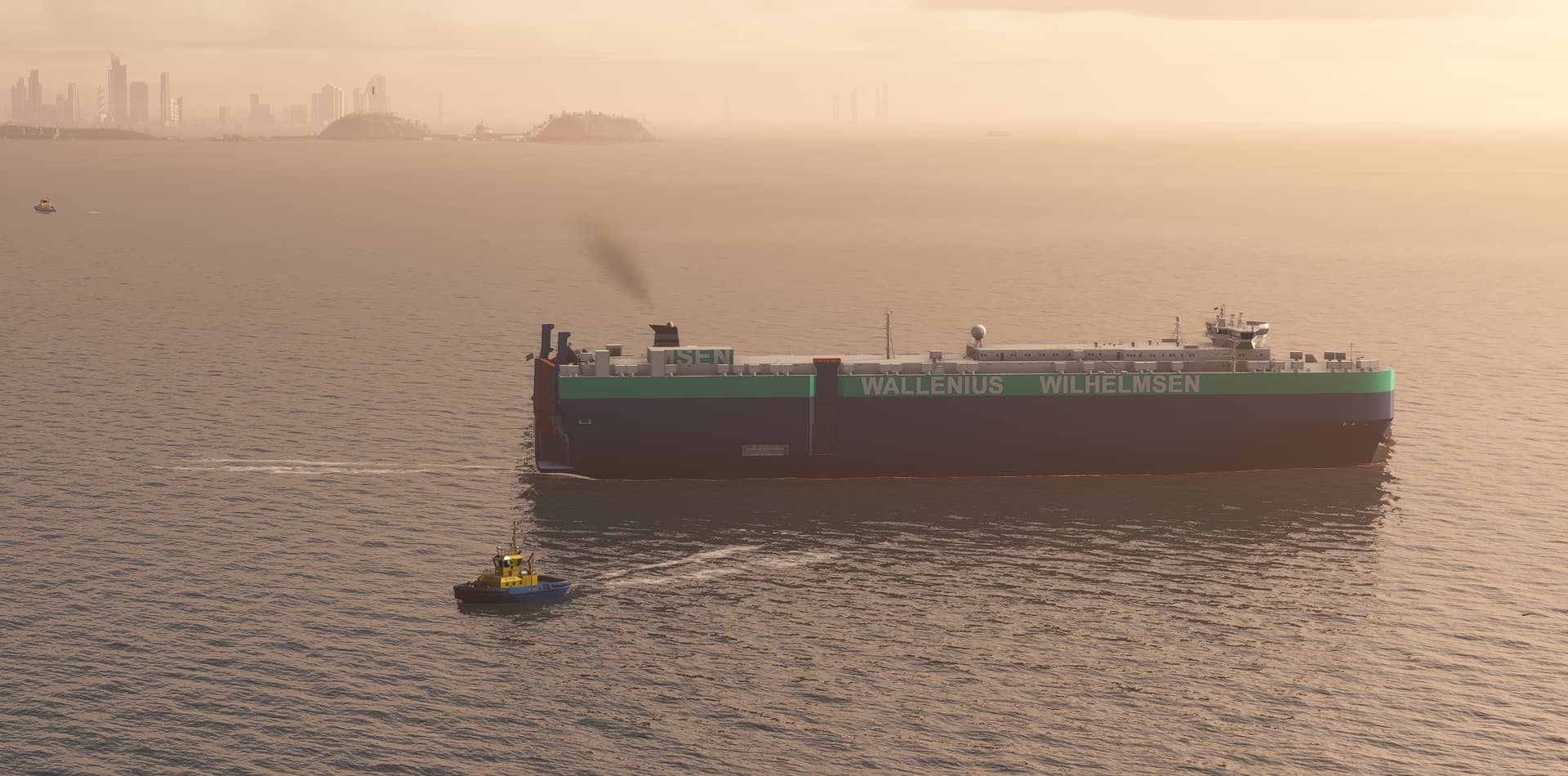
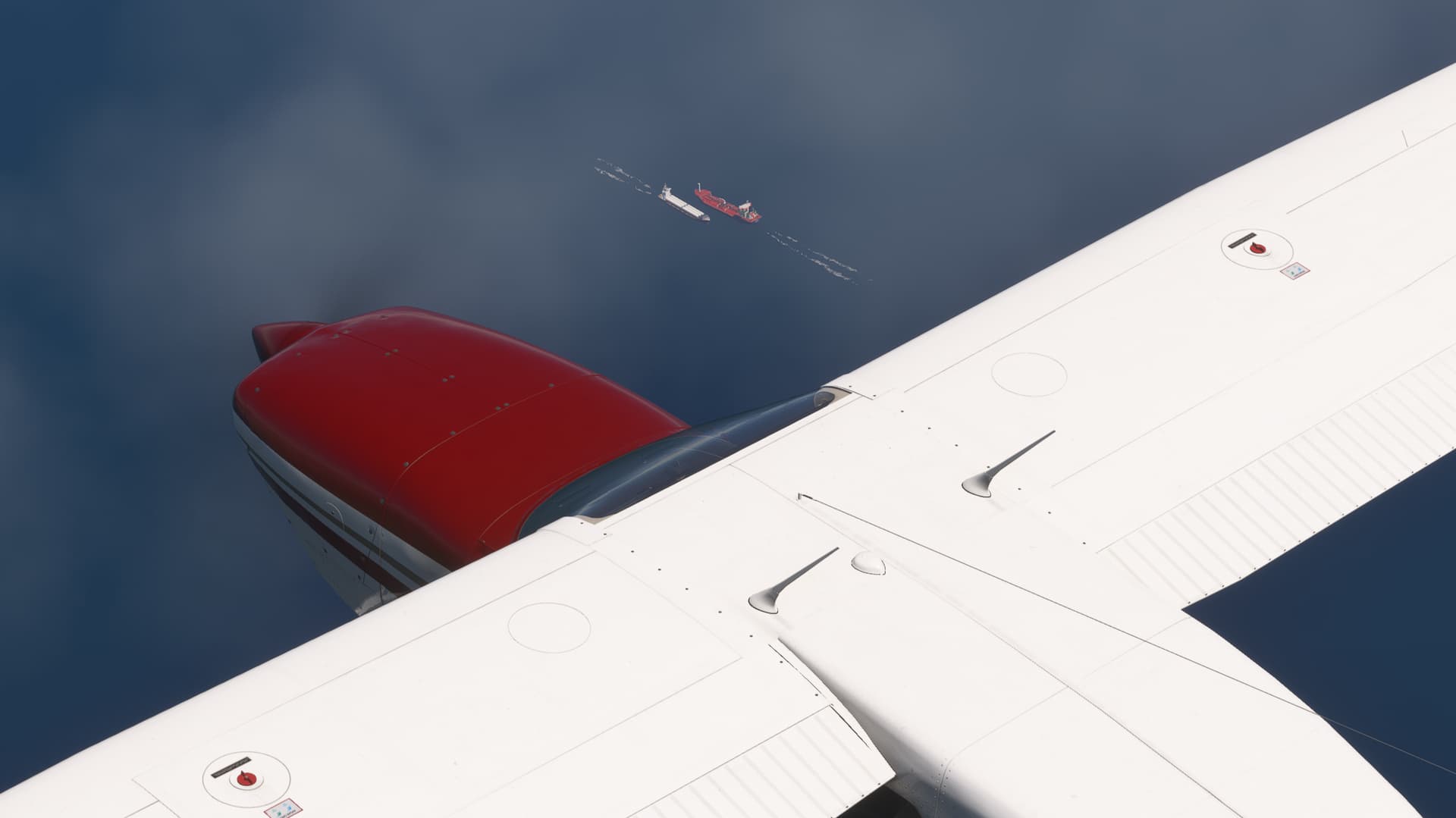
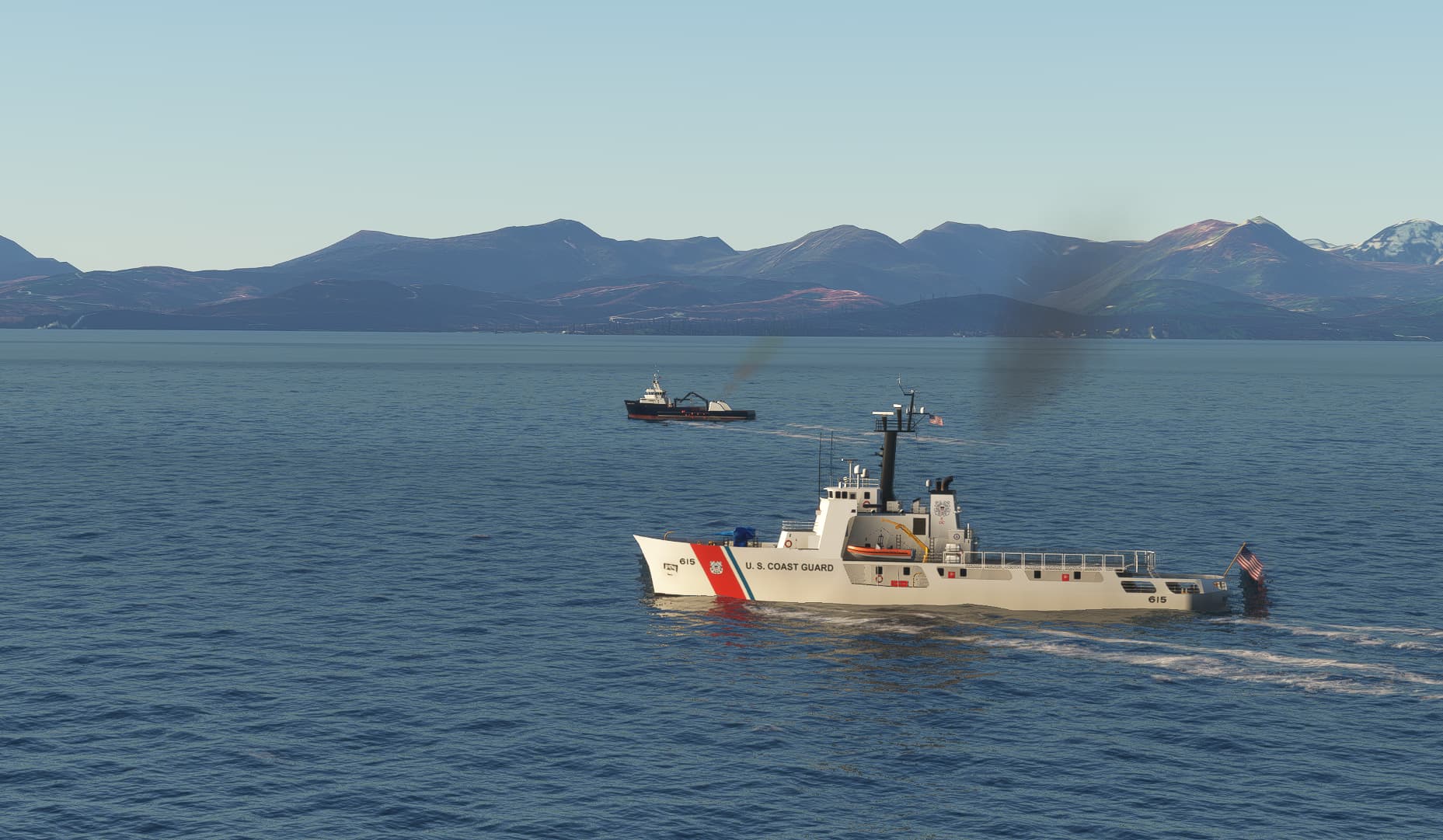
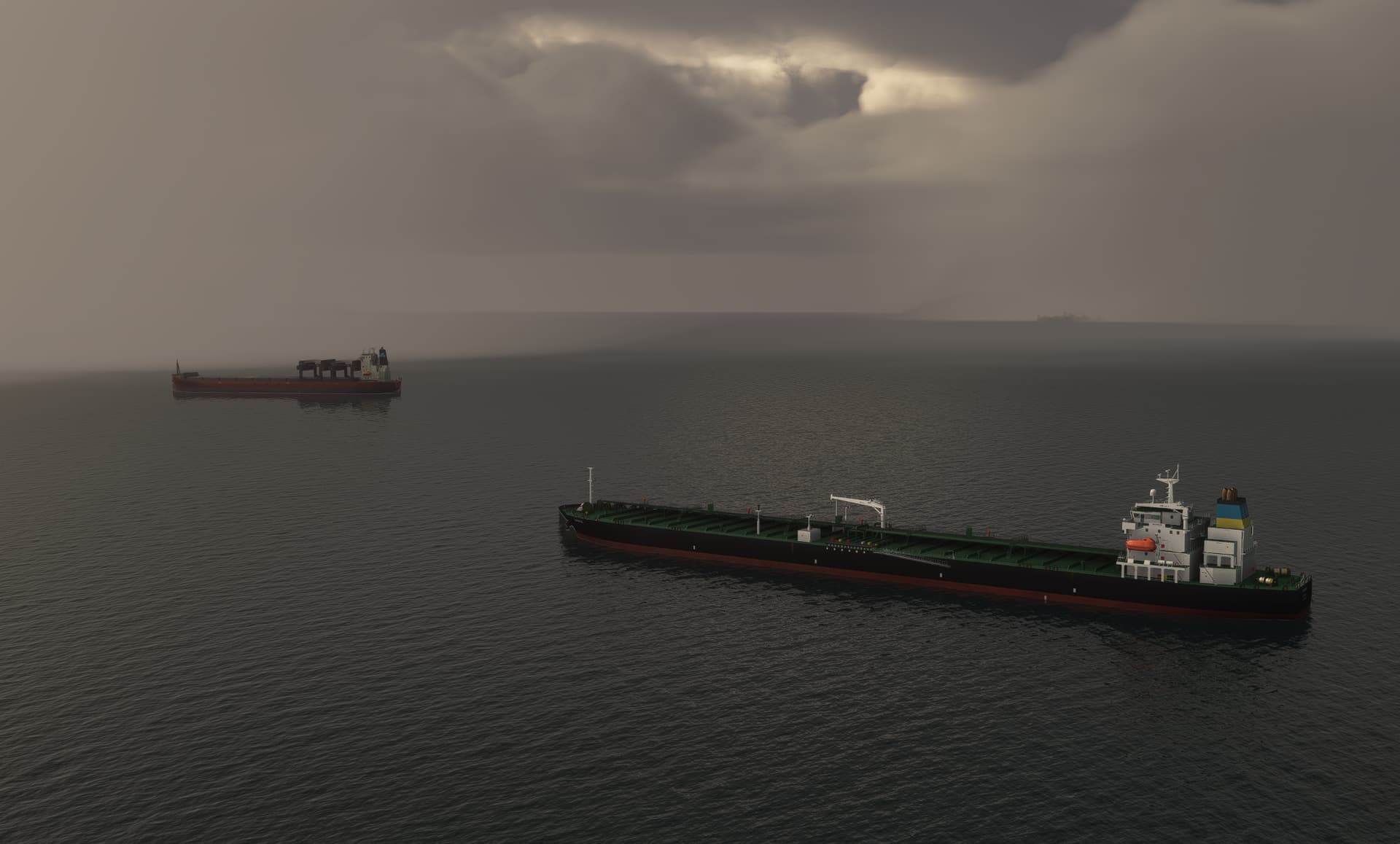
All ships will back out and the turn around. If it does it over a longer distance it is most likely a default container ship. they have this faulty behaviour since a long time. Turn down your ship traffic to 6-10% and you will get rid of most of them.
It genuinely looks like everything is as it should be meaning launch of the new ship package should be happening this week.
Are the BC Ferries routes included in the current beta routes package? It loads fine for me, but I do not see the ferries at Schwarz Bay ferry terminal..
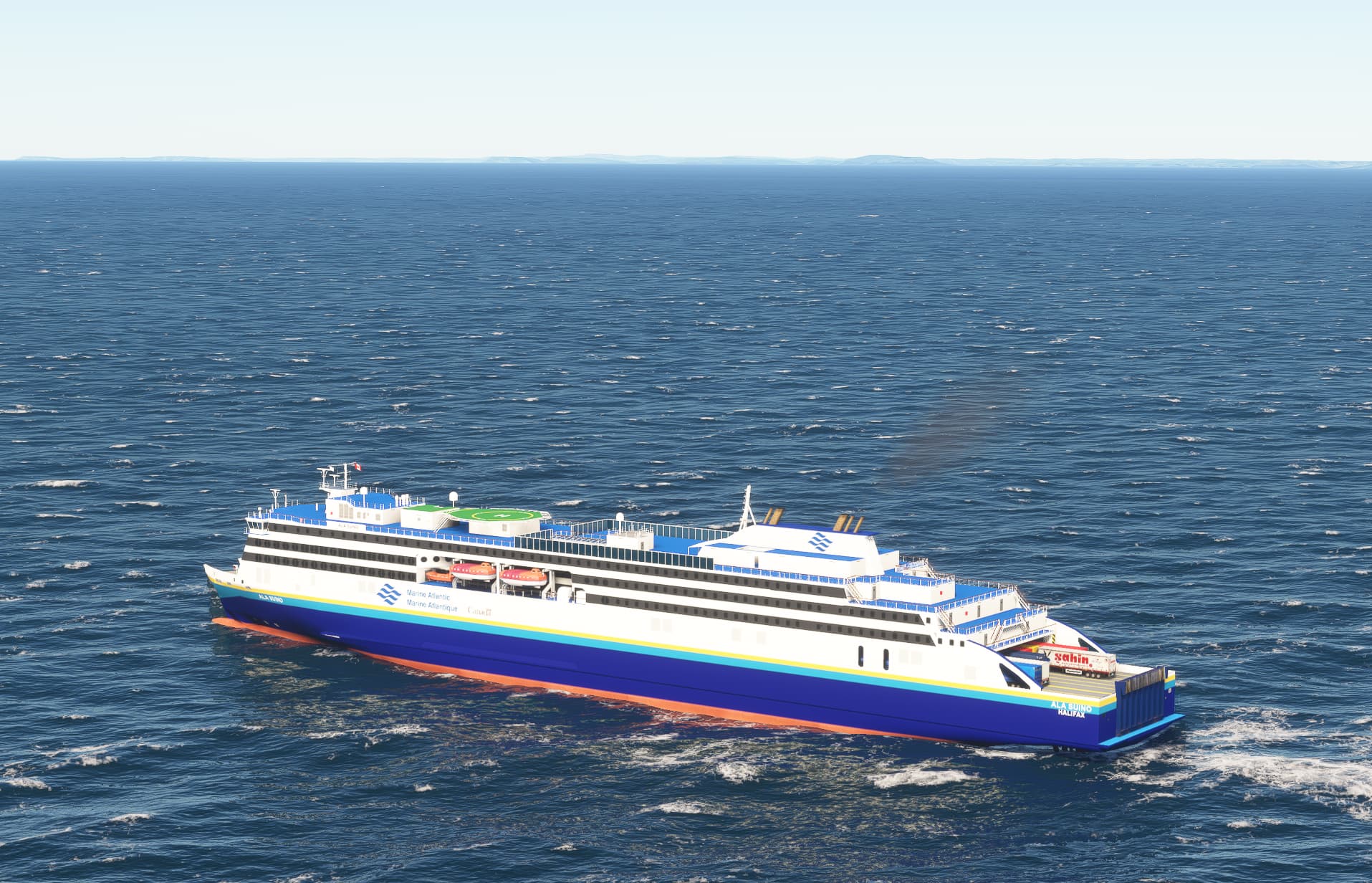
Yes, almost all the BC ferries are included. However, depending on when you start your flight you might not have 100% of the ships loading as those which are docked - that is idle for the simulator - will be down prioritized by the simulator. But below one of the BC Ferries on it’s way into Swarz bay. The ferries do not follow real time schedules but “standard” schedules to avoid them from crashing into each other on docks. Unfortunately no captain is on board to do the steering. I can eventually increase frequencies somewhat, but that will be another week. Right now focusing on getting ready to launch tomorrow Friday in the evening CET Then it is easy afterwards to launch an updated route package.
Not really. There’s a big ARC770 thread on the forum. There’s quite a few of us who use the card. Mine came integrated with my PC, but I’m pretty happy with it.
What about the extremely busy Nord-Ostsee Kanal in North Germany? It is teeming with ships going from the North Sea to the Baltic. I suspect there might be a ship every 200 metres to be seen in the real world.
The file has now been sent to Flightsim.com and to Flyawaysimulation.com, however, due to the size it requires manual assistance to get it online, so whether they will do that over the weekend I do not know.
It will be the models that make up the bulk of the size. The last version of the live beta (which had no routes because it was live) was just over 17GB uncompressed.
That’s what I meant. The current package has the base program/models + each of the regional route packages. Cutting it down to the just base + the consolidated route should be smaller.
I think there are a lot more ships from the old V3. i.e. I think all of the ships are in the main folder. SimObjects in V3 is about 14GB. Simobjects in the last live beta where about 17.1GB. The files for the routes are relatively small in terms of disk space, even in the old V3 all of the route folders in total were less than 20 Mb. The reason for separating the routes into different regions in the old V3 wasn’t due to size, but the way the sim loads / processes the routes, and so splitting them into regions made it less “heavy” on the sim, however the new way seems to be more efficent.
Thanks - that is exactly the thing. The ship library is what takes up the space. Now that I finally release a new version getting all the ships out in public I will spend some time optimizing the size. Just by packing the textures differently I should be able to save at least a couple of gigabytes, on the other hand increasing the number of models with LODs does add some size, but still much less than what can be saved with the textures. All in all we talk currently around 26.000 files in the project of which the majority are texture files.
Just got confirmation that it should be available on Flyawaysimulation Sunday. I will be on a plane Sunday morning, so if someone sees it go online please share the link.
“Before installation please remove all old versions of Global AI Ship Traffic / GAIST. However if you use https://flightsim.to/file/21430/global-ai-ship-traffic-great-lakes you can leave this active as this version 5 of Global AI Ship Traffic GAIST Ultra does not cover the Great Lakes.”
How does that work? Which files should we retain then for the Great Lakes?


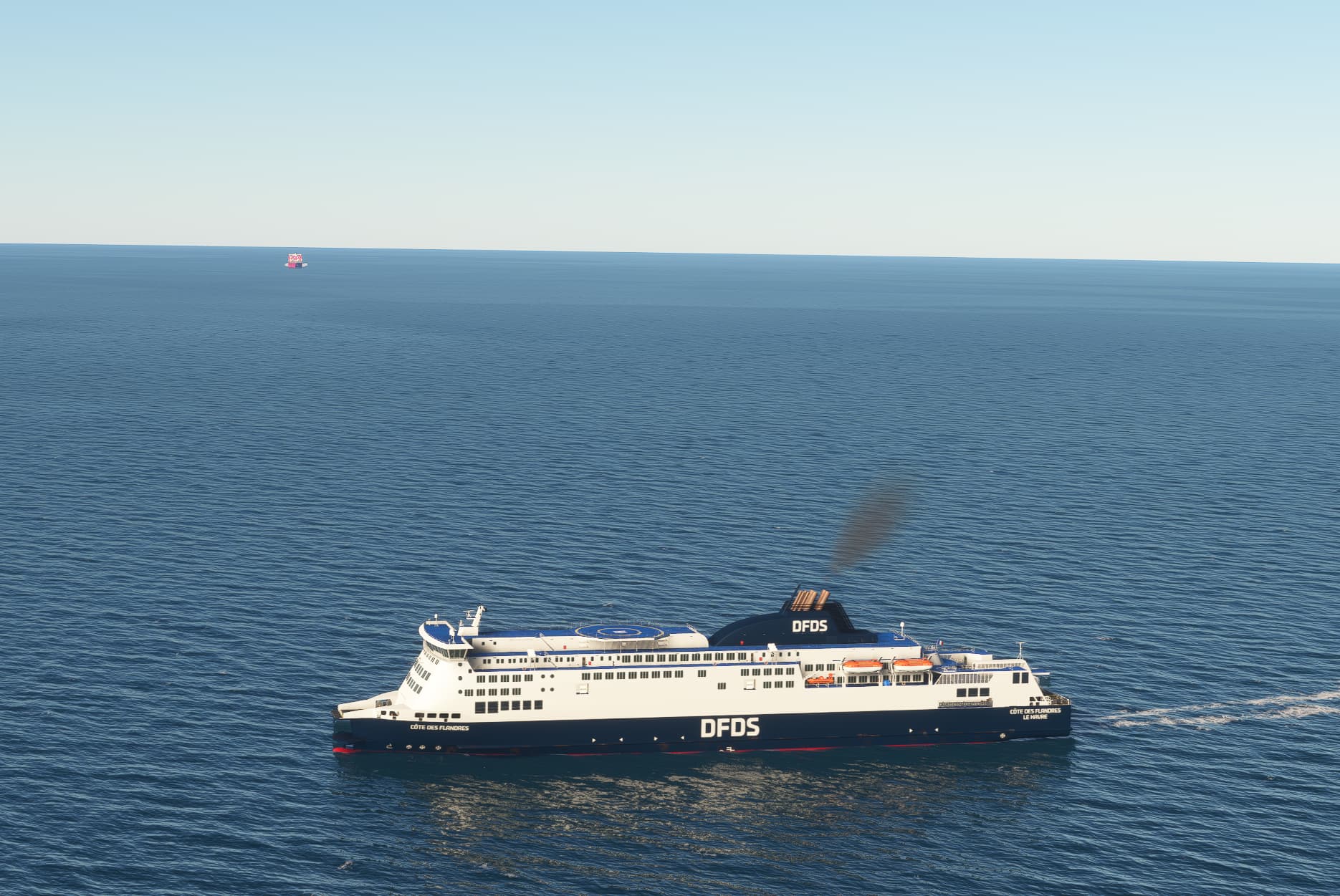
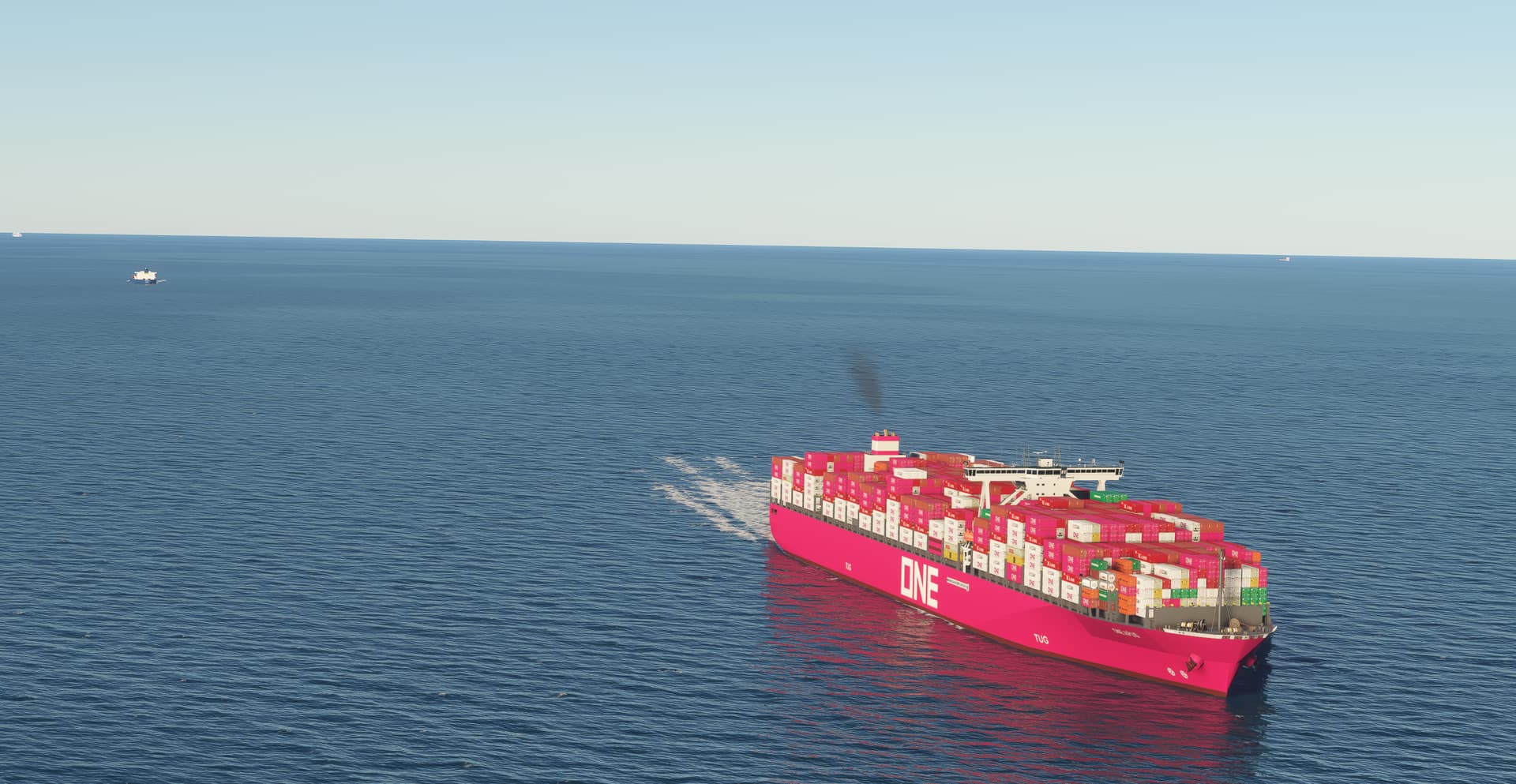

 Then it is easy afterwards to launch an updated route package.