I dont seem to find the Great Lakes expansion pack. Could anyone help me to find it, please? Id really appreciate it.
Kind regards.
I dont seem to find the Great Lakes expansion pack. Could anyone help me to find it, please? Id really appreciate it.
Kind regards.
@hnielsen791 are you aware about the potential side effects if Asobo retires the Top Gun Maverick DLC off from MSFS2020 as anounced in the Q&A stream yesterday? I vaguely remember that one have to have this DLC installed to not have ugly side effects when using AI ships. Maybe this is fixed a long time ago, but just to give a heads up here…
Thanks for mentioning this, was not aware about it.
That’s such a shame, I loved using that DLC 
I don’t have the Top Gun DLC and my ships look just fine.
No Top Gun DLC here and the GAIST traffic is fine.
it’ll not be removed for those that already have it…
Hopefully that is the case!
I’ve backed up all the files I could find in the official folder though just to be sure (plus I’d quite like to use that content in 2024 if possible).
I did have a funky default AI ship off the coast of St. Barths the other day without Top Gun installed, didn’t realize this was a thing. The ship looked like a bunch of moving spider legs. Kinda creepy 
Thats what I meant with retiring this addon…
I surfaced this with Community Management the other day and MSFS Dev Team is aware.
There’s two other existing threads about if folks want to discuss it. Let’s keep this one for Henrik’s excellent product. Thanks!
I removed V3 last night and installed V5 and saw AI shipping in a couple of locations I tried around the world. Use Little Nav Map to see where they are located though as they can appear quite small and indistinguishable until you get close to them.
Also make note of install instructions 
Installation
Before installation please remove all old versions of Global AI Ship Traffic / GAIST and associated route files. However, if you use Global AI Ship Traffic Great Lakes you can leave this active as this version 5 of Global AI Ship Traffic GAIST Ultra does not cover the Great Lakes.
To install please unzip and drop the included file folders
gaist-ultra-v5_0andglobal-ship-routes_V1_1into your MSFSCommunityfolder.In MSFS general options under traffic ships and ferries should be set to 5-10 % for best performance. Increasing above 10% will not add any traffic to this project.
Cancel the mayday! I deleted the folders, unzipped them again from the zip file to a new folder and copied them back over to community folder from there. And hey-presto, ships are now appearing in the English Channel. Hooray!
I unzipped directly to the community folder first time and that is the only thing I can think of that caused the problem.
EDIT: I just wanted to also say what a fantastic addon this is, and so grateful it remains freeware. Thank you to the author!
That is a nice one… I will take a look and see if I can find some documentation on it.
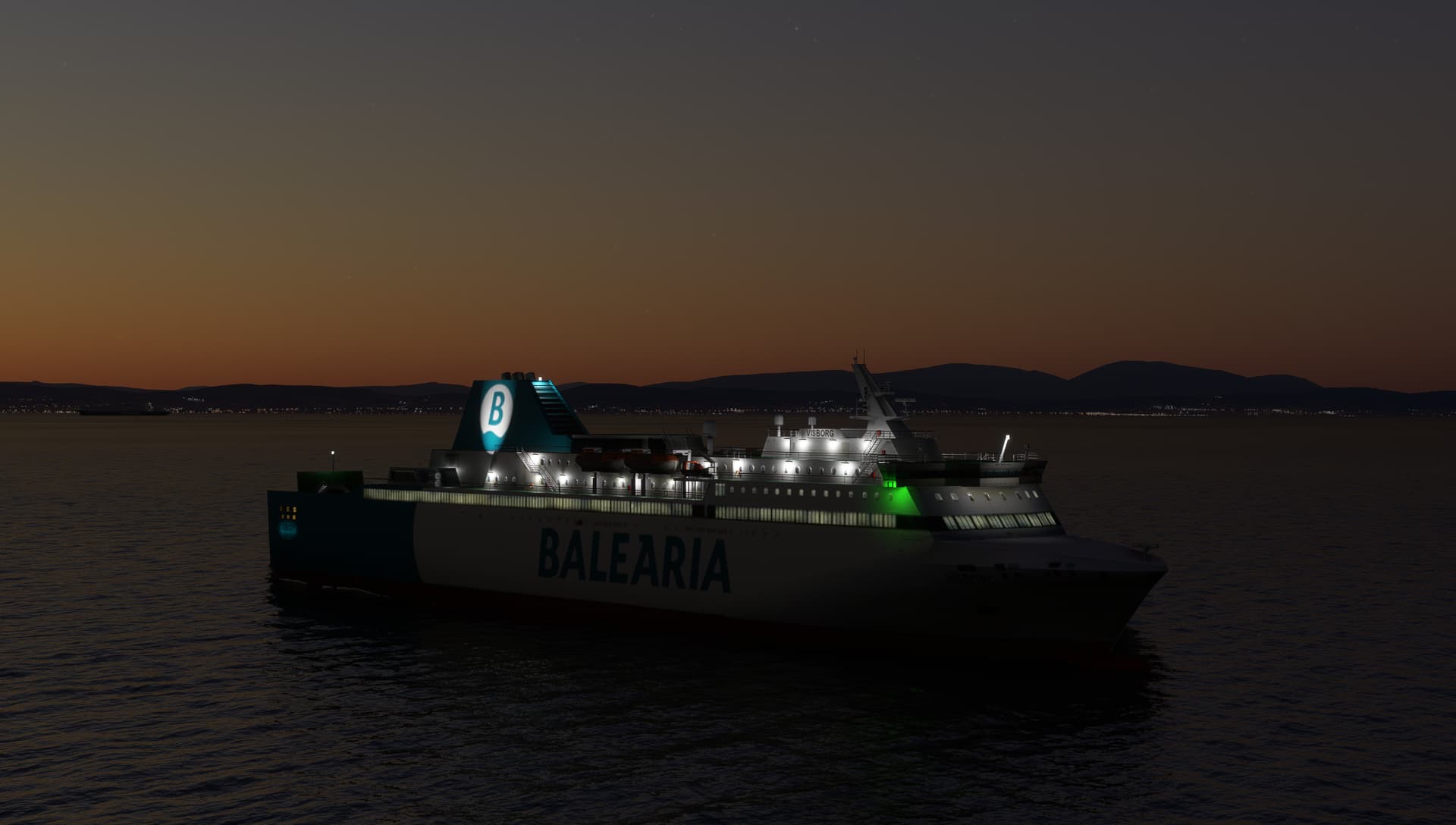
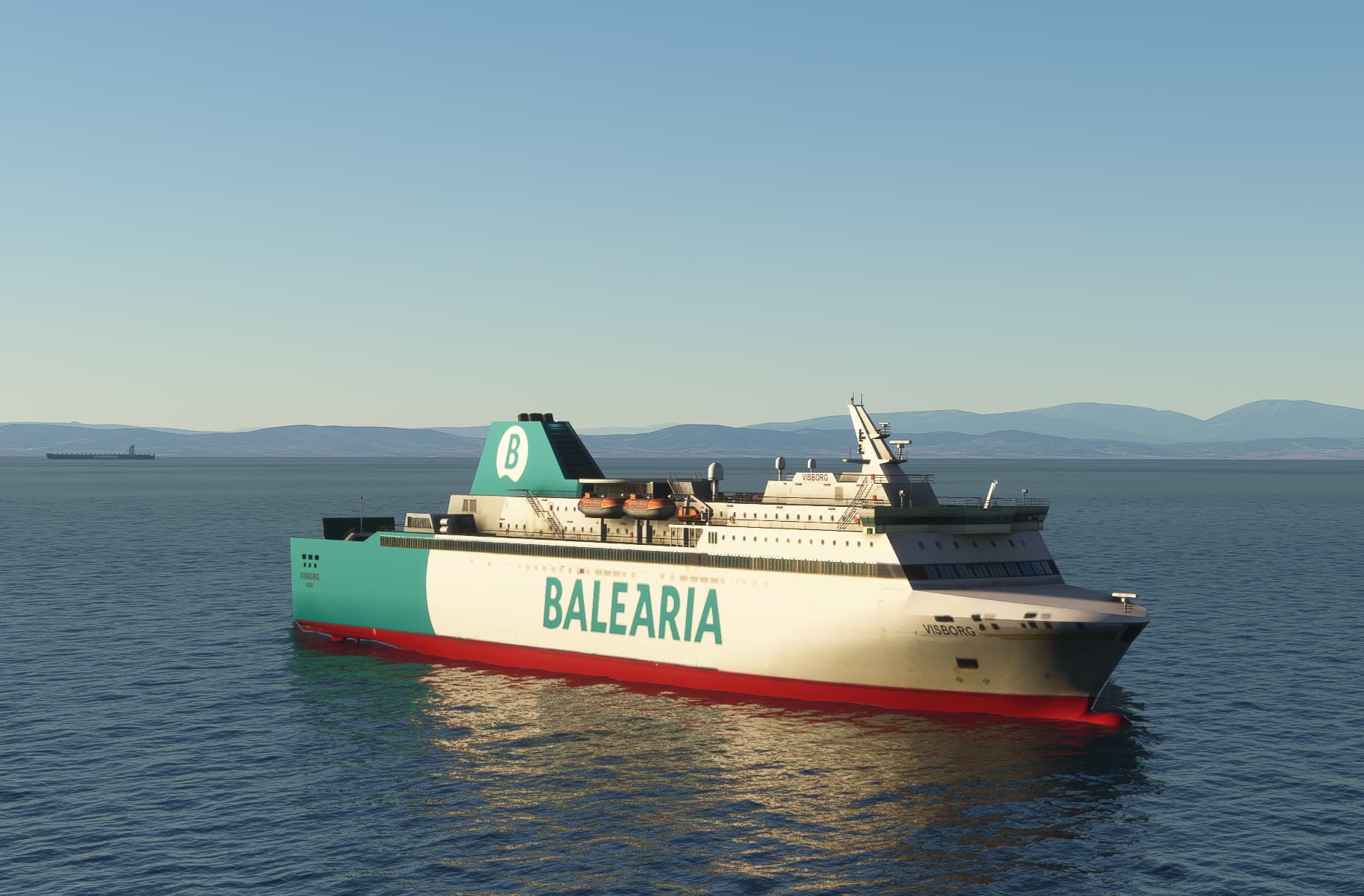
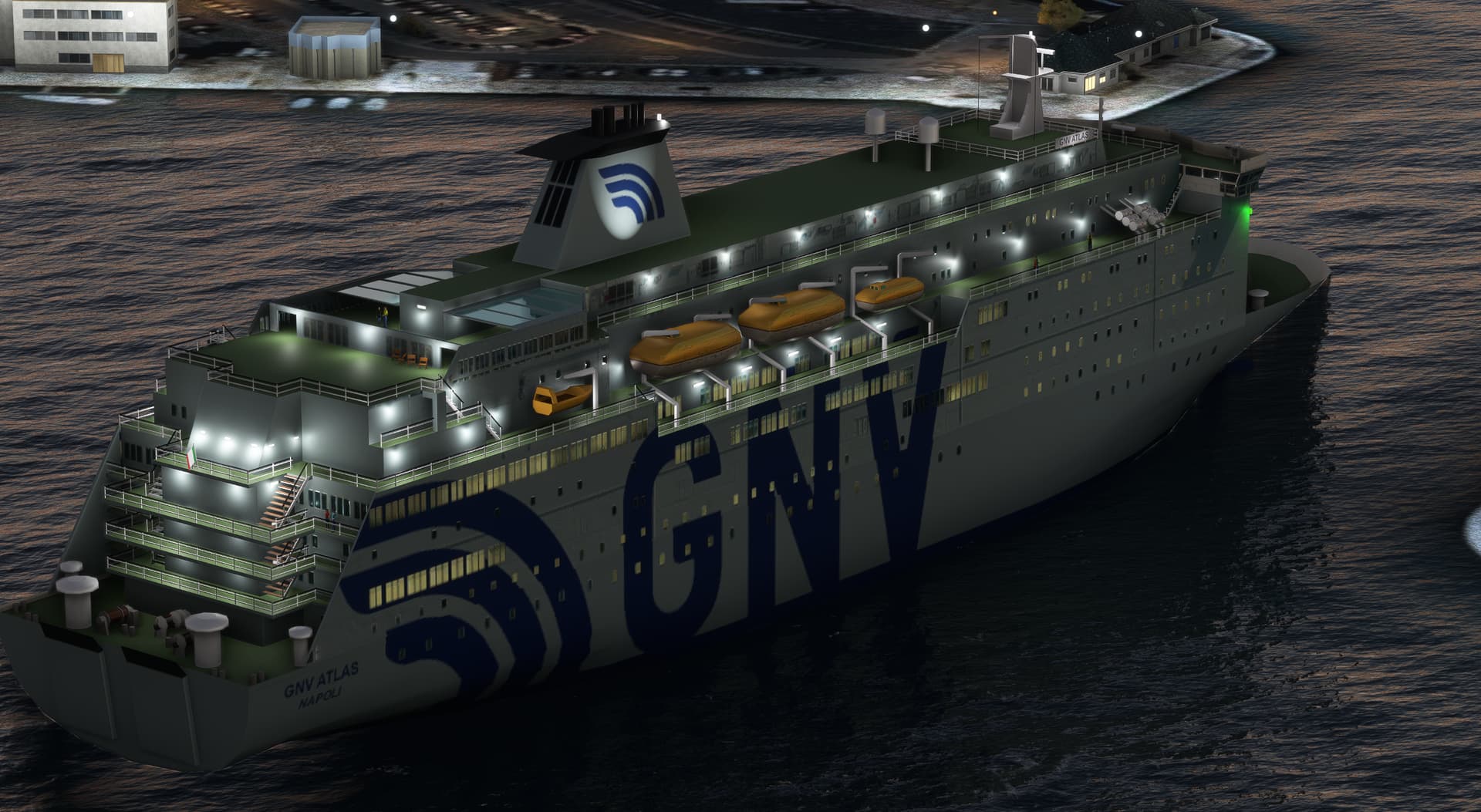
I was in Barcelona last week and as the approach passes straight over the harbor so I couldn’t help notice a few ships that I modeled long ago, but which now serves in different colors. So the the virtual paintkit was found and next update will include Balearia’s Visborg and the sisters GNV Cristal and GNV Atlas.
So far it seems that performance really improved with the new version 5.0 so next up is packing the files smarter to reduce the total installation size and also add lods to more models.
Performance has been great since the update, even in VR.
Everything looks awesome and busy. Although I had a cruise ship sail right through the runway at Marathon Key, at least it moved right through rather than a forklift just hanging around…
Bit disappointed at the lack of traffic around Djibouti and into the Red Sea. There were a few ships (including what looked like a destroyer) but I expected more in this real life very busy seaway.
Oh and I also got a freighter going backwards at 20kts!
Did run a check in English Channel Dover/Calais, plenty of traffic there.