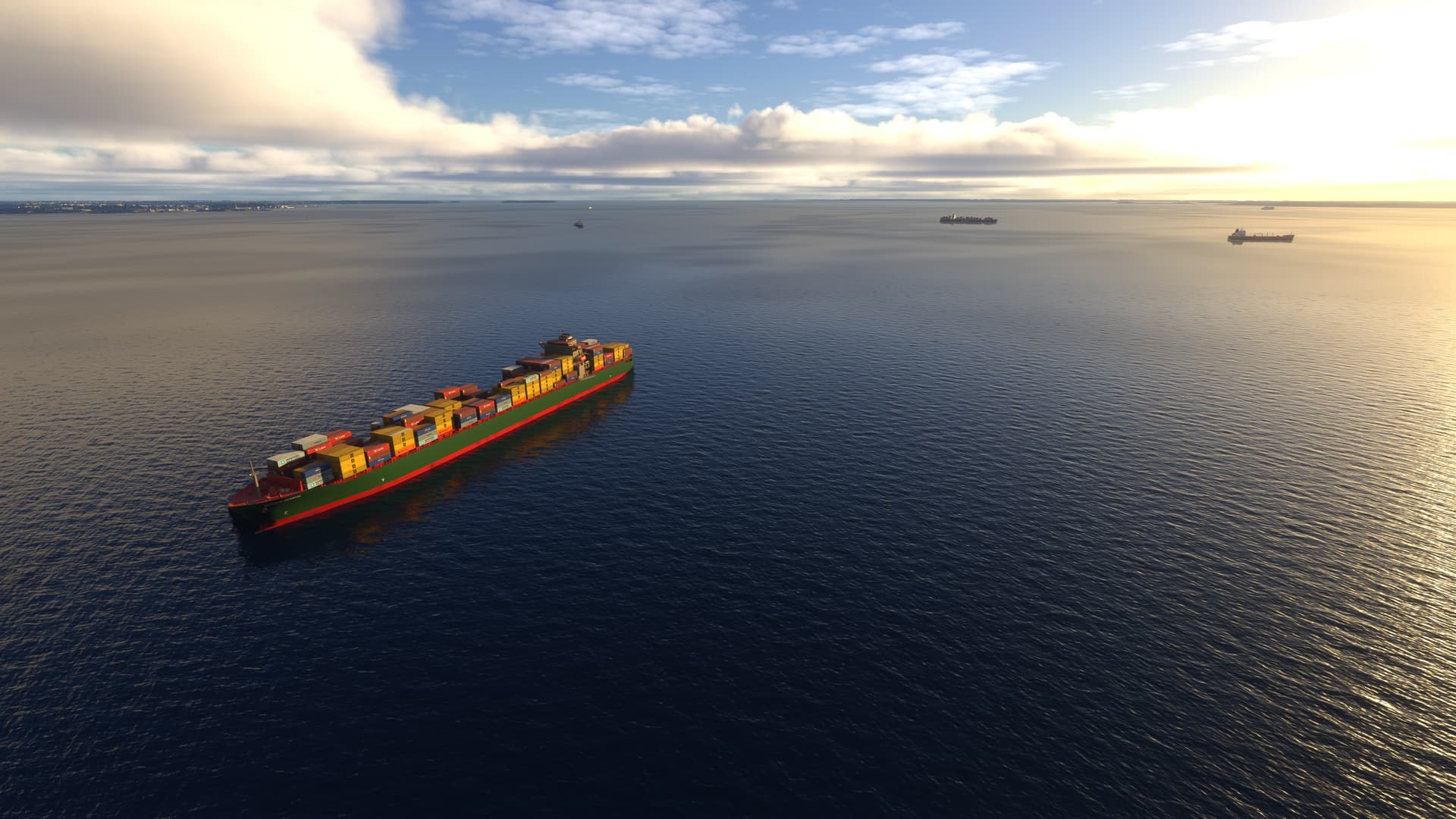
Version 7.1 of GAIST Ultra has just been uploaded to www.flightsim.to and hopefully later in the day it will also become available on alpha-india.net
Adds new yachts and tugs
Increase leisure traffic in MSFS 2020 and in MSFS 2024 in offline mode adding more than 5000 additional ship movements
Corrects texture issues on 5 models
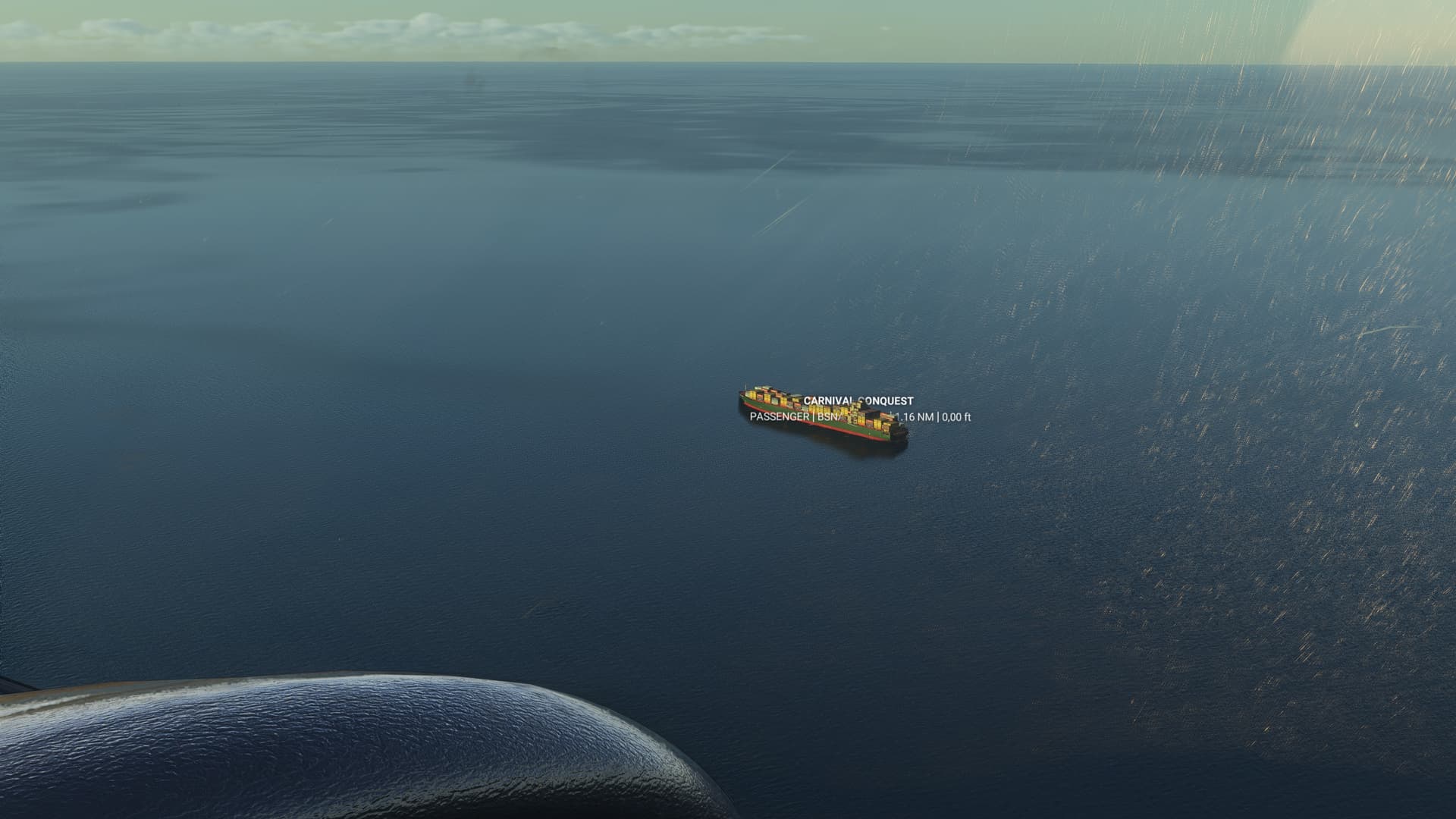
Suppress in MSFS 2024 real time traffic mode the majority of appearances of very large ships erroneously placed by the simulator when it has no size data from AIS
Improves matching of ship models in MSFS 2024, but still only based on type and the match module in MSFS continues to be the same so do not expect a high match rate beyond size and overall type of ship
Download from Flightsim.to works again. The first upload of V7.1 corrupted during upload, but the file has now been reuploaded and can be downloaded and extracted without problems. Sorry for the inconvenience.
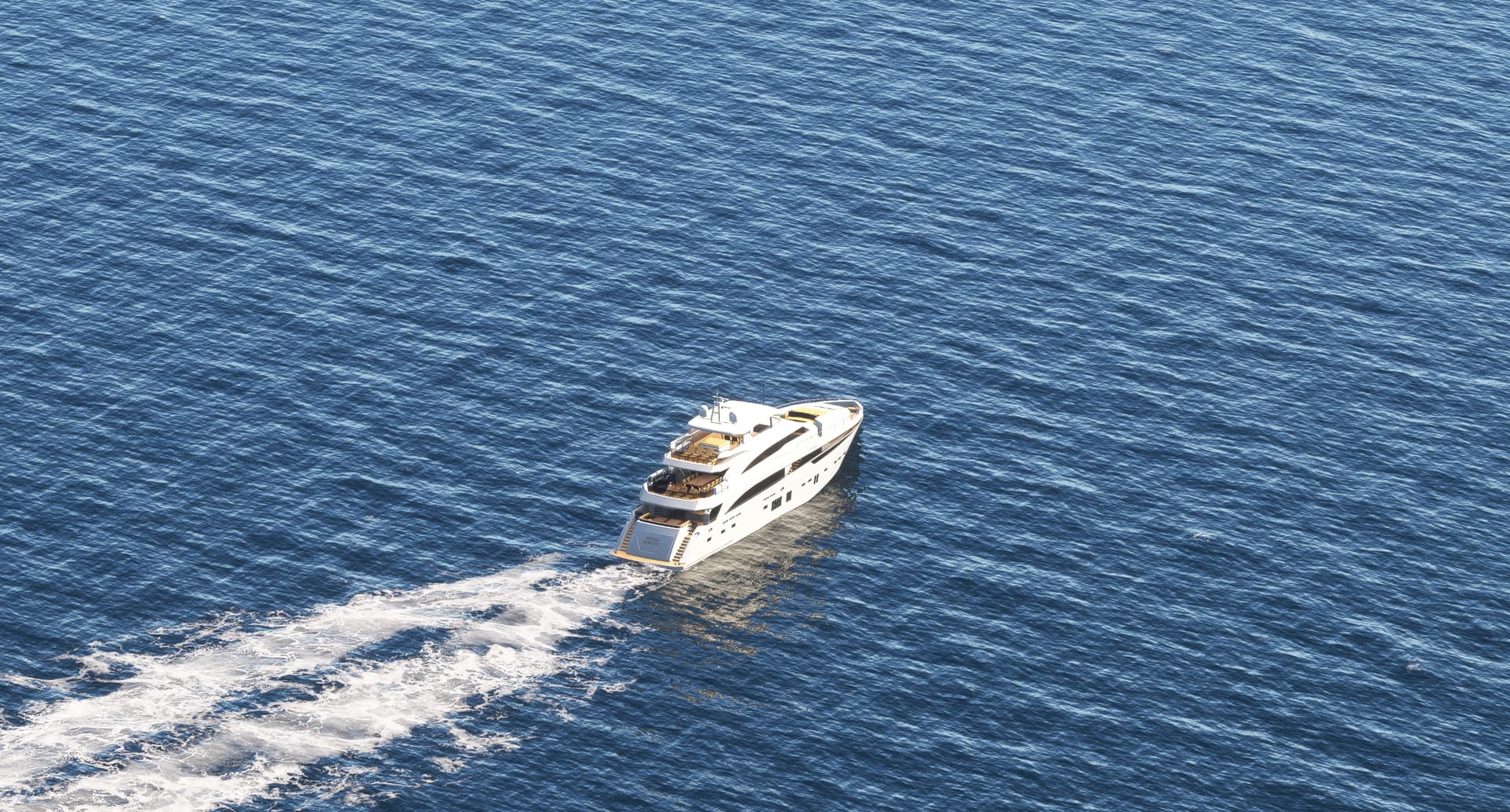
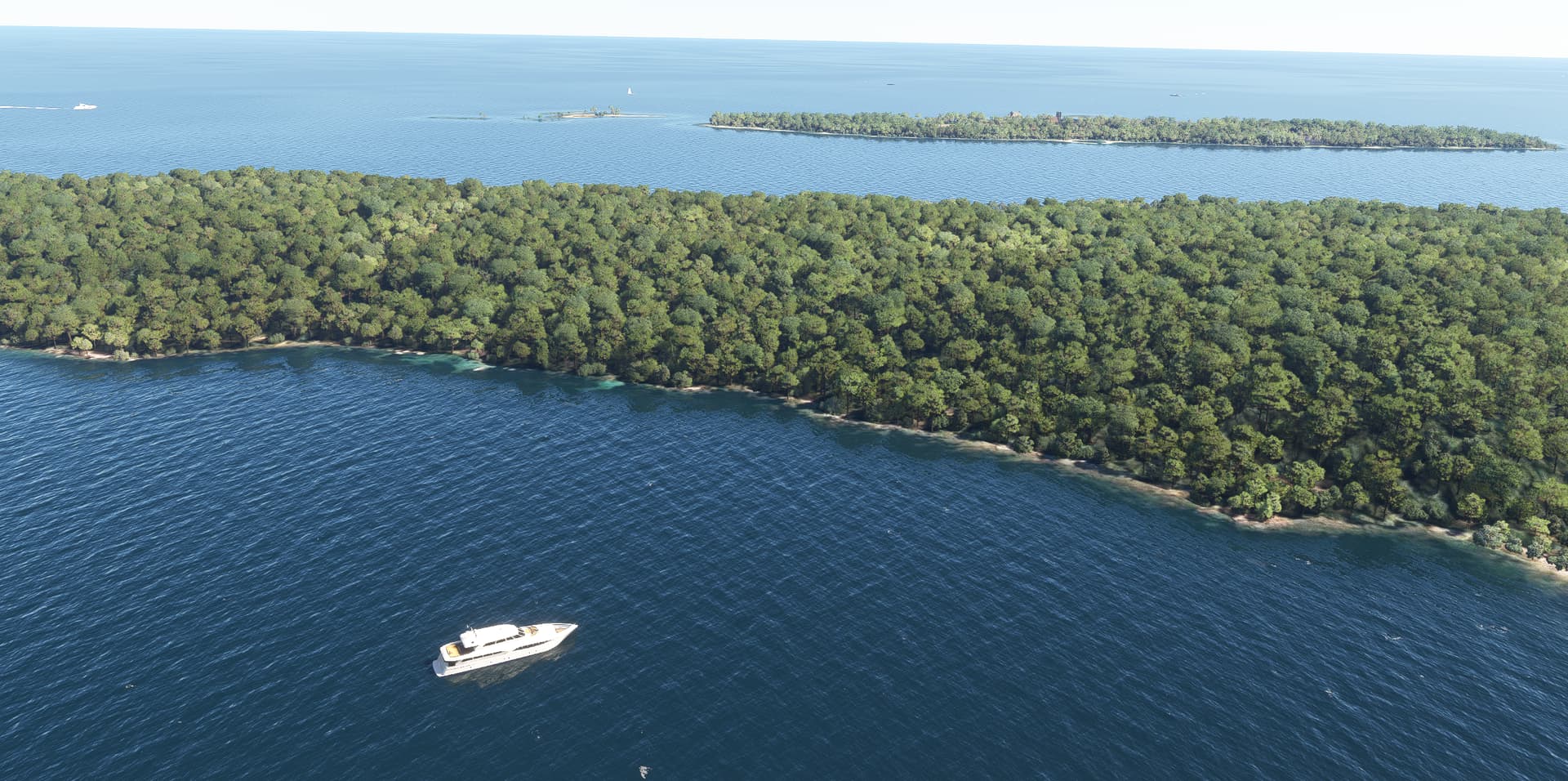
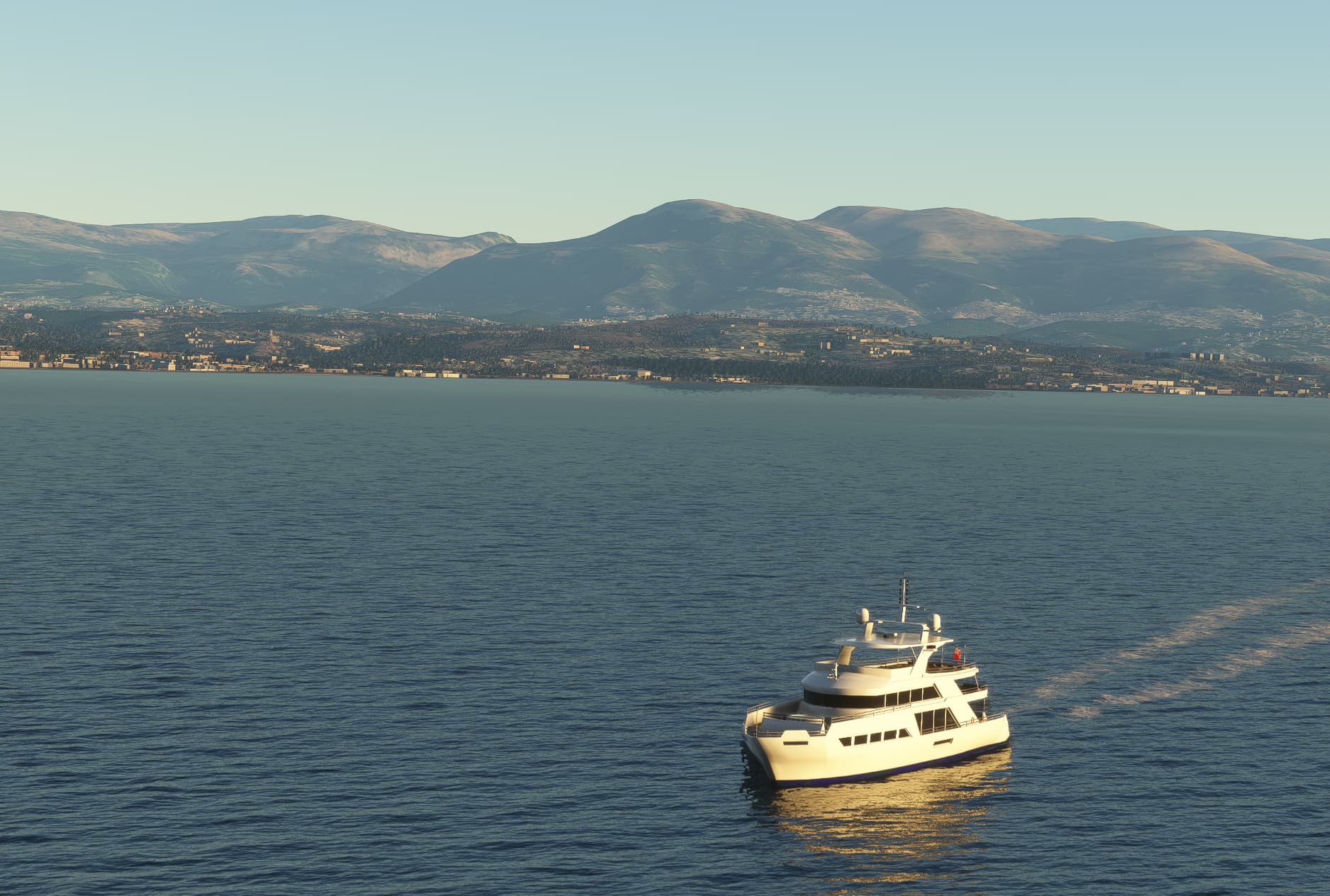
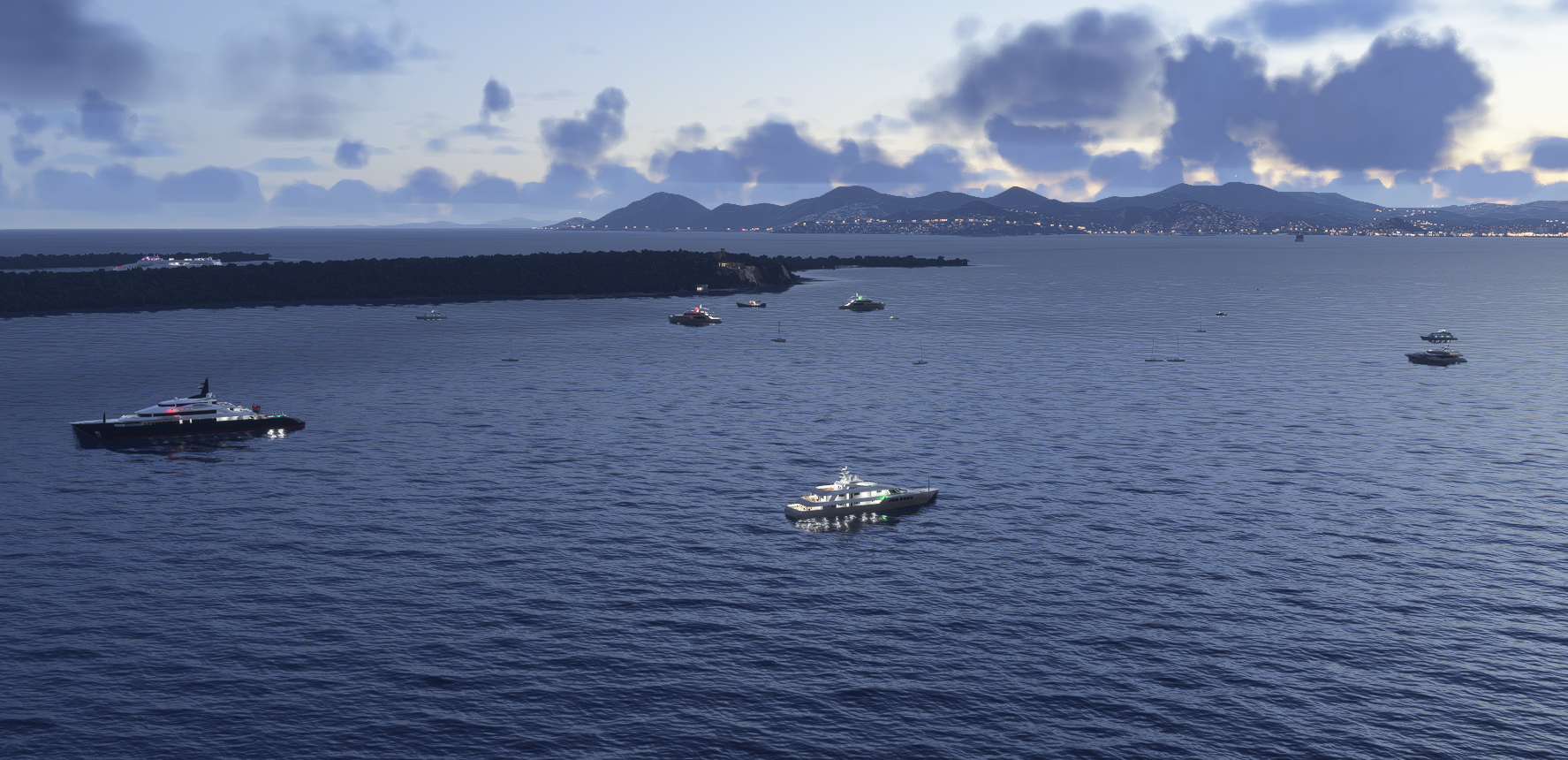
A few shoots from V7.1 - these are some of the new yachts purchased for donations and modified a bit eg with crew and other details. A good place to see them is near Cannes and Antibes in France. Pictures here are with offline traffic in MSFS 2020, but I will post later some real time shots from MSFS 2024 from the same place.
Sorry, I had overlooked it. You can still use the old AIBTC, however, when I use it I compile on a computer which still have a fake FSX file structure. I don’t think it actually uses it, it has just always been the way I had it set-up. You can perfectly choose different folder.
You should add it into the scenery folder and then re-compile the json or you can create a separate “project” with same structure as my old ship routes folder. The sim will use ship and traffic files across the different folders.
You mean specifically for the Singapore area? happy to believe you on that point, I’m not familiar with the region/area.
Still in doubt if I have everything worrking correctly as pretty much everywhere I tried so far I see very very few ships moving (like only one), if not none at all