How do we do this?
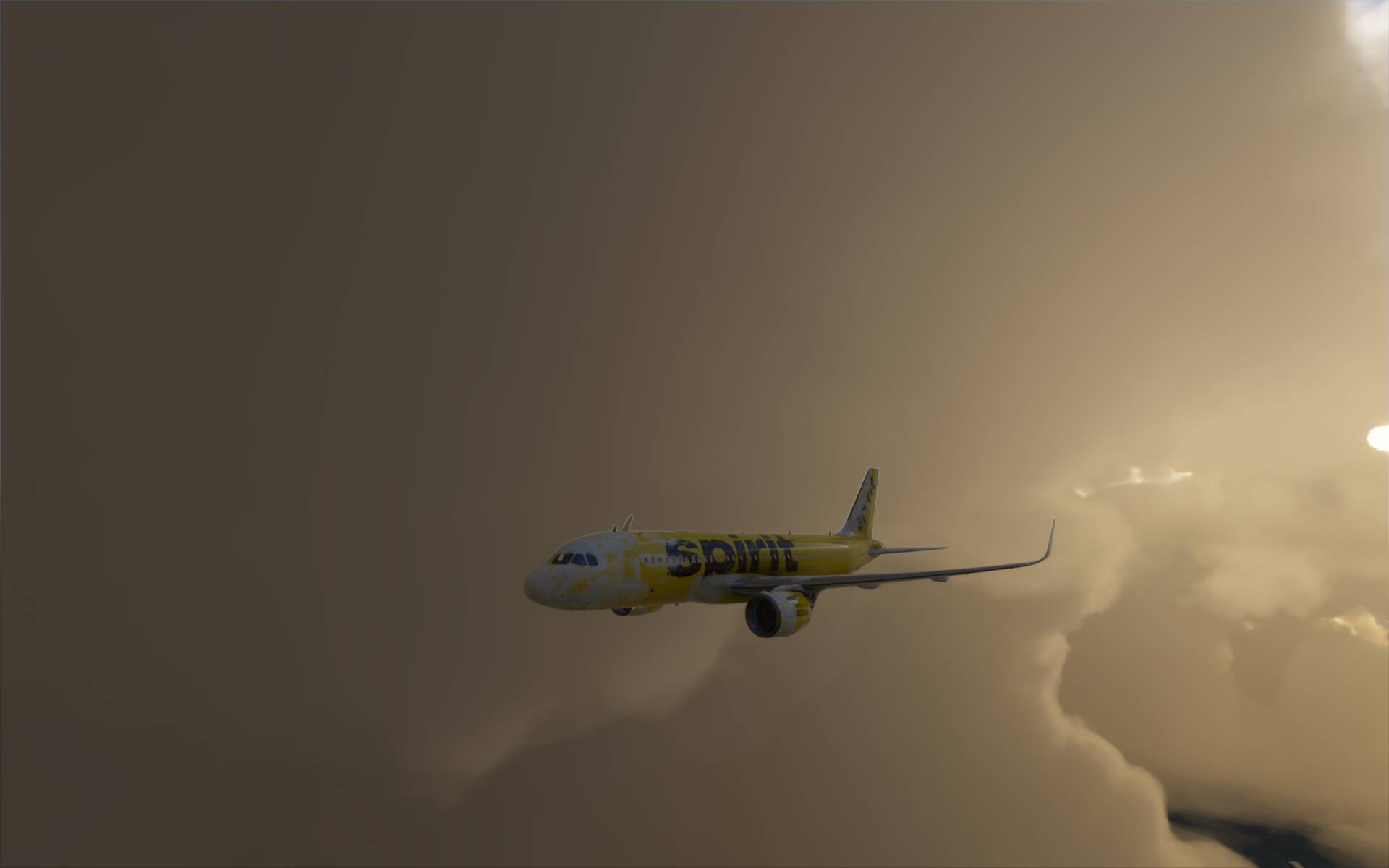
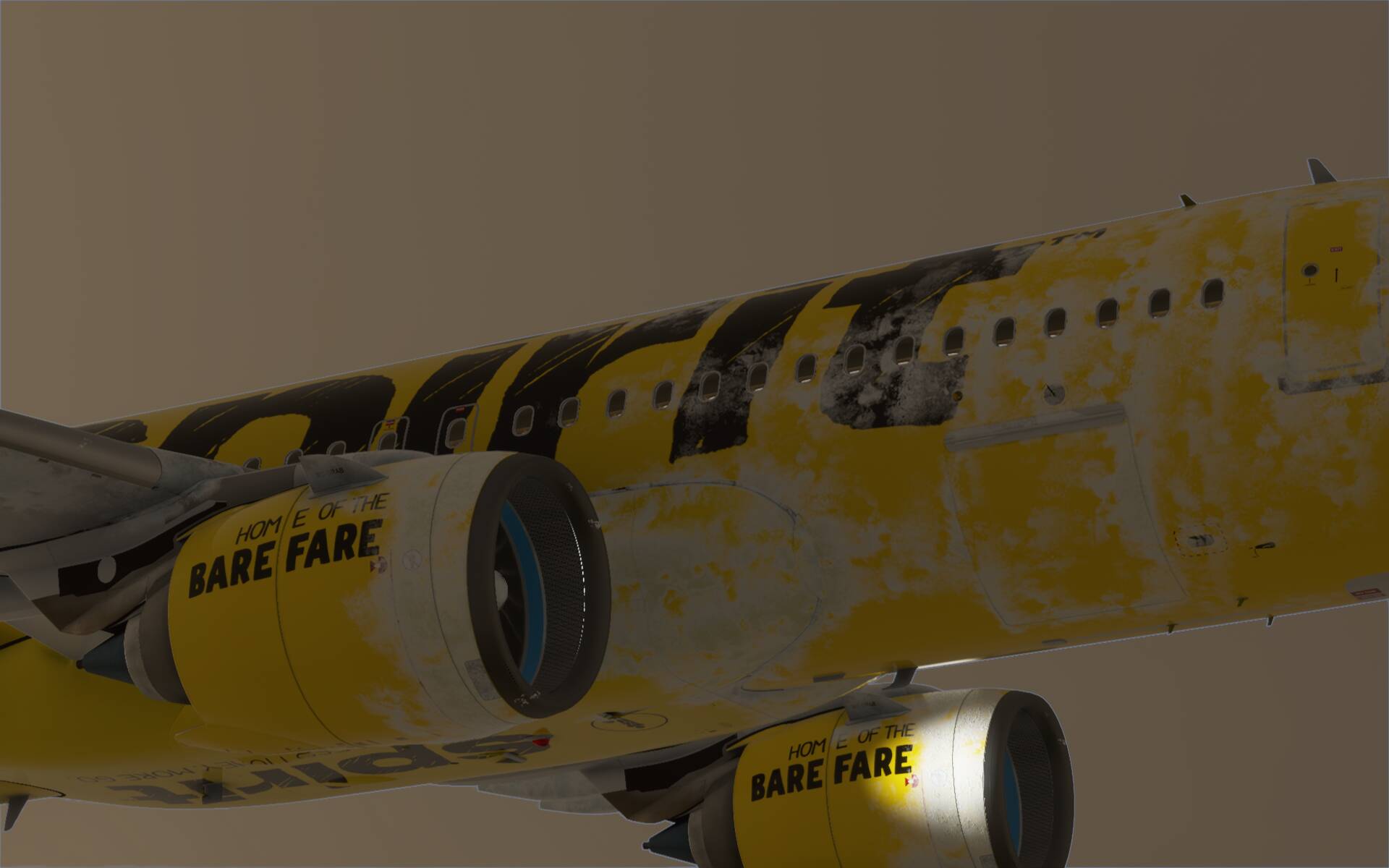
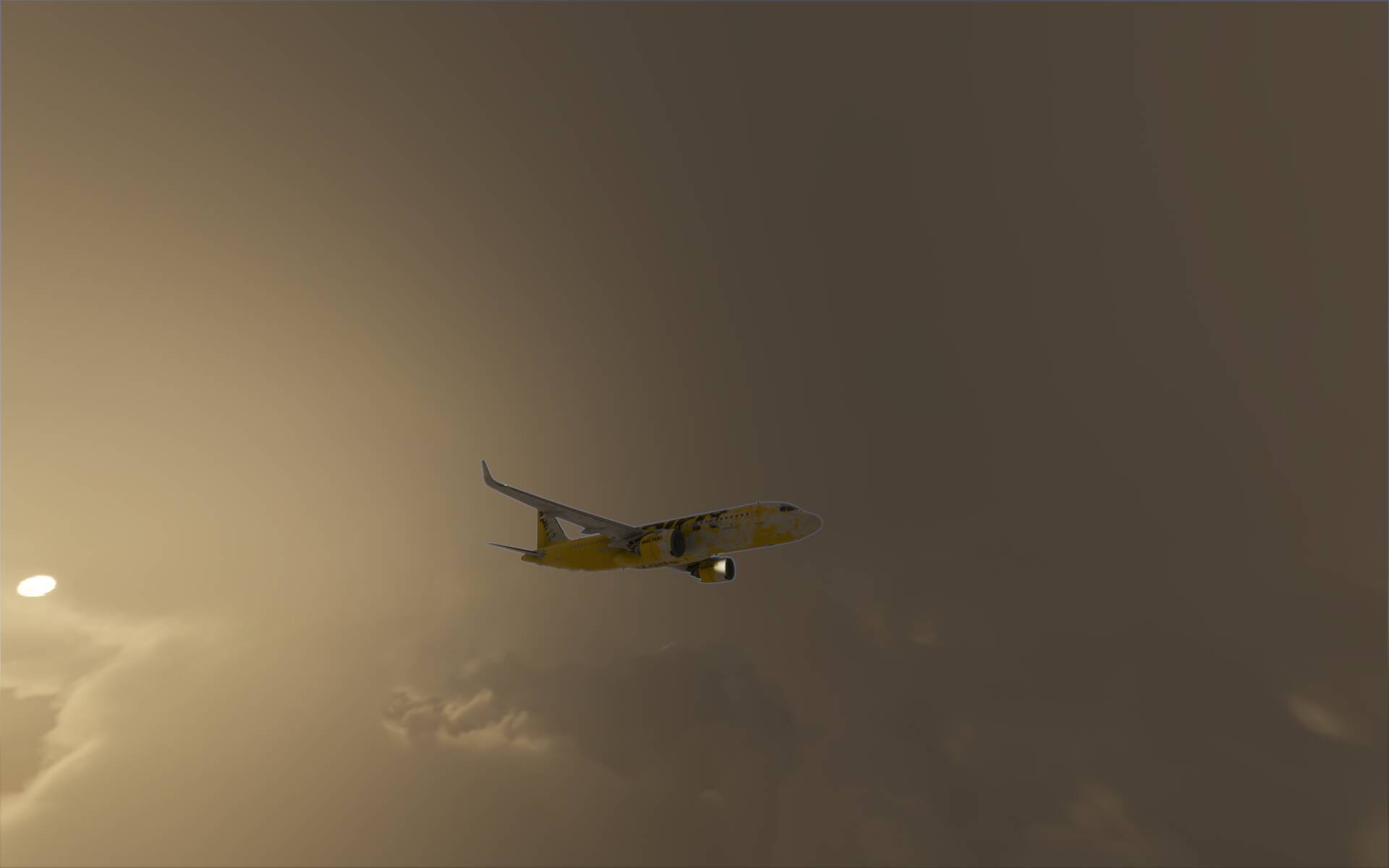
“blue edge” and “vapour trail” are 2 different things. The former I’m explaining in a post above, the latter is because of the use of an accumulation buffer (or something working similarly to). The former is because clouds are most likely rendering after the rest and the shader is using the depth buffer to know where to draw clouds in the image, but this makes it challenging at the edges, the latter is because it is an optimization technique to spread heavy shader computations (clouds) over a number of frames instead if 1.
You can see the latter very clearly in VR (didn’t try in 3D) in using clouds ultra with weather displaying lots of big and small clouds with complex patterns for example, then in flying fast above them at 40000ft. Try looking at the clouds and see how the closest ones moving faster relative to the aircraft are building incrementally from bigger white cloud boxes (ala Minecraft - voxels) and hit ESC to see how they become much clearer and highly defined at the edges in an instant. Press ESC again to resume and see how to fade to building boxes again.
So I take there’s no fix until Asobo decide to update it?
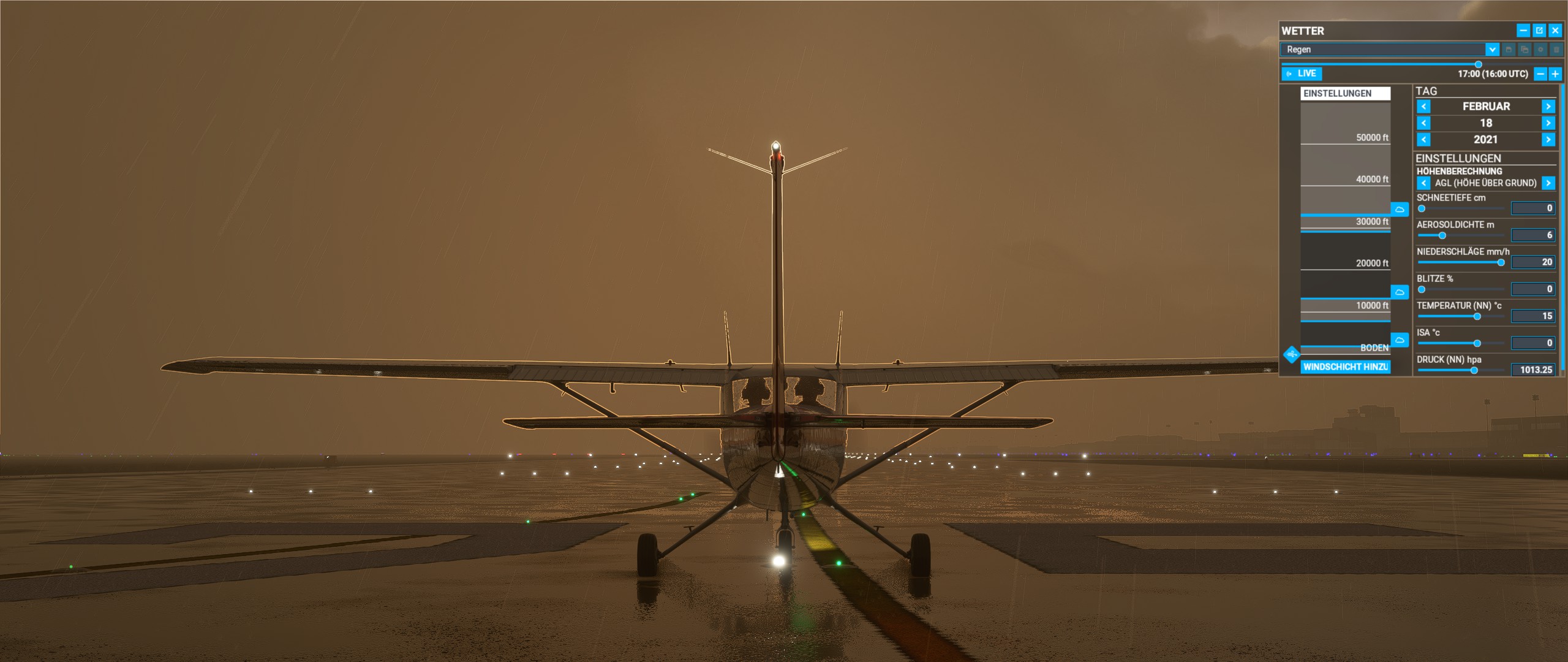
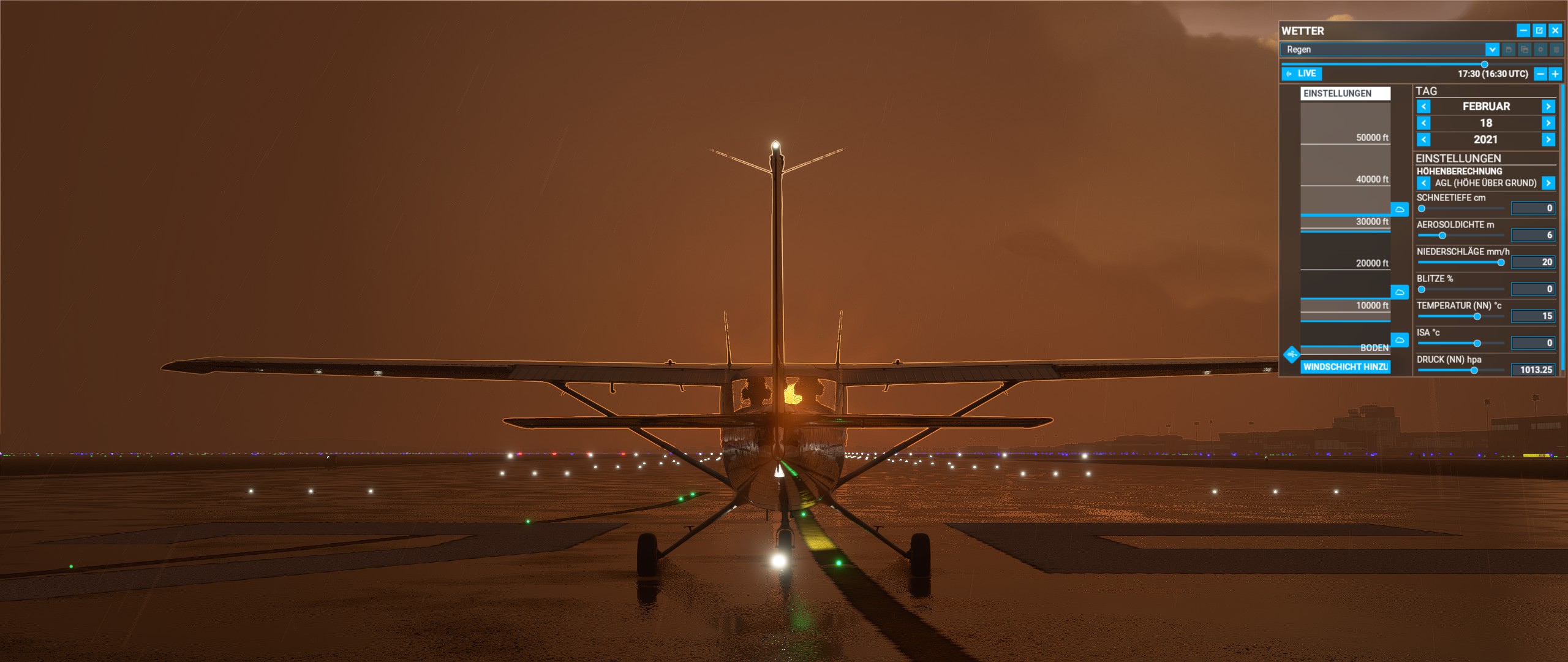
Airport: Frankfurt am Main (EDDF)
Weather: Rain
06:00 UTC
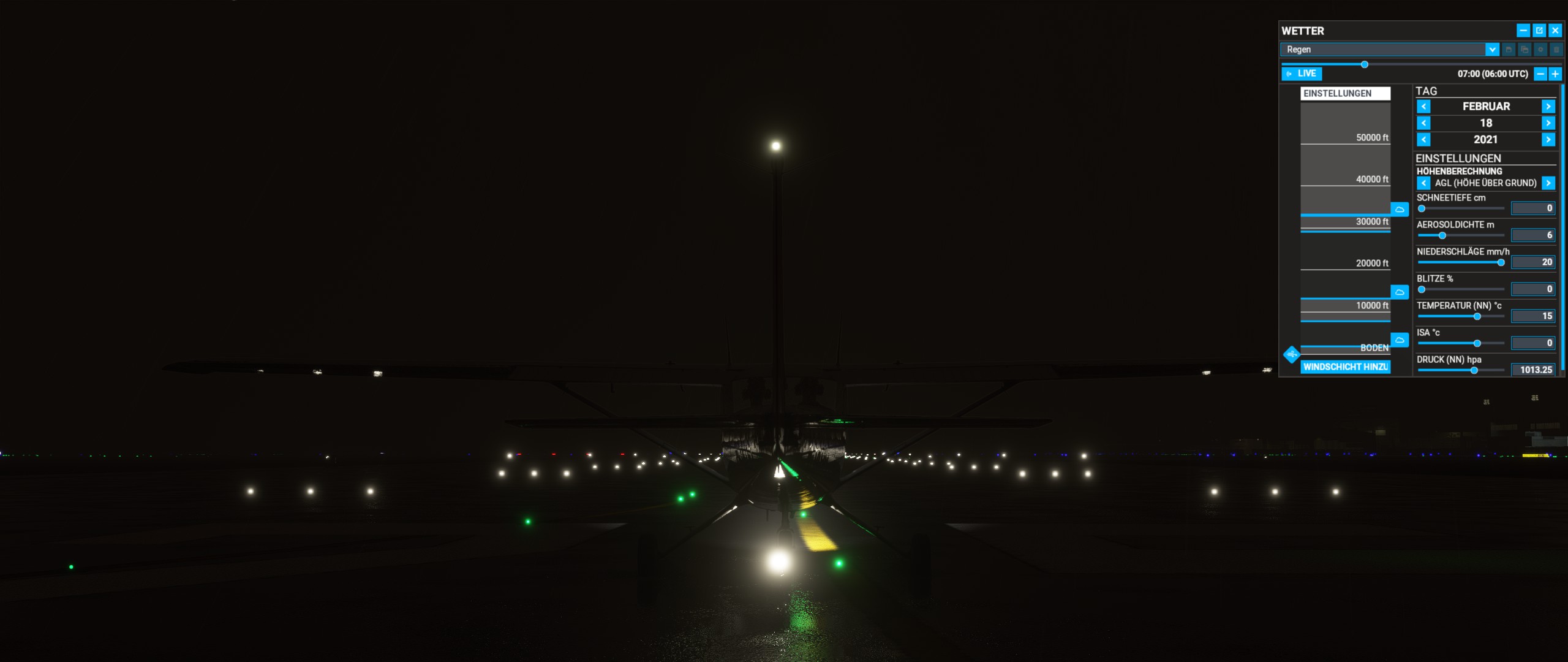
07:00 UTC
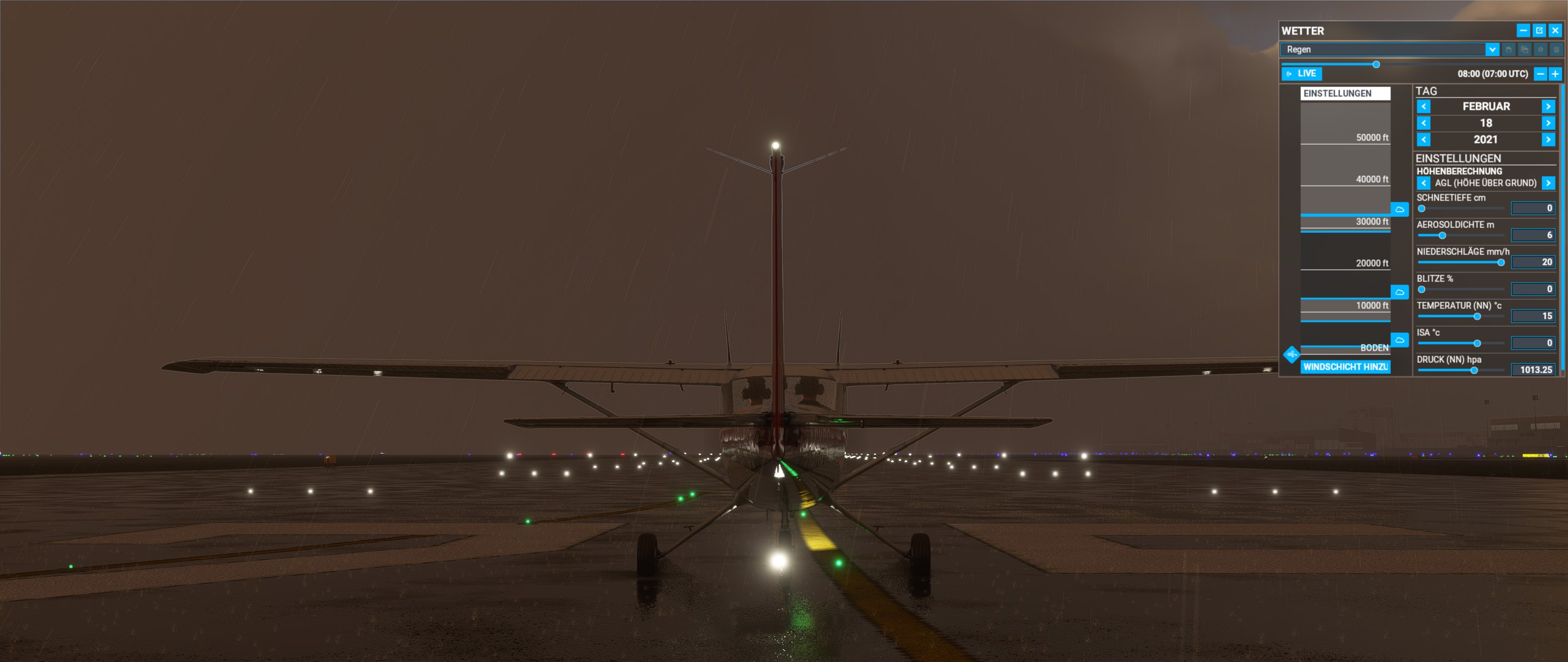
08:00 UTC
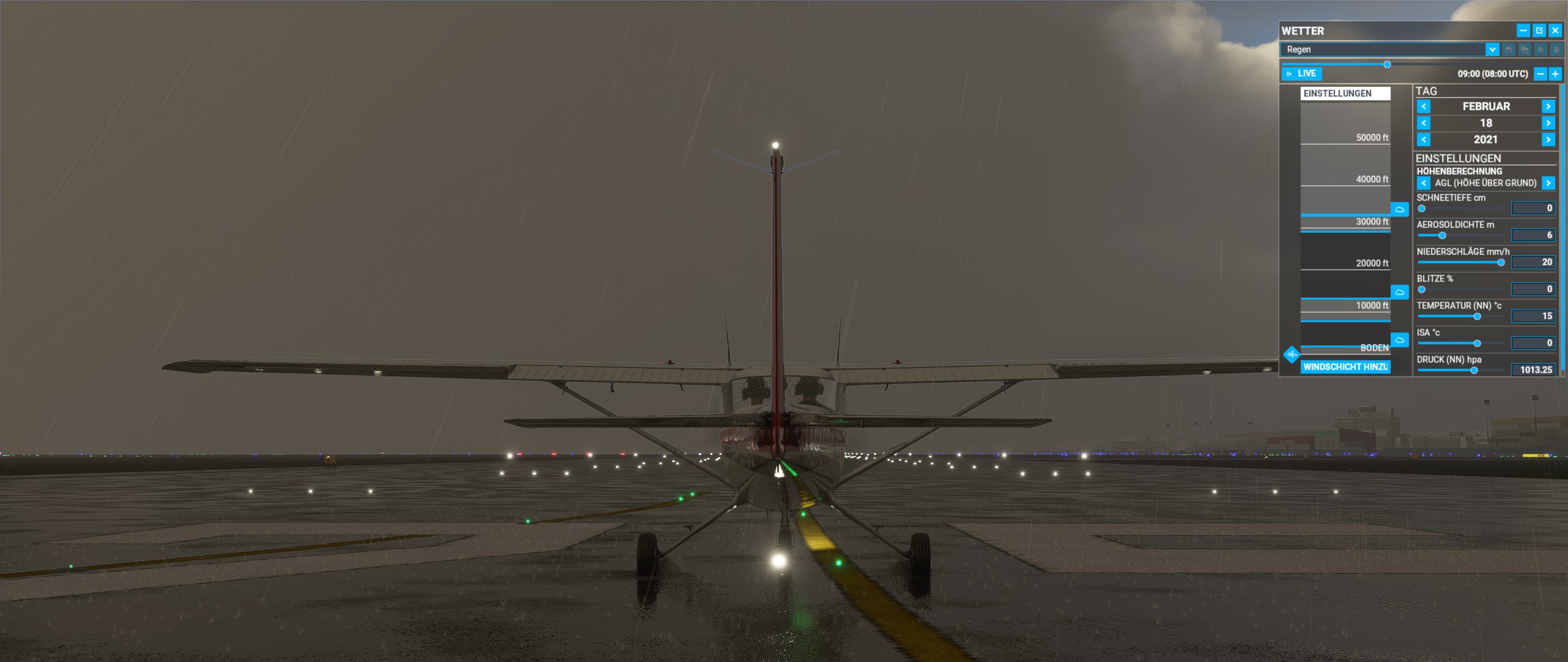
12:00 UTC
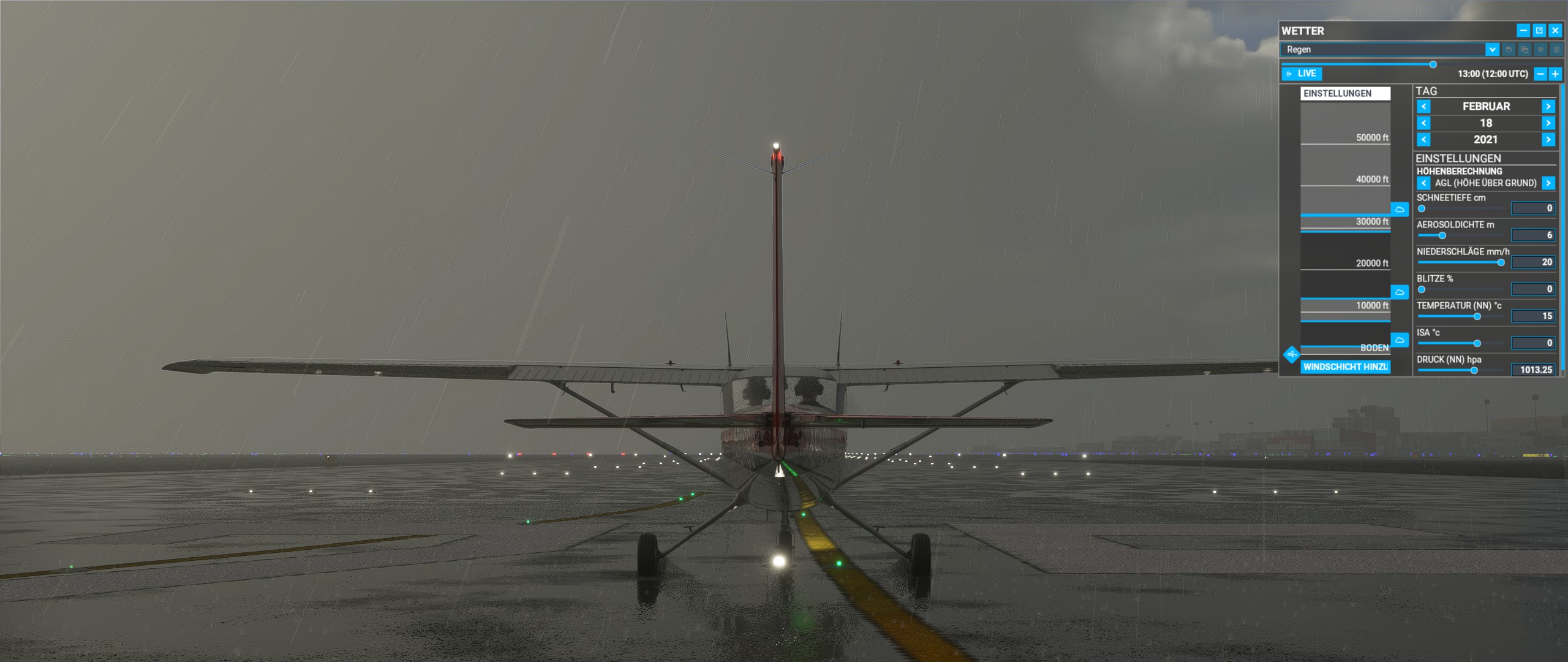
16:00 UTC
16:30 UTC
19:00 UTC
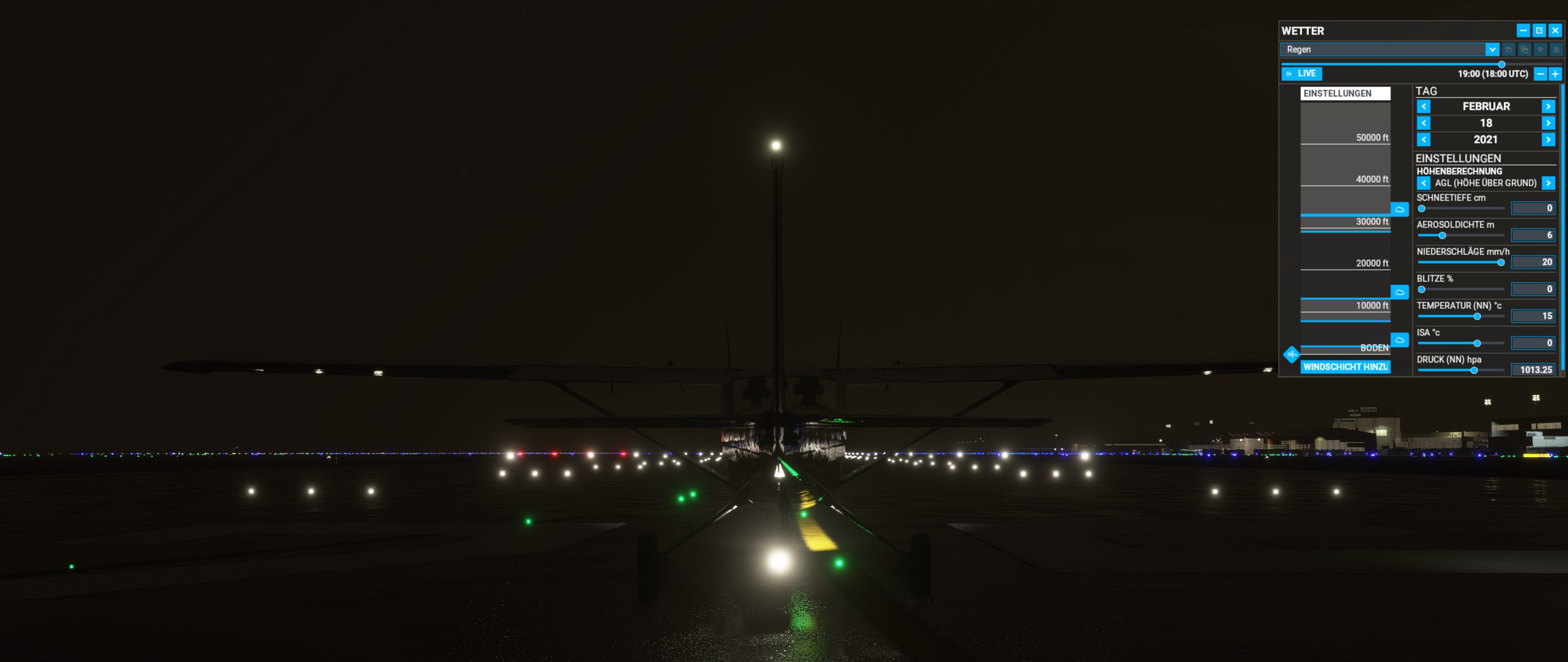
It seems to be related to the position of the sun, cloud cover and TAA.
MSI GeForce GTX 1070 ARMOR 8G OC
Nvidia driver: 461.09
If not for showcasing the bug, I like how this series of screenshots is illustrating how good the PBR engine is rendering lighting and materials!
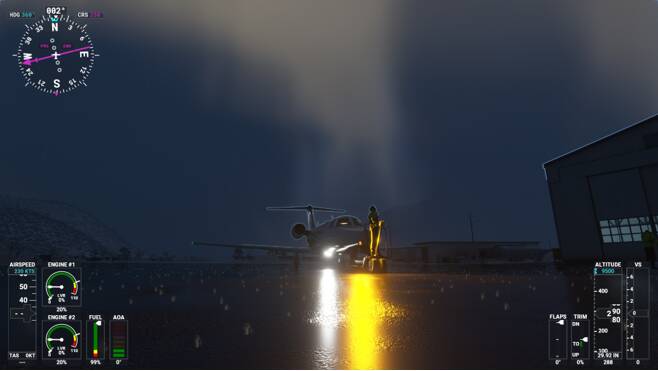
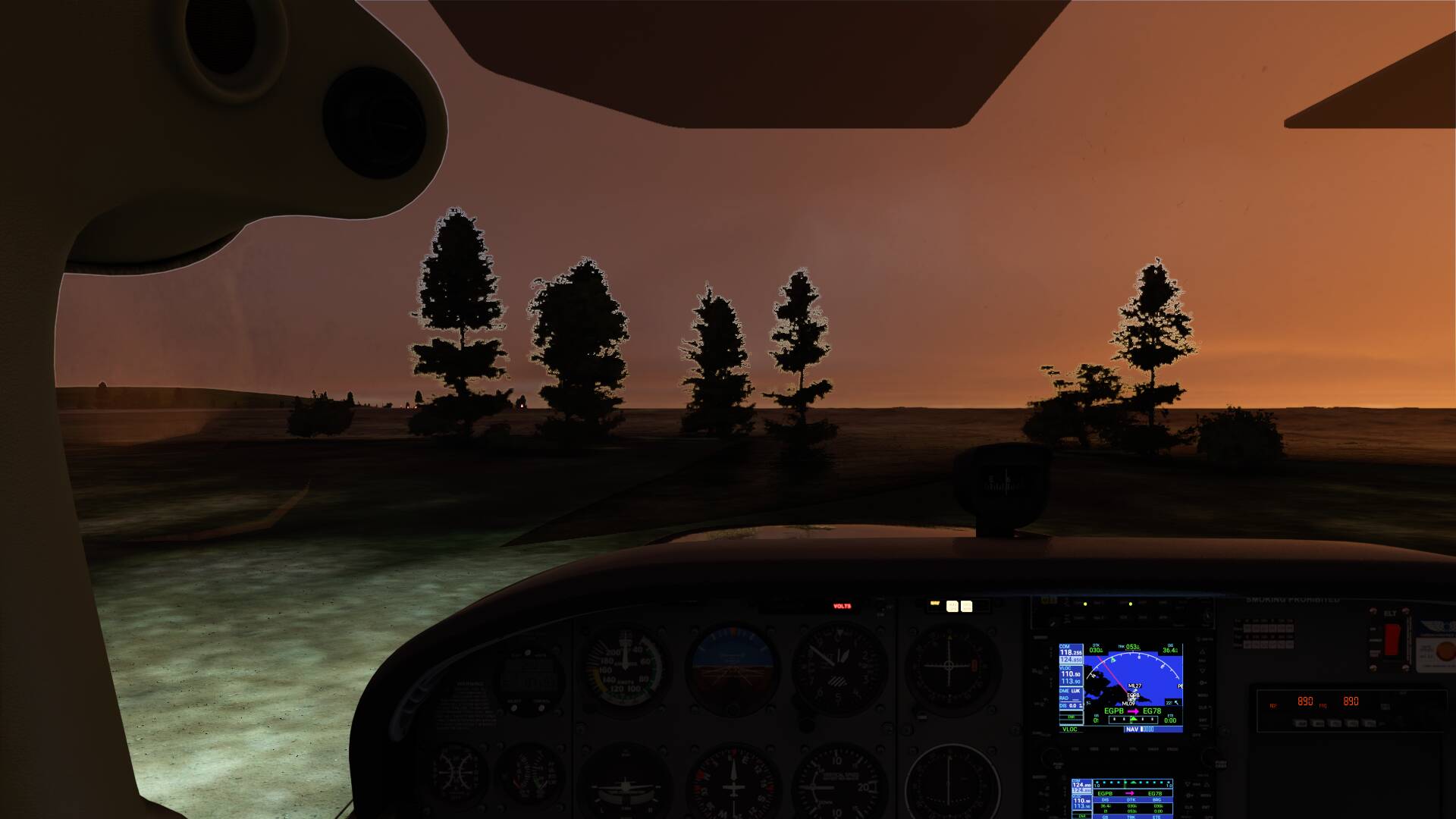

This is Surreal

Yeah, AA on or off makes no difference. I tried all the settings in between. Anything less that FAA just made it look worse.
Another one for Asobo to un-develop I guess.
this needs to be fixed  along with the random slideshow framerate drop im now getting after this patch
This outline is really a part of the clear sky behind the clouds, that’s why it changes colors depending on the time of day. Looks really ugly.
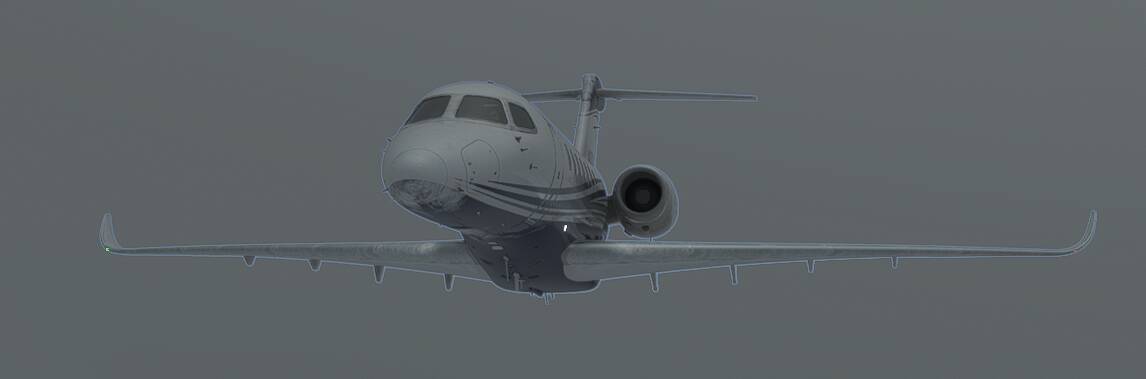
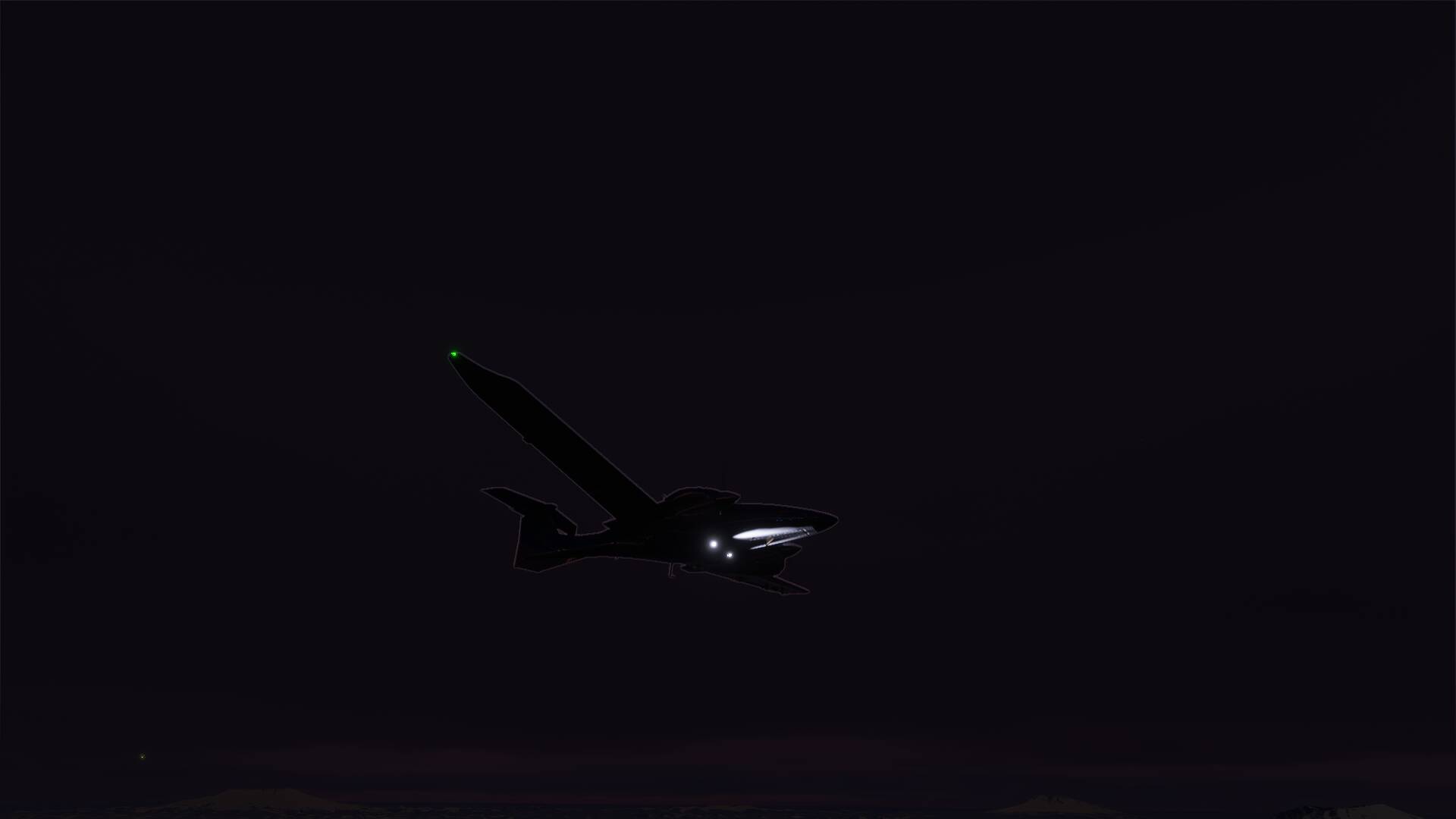
Max Headroom?
I am seeing this ‘aura’ around anything silhouetted or backlit against clouds mostly noticeable in sunset /sunrise lighting.
The one major attraction of MSFS2020 is flying at the Golden Hours - now what?
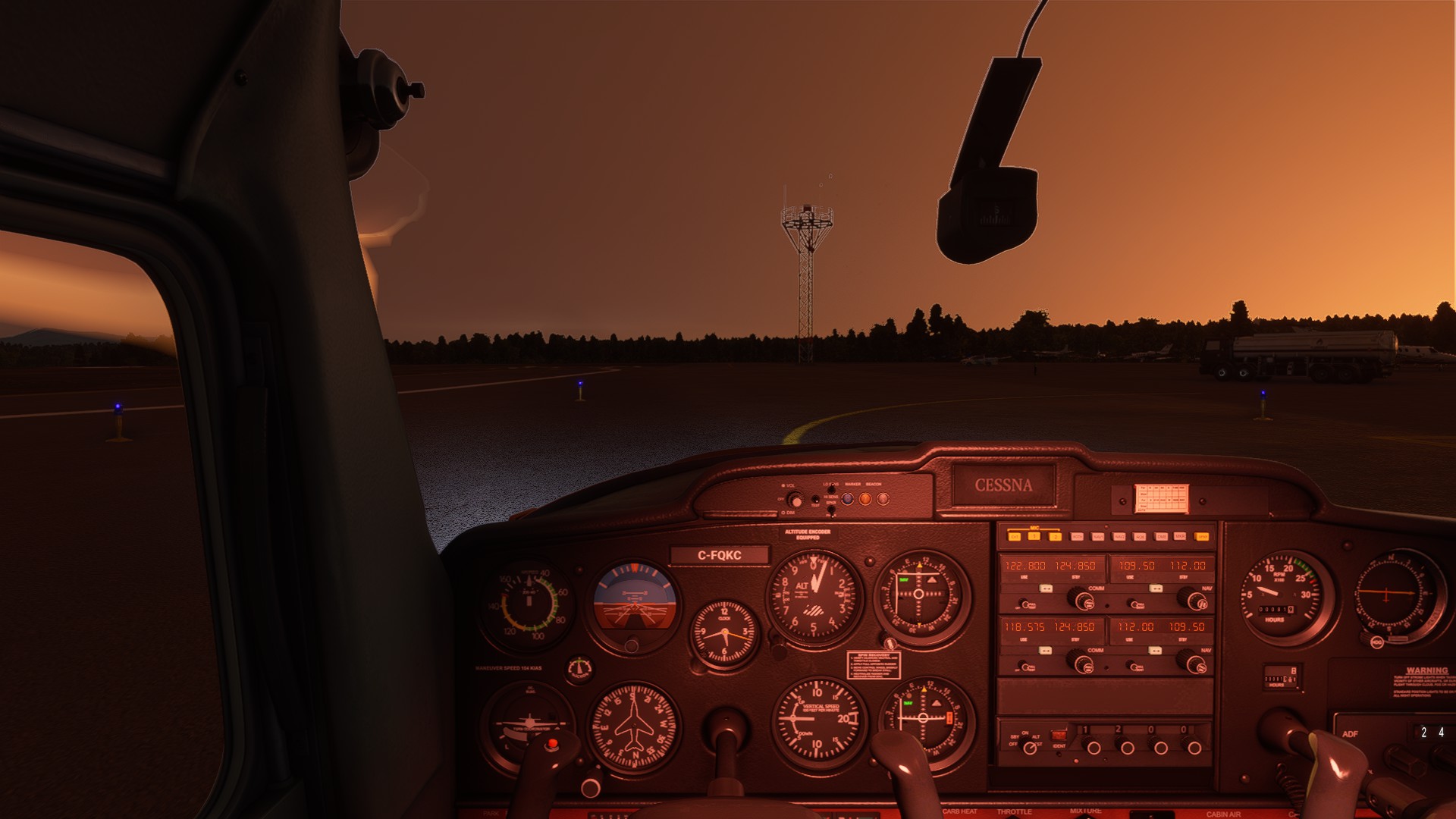
It boggles my mind that something like this got missed, when the update was delayed three(?) times. They cannot say they didn’t have time to test the patch fully, as was proffered when we were on a two week cadence. Either they knowingly released it with this bug, or they don’t have a very robust QA process, which given the flight model issue we now face I am inclined to believe.
Have many reported this to Zendesk?