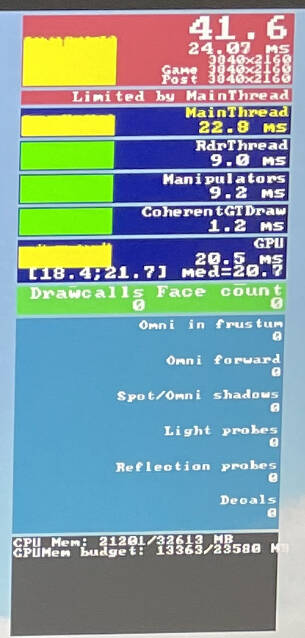
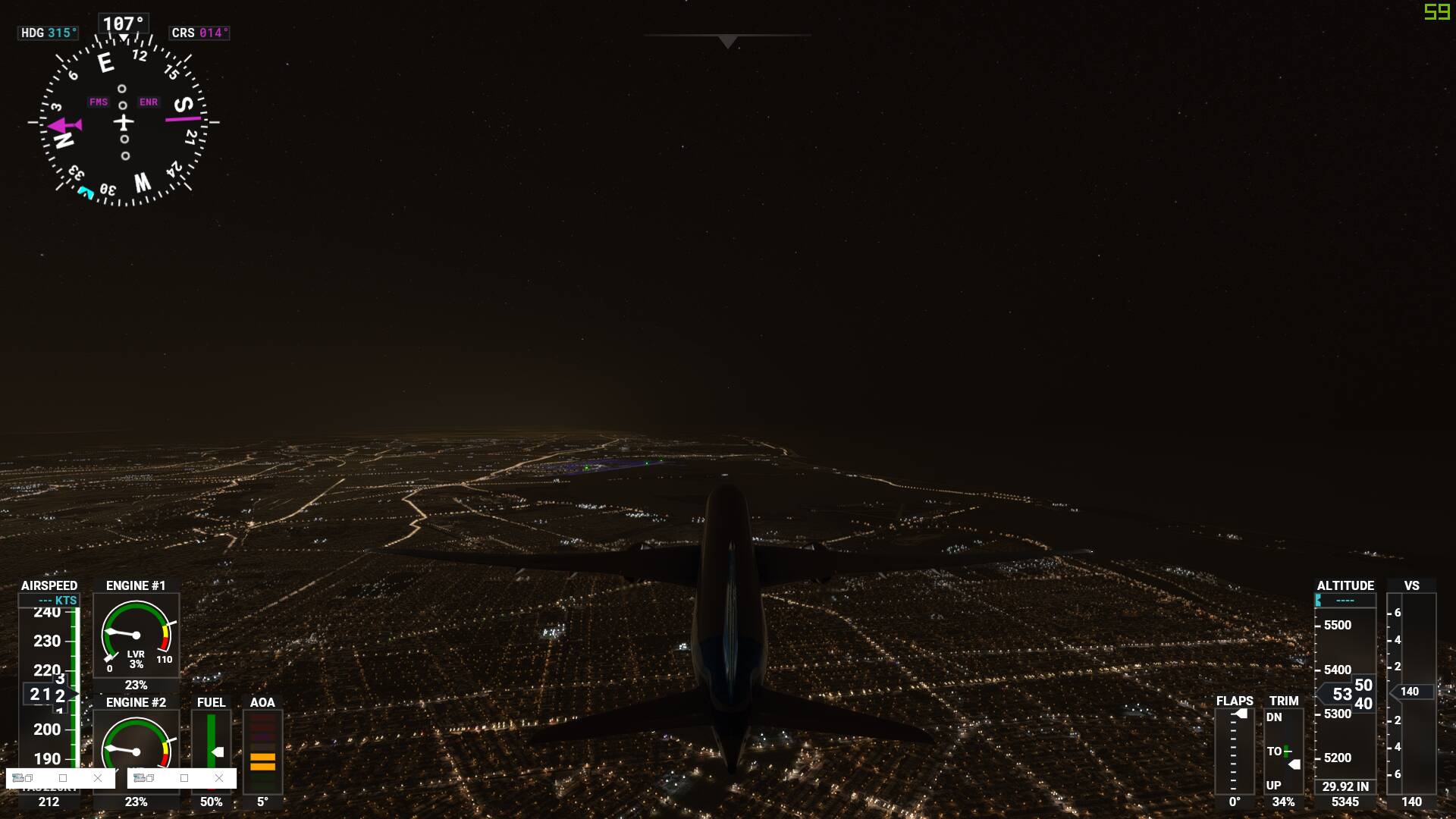
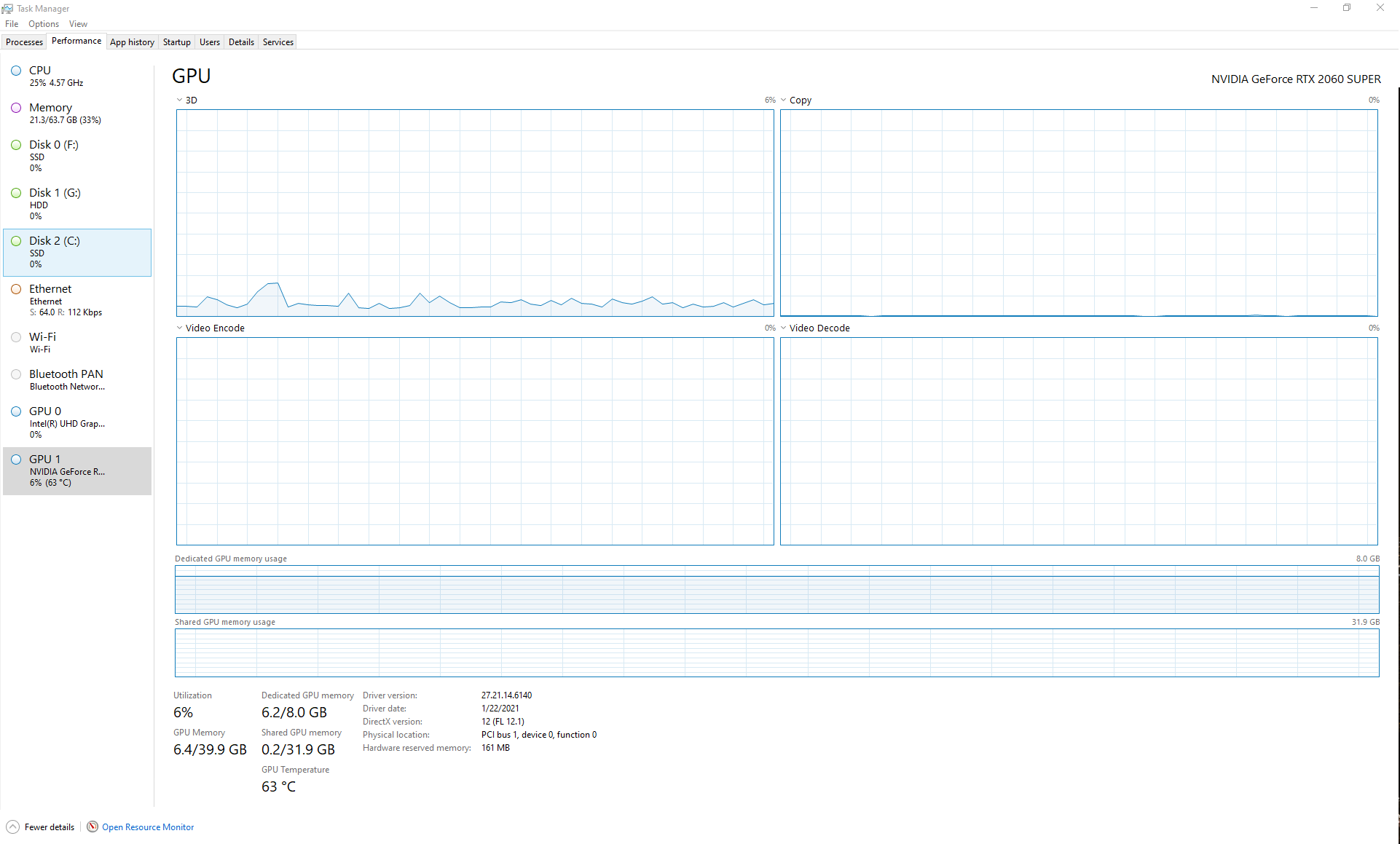
Even with an NVIDIA 2060 Super 8GB, I still get 60 FPS and my GPU memory utilization is only 6GB while flying around KJFK even at night in a 787 Dreamliner. But at times I have seen higher GPU memory usage.
However, I have never seen it use any Shared Memory from my RAM other than a tiny amount.
Besides the sim I only have Chrome open with a few tabs and Little NavMap.
My question is, has anyone seen the GPU using any considerable amount of system RAM after exhausting GPU RAM?
If your VRAM isn’t filled, there’s no reason for it to use slower system memory to load stuff. Your GDDR6 (or variant thereof) on your particular GPU is much faster than your DDR4 in your system. It will always use that first.
As for VRAM usage, I have an 8GB RTX2080. I’ve never noticed MSFS use more than 7GB. Not sure what others have been seeing with their settings, but with mine (mix of high and medium with a couple of Ultra), that’s what I’m seeing as normal usage.
I too have never seen my RTX 2060 Super go over 8GB. So I don’t understand why so many people are after the RTX 3090 with 24GB VRAM. I know it’s a faster GPU, but the RTX 3080, should be more than enough for the sim. AN the RTX 2 series is a great value and works great with FSXX.
Like you, I really haven’t seen mine go over 8GB and use system RAM.
As a side note, I was doing some Challenge Landings, and noticed I blew you away, I think on the Chile Landing. I guess you have to go back and try to beat me.
Among friends I have in FSXX, I am in the number one spot in that Challenge
Well I am not expecting 60 FPS however I did a flight tonight my FPS with micro stutters with my system. I only expect 30 FPS with a mediocre system
My system is
RTX 2080TI ( duel my stupid mistake shows I am not a computer tech lol)
9 3950X
64mb Ram
System set at high no ultra apart from clouds,sliders at 100%
Wideescreen monitor.
Like I say Love the sim, had so much pleaure (this is not a complaint, just confused) but micro stutters or FPS should not be 20 FPS, Like I say no way am I a computer tech like I am a real life pilot..and there have been so many threads and so called experts about the issue about bottlenecking, with GPU AND CPU…yet there are no answers from people giving adice…just confused
24GB is ridiculous for gaming. nVidia like to think of that card as a “workstation lite” grade card vs a gaming card, despite the fact that it’s part of their gaming lineup. 24GB is ridiculous. I’d be surprised if any game in the next decade would need anywhere near that much VRAM.
That said, the 3080 feels like kick in the teeth with 10GB. I would think 16 should be the minimum to look for in a high end card in this day and age. Particularly when the new 3060 comes with 12GB.
As for landing challenges, I tried a couple of them when the sim first came out to check them out. I haven’t done them since.
Like I say my aplogies didnt mean to offend.
Yes Did a flight, real time and weather with rex force GPU was utilised at 60%
CPU WAS AT 70 %. Temperatures was fine cpu at 60 degrees GPU at 75 degrees.
Plane was 32NX mod
I have a duel 2080TX disabled sli
64mb ram at 3200
Ssd 2 TB drive dedicated to windows and MSFS 2020
Render scaling at 100%
Other sliders 100%
Everything set on high apart from clouds.
Refresh cockpit rate medium.
Like I say will keep searching for a solution on that setting was only getting 20 to 22 FPS
Cheers
You have “Dream System”. One that I can only dream about having.
If there was a system that could run “Ultra” at 60 FPS,
it should be yours.
Note the response from:
Others in posts have also complained about their high level machines not getting FPS that they think they should be getting.
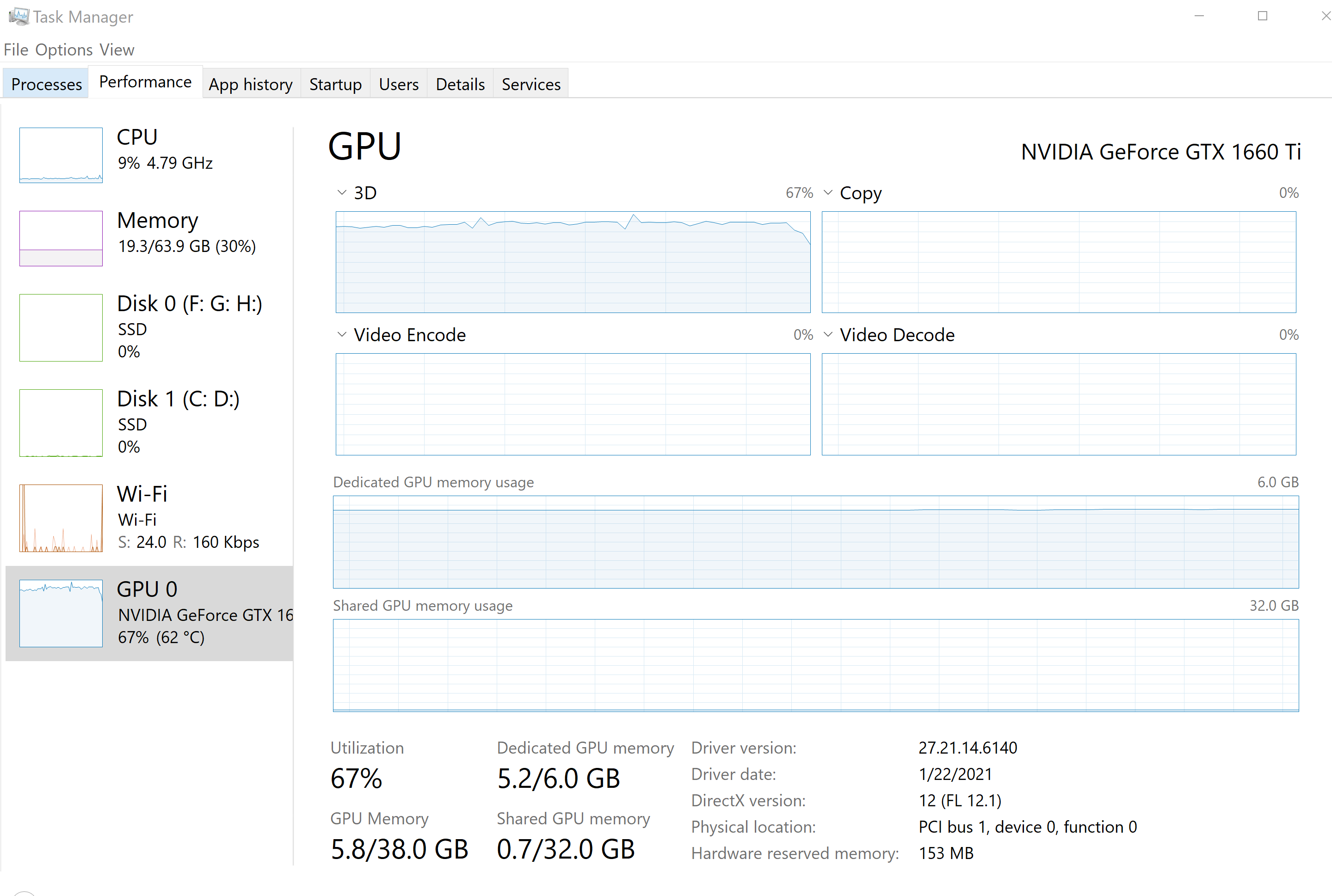
I’m running a GTX 1660 TI at pure “Ultra” and getting around
14 to 24 FPS in flight (WT CJ4 at 3000 feet - lots of scenery - NYC) and smooth flight. (i9-9900K and 64 GB SDRAM)
And I am content flying with it.
Edit:
Just reread your post
That is not what I said.
Set the option to “Ultra”.
Don’t touch anything else. Save it and try the flight.
Well I wouldn’t say anyone needs a 3090 however in my use case I’ve regularly see Vram usage around 13gb while using VR with the HP reverb G2. Your settings for one will determine what is needed. Also the sim probably tries to use what it has available so you won’t see it go over what your gpu has. With my previous card 1080ti I saw 10+GB of ram being used in VR often.
I have not. Sim always wants to use all my Vram at 97%. Settings dont matter where I put them using RTX2060 8gb card. Runs at 79C no matter what scenery or load. Never uses extra ram over GPU card. Sim sometimes runs on ONE core of my 8 core Ryzen 7 3700x at 59C and all other core going to sleep.
I’ve seen my 3090 spike to 10Gb over KORD yesterday, and that’s the highest I’ve ever seen it go. Over the UK it’s a bit higher than normal (8GB typically). Purchased my card as I intend to keep it over the next 5 years, so it was a good investment for my needs. As for shared RAM usage, no, never have I seen it over 0.1 and neither should anyone with the “recommended” AMD or NVidia specs listed by MSFS.
With the NV 460.89 driver my card uses 8.5 GB of Vram, with the latest 461.72 driver I will see 10.5 GB of Vram being used with same graphics settings in MSFS and same flight load up scenario. I always reverse back to the 460.89 driver because I find it more stable. The latest drivers for me have been very leaky. GTX1080ti
So, we finally have a documented case of the GPU using System RAM. I really don’t think it hardly ever goes above 8GB of VRAM. I’ve always seen the shared GPU at about .1 or .2. and I think it always allocates that so it can start using from there on as needed.


 duel my stupid mistake shows I am not a computer tech lol)