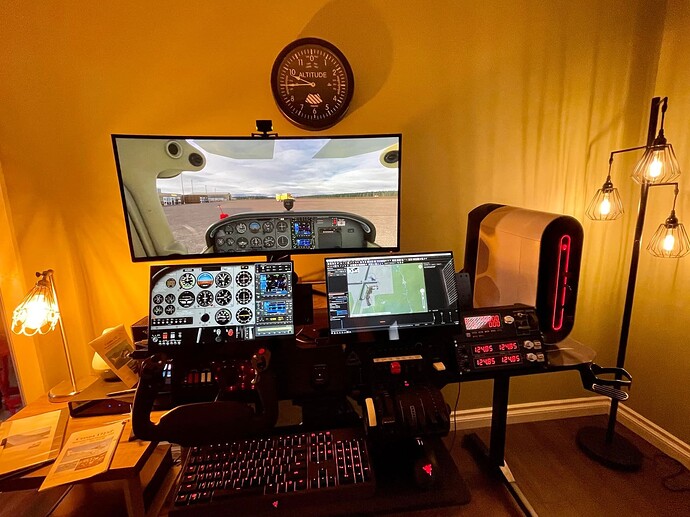
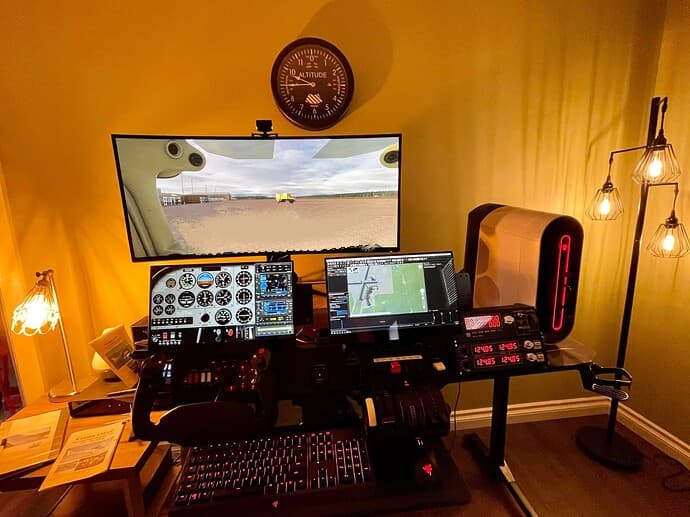
It is always good to see a real Cessna-fan here. To make your flights more interesting, you could add the bushplane versions taildragger version and more of the Cessna 152 and 172, and do some beautyful cockpit modding.
I recommend the black seats and dark-grey two-tone cockpit for the bushplane Cessnas, and JD´s cockpit with the beautyful white instruments for the standard Cessna.
Carenado`s Cessna 182 Skylane and 337 Skymaster is a must-have in every hangar, unfortunately their 337 is still not released.
I quite enjoy my Cessna flights. I don’t have quite that many hours in the 152. Most of mine are in a combination of classic and steam gauge 172. Probably close to 200 hours combined between those two. It’s hard to tell exactly since a reformat and reinstall on my system a few months back reset all my Hobbs meters despite all my other logged hours showing up correctly.
The 182 is nice as well. I quite enjoy that plane. Not too crazy about its ground handling since SU5 though, but otherwise, it’s quite fun to fly as well.
And I’m looking forward to the 337 as well. That looks like it’ll be a fun plane.
Just strikes me its such a shame that it is not more easy to remove the Cockpit panel image from the main Screen… It really is quite redundant as you have all the Instruments there already in front of you.
Many others have already commented on this, there appear to be no easy way to remove the panel image from the main screen (as there was in FSX )
I adjust the camera to when flying to minimize the cockpit view within the main screen but it doens’t totally dissapear. It’s a balance between minimizing it’s view without obstructing / ruining mine.
But yes, would be nice to make it dissapear all together, and maybe just have the crest of the top of the dash in view.
Regarding the instruments being visible and not needed…
I find that I like to move my view closer to the panel (rather than use zoom) and then pan up a bit so I just see the top edge of the glareshield with the magnetic compass perched on top. Then save that view as a custom view and recall it when you load the plane. I made the saved view by modifying the camera.cfg file a while ago but you can also do it with mapped keyboard commands.
The view system is still weird and I think they changed something in SU6; but I think the “pilot” view you want is where you set custom view 2 to how you like it (and save it of course), it will be used when you load up the aircraft. Having a reset view button on the yoke is also very helpful!
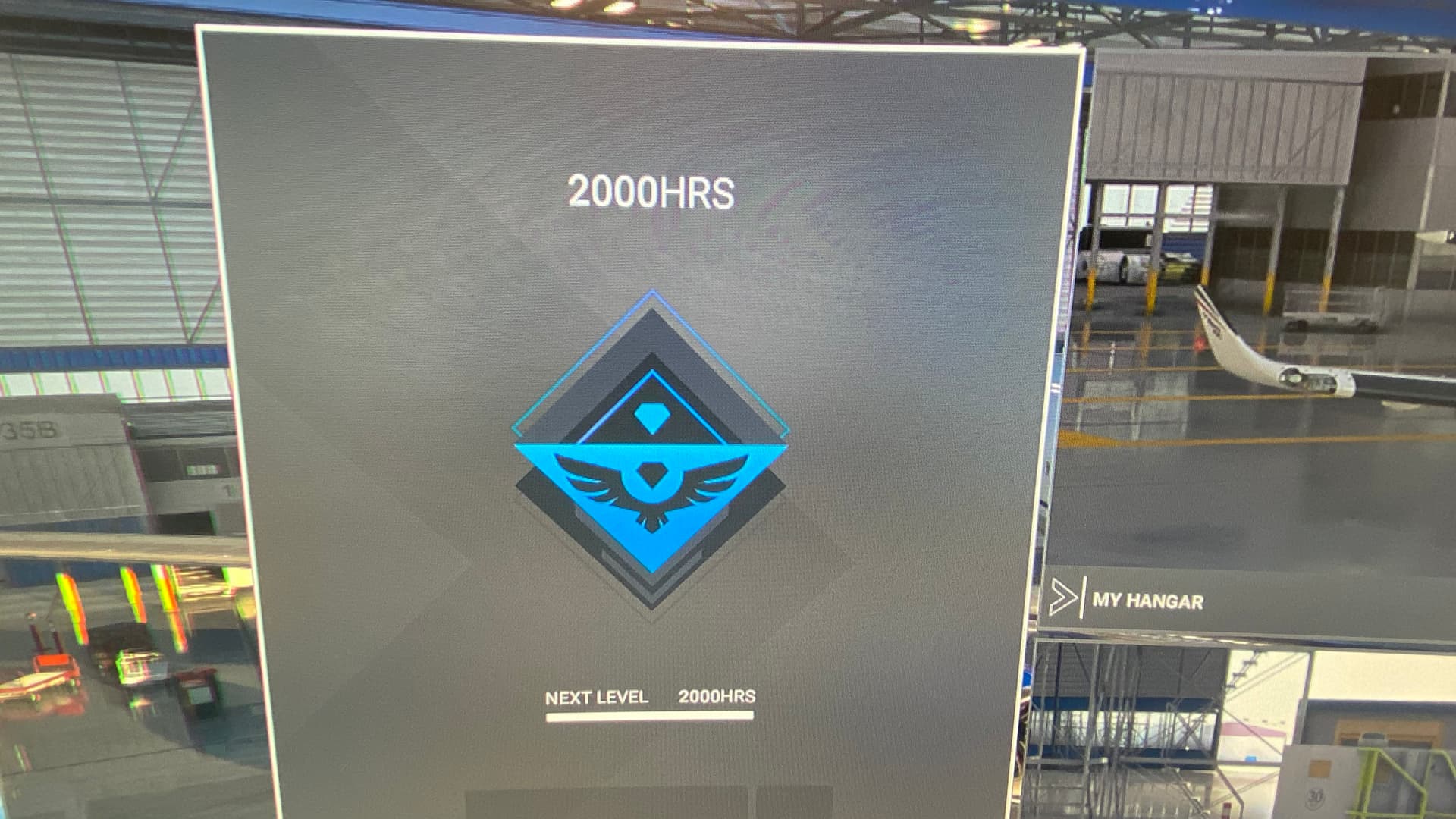
I finally made it! 2k hours. I’ve been flying since the sim released. Pretty proud of this one. For my last hour, I flew from my current home to my old one. Austin to Memphis.
Thanks everyone. This journey started with me working from home since the pandemic started and seeing a random YouTube video around June or July 2020 about the sim. It’s what I’ve been waiting for since I started gaming decades ago; I wanted a game where I could see the world from the sky with great detail. I invested heavily in hardware, and when it released I went nuts with it from day 1. I love this thing. Thank you, MS and Asobo!