PC Version Suggestions
- Uninstall and fully reinstall the latest F-35 update
- Recalibrate your Virpil stick using the VPC Configuration Tool (Should be done each time you make cam changes)
- When you need more precise control (such as while holding position in formation) disable the Auto FCS (FBW) and switch to manual flight control:
- Use the Flaps Down keybind to disable Auto FCS and thus switching to Manual FCS (Conventional flight control utilizing manual trim while enroute/cruise during flight)
- Use Flaps Up keybind to re-enable Auto FCS. You will see the notation of your current FCS state in your MFD. I marked where the FCS notation with red boxes around the notation in the screenshots below.
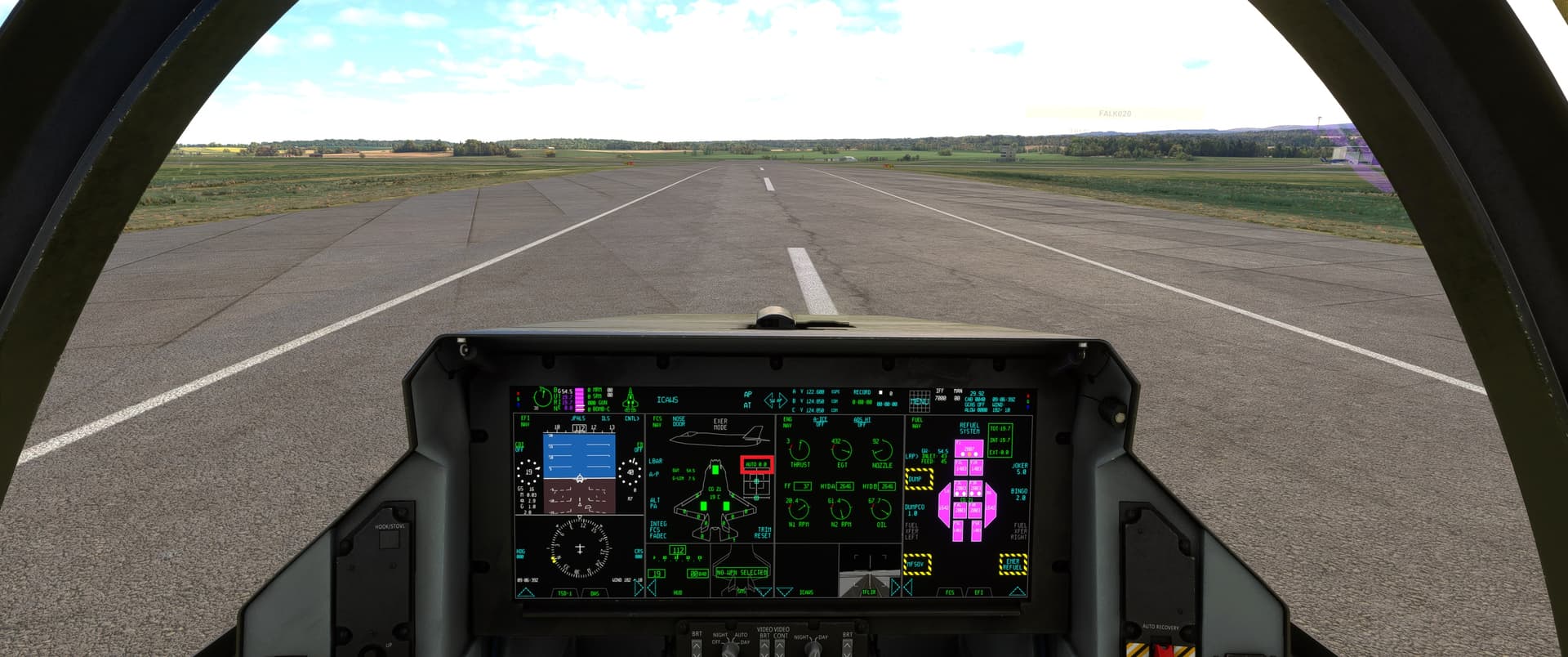
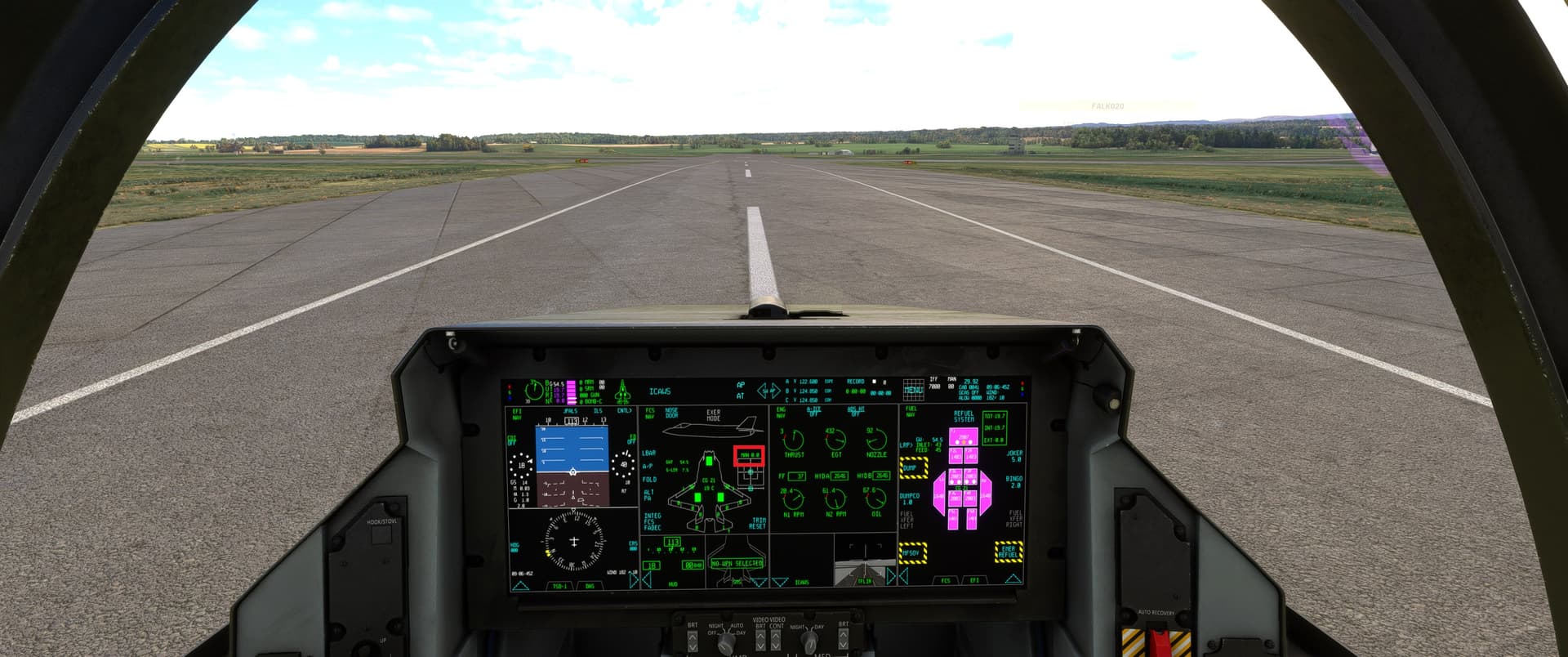
NOTE: I am new to the Virpil ecosystem, as I just received and installed my Virpil CM3 base and Prime stick two days ago. There might be some other tips veteran Virpil users might know about. I am however, experienced with the F-35 from IFE. I have better fine control with the Virpil stick than before (TM Viper stick) when flying the F-35 in Auto FCS. It is why I offered the suggestions above. The latest update to the F-35 has at least the same or better precision in reference to flight control on my system.
Also, disabling the Auto FCS (FBW) with the flaps keybinds should be helpful for XBox users as well. I have always had a difficult time holding a stable position in formation with any addon that uses FBW flight controls - even before the latest F-35 update and my upgrade to the Virpil base and stick.