same… are you running a windows insider build of WIndows 10?
yes im at a insider build
and no, “Move” doesnt help
I wounder if that is the cause..
I am from China. Now I have a wrong I cant download the game,It shows me the Please wait,I wait it for 3 hours ,but it doesnt work,do you know how to fix it? Thank you very much.I use the VPN,but it cant work in MFS
@Nyx1819 I updated my DM with all steps i tried so far
Sorry for the delay, I got tied up on another issue.
Please try installing the Xbox app on your computer, this has helped a few people. If that does not work, you could try following the steps below. Please note that I cannot guarantee that it will not cause more issues.
Your other option would be to file a support ticket using Zendesk, include crash logs if you have any in your event viewer.
Couple simple tips when having trouble.
-
Make sure you got the Xbox app running and that your logged in, have it minimized in your system tray, dont close it.
-
Run the sim as administrator, when it pops up asking for the location make sure you actually get to click update, what happens with most is they browse to location and dont get the chance to click on update button if it happens and it hangs restart the sim as administrator and it will pop up the screen again, this time click update location should already be set now.
-
If you are done and you miss deluxe or premium deluxe content make sure to check the ingame content manager first, you can most likely download your content right there.
I will have to look when I get back, eta 45-60 minutes. Thanks for keeping me updated. Please let me know if you get a solution in the meantime.
Question is the xbox app the companion app
No, it’s the xbox app showcased inside companion app
why combining all threads in one… there are different problems!
No its not the companion app
Because some people encounters several problems
same wrong
Hello, I have when loading the game crashes the game itself before reaching the main menu, as it can be solved!
helllllp pls
Didnt need to
Same issue here, tried all those steps :
Reinstalled, game instant crash at first black screen…
Starting game as admin… Game froze and CTD at “Press Any button”
Started as admin again, but with background app (spotify, discord, RTX Voice) game CTD at Asobo screen
Started as admin again, by removing background app 1 by one to see if one of them was culprit, none made conflict, CTD appears at random occurence through loading up to “Press any button”
So far no solution, anyone having magic tricks up their sleeves ?
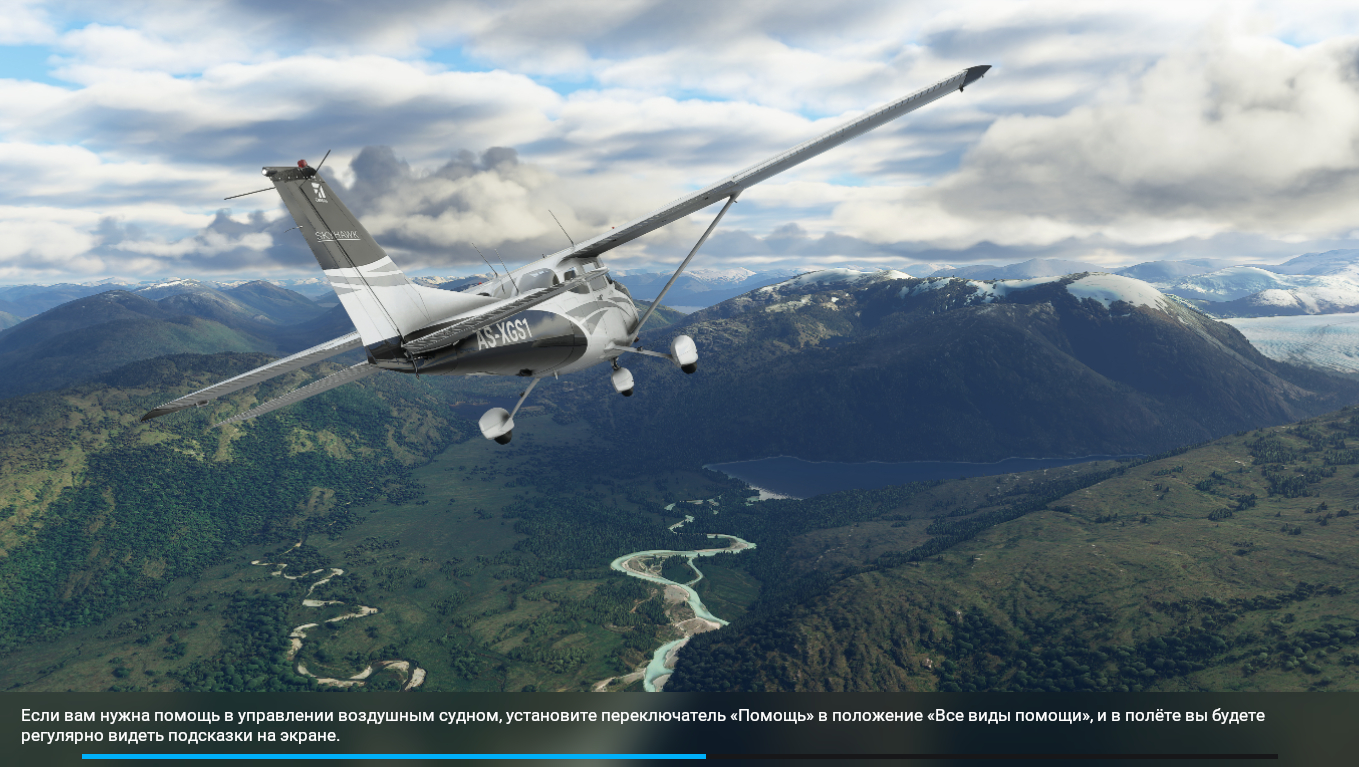
Well, why so many issues with installation???
Microsoft should have been more ready for this!!
They knew the hype they produced and that many will try to install at the same time!
I’m in Canada and have to wait 5 more hours before my time comes.
I really hope they fix these installations issues until then!!
Not good at all!
I think this could’ve been handled better by allowing us to run this content manager and downloads before the midnight rollout, instead of baiting us that we’ve preloaded only to be hit in the face with a 90GB download that crashes throughout, gets stuck on resume and generally is slow (doesn’t download the next file while decompressing for example).
And with the amount of preview and beta testing, not sure how all of these issues haven’t happened to anyone yet.
Hopefully it’ll get better but blue balling us with midnight release only to be slammed with hours of installation and issues.