Fun fact is, microsoft having issue with their own store on one of their main license…
Lol, those issues happened, why do you think streamers couldn’t stream until yesterday… They had plenty of crash issues
change the Kirabarati region on your pc and you can already download the game
[image]
That trick doesn’t work for everybody
Completely agree with you!!
Ok so for anyone to know, I noticed Discord make the game instant freeze then CTD
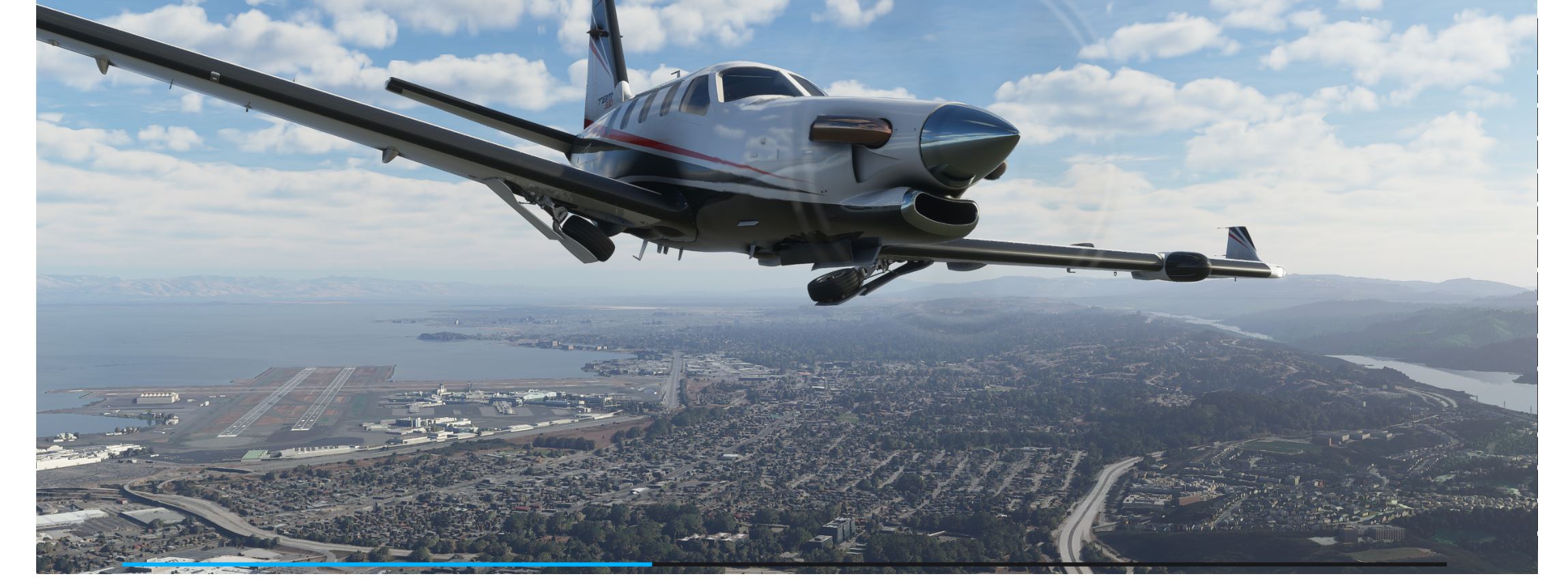
Really? i’m using discord
Well the game managed to go until downloading, i started spotify without issue, tried discord, game froze and crashed
you also crash
And also,the launcher crashed when i tried to connect a joystick or a controller
i have the same issue, i restarted my pc, restarted the sim, but nothing
SIGH Waited up until midnight to download, and now all I get is FlightSimulator.exe has stopped working after the ‘press any key’ screen.
At least you have something, mine just hang, or CTD without further notice
Hi all
I recently buyed the MS Store Premium Deluxe Version and I’m not able to start the download as the store says that I have to choose a compatible drive but the only one which is displayed is C: where I don’t have that much disk space at all.
I never had that problem with any other game.
thanks
Chris
Just running my installer now, hoping it works. It’s annoying that the “pre-install” means the installer, and not the actual content. Never had that happen before..
What format is your other disk? NFTS, xFAT, or FAT32?
It should be NFTS.
I honestly never seen a game launch being so bad…
Yeah, it’s very frustrating
Well, after it crashed and got stuck on “Please Wait…”, I am now redownloading the whole thing.
I wonder why when installing with Game Pass it first says “downloading 127GB” and then it goes to 1GB and we get this ■■■■■■ in-game download.
Whatever, going to sleep, coming back in a few hours.
All I wanted was to get a sneak peak and I’m spending the night troubleshooting a poorly thought-out launch. I’m sure the product is amazing, I just need to get to it :))