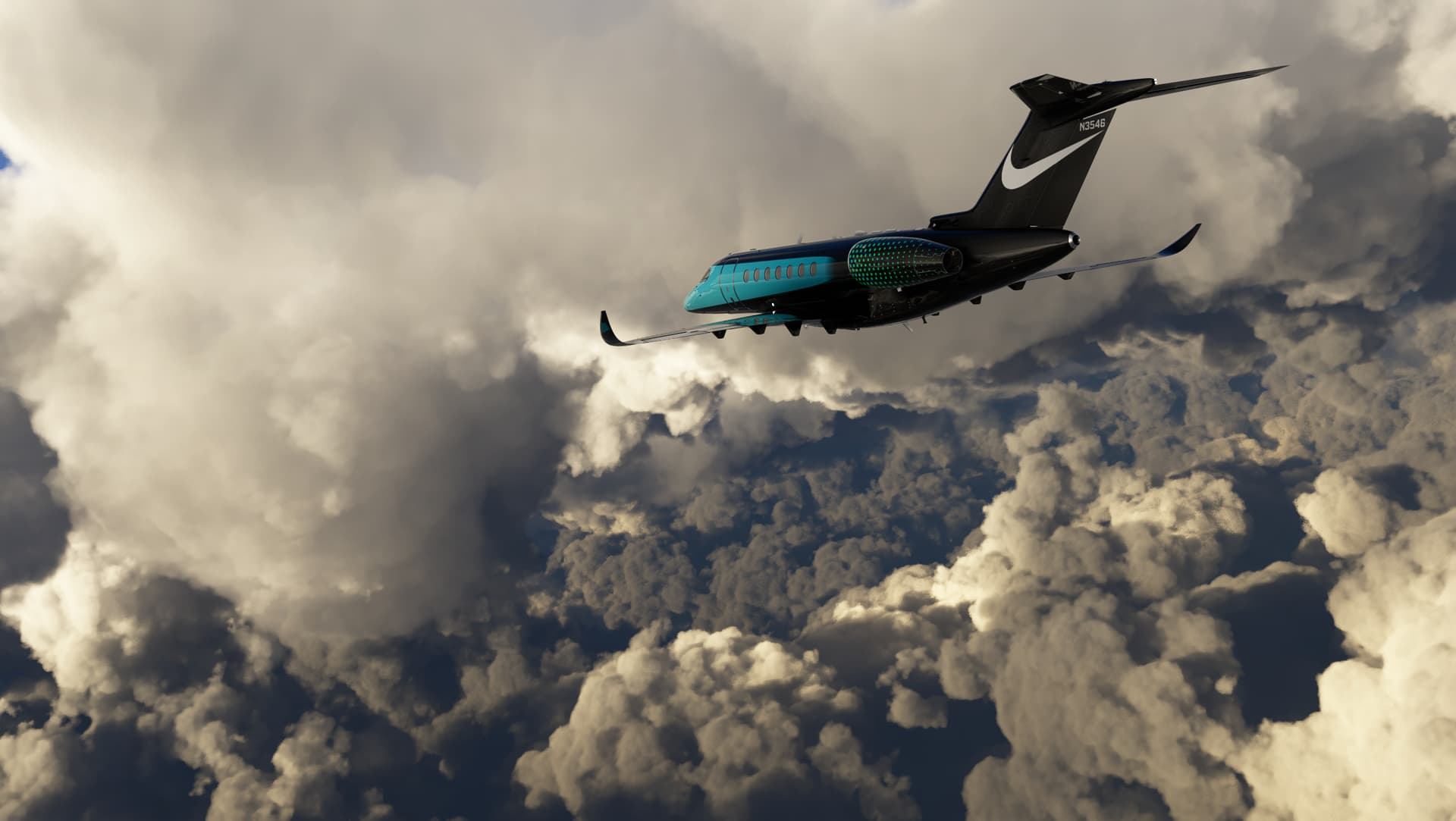
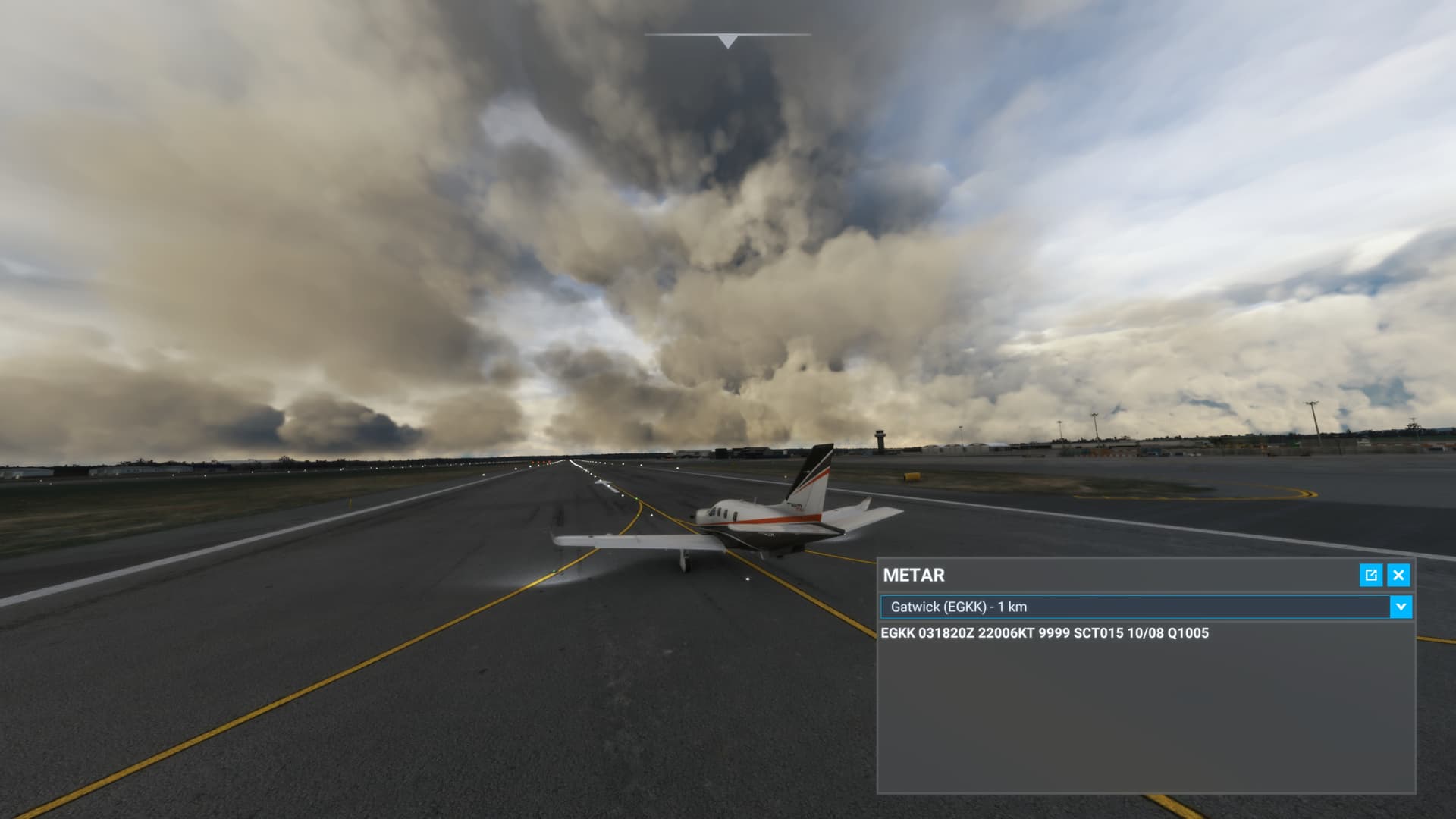
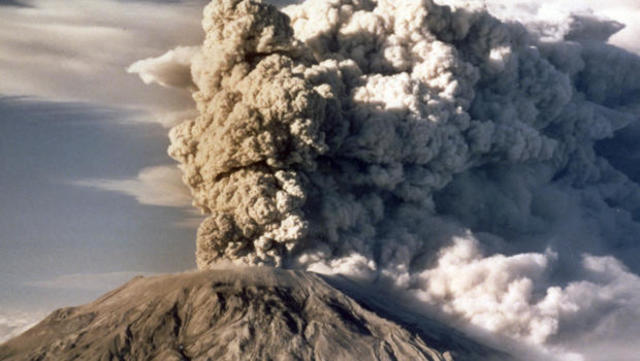
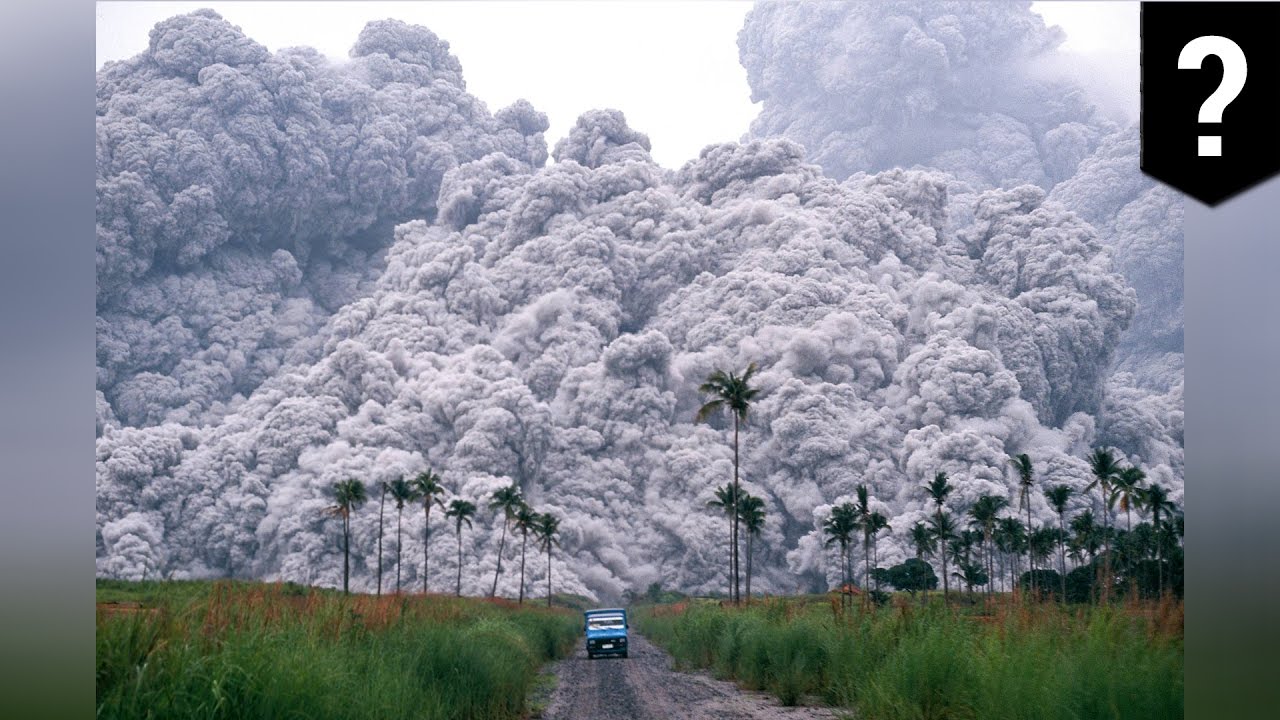
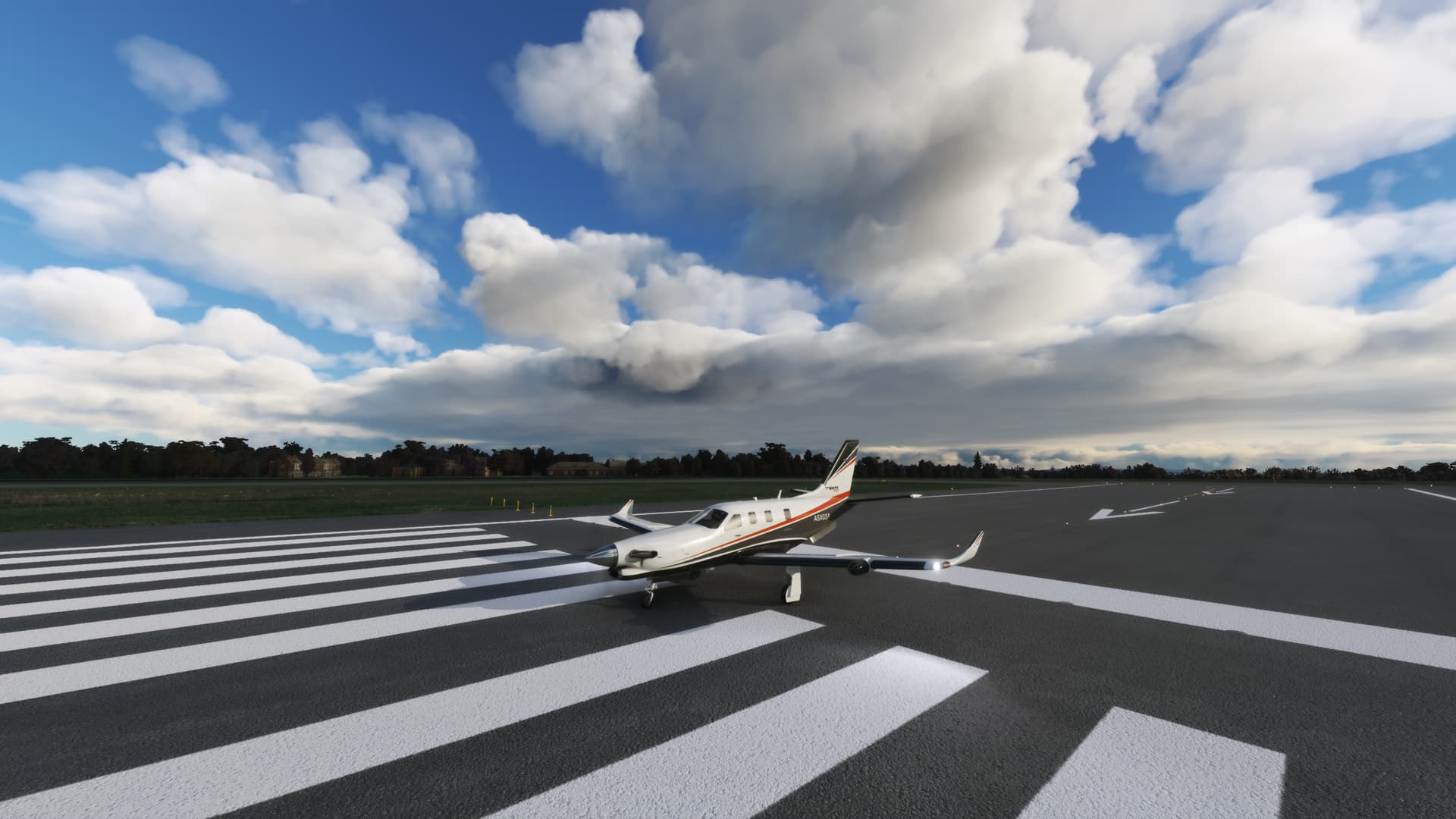
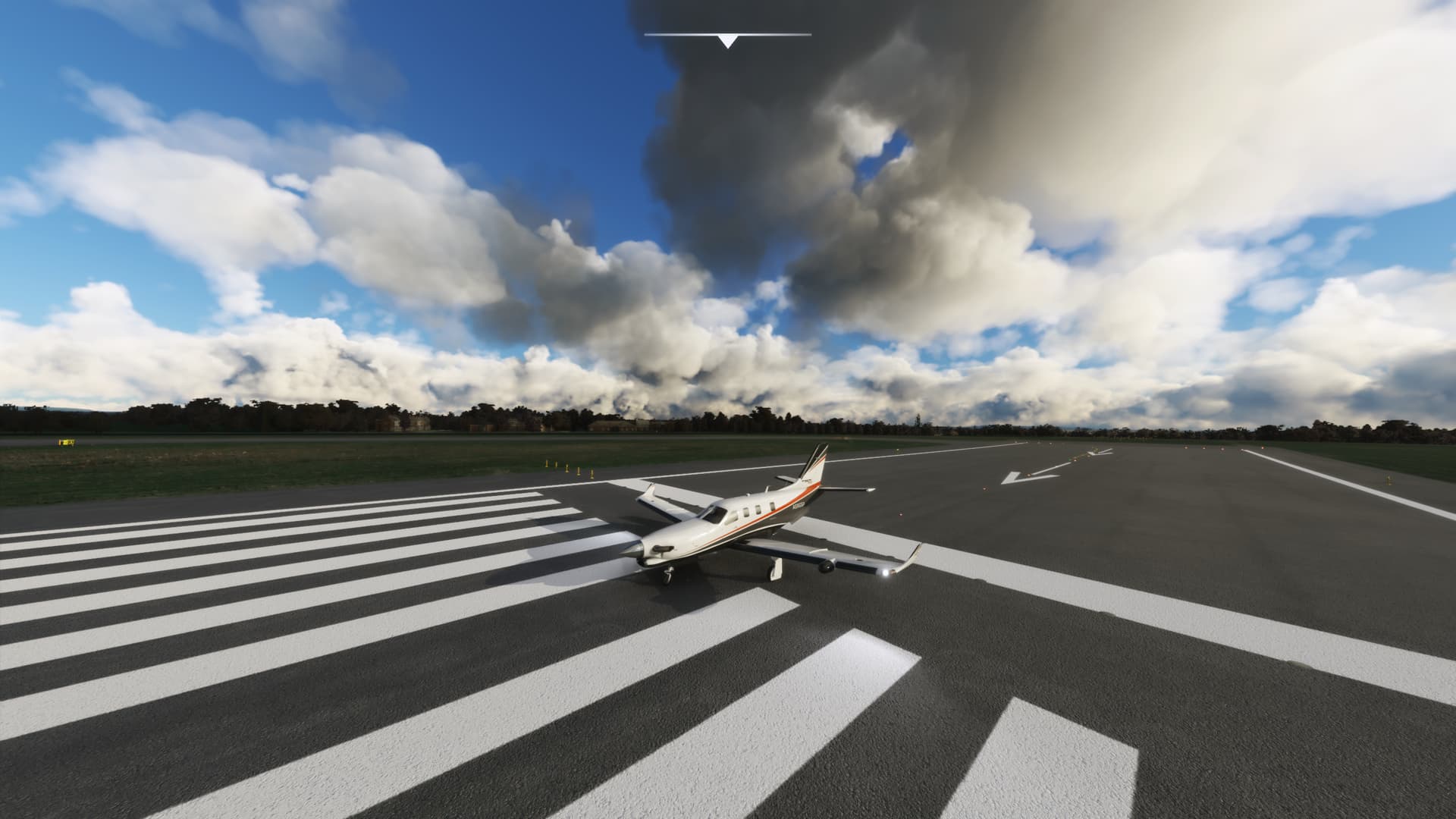
I’d just love for Asobo to adjust some of the shaders or whatever they are using when clouds are shading themselves. The dark is just WAAAY too dark. Still looks a lot like volcanic ash…it’s just bad.
I think this volcanic ash look is why the lighting is extremely dim even in the middle of the day under overcast. Yes our eyes can adjust better than a piece of software but in the sim things should be brighter.
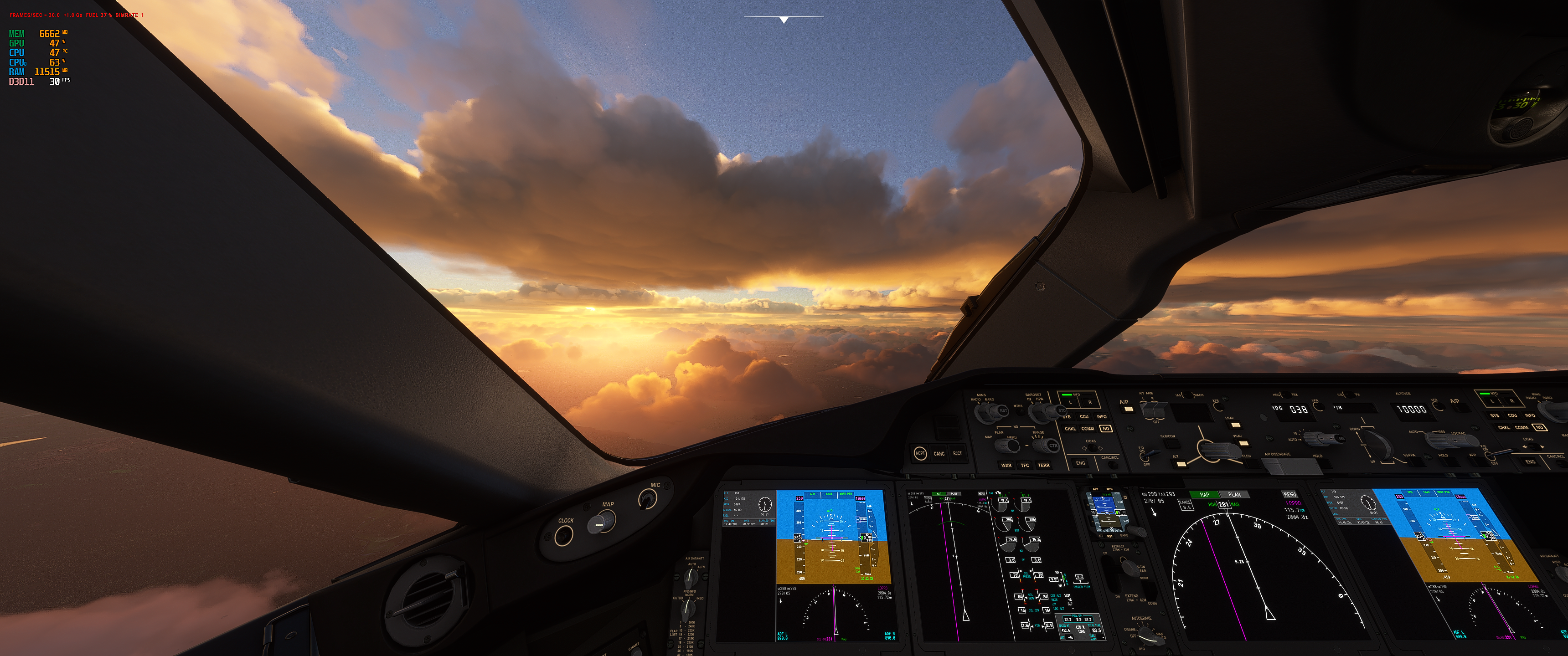
The band of clouds level with me is fine but the smaller clumps under it are so dark and just look odd.
I couldn’t quite put my fingers on it as I’m not a meteorologist but the lack of definition of certain cloud types and low density clouds that I have been complaining about are explained much better by the OP’s overview thanks for that OP.
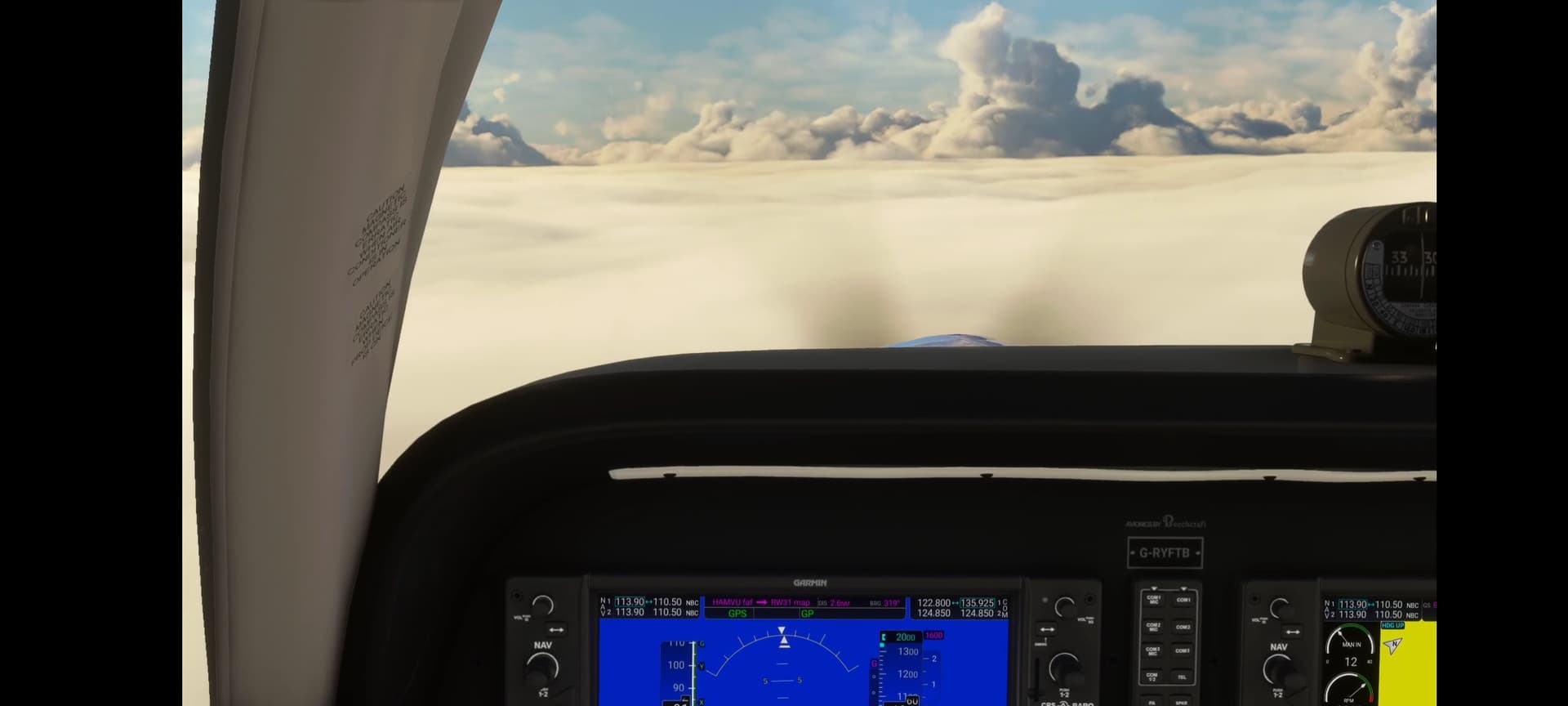
I hope what we’re looking at currently is a placeholder for what is required for better approximation of cloud and weather structure. Clouds and weather are a such a crucial part for the whole experience and it’s painfully obvious (despite how good they can look from a distance) MSFS has a ways to go to get this closer to reality. The question I have is can it be done within reasonable performance budgets, and I’m starting to really wonder when I read the OP’s overview of what’s happening. Right now from a distance things ‘look’ nice, but the closer you get the worse it gets, all the way to producing visual artifacts as you fly thru those parallel plates of cloud texture you see in a screenshot like this–thin layers each of its own low opacity more or less, superimposed over each other to give the impression of volume:
But as I say from a distance–this as from a preset:
Found this thread from after release. It had issues but i think we can see more issue now with weather. If performance is an issue i give some fps to have it like this again. The hardware always gets better but we can’t have better clouds if they degrade them to increase performance. We should have settings in that case. If they degrade we should always have options to get back how it was.
Guys, how come nobody has yet commented on the horrendous visual implementation of the fog in the beta? I’ve had a chance to fly over the north Italy the last few days where widespread fog persisted for days.
Not to mention the popping up of fog patches about 10 km wide ahead of the flight direction which is quite disgusting. But the worst part is that the top of the fog layer is completely smooth. Fog does not look like that from above. It looks like a cloud.
I cannot believe this has been allowed into the release. It is almost like there are totally different people involved in the product management of MSFS than a few months ago.
I hope they are reading this thread and willing to capture all the great information supplied by the users here.
I suspect that MSFS injects incorrect cloud types when it injects clouds based on what the METAR reports, possibly because it can’t get the information about what clouds it exactly should inject whereas maybe Meteoblue contains more information about types.
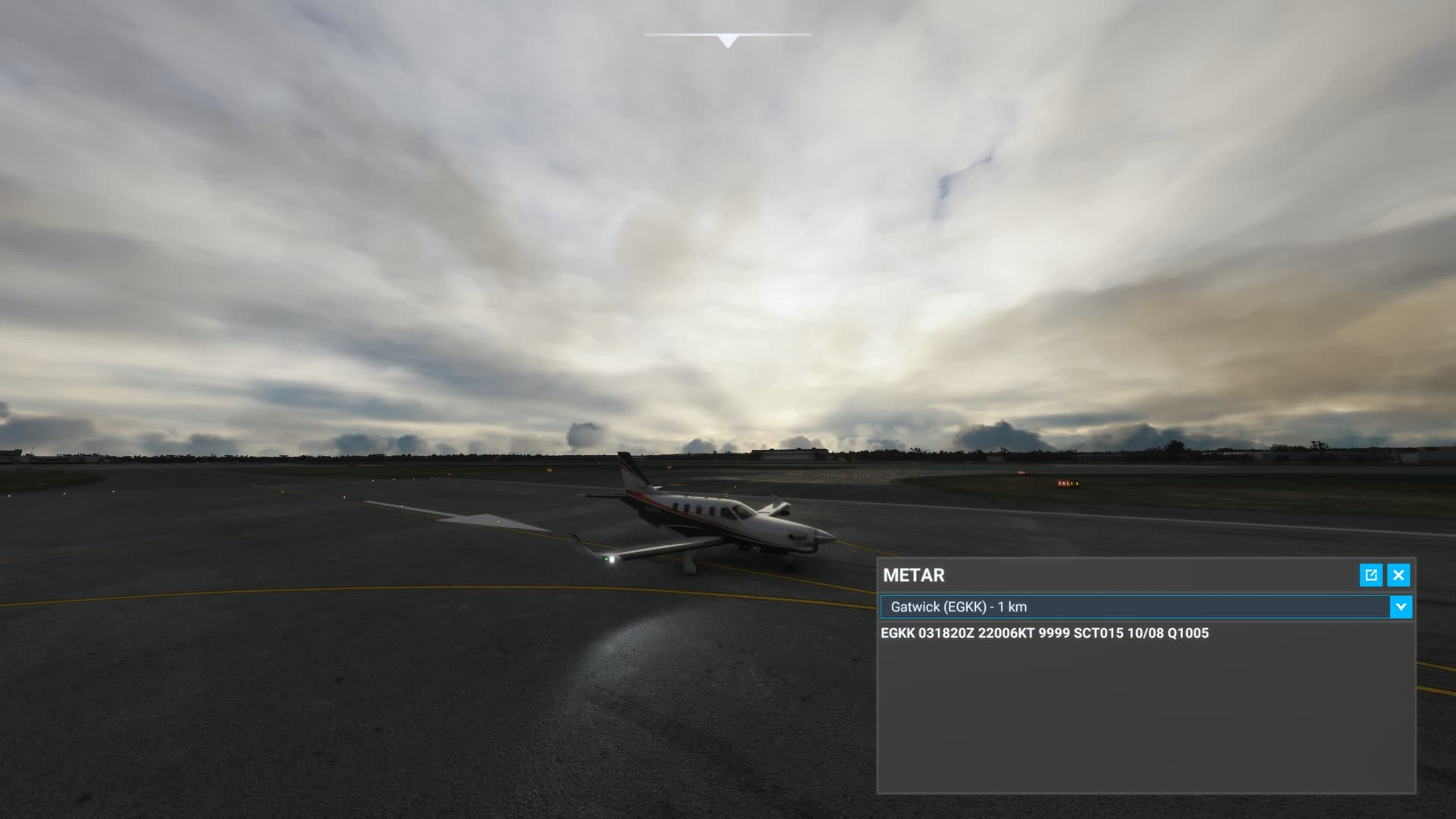
A good example is Gatwick right now. You can see in the images, the higher cloud not reported in METAR so must come from Meteoblue, injects sensible and accurate cloud with correct coverage. The lower cloud however that is stated in METAR, is the usual towering convective mess and is not reasonable to the conditions there.
Do you mean the users themselves?
I think there are some posts about the “wrong” look of the weather, fog and visibility issues included, but there are so many posts about the weather that I just don’t remember !
Yes, the information from Meteoblue should for the most part be sufficient for determining the cloud genus and species, and also the vertical extent and the density. It would require some kind of post processing, and before SU7 MSFS was doing a pretty good job at it.
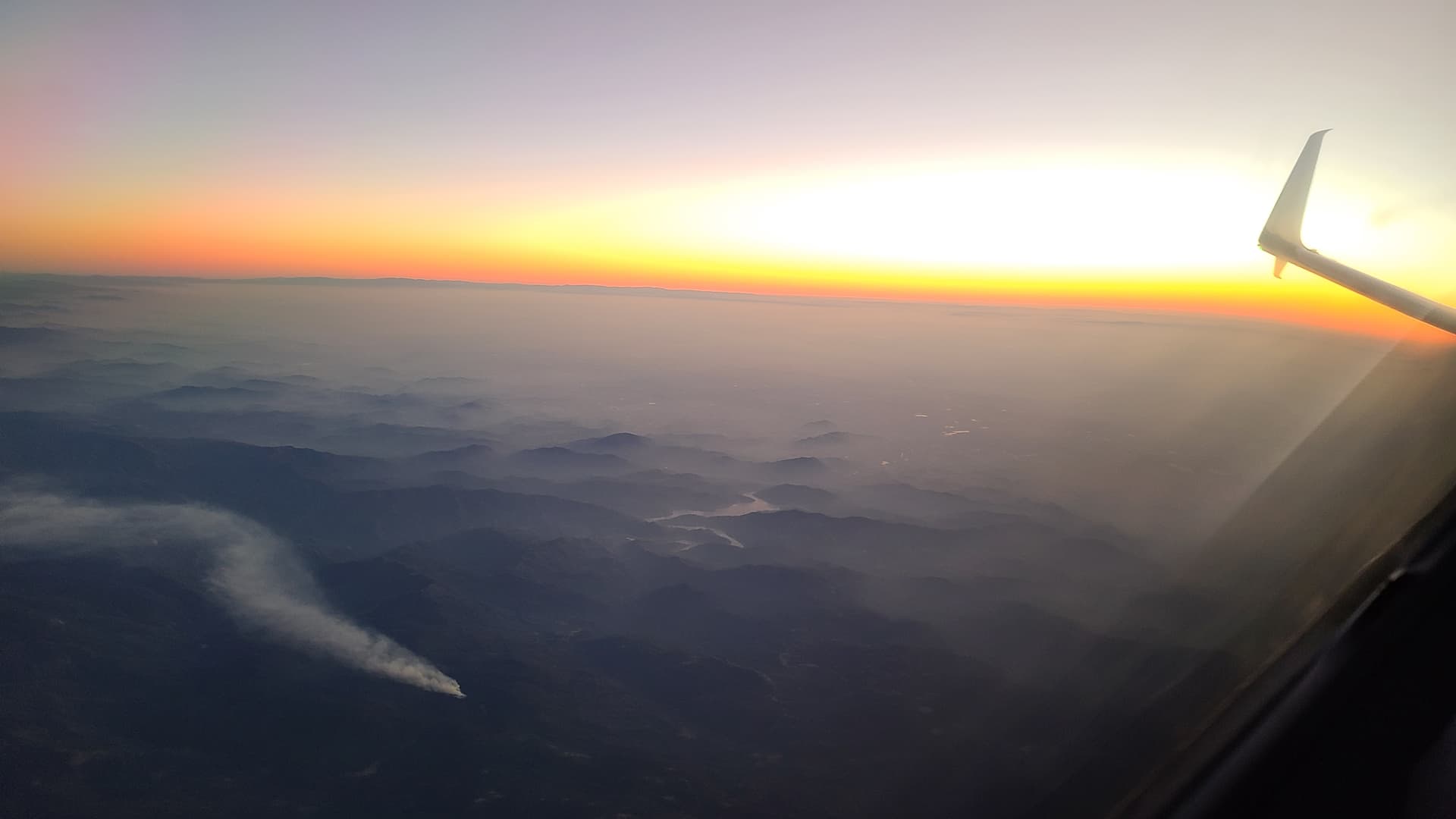
Boy, I have to disagree heartily with this. Yes, accuracy needs to be further improved as to where fog is rendered, but the actual appearance of fog in the sim is fantastic. Fog forms in a stable layer, and thus the top of a fog layer typically is very smooth. Here’s a look back towards a fog layer while climbing out of San Francisco Bay the other day; no matter how much you zoom in, you’ll find the top of the fog to be completely smooth. (Don’t be distracted by the smoke column in the foreground, that’s unrelated.)
That is very thin fog though. I’m sure you’ve seen thicker more cloudlike fog. It happens all the time near the water.
I personally am trying to figure out where the line between low visibility and cloud/fog actually is.
like here: reduced visibility. flat. translucent…just not on the ground…
This is not fog on your photo and it’s pointless to bring on isolated or borderline examples just so that you can disagree.
The definition of fog is visibility below 1000m and is most commonly caused by water vapor condensation by cooling, either by radiation, or advection. Just like clouds are caused when the humid air is cooled by lifting.
Um… that’s very definitely fog in my example. We took off from KSFO in 1200rvr, and that’s looking back at the bay. There’s nothing isolated or borderline about that… that’s as fog as fog can be.
Certainly fog is formed by water vapor condensing, just like clouds. Clouds, by the way, don’t need to be formed by a lifting action; they can certainly form via advection or radiative cooling too. Stratus clouds, depending on density and mixing at the tops, can have that same perfectly smooth look as fog can. Cirrus clouds almost always do.
When fog is very dense and very thick, it can have some definition in the tops - but at that point, you’d almost say that you have an overcast layer with fog below… it becomes very difficult to determine the bases.
Here’s a screenshot from the sim this time, rendering the tops of such a layer, and doing it pretty well (with embedded TCU in the distance.)
At EGFF I just witnessed the clouds suddenly change from what looked like a really nicely and accurately depicted cloud cover, to the usual convective and generic looking depiction we’ve seen since SU7. Really strange, it literally just changed instantly in front of me. Thankfully I managed to capture it before and after:
Can see here before the cloud depiction looks much more believable and to what I would expect to see there.
I think something is really fundamentally broken in the way MSFS depicts clouds, even outside of Live Weather.
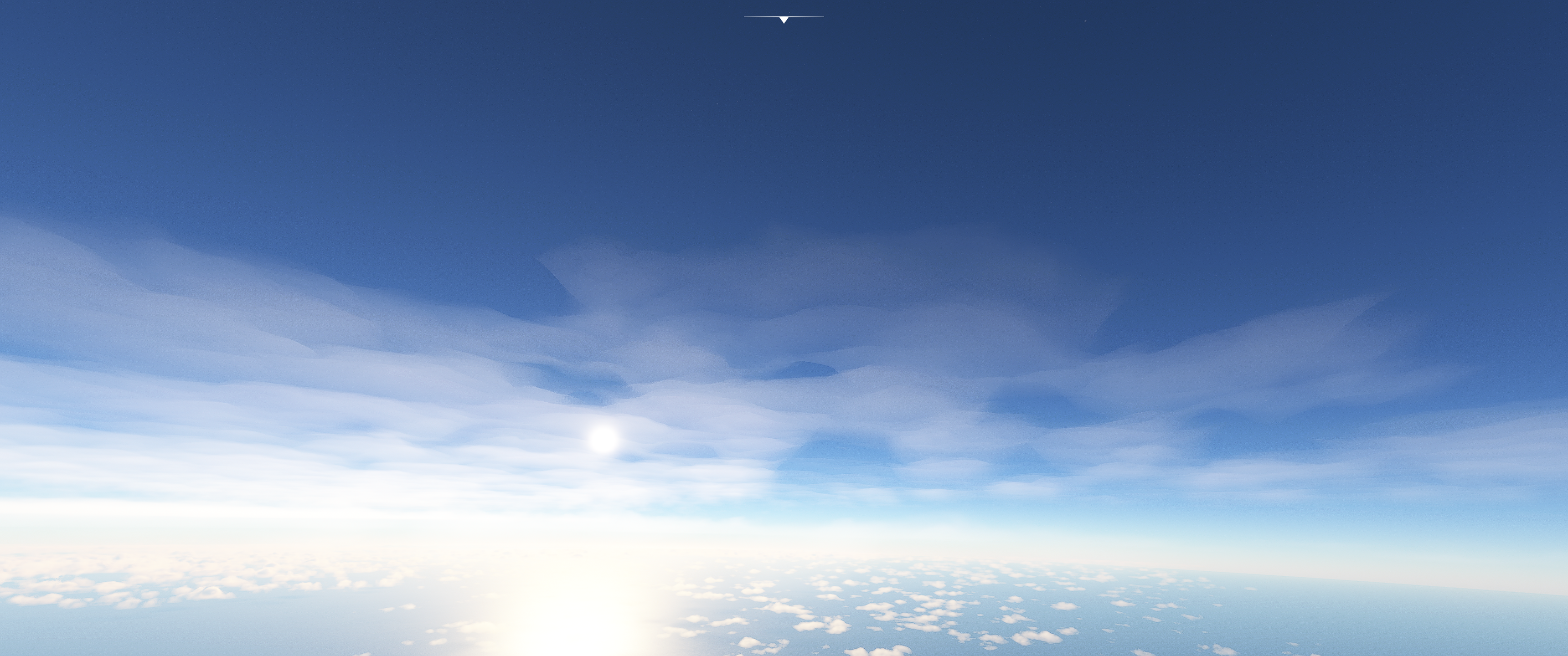
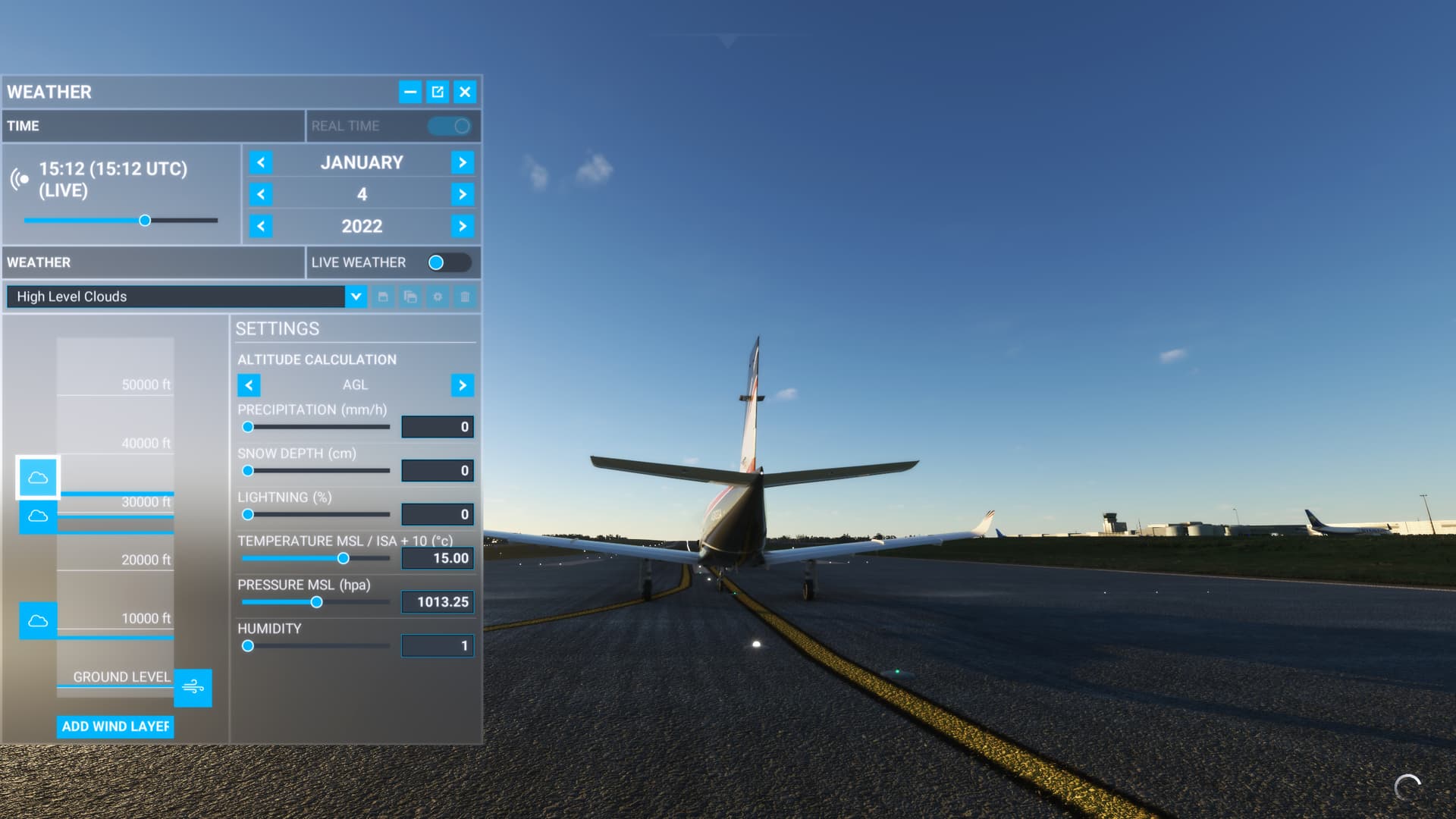
Take a look here if I select the preset ‘High Level clouds’, it is that really wispy, high almost non-existent cloud we see also in Live weather a lot since SU7:
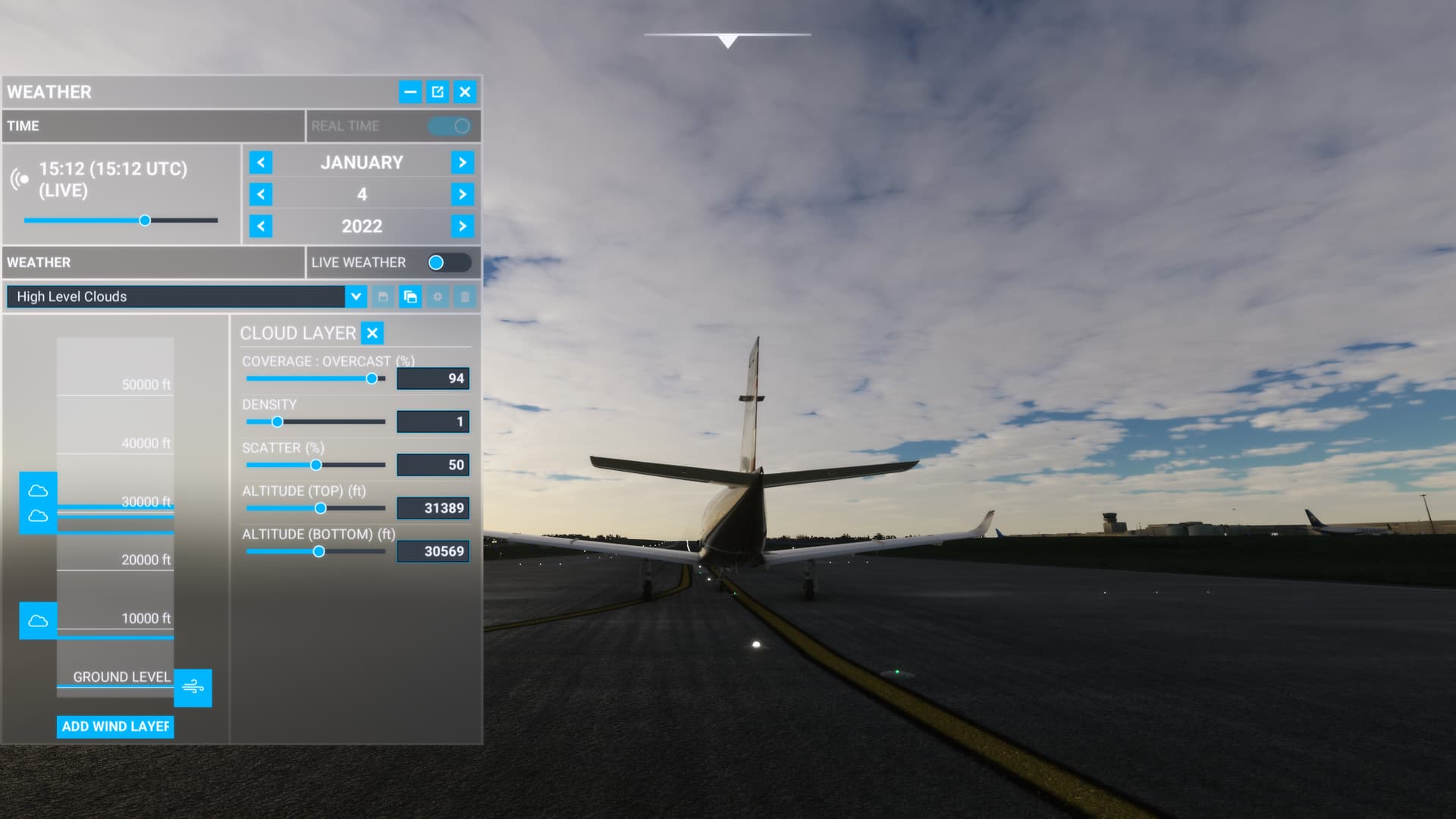
If I slightly adjust it though and bring those two higher cloud layers together by dragging the top most layer down to be closer to the one below, I get this:
Yes. The custom menu has some quirks but it can still create some nice skies. Your second pic looks awesome to me.
I personally doubt that the live weather engine is nearly as limited as the custom weather as has been been asserted in this thread. It just doesnt make sense. The custom weather is just there to play with. The methods may be similar (except for the fog maybe) but the sim boasted 32 layers while custom has only three and there is no way to adjust the height of a decreased visibility area in custom weather.