Awesome to hear that the Fokkers should be on Xbox in September 

Always starts in climb.
v1.3 is out
v1.3 (0.1.3)
- Fixed instances where the Autopilot could disconnect during large AFCAS-commanded stab trim changes
- Fixed EFB Configuration Menu TAXI LIGHT option also triggering the GND AIR button behind it
- Fixed Stab Trim wheel interaction logic
- Fixed G/S mode disengaging if ALT HOLD becomes the active mode
- Fixed V-Speeds not being removed from the FMS if a SID is inserted or changed
- Fixed V-Speeds being removed from the PFD if a STAR is inserted or changed prior to takeoff
- Improved ATS speed control during capture phases, reducing unnecessary thrust lever oscillations and improving correction of sustained small speed deviation
- Improved ATS handling of speed trends to prevent excessive thrust corrections when passing through the selected speed
- Improved ATS low-speed recovery logic so genuine under-speed conditions are not masked by predicted acceleration
- Improved ATS speed calculations when using Mach targets (including protection against invalid Mach/IAS conversion data)
- Improved ATS data source logic – ATS will now always use the active air data source
- Improved AFCAS auto trim response when the autopilot is engaged
- Improved AFCAS Autoland flare logic to reduce floating
- Improved air conditioning logic for more accurate relationship between Cabin Supply and Cabin Temperature
- Improved Landing Lights group interaction clickspot logic
- Various backend changes to facilitate an MSFS 2020/2024 marketplace release
No specific mention of a fix for the PROF mode issue some of us have been experiencing, but hopefully some of the other autopilot / ATS changes help the issue. Likely a few days before I can try it out, looking forward to hearing the experiences of others.
Excited for the marketplace release! Are we are any closer on a date?
Im still seeing rather large fluctuations in vs and speed during climb, with overshooting and undershooting the target speed.
And does anyone know how to load a STAR without transition, but a direct to final approach point? It always seems to select a default transition for me.
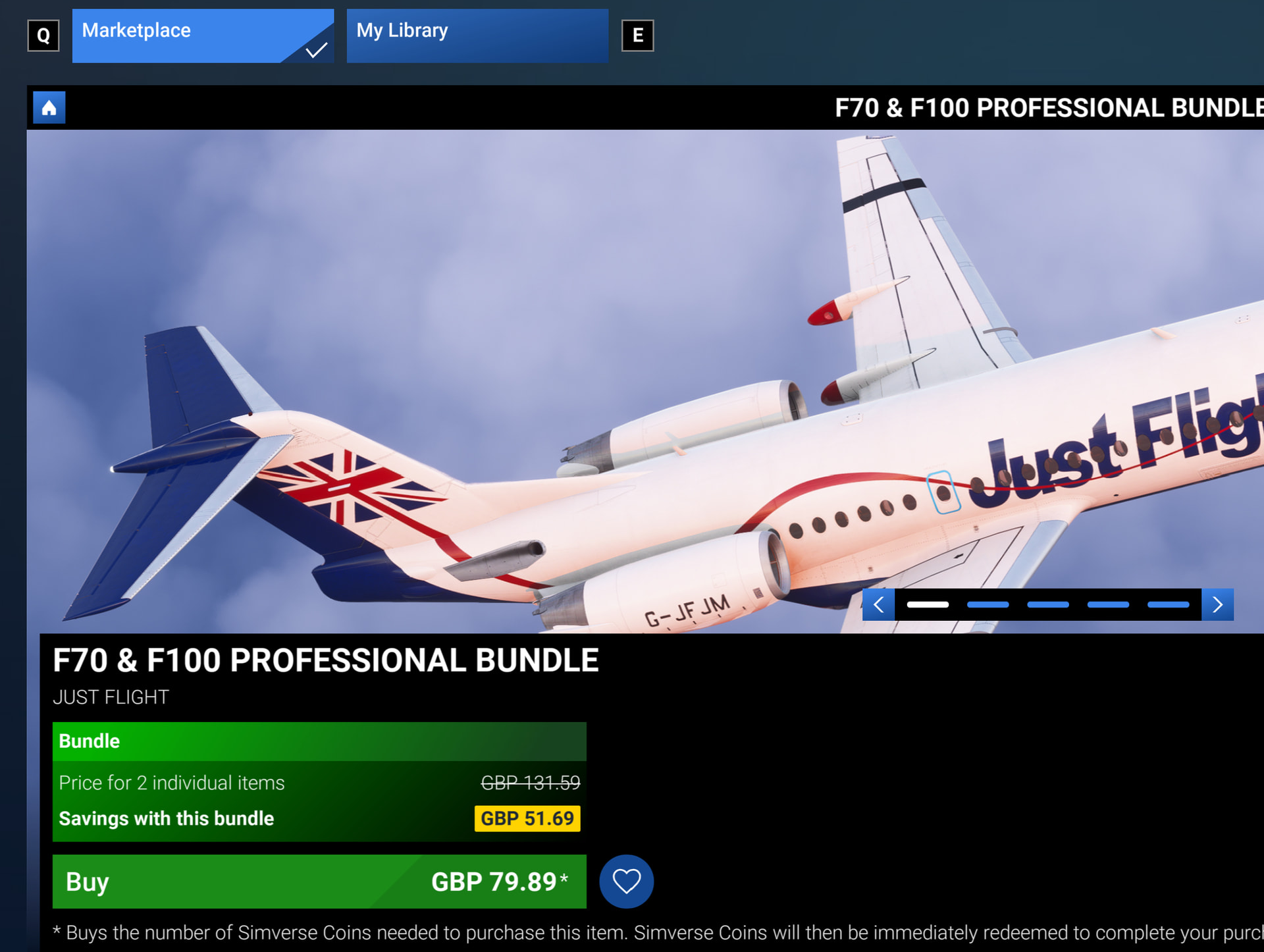
Hi everyone.
We’re pleased to announce that the F70 and F100 Professional are now available to purchase from the marketplace.
If you’re looking for liveries, then you can download our livery manager from this link. https://support.justflight.com/support/solutions/articles/17000153433-just-flight-livery-manager-download-link
There’s also plenty of excellent third party liveries in the usual places.
Enjoy
John JF.
Really hoping the Xbox release is not far of  as my excitment keeps growing
@Hodgeheg4424 on the 2020 marketplace page the only liveries shown for the F70 and 100 are the Justflight house liveries
When the F70 and F100 are released on Xbox all operater liveries like KLM Carpatair etc will be included correct ? So Xbox will not just have the house liveries ?


Is Career Mode planned for a future update or not in Just Flight’s plans?
So, what’s the advantage to me as a consumer to installing yet another random piece of software on my computer, instead of just including them with the plane? Does anyone need or want another manager?
This is a poor decision, and will certainly influence whether or not I purchase from what has been my favourite developer for MSFS.
Surely the advantage is you’re not downloading loads of liveries you’ll never use? Not everyone has superfast internet broadband and we don’t all want gigabytes of liveries we’ll never use, wasting precious space on our storage drives.
Dude…
You have no idea don’t you…
PMDG, inibuilds, maddog, fenix.. just a handful of top tubeliner developers that has a separate bit of software for livery management especially for those who dont want to sift through tons of meaningless liveries we dont give two… about to try and find the one that we want.. or those of us where disk space is a premium or just sick of slow loading times…
Some of those liveries are anywhere upto two or three gbs..
Its an absolute life changer…
Good on JF for following the now norm and giving us consumers FULL CONTROL over what we want and do not want in regards to liveries
Looks like it’s up on Marketplace!
Can someone help me find where there’s a display on how many nautical miles remain on a trip? I’ve set up my flight plan but can’t find where that number shows up in the cockpit displays.
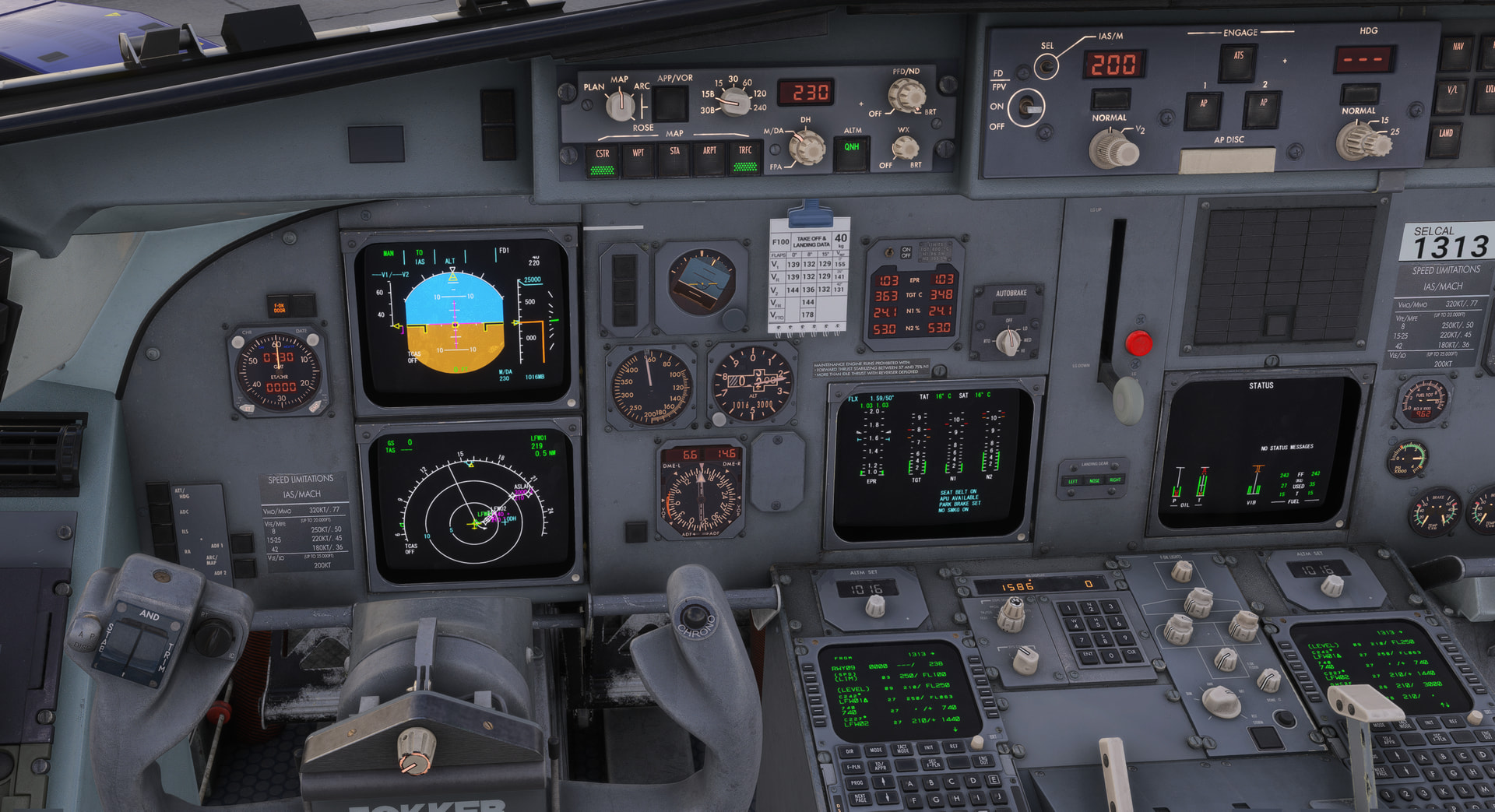
EDIT: I found the green 219 which I think is the NM, although it confused me because it’s incorrect. I think I set the flight plan wrong.
The 219 refers to the distance to the next waypoint. I can’t remember if there is a distance to destination, but if there is, it’ll be in the FMC I assume.
My workaround for now is doing a direct flight although it’s less in depth. I kind of prefer it that way for now though!
We appreciate it may not be to everyone’s taste but feedback has been largely positive. It was something we carefully considered after a lot of discussion internally, we didn’t want to alienate customers with this change. It was just a case of the pros outweighing the cons in the end.
The large file sizes can cause issues for the end users as posted above, but it also causes a few technical headaches on our side, especially if we want to push bug fixes.
John - JF
Can we download only the liveries manually? I am also not a big Fan of having to install yet another program for a very simple task.