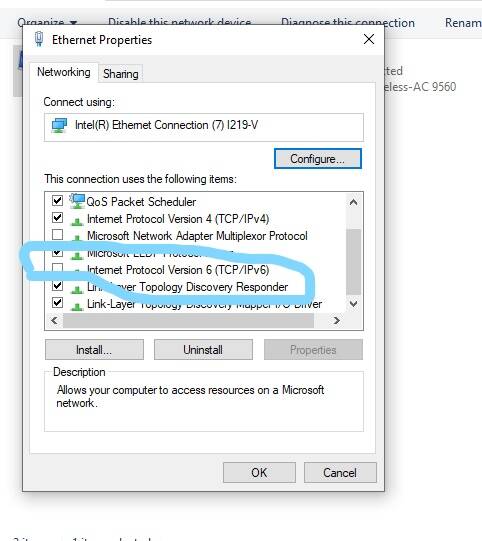
try shutting off ipv6 see if it helps.
I’ve tried shutting down IPv6 and initially that seemed to have remedied this issue. However, I discovered that Live Weather will still fail even with the protocol disabled—I did further experimenting and I have stumbled upon what seems to be a more plausible theory.
Live Weather injections seems to be closely correlated with world tile loading, as in they are concurrent to generating the world around the camera as one moves about the area. If for some reason the world tile loading becomes slower than usual (i.e. using high LOD settings or slow internet connection), Live Weather injection can lag behind world generation enough to timeout and appear to stop injecting.
I run a mod where the program forces the world generation to fetch higher LOD imagery tiles than normally done. I noticed that the issue only happens while the program is forcing high LOD settings. When I disabled that option, Live Weather began to reinject several minutes after and consistently continued to do so for the remainder of my flight. I believe that option was the culprit for the majority of Live Weather outages I had thus far!
Hopefully these new insights into this issue can help a couple of folks that are suffering from this same issue—while it’s possible IPv6 may contribute as a factor into causing the outages, I can ascertain that the speed of world tile generation has significant correlation with this bug.
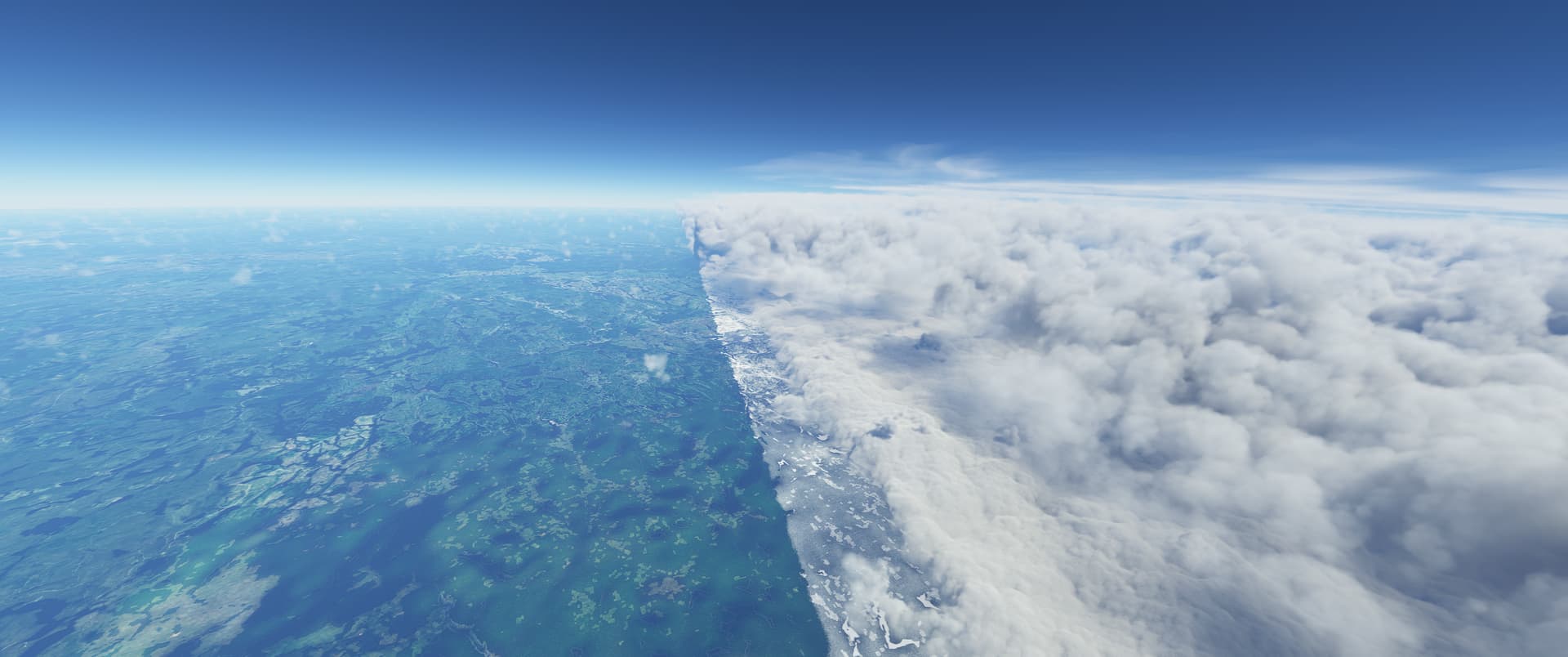
All of those problems came with su7. Fix it asap or revert back to pre su7 weather stream of data that worked without any kind of switches or stopps in weather rendering. I want to experience a fluid weather system again as i had. I don’t think anyone asked for this type of weather system that needs transitions.
 Thank you using the Bug section, using templates provided will greatly help the team reproducing the issue and ease the process of fixing it.
Are you using Developer Mode or made changes in it?
no
Brief description of the issue:
when using live weather, sometimes it works for a bit and then stops, but most of the time there is just no weather; the skies are completely clear and nothing shows up on the weather radar.
Provide Screenshot(s)/video(s) of the issue encountered:
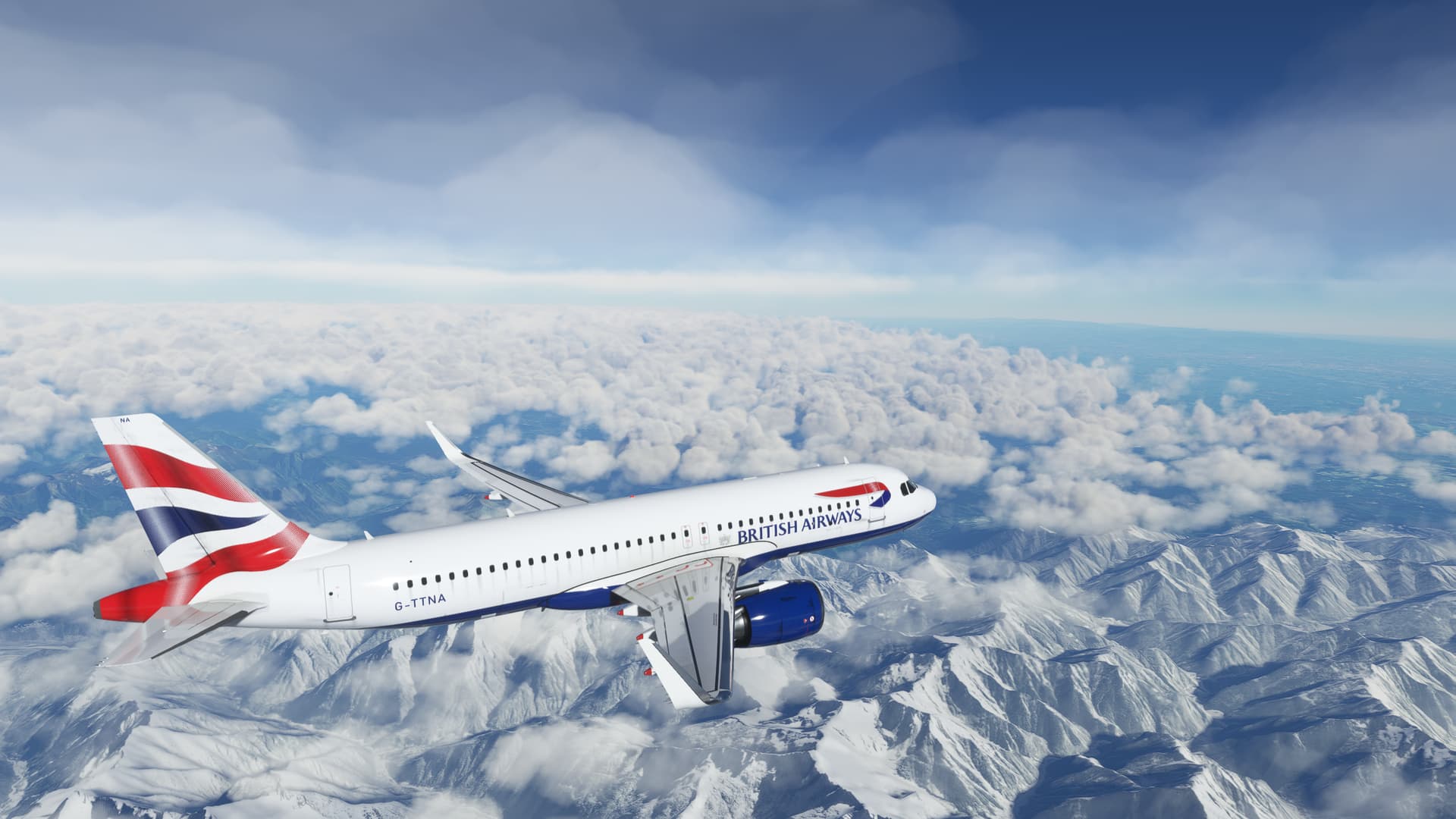
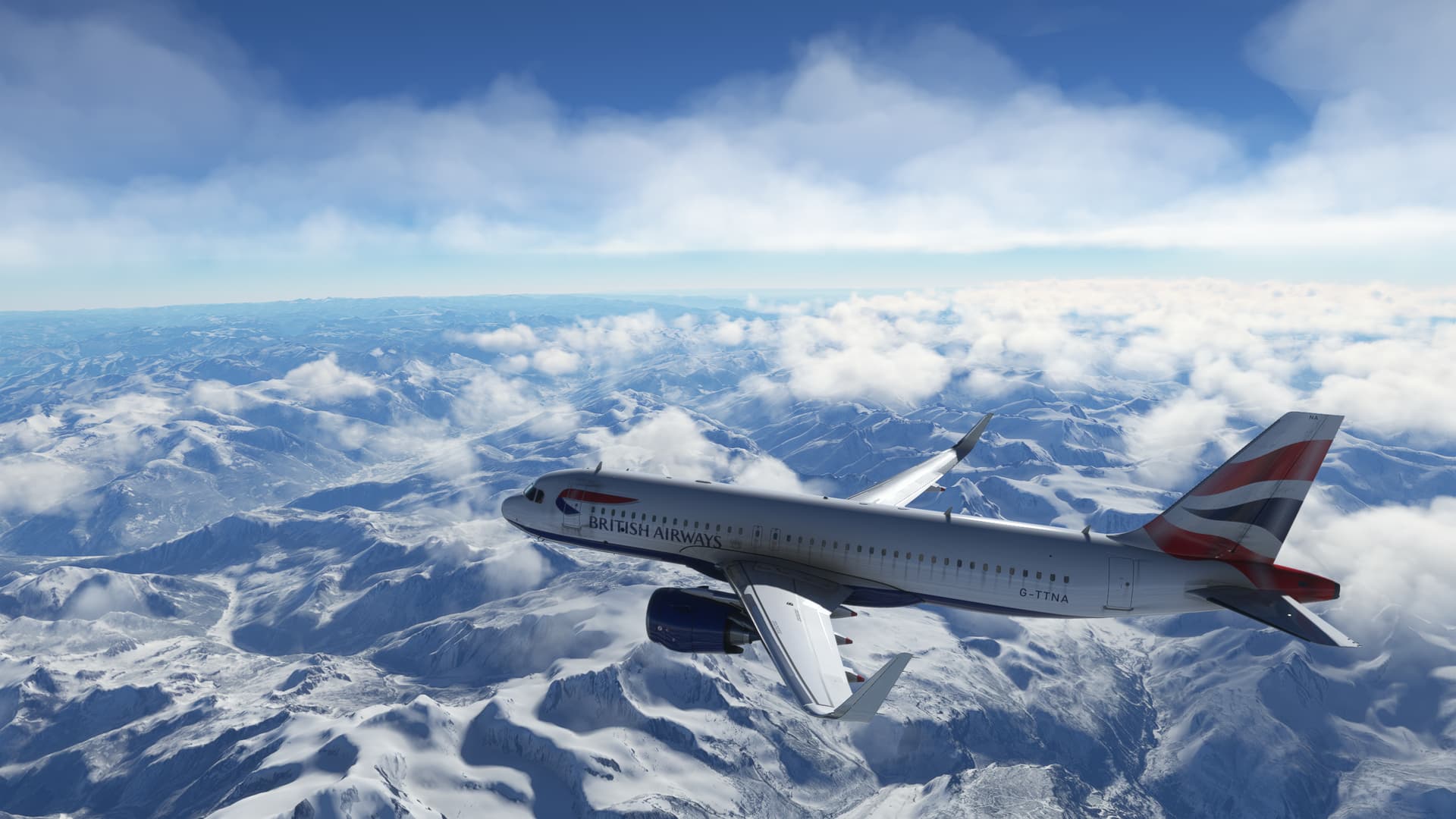
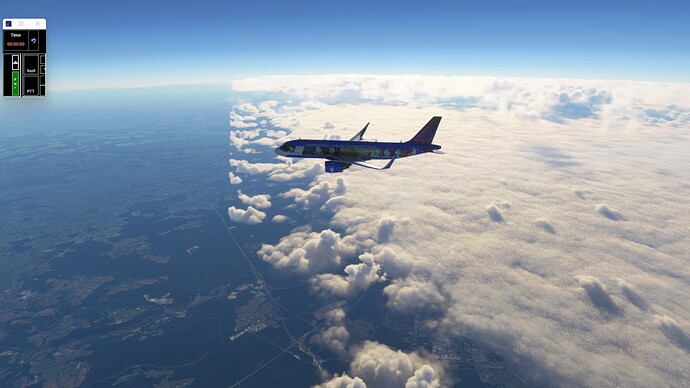
here you can see examples of where the clouds just stop and there are clear skies thereafter. Clearly this is not realistic, and on other occasions, it is just clear skies like you can see past these clouds.
Detailed steps to reproduce the issue encountered:
go into a flight, select live weather and at least for me, the skies will be completely clear. I’ve tried a suggestion where I turn off online functionality, turn it back on again and restart the sim, and on one flight it worked for a bit, but then reverted to boring old clear skies.
PC specs and/or peripheral set up if relevant:
not relevant
Build Version # when you first started experiencing this issue:
1.25.9.0
 For anyone who wants to contribute on this issue, Click on the button below to use this template:
Do you have the same issue if you follow the OP’s steps to reproduce it?
Provide extra information to complete the original description of the issue:
If relevant, provide additional screenshots/video:
Maybe I should mention that I also use volanta tracking and live traffic. These should definitely have no impact on weather and it would be silly if it did, but maybe it does matter, idk
That bug has been reported and discussed in that post: Live weather stops injecting after a certain duration flown / certain time flown
Turning off ipv6 worked for me. But it needed to be switched off in network adapter AND the router settings. (Example: xfinity router settings)
@Cmarq24 thank you for this guidance. I disabled the IPv6 in my laptop only and now the live weather is back!!! Awesome!!!
Forgive me, but I don’t know what ipV6 is. I don’t know if it is an American thing, but over here in the UK we don’t really use routers so I don’t know what ipv6 is. Please could you enlighten me 
If you give me a few minutes I’ll send you a video on how to disable.
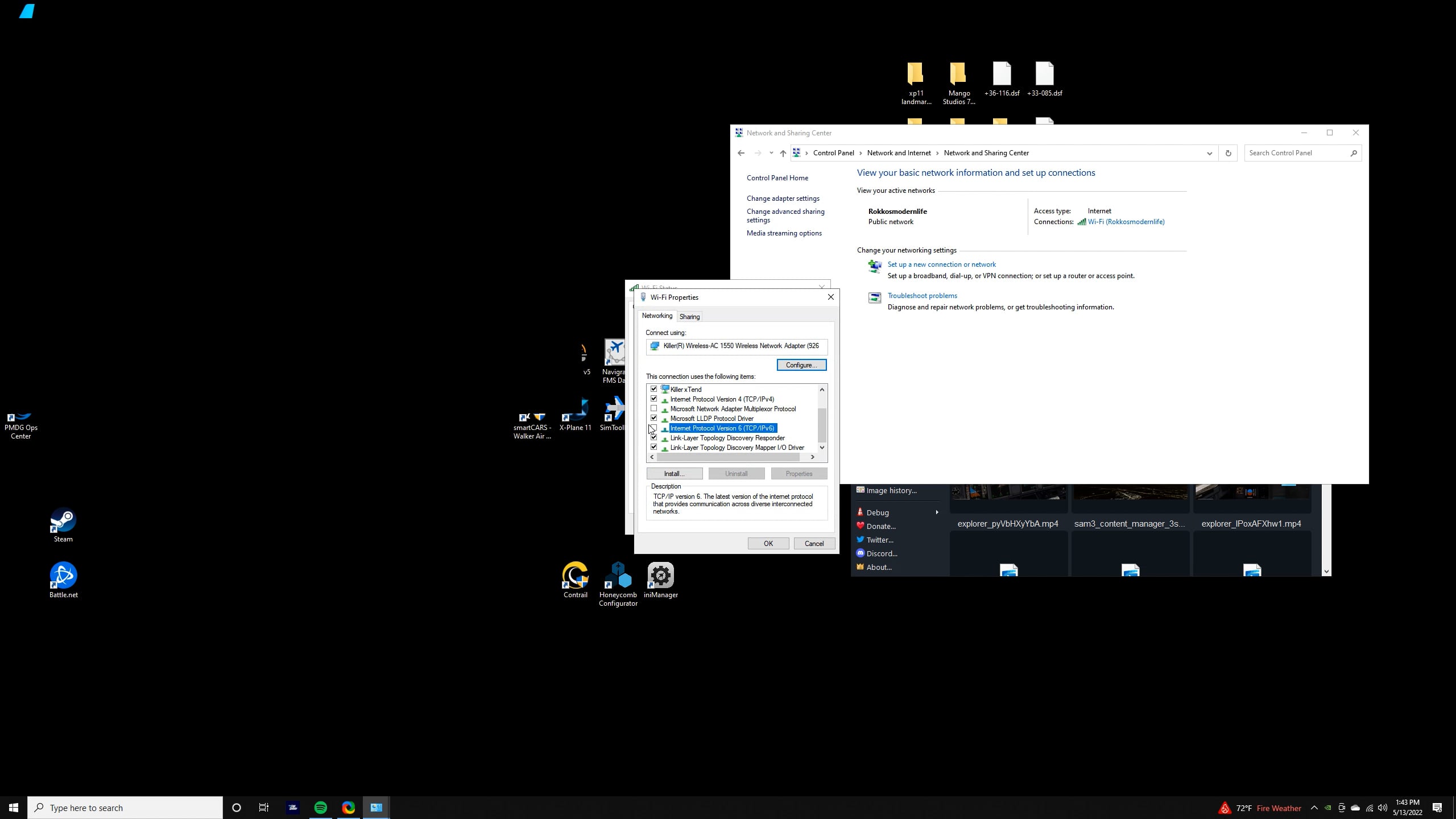
Heres a video on how to disable.
Thanks  for that
Not sure what disabling ipV6 does but I tried your suggestion (“googled” how to disable it) and hey presto it worked, clouds are back. Thanks for your help!
I’ve just had the weather stopping injecting problem again after having a flight where it worked normally. I haven’t yet turned off ipv6 because I was wondering if it reduced network speeds/efficiency or affected anything else in a bad way if you turn it off. Could someone please let me know if turning ipv6 caused any problems/slowing down in internet speed pls?
both  and
 at the same time
yes, one has to know ones boundaries !!! 
That is a front but not a natural front 
More like a Not Oc-cluded Front. ?