Thanks! That is a big help. Am just getting back into Blender, so will give it a try.
1 Like
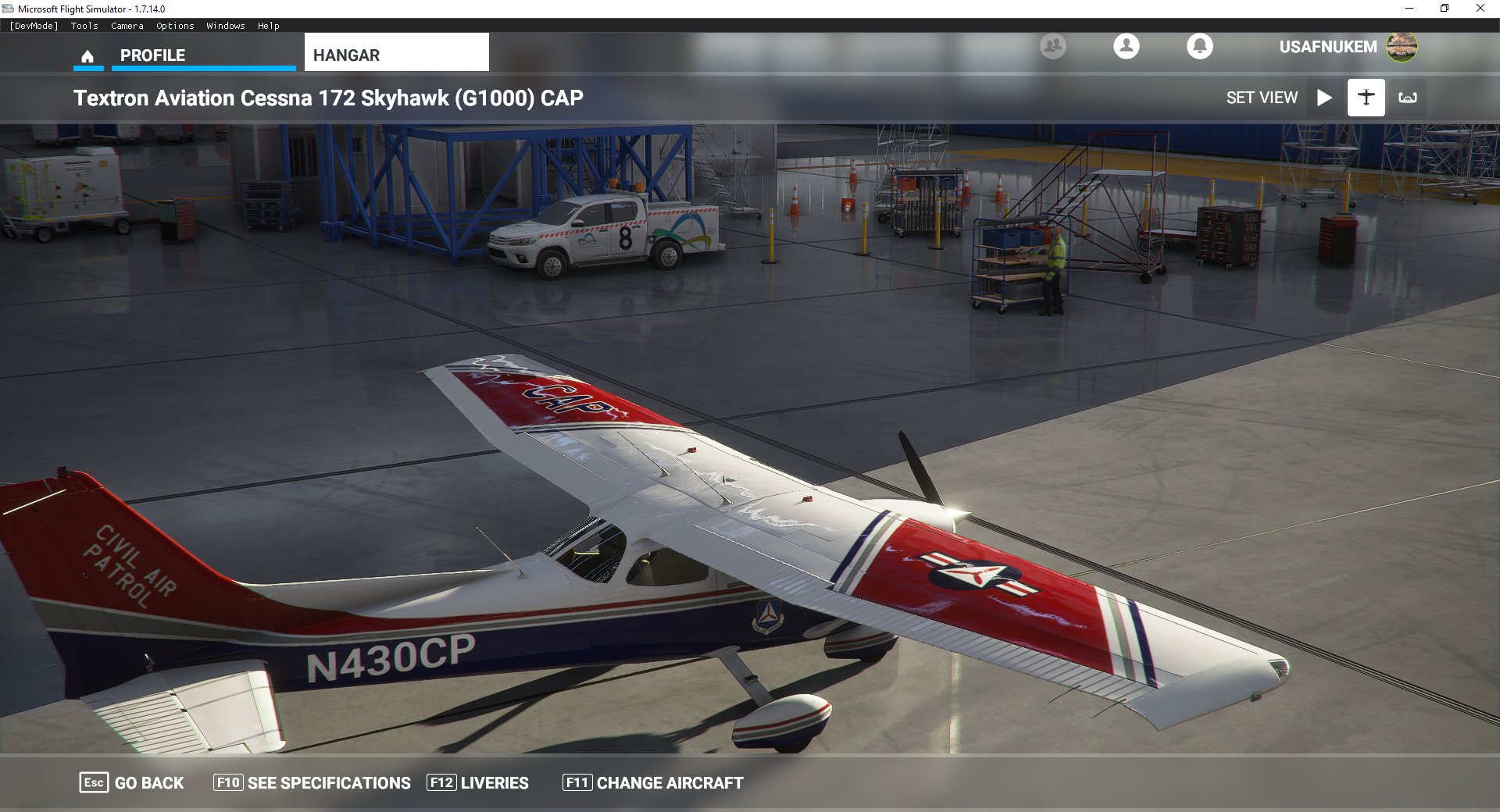
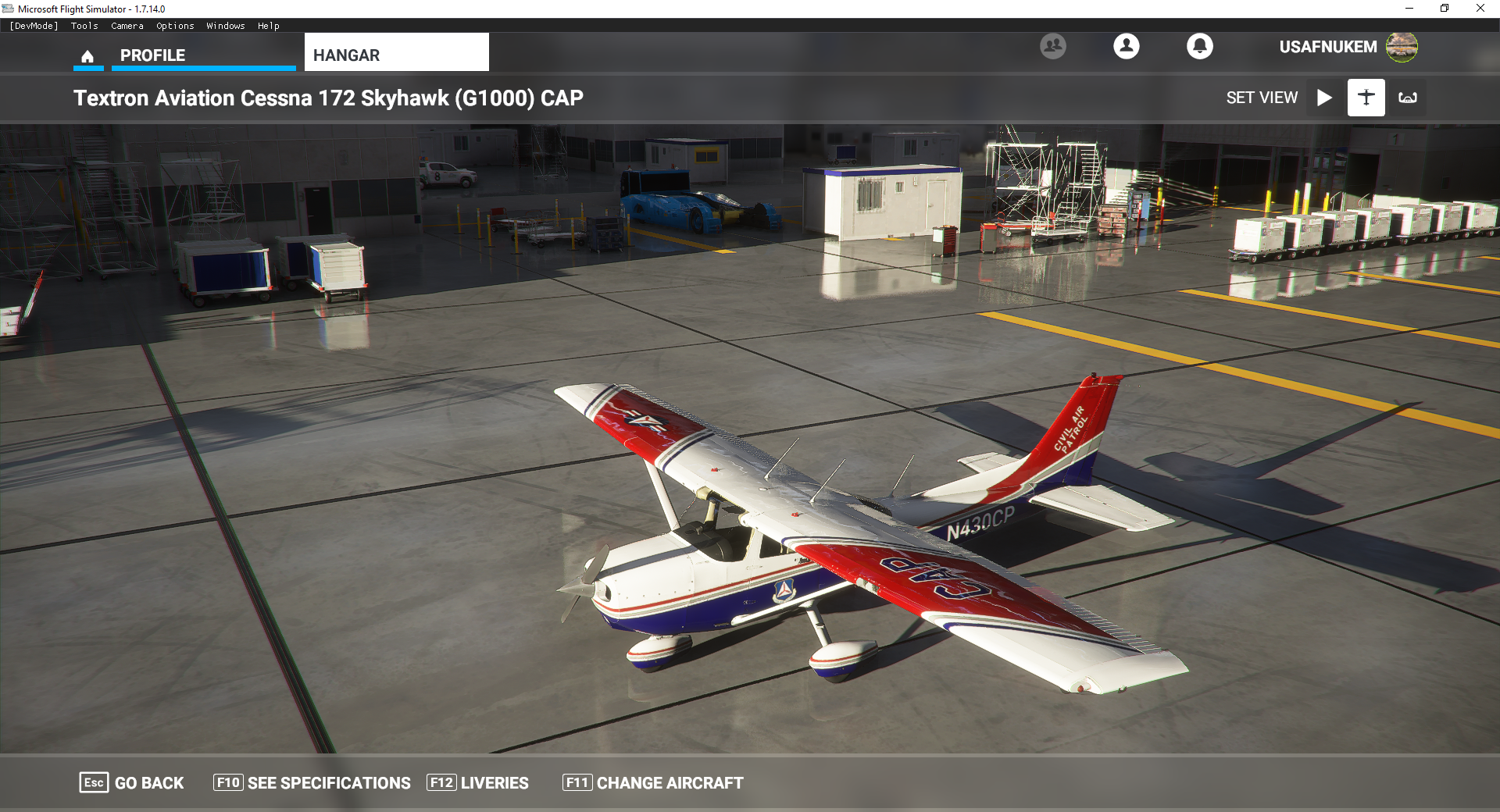
Where can this be downloaded? Or is it available yet? Looks Awesome!
1 Like
Thanks so much!
1 Like
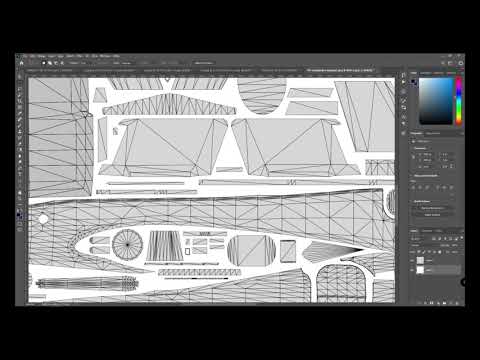
UV Layout map creation using Blender together with the MSFS glTF import plugin
@JuiceBox7535, instead of using the close-to-Greek description I wrote to you earlier, I created a video demonstrating the workflow, hope it’s easier to follow. I also forgot to add: I usually remove the “Frost” objects , since those may share the same material name as the object they’re attached too and thus generating interfering overlapping UV’s.
Here’s the Video:
3 Likes
Thanks @Grinde81! Will be a huge help to myself, and many others I am sure. Really cool of you to put that together. Working on it now, so will take a look.
1 Like
I’m waiting for more Frontier Liveries! One of my favorite airlines from the U.S. Currently, Spirit is the only other operator. I believe someone had made one already/
Just draw all over it and see where it shows. Something like this can help

Also check out the AI liveries, they have some different designs and can help with placement.
3 Likes
Thanks a million!!! Will greatly help repaint, see now were they hide some parts.
Funny thing i noticed everything is layout for opening the doors, seems only not yet implemented.
THanks again!
Marcel
1 Like
@ Neitomarinero The airfield was Quantum CQRA
Can you help me out now to get back my airtraffic cessna positioned on my custom scenery?
I deleted your liveries from folder, but my default airtraffic cessnas not showing anymore on my scenery. How to fix it? Tnx.
SOLVED
HELP 
Where are all my liveries???
Today I noticed that I am missing a lot of liveries. So I just downloaded V8 again and copied it over the old folders. Now there are even fewer than before …
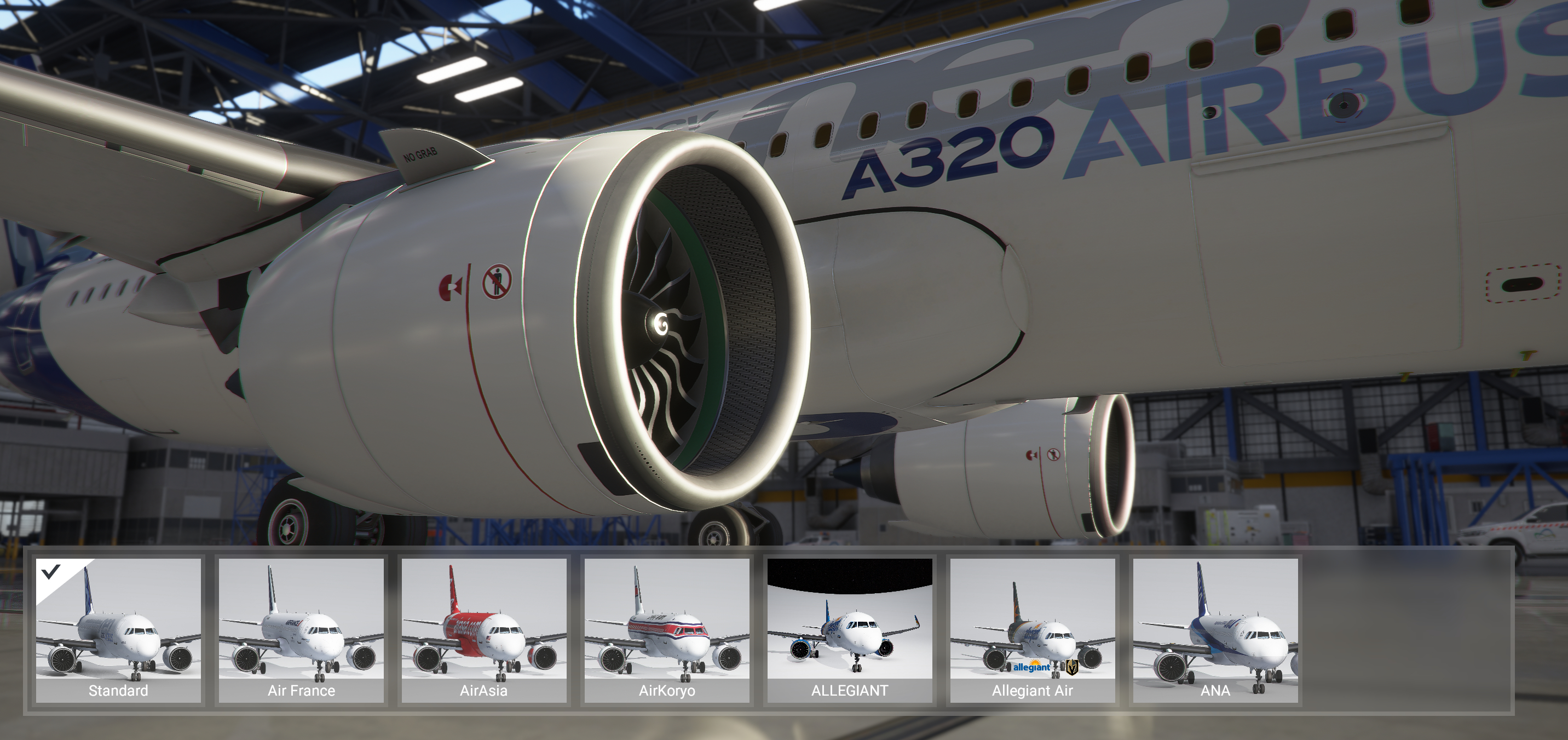
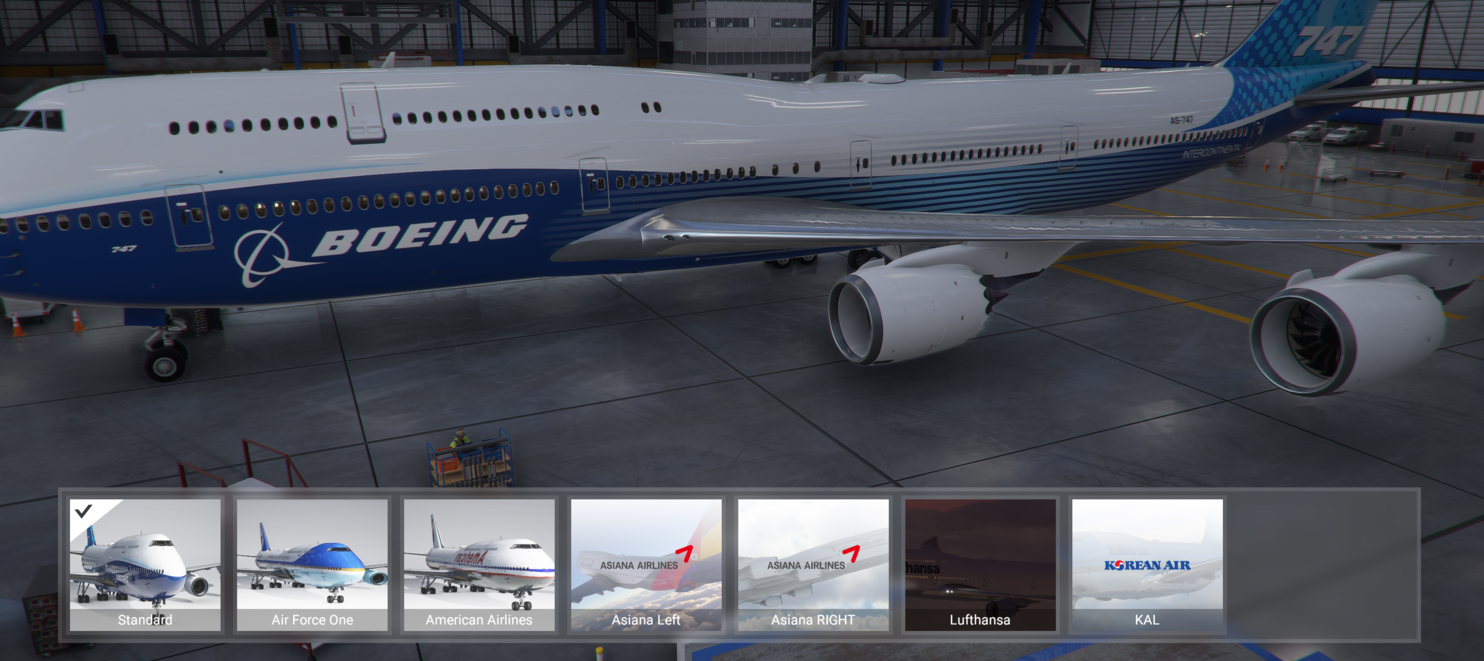
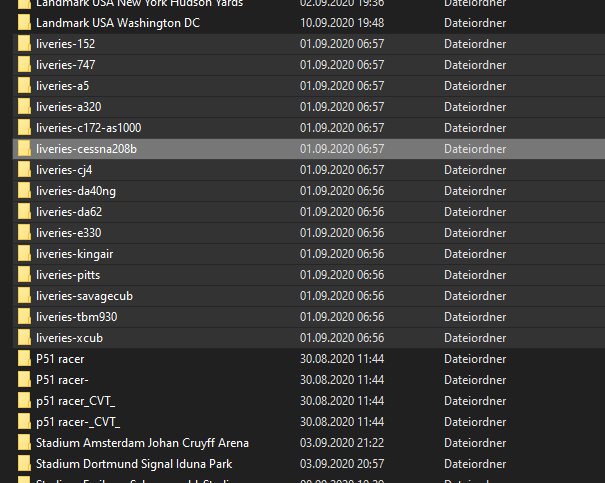
Thank you very much to all the livery painters!
I have run into a problem with the use of a panel.cfg file in the Qantas 100 years livery. But it is very likely in other 787 liveries as well. It makes all my screens blank. When I removed the panel=QAN100 entry from the aircraft.cfg file in that livery, the problem went away.
I am also using the 787 MOD file,
https://forums.flightsimulator.com/t/a-787-mod-project-dreamliner/246573
and that may be the source of the conflict.
This is the best livery pack and now it’s possible to download just the liveries we want.
1 Like
I never tried those livery packs, do they replace the AI planes we see flying around too?
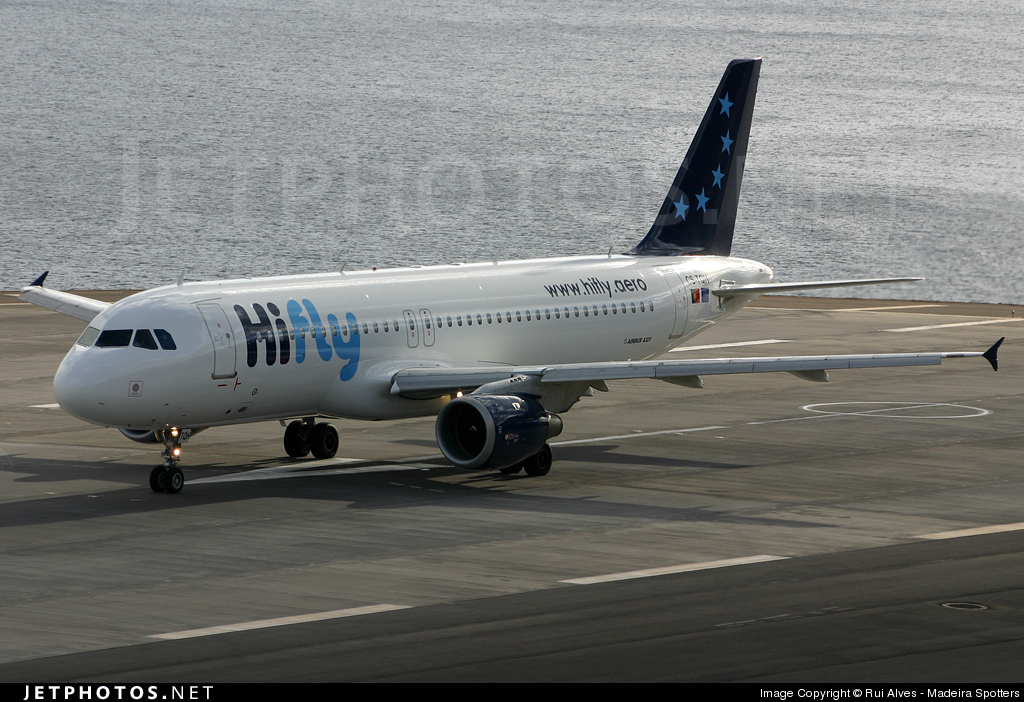
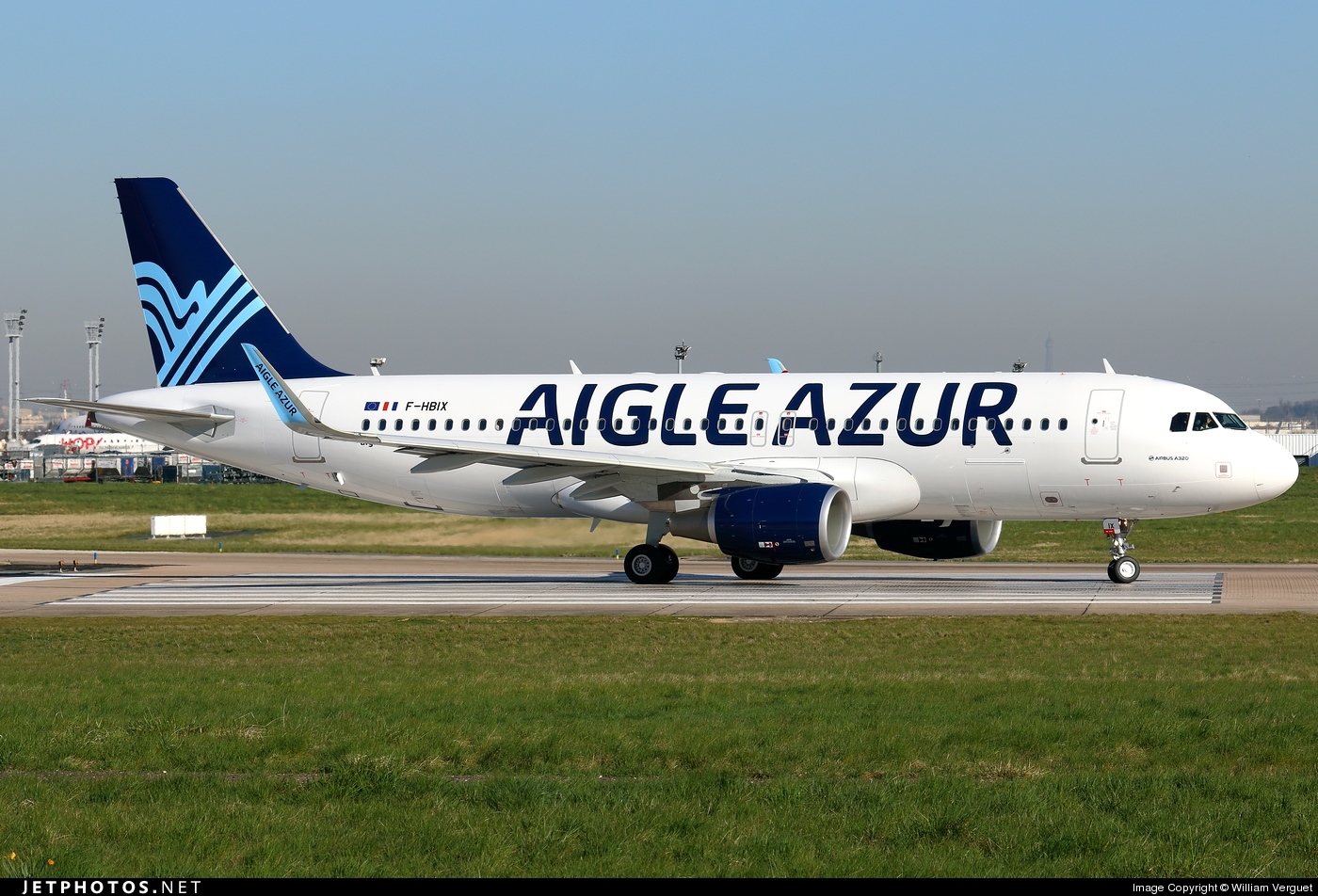
I am not a fan of the new download megapack option.. for someone who doesnt use google drive its annoying and not user friendly at all.
Its very slow, “zipping” every file and then nothing happens.
This would not be caused by my addon in any way.
Hello there,
so I am having some fun creating new liveries with photoshop and despite being the first time I managed to make everything work. One thing I still haven’t figured is how to make the texture opaque instead of that brand new standard shininess. I would like to use it for an old metal panel. Is anyone smart enough to know it? Thank you very much
1 Like
Hello,
You have the answer HERE
Use the COMP file.