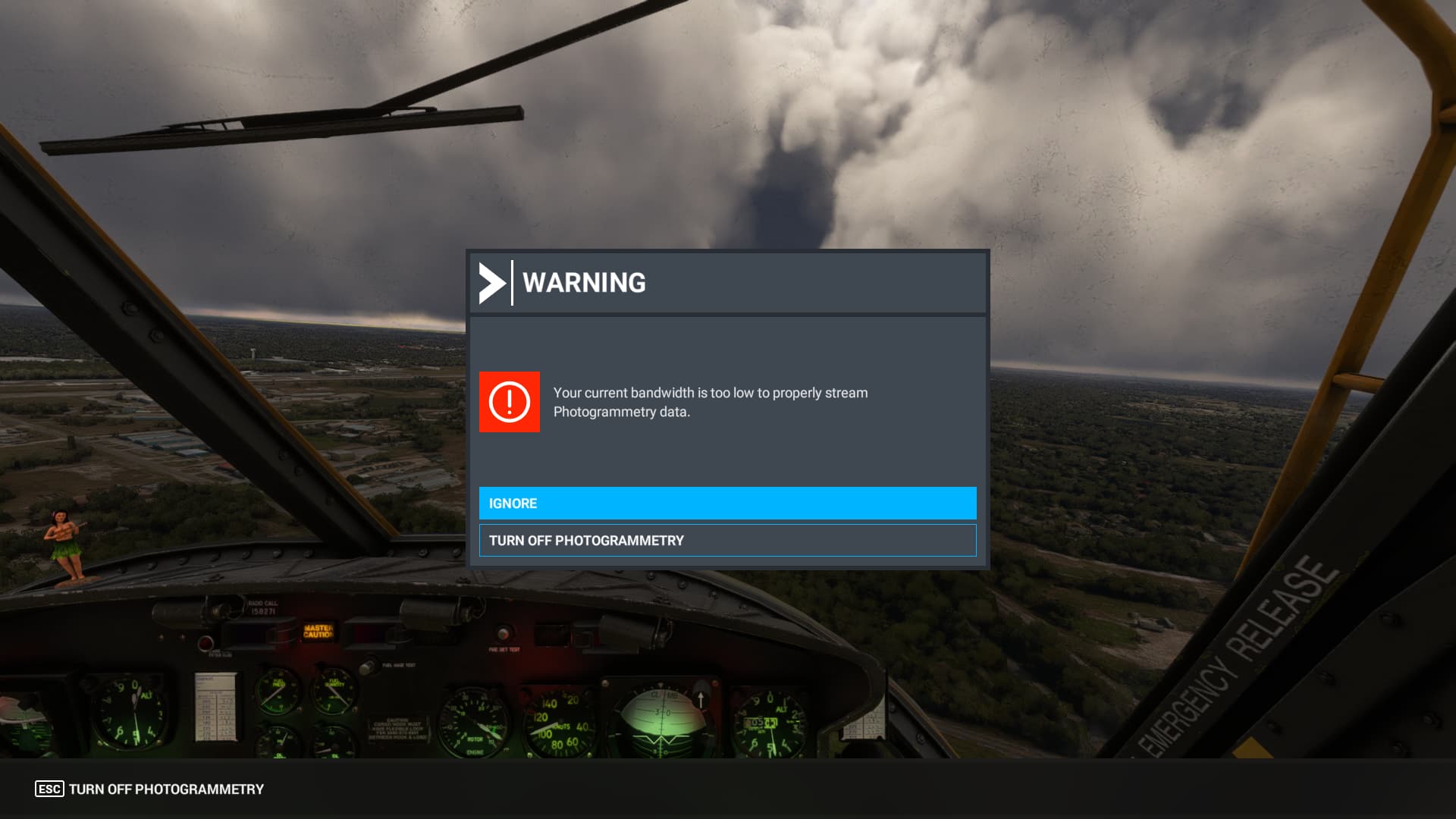
Do you have the same issue if you follow the OP’s steps to reproduce it?
Yes
Provide extra information to complete the original description of the issue:
I have an as-far-as-I-know stable >100Mbps connection and receive this error every 5-20 minutes in flight. It is worse when using time compression. Every time this occurs it takes at least 2-5 minutes sitting at “applying settings” to switch back to online mode for photogrammetry. I have tried using a VPN to change apparent location with no difference in behavior. This is incredibly disruptive. This has gotten noticeably worse in the last week.
If relevant, provide additional screenshots/video:
I have been getting this problem only lately. My internet connection is hard-wired with LAN cable, the provider is giving me a constant download speed of about 400 mb/S, I have no problems whatsoever with any of my apps that need internet connection or streaming. When this message pops up the sim switched to offline mode and will not go back to online. It also happens that I can’t even get as far as selecting a flight, the sim will CDT without any error message even before I can start.
The same for me. I have had no problems with the connection until recently, when this message started appearing. My connection is stable at about 300 mb/s, via fiber optics. I have no problems with other applications and my internet speed is excellent. Why is this message appearing in MSFS?
My solution so far has been to delete two lines in the drivers section in Windows, as per another post here. So my system cannot be blamed. Especially if all other demanding apps are reliable, and I am on Win11.
I to started having this problem on Monday; went through all the suggestions including a new install; no luck, so now what? Well, this simple solution fixed the issue for me: delete the hosts file.
I’m flying CTP at the moment. This error keeps popping up for the last hour. It says it’s disconnected and it riconnects after 15 seconds. It’s looping for the last hour
For me exactly the same too. And MSFS is loading a flight forever without responding anymore. The “bandwith too low” message now appears on every flight loading allthough I have 86 MB/s internet. And interesting: As soon as I click “fly” in the sim I can’t use anymore any internet browser as the browser will get no reasonable internet speed anymore and is allmost no more responding. Then mostly MSFS freezes up not more responding during the load of the flight.
And: No beta but the main release channel of MSFS.
Don’t be worried I think I have the same type of problem as you on Xbox and I no longer have access to the store or even play online in the game. But I think that if the DEVs or Xbox don’t move no problem complaining and ready and I’m asking for a refund of the full game + all my purchases related to this game I think that when they see the invoice and the damages it will perhaps make them question again. For my part, there are already 30 people having this problem on Xbox. I think that if everyone gets involved and complains with understanding, it will make them understand not to take people for idiots. Especially if refunds are requested as well as damages.
Thank you for the help. In my case I don’t have installed a world map replacement so this fix does not apply for me but surely for a lot of other people.
Sorry for not answering in french but my school french really not is good…
Pardonnez moi pour répondre on anglais, mais mon french n’ est pas bien.
Was flying this evening and out of the blue a low bandwidth error message. Did choose to ignore and everything was still fine (internetconnection and visuals):