I turned off AI traffic and all my problems are gone. FPS are fantastic again. I even feel that the ground textures are better, but that could be my imagination.
2 Likes
So no more traffic?
Can try that…
Thanks, my fps and screen stuttering issue ended up being related to my antivirus and not the sim after all.
1 Like
i used the drone cam, all pics were from the exact same spot, just different heights. repeated with PG off and now hitting the fps limiter on the ground.
1 Like
I am still limited by main thread and I know among other things why this happens and msfs sending all data through one thread etc but when this first came out it solved most of my fps problems. Now they are pretty much back to where they were. Surly with an RTX3060 and a Ryzen 7 2700x I should expect something better. Are there any other tricks to try apart from reduced TLOD and reducing traffic to get better performance?
I noticed this workaround as well…and then slowly brought AI Traffic back up to 15 and it was ok for my system (down from 50 where I had it before and lots of studders and low fps). So, that’s my workaround for now. Really odd that AI traffic was fine before SU9 and now it hammers the CPU so hard that it causes studders (both live traffic and AI traffic were causing me problems unless I went only with AI traffic down at level 15 or lower on my i9 12900k). No live weather, no multiplayer…just AI traffic at 15 and it performs almost like SU8 and earlier.
1 Like
to be sure that I understand correct.. You not see the decrease of fps with PG off, right ? Thats what I noticed too and why I asked for a ‘blind’ recheck 
1 Like
Same here…
Did some more testing here.
Now with my system 11700k 32g 3080 on a reverb2 I got things back ok.
Got lots of settings to high.
I had textures on ultra and that had a massive hit on my performance.
Tlod 200 and detail lod at 200.
With the fenix320 at new york kennedy running great with 25/35 fps in VR.
Live weather off and live traffic on.
Made a cache of 128gig and must say works like a charm here.
Amazing quality and very fluent.
Renderscale at 100 openxr toolkit 100.
I lowered all my settings and went slowly up again.
This works for me now.
correct, no decrease with PG off.
1 Like
Had the same annyoying stutter and low fps issues since SU9. Before that everything worked like a charm.
In the meantime I found a way to get rid of these issues. Now I have constant 40 fps again (locked via nvidia inspector), which is my pre SU9 performance, and no stutters anymore.
I can leave all online services on, live weather, live traffic, PG, even on higher settings, TLOD at 200. Graphics are all on higher/highest settings.
As I’m not using multiplayer this is the only thing I don’t know how this will perform, so this test is your term 
The following workaround is definetely and reproducable working for me since several flights, may be it would work for you too:
- Launch MSFS
- Configure and load a flight.
- When in the cockpit go to “Options → Developers” and switch the Developer Mode to “On”, then save.
- Wait a second or so, then switch it back to “Off”, save it again and go back to your cockpit.
Et voilà, stutters are gone like a miracle, fps are smooth and stable, at least in my case.
I have to perform it in the described order. Launching MSFS, then directly doing the trick and after that loading a flight does not work.
Tested so far with PMDG 737 & DC6, TBM 930 and Kodiak 100, each ca. 2-3h duration of flight, different weather conditions, even works on airports with a higher traffic density, e.g. KORD.
System is Win11 (I think it will work with Win10 too), i5 12600K, RTX 3070 ti, 32 GB RAM
2 Likes
Same here - sadly
But first experience after SU8 (there was 2hrs flying possible) after SU9 as you said just 1hrs
1 Like
it does not seems to be that Asobo is working on this performance drop… all places i fly in Europe in my case are not longer an smooth experience..
3 Likes
just upgraded my cpu to a 12900k and not seeing much in benefits with MSFS so far in its current form. And certain scenery packs make the game so stuttery it’s impossible to play when jumping into the location.
Didn’t notice stuttering before latest update but now it seems bad especially with custom scenery, namely low key user made. I’ve no problems with any of orbx addons or wolrd update scenery.
Will try this, and update!
It’s been more than month since I have created this topic. Nothing has been fixed since then and it does not seems it will be fixed any time soon.
So just to sum up, there are a lot of single issues with performance currently present in MSFS:
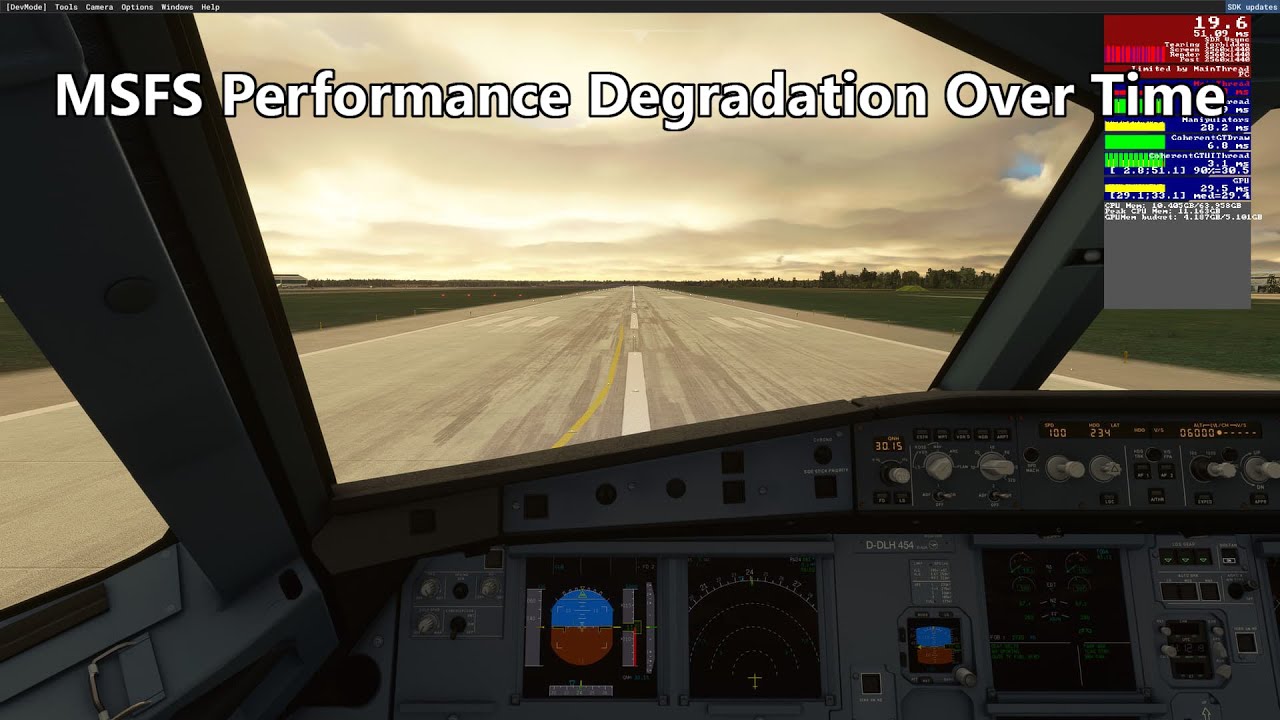
#1 Performance Degradation over Time. Detailed description is in the topic: After playing a few hours, FPS drops from 40 to 5FPS
- issue is present for most users since SU V
- more detailed FPS meter (to recognize cause of issue) was promised by Asobo more than 2 months ago, still not implemented
- makes any longer flight unplayable
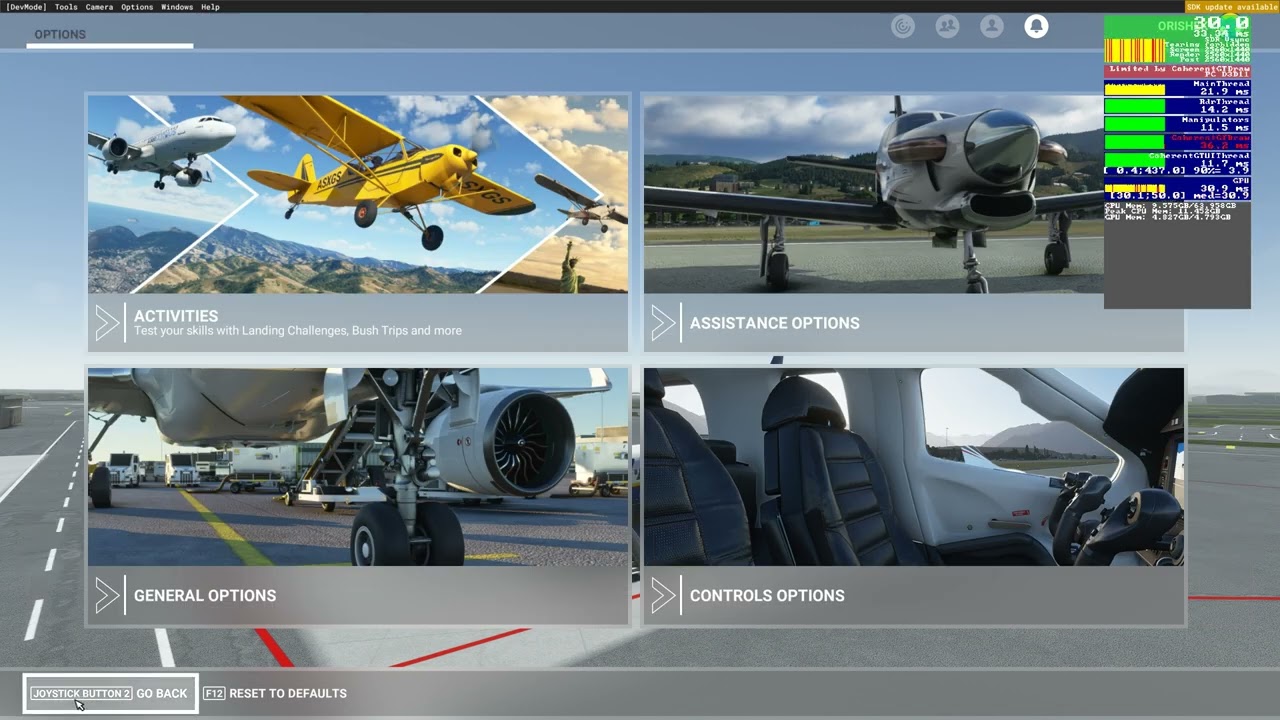
#2 Massive stutters when panning camera and moving plane
- already highly described in this Topic
- present since SU IX
- NOT ONLY present when panning camera, but also when flying, especially low
- makes terrible stutters during approach
- makes terrible stutters when looking around
- also present whent off-screen terrain pre-caching is on ULTRA
#3 Terrible FPS near ground, especially near cities with Photogrammetry. Detailed description is in this topic: Poor performance on the ground
- present since September 2021, still not fixed
- has something to do with Photogrammetry
- deleting Photogrammetry cities will reduce issue (which is not FIX)
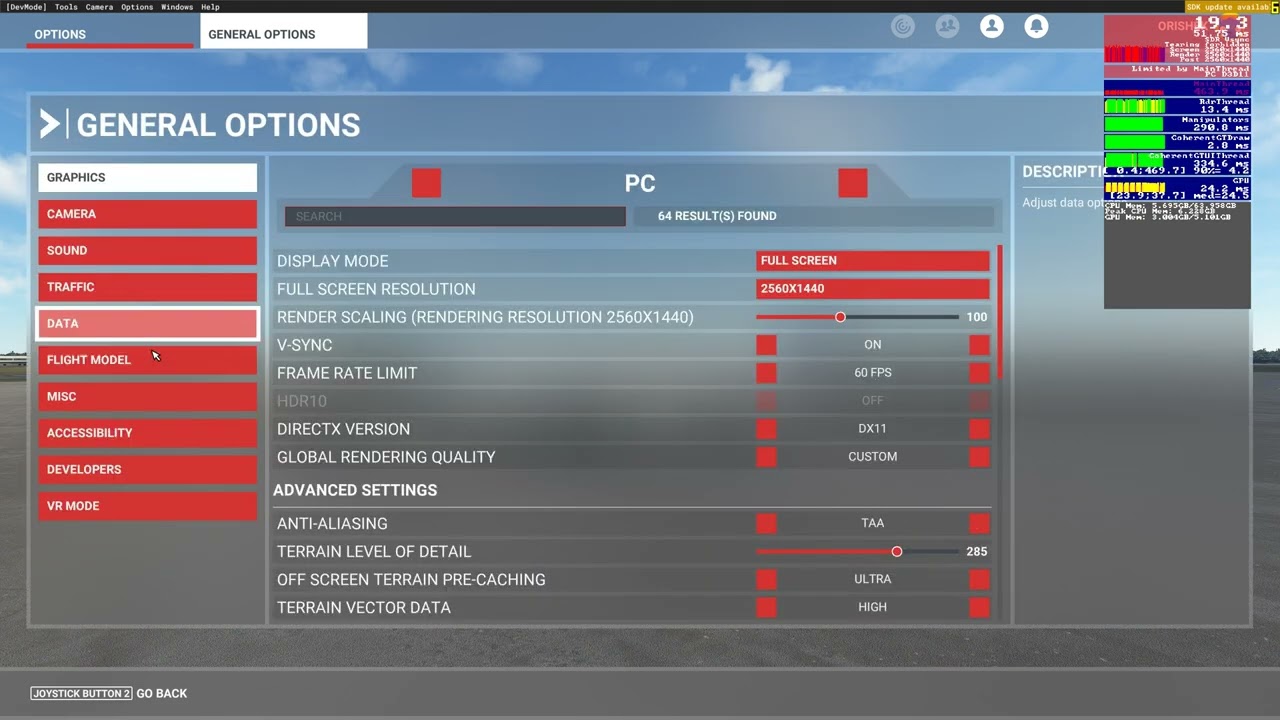
#4 Overall performance drops with every Sim Update
- biggest drop came with SU IX
- highly described in this topic
Asobo, please, FIX these issues as soon as possible. Currently, there is very low or even no effort for fixing these issue from Your side. Judging by number of votes, activity on all social networks (including this forum) these are the biggest issues community is currently facing, so fixing them should be your priority #1.
We need no World Updates, new features, new planes from you at this time - we need working Sim.
With current situation in Sim (bunch of study-level planes were added), community now needs working Sim without issues as it has never needed in past. Now it should be time for spending money on Marketplace on sceneries, planes,… but it has no sense with current state of Sim. So please, fix the Sim so we can spend money to enjoy new content.
Community, please, do not give up. Share your experiences, documentations, descriptions on these issues so Asobo will have all info they need. I know these things should do paid testers, but now it’s time for Community to supply them. Also we need to talk about this issues on all social networks, all Q&A to confirm high importance of them.
24 Likes
No full solution, but before you don’t fly at all, disable AI traffic and live weather, if you want, multiplayers too.
Weather not only in the weather menu, but also in the general data settings.
The world may be getting emptier, but your FPS should pick up again.
Better than a frustrating fly.
Great summary! Don’t forget FPS loss when landing at the destination airport.
Nice clarifying summation.
But, with all due respect, you don’t know what Asobo is actually doing about it, so I think the above is unwarranted.