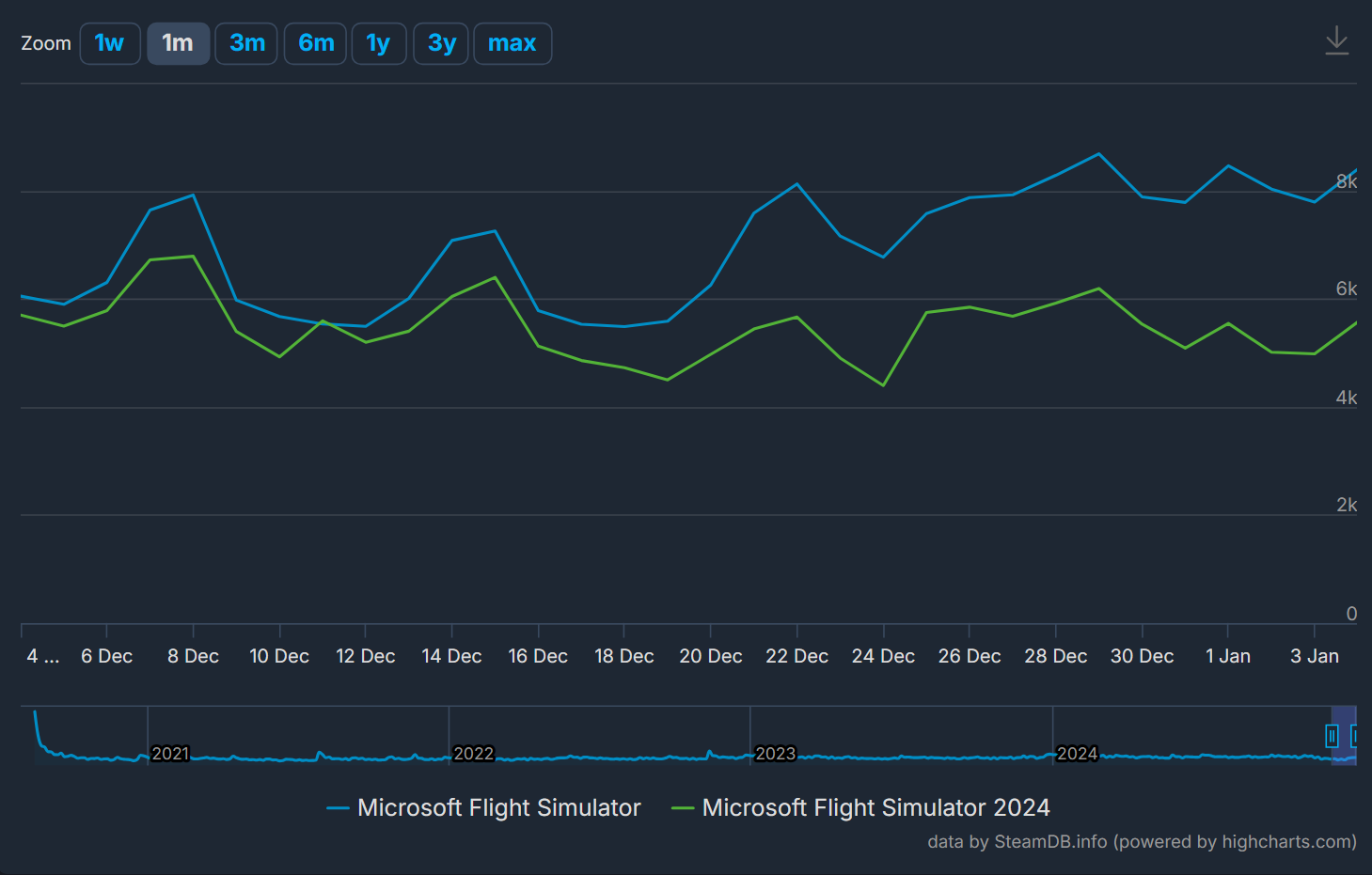
As I do not see a legend in the screenshots which explains the colors, could you please clarify:
- Which is the “green” and which is the “blue” line?
As I do not see a legend in the screenshots which explains the colors, could you please clarify:
Can’t you guess lol
I would guess … “blue” = FS2024 ?
Nope, blue is FS2020, green is FS2024.
I don’t think it is a very good sign if the new release is trending down while the old version is trending up  .
.
As long as basically all 3rd party add-ons are still not supported in FS2024 or converted to 2024 people will stay with FS2020.
Because nobody really works on a Monday or Friday; we just pretend we are working. 
marketplace is not yet live in 2024, and 2020 still running with potential high runners (PMDG 777 was released before xmas if I’m not mistaken)? From Microsoft point of view, I believe on short term there is no issue. On longer term the current flow of negative posts on social media (justified or not) would be worrying for future revenues, as 3rd party developers may disengage in building/updating their products.
I do hope Microsoft will fight the negative atmosphere by communicating a solid plan to address bugs, as soon as next week. Committing to a regular sprint every 2/3 weeks, including 1st party dev, would hopefully reduce the unnecessary rant we see on forums.
True, true, I forgot that the public holiday we have here doesn’t apply to all of Europe (or even all of Germany!)
Just use cloudflare DNS settings in your router and the waiting is over
I got one for Christmas, on XBX and FS2020 I just cleared out all the mappings and then set-up a base mapping for views and so on then copied it to create a specific one for each plane I fly regularly (PMDG 737, JF Hawk, FSR 500, h125 Heli & the A320 V2). It was pretty straightforward to be honest - only the heli was a tad difficult to get sorted.
I know it would’ve been nice to have something pre-configured and working out of the box but I probably wouldn’t have been happy with it, hence starting from scratch.
When I look at my mappings I can see how much variance there is is just setting up things like reverse thrust -no one suits all solution.
As for 2024, until the mouse issue is resolved I’m a bit stuck and reluctant to try and configure the flight stick. I’ve had a few flight using the gamepad but the stutters and visuals are just too immersion breaking at the moment.
Meanwhile, Neofly, a free add on, seems to do the job quite nicely according to those who use it.
How does Asobo explain their alpha failure on their biggest “feature” when unknown 3rd party developer has a working final product?
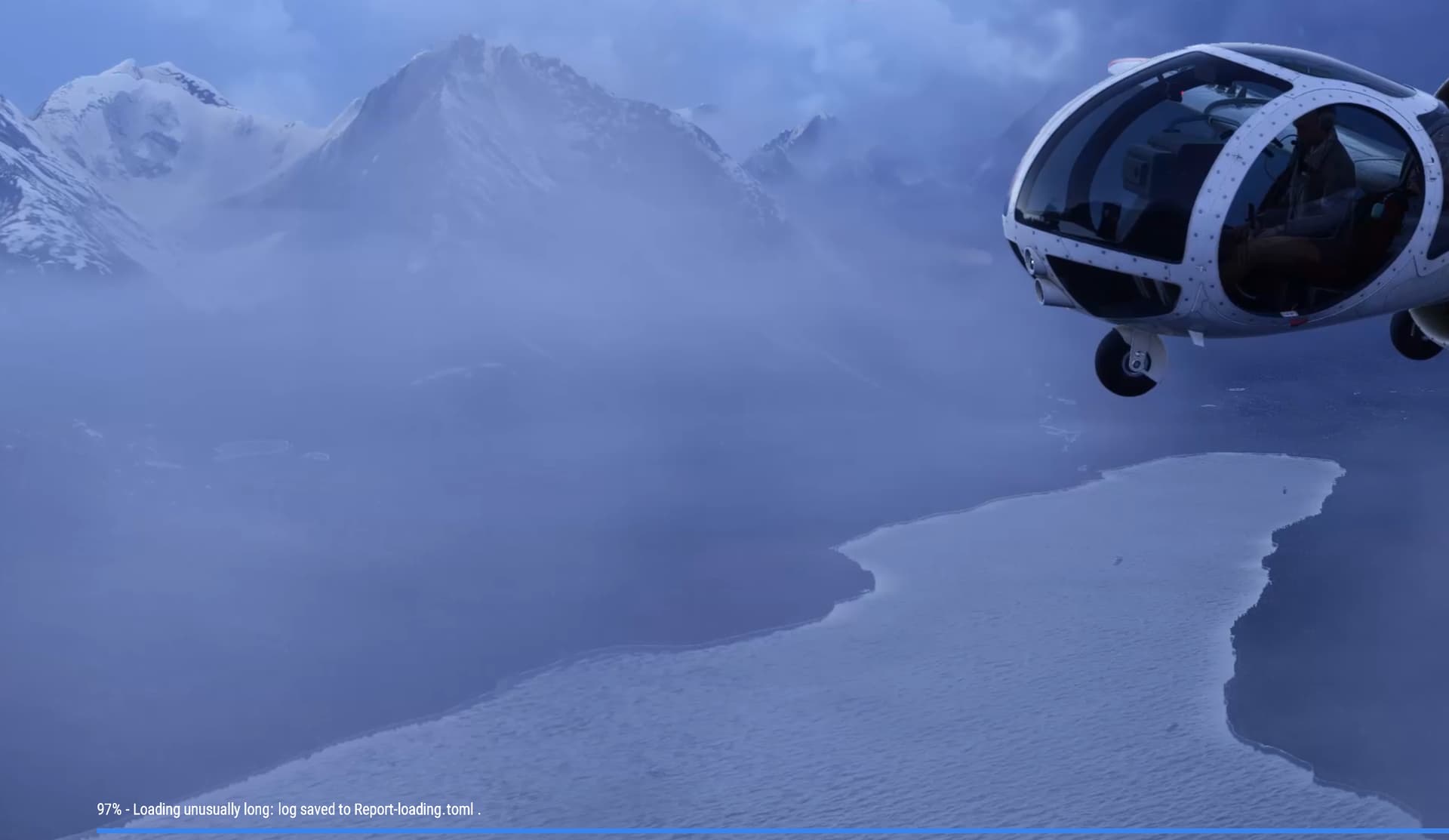
Well here’s a different take I have on this version. I have a fast internet connection here in Spain and once the initial loading bugs were dealt with, had some lovely VR flights where frame rates and textures were acceptible with occasional slow downs if I flew on weekends when both European users and American users were all active. However, I have had guests now that both play online games on their iPads and if all of us are active at the same time, I get abysmal photogrammetry loading times during flights. Obviously, this system of having to stream everything has huge limitations to users. Perhaps as more and more downloadable scenery comes available that we can load up our massive hard drives with, things will improve significantly. Should we in the meantime put our local cache size up to 1TB?
This feedback is not directly about either of the simulators, per-se.
Rather, I would just like to commend this forum’s developers/moderators for the outstanding work they do keeping this valuable information exchange current, positive, relevant and on task! It doesn’t take too much vision to foresee just how quickly things could very easily go off-track, if not for their diligence and dedicated commitment.
I also feel that for many reasons the decision to marry-up the new threads for FS2024 with the original FS2020 forum was a really great one.
Thank you people, and I wish you all the very best for 2025!
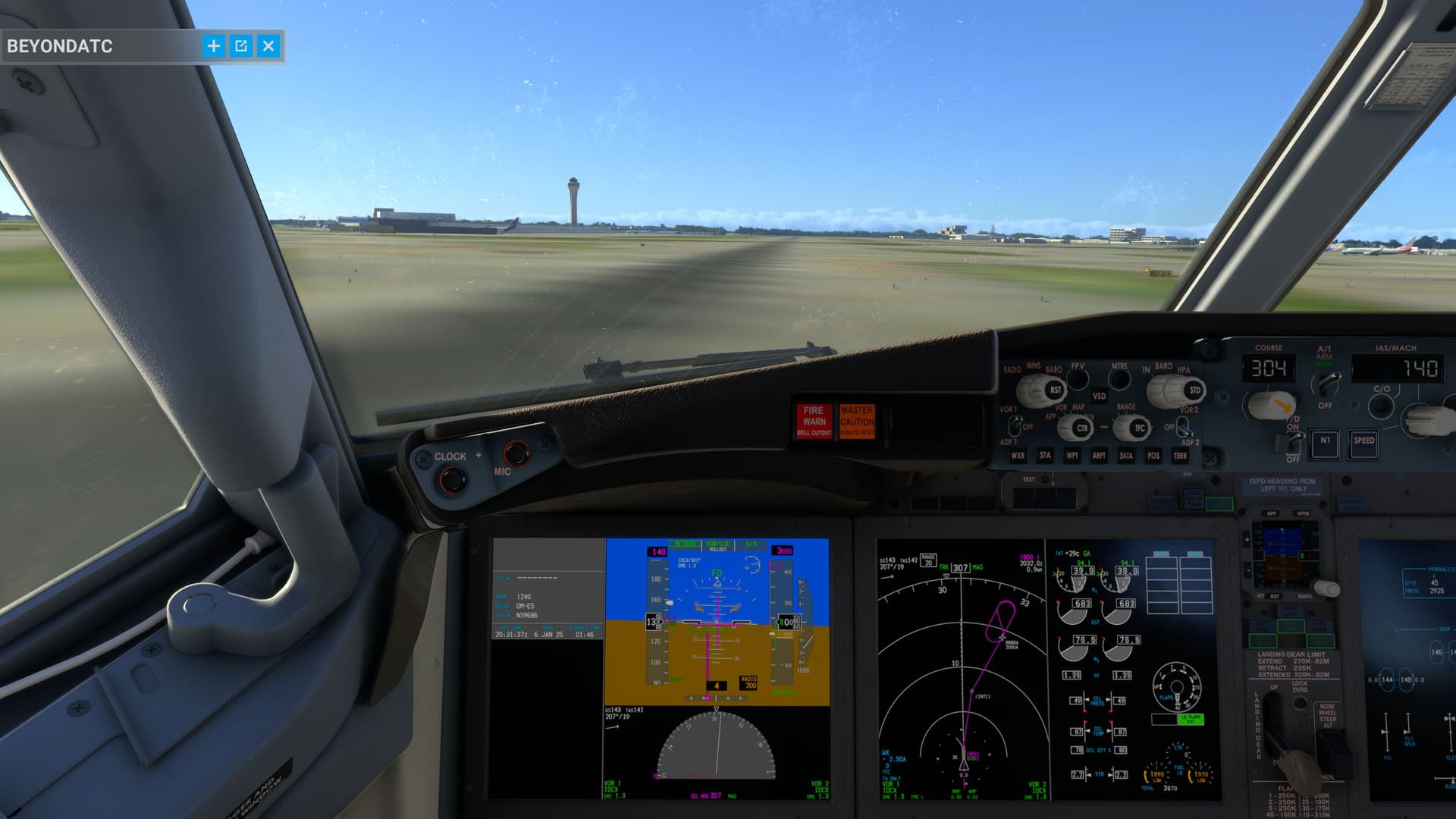
One of the great joys of FS2024 after a two hour flight has to be trying to land at an airport’s runway that hasn’t streamed in yet. This is how KMIA looked R30. I felt more like landing in a blurry field, no markings whatsoever. So many airports do this when they are not cached. Please let us download our content locally ASAP. It’s absolutely useless having the runway textures all load a minute or two after landing. Can we not even have the option to pre-cache an airport we are about to fly to as we are flying there? why stream it in right when we need it the most?
I would agree with that.
Predictive pre-caching (based on a flight plan, or “obvious” destination) does fit the FS2024 usage pattern very well … and it would help to make things better.
From my tests I would say sizes above 750 GB might be a waste of storage, as they might contain unusable empty regions, due to the structure of the RC index.
For more details please see here:
Totally agree, I had to stop playing the game because there are too many bugs! Career mode is a mess. Airliners are unplayable. The controller issues still haven’t been fixed, even though that’s a fundamental part of the game… in short, it’s a disaster.
If you think about it we are sat watching clouds for two hours, when it should be pre-caching our destination instead. It’s almost worth an official request. I’ve lost count of new airports in fs2024 that I approach the runway in a blurry mess because if this issue.
I don’t have the fastest of broadband, but it shouldn’t matter. Just don’t leave streaming the airport data in until we are on final.