Thanks.
I just submitted my issue on that survey section.
I am hoping to see a response.
It is painful to resort to youtube to get the experience having pre-ordered one myself.
I have an 8 mbs download speed with my rural internet service…i’m on day 3 of downloading. 
Pls i need help i need 3 gb to install but it just keeps waiting will something happen if i restsart the computer
What is Netflex? 
Now I’m at day 4 of downloading 50GB it’s so annoying I have literally tried everything that is possible
Yes it’s not working and I really dont want to start from beginning
From what I can tell, FlightSimulator.exe is attempting to download files from AWS cloud front over HTTPS. When attempting to access the cloudfront host I’m looking at via HTTPS, I’m getting a certficate error: (https://server-99-84-230-85.sfo5.r.cloudfront.net/). That’s problem #1.
Problem #2 (potentially) is when accessing that host without the HTTPS, I still get an HTTP error “403 - The request cannot be satisfied” indicating congestion and / or configuration error (http://server-99-84-230-85.sfo5.r.cloudfront.net/).
I think Aboso / Microsoft are having issues with their distribution methods and have occasional success. This would lead me to believe that it will improve over time.
This may also have different affects in different regions.
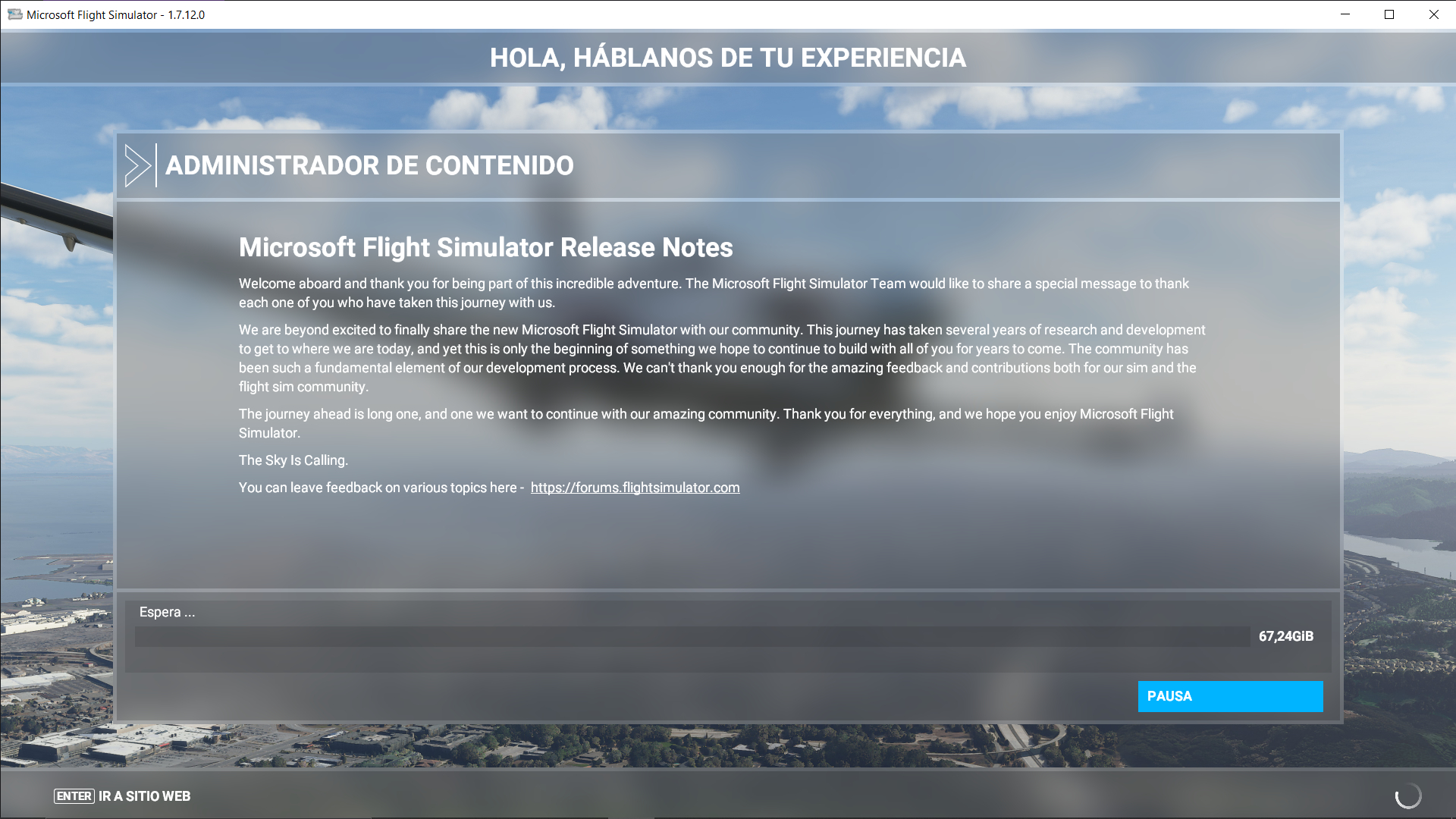
When I had issues installing on launch date, pausing and closing/restarting the installer seemed to be some of the causes of my issues. It would even try to load the game with partially installed files, but only showed a messed up initial Options page I wasn’t able configure (various variable names in UI instead of actual labels).
I was able to resolve it by uninstalling everything MSFS from the Windows App/Program manager (I recall having 3 items, the main install, and 2 extra versions/patches)… and yes Deleting everything in the content directory (so I had to start the download all over again).
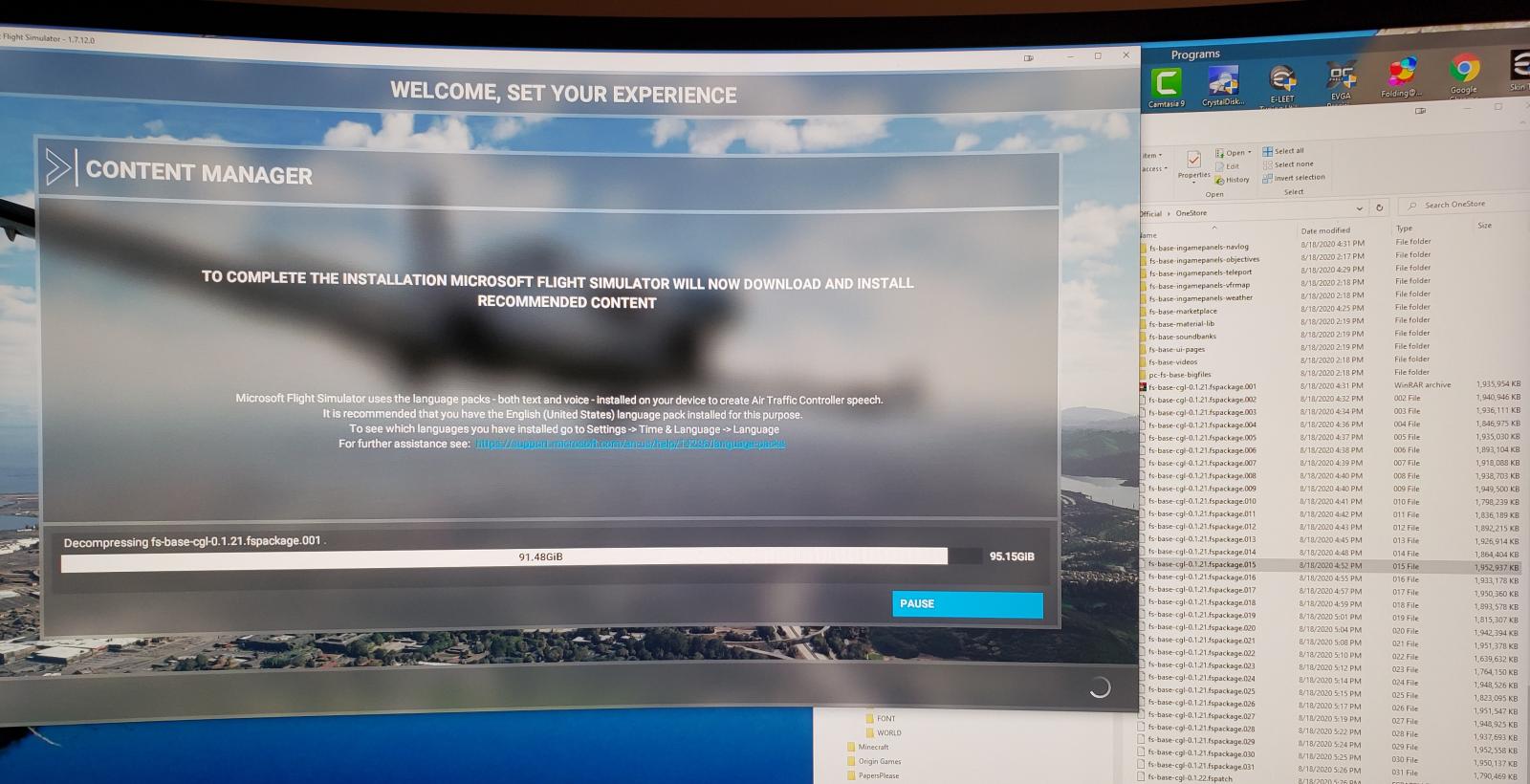
After this it was successful with enough time and without pausing… however I noticed one important thing. Often when the Progress bar froze, it was still doing work. The progress bar shows “download” progress. But at least in my case it downloaded a bunch of files at a time, and then would spend even more time decompressing those files.
Towards the end the progress bar was “stuck” at ~4 GB away from completing, however looking in the “onestore” directory I could see it was working on decompressing a batch of ~56 GB of files (a bunch of nearly identically named ~2 GB files one at a time). I could see it progress as it would eventually step to the next file (i.e. *.001 to *.002, etc. so it was not always obvious it had changed). Once it was done with one of the files, it appeared to delete the file from the “onestore” directory, so I could also monitor progress by watching the files disappear one by one.
After that it worked fine for me… though it took ~5-6 hours in total to install.
So as hard as it may be, I think you might want to try clearing out the download directory and start fresh, but don’t pause or close out the window.
I would like to thank everyone that helped me with my flight sim I have finally finished downloading
Hi everyone. i’m with the same bug. I’m stucked in 59,97GB. I tried wired connection, but still stuck. I have 241GB free disk space, and I’m using default installation path. I also tried reinstall the game. Anyone can help me?
AironGod
I would first check C: drive for storage space, doing install, the installer will decompress the files and suck up your storage space. Not enough space freezes the installation. You may need to move more files to your secondary drive or external storage temporarily if need be. Close the installer. Re-boot your system and restart the download and installation. Some storage space will return when the installer deletes its index installation files. Hope this can help you.
I have exactly the same problem. Stuck with 59.97 GB to load. 245 GB of disc free. Asking me to please wait. Installation crashed when decompressing fs-base-0.1.61.fspackage.002.