I disabled HAGS as you suggested and everything is almost ‘gravy’ now. Just the occasional micro stutter. I did have it, (HAGS) disabled at one-time. Many thanks for reminding me about disabling it.
The ‘weight watchers’, (slimming) driver performed as it should. No problems and it uninstalled without a hitch using DDU. I have installed the latest ‘weight watchers’ Nvidia driver 460.89. No problems here, performance is pretty good now on my aged computer. I have no concerns about these drivers, I feel confident using them, there is no evidence to suggest the core files have been tampered with. I will keep this latest driver installed. I like the idea of loosing the extra Nvidia processes running in the background on the simple premise that, ‘less MAY be more’, less to look at in my Windows task manager. Charles
Thanks for the test. I have gsync on, but my acer monitors are gsync not just freesync, so may be different for me. I’m not having much stuttering, only an occasional freeze. Could be in my case an internet connection glitch (I have comcast, but I’m not sure how good it really is).
I’ll try with gsync off and see if that happens to eliminate the infrequent issues I’m having. I’m on .89
Mark.
I found an interesting article which warns against using the Nvidia driver trimming utility. I don’t know if there is any real validity in this persons argument. I am currently using a ‘naked’ driver trimmed with this utility, (460.89) and getting excellent results. I downloaded it from Guru3D. Importantly, the work has already been done on my driver and the utility is not necessary.
The issue here is with an older version of 7.zip used and NOT the driver itself. Where 7.zip is only used to extract the utility tool package and is used for so much other software too!
Bear in MIND this article was written in 2018 and is probably very much out of date!
I personally feel happy and will continue to use these drivers.
As I am getting very good results from this driver, (460.89) I will keep it installed. My FPS has improved along with a significant reduction in stuttering, this is probably more due to the fact that I turned HAGS off. Anyhow, here is the link to the article FYI …
Truly amazing graphics with this driver 460.89! ‘Naked’ version, (just core files). I don’t think the light stripped down version of the driver has anything to do with the better looking graphics.
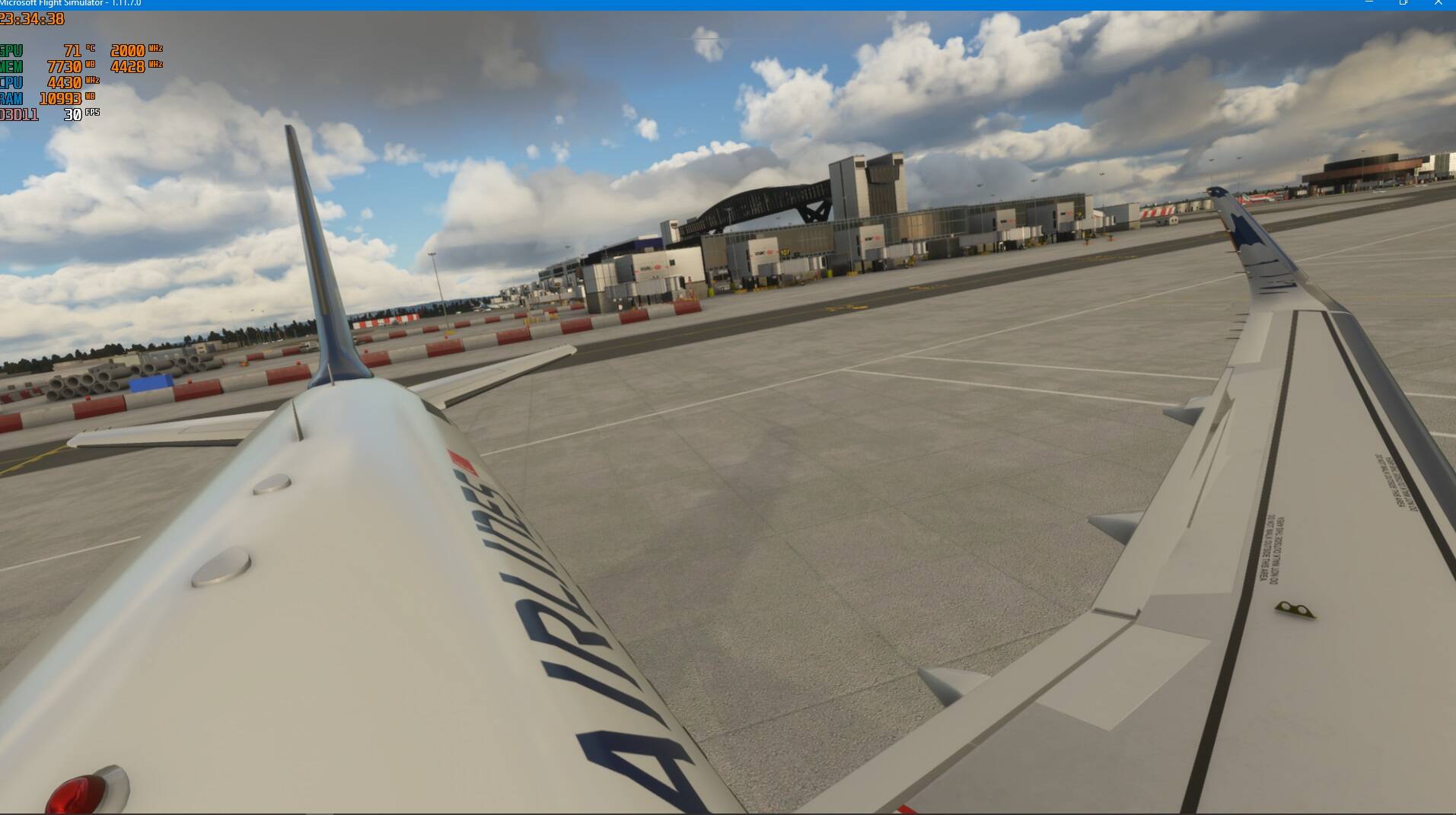
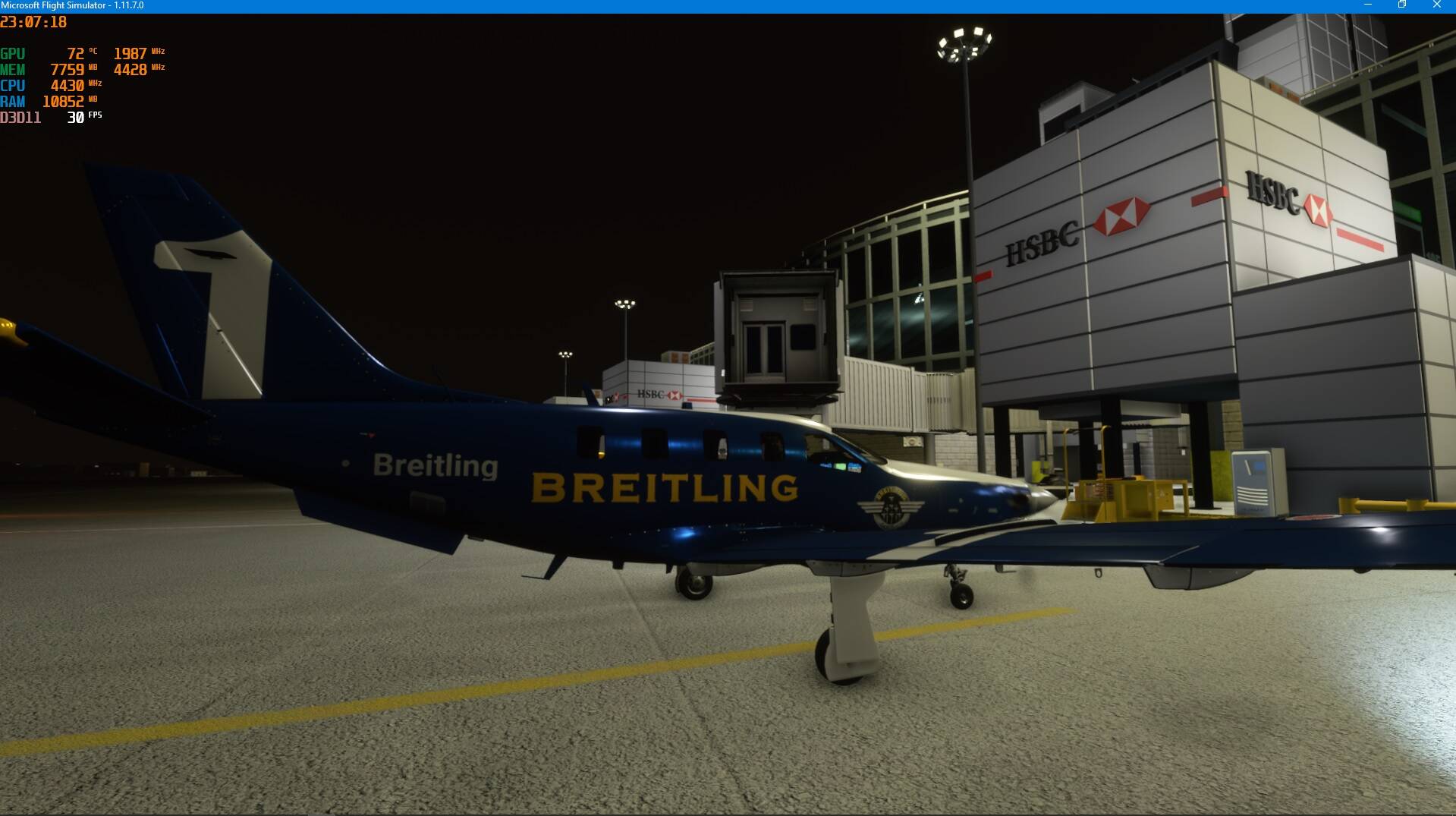
I am using 1080P with high graphics settings on an i7-2600K and GTX 1070. The anti-aliasing is fantastic , I think it’s the best I have ever seen in this simulator. Here are some pictures taken using the Ultra version of the freeware Gatwick airport. I have a virtually stutter free experience now. I have turned HAGS off and have render scaling set at 120, ultra clouds and textures, lots of aircraft traffic and my frame rate rarely dips as low as 27 FPS at this Gatwick airport. The clouds suddenly look fantastic, now that I have disabled post rendering, film grain and image sharpening within MSFS. I turned on volumetric lighting withing the .cfg file and set the value to quality=1. Not sure if this makes the sim look better or if it even works? I noticed that entering and leaving clouds is a graphically better experience, something has changed for the better.
Yes, I know and that is what I don’t understand. The driver just works better with my system and graphics card. Sometimes I feel if Microsoft are optimising some of off-line components, something that other people have thought they had sensed too. Yesterday, I started buying airports because I had felt a vast improvement in the performance of this simulator and noticed a leap forward in graphical rendering. I became really immersed in the game, I am now using live traffic and have lots of static aircraft at the airports. Something has changed and I don’t know what I have done, maybe I have had something running in the background eating up my computer resources that I have removed, I don’t know. I see that you use a rolling eye emoticon, but the pictures speak a thousand words. Charles
Does, enabling volumetric lighting in the .cfg file make any difference in the simulator, would that make entering and leaving clouds appear more naturalistic, (wispier and softer) ?
I understand we might get an update to clouds on Tuesday.
Yes, I thought it was an interesting article that you linked to, and I did read it from your posting. I should have linked back to your posting which I would normally do rather than duplicate. I have linked to your original article and now it all reads in context. Charles