New Weather Engine StrataWx MSFS2024

StrataWx MSFS 2024 Only
MSFS 2020 Soon
X-Plane Soon
Future MSFS 20XX Free

$29.99

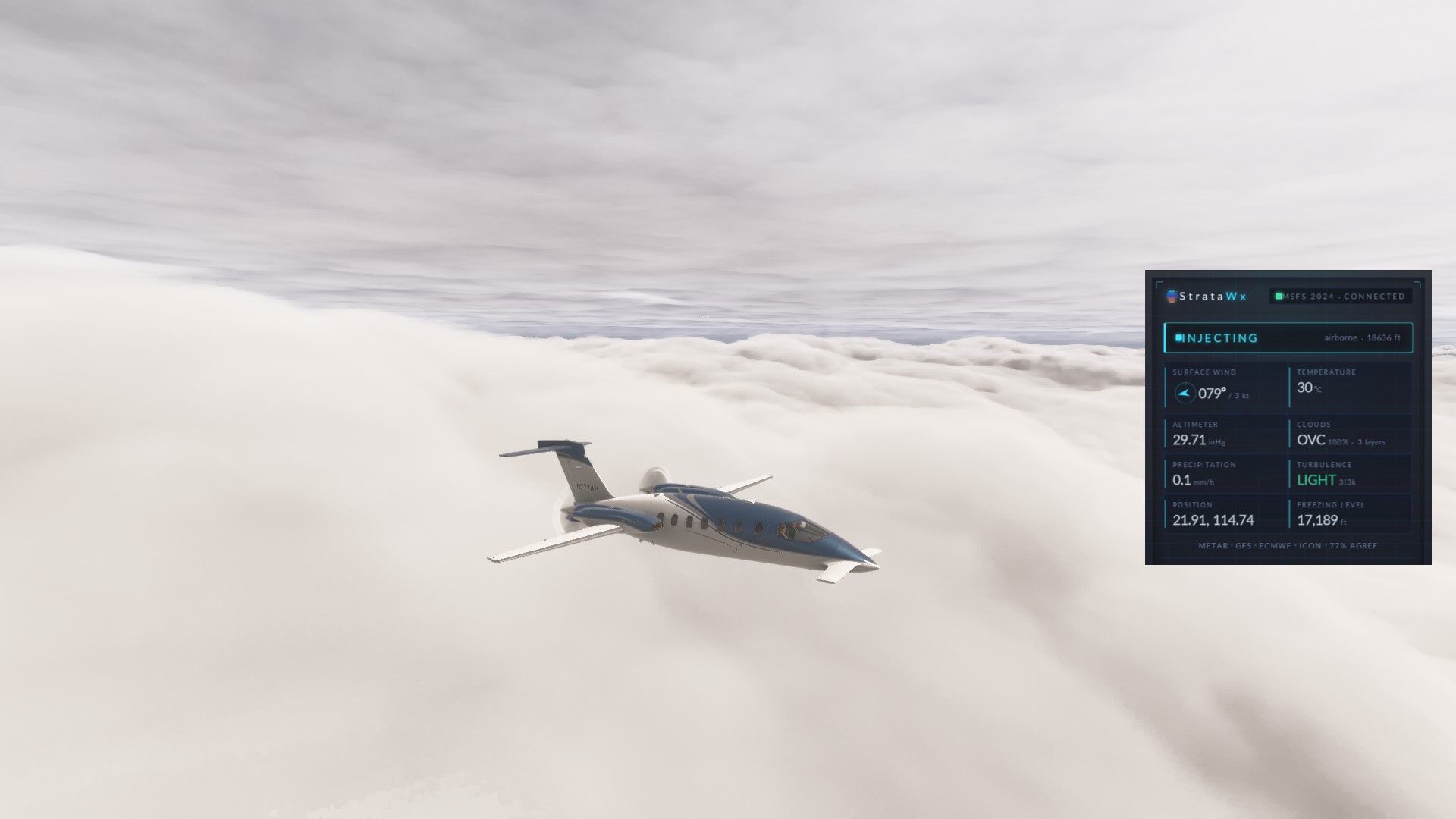
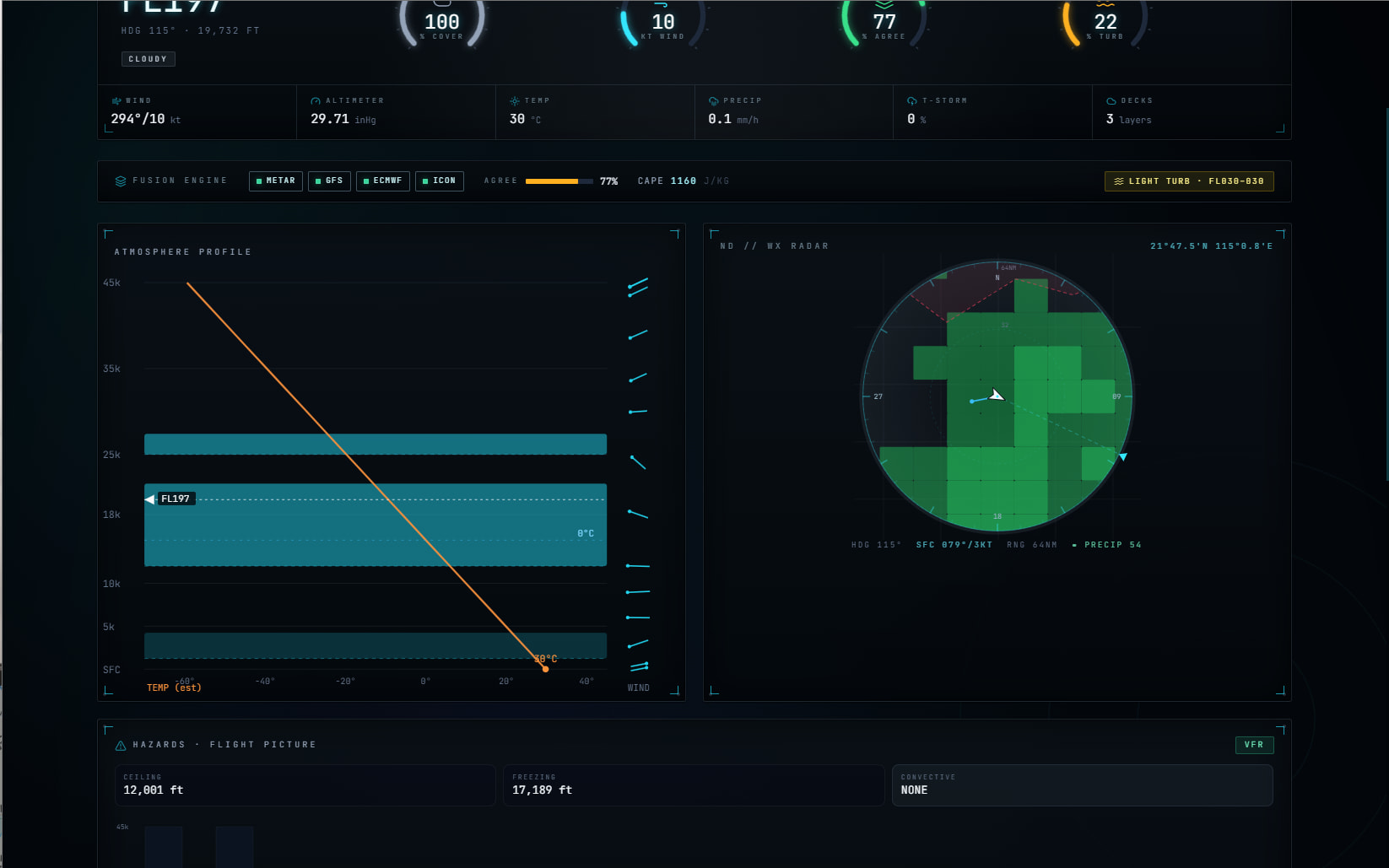
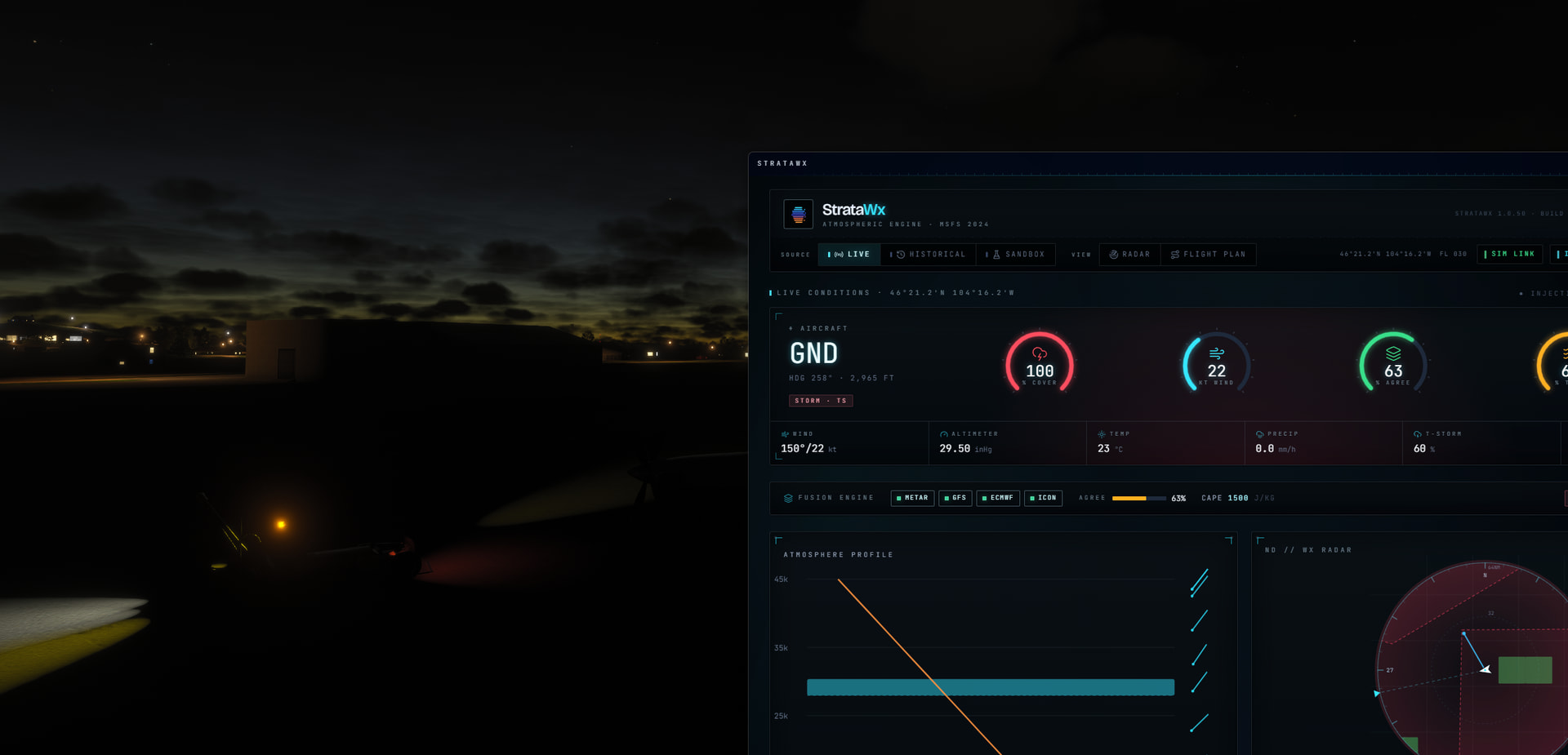
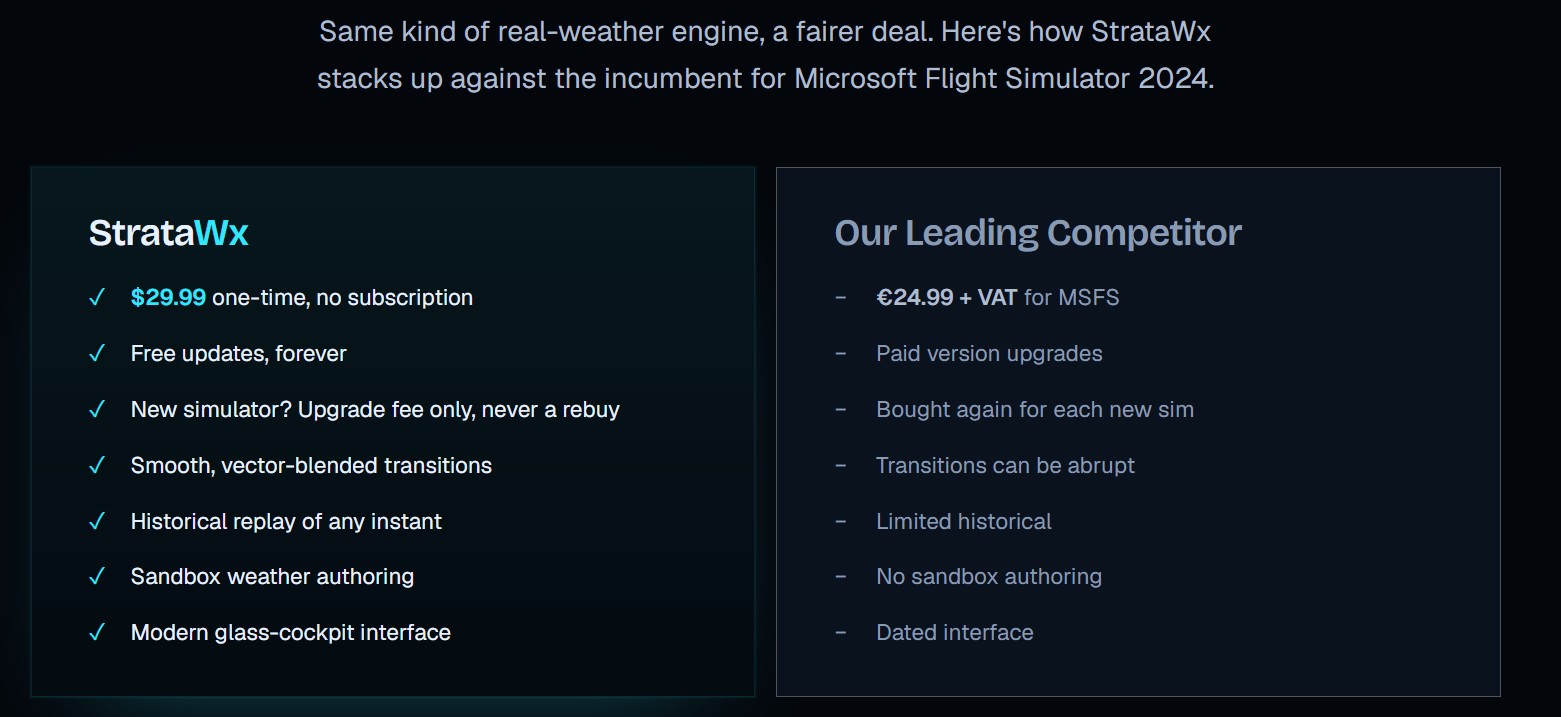
StrataWx is the modern alternative to Active Sky’s clunkiness. It feeds live atmospheric data into MSFS 2024 in real time: winds and temperature aloft, cloud decks, precipitation, pressure, and aviation hazards, written straight into the running sim through its in-game weather engine. No file swaps, no menu fiddling, and none of the abrupt jumps of older weather engines. The weather updates continuously and eases into place while you fly, anywhere on Earth, because StrataWx is built on global forecast models rather than US-only feeds.

What sets it apart

  • Truly live injection. StrataWx writes to MSFS 2024’s in-memory weather API (updateTempWeatherPreset) from an in-game toolbar panel, the only path that updates active weather without a reload. It auto-engages the moment you open the app.
  • Smooth transitions. Custom per-channel smoothing (coast, then ease out, with a cold-start snap so you load straight into correct conditions) is purpose-built to eliminate the abrupt jumps of older weather engines like Active Sky.
  • Multi-layer clouds. StrataWx carries far more than the old three-deck limit, probing the sim’s real ceiling at runtime instead of assuming it.
  • Global coverage. Winds, temperatures, precipitation, and computed hazards (icing, turbulence, freezing levels, convective bands) are equal fidelity worldwide via Open-Meteo and GFS, with international SIGMET, AIRMET, and PIREP advisories.
  • Three modes. Live for current real weather, Historical to replay any past instant from the ERA5 reanalysis archive, and Sandbox to author your own conditions.
  • Flight-plan aware. Pull a SimBrief route and preview real weather at each waypoint’s planned altitude, with winds, temperatures, and hazards fix by fix.
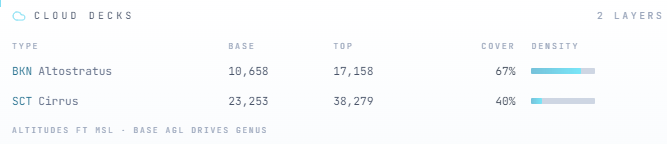
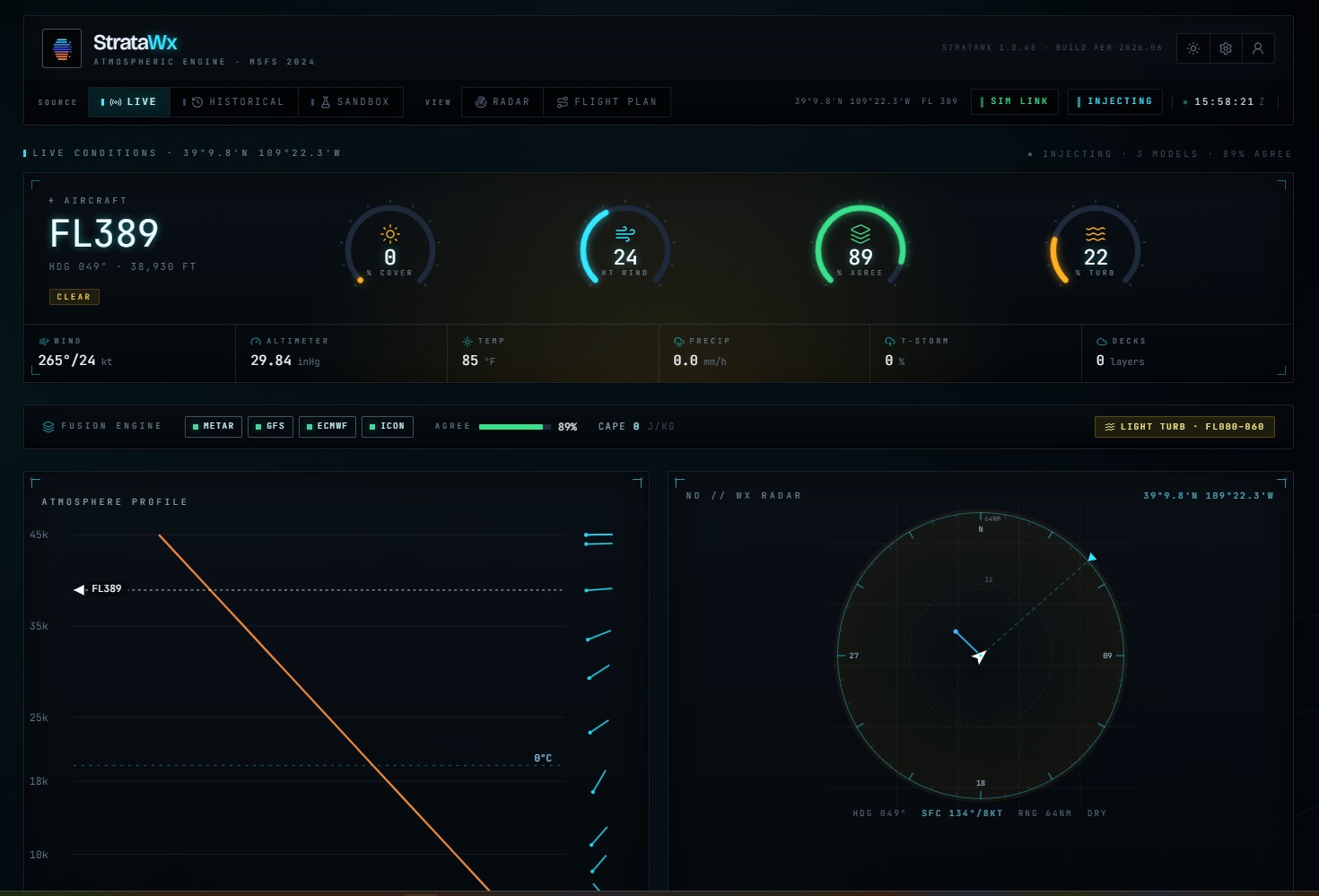
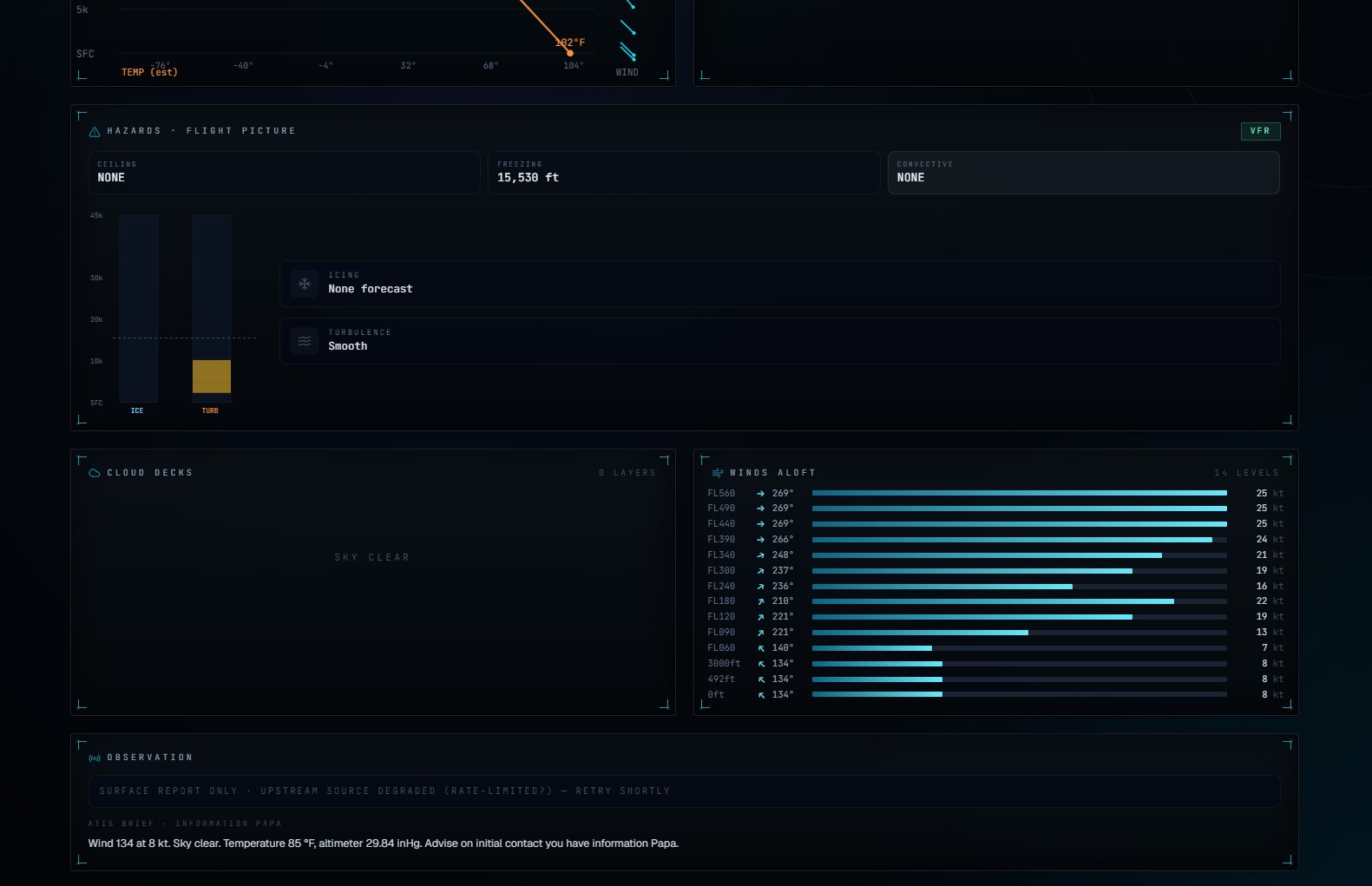
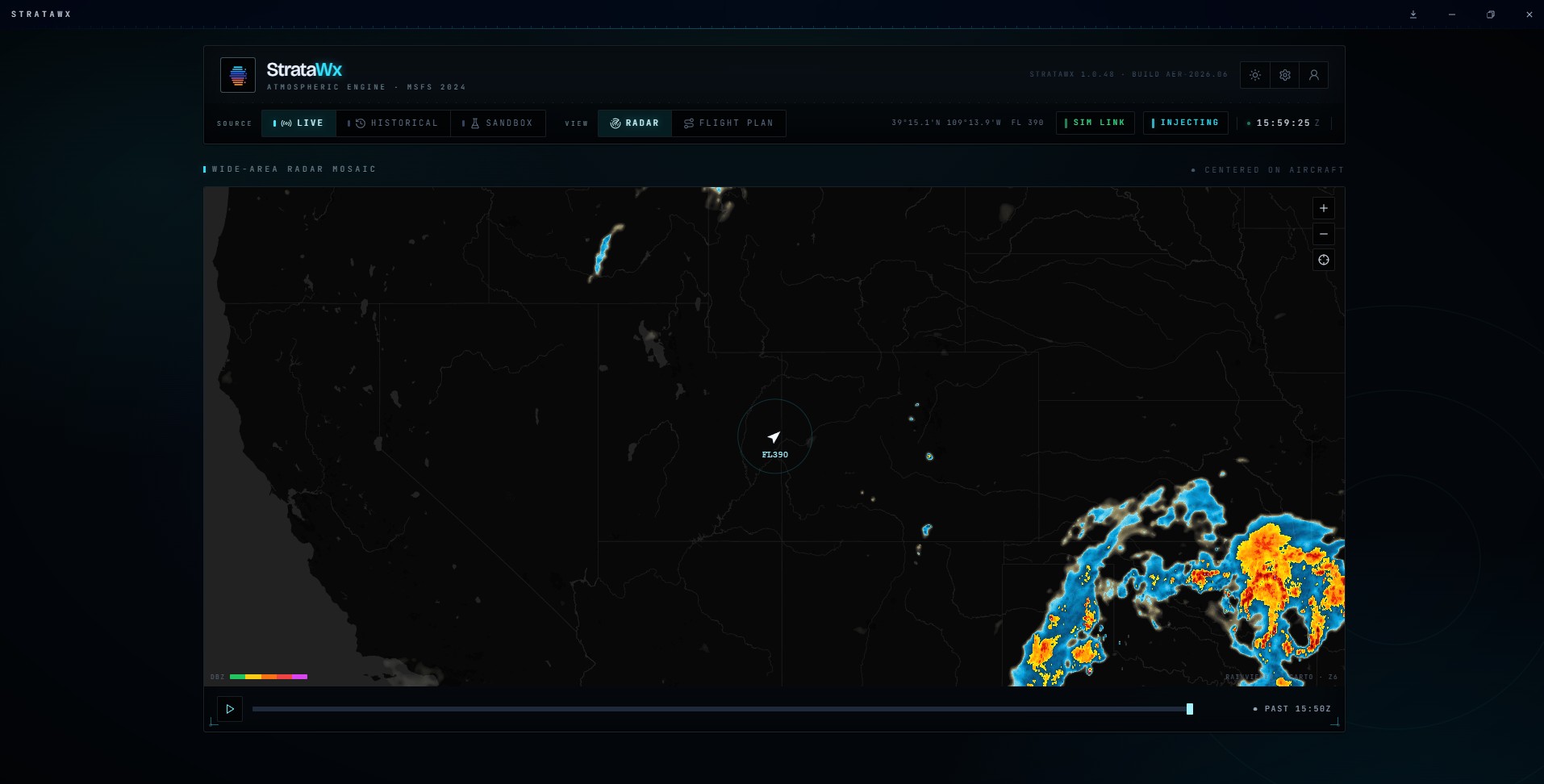
  • Cockpit-grade UI. An EFIS-styled dashboard with cloud-deck tables, wind ladders, vertical profiles, a basemap radar view, and live METAR and ATIS readouts, in dark and light themes
StrataWx — Support report fix bug

StrataSim Designs stratawx discord support report fix bug

Odd, no in-sim screenshots or anything? Is this still just injecting the same weather in a bubble around your aircraft?

The app window seemed to lose focus when ALT-TAB is used.

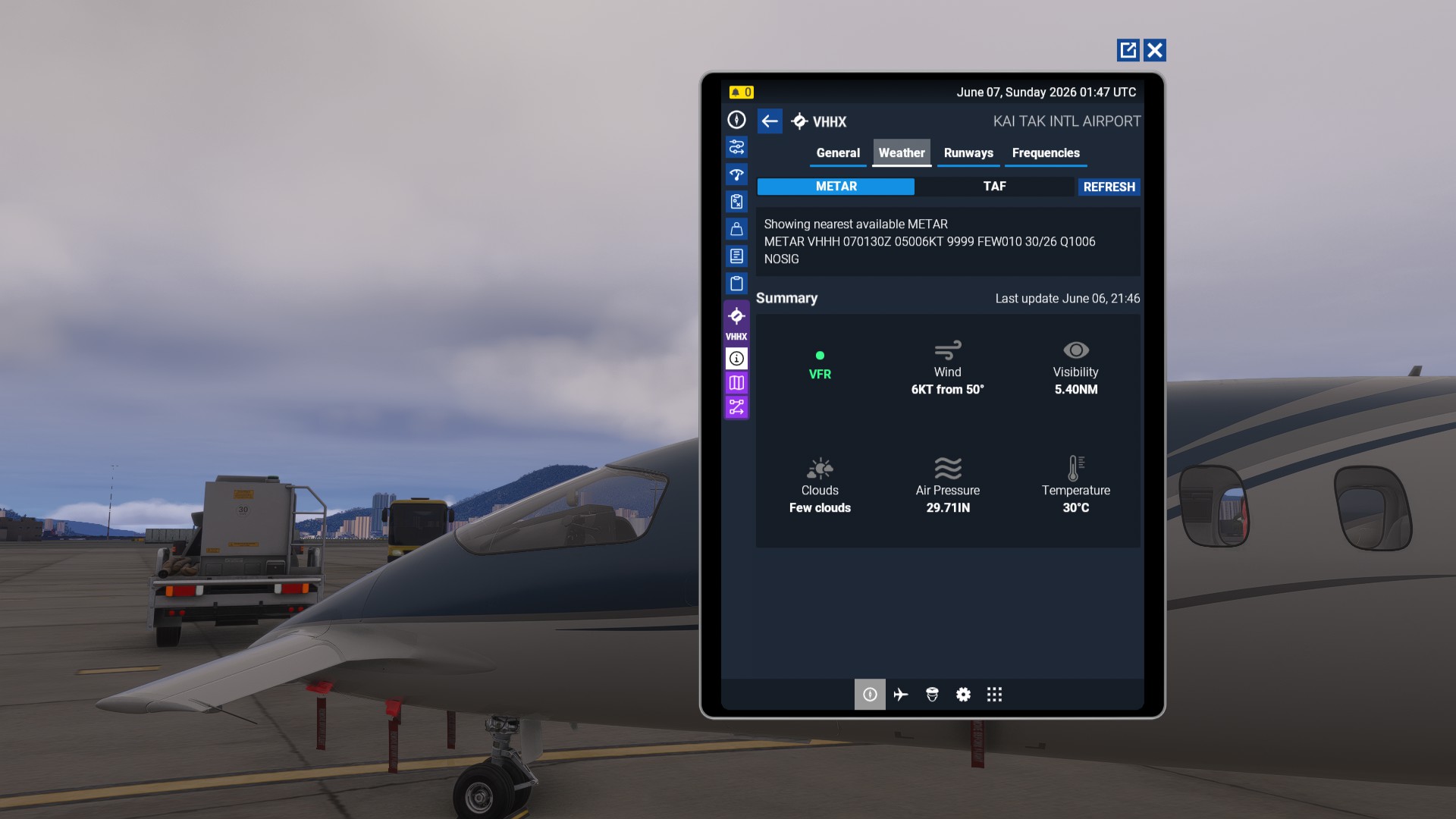
I grabbed it and currently playing with it. The one problem I have seen so far is it doesn’t update the METAR on a regular basis. It’s currently 1 hour behind. It should be using the 070200Z run, but still stuck at 070100Z, when it first opened. I reopened the app and it still using the 070100Z run when the latest from the airport had update at 10 after the hour and we are now 36 minutes. There doesnt seem to be a way of forcing a refresh.

Other then that so far, it is a lot smoother then Active Sky.

I’ve taken several flights with that app, and it makes the transitions between weather conditions very quickly.

Seems to be a bit weak on thunderstorms. Active Sky picks them up without any issues. Even when I select thunderstorms on the app, it doesn’t create it. After a while, if you select different locations, it seems to loose itself and reverts to scattered cloud conditions. even thought there is a massive thunderstorm at the locations.

Jim, there are stars… No thunderstorm.

Does the in-sim panel need to be active on screen, or is it working in the background?

I bought it also. If you just fly, and don’t have a flight plan loaded, I’ve found the clouds update shape, and dispersal right in front of your eyes in real time, without being fixed in shape. This happens periodically.

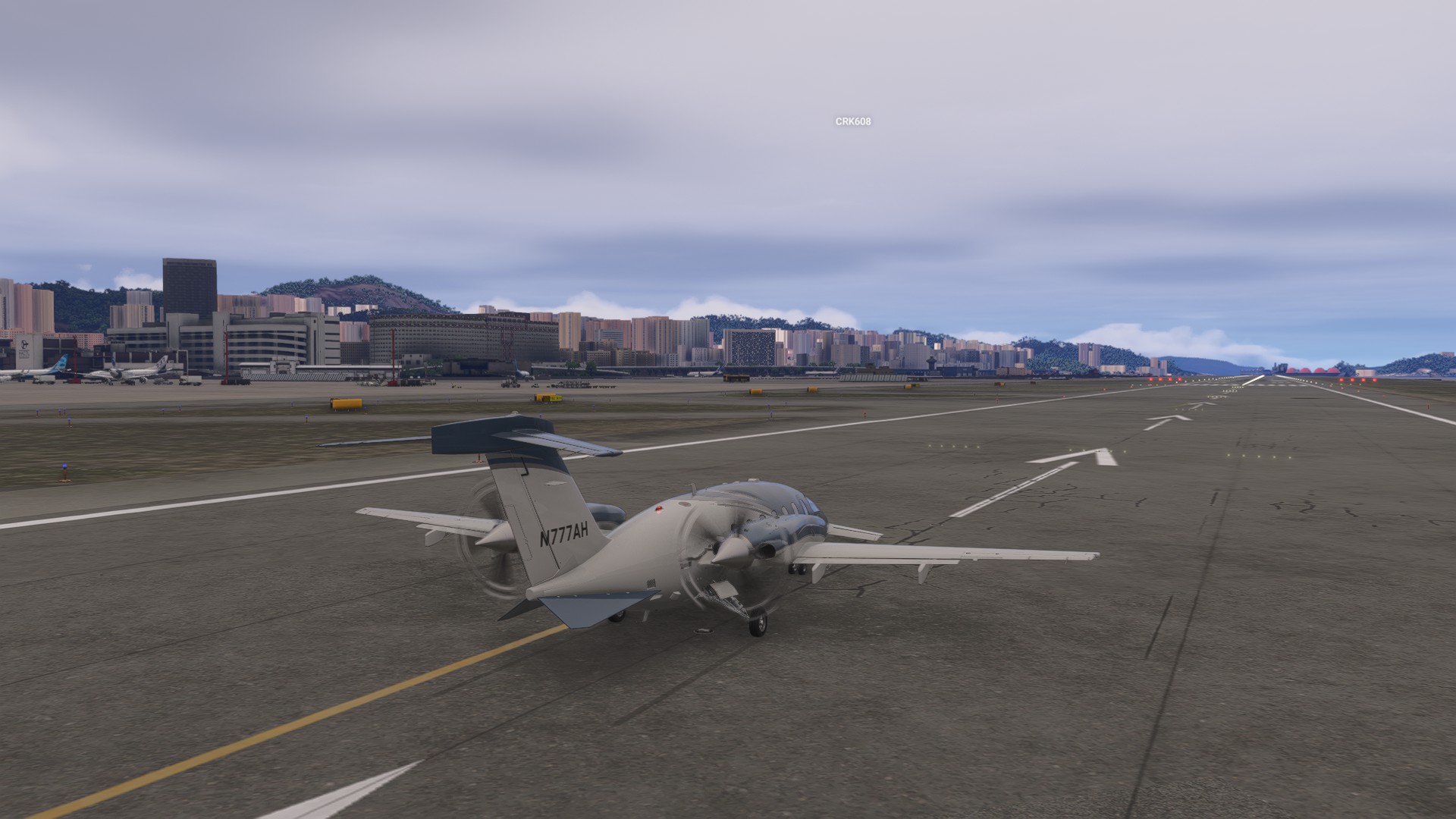
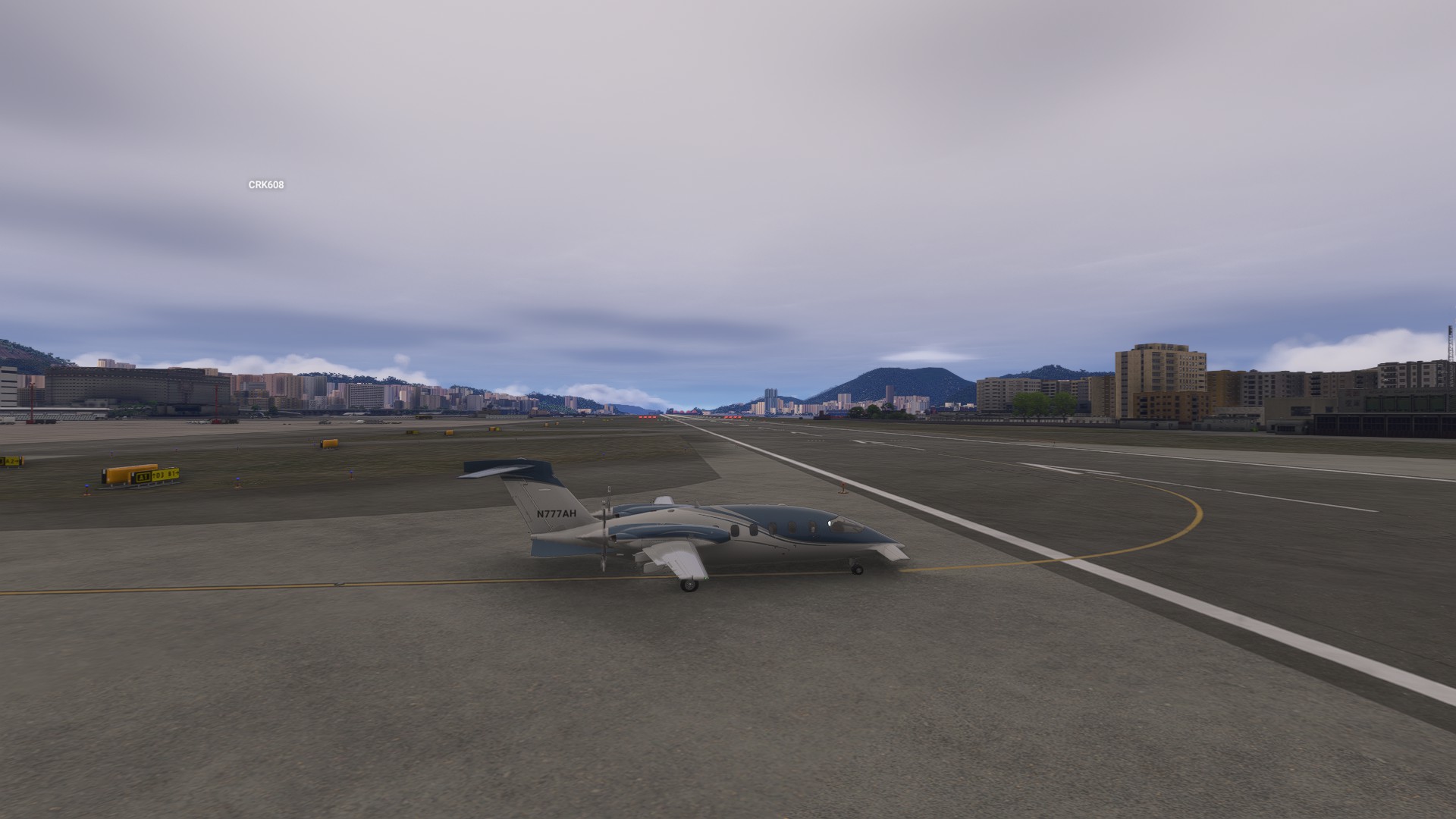
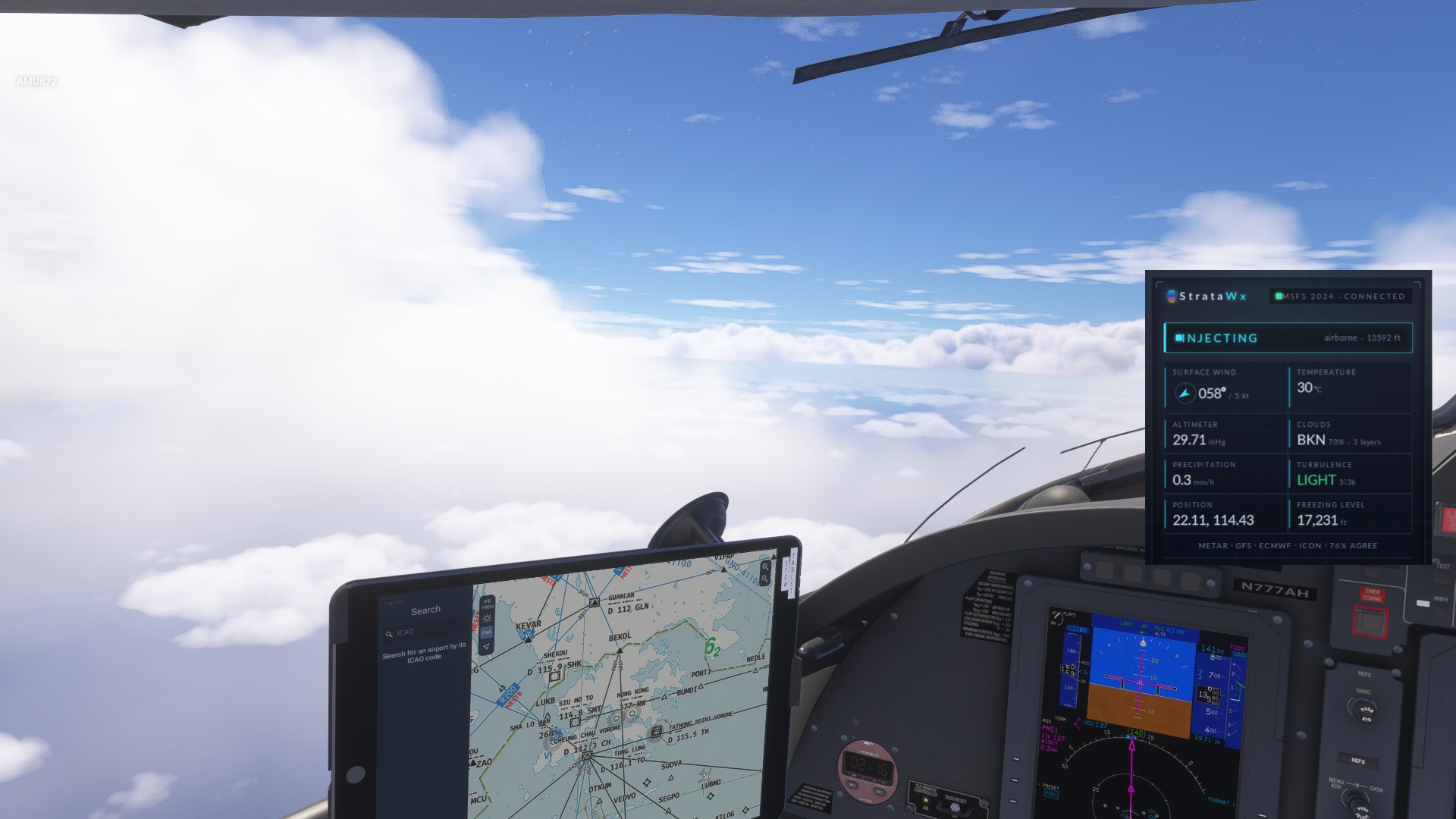
I’ve just fired it up again to take some pictures for this thread.

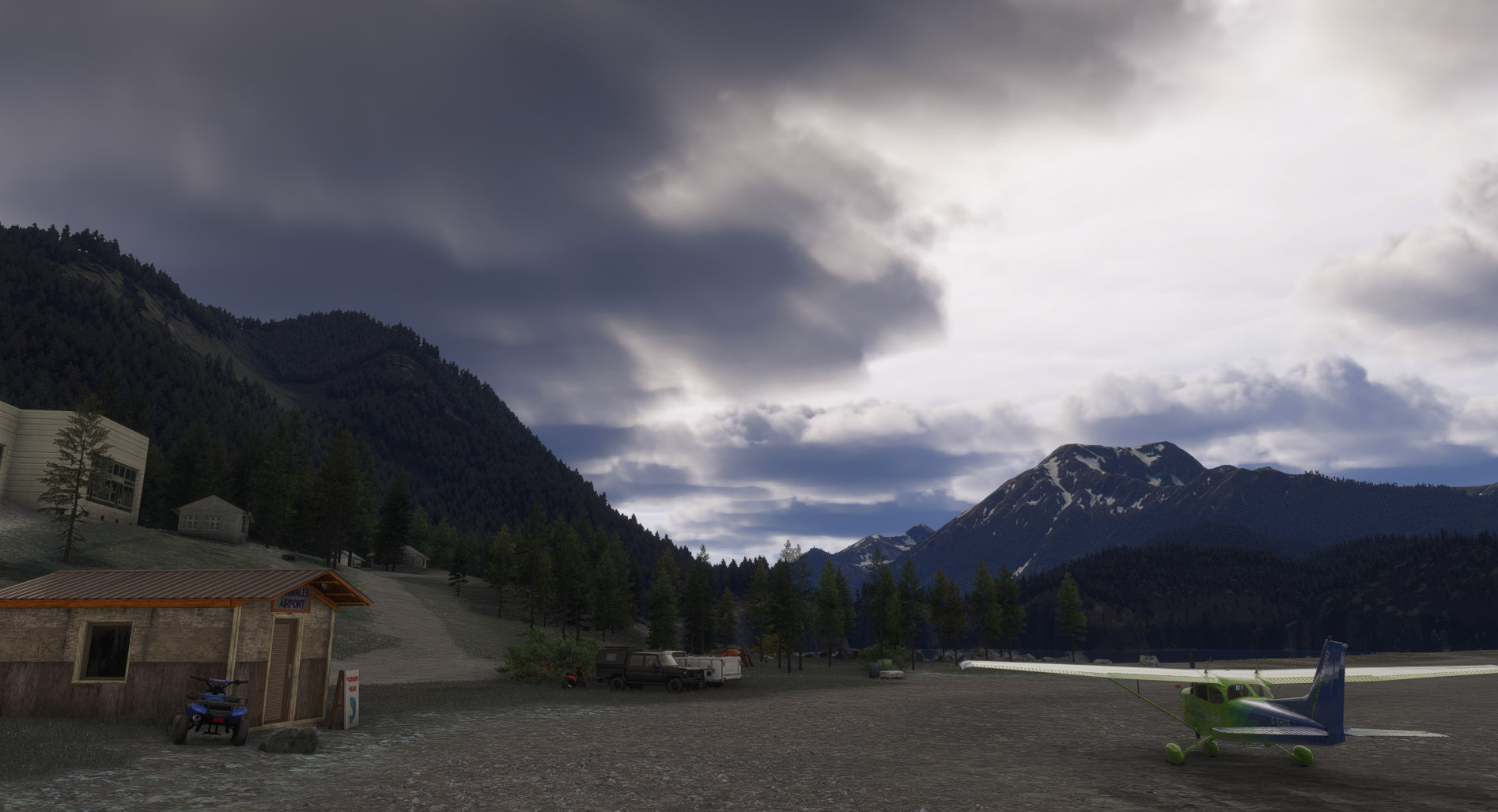
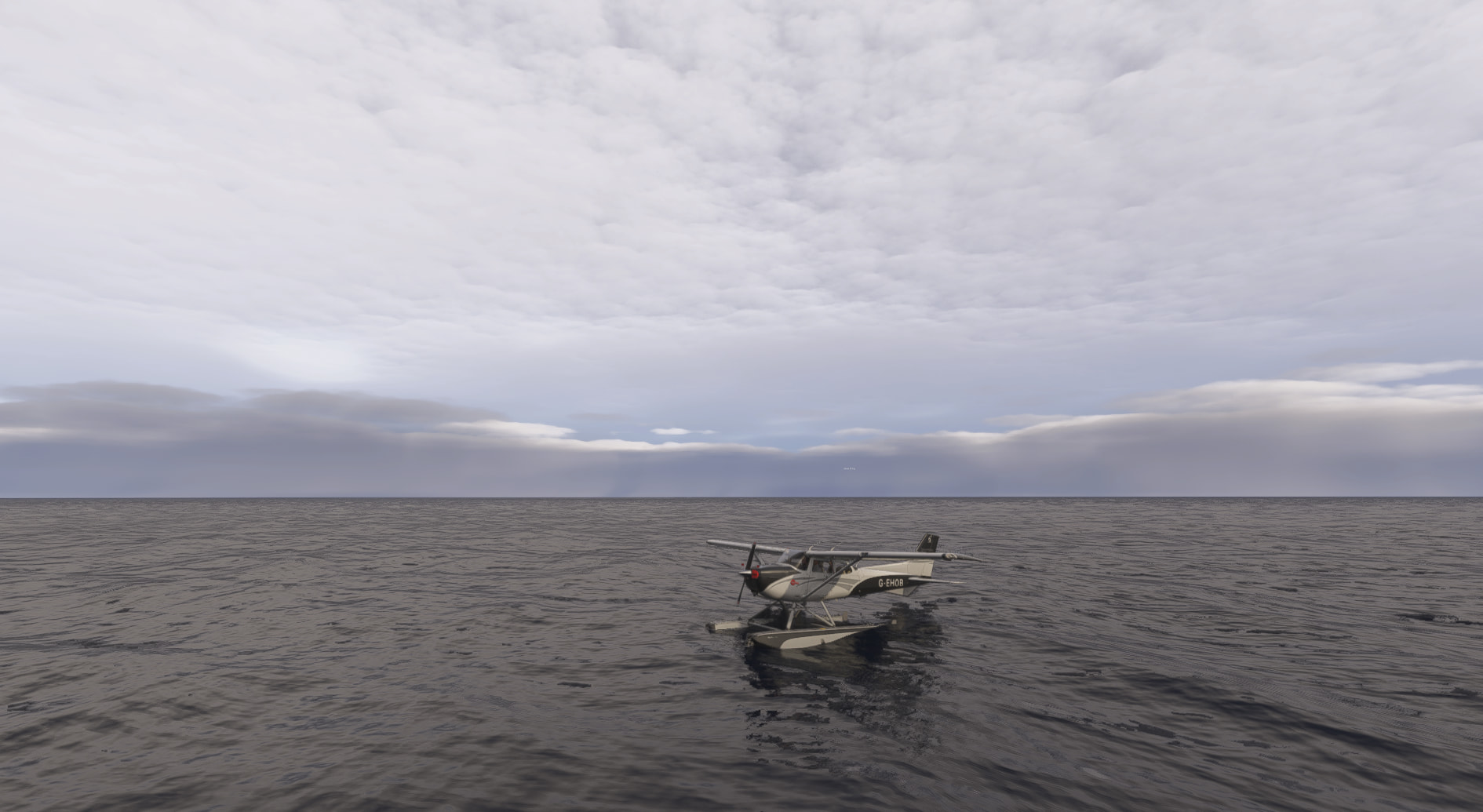
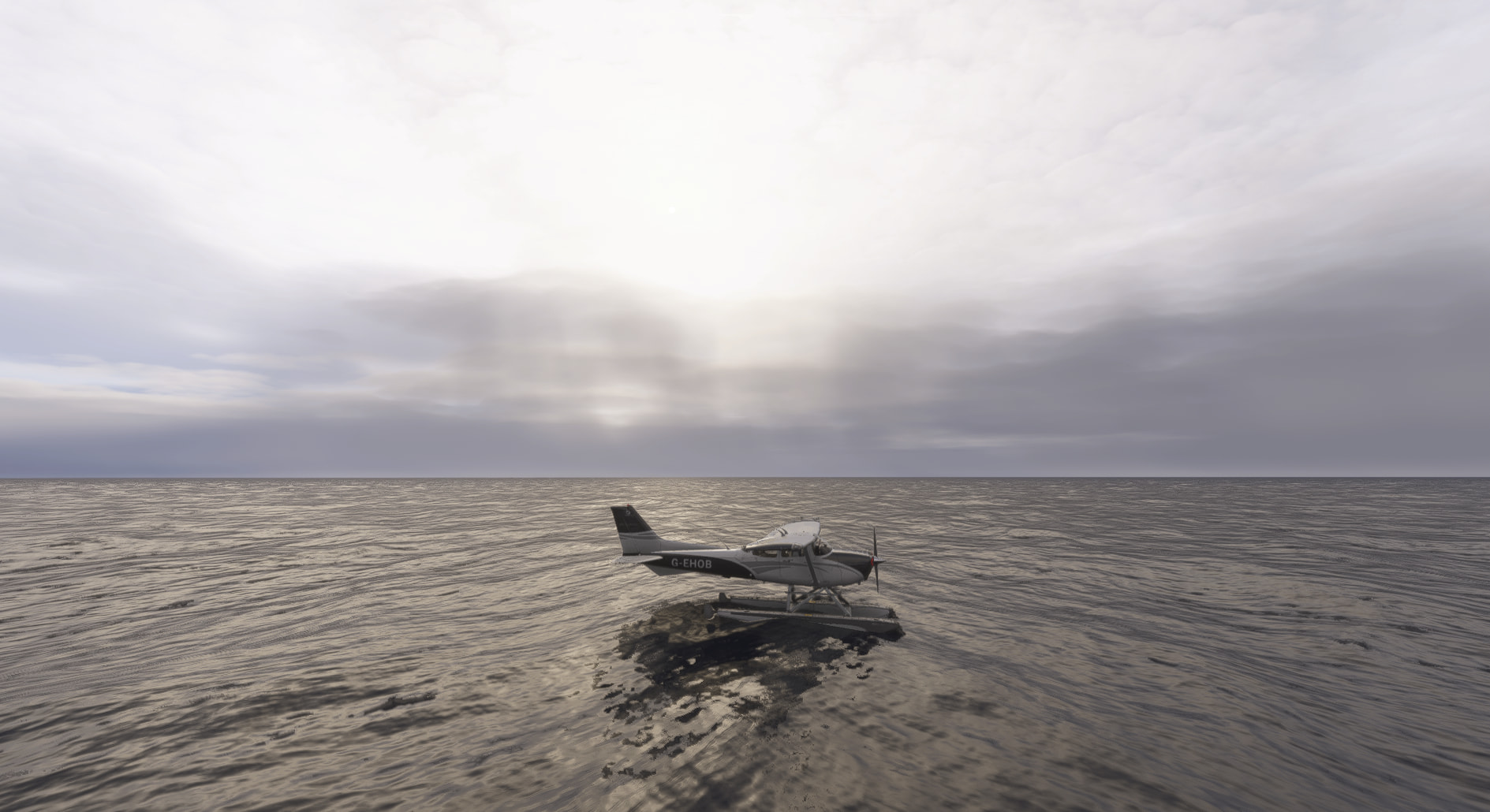
Nanwalek, SW of PANC. Overcast.

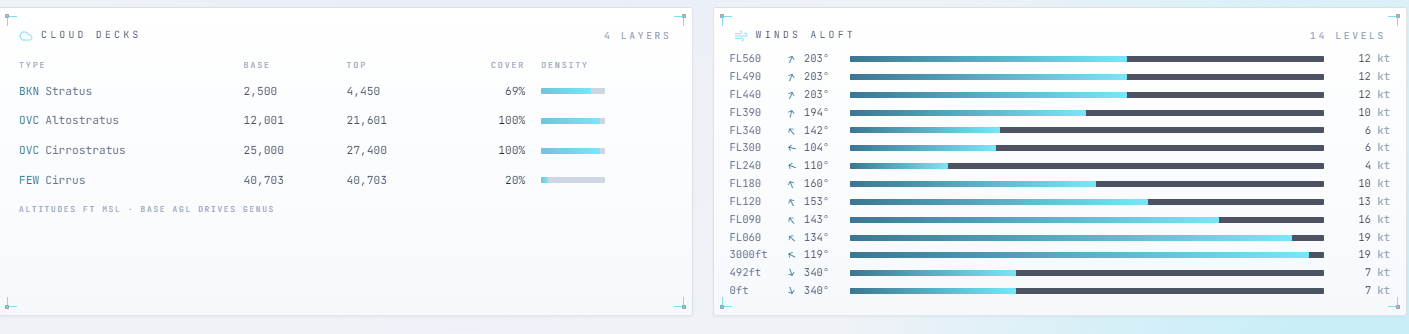
Wind 323 at 4 kt. BKN at 2,500 ft, OVC at 11,000 ft, OVC at 25,000 ft. Ceiling 2,500 ft. Temperature 10 °C, altimeter 29.63 inHg. Advise on initial contact you have information Golf.

When I spawned in it was a uniform blanket of cloud, with no discernible features. As I typed the above text, and switched back to the sim, the cloud formation has changed.

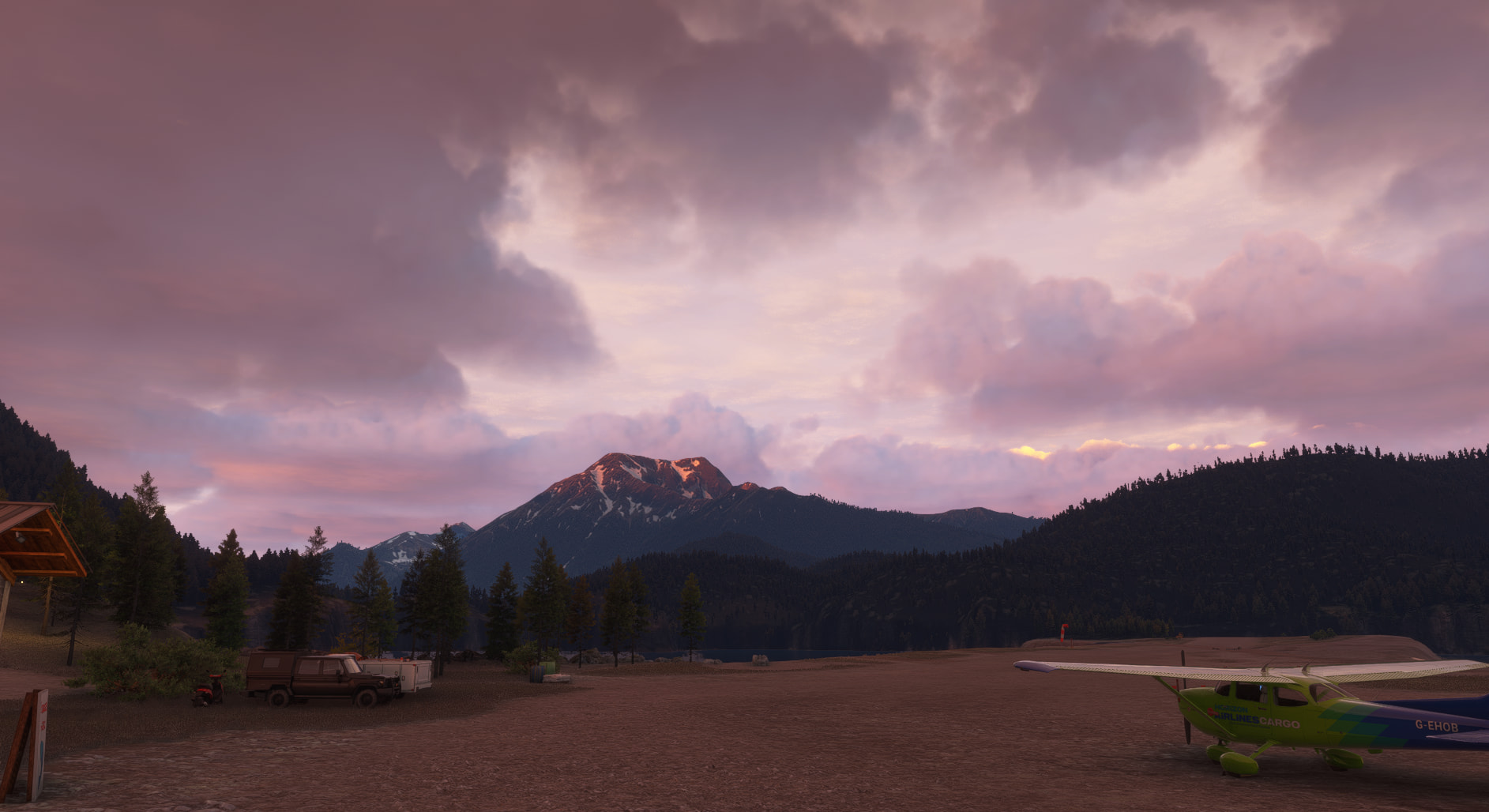
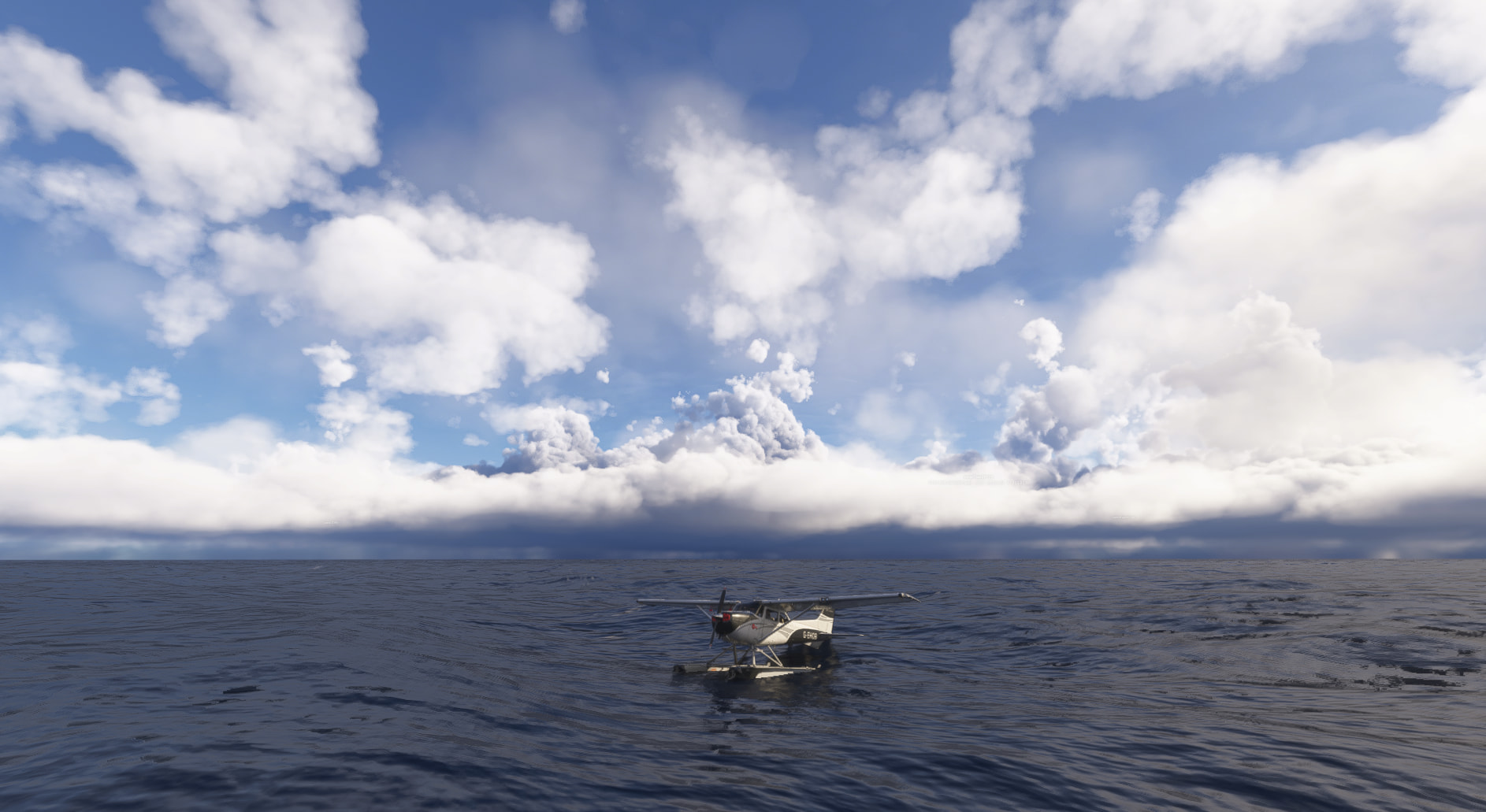
Switching to dawn. You can just see clouds tops in the distance catching the sun.

On the flight plan page, I wish I could just chuck in a flight plan as text, rather than pull from Simbrief. That should be pretty easy to implement, devs, right?

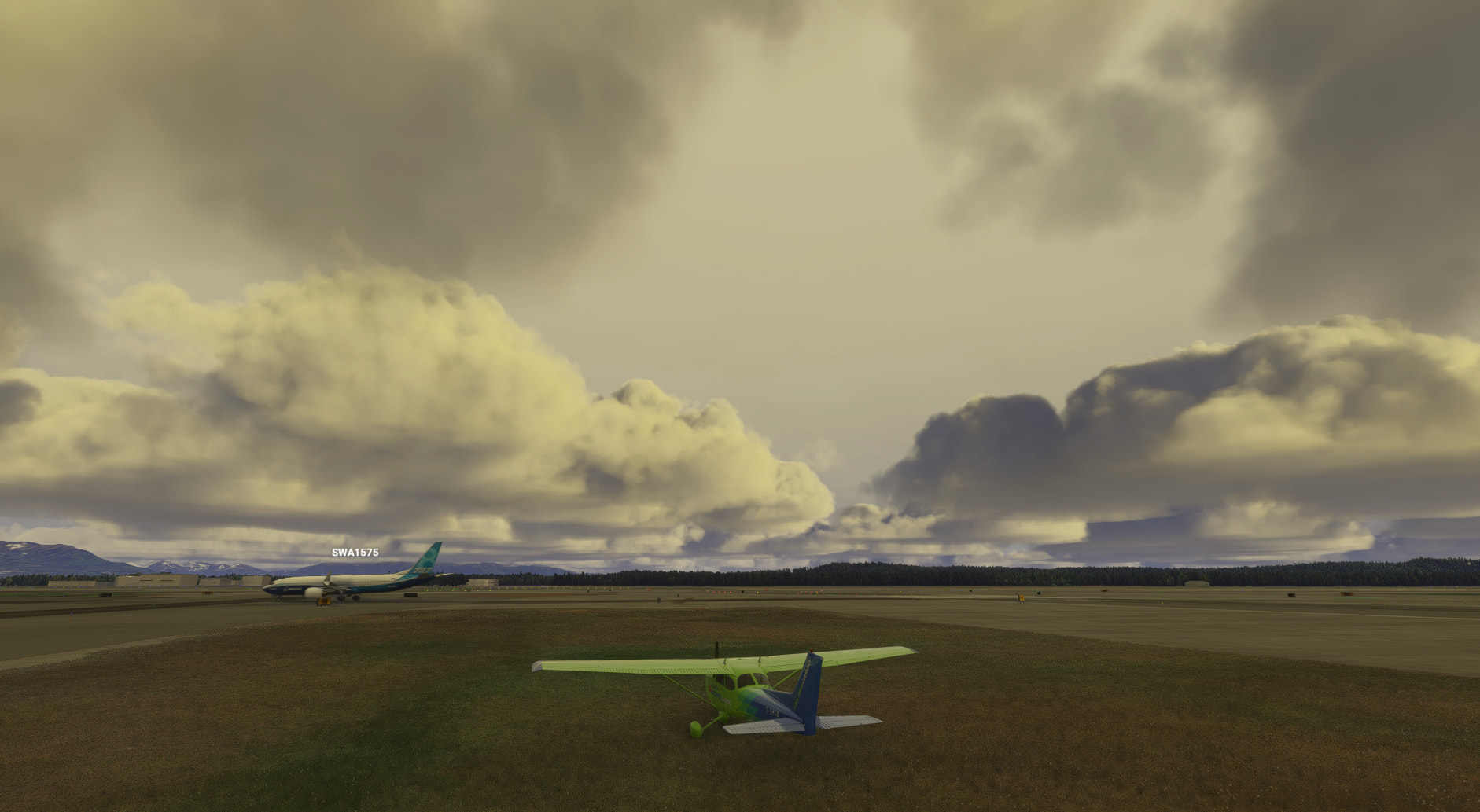
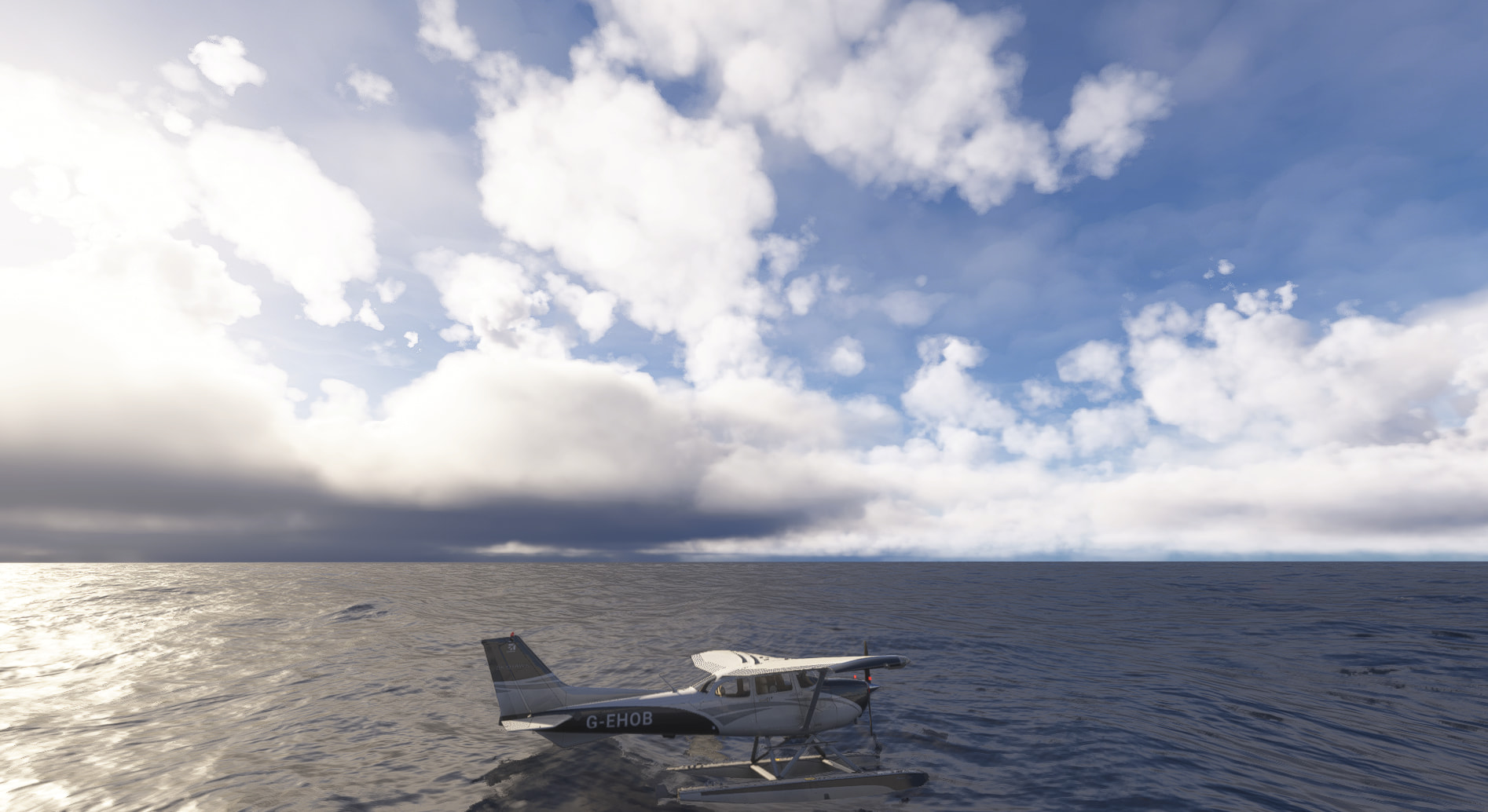
After updating this post a little bit, I can see the weather in the sim has changed yet again. A timelapse of this would be interesting I think. I think their colours are still off, and Rex Atmos Core can assist with that.

With Atmos.

Without.

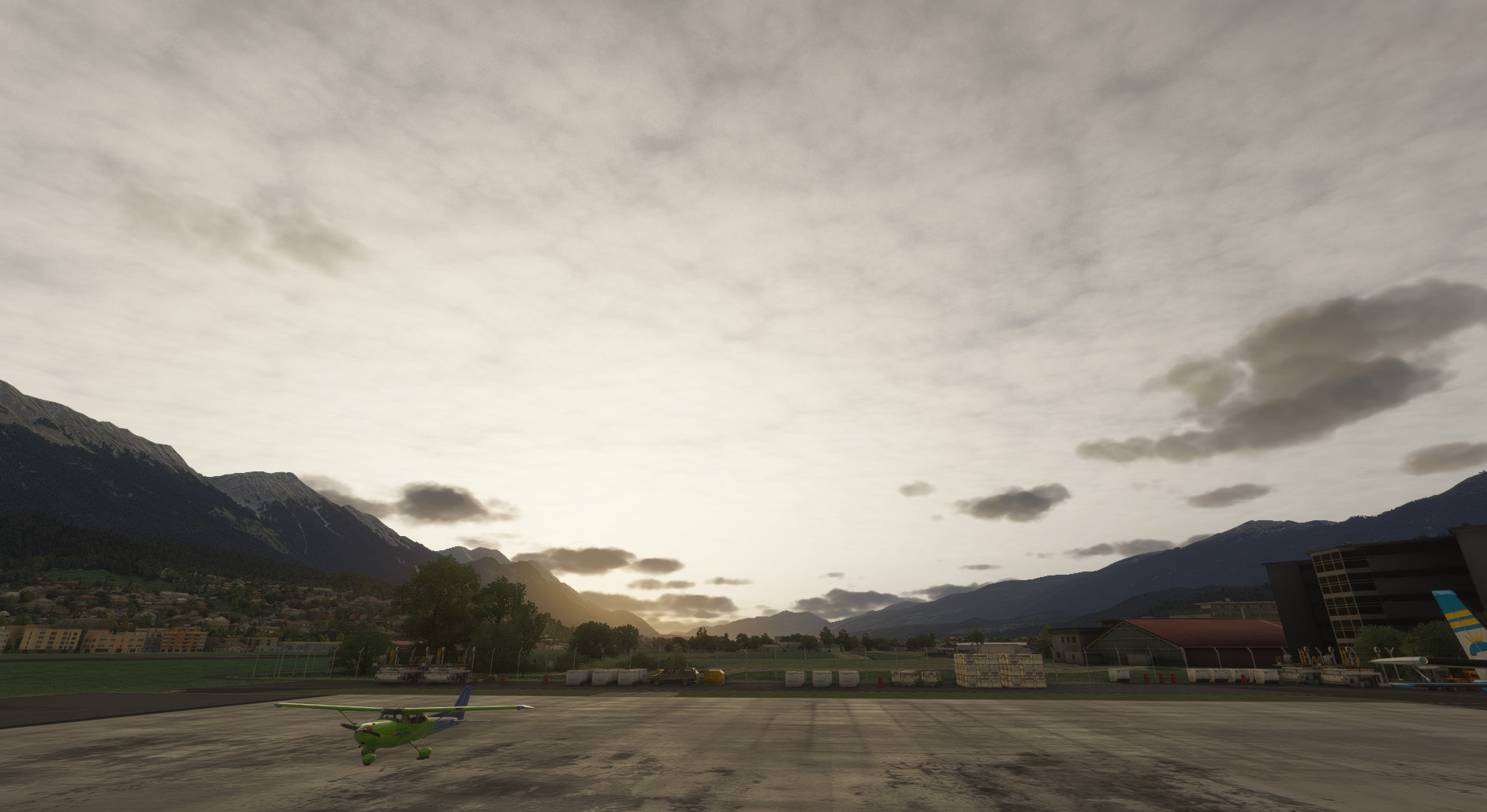
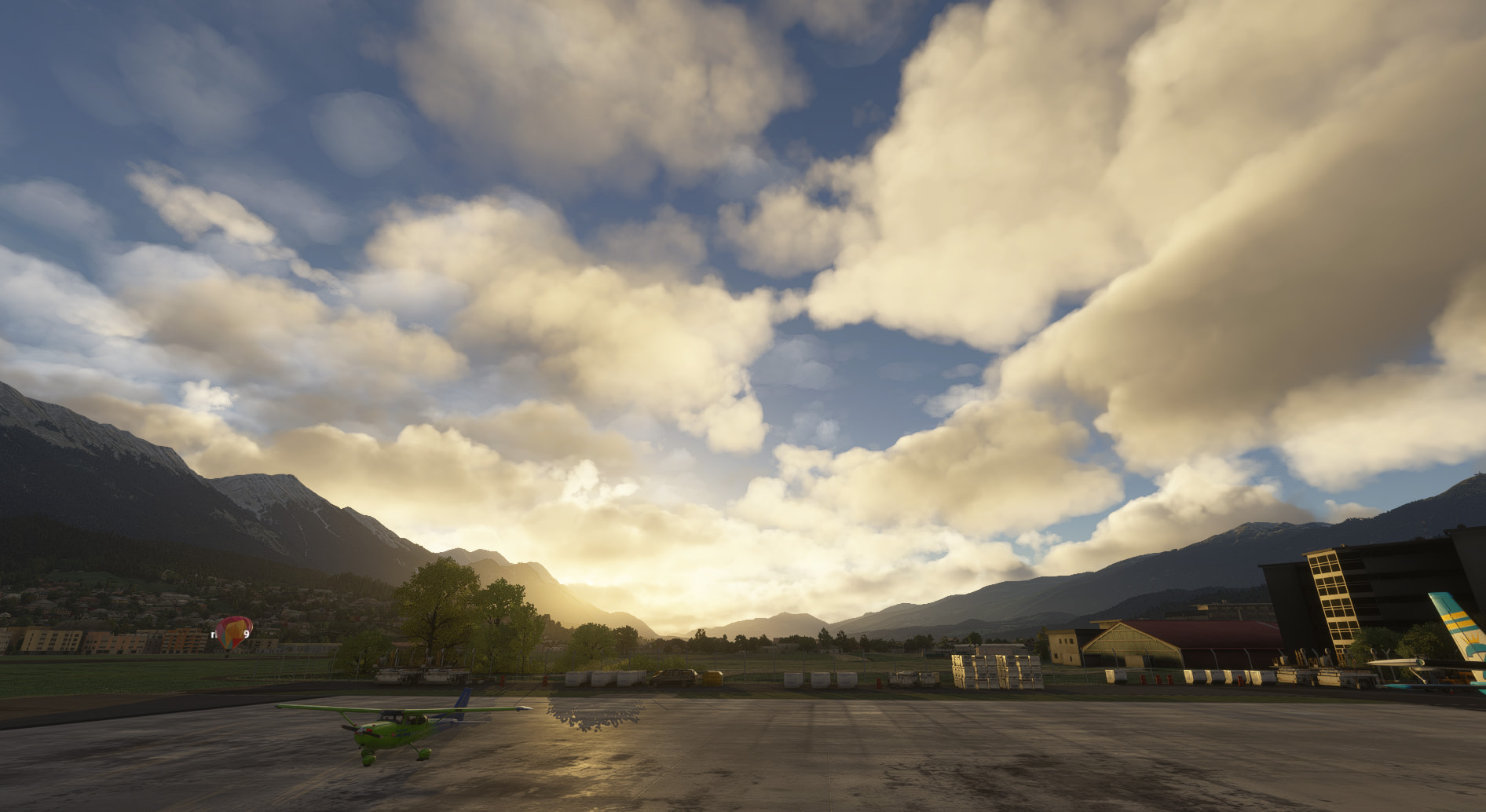
Moving over to LOWI.

Unfortunately it seem StrataWx has the same problem that ASFS has had in the past, in that once it has hooked in, you cannot unhook it, even by closing down the program. Picking Clear Skies will immediately revert to what StrataWx was last showing.

Though as I typed that, then came back to the sim, this behaviour had reverted.

Here’s the Asobo live weather comparison shot of the above StrataWx image.

I can’t post the ASFS image as its plugin had to be removed for Strata. Though I wonder if you could have both loaded, as long as you only use one program or the other running outside the sim…

One thing it improves on what ADFS does is how quickly it injects. Just a few seconds after launching it the weather shifts.

One thing that I don’t yet think it can improve upon is weather transitions. Despite their claims both ASFS and SWx produce weather around you, and this alters as you move about the world. I doubt it will ever be able to give you a cloud bank out there in the world that matches what real world weather has. Currently Asobo/Meteoblue is the only game in town for that, until Asobo give us the much requested Weather API that third parties can tap in to.

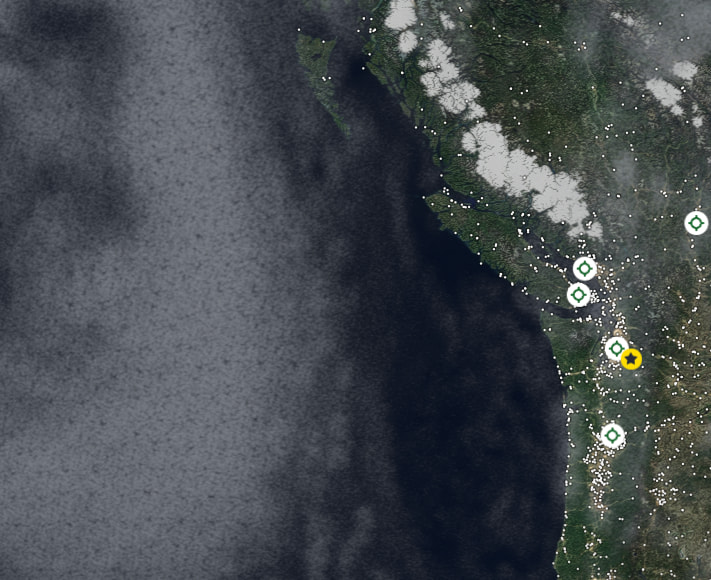
For example, look at the West coast of the Vancouver here:

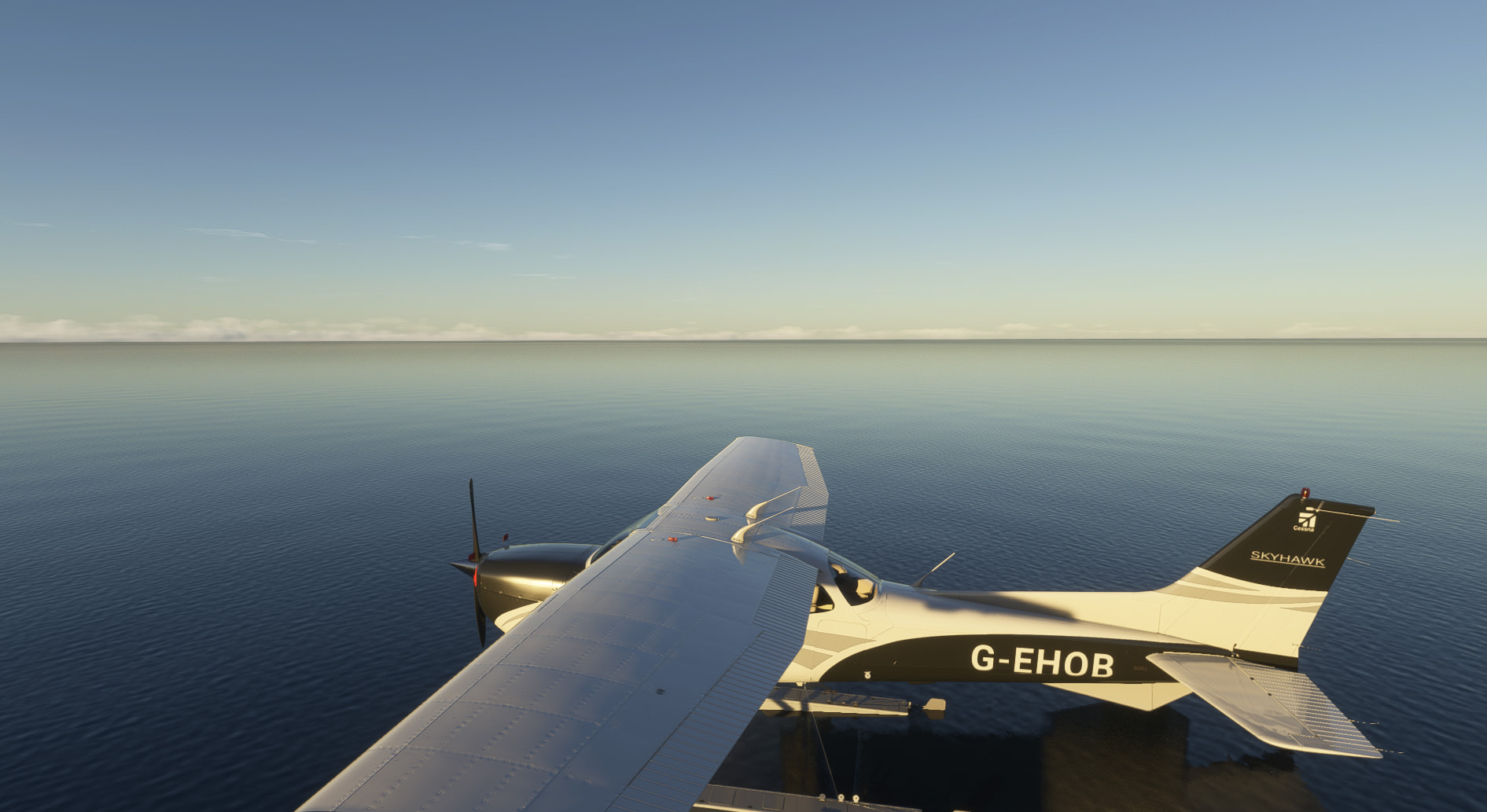
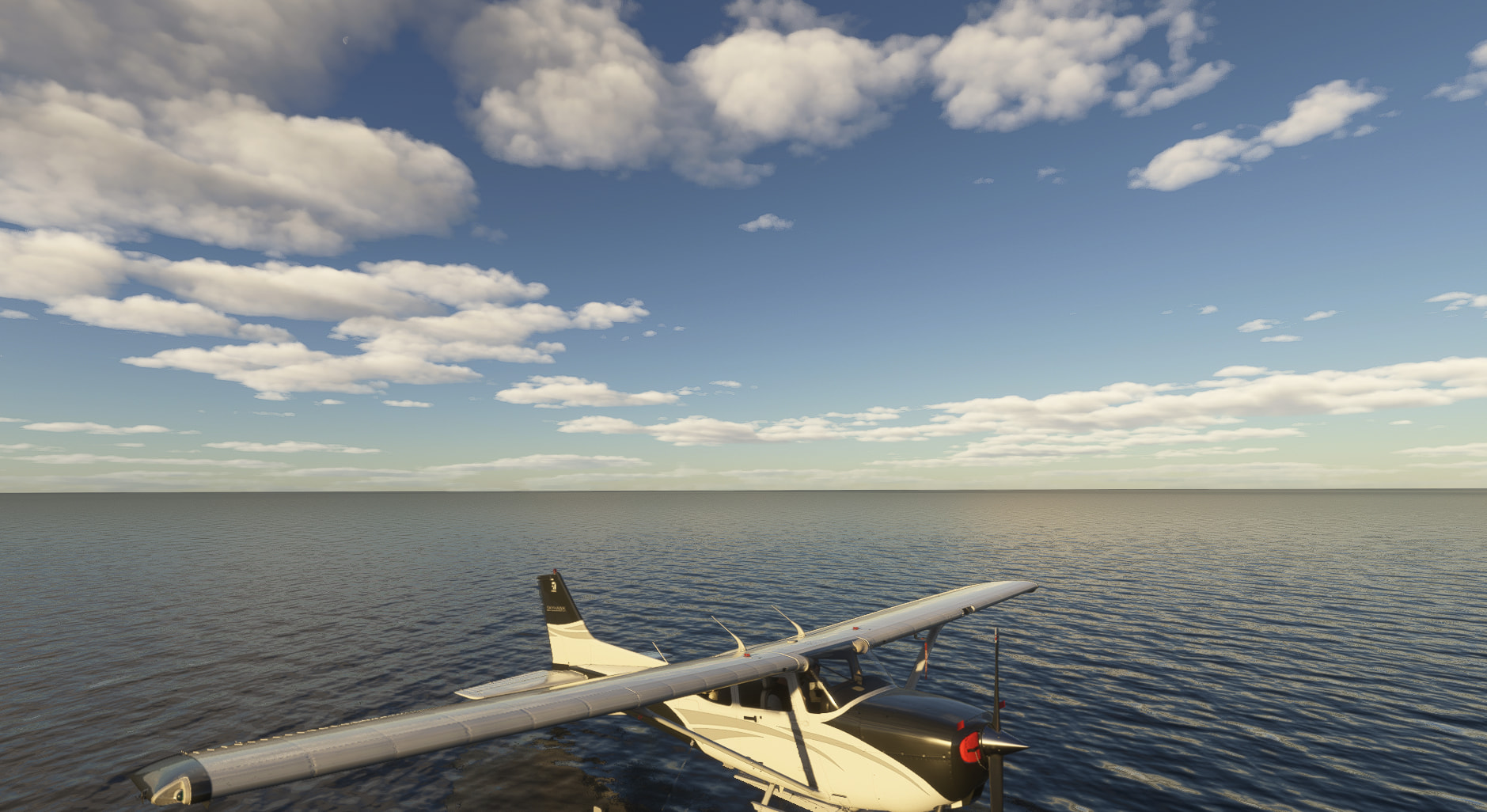
Let’s see what Asobo weather shows here. Spawning in on the water a few miles off the coast, looking West. You can see the band of cloud near the horizon, with next to nothing overhead.

Now let’s see what SWx does with that.

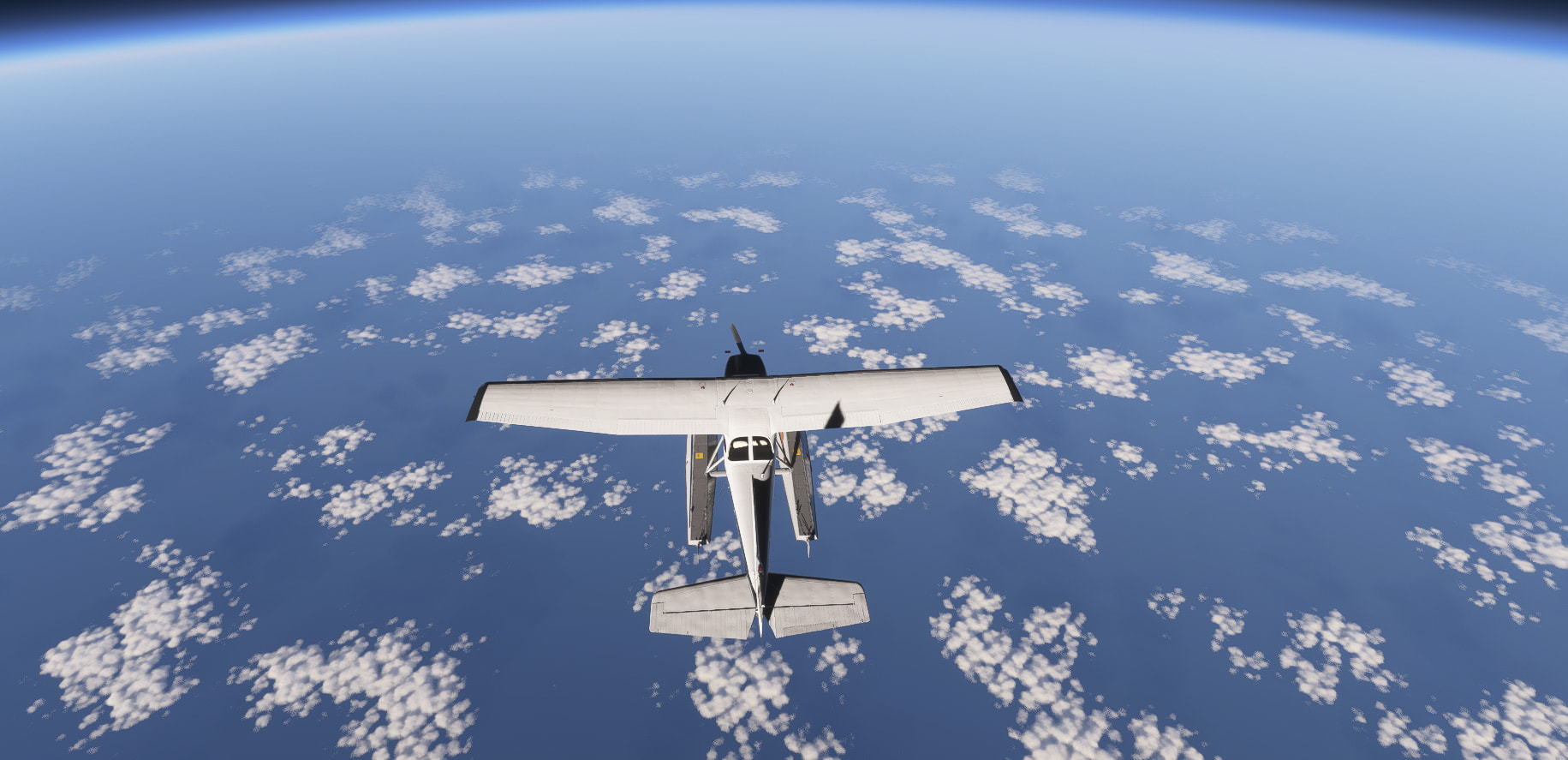
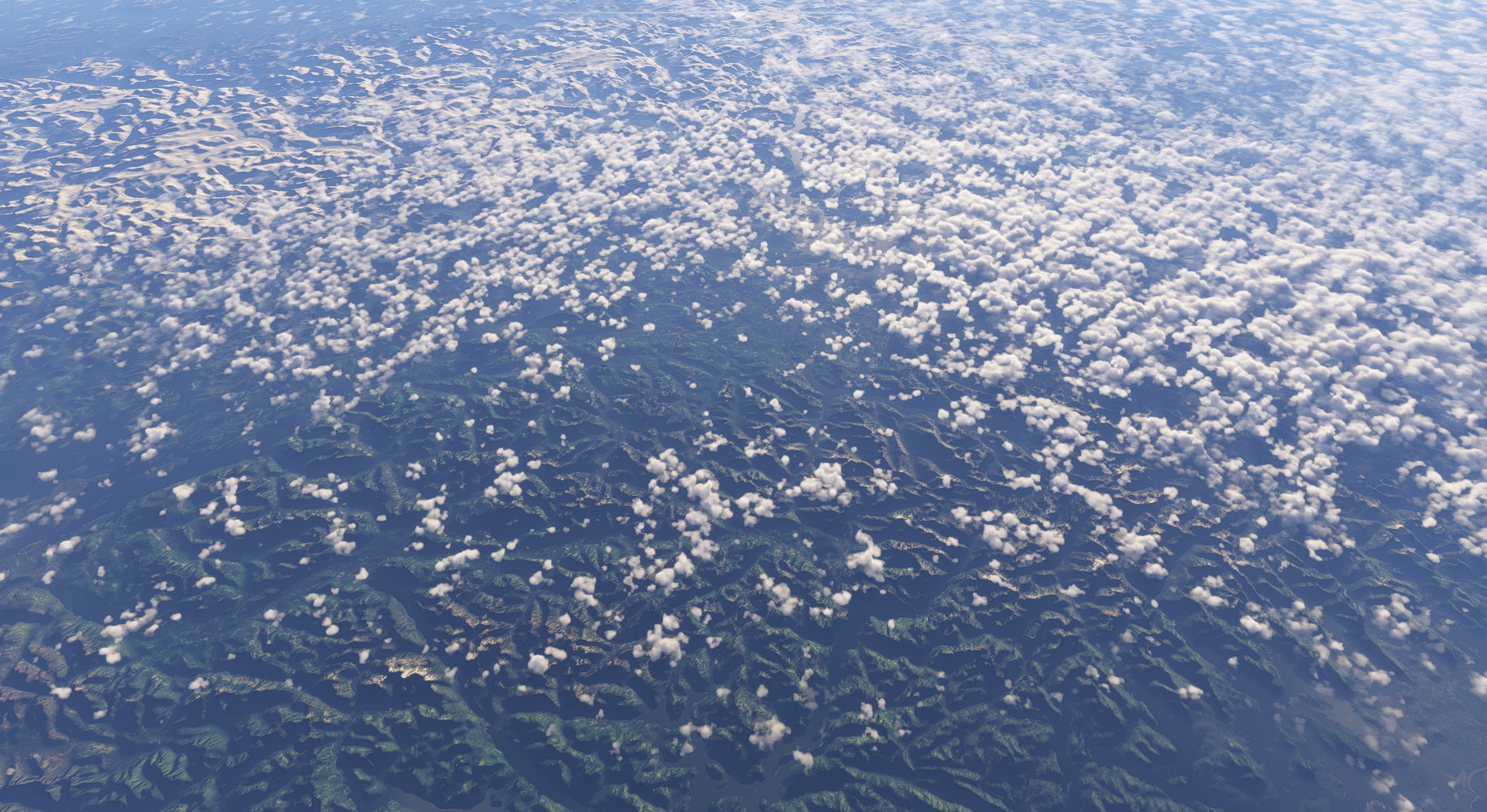
Now using the slew mode to bring us way, way up to look down on it all. Just a uniform mass of cloud.

Going back to Asobo/MB weather for a moment:

The band doesn’t look as thick as the map screen image might lead you to believe, but it is there, as is the window of CAVOK directly below mere where I spawned in.

Also the cloud out to the East of Vancouver, also present:

Neither ASFS or SWx can do this. What you have here is just another alternate product that gives you weather all around you that can morph at configurable intervals along your flight plan. And if you don’t have a flight plan loaded you can see the weather morph around you near constantly.

If you can live with those weather transitions it may be worth a look.

I just spotted this, South of Japan on the Meteoblue site.

Spawned right in the middle of that red spot.

No rain at all at my location, but plenty in the distance by the looks of it.

Here’s the Asobo/MB interpretation of that:

It does quite a few things better than ASFS. It generates weather in the vicinity in just a few seconds after starting the program. ASFS can sometimes take up to a minute to do this.

You can also get up to 24 layers of clouds.

Despite all this, I still think ASFS in Passive mode with Asobo weather is preferable than “just” another preset generator. If SWx also had a passive mode, where we got the wind effects but leave Asobo/MB to draw the clouds, that would be a better prospect for continued use, I think.

But the preset environments it can create can look really, really good. Just make sure Rex Atmos Core is running in the background though, because neither program can do what it can.

Here are a few minutes of footage showing the transitions in effect, without a SimBrief OFP imported.

StrataWx weather morphing

Neither will give you “weather over there”, for want of a better expression.

I also tried importing an OFP from SimBrief. Not something I normally do as I tend to fly from places that don’t appear in its database. But I guess you could pick somewhere nearby that does, just to facilitate the weather. My hope was the transitions would be less obvious as I flew along the route. Something of a yes, and no for that one. The transitions are there, and at first I thought they were less obvious than the video I shot above, but I think that may be a combination of that, and that the weather conditions were different, with less cloud to be manipualted, if you see what I mean.

It’s not perfect, but if they implemented a passive mode, I would most likely switch away from ASFS.

Hi, can I buy it directly from the MFS24 marketplace?

It’s an external program that runs alongside the sim so I doubt it.

the clouds looks the same

I do think that this is a great start. It is lighter on resources, than ASFS and the interface looks great, lets hope that the dev’s take the observations and suggestions and build on it. My observations so far are:

  • METAR’s seem to not update as quickly as they should and the weather it states, doesn’t alway get rendered.
  • Doesn’t show rain, when the METAR’s and other professional radars are showing rain. Not rendering heavy down pours.
  • Thunderstorms are a weak spot as well. Lack of lightning and the heavy rain, when it shows on the maps and METAR. ASFS is much stronger. on this bad weather rendering.

Again, this was only a quick test. I should have far more time to play at the end of the week. :slight_smile:
Shows a lot of promise for a “just released” product.

StrataWx — Support report fix bug

StrataSim Designs stratawx discord support report fix bug
Interesting, I’m tempted.

I requested a Passive mode via support. I too agree this shows promise, and the interface is great.

I purchased the product but had requested a refund which had been granted.

While the product indeed showed promise, which is the reason I purchased it, it still had quite the number of hiccups (such as incorrect weather depiction - not coinciding with METARs, wrong upper winds within Europe and seemingly North-Africa, ongoing turbulence despite being out of turbulence areas, no weather injection).
The devs are quite active and seem to try to fix those bugs as fast as possible, pushing updates often trying to fix reported bugs.

Nevertheless, despite their claim to have more strong points than “leading competitors”, they, in my opinion, still fail to deliver in that regard.

Unfortunately, the behavior of said devs (I presume it was only them, possibly support staff too) on Discord is what put me then off.
They removed, seemingly banned, a customer from the server after stating that the program still had a number of bugs and was mad that they released a 10% off campaign the day after he purchased the product. For that he wanted a refund.
After that they refunded him and banned him from the server. Thereafter they apologized and removed his ban, claiming they did not know who did it.

In addition, they deleted all messages sent by him, other customers, and the staff related to it.

It has been pointed out to them that using gumroad for EU users (before it has been offered by Simmarket) was not a good choice considering other purchase laws exist for customers of the EEA.

As I personally did not condone such behavior I also requested a refund. That one has been granted, but have been kicked off the server and they made allegations in the ticket that I did not purchase it in good faith as I apparently knew I could get it refunded as I did not explicitly state that I agree to waiver my return right. What could be is that the server is for customers only, unfortunately it seems that is the only means of staying in touch with updates as they seemingly have no blog or the like on their official website.

That allegation, unfortunately, is incorrect as I only looked it up for certain after their behavior with the other customer.

As seemingly either the devs and/or the support staff have a specific kind of behavior I will refrain from repurchasing the product until it has been further improved as well as hopefully the behavior of their staff as well.

EDIT: They proactively offered a refund to the above mentioned customer, possibly because he was too uncomfortable - but that is not something I know definitively.

Not professional step and probably points to stay careful with purchase from them…

Love the sales pitch.