Anyone here get constant 0xc0000005 CTDs with FS2020 SU15 on these 577.0 drivers. I keep getting that CTD when flying in-between Montreal and Ottawa near Hawkesbury, Alexandria and Cornwall, weirdest part is I have done the YUL > YYZ flight 40 separate times in the past and not once had a CTD tho I was on 572.70.
1 Like
I got that same bug today! I never get crashes with my 4090 and 13900KS. Reverted back to previous driver which I think is a bit smoother. I run all of settings maxed.
1 Like
Nope, all good here with the latest 577 driver.
Win 11 24H2 26100.4770
i911900k
64g RAM
ASUS ROG Strix RTX 3080 OC 10GB
1 Like
No CTDs for me in 2020 on DX12. 577 is running great on the 5070Ti in both sims.
1 Like
Glad to hear it’s running smoothly - thanks for sharing your setup and the Windows 11 build. OS build definitely plays a role when it comes to driver compatibility and overall stability.
In a bit I’ll check how the driver behaves in MSFS 2024 SU3 1.5.21.0
It’s great that you mentioned you’re playing with DX12 - with DX11 and the NVIDIA app running, there are CTD during loading.
2 Likes
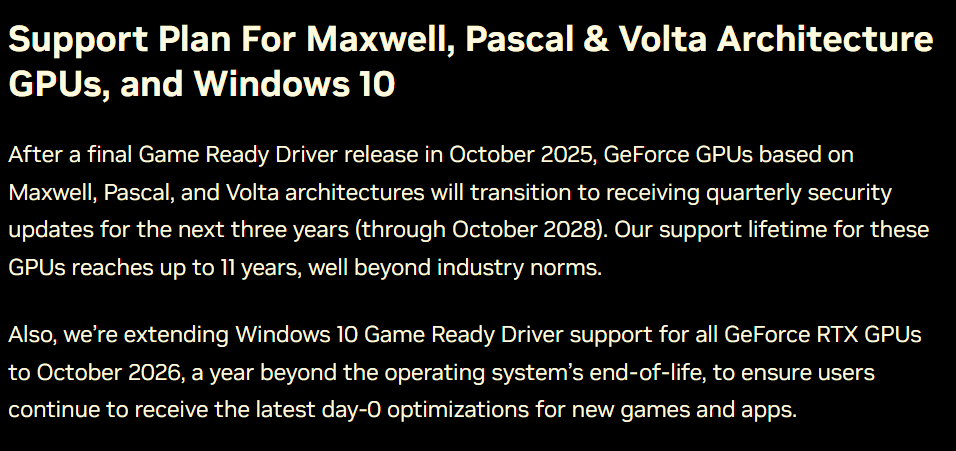
580.88 is out. Finally new branch.
Summary
FIXED GPU scaling option is missing from NVIDIA Control Panel / NVIDIA App when DSC monitor connected [5156168]
“When multiple monitors are connected to a GPU and at least one of them is high bandwidth, that monitor will default to display scaling only”

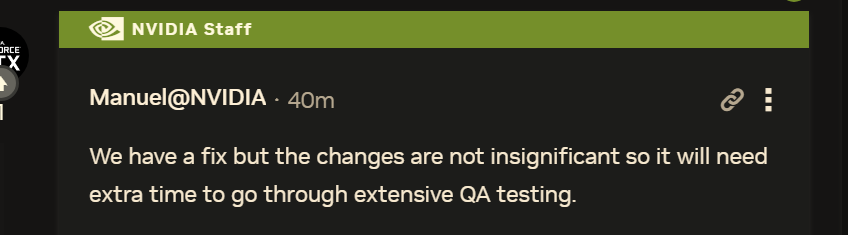
There will be more fixes about scaling (50 series).
Mafia: The Old Country GeForce Game Ready Driver Released | GeForce News | NVIDIA
No filters…
I don’t think you understand the DLSS presets and what they do. DLSS 4 is supported now so I’m just forcing the latest presets officially via the app. I never have a single issue, “CTDs”, etc, but enjoy having the sim forcing you to use older presets. 