So you prefer dx11? Just curious as to why?
The CTD at launch disapeared but The DXGI_Error_Device_Hung pops up now few seconds after clicking FLY.

Back to DirectX12 for MSFS2020 ;( It’s no big deal, I use MSFS2020 only for the Scenery Editor and used to prefer DirectX11 because it’s less GPU demanding on my setup (MSFS2020+DirectX11+RTX 3080+DLSS 310.3).
This is NOT the nVidia App Bug. With the nVidia App Bug you get an simple CTD; no Device Hung. You should take a look at your hardware, Device hungs are 90% hardware triggered.
What have I to look specifically? Considering my MSFS2020 works perfectly with Directx12 and I have no issue at all with MSFS2024  on this exact same PC.
Consider, that thousands of users do not have a device hang with MSFS2020 and DX11.
Take a look at power supply, BIOS, connections on the mainboard, mechanical fix in the PCIe slot, cooling,… the usual things. But this gets offtopic here, there is a thread dedicated to device hangs, and you can find dozens of recommendations there.
Flew in both 2020 (DX12) and 2024 (SU2) yesterday DLSS 310.3.0 and the 5070Ti ran terrific on 580.88. With the recent security alert beginning with 577 last driver, I see no reason to revert or not continue forward from here as these recent drivers have greatly improved my flight sim experience since the PC was new back in Feb.
These types of phrases should be taken in a very general way, since they are phrases made for marketing purposes.
Regarding DLSS 4, Microsoft Flight Simulator has supported this technology since January 2025, as can be seen in Nvidia’s table of compatible games and in this article published by FS Elite when the official announcement was made.
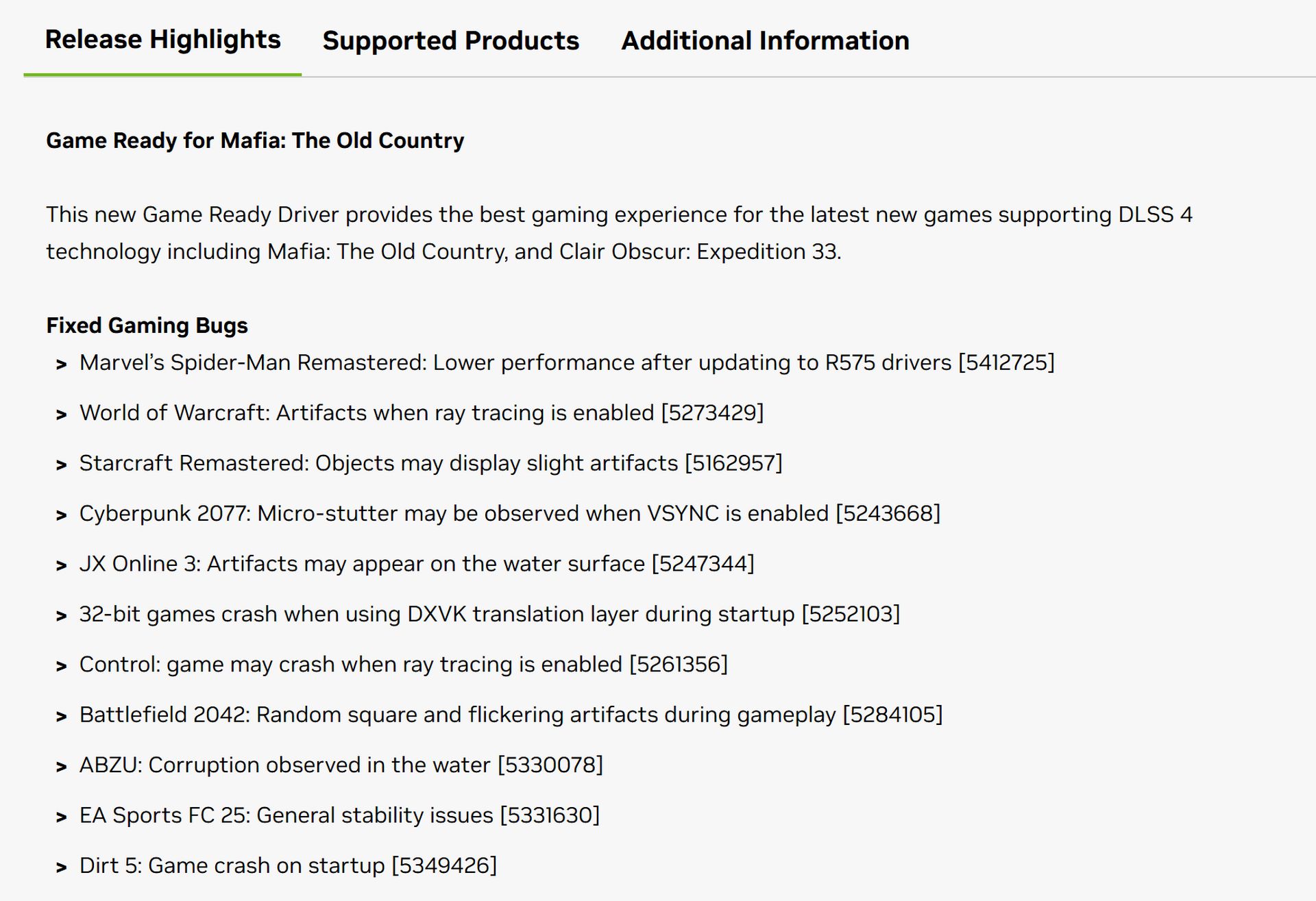
I’ve been looking at the release notes as well as the attached PDF, and there’s no specific mention of Microsoft Flight Simulator 2020/2024, regarding bugs, performance, or anything else.
Therefore, it’s a new driver, like the previous ones. It may run better, worse, or the same, but it’s a matter of testing each one and seeing if any improvement is noticed individually.
Yes it is, see the section that gives a full list of the games it supports “Nvidia DLSS & GeForce RTX:list of all games, engines and applications featuring geforce RTX-powered technology and features/geforce news/nvidia”
I’m having this exact issue in 2020 with both 577.00 and the newest one.
You are saying it only occurs with DX11? That’s good info if true.
CTD during MSFS 2020 loading in DX11 mode with the Nvidia app running was a global issue - it affected all users and was widely reported.
However, the DXGI_ERROR_DEVICE_HUNG you’re getting now is not a global issueand it shouldn’t be linked to the Nvidia app. If that app were the cause, I (and many others) would be experiencing the same problem - but we’re not. So this points to a local issue on your system, possibly related to GPU drivers, graphics settings, hardware instability, software or a system conflict.
Also, replacing the original game files related to DLSS (e.g., swapping out the stock DLSS DLLs for modded versions) can have a direct impact on game stability. If you’ve done that, it’s worth restoring the original files and testing again.
Keep in mind that software provided by motherboard manufacturers (like ASUS, MSI, Gigabyte utilities), as well as tools like MSI Afterburner, RTSS, Nvidia Profile Inspector and similar software can also interfere with how the sim communicates with the GPU. These tools tweak low-level GPU settings and they’ve been known to cause issues in some cases.
As I said, I wouldn’t point fingers at the Nvidia app itself - there are too many other potential culprits here.
Also, just to be clear - this DXGI_ERROR issue isn’t new. It’s been around for quite a while under different system conditions. I highly recommend digging into this topic
https://forums.flightsimulator.com/t/error-crash-msfs-error-dxgi-error-device-hung-0x887a0006/598452
Lastly, I strongly encourage you to report this issue directly to Nvidia as well. Submit driver feedback directly to NVIDIA: Link Here
And if you’d like to continue discussing the DXGI_ERROR issue, please do so in the dedicated thread I linked above - it helps keep the conversation organized and useful for others facing similar problems.
Fly safe.
There is unlikely a problem with you machine.
I have the same problem here. Running a 13900K, Nvidia 5090 and 32Gb DDR5.
Welcome to the wonders of MSFS, one day is working one other is not, many settings, lots of issues and patches that seem to create more problems than fixing the existing ones. Saying that we all seem to be putting up with it as when it works it`s nice to be up there in the clouds 
Hope the devs manage to iron out all those pesky bugs and give us better performance particularly in VR where is so much needed.
Btw …580.88 runs great on my machine ! 
Same here - 580.88 runs great on my machine too
Ryzen 7 9800X3D, RTX 4090 Gaming OC, 64GB DDR5 6000 CL26 Gskill.
I don’t overclock my GPU and I don’t use any software that might interfere with it - no MSI Afterburner, no RTSS, no Nvidia Profile Inspector, none of the stuff I listed above.
Yesterday I played MSFS 2024 for about 5 hours – no issues at all.
Today I launched MSFS 2020 just to check and it’s running fine as well.
Just for the record - I do have the Nvidia app installed out of curiosity and I’m not using DLSS either.
Super smooth for me with 580.88 and Vsync!
9800x3d
4090
Sorry but this is not true. Myself and several other folks I know were able to run 2020 in DX11 mode with Nvidia app installed and running. Not sure why you keep repeating this point.
I have a relatively small OC / core on my CPU. I am set in Laso to run only on the perf cores. I think it makes a difference. I also run tracking on my Varjo on the perf cores only, that helps with looking around. I have no issue what so ever in 2D but to be honest I find it outdated and ultimately boring to run the sim that way.
This was true in the past and it’s confirmed. The CTDs during loading with DX11 and the NVIDIA app installed affected all users, myself included.
The latest driver finally fixes this issue. If you read the thread from the top - not just from the middle - you’ll see that I mentioned this earlier.
Confirmed by who? As mentioned it didn’t affect myself and a couple of other people I know.
Confirmed by multiple users across forums (including this one), Discord groups, Reddit, Avsim … There have been countless reports of CTDs during loading with DX11 + NVIDIA app.
If this issue didn’t affect you, that’s great but it’s a pity you didn’t mention it earlier in the original thread, the one with hundreds of posts, where the first reports of MSFS 2020 CTDs during loading were discussed.
That’s the same thread where I suggested what might be causing it, even pointing directly to the specific file involved.
Maybe you had no CTD because you tweaked something around DLSS or even replaced DLSS files - hard to say.
Either way, if you were unaffected, then consider yourself lucky and I genuinely hope your sim continues running smoothly without CTDs in the future.
I’ll leave it at that, as I don’t want to clutter the thread with more back and forth. Have a good day and happy flying.
Anyway, right now I’m testing the NVIDIA app with game optimizations turned off + MSFS 2020 running in DX11 and for the first time in 6 months there’s no CTD during loading. I really hope it stays this way from now on.