I mean thats not really a solution thats only a way to go around the issue. This only changes the dx version or removes features that cause that.
Which version are you using?
Back to the previous, 577.00.
I recommended switching from DX11 to DX12 and that’s one of the solutions. You can also roll back to driver version 566.14. If you want to discuss this error further, feel free to join the linked thread.
https://forums.flightsimulator.com/t/msfs2020-crashes-on-startup/726095/
In the linked thread, there’s a screenshot from the event viewer showing a CTD during loading caused by the same file on your system. I’ve posted one, actually several solutions there. If you want to discuss this issue further, that’s the right place to do it.
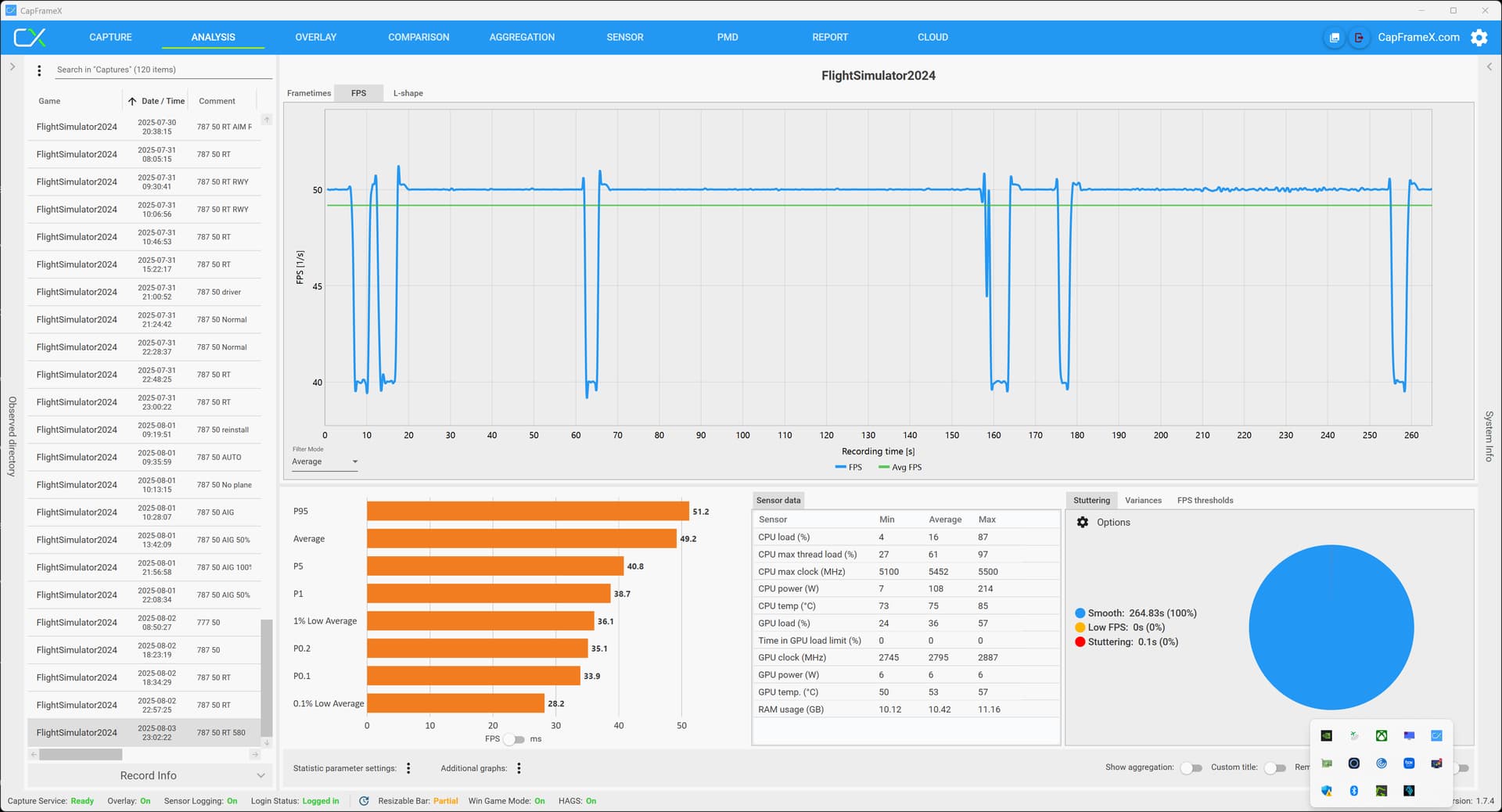
Actually, it turns out NVIDIA still hasn’t fixed the crash that’s been plaguing us for the past six months. The CTD during loading in MSFS 2020 is still happening when using DX11 and the NVIDIA app is installed.
At this point, I’m starting to wonder if the root cause lies not only in the NVIDIA app but also in MSFS 2020 itself. I’m considering opening a proper bug report thread, because this is clearly an ongoing issue.
Just to clarify - I did not use the “Optimize” option for MSFS 2020 in the NVIDIA app. Despite that, the crash still happens during loading when using DX11 and having the NVIDIA app installed, even with driver version 580.88 
what can i do
This has been working well for me as well
I don’t have Nvidia app installed and still get the 2020 DX11 crash every single time.when starting a flight when using 577.0.or 580.88. DX12 is fine of course. But I think this shows it’s not related direclty to the NV app. Maybe related to something the NV app DOES though, like selecting a certain preset letter. Have tried any apart from K. DX12 is also running great now though, so I’m not too bothered.
But the option would be nice.
No issue with crashing here and DirectX 11 (MSFS2020). It might help if you do a clean GPU driver install using DDU.
Nah…nothing to do with drivers, have same issue here. Gave up on dx11 as it crashes at loading.
I thought you had posted you were against the NVIDIA app at some point? I think I would like to be but I am not expert enough yet to do without it. I do need to uninstall the MSI ■■■■ but I need a good uninstaller.
This driver gave me problems twice and I was wondering if it might be a BIOS update I need. When I got my 5080 ASUS updated this BIOS with me holding my hand as I had problems with the 5080 at the start. But have not updated for 4 months and I am two BIOSs behind.
I hate doing this because it involves writing to a USB stick etc etc and there have been plenty of errors reported in the process.
Am I close enough or would you update the BIOS?
PS I bought the ASUS 5080 to make sure I had support.
It seems like you may have misunderstood the issue I mentioned above. I (and many others) were referring specifically to CTDs during the loading of MSFS 2020, not crashes after clicking “Fly” or during the flight itself.
These are two completely different problems with different causes and potential fixes, so it’s important to make that distinction.
For me personally, I do not experience any CTDs after clicking “Fly” or during a flight.
I’ve posted the solution to the CTD issue during MSFS 2020 loading many times across countless threads. Just to remind you, here’s one of them:
https://forums.flightsimulator.com/t/msfs2020-crashes-on-startup/726095/3?u=tenpatrol
FYI, CTD during loading affects many of us, and I’m planning to create a new thread describing this bug, because it is a bug that Asobo needs to look into.
Pleased to report that I flew 3 hours yesterday across 3 flights without mishap or restarts in 2020 SU16 on 580.88 (DX12) and DLSS 310.3.0 preset K (which looked and performed great for me). Wishing others success with SU16 and this driver. Cheers!
All flightsimmers affected by the CTD during MSFS 2020 loading, who have NVIDIA app installed and MSFS 2020 set to DX11, are invited to join the linked thread.
Please briefly describe your issue and vote.
It’s time for the MSFS 2020 developers to seriously address CTD during loading.
EDIT
If you know anyone experiencing the same issue, send them the link to the thread I linked above - the more people report the bug, the higher the chances it gets fixed.
Just to be clear, I am not talking about a crash in the flight itself, but during loading INTO a 2020 flight under DX11. So the loading transition from world map to flight.
Do you know of any fixes for this, apart from changing to DX12?
In your first post, you mentioned that you’re getting a CTD during the flight, not on loading.
This thread isn’t really about CTDs, but since you mentioned it earlier, I’m curious what shows up in Event Viewer.
Please go to Event Viewer, find the entry related to the CTD, click on it, take a screenshot and attach it in your reply.
Below is an example of what it should look like:

Also, please double-check that you definitely don’t have NVIDIA app installed. Even if you think you removed them, it’s worth confirming just to be 100% sure.
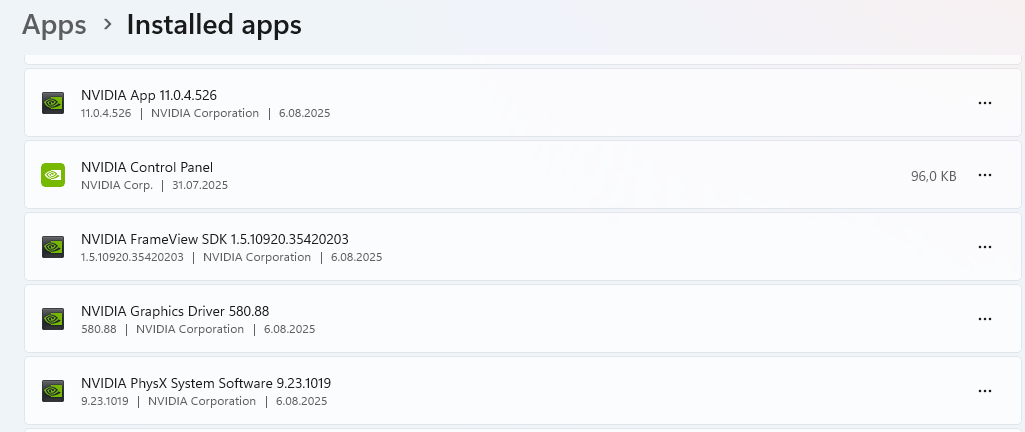
I was able to load into 2020 using DX11 with the Nvidia app installed. As soon as I clicked Fly I noticed the error screen, but it was white with no information. Then the sim CTD. Went back to DX12 which I use anyways in 2020.
I said “when STARTING a flight”, I meant loading.
I can do the eventviewer thing later and will double check for Nvidia app