In the NVIDIA app, change the override to “Use the 3D applications setting…” which is counterintuitive to me but it is how I got 310.3.0 preset K.
Thanks but no: that did not change anything.
@SlabsFly
If you’re looking for help with DLSS and DLSS Swapper, NVIDIA driver topic isn’t the right place for that. A more appropriate thread would be this one
https://forums.flightsimulator.com/t/switch-dlss-file-via-dlss-swapper/666217
OK thanks, will continue on there
Wow, this is great news because DX11 in 2020 with VR is the best experience I’ve had so far with clarity and performance. I thought I was forced to use DX12 at this point so thanks for the heads up
Sorry. Two days ago I installed msfs 2020 everything worked fine. Yesterday out of no where I get CTDs to Desktop on loading, also on 580.88. This issue is still there.
A CTD should happen consistently during loading, not suddenly appear only after two days, so this is probably a different issue. Thanks for the info.
Wait, so we no longer need to adjust to latest and preset K?
Just keep at defaults?
Thanks
Good morning, let’s take that conversation over here, thanks.
I mean now it’s consistent. Always 190_E658703.dll error. Only happens on DX11.
There is some issue loading in DX11. I also get CTD`s in that configuration. Switching to DX12 is all good. Bit puzzled on this issue and out of ideas ! I am not using the Nvidia App.
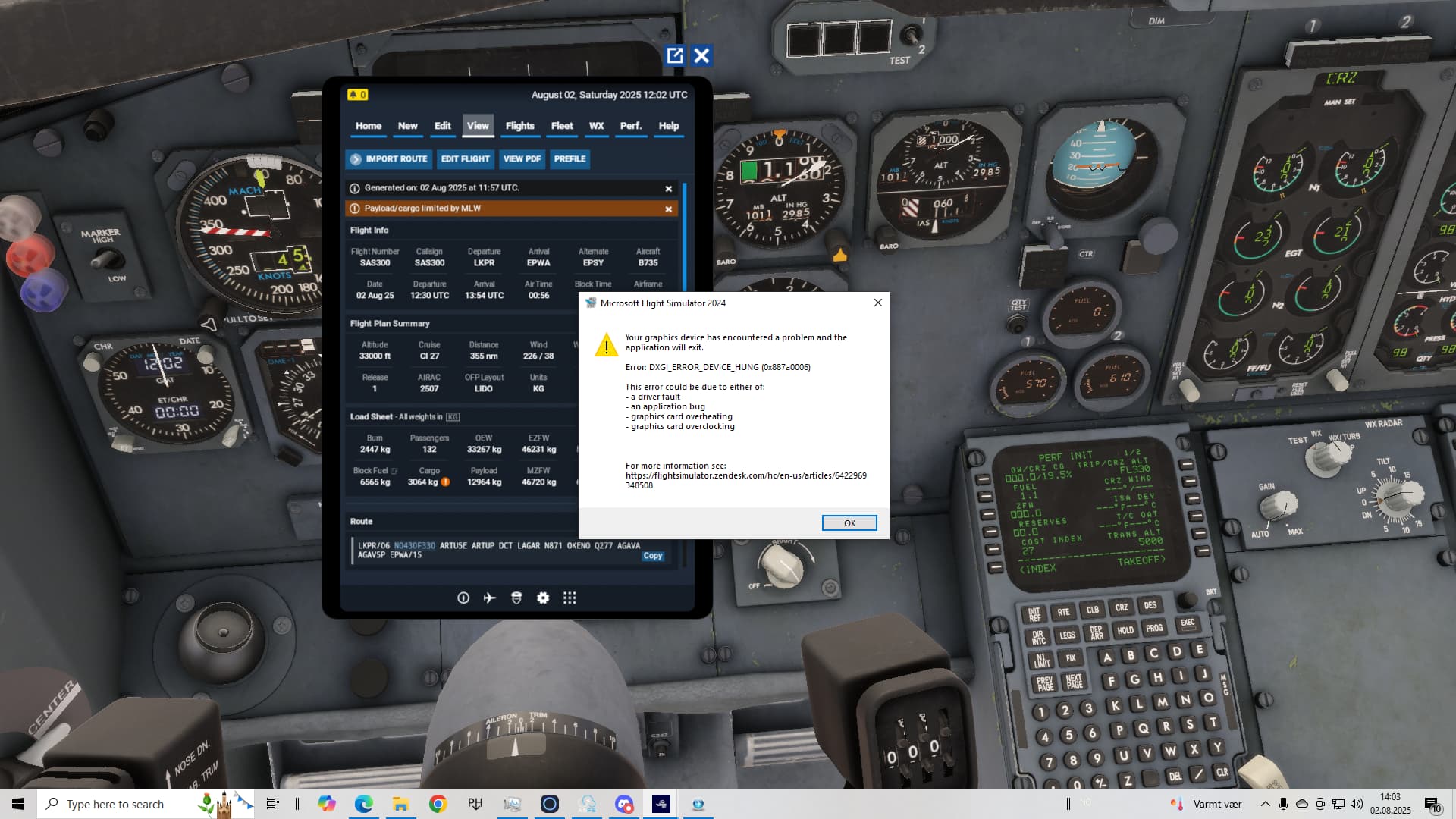
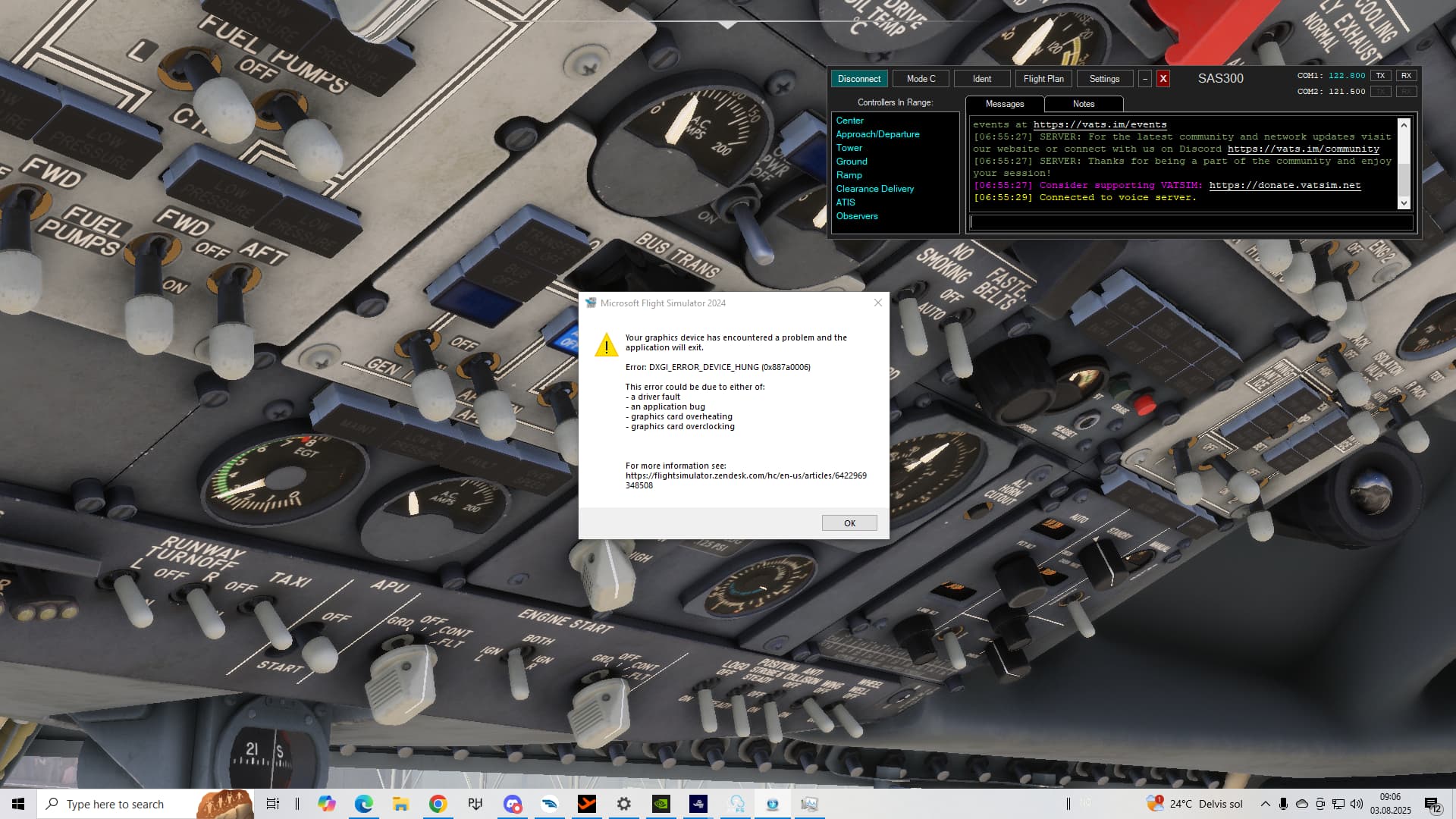
This driver cousing problems with filters in FS20, I had ctd today and one of the filter in Nvidia changing colours like can’t remember my settings. Back to 577 - problem solved.
DXDGI error with 580.88 as above on MFS 2024 - never happened before. Guess there are some issues…
DXDGI error also but maybe its the new FSR settingt in VR Pimax play. Not in VR the sim runs good
DXGI_ERROR issue isn’t new. It’s been around for quite a while under different system conditions. I highly recommend digging into this topic
https://forums.flightsimulator.com/t/error-crash-msfs-error-dxgi-error-device-hung-0x887a0006/598452
Please don’t forget to mention in the linked topic that you’re participating in the SU3 beta.
Since you’re participating in the SU3 beta, you should also report this issue in one of the SU3 beta related threads.
how you fix this problem ?
I had updated to latest yesterday, DX11, no app.
Worked fine all day yesterday, today, constant CTD 50% of way through load. Nothing in eventvwr about nVidia though.
Emptied community folder, renamed UserConf and EXE so nothing extra was loading in background, same issue.
Re-installed latest Driver, launched first time no issues, then back to CTD.
Reverted back to previous driver and issue is gone.