This new Game Ready Driver provides the best gaming experience for the latest new games supporting DLSS 4 technology including ARC Raiders: Headwind Update and Arknights: Endfield. In addition, there is Game Ready support for Highguard which features DLSS Super Resolution.
Fixed Gaming Bugs
Total War: Three Kingdoms: Artifacts may be observed during gameplay when Screen Space Reflections is enabled [5745647]
Fixed General Bugs
Color banding observed with SDR content when Windows Automatic Color Management enabled [5754551]
Asus G14 may freeze on startup when Asus Ultimate Mode is enabled [5754849]
NVIDIA Control Panel not available after downloading and installing this driver this morning, and not available via the Microsoft Store. They replied “we’re aware of the issue and are working on it. Please try again later.”
I can’t confirm that. I uninstalled the older driver in Windows Safe Mode using DDU, which also removed the NVIDIA Control Panel. During the installation of the new driver, I chose the advanced installation, deselecting NVIDIA app and NVIDIA HD Audio – I installed only the driver and PhysX. NVIDIA Control Panel also installed correctly.
This is the second time the game has frozen on this screen. After launching MSFS 2024 by clicking the desktop icon, I went back to the desktop to avoid waiting on the loading screen, as MSFS 2024 takes quite a while to start, especially with all content installed and a large amount of community add-ons.
When I returned to MSFS 2024, the game had frozen.
EDIT2
After reinstalling the driver MSFS 2024 no longer freezes.
EDIT3
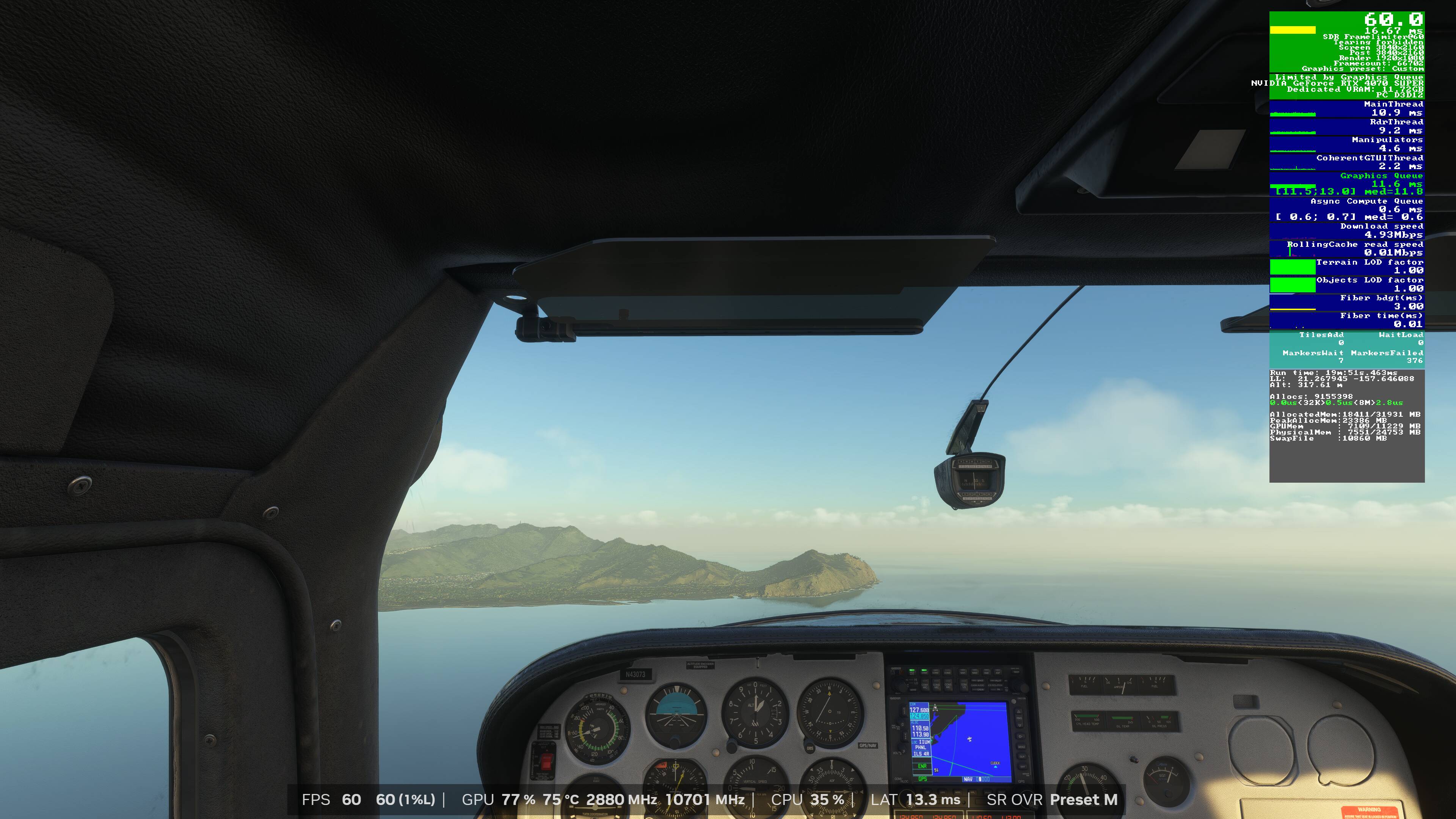
In some forum threads, users reported issues with the main thread when Frame Generation was enabled. In some cases, the main thread was even around 50ms. It seems that NVIDIA has significantly improved performance with FG enabled. I can confidently say that the issue is fixed. I haven’t made any changes in the NVIDIA Control Panel, and all MSFS .dll files are original.
Below I describe how I uninstalled and reinstalled the driver. Please note that I did not install the NVIDIA app to make sure it has no impact on MSFS.
Download NVIDIA driver 591.86
Uninstall NVIDIA driver via DDU in Windows Safe mode.
If you need help for using DDU, check this GUIDE
Restart PC.
Install NVIDIA driver 591.86 - install only the driver and PhysX.
Absolutely no issues with this driver from the previous release.
I did the “for dummies” download and installation using the Nvidia Experience app.
It automatically updated the NCP and updated my drivers in the express mode - saving all of my previous settings.
I did notice that they seem to have eliminated the little clickable “system information” icon from the bottom of the left window in the NCP. No problem, though. It’s available under the Help drop-down box.
Have flown for approximately 3 hours under the new driver, using TAA, on an RTX 8GB 3070 with no noticeable changes in FPS, VRAM or CPU usage stats. No CTDs or stuttering. But I haven’t experienced those since the last Sim system update, anyway.
Installed the driver. No change compared to previous. This means that the texture re-morphing when switching from cockpit to external view and back, is unfortunately still there …