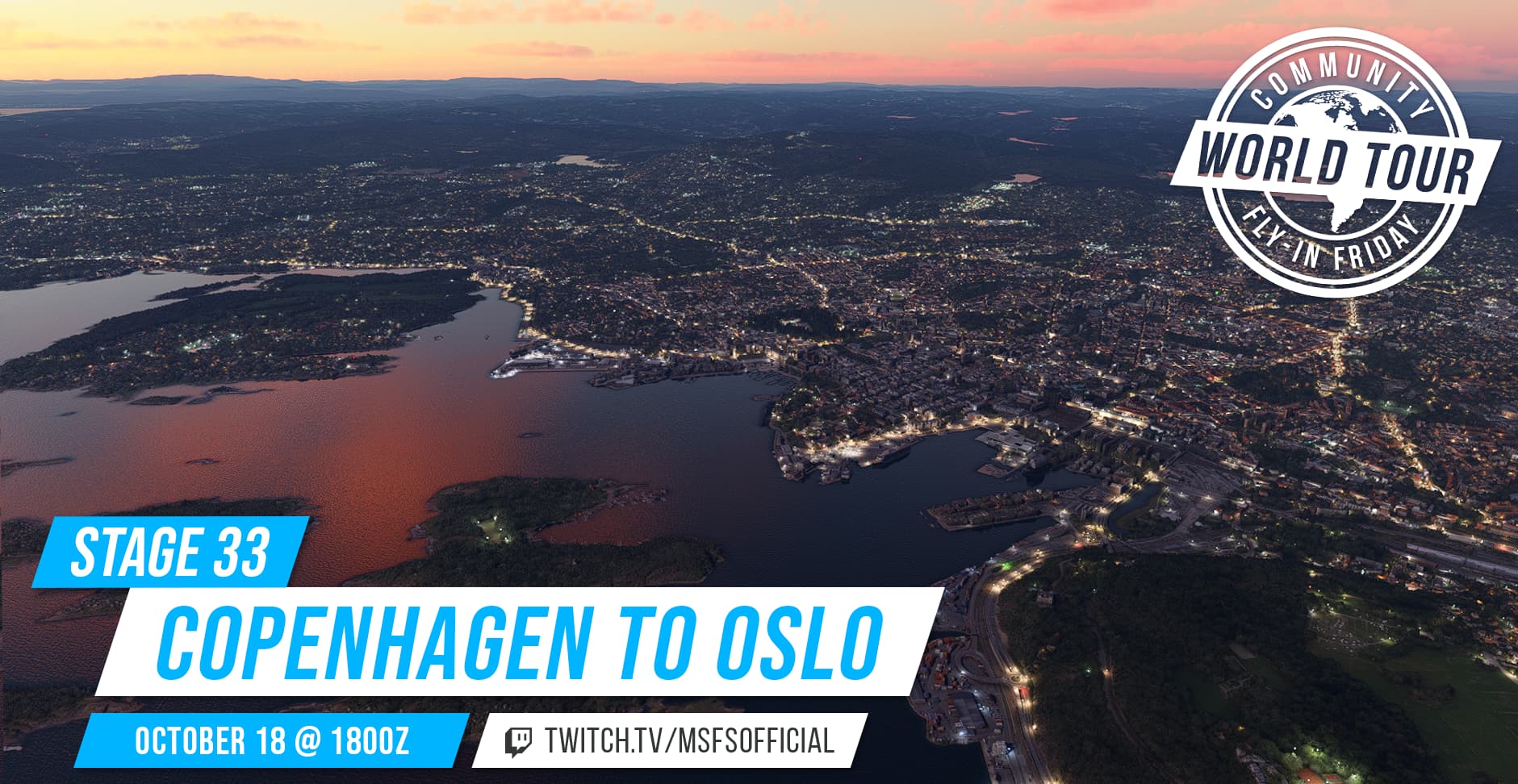
[Official] Community Fly-In Friday: World Tour Stage 33: Copenhagen to Oslo

We will be hosting an Official Fly-in alongside a group of community members (you!) on Twitch. This is an open event, free to all who would like to fly along with us and available to pilots of all skill levels. The goal is to have a great time, explore new locations of the world, and make new friends. This event is open to pilots on both the PC and Xbox platforms.

Hosted by @SeedyL3205, @westcstwilly, and Moosestaffa
When: Friday, October 18 @ 1800Z for two hours.
2024-10-18T18:00:00Z
Where: The Official Twitch Channel of MSFS

There will also be a Discord event channel open for those who want to voice chat with other members of the community.

Please see below for details on the upcoming Fly-In Event:

FLIGHT DETAILS

The Community Fly-In Friday World Tour continues!

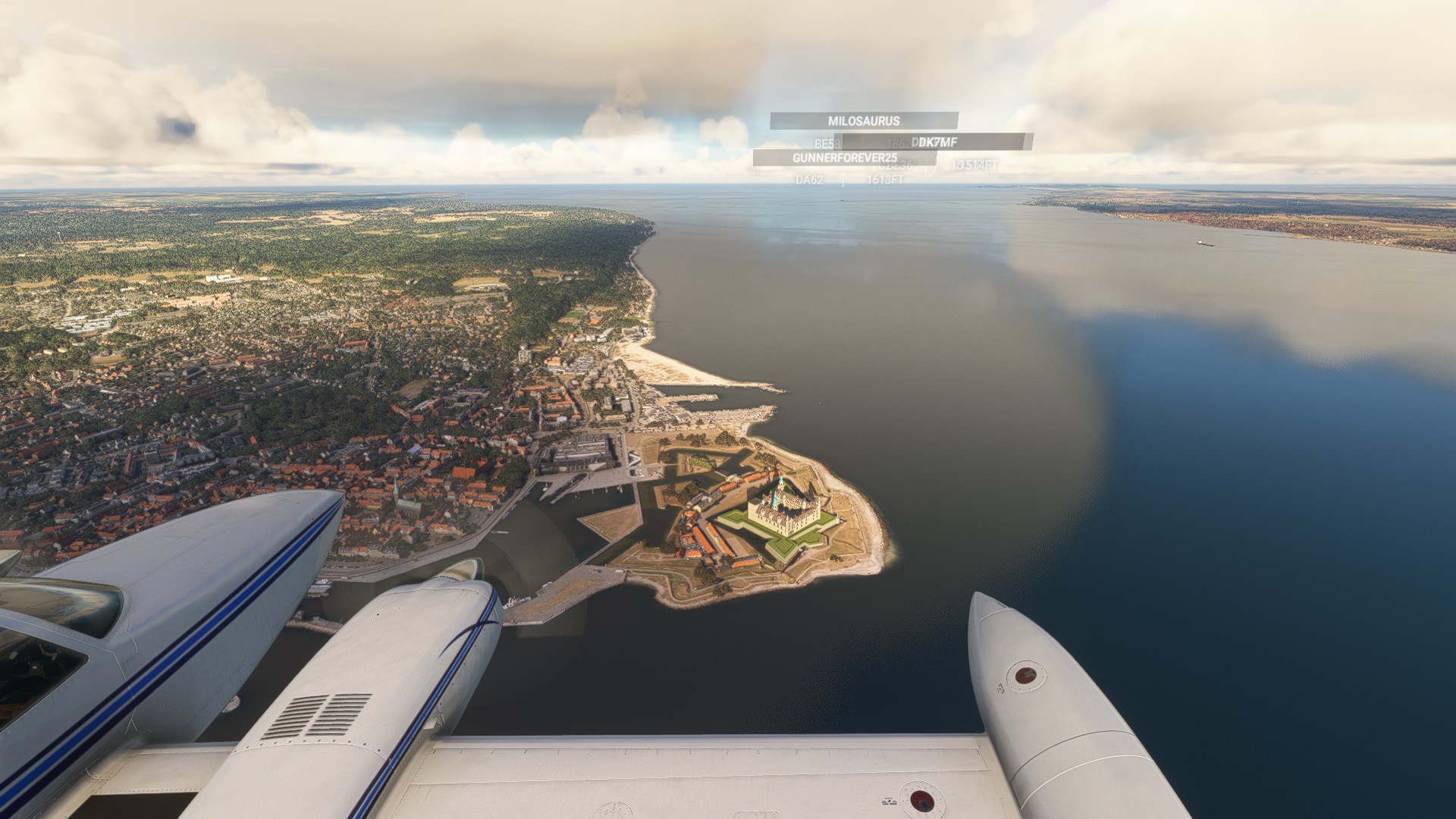
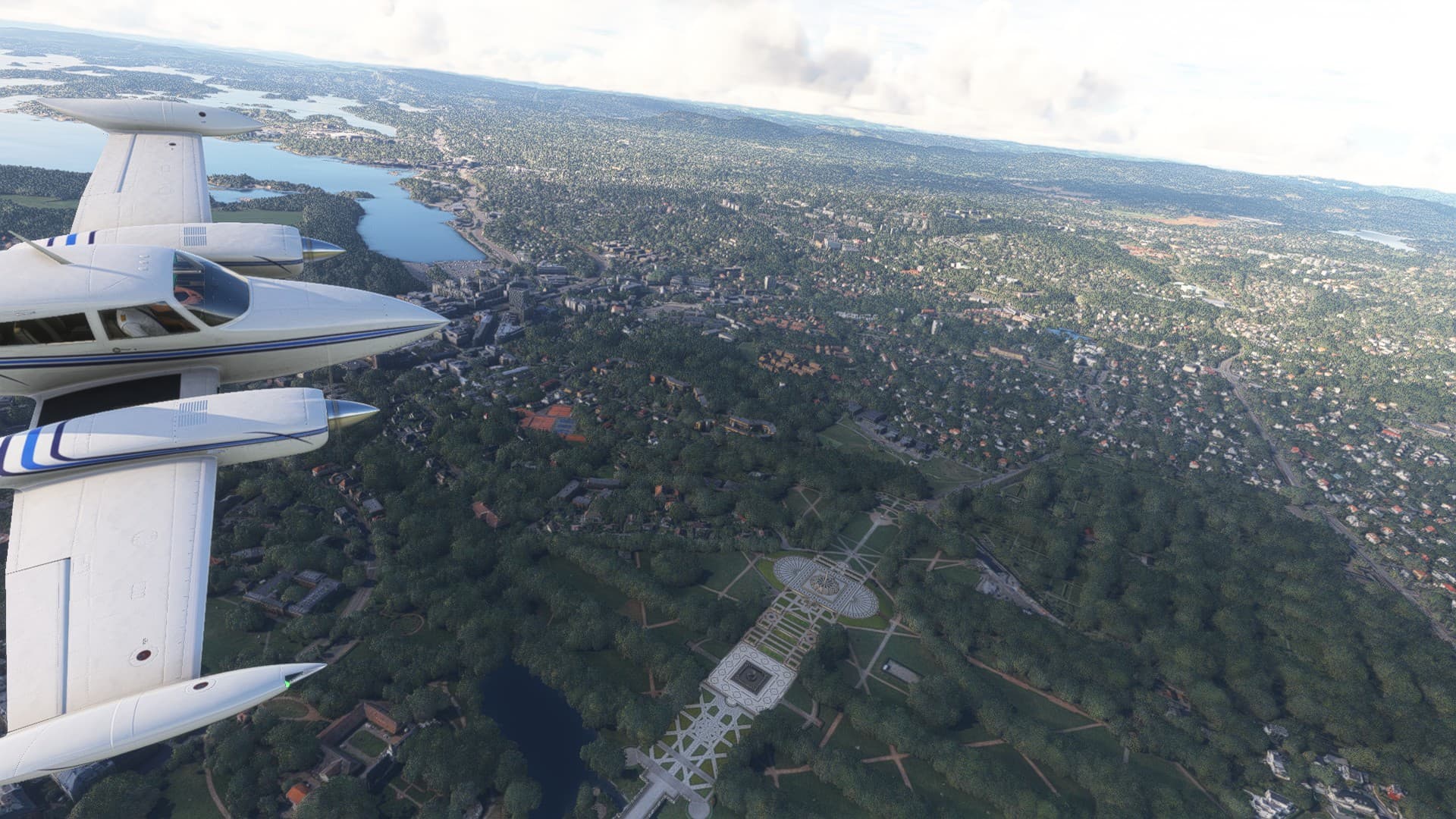
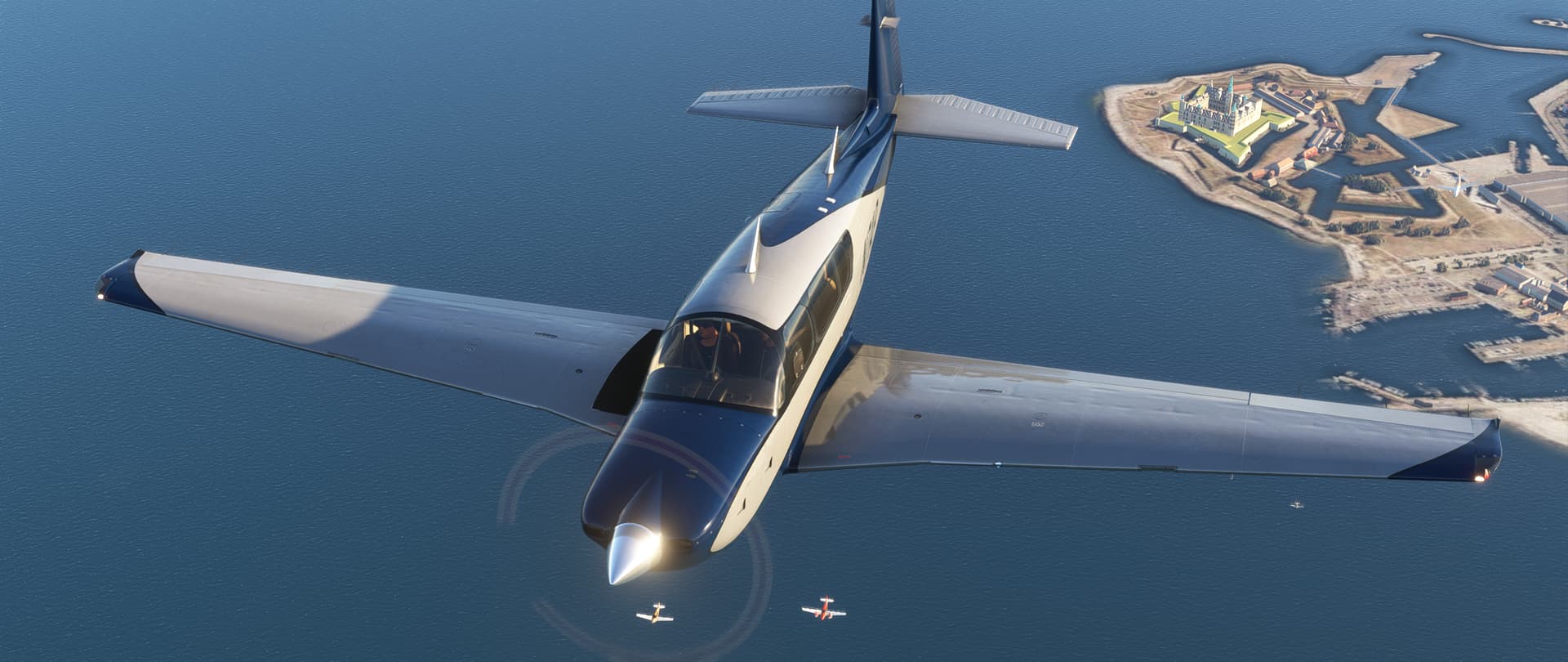
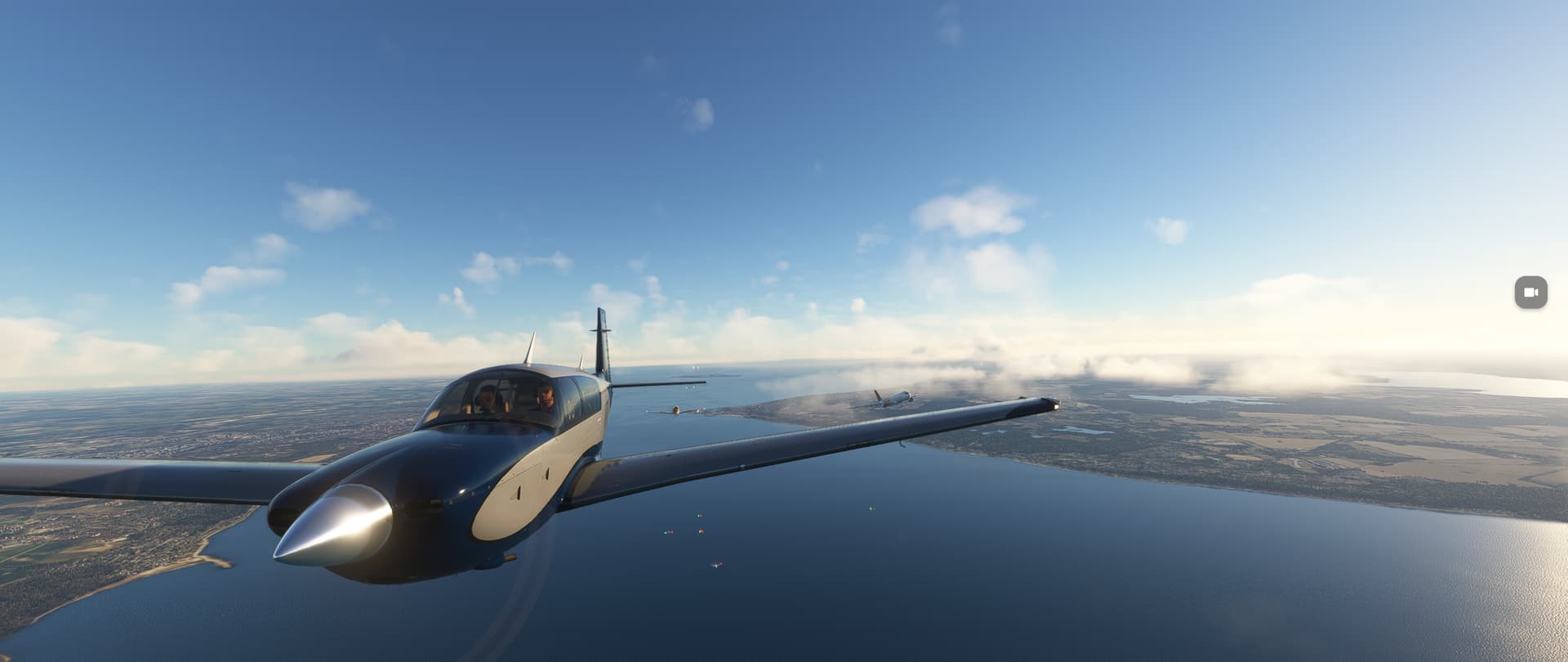
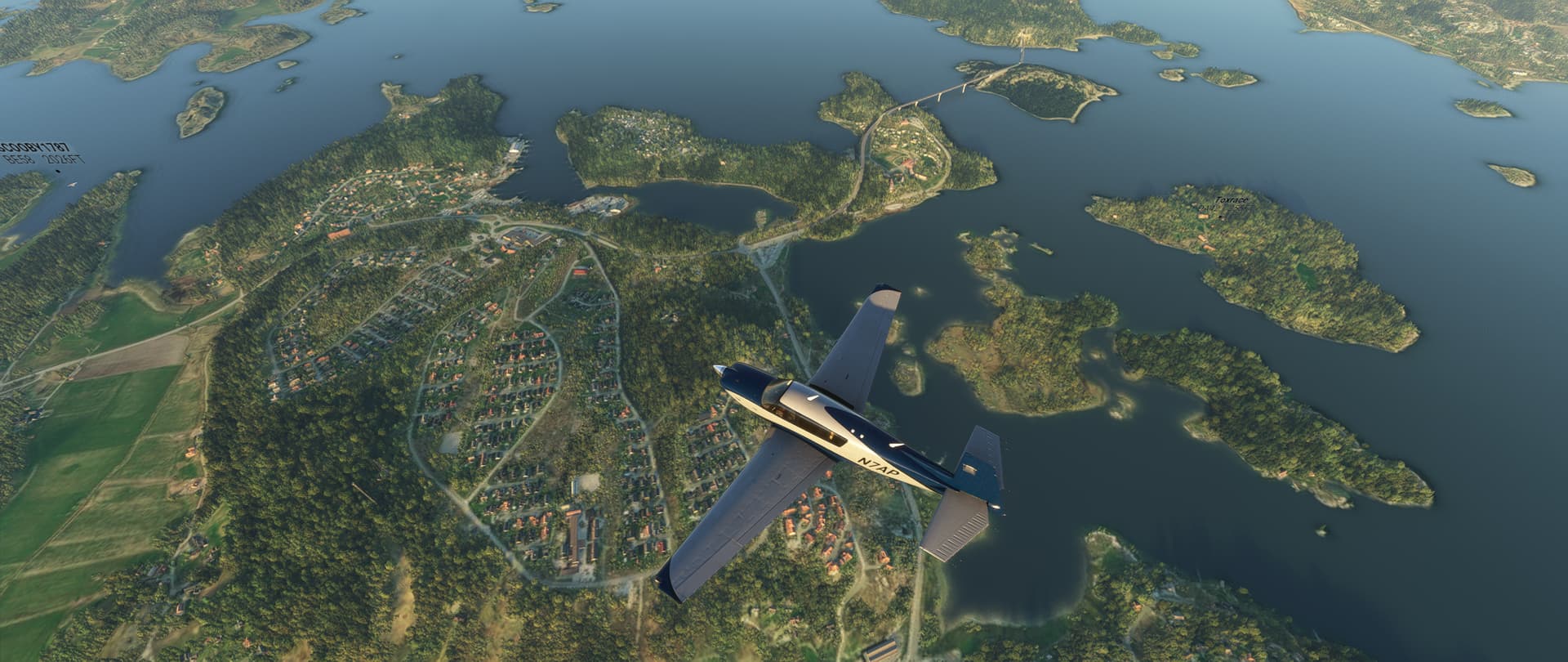
We’re now fully into the segment of the World Tour where we journey across Scandinavia! This week, we’ll depart Copenhagen :denmark: and head northbound across the Kattegat to Oslo, the capital of Norway :norway:!

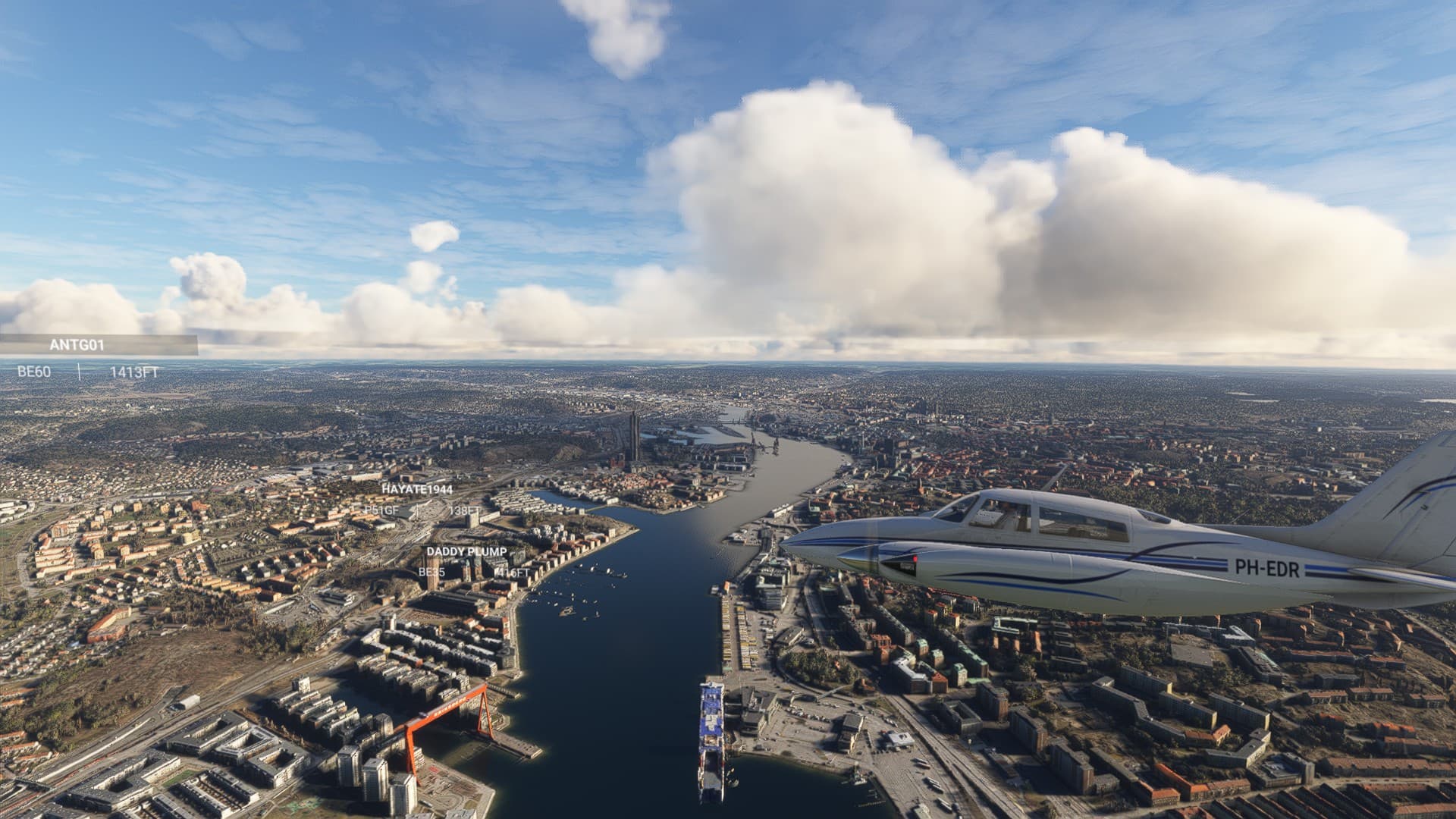
En route, we will also make a foray into Swedish airspace for a touch & go landing at Gothenburg, the second-largest city in Sweden :sweden:!

For the best experience, be sure to download and install the FREE World Updates V and XV: Nordics from the in-sim Marketplace.
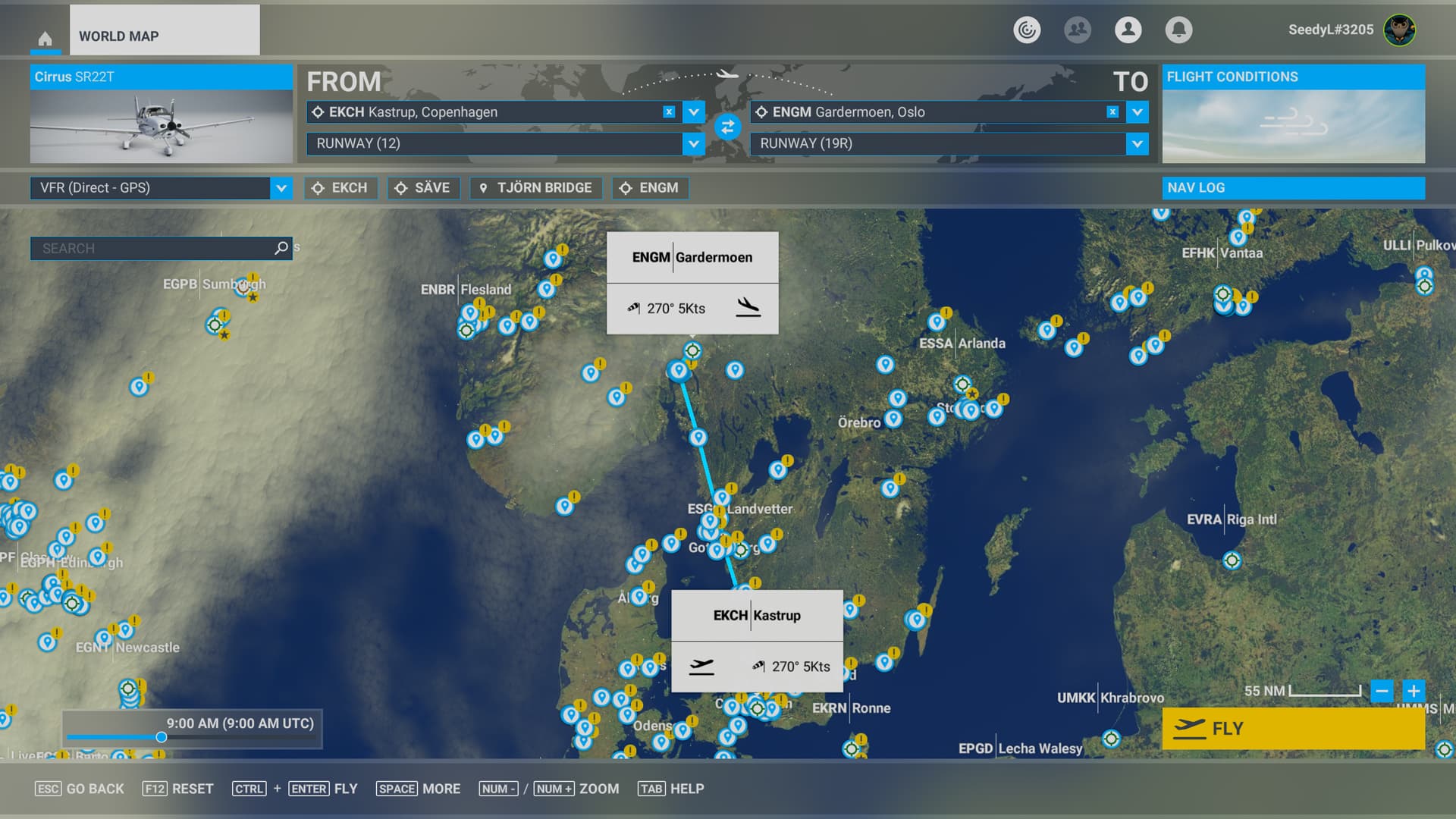
Pilots on PC can download the .pln file here:
2024-10-18 World Tour Stage 33 Copenhagen to Oslo.PLN (4.7 KB)

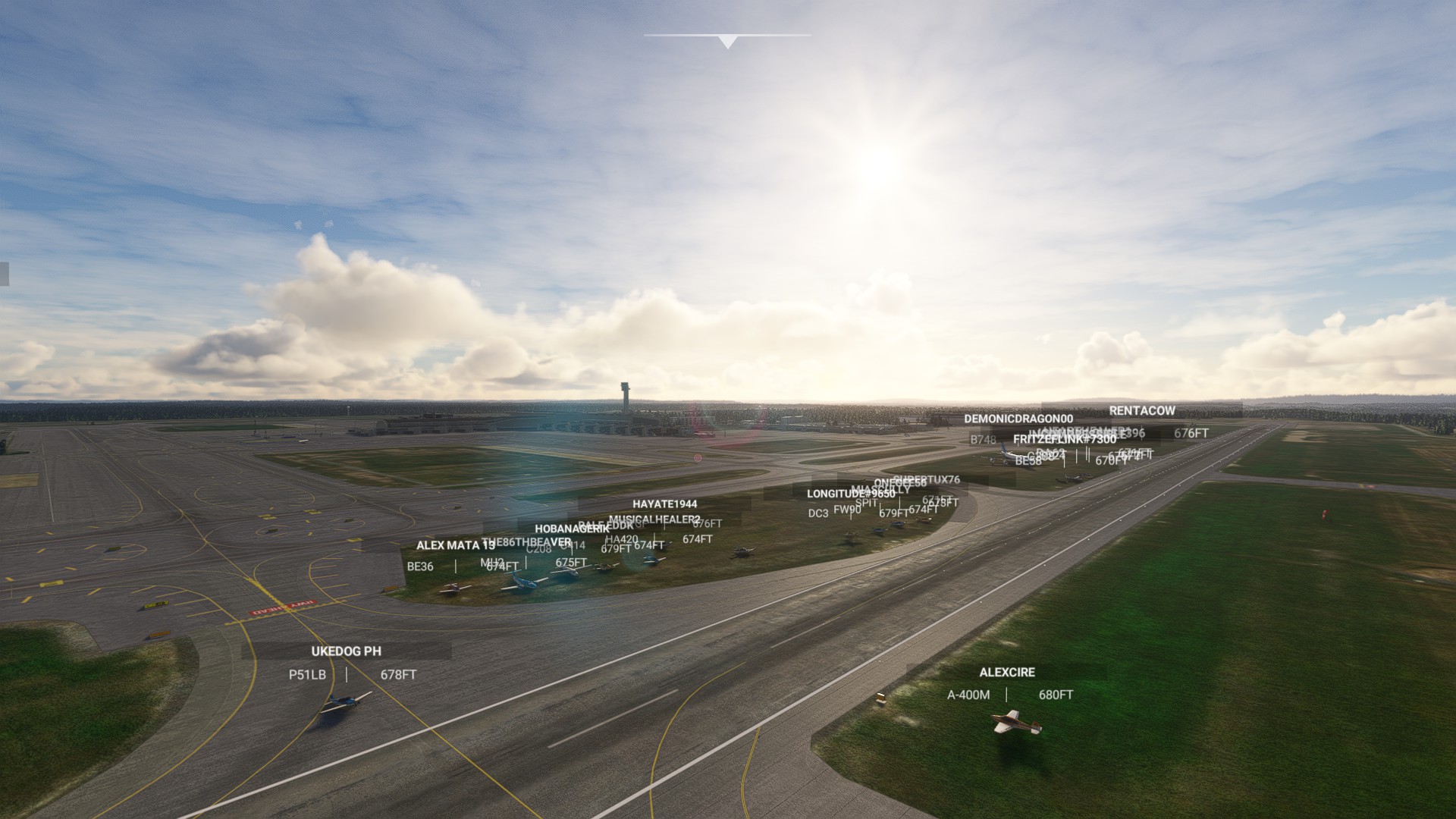
We will be starting at EKCH. Please load your aircraft 10 minutes prior to take off and taxi over to the runway in preparation for departure.

AIRCRAFT

Recommended aircraft: Beechcraft Baron, Beechcraft Bonanza, Cirrus SR22T, Diamond DA62, or any aircraft of your choice with a cruise speed of 160+ knots.

MULTIPLAYER SETTINGS

Please adhere to the following settings so you can see everyone / be seen by everyone.

Variable Setting
Server SE Asia
Multiplayer All Players
Live traffic As preferred
Weather Few Clouds
Time of Day Daytime

It is advised in this flight to turn off both aircraft collisions and terrain collisions. If you do crash, you can use “slew” mode to join the pack. If the pack will be too scattered before the first stop, we will use slew on a defined point to regroup.

COMMUNICATION

To communicate with others, a voice channel on the "Official Microsoft Flight Simulator Discord” at https://discord.gg/msfs will be available to join.

LET’S FLY

This is meant to be a fun and informal flight. Everybody is welcome, no matter the amount of experience.
6 Likes


1 Like

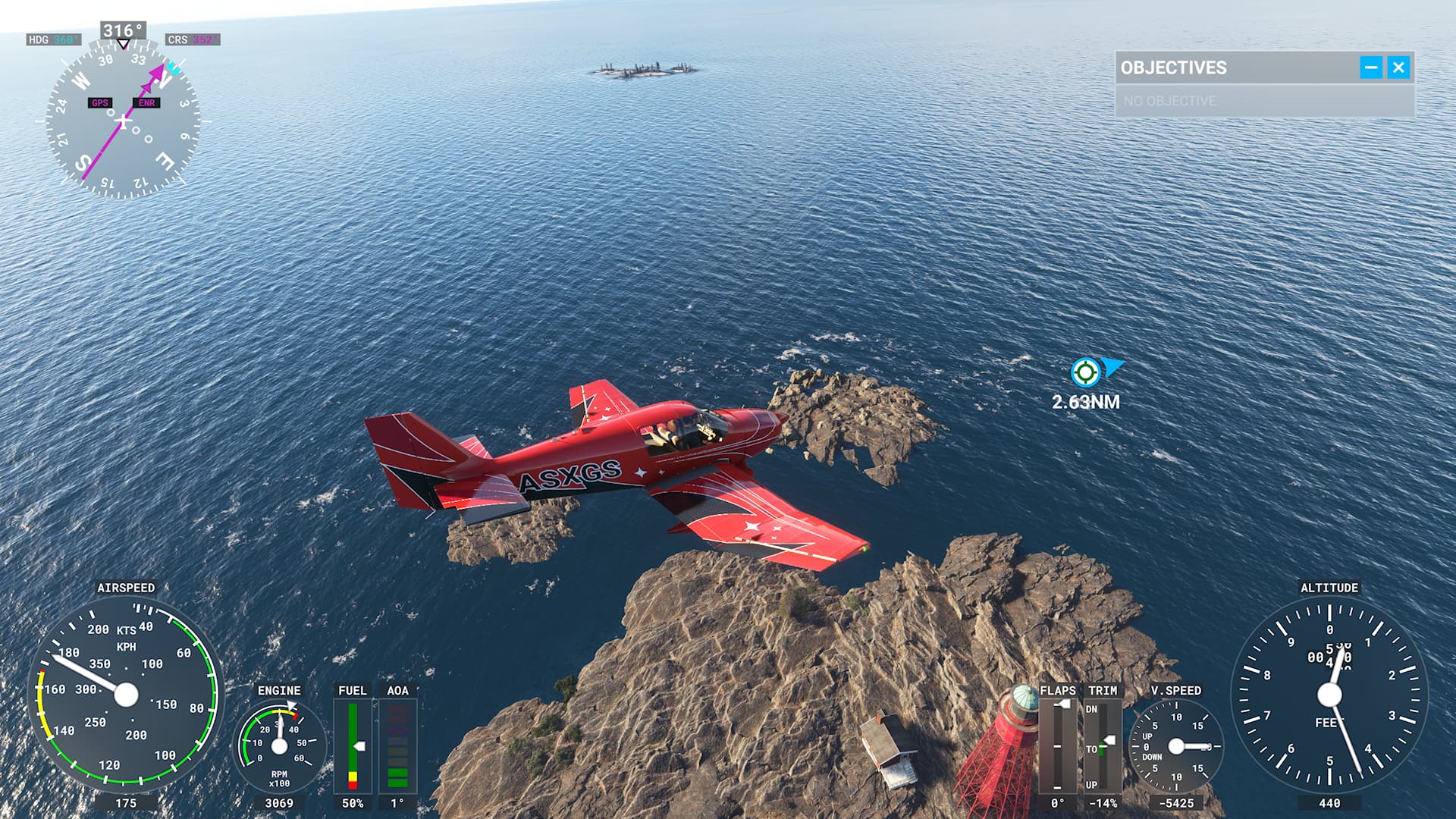
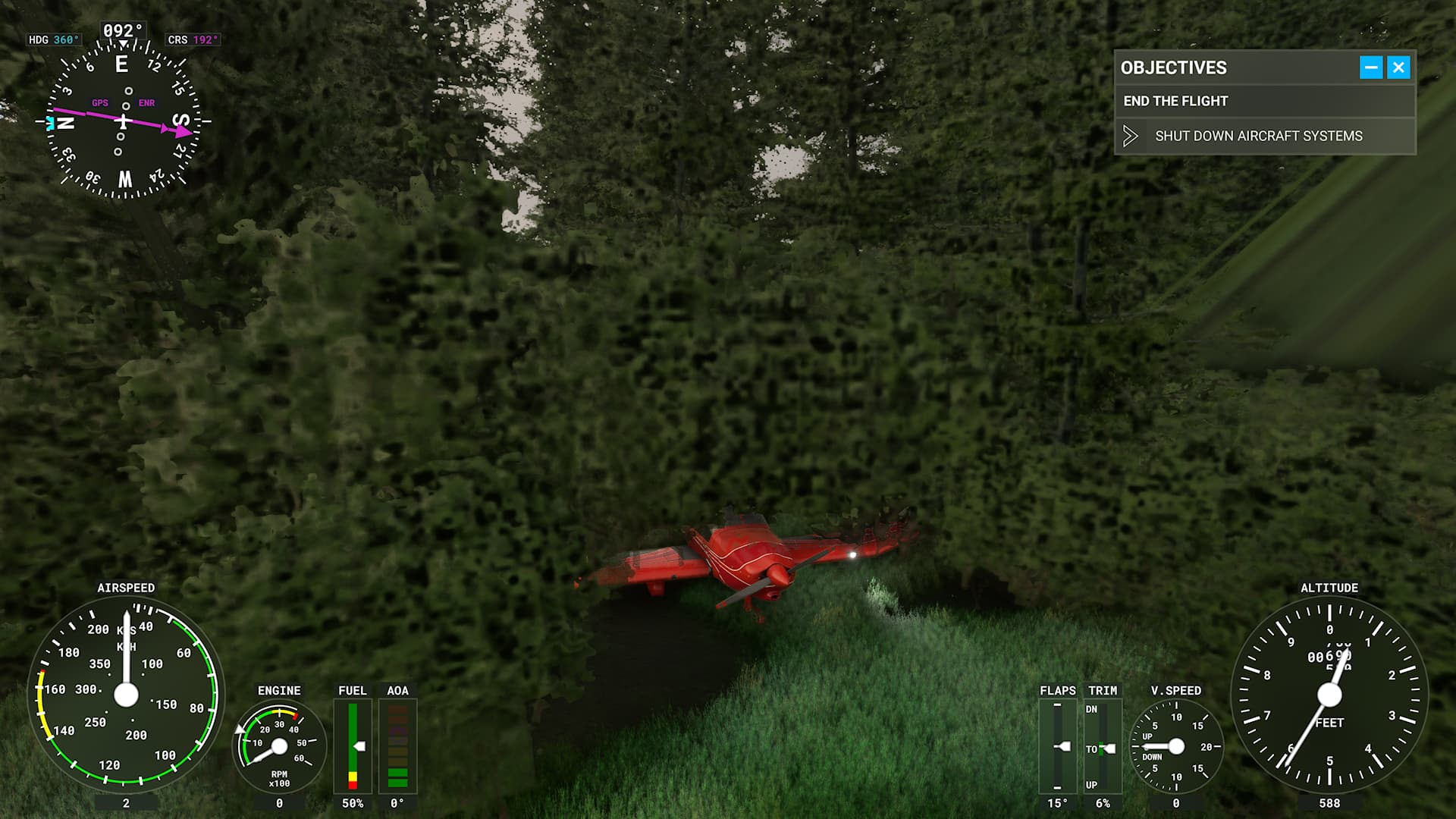
And thats looking like the basic rule in aviation “You don’t slow down when go down”. At least you can play hide and seek this way :wink:

2 Likes

That’s it exactly.
I’m not saying that it wasn’t 100% my fault but as I approached the destination airport nature began to call me, so I clicked to autopilot. When I came back I just watched the plane over shoot the runway and I wanted to take over the helm to try and save things and get it back to the runway. Well, you see the end result.

1 Like


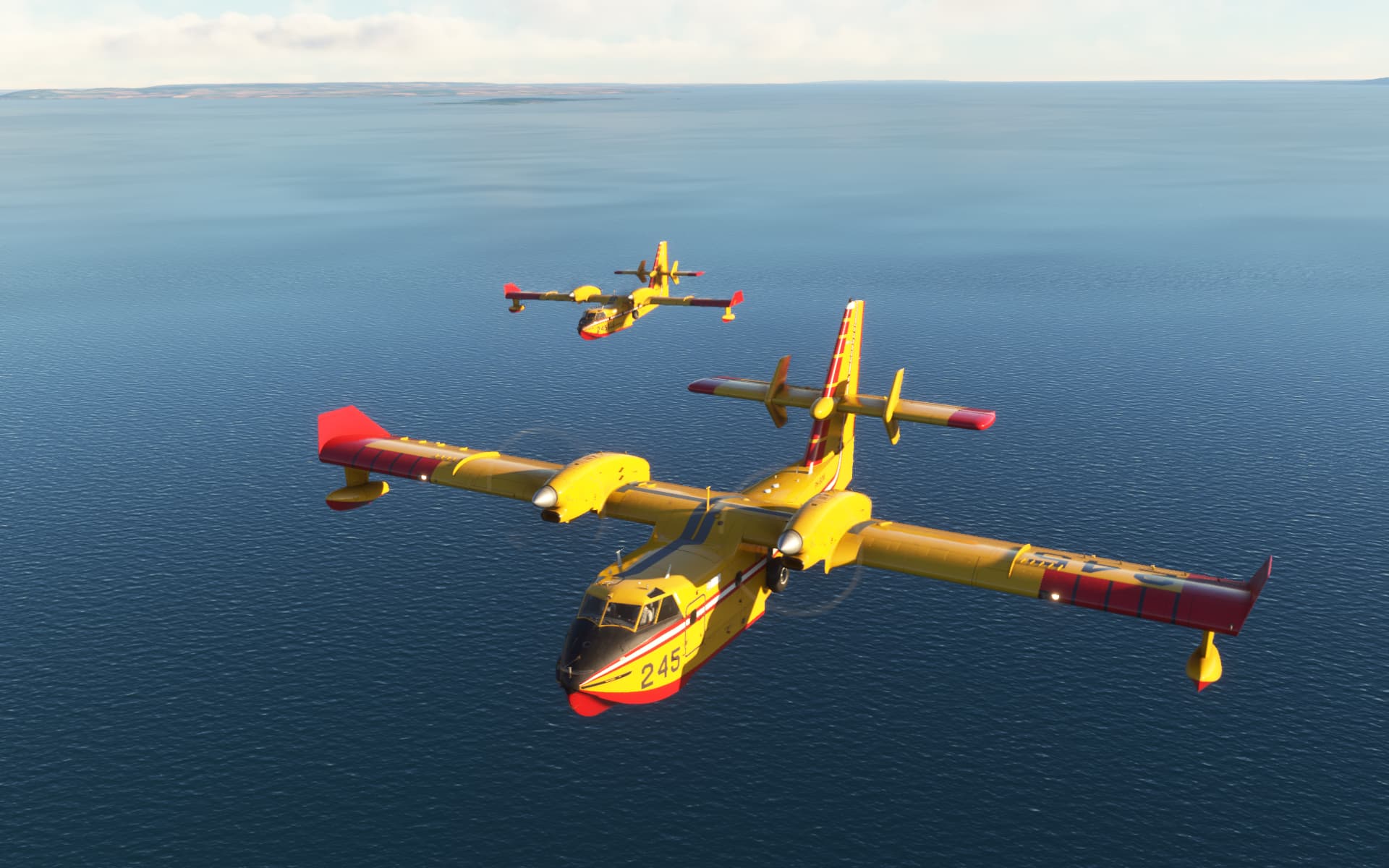
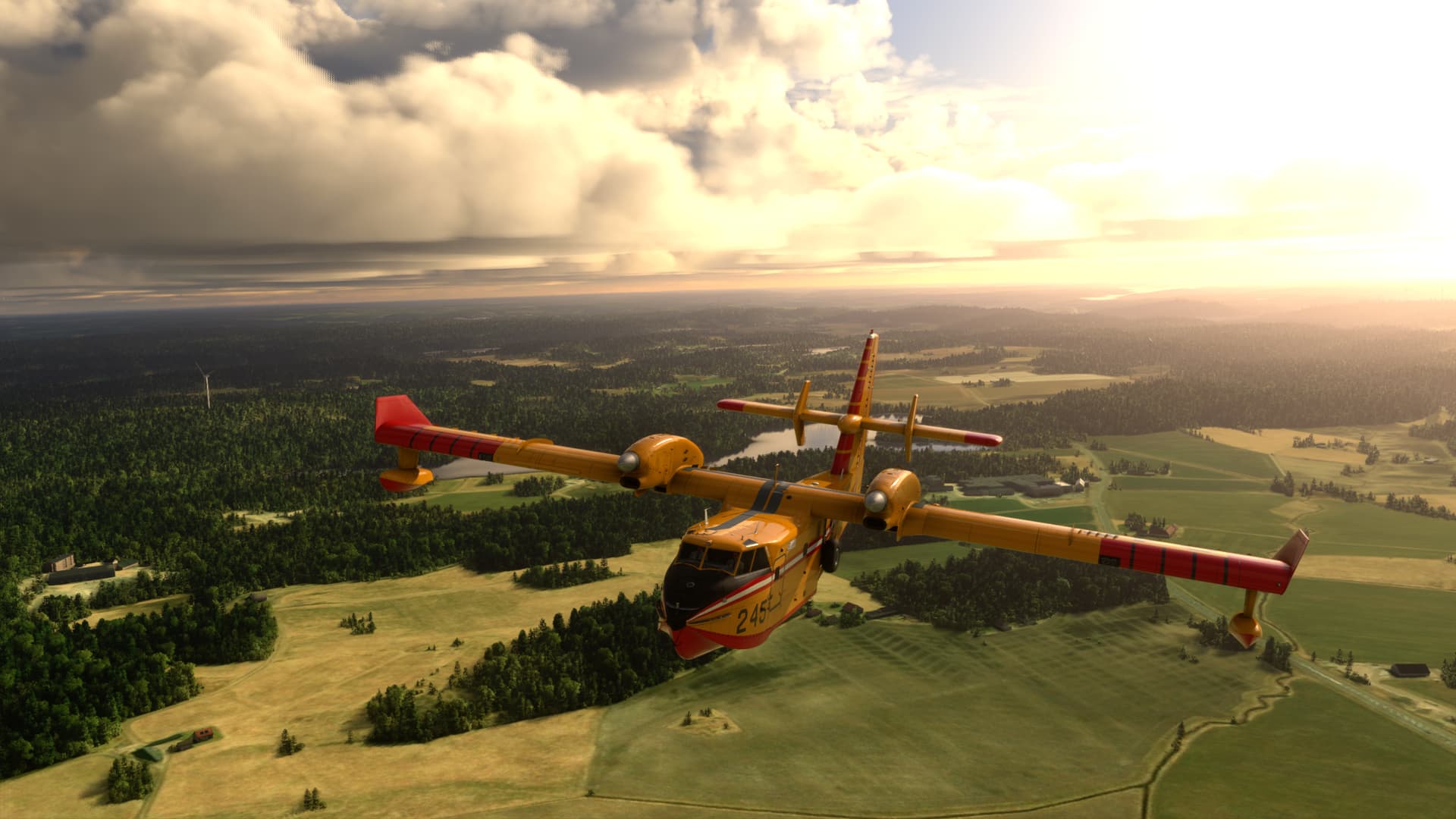
Only 3 diehard pilots flying the CanadAir CL-415. Classic handwork no autopilot in here :wink:
(on my tail followed by ELIJOT)

7 Likes

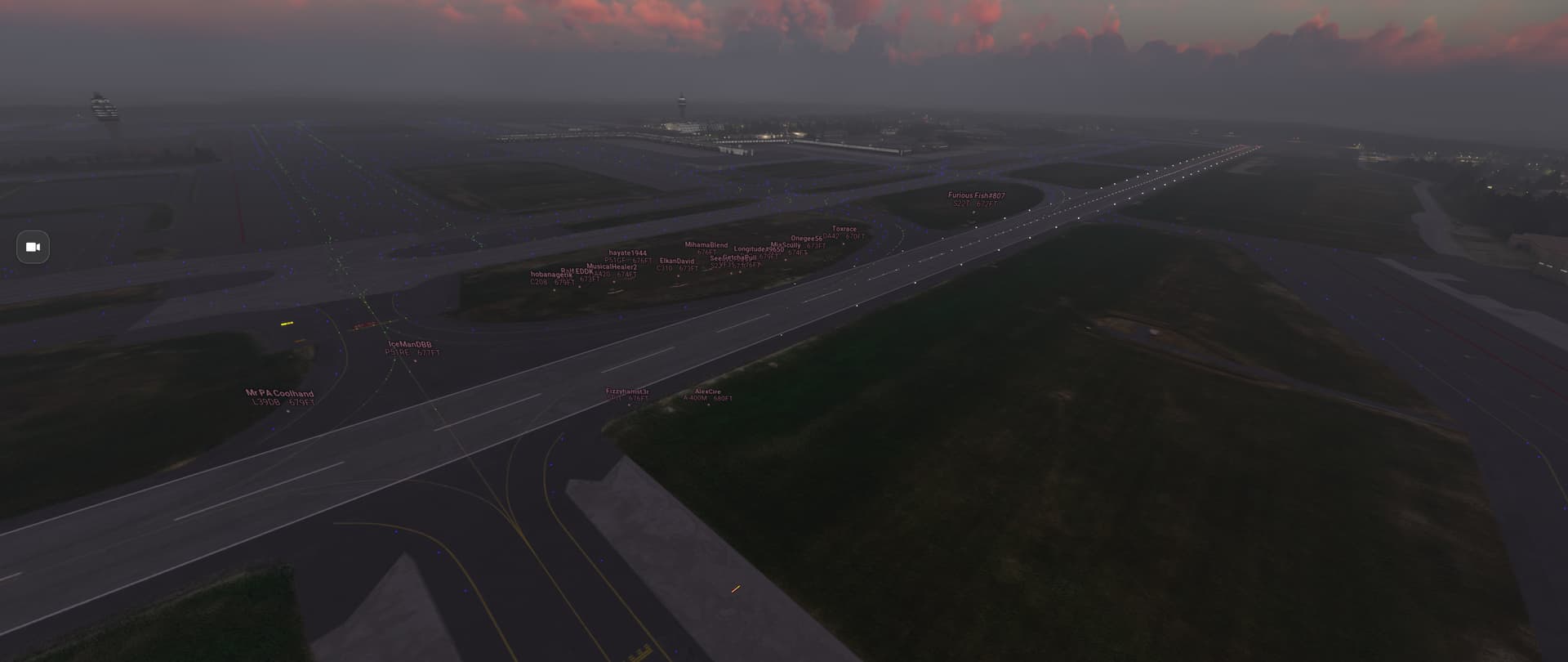
I guess the discord event wasn’t started? Was online but no one home. Lol.
1 Like

Gotta split early but awesome flight! See you all on the next leg.


9 Likes

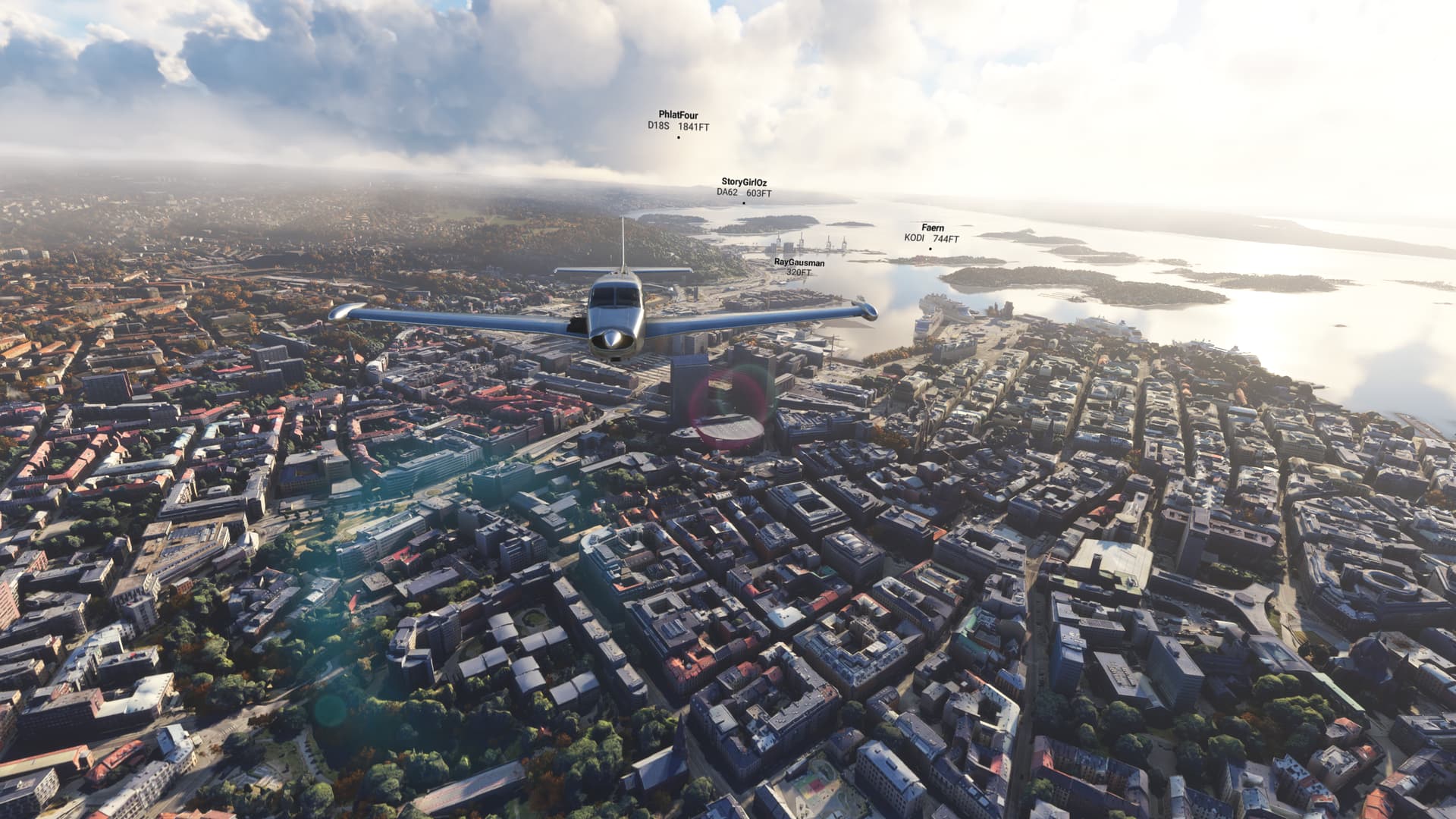
Enjoyed the flight and stream as usual! Two great looking capital cities in the sim, Copenhagen and Oslo.


7 Likes


TGIF: Loved the flight again

12 Likes

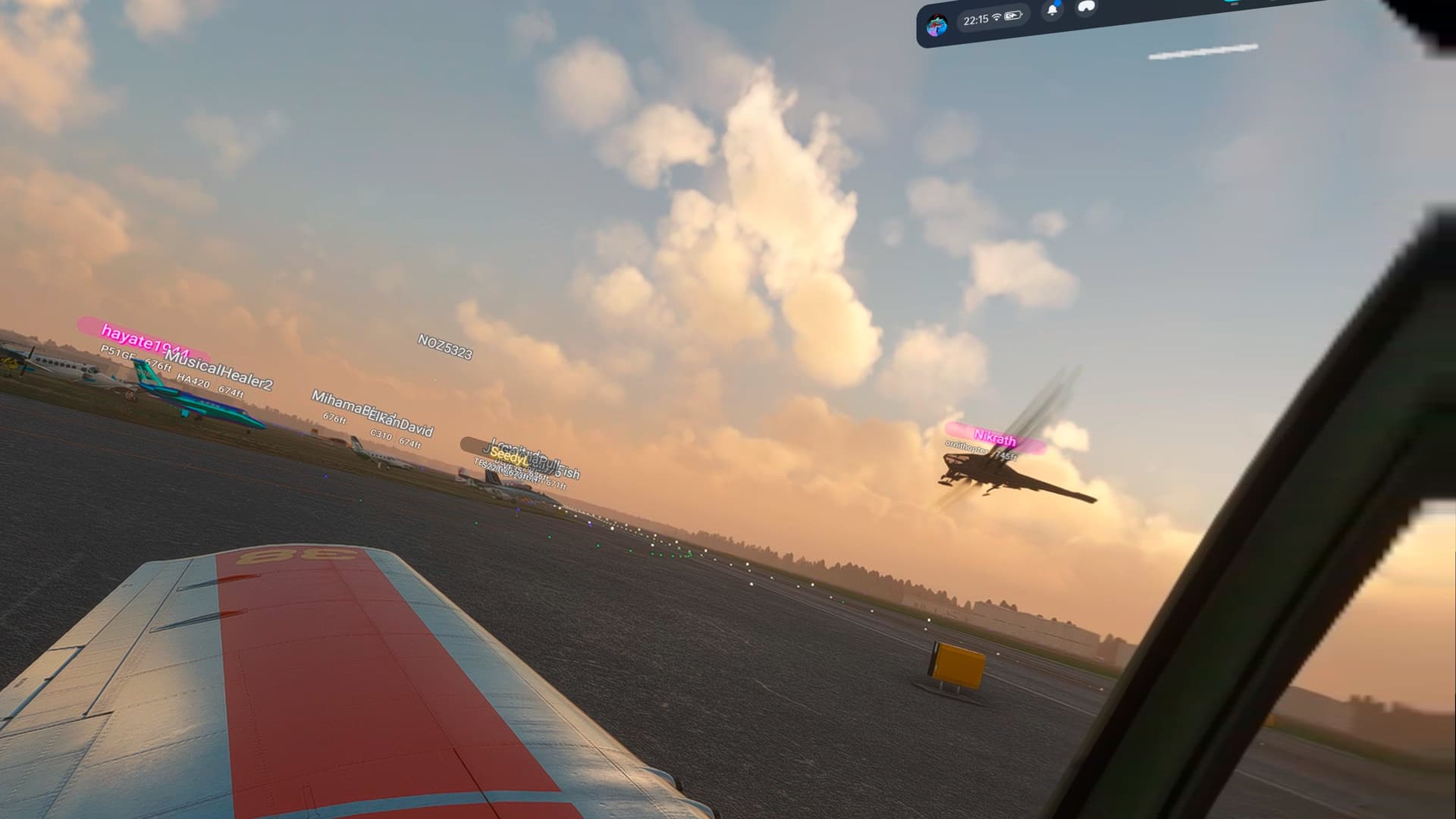
Just remembered I can take screenshots in VR with the meta-button+trigger:

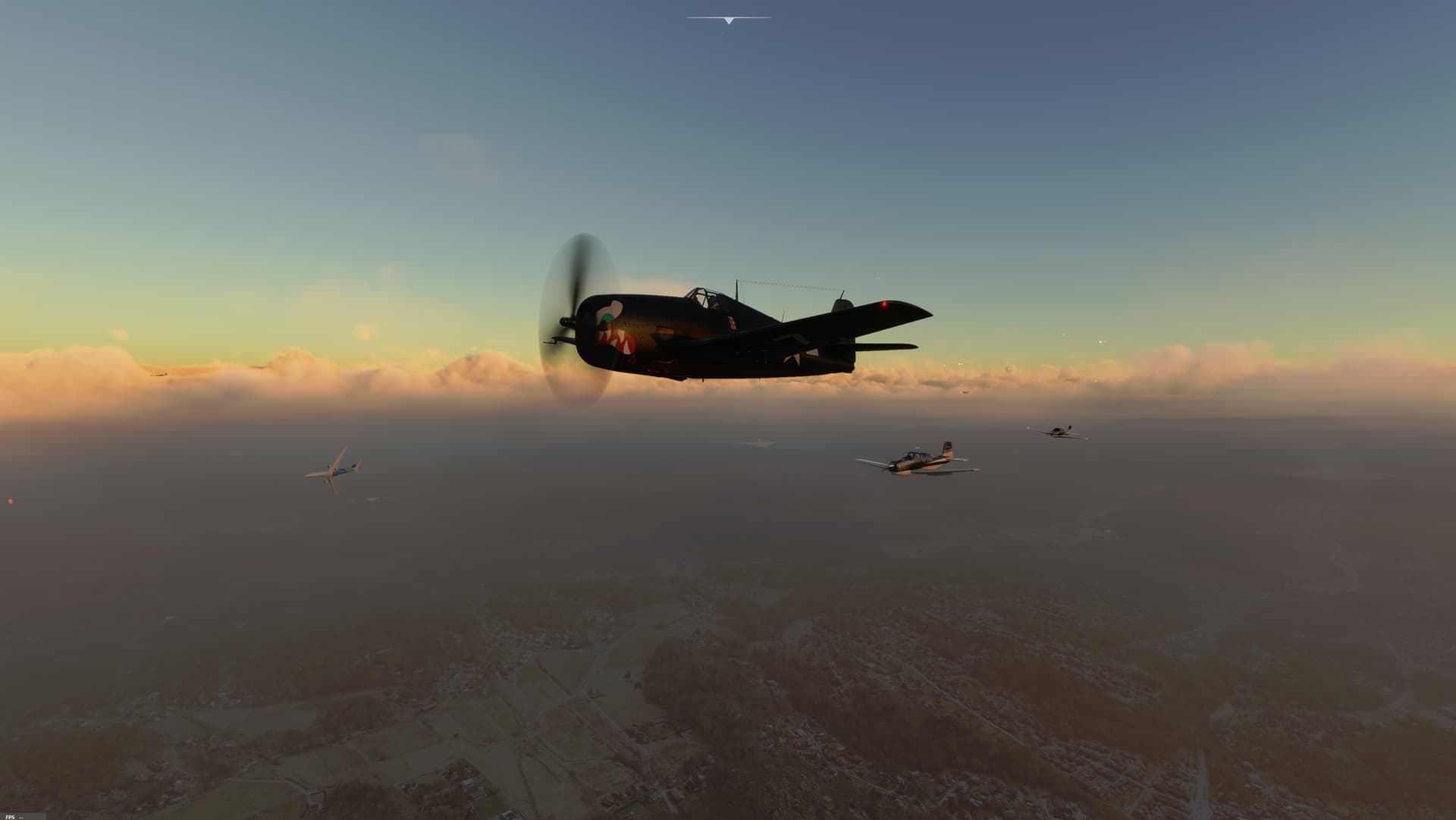
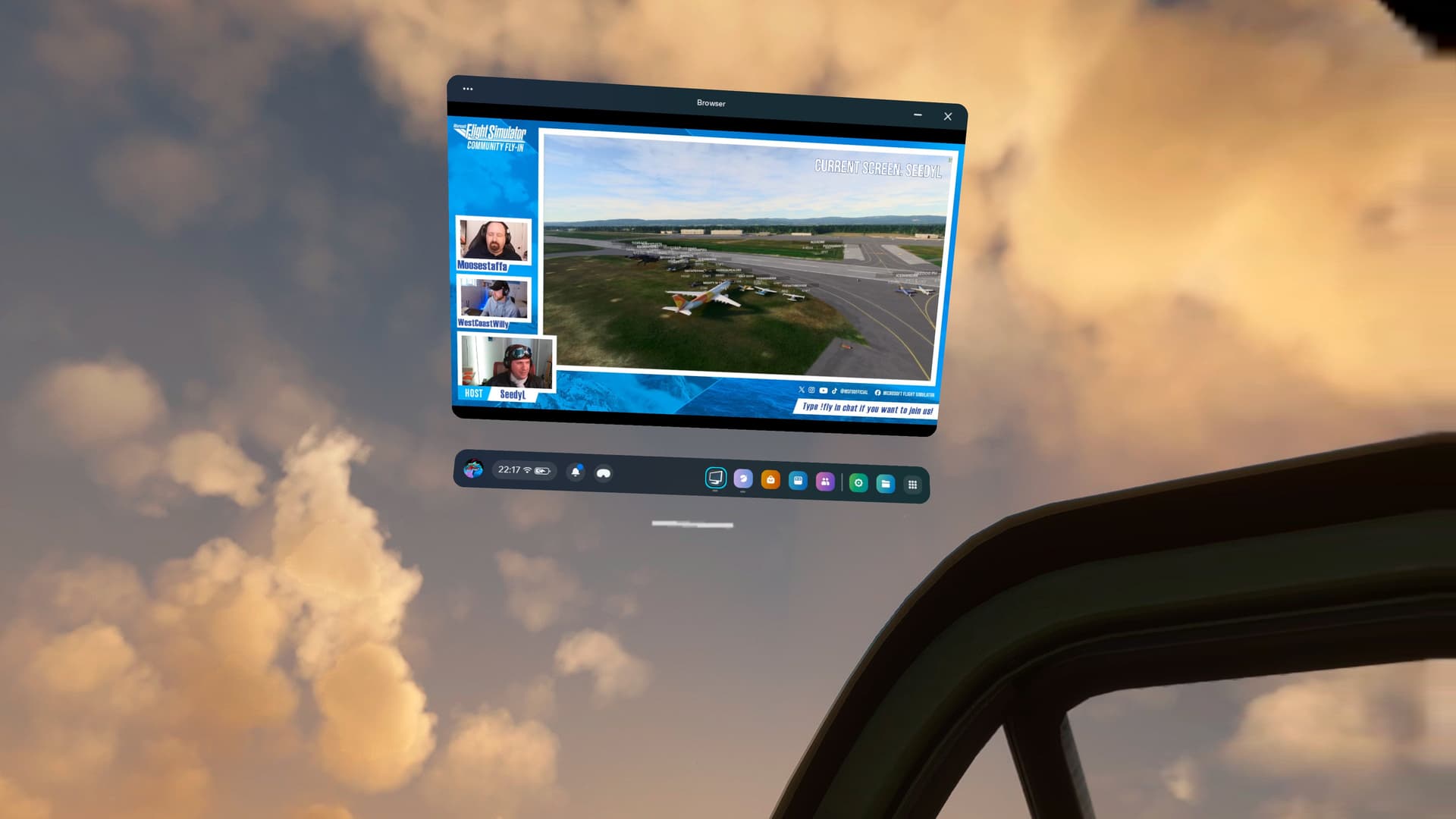
this is how I usually do the fly-ins while watching the stream:


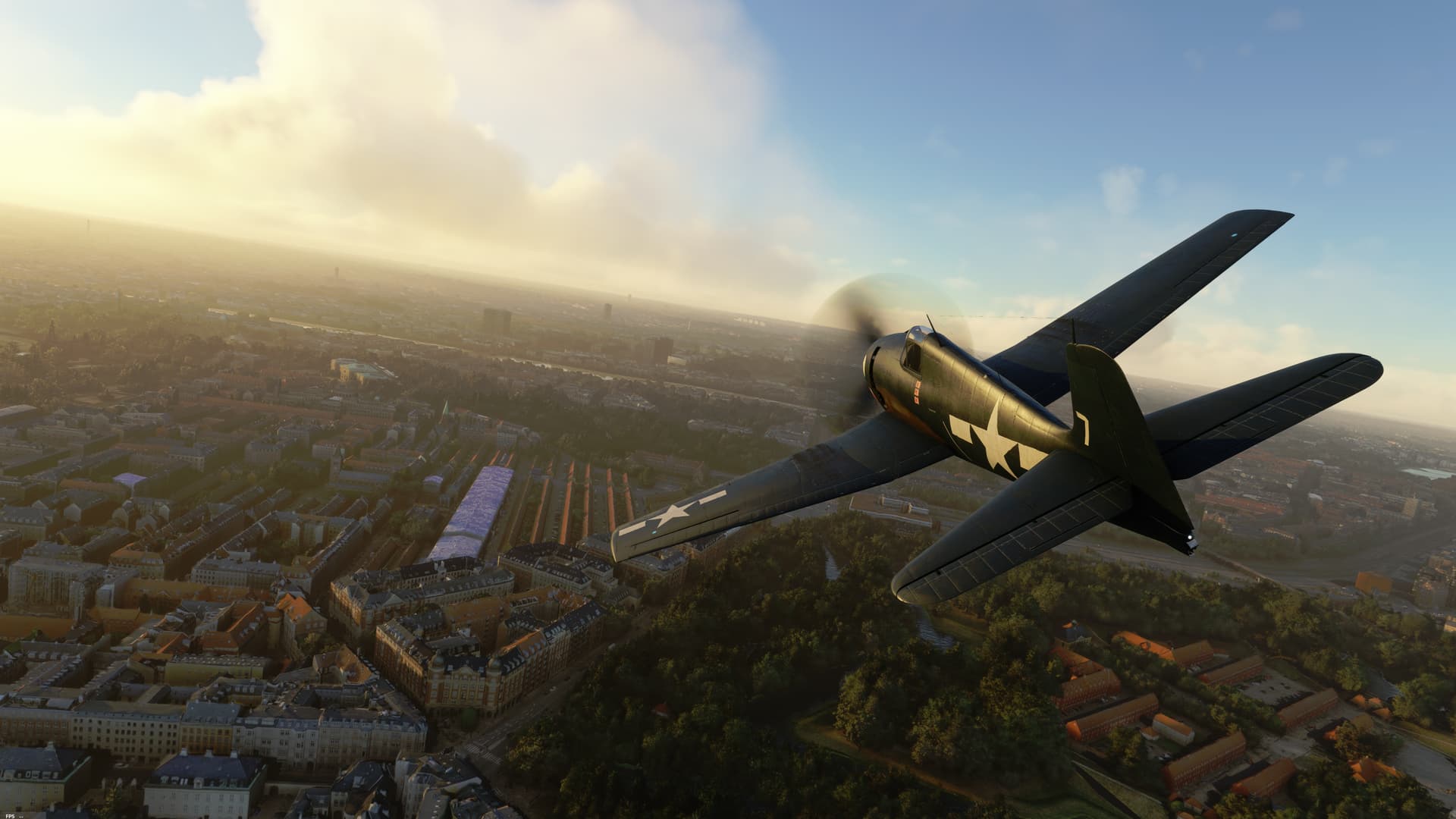
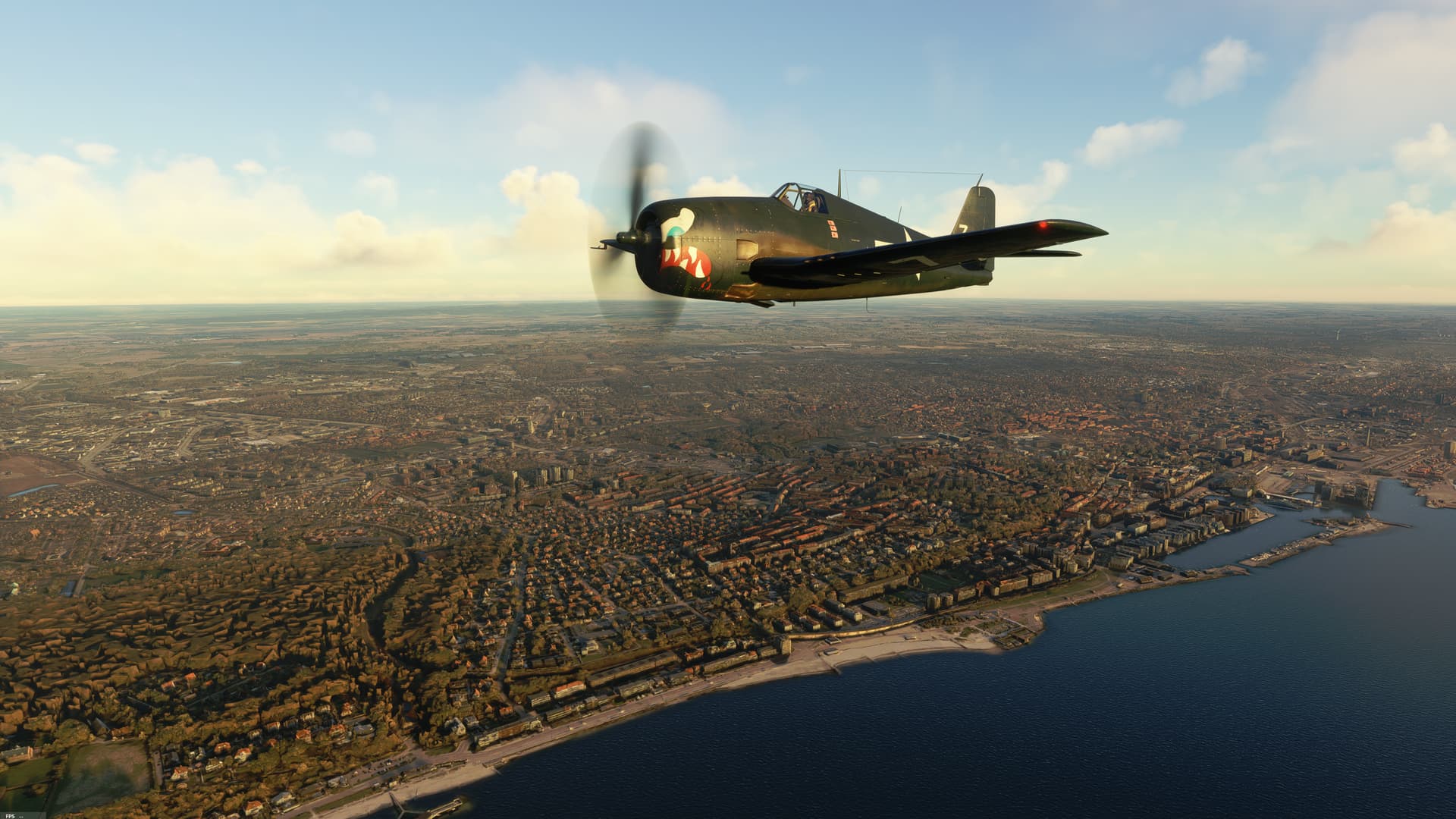
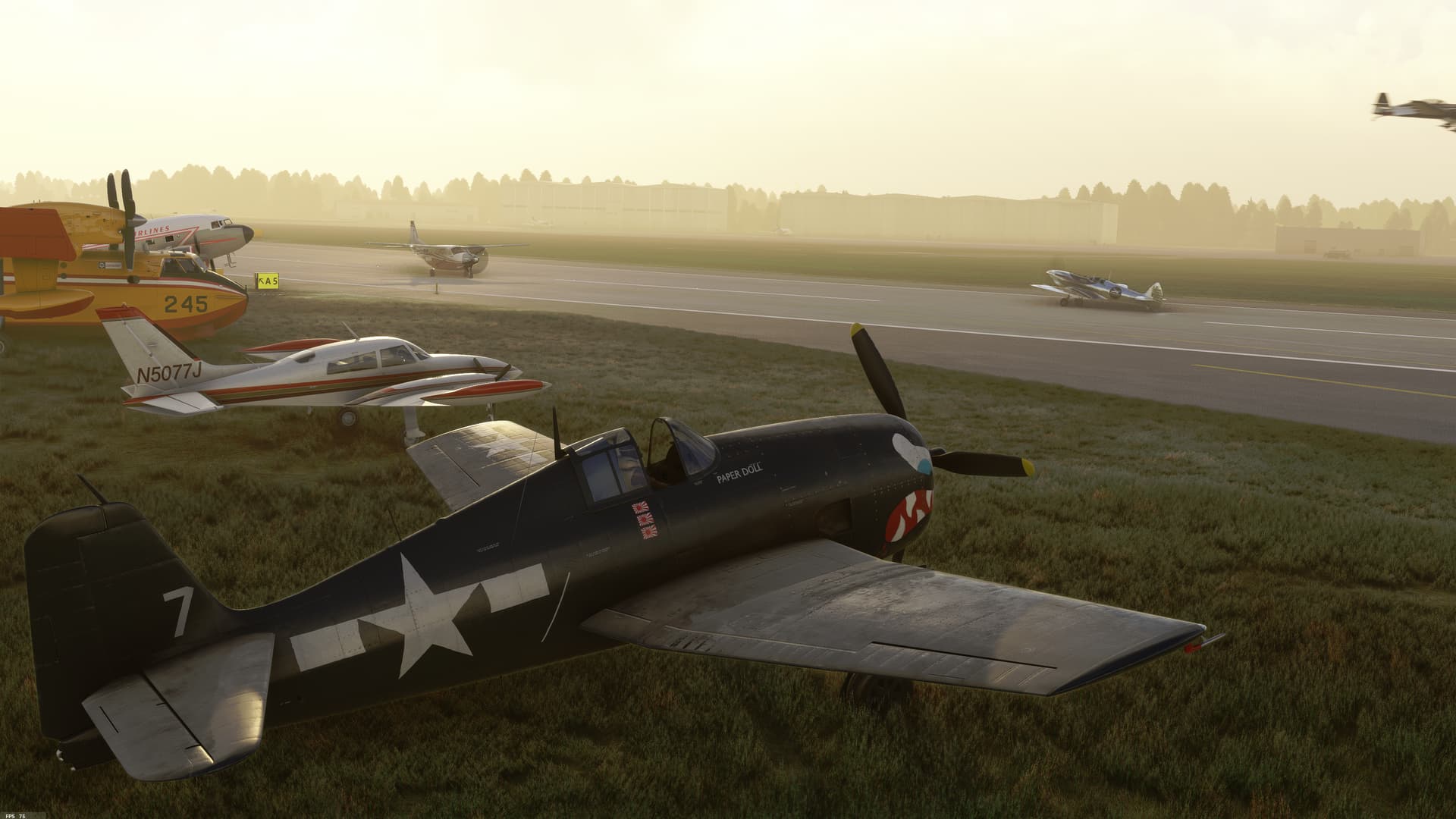
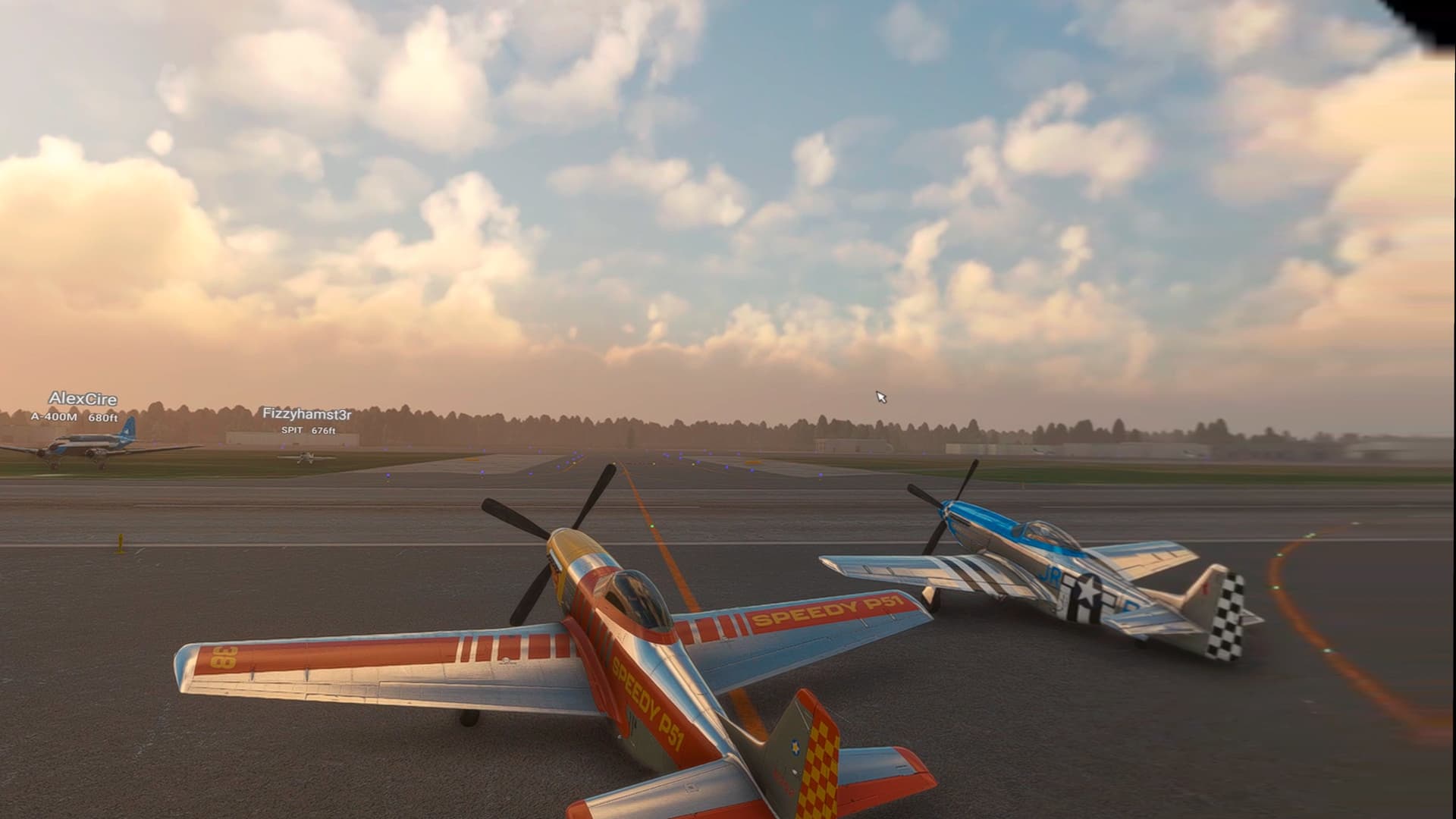
Was a fun fly, trying to keep up in formation with the other P-51s.

7 Likes

That made it into a V(F)R flight then! :rofl:

1 Like

Cheers. Lotta’ nice things to see today.
Glad I could make it.

1 Like

Nice flight, even though I lost a prop, the engine and a flap during different stages of the flight. Thanks guys!


6 Likes


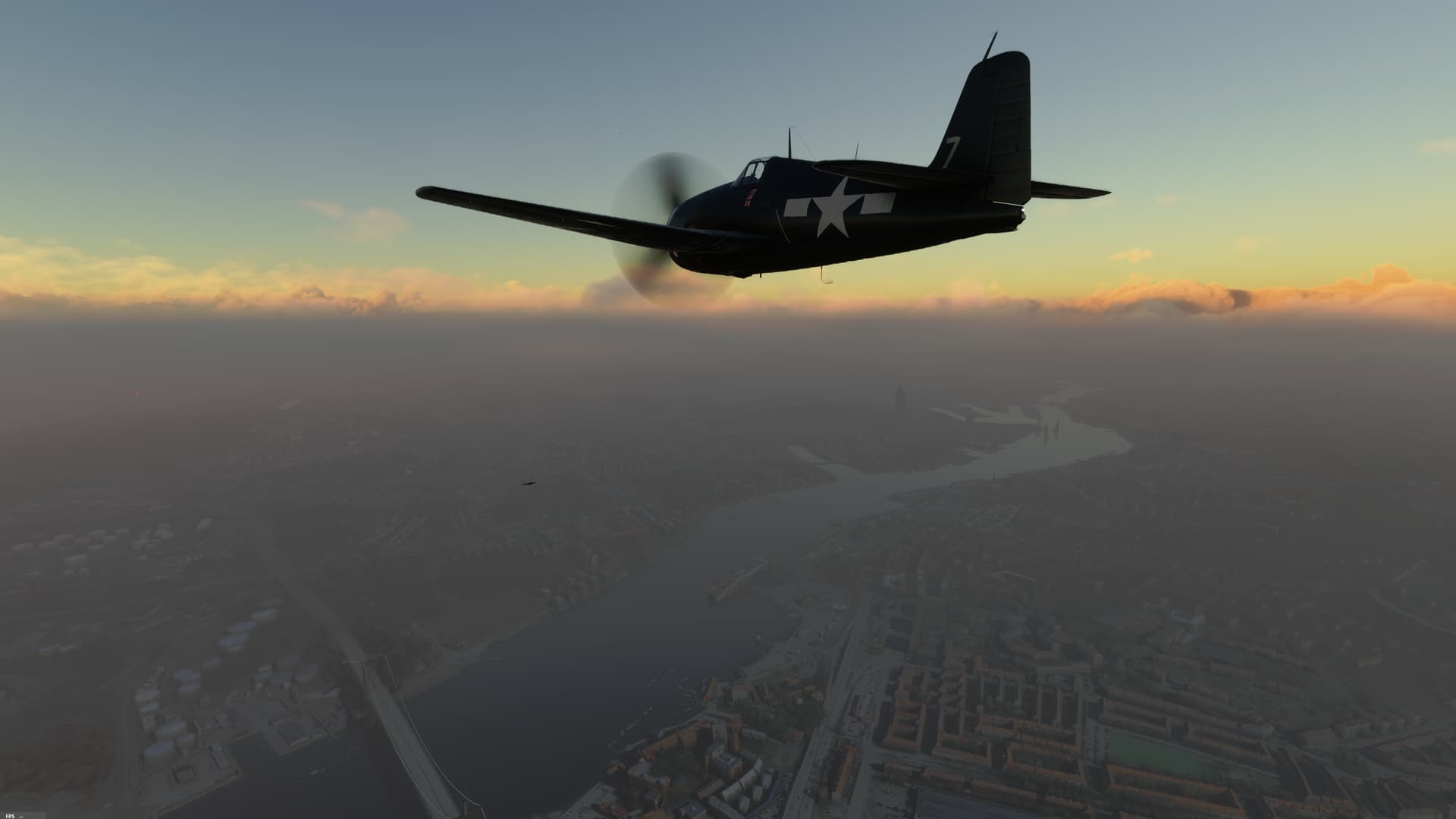
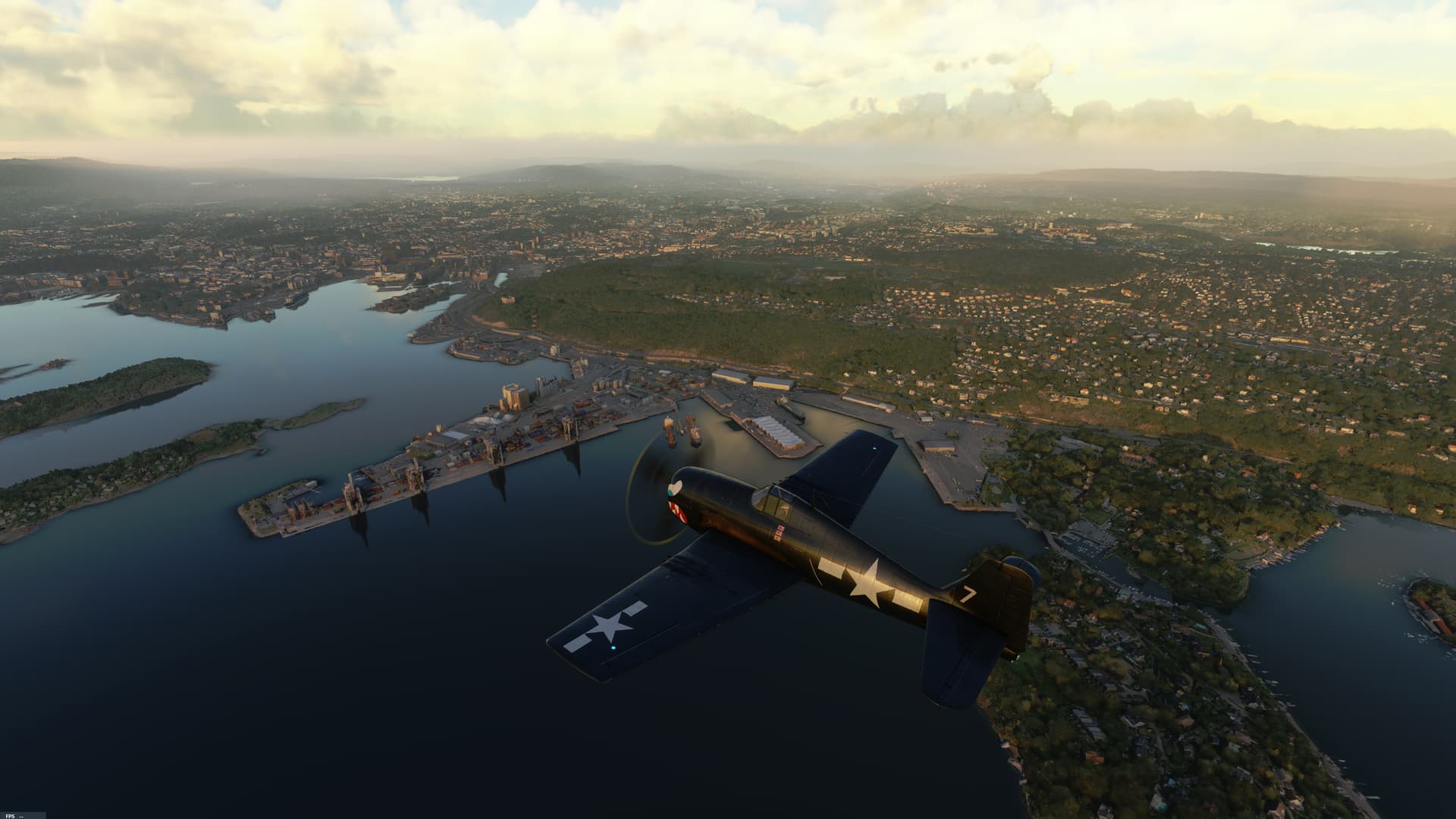
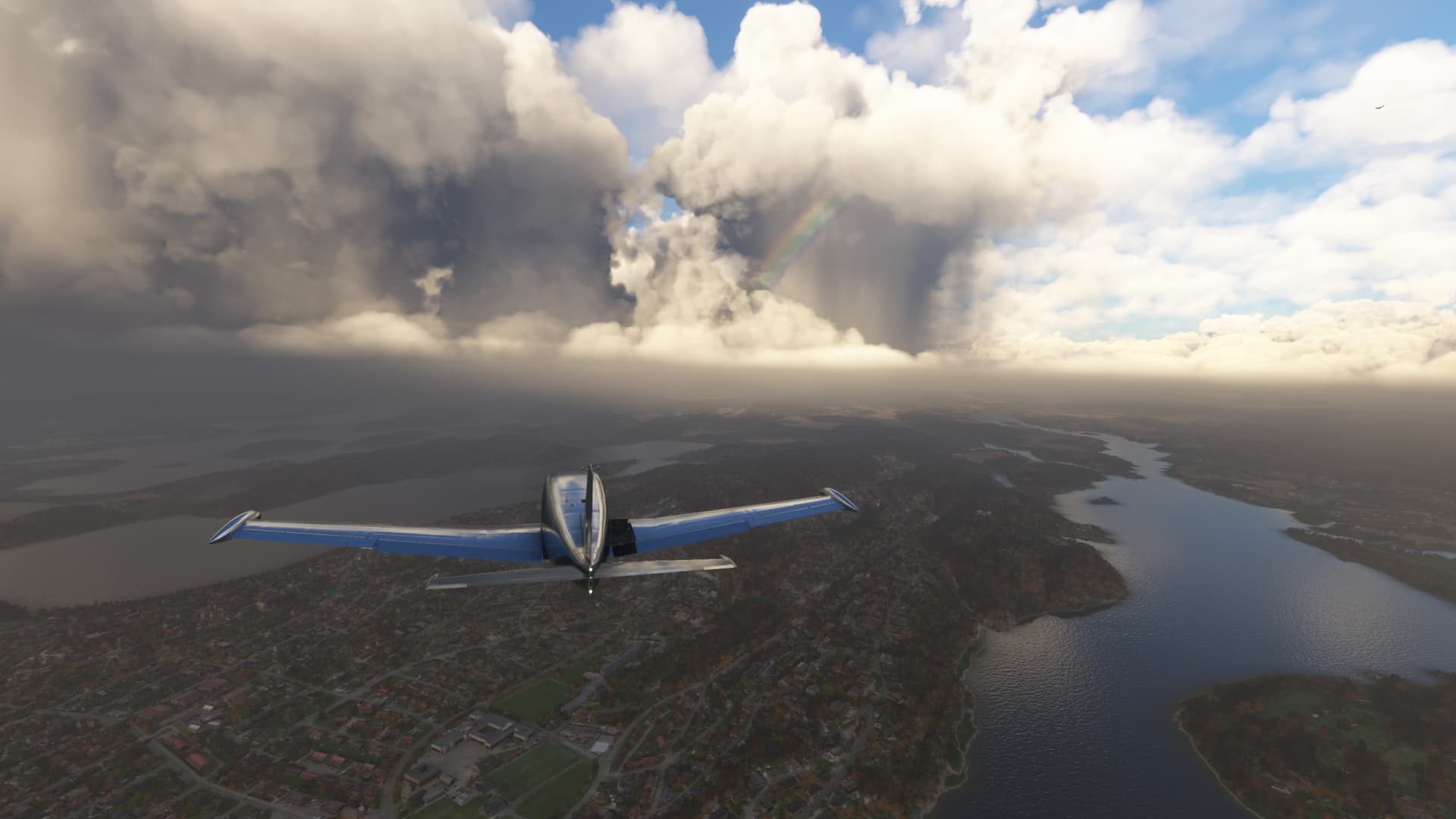
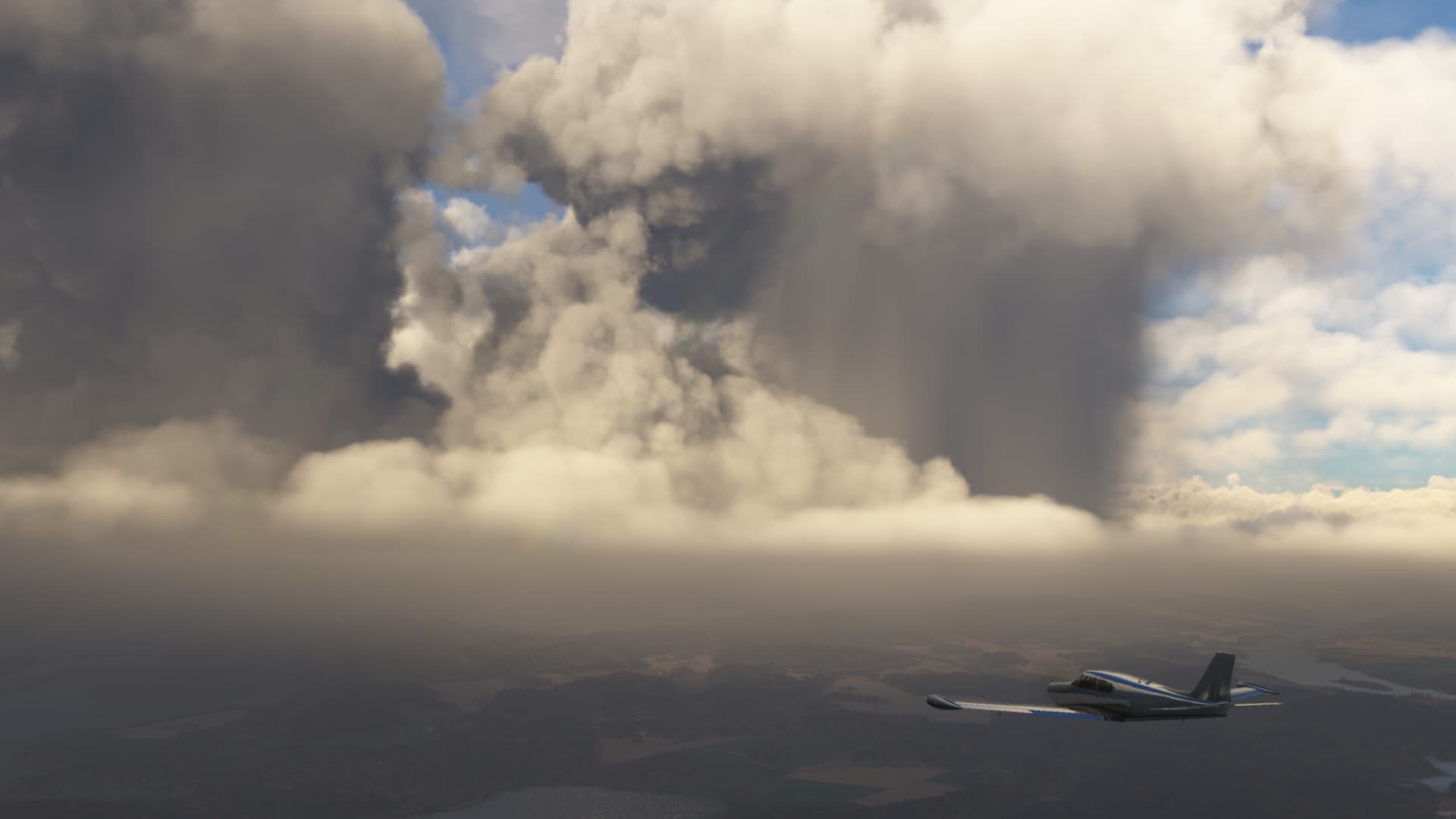
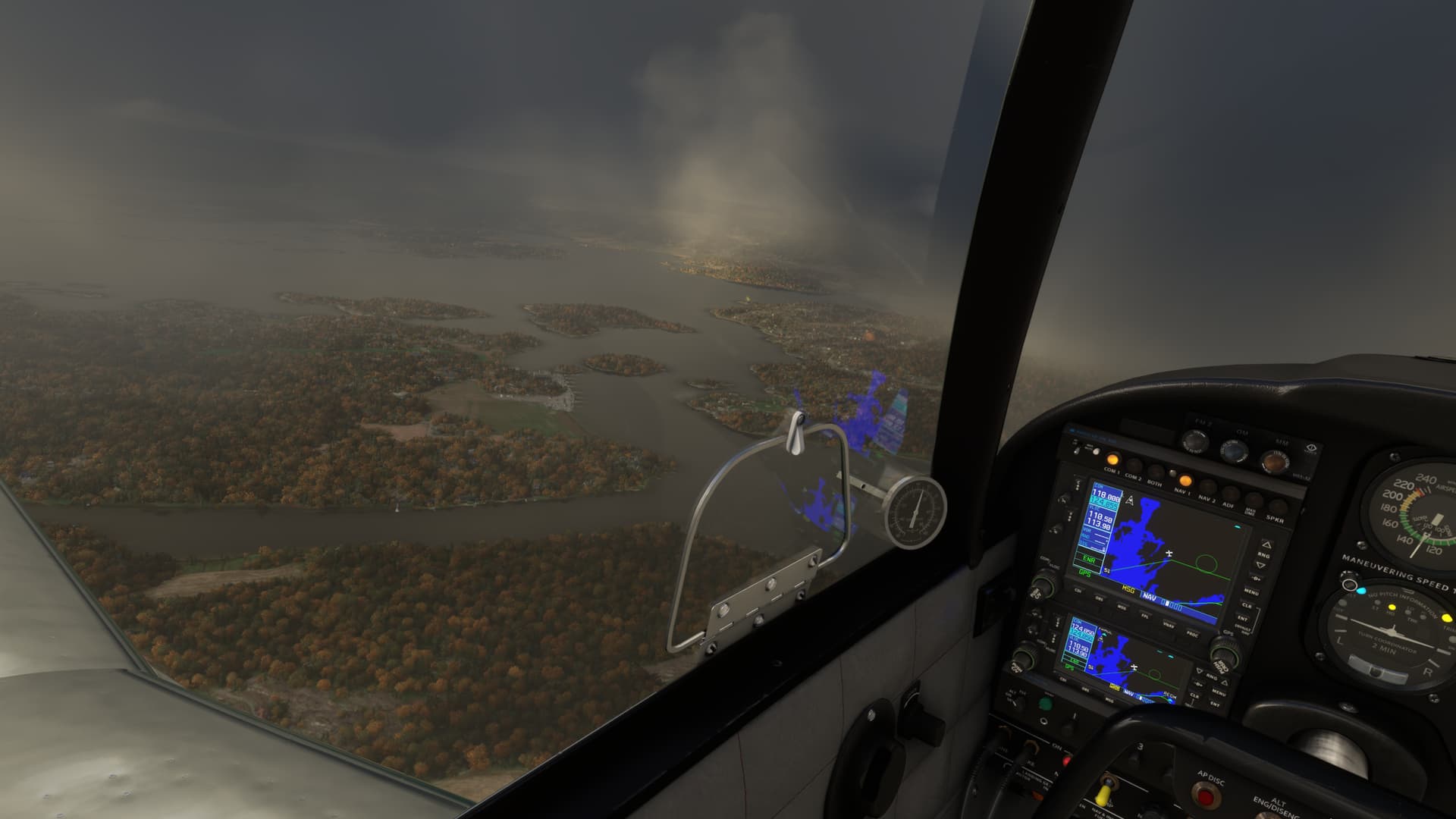
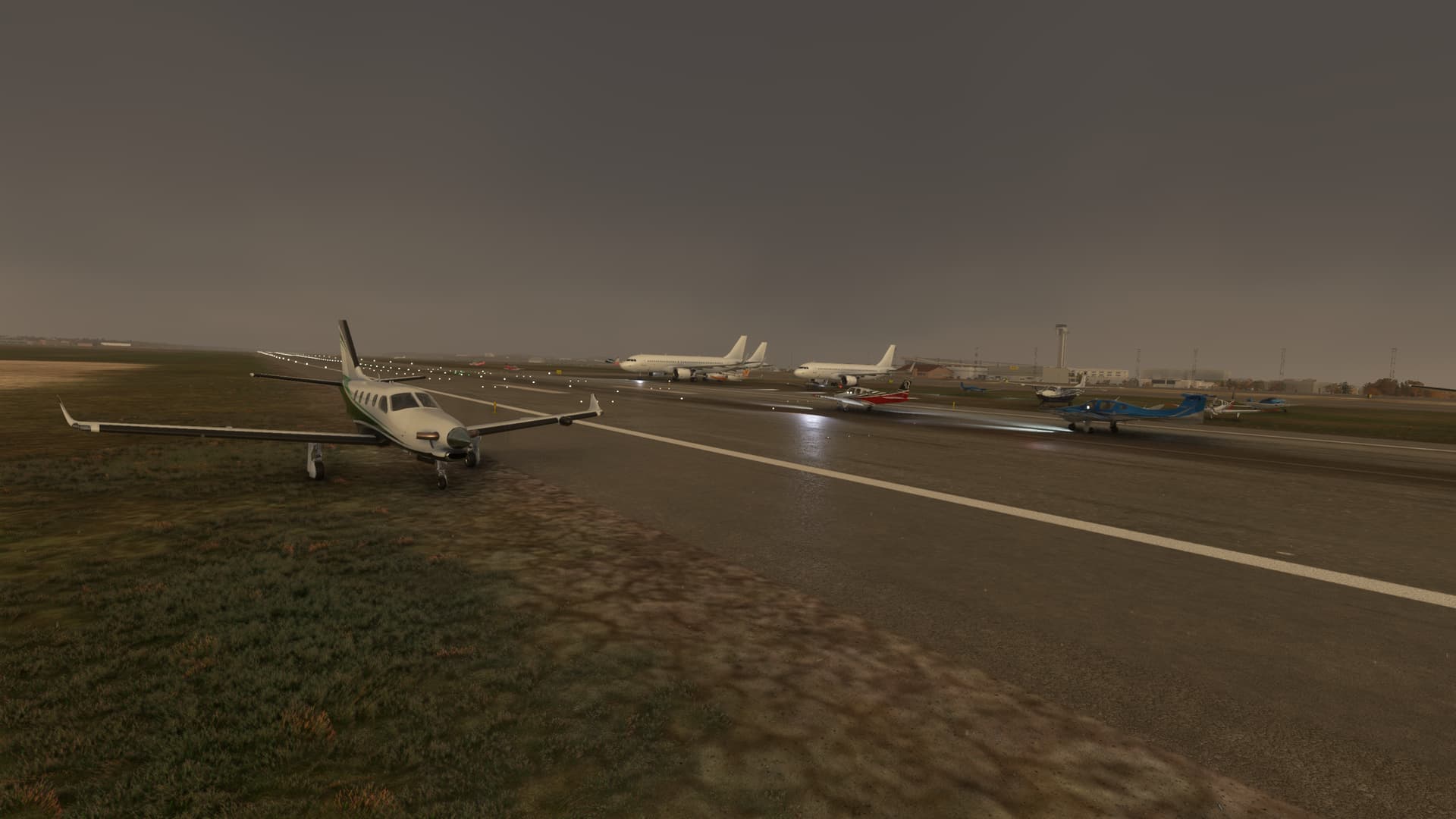
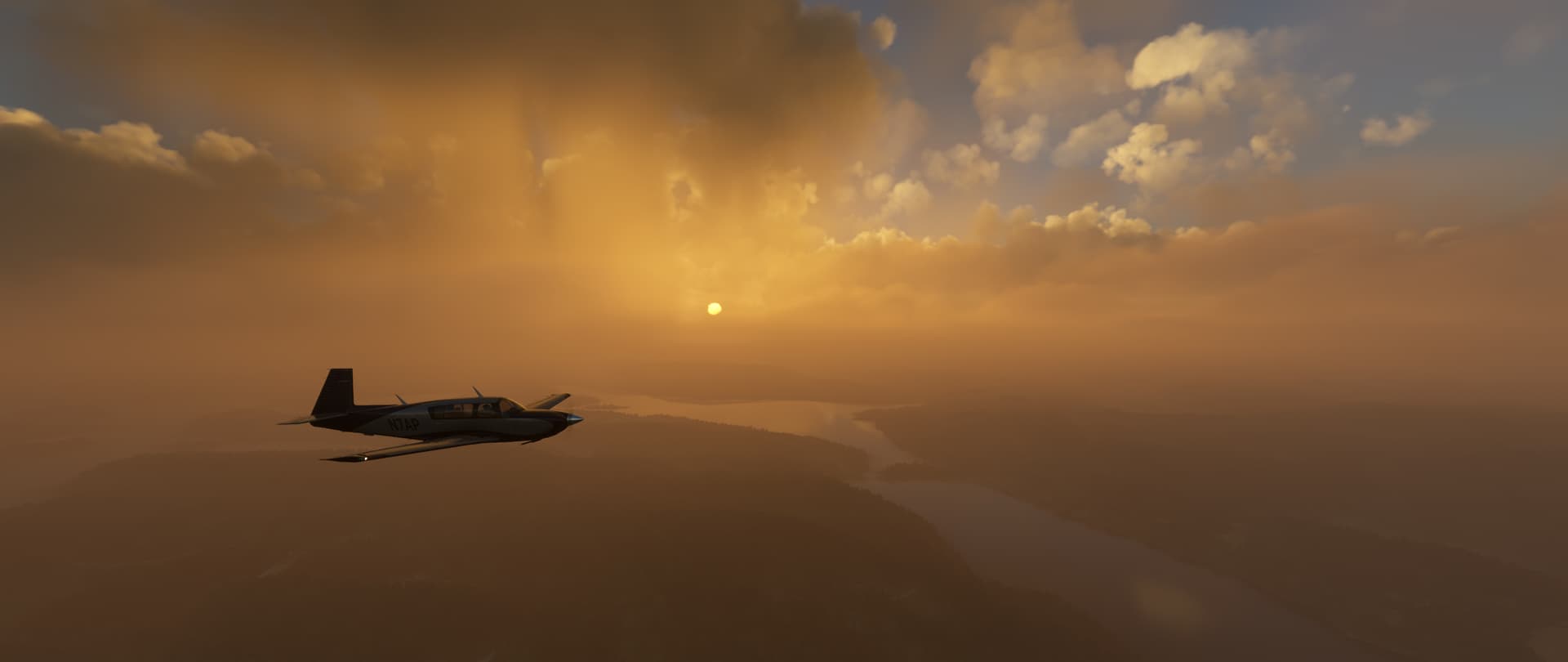
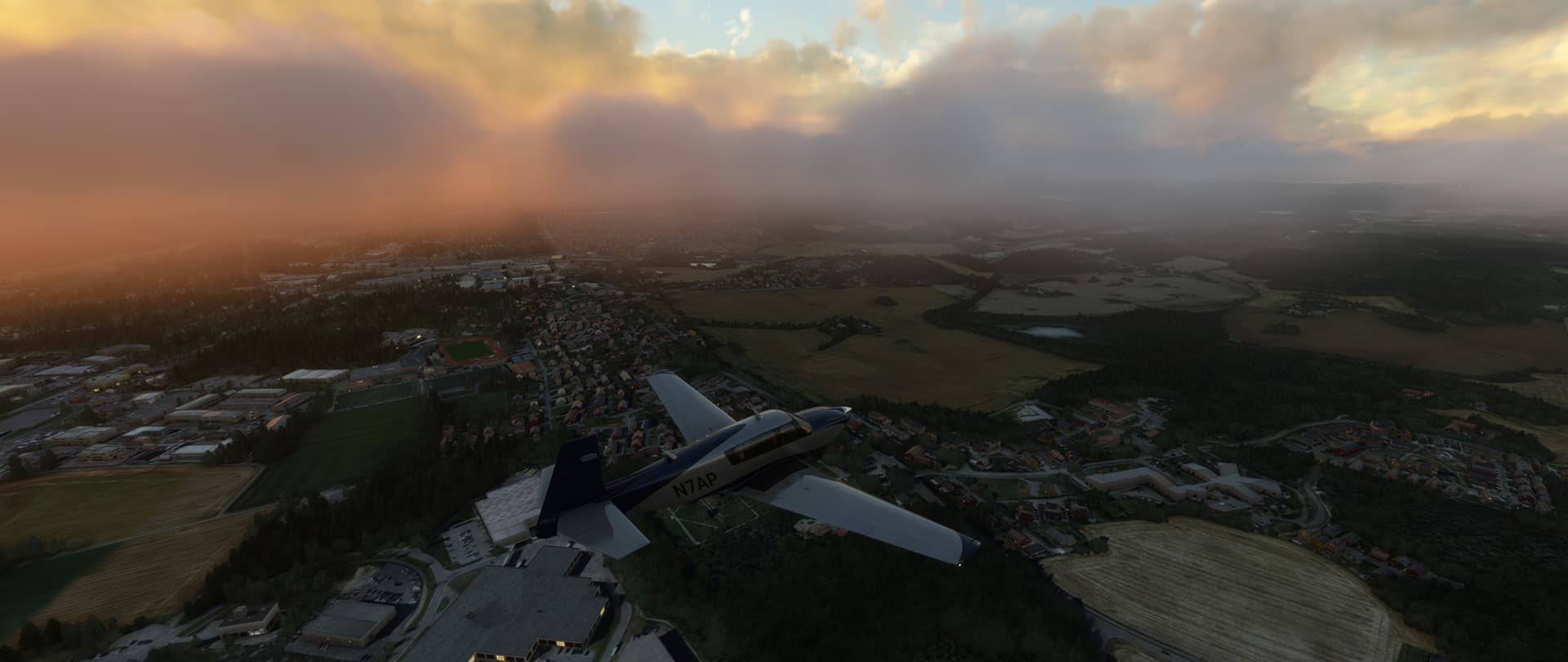
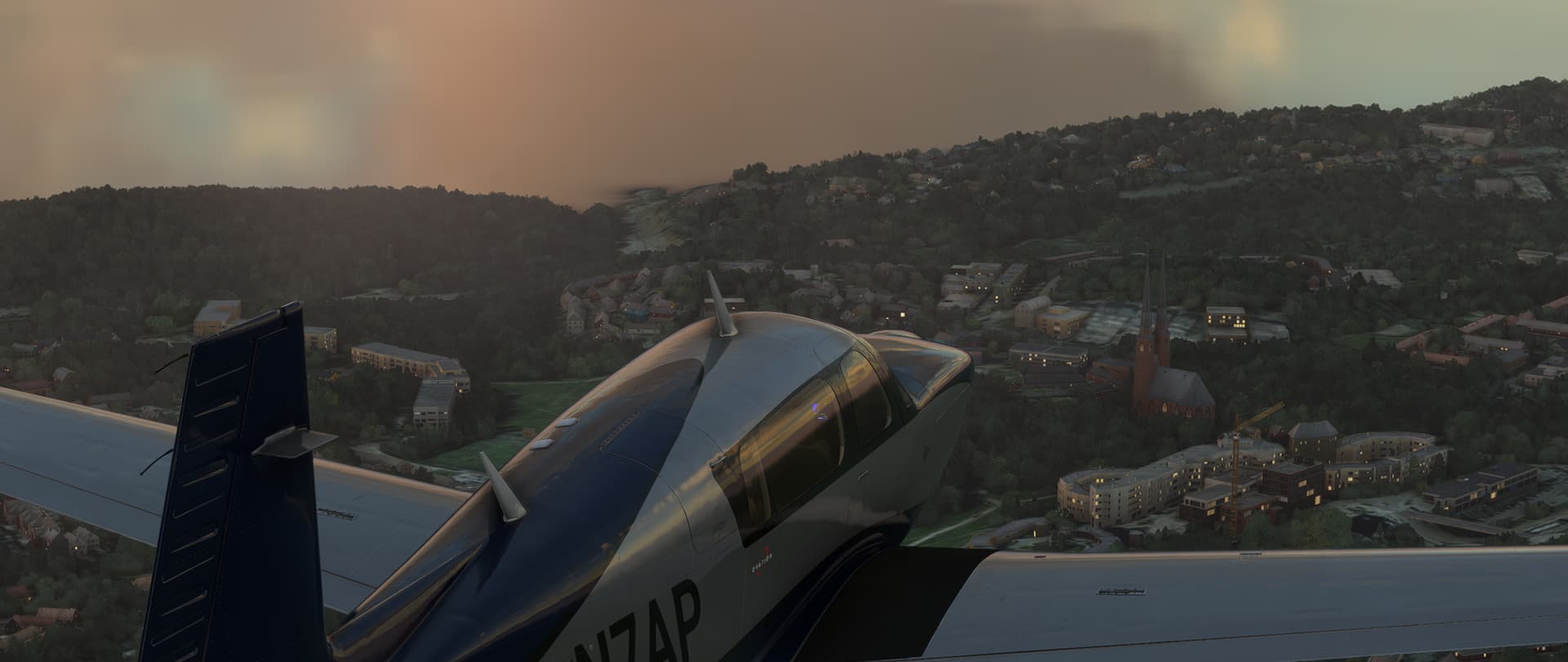
Another great Fly-In Friday! Weather started out great but quickly deteriorated about midway through. About 15 minutes outside of Oslo it started to break up and we got some gorgeous shots of the weather (Live Weather) and then finally everyone landing, or better yet “arriving”, at Oslo.

6 Likes

Nice flying! I have not developed the close-in flying skills to stay in formation, but I also am using VR. I was also unaware that the stream window can be viewed in VR. Are you using a Quest? Thanks, Mike

Yes, Quest 3 with virtual desktop. It’s just the browser of the quest running with the quest menu open. Since some quest sw updates ago, you can let it multitask I think up to 3 Programms/Windows.
I can also still use the controllers to use buttons/switches in msfs while the quest menu is open, as long as the quest menu does not obstruct the buttons.
I’m still learning the P51, as it has quite the strange character in the sim and likes to go directly into a stall spinn if you ever so slightly push the limits. Not sure as to how true to life it is. Out of the last 3 times I used it in FlyInFriday. I crashed it 4 times I think, because there is almost no warning when it happens. 1 time was a flat spinn I could not recover regardless what I tried. Went down 3-4000feet without any reaction to any combination of inputs.

2 Likes

@SeedyL3205


In respond of the question “is it possible to fly through it” its officially a no. Its a solid object this days or the helicopter i did with (H135) was not that good. Guess its the last one (don’t have it anymore).
:: Did the test with the Bell407 ::

2 Likes

I use the regular Link and open the stream on my secondary screen, then lock that screen before enetering VR. It will keep that screen floating in VR.

This topic was automatically closed 365 days after the last reply. New replies are no longer allowed.