Performance spikes while in cockpit within PG area and with higher than default graphics settings and Displacement Mapping enabled

I’ll preface this by stating that I am not having any performance issues with my current graphics settings but I’m also hearing a lot of users talking about stutters, pre-caching and/or PG performance issues. I decided to put my system through its paces by increasing my graphics settings to see at which point I would get hit by some of these issues. Needless to say I found something unusual.

High spikes at 1/2 second intervals when inside the cockpit at airports within a PG area. The spikes are more noticeable when using smaller aircraft like the Cessna 152 or 172

I should mention that this is not an SU5 issue as I have tested reverting back to SU4 and the issue remained. I have also tested reverting back AMD drivers, Chipsets, BIOS as well as Windows itself and there was no change in my findings. I had also tried disabling my audio drivers and no change.

I’m using the RX9070XT, Ryzen 9800X3D, Asus X670e-a with 64GB DDR5 6000.

PG Enabled
Pre-Caching High
TLOD 300
Displacement Mapping enabled
Airport CYUL

This image shows the spikes when PG is enabled.

This next image with PG disabled.

Ok, so I admit nothing can be determined by comparing between PG enabled vs disabled, except that if you look at the screenshot with the spikes, my MT and Graphics Queue latencies are around 12ms so there is not much stress being placed on the CPU or GPU and no reason for these spikes, but these next videos shows a bit more.

Note in this first video the spikes from inside the cockpit but once I switch to external view the issue goes away.
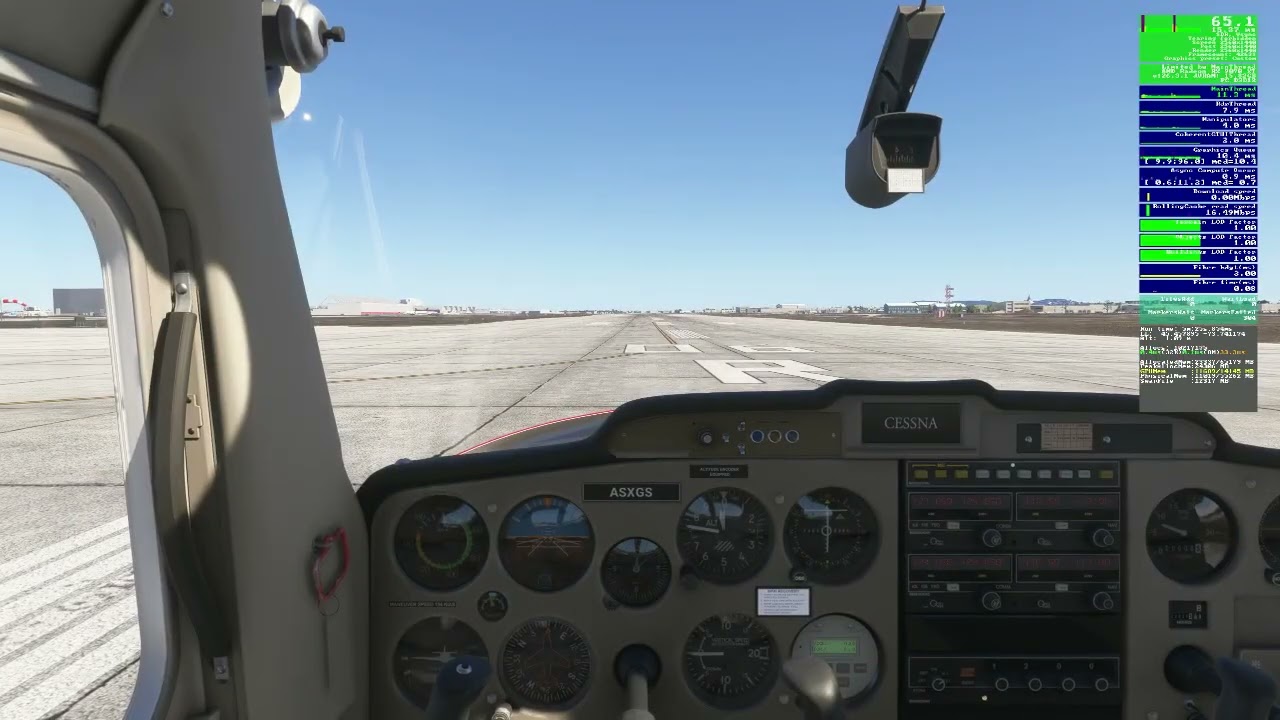
It would seem based on the above video this may be an issue with rendering from the cockpit view.

In this next video things get a bit strange. Notice when I exit the cockpit the spikes remain but as I back away from the plane they go away and when I walk back to the original position the spikes do not return and only come back when I re-enter the cockpit
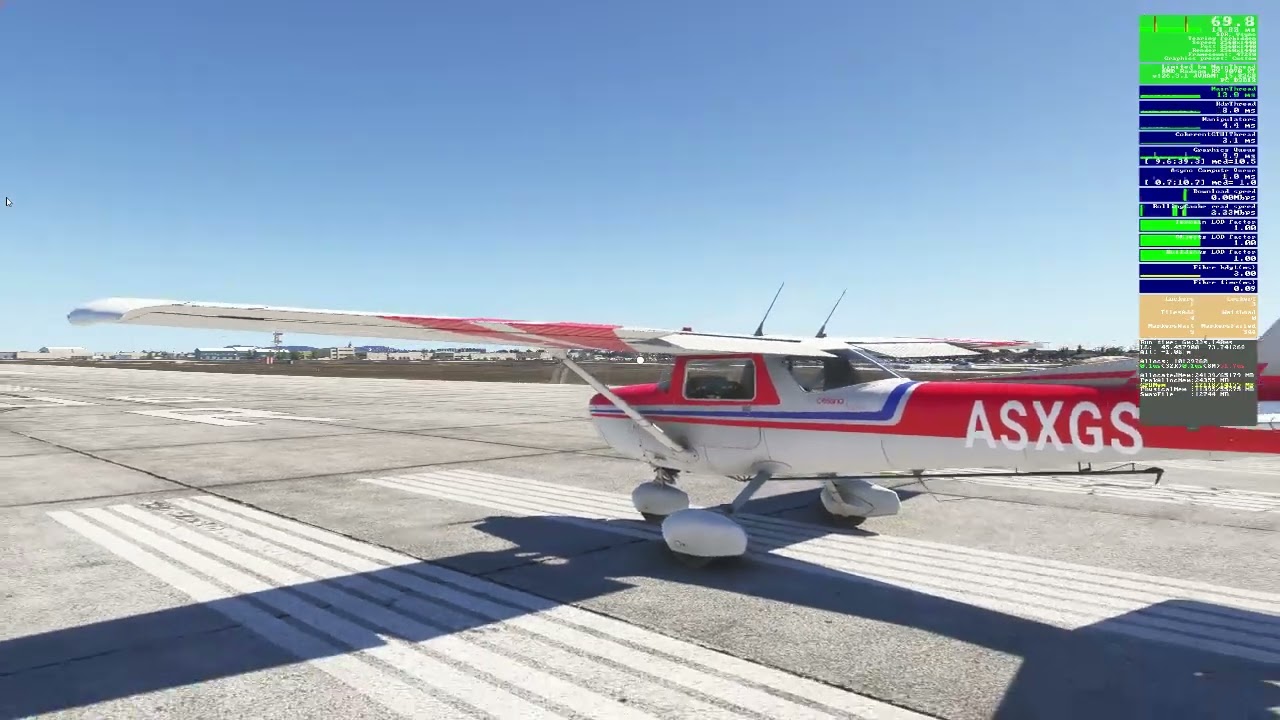
Since the spikes that existed upon exiting the plane do not return once backing away and returning to the same spot, I don’t think this can be attributed to a hardware or pushing the graphics too far. This looks to me to be a bug in the rendering.

In this next video watch the spikes as the plane begins to roll down the runway and later comes to a stop.
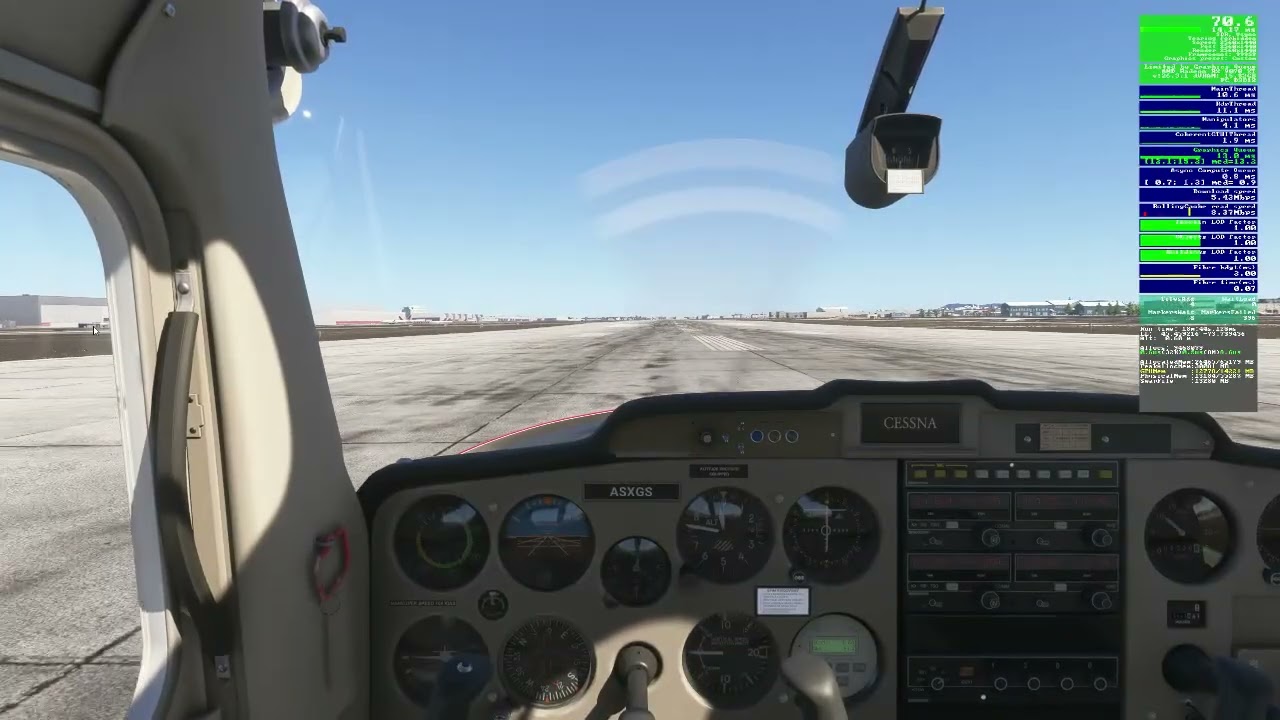
You would think, as the plane begins to move, it would put more stress on the graphics but in this case the spikes stop as the plane moves and only come back once the plane returns to a halt.

As I mentioned earlier, this bug only appears in a PG area. For this last video I chose a fairly large airport in a non-PG area, in this case LTFM in Istanbul. Here PG is still on but there are no spikes.
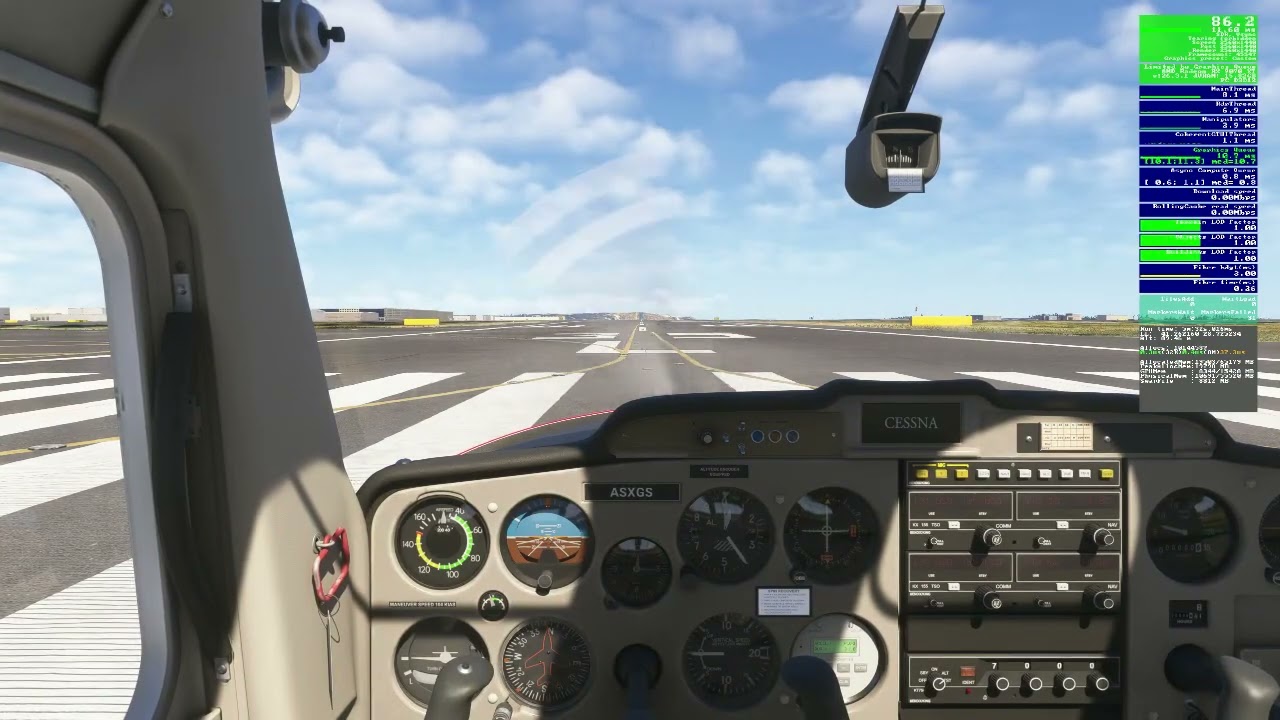
What all this means I have no idea but there appears to be an issue from inside the cockpit and how it interacts with PG as well as pre-caching. Lower levels of pre-caching and TLOD will help to temporarily resolve this issue. I do not see it with pre-caching set to medium and TLOD=200.

I wanted to share my findings in hopes that you can give your comments and perhaps replicate what I have found. Also to see if this is another AMD issue or if Nvidia users can replicate it as well.

Again the key parameters are:

Small Aircraft, Cessna 152/172
Airport located in an PG area
PG enabled
Pre-Caching set to High or Ultra
TLOD 300 or higher
Displacement Mapping enabled

Thanks

10 Likes

Interesting. Kind of confirms my experience, which is that these PG-related CPU spikes (which obviously also drag the GPU down with it when they occur) seem to be “extra” or “random” compared to the “normal” processing, which the system seems fundamentally capable of doing with good performance.

Very frustrating to have fundamentally good frametimes but have them constantly ruined by these spike when in PG areas.

3 Likes

It would be interesting to know if this spike happens if you disable the rolling cache file.

1 Like

I haven’t tested this myself, but maybe the info will be useful to someone.

I created a folder on my D: drive and pointed my Rolling Cache there, and it would be easy and safe to delete it.

I’m not sure if the sim forces a Rolling Cache file in the root ‘Local Cache’ folder. You definitely don’t want to delete that folder.

1 Like

Perhaps the cause of these jams is the propeller movement as in the case of “motion blur” (?)

2 Likes

Yes they do. I didn’t mention it in my posting but I tested that as well.

You don’t have to delete the custom folder, simply renaming it works as well which is what I do when testing without a RC. Then once you’re done, rename the folder back to what it was and you get the RC back again.

1 Like

No, I thought the same and tested that by keeping the parking brake on and revving the engine to full. No change. I also tested the process using the Cirrus Vision and the results were the same.

1 Like

I used to have a similar issue during su4, where I got constant spikes and stutters inside the cockpit. Discovered that disabling “displacement mapping” option would fix this particular issue, I have a 4090

3 Likes

Good suggestion.

1 Like

Excellent. I thought I had gone through all my settings but I guess I missed that one. There are still some minor spikes but disabling DM did have an impact.

Thanks

Now I just have to see what other impacts disabling DM has on the rest of the SIM.

Update: This would be one of them

With DM disabled:

…and here with DM Enabled:

Quite a difference around the water’s edge.

It’s nice to have work arounds but it still seems Asobo has their work cut out for them trying to get all these Graphics settings to work in tandem. I also updated the title of the thread to include Displacement Mapping being enabled.

Thanks again @bluememon

5 Likes

Although on my system (9800X3D, 7900XTX, 64GB RAM @ 6000MT/s) I don’t have to deal with the spikes you’re describing, I do notice a pretty big hit to GPU performance when Displacement Mapping is enabled. The 7900XTX doesn’t seem to handle DM all that well.

I still keep it turned on: in areas where the terrain textures are already high-resolution and look crisp, it barely makes a difference. But in places where the terrain is blurry, DM adds some extra structure to make it much more tolerable. DM is especially noticeable somewhere between 500 ft and 3000 ft AGL in flat blurry terrain areas. (I’d have posted some screenshots, but I’m not at my sim rig right now.)

So I leave it on and instead compromise elsewhere (e.g. I turn ray traced shadows off and keep terrain shadows at a medium setting). Like I said, it’s not really related to the spikes you’re seeing, I just wanted to explain why I personally wouldn’t want to give up DM.

1 Like

Displacement mapping looks great but is a huge drain on performance. I’ve had it off since launch to enable decent VR performance.

So all the stutters I am seeing (thankfully only in PG areas and at some airports) are there even with DM off.

2 Likes

Thank you all for your input. I have decided to open a bug report on this issue so please feel free to go there and add you comments.

Thanks

2 Likes

Same here. DM has been off for a long time.

So of course after reading this thread I had to turn it back on and see what happened. lol

kbos to kpvd at night, both third party, and Boston has a city add on. PG is off.

I didn’t notice a difference in performance. I felt like the lighting all over the terrain had a lot more depth vs looking flat everywhere. That could be placebo though.

Next flight daytime klas to kcgn. GSP klas and third party kgcn. I think I lost 3-5 fps but not sure. It was a definite change for the better. Everything looked less flat and much more lifelike.

I’m leaving DM on for now and I will see how it goes. It is enabled in both 2D and vr.

Both flights were smooth and almost no stutters. I’ll take it. And if SU5 delivers any kind of performance improvement I will really be in good shape.

It’s amazing to think back when I was 11 or 12 playing msfs in 1986 vs what I get to use now. It truly is an amazing experience every time I go into hi res vr land and fly.

1 Like

Did you actually do any super low altitude flying or landing in fields etc? I think this is where the DM impact shows most.

No, I have not. I realize that’s where the biggest impact might be, but also I feel that from altitude, in this case FL230, that the land looked far more “alive” and “real”.

I have only done 2 flights. One at night and one during the day, so take my results with a grain of salt.

1 Like

Heres what my fpsVR graph usually looks like. This is low-altitude flying near LOWS (Salzburg) with some “mild” PG in the vicinity. This is usually smooth 75fps, althought GPU time a bit higher than usual here, so not quite:

And this in rolling on the ground at LOWS itself (in a tiny simple GA plane btw):

I dont think this is normal. PG should be better optimized. PG + certain airports equals frametime armageddon it seems.

Previous SUs didnt have this crazy contrast between PG and non-PG imo. Performance in these betas is great, but not at airports in PG areas!

CPU frametimes go from 7ms to 20 plus.

LOWS..one of my favorite airports is in fact a resource eater :slight_smile:

And that is what’s puzzling. In my testing I reverted back to SU4 but found the same issues that I hadn’t seen prior to SU5. It’s my belief they made a change server side that impacted PG and/or how it’s steamed. Unfortunately that’s just a hypothesis and no way to prove.