Good to know .. I have not gotten up the Courage or found any motivation to go join the Free For all of FSMP Multiplayer, when there is Vatsim or Pilot Edge.
Both Vatsim & Pilot Edge have a user defiable “bubble range”, so it is noit a problem on those servers.
X closest out to Y distance seems like a good compromise, where X is set by the user based on what their rig can run. 50 seems like a nice middle of the road number, but some users with capable machines may desire more. Those with less capable may need less.
The 50 number should be one of the adjustment SLIDERS values, If you have got a fast gaming machine, you can probably go higher, if you have a slower laptop, then maybe you would want to go lower. ie 0 - 500 ? (maybe in 10 years there will be faster machines that can handle 500)
lol I was typing this, as you were editing your post to say the same thing !!!
That would mean if you fly over a busy airport you see new airliners spawning in. Either that, or you see the gates closest to you as full, while those further away empty. Either seems horrible to me.
You could say you spread those 50 aircraft out over the big airport and never spawn new ones, but that would make the airport very quiet during a supposed rush hour. And I certainly don’t like the idea of MSFS randomly selecting aircraft from my custom flightplans until it hits the limit. FSX had no issue with this, neither should MSFS.
The game treats ground traffic (parked/gated aircraft) with an entirely independent slider already. It loads up ground traffic well outside visible range. I did watch it load in ground traffic by wiggling the settings wildly right over an airport, but other than that, this seems like a non-issue.
What is being discussed here is specifically air traffic, which I assume but have not confirmed includes taxi aircraft (departing and arriving) - anything moving.
I’m not talking about ground traffic, I play with zero ground traffic. The other traffic is maxed.
When we finally do get custom AI flight plans, I’ll play with those, and I’ll hate it if the sim limits aircraft from these flight plans to 50.
Either way, my original post in this topic was about how I do not want a ranged bubble for ATC traffic. I want aircraft tracked within your airspace and all bordering airspaces.
Using airspaces is just a different metric for defining the range bubble.
At the end the the day, a computer with a given set of resources can only simulate so many aircraft. There have to be cutoffs to remain within those constraints.
Using airspaces is just a different metric for defining the range bubble.
Why airspaces is a better metric than a range:
But you definitely need a different bubble (much larger) for tracked aircraft to not break immersion with the ATC. FSX had an issue with this. Aircraft only existed in your ranged bubble. As a result aircraft were only handed off to airspaces you were flying right next to, or aircraft were only landing at airports you were right above. And many aircraft joined the new airspace at the same time you joined, which makes it seem like the ATC was dormant until you woke it up.
These issues will go all away if you use the airspace bubble instead of range bubble.
The flightmodel for aircraft so far away you can’t see them except on ATC should be super simple. So simple that even an old pc could handle 100s at the same time. Really, you don’t need anything else besides location, speed, altitude and a guessed (or static even) min/max vertical speed. The flight model itself doesn’t matter any more. You will never notice it’s so dumb.
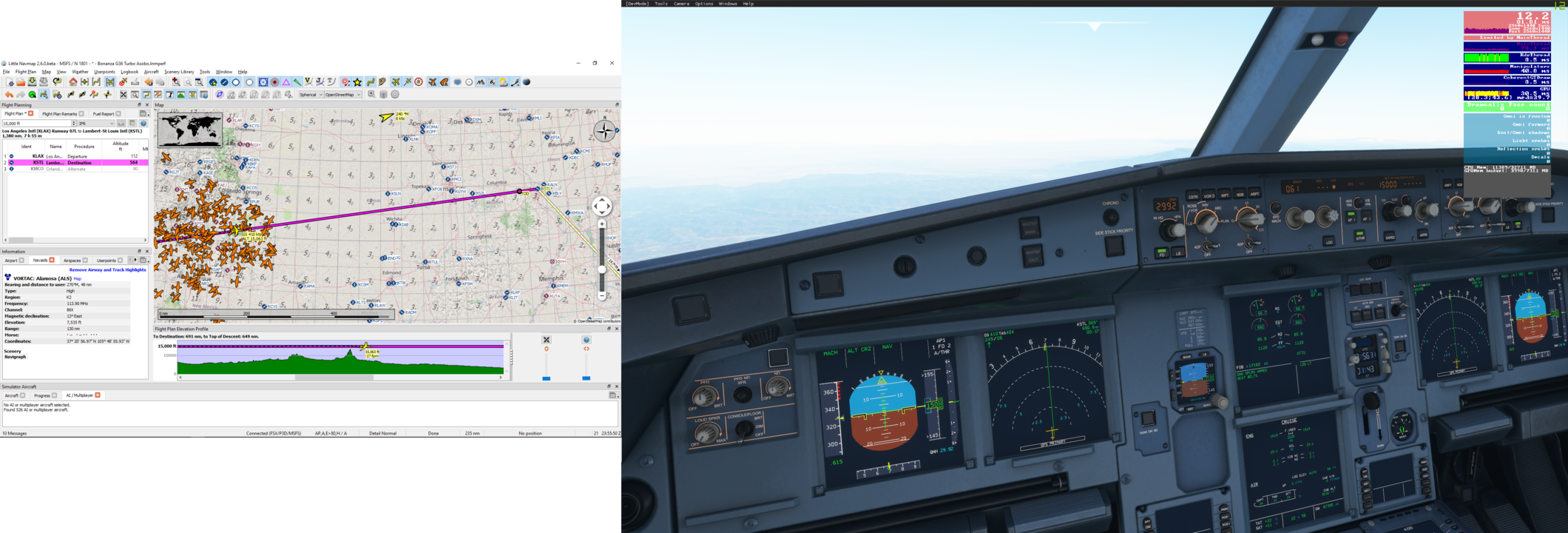
Just for fun, I am on a trip from California to England UK, in my C172 (with unlimited fuel)
Started off at 50 FPS, 5 hours ago — still 50 FPS
Should make Gatwick some time this week !!! If I am still at 50fps and no CTDs, I am more than happy, even if I am the only one in the Skies for this trip.
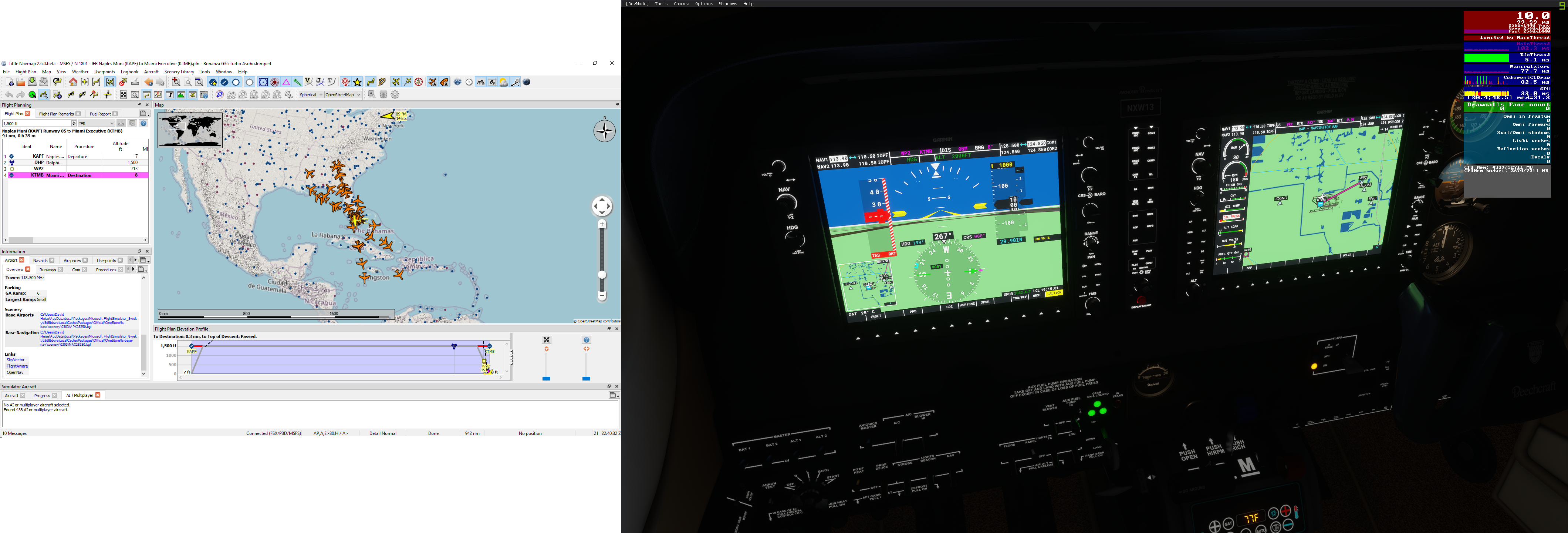
I’m just sitting at KTMB watching planes. AI traffic has been steadily increasing without bound. Started with about 100 spawning really fast. I took an hour walk and I’m at 411. I haven’t moved. I have AI planes in a box roughly bounded by KCMB (Mississippi?) and MTJA (Haiti). I’m trying to let it run until crash. I’m at 10FPs right now.
Any bets on whether or not this workaround ends up causing another bug and unexpected behaviors due to that immediate state change of the AI craft and other dependent code? I’m looking at you, ATC.
maybe just a simple rule - before you delete an AI, on the List for delete, be POLITE - wait till they finish their conversation with ATC,
Then to anyone listening, all appears OK – unless you realize that United1234 seems to have Disappeared some 100 miles from you - but “out of sight - out of mind”
Well, I have seen reports of another bug that involves a CTD upon landing and some interaction with ATC, so I wouldn’t be shocked if blowing the AI out of the sky is a problem.