Ok, solve this issue please.
I set up switches on the Bravo quadrant to open and close flaps. When using these switches the mixture levers go back to full lean. I have checked for conflicting bindings but to no avail. This is but one challenge. Sorry, but the system has many bugs.
1 Like
There is a guide: https://flightsimulator.zendesk.com/hc/en-us/articles/16459737949980-Controller-Settings-FAQ
2 Likes
Wishlist items are frustrating in there is no way to indicate you disagree with them.
In this case, I disagree.
3 Likes
And here’s a video.
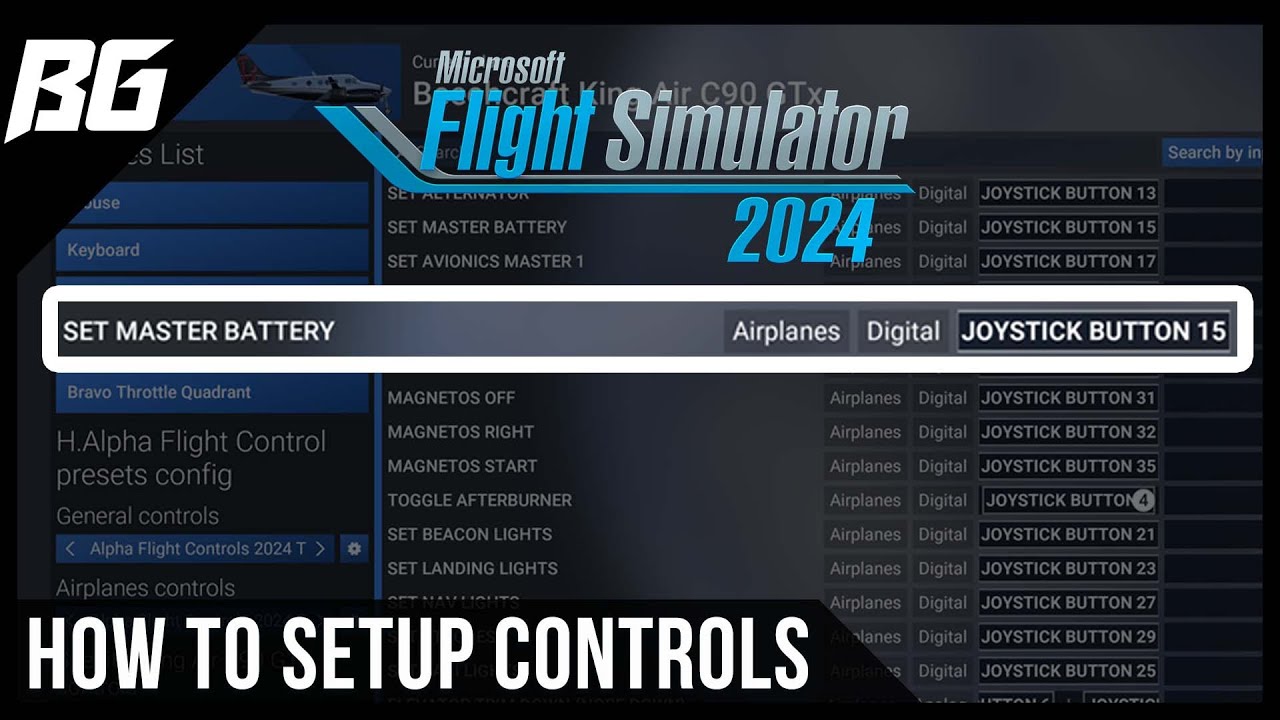
That’s a start.
2 Likes
Am I the only one finding the new control bindings super non-intuitive (of course no manual or tutorial anywhere to be seen, more like figure it out yourself)? I have no idea what it is doing, I have set up the same thing so many times now for each aircraft.
I get that creating a profile per aircraft might be useful for some, personally I never had any problems in MSFS2020. At least don’t make it default. I just want to quickly set up my controls to work for all aircraft, not spend hours fiddling with it.
At the very least explain how this is supposed to work, a tutorial, manual, something.
5 Likes
Hello @CaptainRude2025,
There is a guide on how to configure your controls/keybinds on our Zendesk support site here:
https://flightsimulator.zendesk.com/hc/en-us/articles/16459737949980-Controller-Settings-FAQ
To your broader point, we have documented the feedback that many players find the new control setup UI non-intuitive and confusing and have shared this with the development team.
Thanks,
MSFS Team
1 Like
The FAQ is helpful. However, a guide to transitioning from 2020 to 2024 for Xbox controllers would be helpful.
For example, the right stick no longer moves the cursor on most UI screens. What is the new method of doing that?
Or, LB+B does not seem to set a view anymore and LB+Y does no go to the saved view. How do I do that now?
Similarly, how do I set the sensitivity curves?
Thank you.
Thanks, I’m still not sure if I understand even after reading that. It’s made far too complicated in my opinion. It would be great to have an option to turn all of that complicated stuff off and just set-up a simple profile for everything.
2 Likes
There are two columns on the bindings page. Why? What goes in the left column and what in the right?
It’s simply alternate options so you can use two different bindings for the same control.
If you only use one it doesn’t matter which column it’s in.
1 Like
Hello @Patirish2,
This is so you can bind two different keys/buttons to the same function.
Thanks,
MSFS Team
2 Likes
I think it can be achieved simply.
First you can go to the device in the binding page.
Then on the left go to General controls
Then click on the left / right arrow buttons to select MSFS2020 traversal. Then click on the gear next to it, click set default, and again set for all aircraft
Then repeat the process for airplane controls just below the general controls
And you are done.
Ok, maybe it’s a bit complicated, I don’t like it either, and it could be made so much better and intuitive i think, but aircraft specific profile is a positive change from 2020. For people who don’t use spad or other external software at least.
1 Like
(Xbox series X) It would be nice if you could take over control from msfs 2020. I tried for 3 days to get used to it but it’s all much more complicated and everything has been adjusted. With the parking brake, you only had to press one button and that was it. Now you have to press 2 buttons everywhere and things that were simple in msfs 2020 have now become much more complicated in the new one.
Is there supposed to be another solution or am I the only one? Tell me your opinion
I am very disappointed and annoyed I will be playing in msfs 2020
2 Likes
I expect that most people will have found assigning keys and buttons to be a time consuming and often frustrating business.
I have developed a procedure which is to choose a key or button and before assigning it, search by input and delete the existing and often several other functions set by default.
Once that is done, search by function and assign the key or button.
That way, there is a good chance that the chosen key or button will do what you asked it to do and not two or three other things at the same time.
For the parking brake, only one key is required and it must be set to “Toggle Parking Brake”.
That will solve the one specific problem that you have mentioned.
Using the “Toggle” function will work for all other functions where you want to use one key for both options, such a “Toggle Gear”, for another example.
Is your wish the same than this one ?:
or this one ?:
1 Like
Since I got a notification…
I’d be happy to get all my 2020 settings. If it comes at the cost of losing and then having to map the 2024 specific things like character movement, interaction and look, get in/out, etc, that would be a pain (especially the walkaround chocks and flags) but at least I could fly how I’m used to.
I would only ask for a listing of the those controls and recommendations so I can print and have it for reference as I plod my way through mapping them. Priority would be walkaround and in/out so we can do Free Flight
My 10c
1 Like
There is a wish to print control bindings: https://forums.flightsimulator.com/t/print-pdf-control-bindings/672052?u=dementedcorn327
Does one of the wish provided above corresponds to what you are looking for so that they could be merged ?
First paragraph please
Am I the only one finding the new control bindings super non-intuitive (of course no manual or tutorial anywhere to be seen, more like figure it out yourself)? I have no idea what it is doing, I have set up the same thing so many times now for each aircraft.
I get that creating a profile per aircraft might be useful for some, personally I never had any problems in MSFS2020. At least don’t make it default. I just want to quickly set up my controls to work for all aircraft, not spend hours fiddling with it.
At the very least explain how this is supposed to work, a tutorial, manual, something.
6 Likes
I will give this a try, and then having to repeat those steps for each peripheral I assume? And possible have to repeat all again for helicopters for example?