Just noticed this morning while watching the FMS2 screen that in GSX when I request an early pushback/departure prep ahead of time (while I’m still boarding), GSX seems to turn FMC2 directly to the Airplane Services page on the 737 without me having to do anything. Good ole GSX. 
I had the same error.
2nd flight with the new EFB. Into the descent and my views froze. I had no ability to switch viewpoints using keyboard, mouse or joystick. Sim hadn’t froze, the flight was still progressing normally. Never had this happen before, anyone else ever have a glitch like this?
With gsx all parameters or populated from the Simbrief plan. So you have the efb for the route and the other (pax,fuel) is covered by gsx
First flight with the new tablet and it worked as advertised. It was fine, nothing too special. Even a little underwhelming considering just how much time and apparent effort it took. The FBW A320 tablet is superior. The lack of ability to load the payload from simbrief is a bit of a detriment (unless I’m missing it). Weather didn’t load at all on the “home” map screen when clicking the reload button. The performance app loaded the weight with a comma for thousands and then demanded I retype it without the comma.
I’d like to see checklists, payload/ground services, and equipment in there, and I understand we’ll see most of that eventually. Who knows how long that will take now.
Even so, the 737 is a wonderful plane and it was a terrific flight as always.
You can follow the conversation over PMDG forum, I had it once few month ago with the -700. Never happened to me with the -800 or the -900.
PMDG Screen and entire airplane freeze (can still control it) - PMDG Simulations
My main gripe with the PMDG 737 is the pushback. It’s just too clunky and it’s hard to make accurate pushbacks which are required on VATSIM.
The Fenix A320 is so much better in this regard with the custom pushback in the EFB. It’s a stutterfest compared to the 737 but it feels like a more complete addon, especially thanks to its superior EFB.
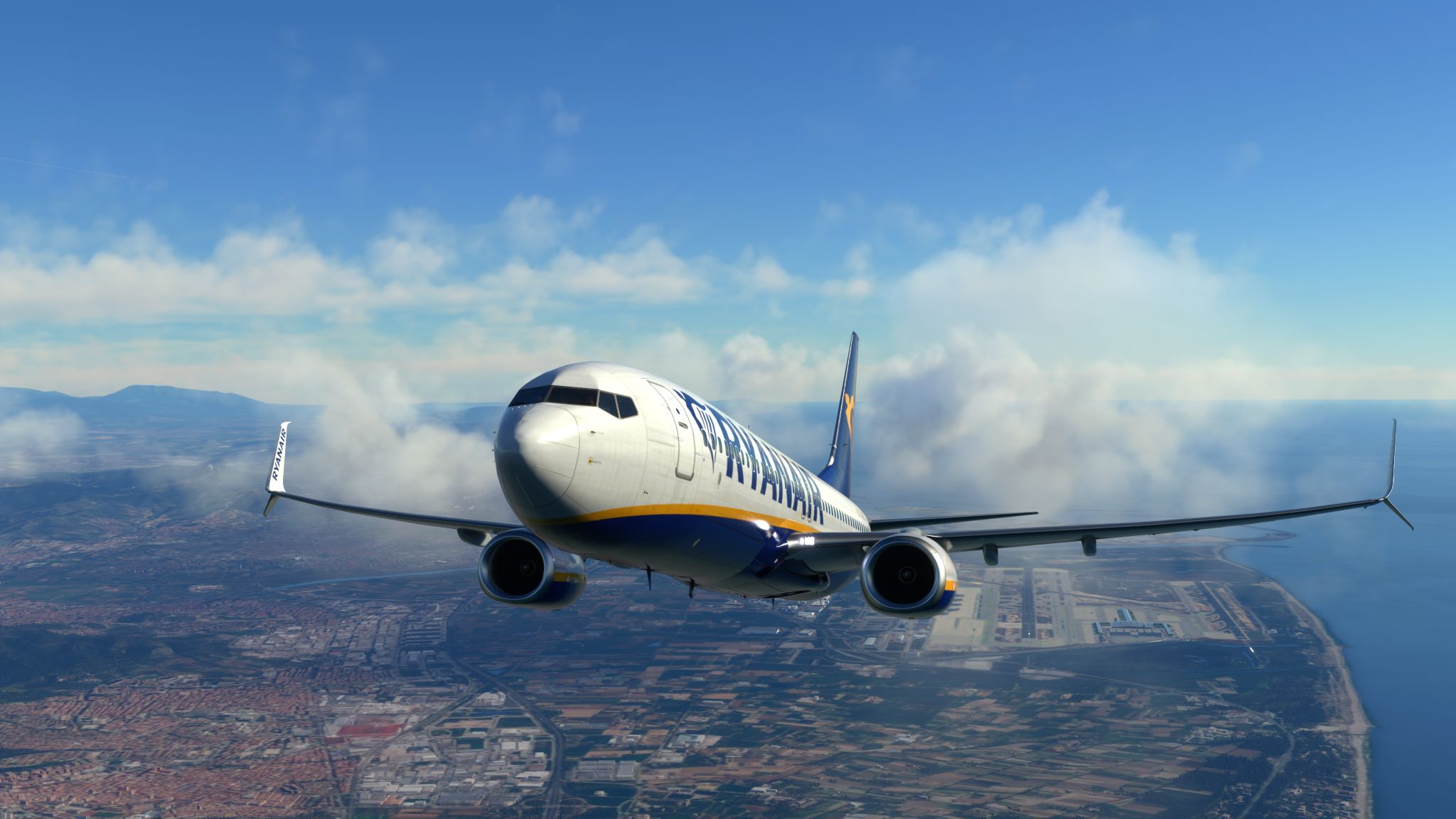
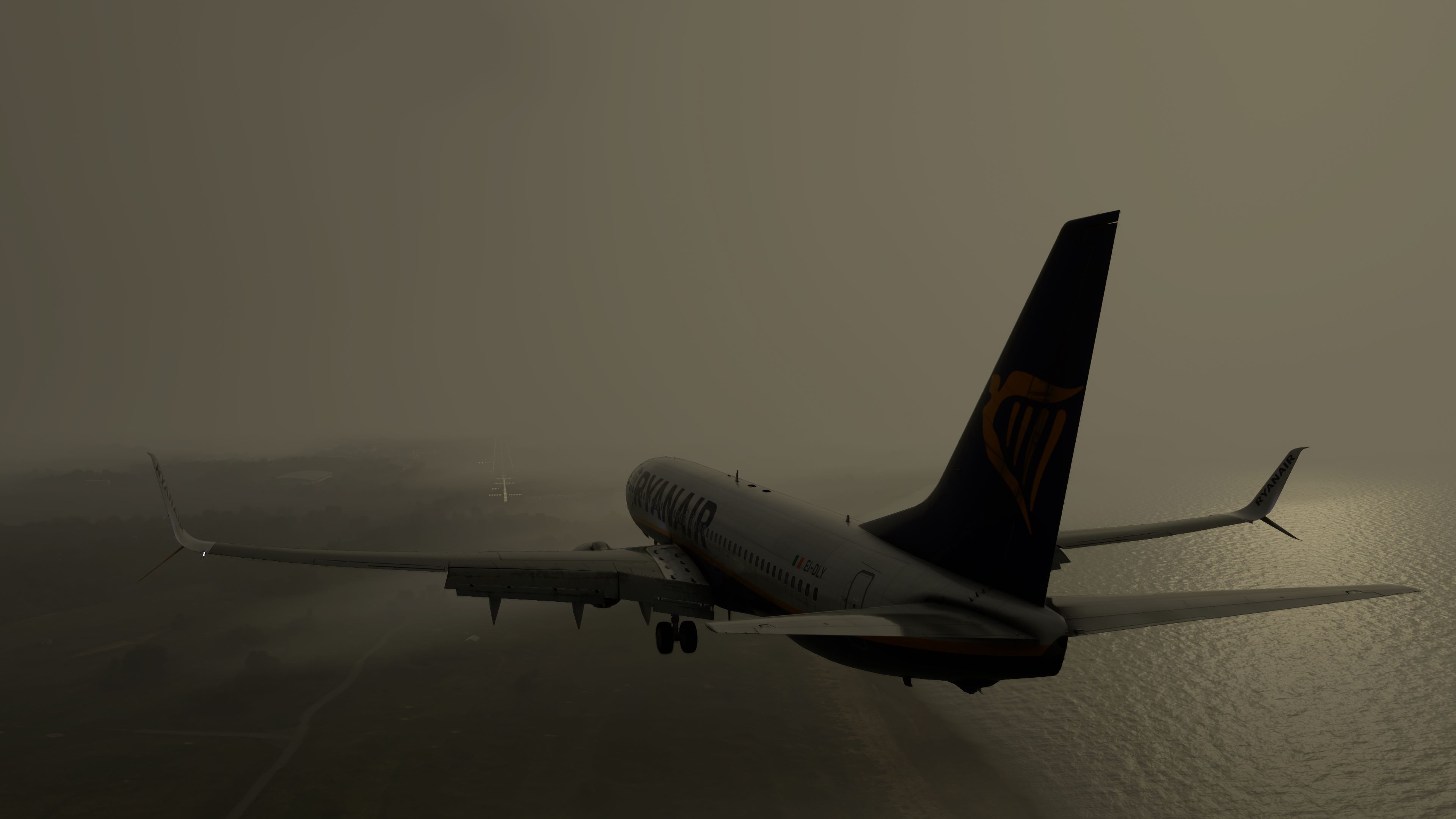
Had a nice flight from LEBL->EGPK this morning. Beautiful morning in LEBL, but quite thick wet and grim into EGPK R12, weather in sim was just like it was outside my window (not that far away). Perfect flight though. VNAV descent superb as usual and autoland on with that murky an approach.


2 Likes
For me quite the opposite. The TO performance calculations were the last piece for my complete 737 experience. I don’t care about other features like Simbrief import and for pushbacks I use GSX that does a very good job. They’re both great addons but also different planes and I tend to use PMDG 737 more because I simply like flying Boeings better than Airbuses.
I have just finished my second flight with the latest PMDG 737 build and everything works great (both were -800’s). One happy chappy here.
5 Likes
Someone else wrote that they are having the same problem but fixed it by removing the MSFS software completely and then reloading it. Separately, PDMG send me a procedure to just remove and reload all the mods related to the 737. Sounds like it might be easier to follow the first option, but it gives me a good bit of trepidation (i.e. that I’ll lose addons, etc.). Can someone educate me on the procedure to reload the game and give me a heads up as to whether I will screw up something else if I do?
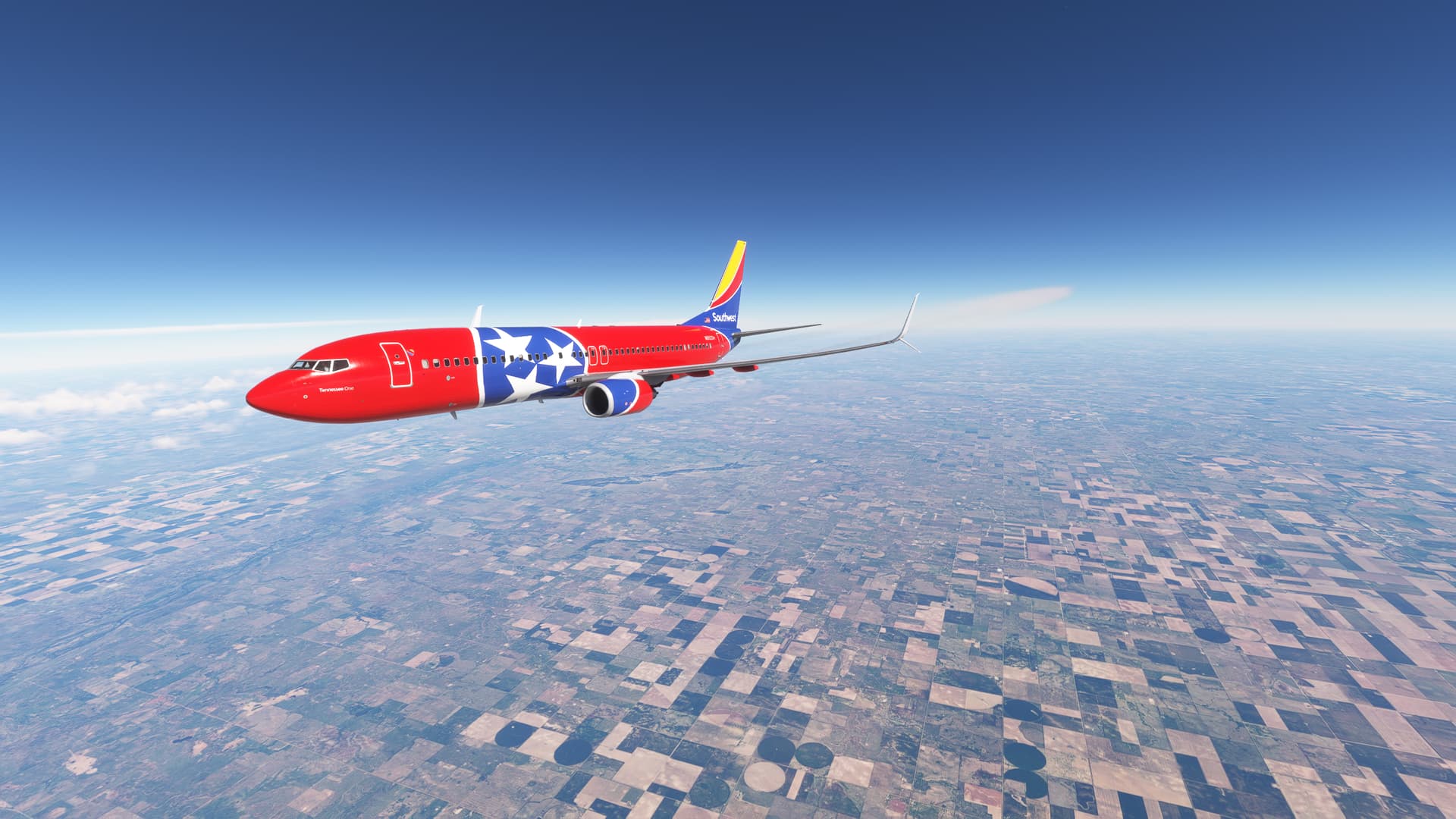
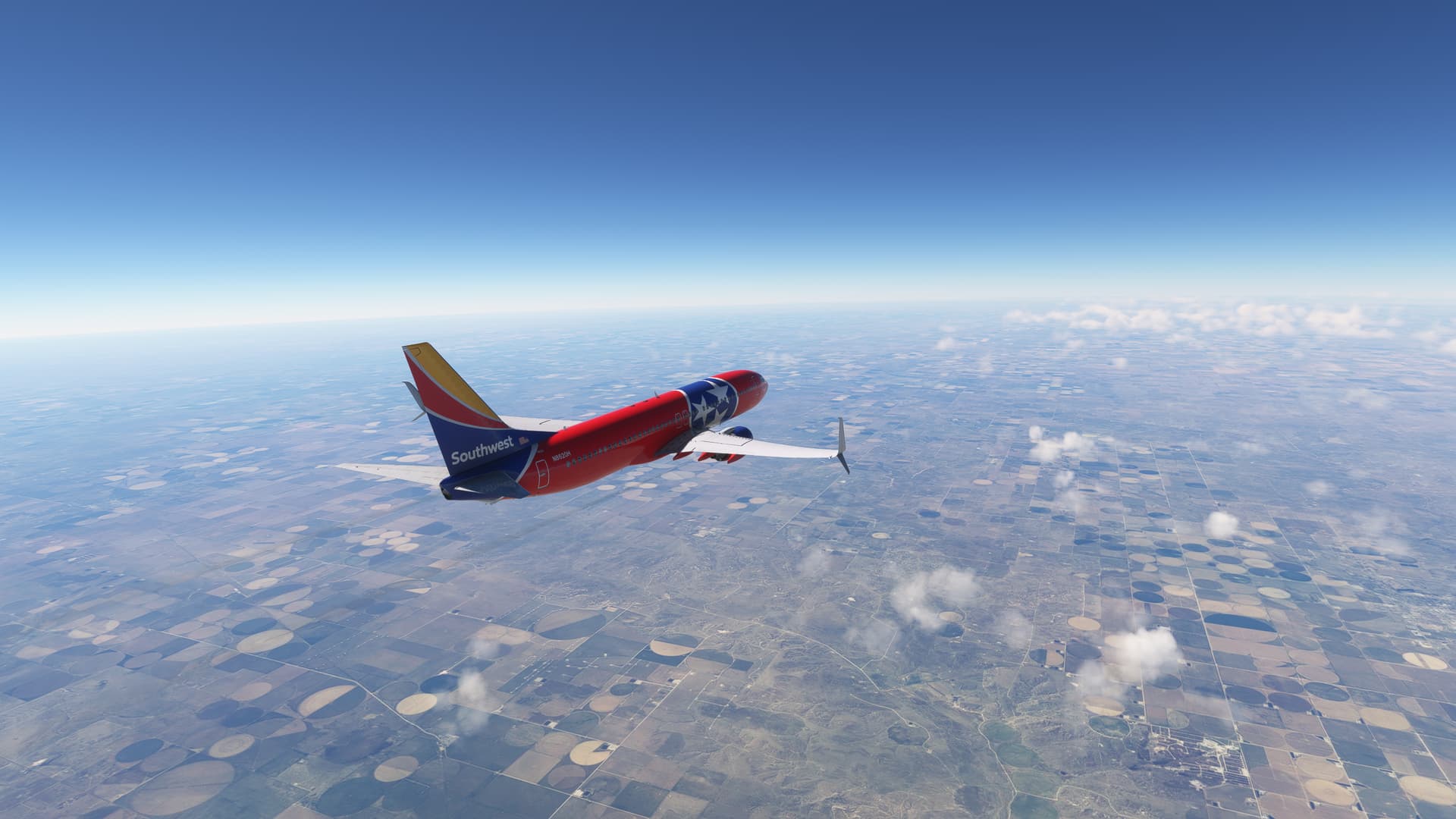
I had a slow day today so during my lunch, I planned and loaded up a flight in the -800 from KBNA to KPSP, taxied out and took off, climbed to cruise and then let the (virtual) FO and autopilot handle most of the rest until descent and landing. Four and a half hours, more or less, and the longest real-time flight I’ve made in a good while. BTW, the RNAVY into 31L at Palm Springs is breathtaking.

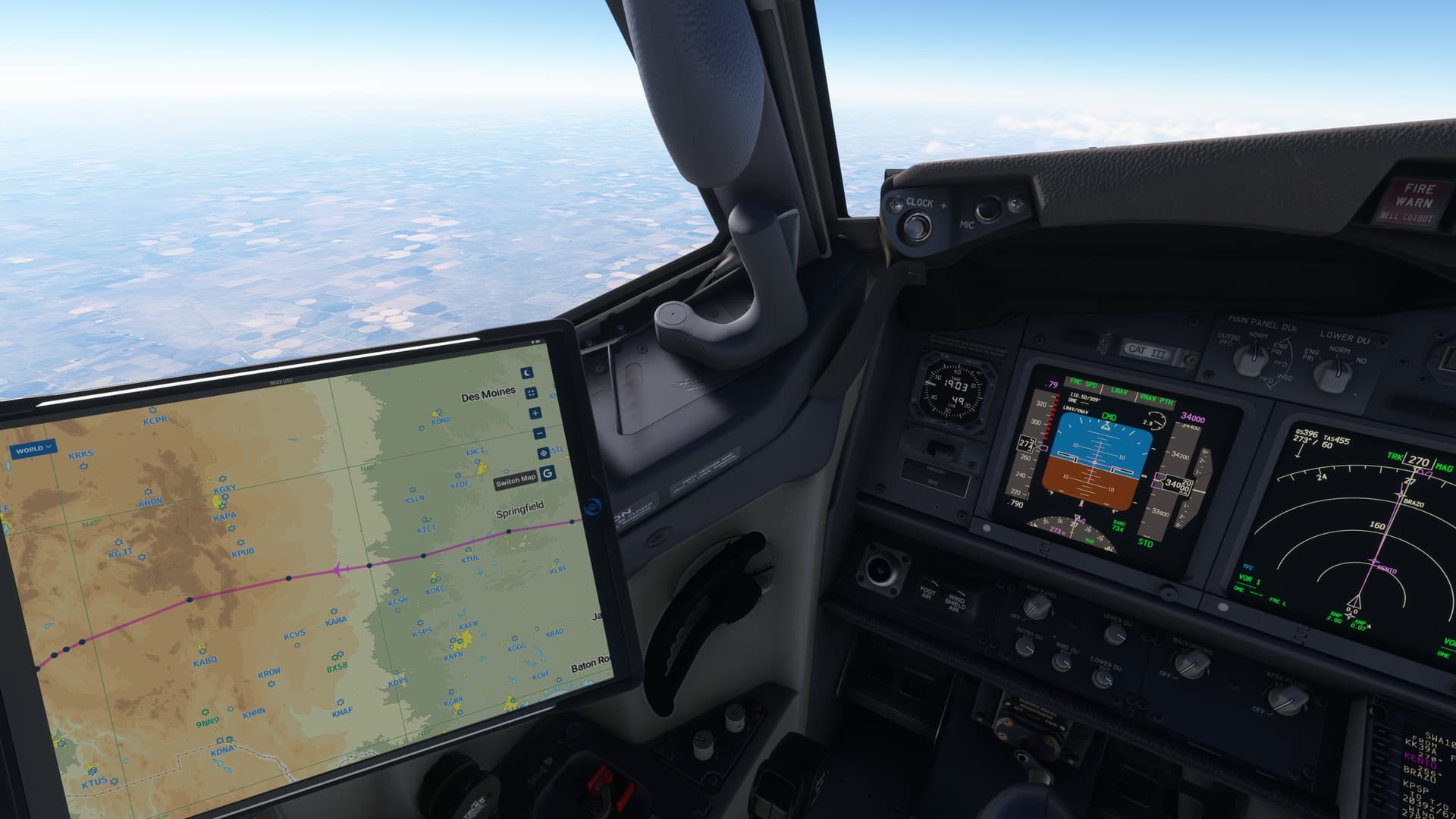
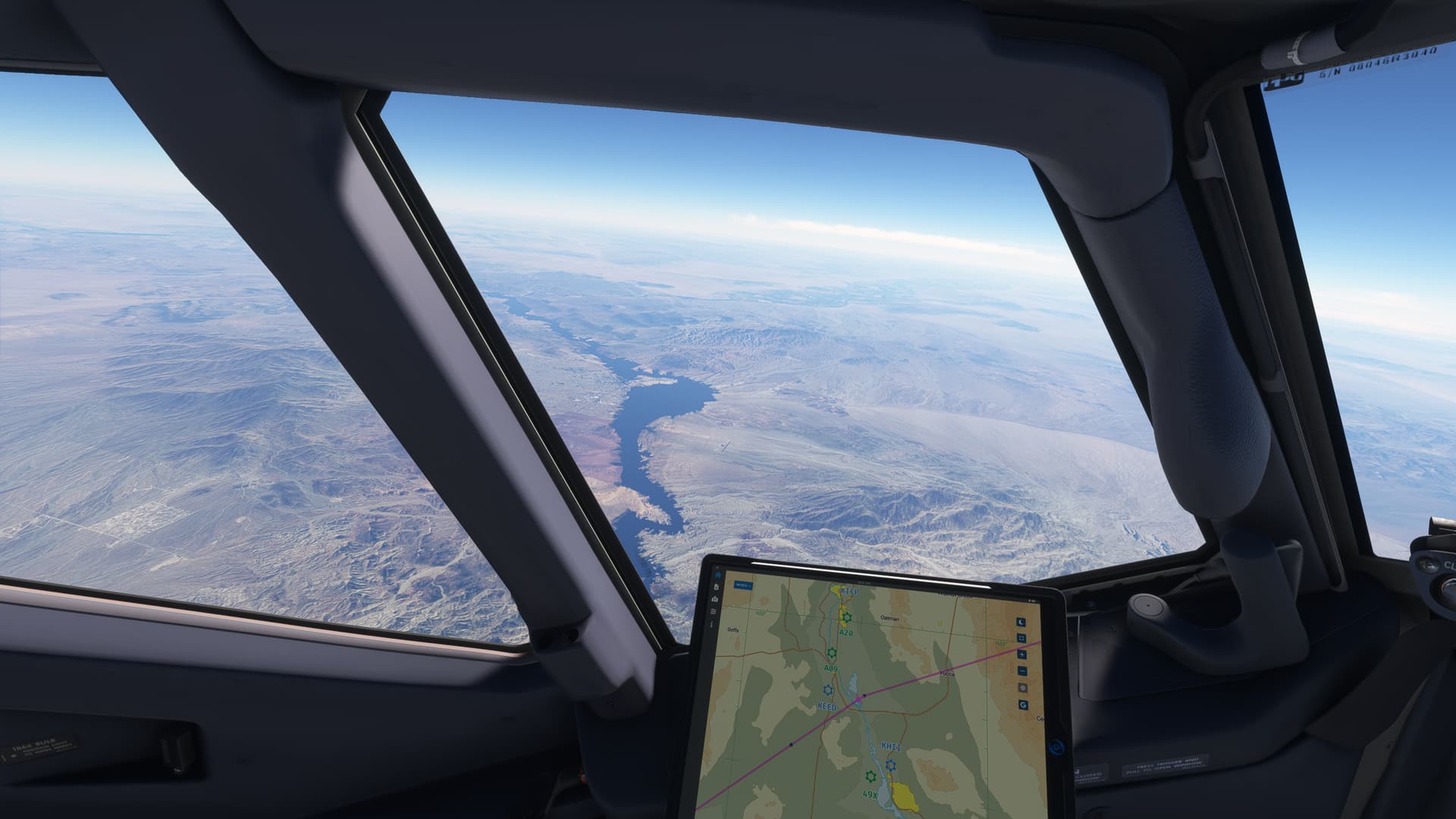
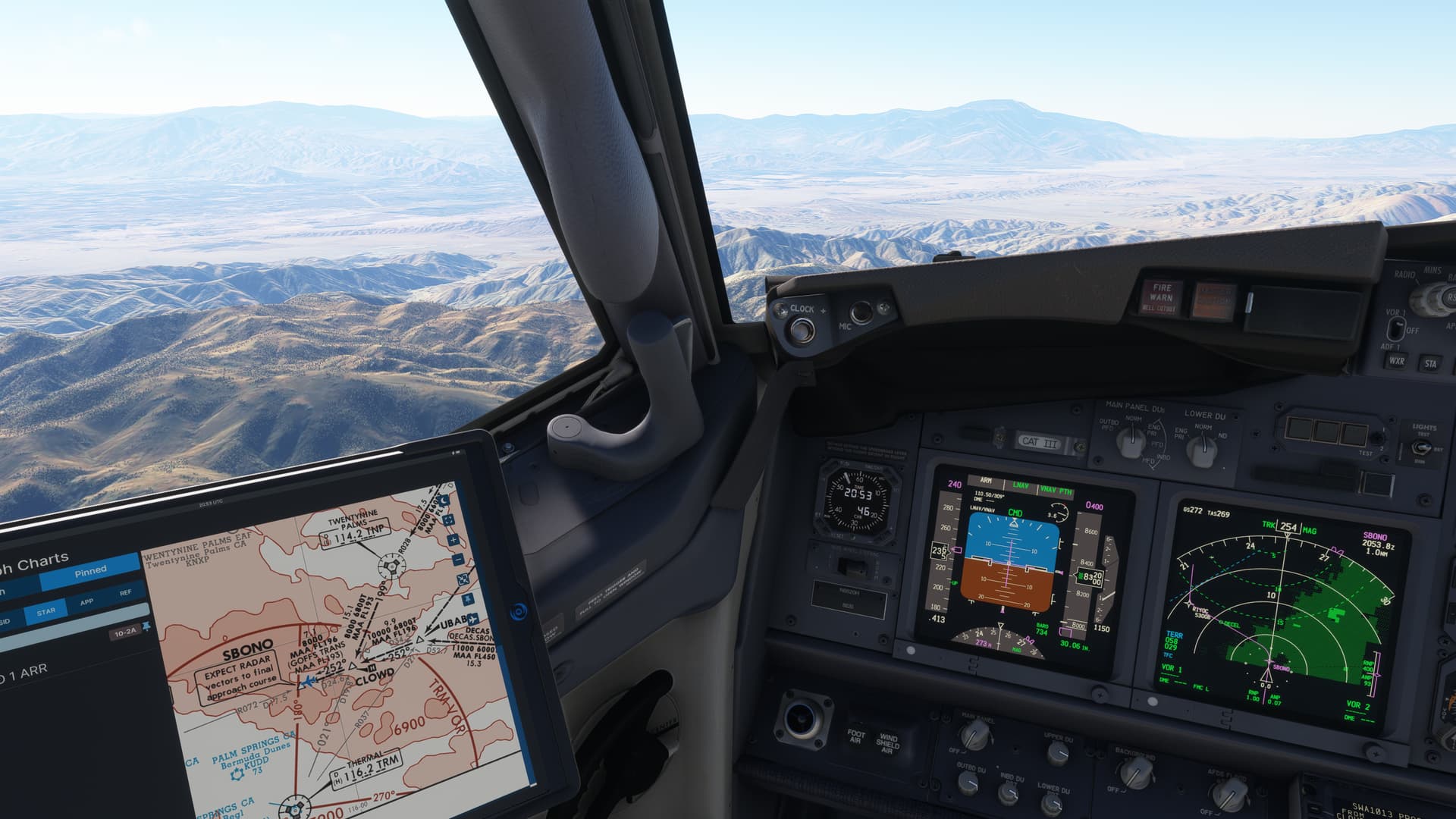
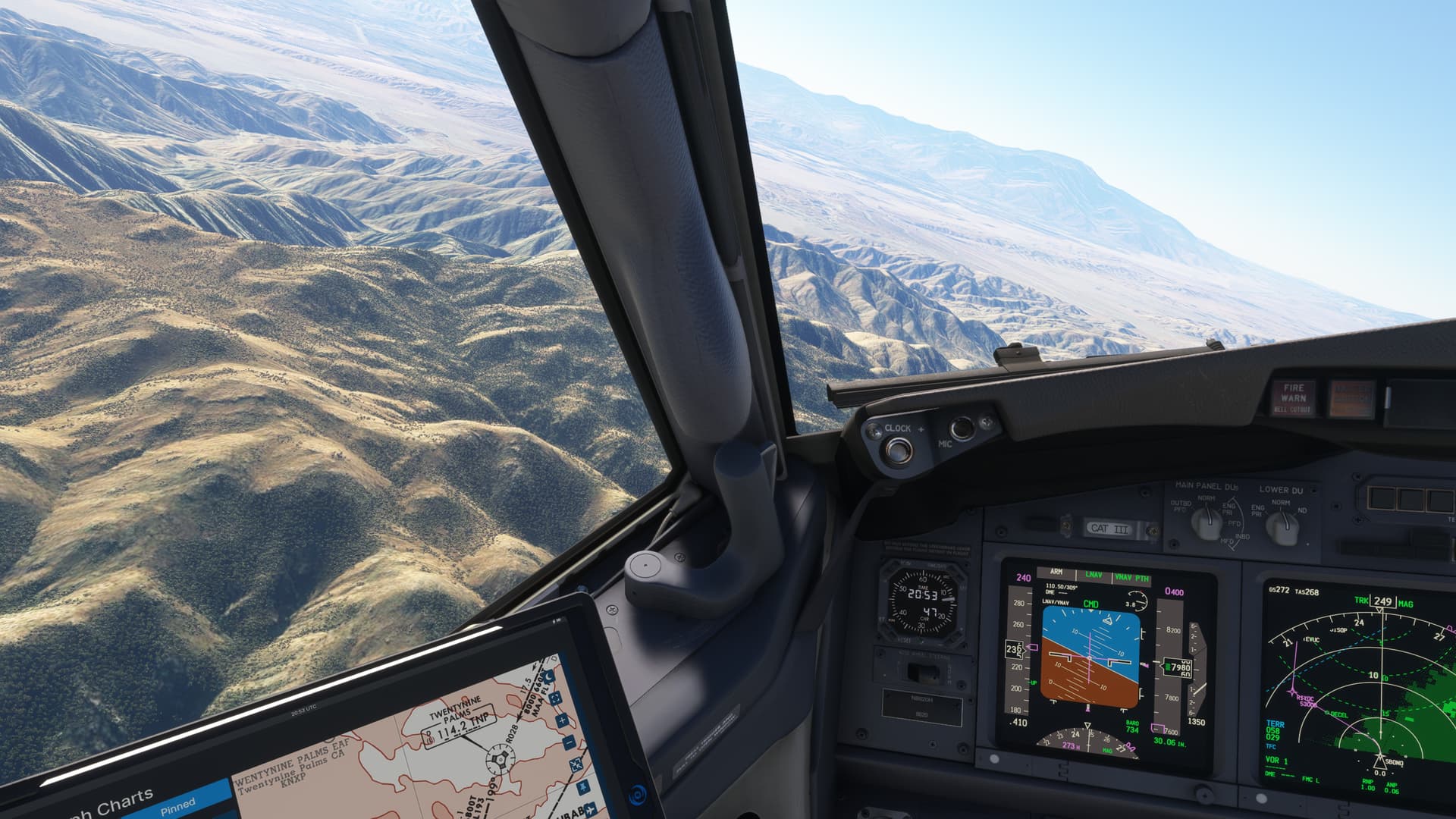
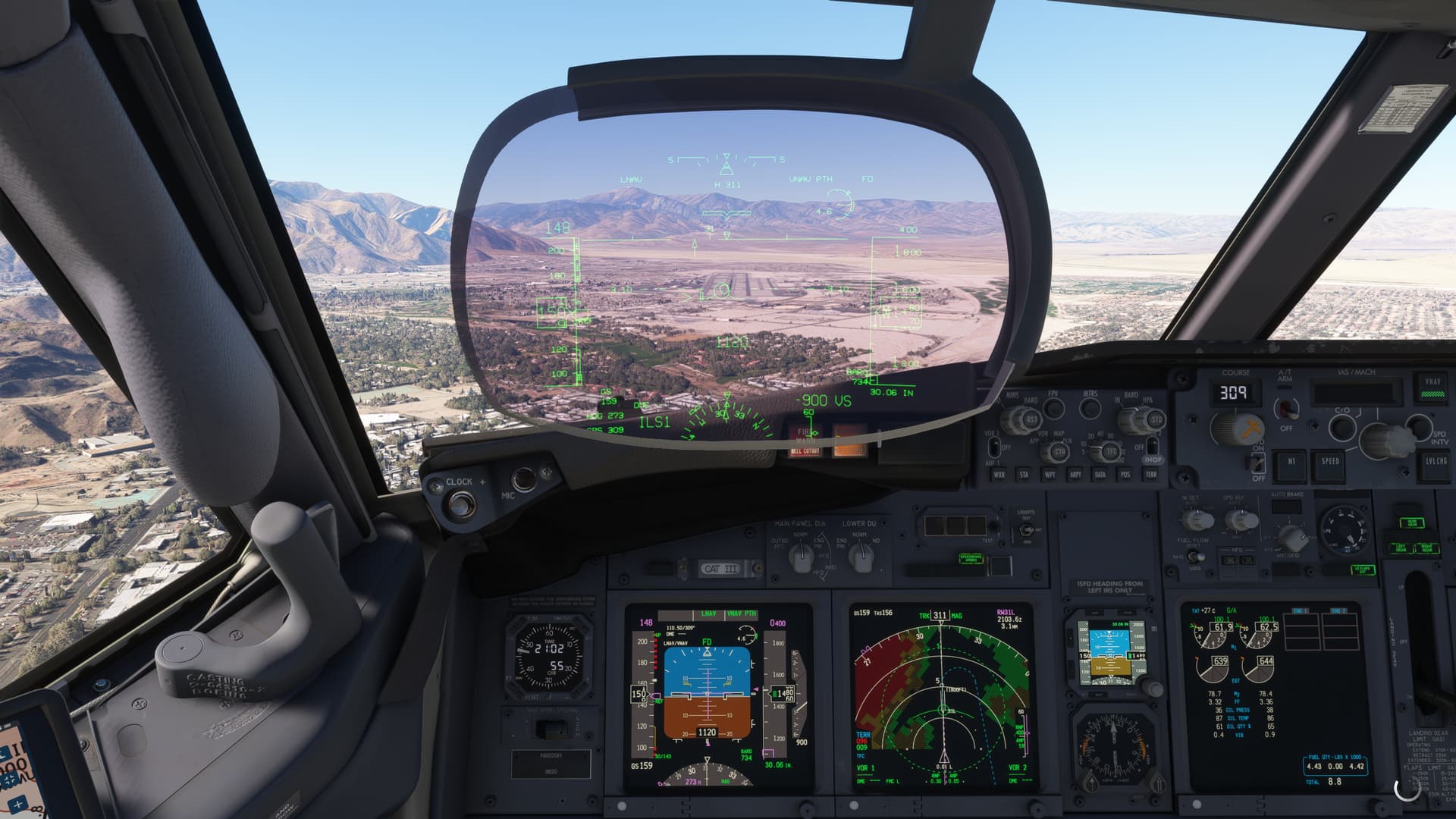
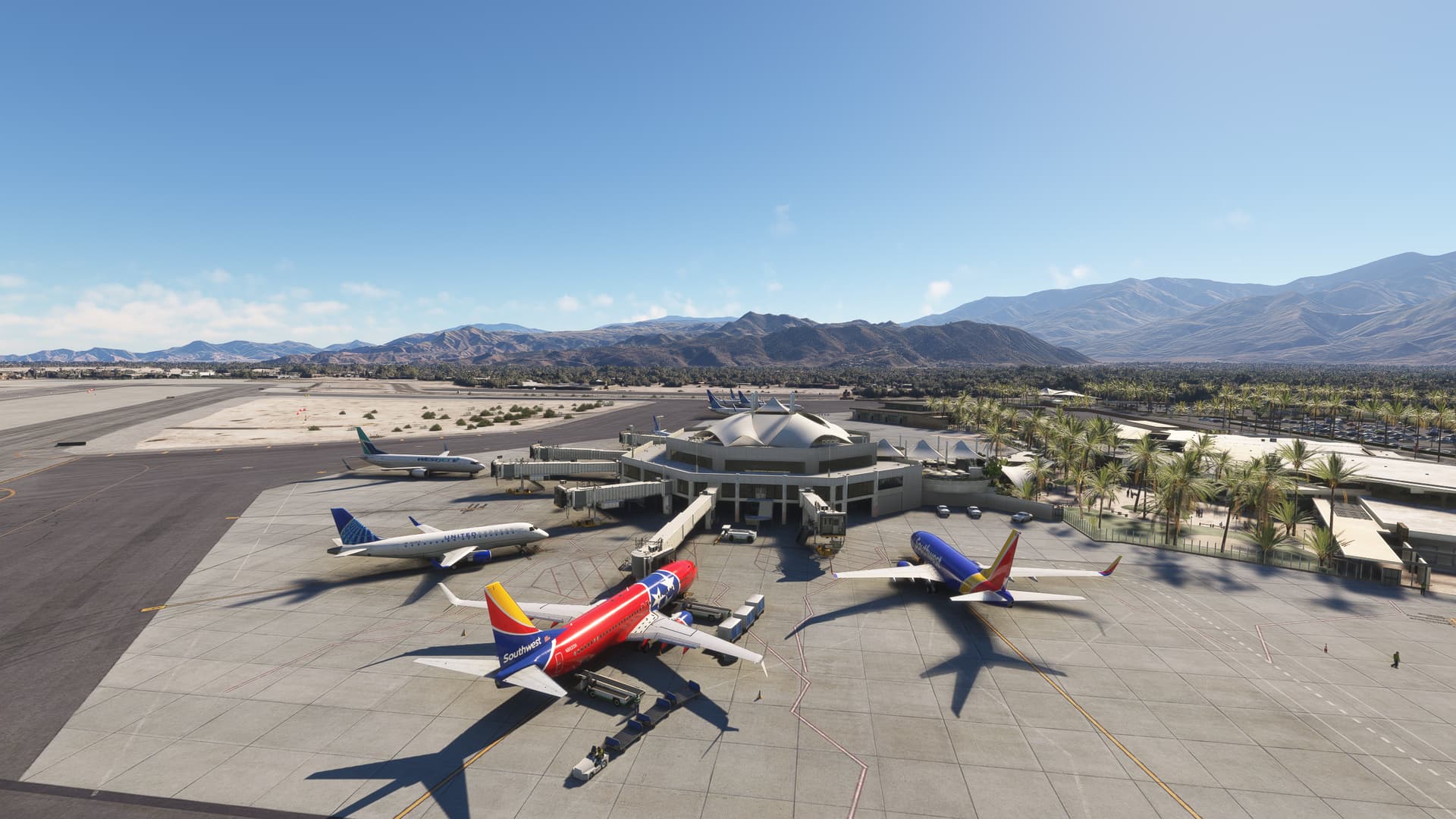
8 Likes
I discovered today that the problem was with the pilot and copilot addon by nicottine. There was already an update on flightsim.to. After installing this everything is ok now.
Coincidentally I just an hour ago flew in to KPSP tonight in the maddog md83, I’ve done r31 before and it is a nice approach, but first time for me tonight was the big 360 deg looped descending approach over the mountains into r13 an absolute wild, must try approach. Scenery is amazing around KPSP, it has to be said.
1 Like
Excellent find. Will give it a try.
Just out of curiosity and waiting for the marketplace rollout, does the tablet use only Google Maps? I would assume something based on OSM to be more natural in the sim. Didn’t Google prohibit the use of its map data in commercial applications?
No. You can switch to Navigraph’s existing map options and they work great. In fact, when you use Navigraph maps and zoom in close enough at an airport, you get very useful info like this - you can zoom even further to see gates/ramp locations, intersection designations, etc.
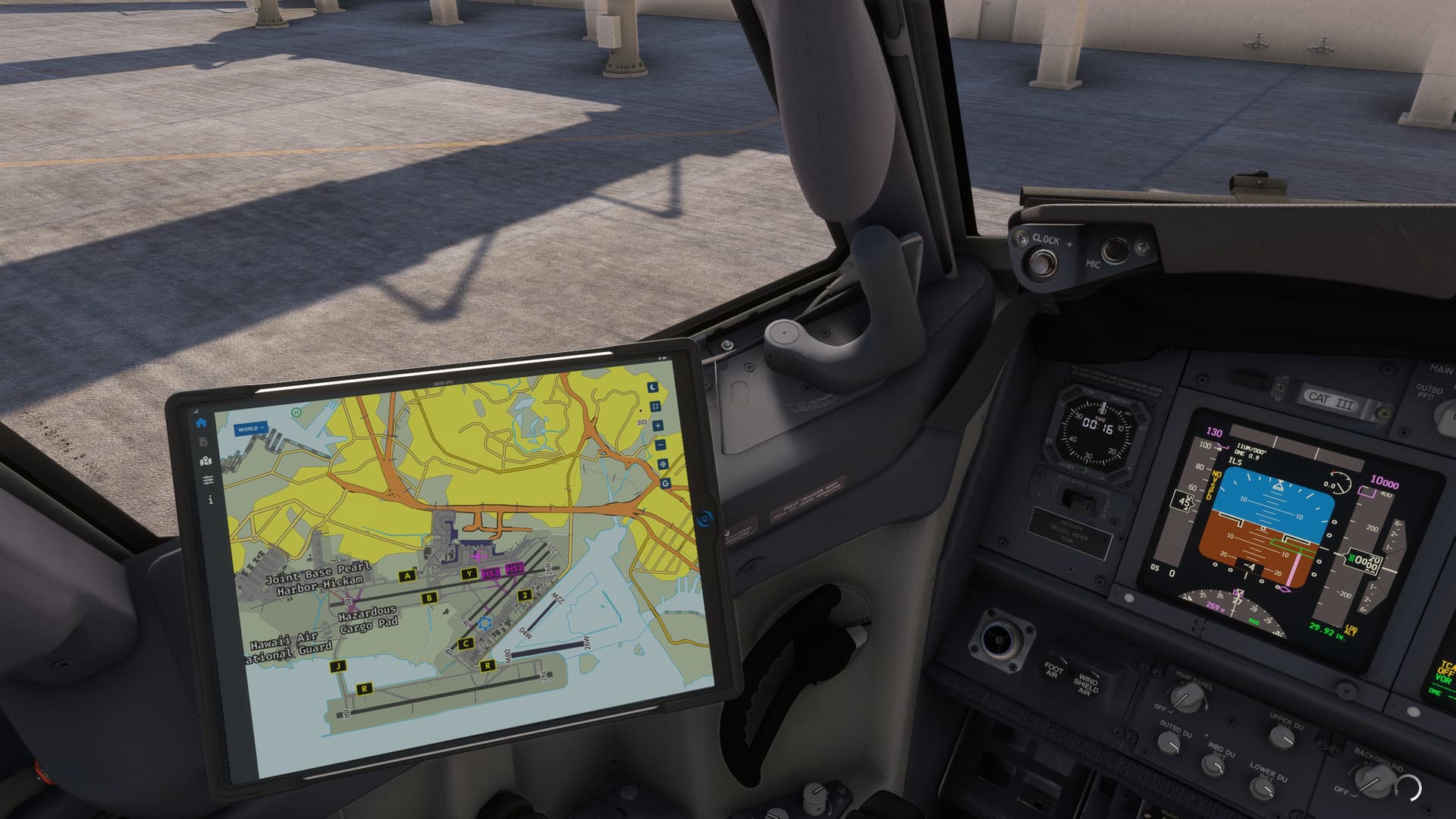
Also, Google prohibits commercial use of the map data WITHOUT A LICENSE. Navigraph no doubt has a commercial license and part of the monthly fee we pay to access their charts and services includes their cost to access Google Maps commercially and resell that data to flight simmers as part of the services Navigraph provides.
2 Likes
Alright, now I see why there’s google maps. I wasn’t aware that the map function requires Navigraph subscription, rather than a simple moving map that many GA tablets have used.
3rd flight with the EFB, decided to use the performance calculator for the first time. I was flying out of BOS to the west coast. RWY9 was in use according to Flight Aware. My gross weight was around 168K. Kept getting error messages that max gross weight needed to be ~ 155K. Couldn’t figure out what the issue was until I realized that RWY 9 is only 7,500’. When I selected 4R (which is 10K), the error cleared and the EFB was able to calculate all my data. Impressive. I was thinking the EFB had a bug but in reality, it was doing it’s best to try to keep me out of Boston harbor.
On a related note, I always assumed the FMC itself had functionality to flag if your selected runway was too short.
3 Likes
I was just wondering if anyone is having a problem inputting your simbrief alias into the EFB ?
I put my navigraph id in which it accepted and saved, but i cannot download my flight plan
Now i have read that you have to put your alias in but as soon as i do that the screen goes all weird like a major artifact and the sim all goes black although i can still here the sim though my gpu fans spin down and it CTD
I have checked my gpu and ram and they are fine in benchmarks, so i am at a bit of a loss to know whats going on , probably an add on is causing this
I havent reinstalled the 737-800 yet as its a PITA just wondered if anyone else had this issue?
Yes it needs alias(name) not simbrief ID (number). Not had an issue and my simbrief name is waaay to long.
1 Like