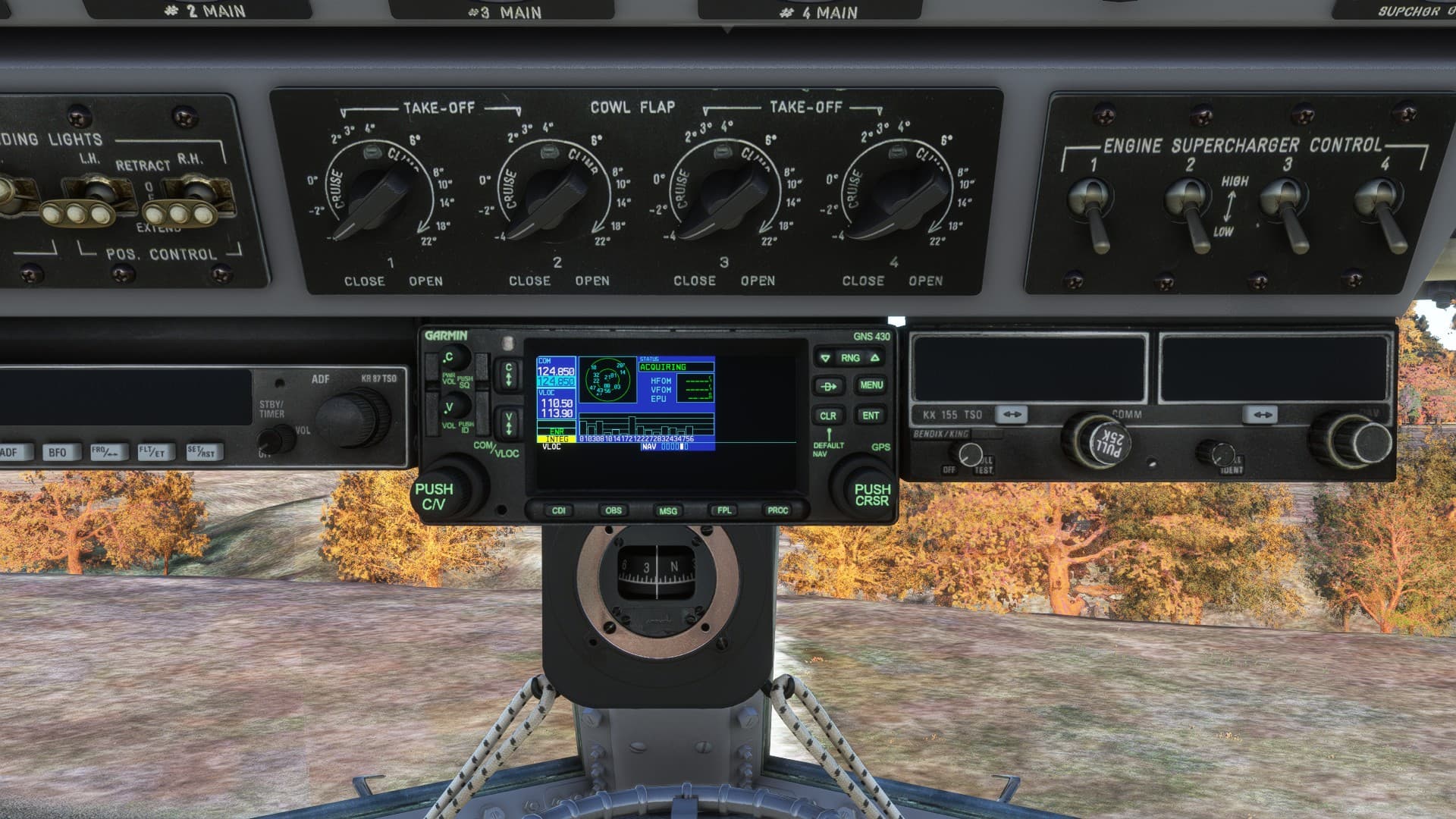
Hi What plane are you using in the screen shots?
tia
Hi What plane are you using in the screen shots?
tia
Hi,
but sry, this topic is about GTN750 not exactly about WT GNS530W so be careful to not confuse some not experienced users  good luck and enjoy sim…
Sry,
your link points to another old project of Scorpion what has also here different own Topic. Really in this time I started also to have some little chaos… Try ask there. In this case disregard pls my answer, maybe read again posts of Scorpion here also. You have also another option, use stock GNS what is working ok. Also I had no prblems with this stock GNS in previous tests and bug reports here. Yes it has more lower capability than WT addon has but it works still ok to me.
That’s alright. I was trying to establish was whether or not the ‘pms50-gns530’ mod as well as the compatibility patch was still required along with the WTT 530/430 / PMS 750 but even typing this out now is making my brain hurt so I’m just going to work off the old adage ‘if it ain’t broke don’t fix it’. 
Suggestion. make the PMS50 mod for the WT GNS match the version of the WT-GNS530 it is Modding, plus a futher sub version number
ie if the latest version of the WT GNS530 is 1.0.1
then the pms mod to work with that version is always 1.0.1.x
where x is the pms sub versioning.
then it is always clear which MOD version works with which WT GNS530
Hello,
really, this mix still makes me very confused. As I see addons with names:
PMS GTN750 or only GTN750 (here is clear that no other addon just PMS)
PMS GNS530
WT GNS530W
WT G1000 NXi
WTG3000
Am I wrong or is better use these names to be not confused here?
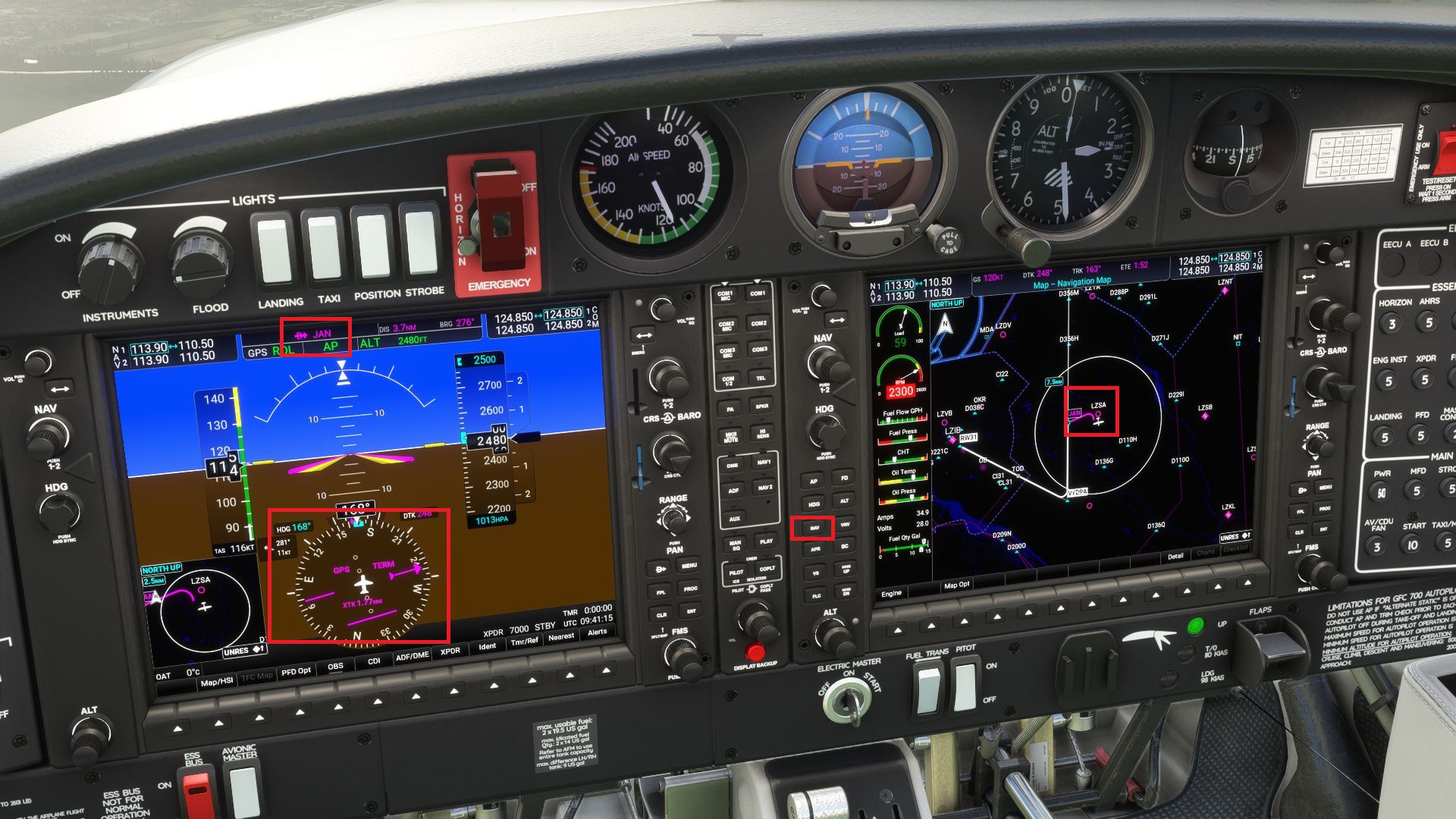
Really I’m very sad about general avionics functionality here, not GTN750. To this problem I did one another test with D40NG what has WT G1000NXi as standard and my investigation is terrible, my opinion. This malfunction or bug is simply like with other WT systems generally, not with stock Asobo (really only stock GNS is actually in sim)??? Really is hard to say now what is stock and what other. Look at screenshot, same situation and after click NAV (GPS is set and DCT to JAN VOR) nothing, aircraft fly to its actual heading. I don’t know, I feel that complete functionality of system is broken.
I don’t have access to real G1000NXi now and no ability to do real flight test but with another situation as test, with Leg Activation from JAN to VYDRA IAF I need to go close to track manually and then set NAV to follow this Leg, this is how the system works now as example. System practically doesn’t reacts to NAV command as I expect, maybe I’m wrong, I don’t know, some real pilots with access to G1000NXi are very needed here to put some clear light about functionality. Any other opinions are welcome. Again, I can fly in my Seneca now with GTN750 v. 2.1.44 with some no correct things as looks like are depends to some Wt core??? Really, I feel alone here. Is here some one other who can also contribute in this problematic???
The WT (G1000Nxi or GTN750 + WTT) manages armed lateral modes, at the opposite of the stock sim AP manager. So it depends of your position against the target leg. Usually if you are to far away, you’ll have to engage ROLL or HDG to reach the target leg. After engaging ROLL or HDG, engage the NAV mode to arm it. When reaching the leg, the AP will turn automaticaly to NAV mode. This is more realistic and works like this in the real instrument. The stock AP manager doesn’t behave the correct way.
i do agree - its gotten very confusing for me personally with all the different mods and combinations. Maybe someone could do a chart showing the approved combinations.
Very appreciate your help and clarification Scorpion!
Now it’s clear, also from my test with WT G1000NXi. No problem now for my future flights. All best also to your perfect GTN750 prj!
The confusion came from the new WT GNS530 that broke some aircraft having a hot GPS switching.
I can speak here about our GTN750 case.
In all cases you always need the GTN750 package to be installed.
If you also install one of our WTT additional package, there is no issues since these WTT packages invalidate any other GPS in the aircraft. Using the WTT package brings more fonctionality and uses the Working Title flight planner and autopilot manager modules.
If you don’t install our WTT package for your aircraft or the aircraft is not comptaible with WTT you may have 2 cases following if you have installed the GNS530 from working title or not.
If the WT GNS530 is not installed, our GTN750 is using the stock sim AP and flight planner modules and there is no specific issues.
If you have installed the WT GNS530, you may have our GTN750 not responding because of a bug in the WT GNS530. If this happens, you should install an additonal mod that fixes the issue. This is explained here: WT GNS530 Compatibility
Once the WT GNS530 and this fix are installed, our GTN750 uses the WT flight planner and AP modules and is compatible with the WT GNS530. However, any GNS530 bug may be reported then in the GTN750 so we can’t provide support in this case (the WT GNS530 is still in beta).
Asobo is currently working on a solution for the hot GPS swap issue.
Confusion will probably stay until this is avaialble, until WT becomes the offical sim GNS530 instrument and until aircraft providers update their aircraft to be used with the new WT GNS530.
Just be patient.
Note: we also provide for a long time our own GNS530 mod. If you install it, it will override the WT GNS50 one.
If you want to keep the behavior you got before the WT GNS530 was launched, just don’t install it. This is still a beta. It may have bugs and could change the aircraft or other instrument behavior.
ah - thank you - I have been using the GTN 750 and your GNS530 for a long time - so i will stick with those!
NEW GTN 750 RELEASE V2.1.55
Check our documentation chapter “Installation”.
windows defender gives a false positive to 2.1.55
it’s not the v2.1.55 but probably some older version you have somewhere.
Be sure to read that and follow the procedure: Mandatory update
A new version of the WT GNS530 fix for the mouse input issue is online
The new version is 1.0.4 and works with the WT GNS530 v1.0.3.
Be sure to update to the WT GNS530 v1.0.3
Download the patch from this page: WT GNS530 Compatibility
Windows dont let me download it