fixed via Powershell??
1 Like
Problem
Windows Defender Quick Scan was hanging and never completing.
Root Causes Found
-
Defender engine (WdFilter.sys) — kernel filter driver was crashing mid-scan
-
Event ID 3002 — real-time protection failing with error
0x80070006(invalid handle) -
Engine crashing on D: drive access —
boot://\\.\D:\ -
Scan Only If Idle setting — was aborting scans when PC was in use
-
Possible memory leak — MsMpEng.exe behaviour during scans still under investigation
What We Ruled Out
-
✓ D: drive physically healthy — chkdsk found no bad sectors
-
✓ No system file corruption — SFC clean
-
✓ No third party AV conflict — AMRunningMode showing Normal
-
✓ WdFilter driver loads correctly after reboot
Fixes Applied
-
✓ DISM RestoreHealth — repaired Windows image
-
✓ SFC — confirmed no integrity violations
-
✓ Reset Windows Security app
-
✓ WdFilter driver re-registered
-
✓ D: drive excluded from scans
-
✓ Sound Blaster whitelisted in Controlled Folder Access
-
✓ Controlled Folder Access turned back on
-
✓ ScanOnlyIfIdleEnabled set to false
To run MSFS 2024 I have a script file I run which does a number of things such as turn off any background apps I don’t need (including my backup software, printer utilities, One Drive, ICloud, etc) ensures the power profile is the most robust, sets MSFS affinity to high, and starts all the apps and addons I require for MSFS. It ensures my PC is connected to the WIFI I connect to for Virtual Desktop for my Quest 3. Only then does it start MSFS and then it waits for it to end to return my computer to a normal state.
Using this method I get amazing results in 2D and beyond my expectations for my hardware in VR. The only times I get stutters or sub par performance is on peak hour times of overlap with Europe and the US (worse on weekends) and generally for a day or 2 after some major sim update when everyone and their brothers are jumping on and downloading the updates. I attribute that to server issues.
While theoretically the sim could continue to improve, I have to pinch myself to believe I can experience the flights I do in virtual reality with what many today would consider a mid level machine. Feedback is essential to improvement but, reading many of the posts, you would think that we’re on some sort of low key arcade game when this level of technology in our homes would only have been dreamed about a decade or so ago.
3 Likes
That is really important. If there is one DLC that is not made using the full MSFS2024 SDK, it can drag your whole sim down. You just can’t have FS2020 SDK based product with SU5 in my experience.
Mathijs
3 Likes
Tried a quick trip in the inibuilds a340 on xbox series x yesterday but gave up as stutters were pretty bad and a wasm crash. So got up today and lowered everything to low, turned off Atc, never used efb and disabled road traffic addon, enhanced airport lights and graphics, several 3rd party airports and bravoairspace liveries. Planned a short flight from Zurich to Caligari city. Slight stutters at Zurich but soon smoothed out over a fantastic view of the Alps. All smooth up till landing at Caligari then slight stutters while taxiing. Back to square one with regards to lowering everything, disabling this and that.
3 Likes
Yes afcourse, but you have to see this optimization as a starting point after you did a sim update. Afterwards you can always set traffic to low or off.
1 Like
I couldn’t agree more on the VR part. Stepping up from the Index to the PCL was absolutely amazing.
We are now actually IN the plane! IN the sim! IN the game world! Not just watching it like a YT video. It is glorious! lol.
3 Likes
can honestly say this update has made the entire sim amazing in VR and has been as stable as a slab of granite. not one CTD in a long time. looks good, feels smooth, loads well, they fixed the beta issues of vr switches, the menu lag is gone, the scenery looks fantastic.
im having very quiet flights with no other air traffic quite a bit. and if i use time compression i get a air traffic error, but thats just MSFS being MSFS.
Hey Devs, you guys brought this one home with style. Thank you!
2 Likes
I use BATC for ATC. It’s not perfect, but it is an absolutely awesome product! For a very reasonable one-time price.
It changes everything. It brings the sim to life. It injects it’s own traffic using FSLTL, AIG, FS Traffic models. They are also currently working on their VFR implementation. All updates are free.
2 Likes
Seventeen hours flight time in SU5 so far. Mostly flying up the Northeast coast of Brazil, over the Atlantic, and some time in NSW, Australia with the new WU.
Performance is very good - mostly in the mid 90-120 fps range on my PC, dropping into the 80’s in the WU21 photogrammetry areas. Weather can have a big impact framerates anywhere in the world, dropping them by 10-15% at times.
Stability is excellent - I completed an 11-hour flight in real time with no issues at all in the Grumman G-111 albatross, flying across the Atlantic. Of course, with nothing but open ocean, and at 18,000 ft, there’s not a lot to render but sea, sky & clouds, but if there was some sort of memory leak or something of that nature, I’d expect to have been impacted by it after 11 hours of non-stop flight.
Expand to see my basic PC specs:
| Item | Setting |
|---|---|
| CPU | i7-12700K (no overclocking or undervolting) |
| RAM | 32 GB 5200 MHz DDR5 CL40 RAM |
| GPU | AMD Radeon RX 9070 XT (16GB) Driver v32.0.23017.1001 (Adrenalin v26.1.1) |
| Rebar BIOS Setting | On |
| OS | Windows 11 Pro 25 H2 v26200.8246 + all OS updates. |
| MSFS 2024 Edition | MS Store Aviator + all WUs & CUs |
| Current Build Version | SU5 v1.7.27.0 |
| Downloaded Core Content | None (i.e., all Streamed) |
| Marketplace Addons (Streamed) | BijanStudio Seasons Enhanced 2024 v3.9.0, MamuDesign Marinas v0.9.3, Seafront Simulations Global Shipping 24 v1.3.0, Black Square Real Taxiways 2024 v0.1.0 |
| Community Addons (Local) | None |
| Community 2024 Addons (Local) | None |
Expand to see my graphics settings
| Item | Setting |
|---|---|
| Display Mode | Full Screen |
| HDR10 | On |
| Exposure Compensation | EV-1 |
| Full Screen Res | 3840 x 2160 |
| Anti-Aliasing | TAA |
| Render scaling | 100 |
| AMD FidelityFX Sharpening | 200 |
| Max Frame Rate | On |
| Max Frame Rate Value | 60 |
| Frame Generation | AMD FSR 3 |
| Framerate Multiplier | 2x (N/A) |
| VSync | Off (N/A) |
| VSync Interval | Monitor refresh rate (N/A) |
| Dynamic Settings | On |
| Frame Rate Target | 40 |
| - | - |
| Global Rendering Quality | Custom |
| Terrain LOD | 400 |
| Off Screen Terrain Pre-Cache | Ultra |
| Displacement Mapping | On |
| Buildings | High |
| Trees | Medium |
| Plants | High |
| Rocks | High |
| Grass | High |
| Object LOD | 200 |
| Volumetric Clouds | Ultra |
| Texture Resolution | High |
| Anisotropic Filtering | 16x |
| Water Waves | High |
| Raytraced Shadows | Off |
| Shadow Maps | 2048 |
| Terrain Shadows | 512 |
| Contact Shadows | High |
| Windshield Effects | Medium |
| Ambient Occulsion | High |
| Cubemap Reflections | 256 |
| Raymarched Reflections | Medium (reduces windshield reflections) |
| Light Shafts | Ultra |
| Depth of Field | Ultra |
| Motion Blur | Off |
| Visual Particle Effects Quality | High [NEW SU5] |
| Glass Cockpit Refresh Rate | High |
| Characters Quantity | Low |
| Characters Variety | Ultra |
| Characters Quality | Medium |
| Airport Services Quantity | Low |
| Airport Service Variety | Ultra |
| Parked Aircraft Quantity | Low |
| Parked Aircraft Variety | Ultra |
| Aircraft Traffic Quantity | Low |
| Aircraft Traffic Variety | Ultra |
| Road Traffic | Ultra |
| Sea Traffic | Off (Using Seafront Simulations Global Shipping 24) |
| Fauna | Ultra |
| Seatbelt Visibility | On |
Expand to see my other settings
| Item | Setting |
|---|---|
| Online Tab | |
| Photogrammetry | On |
| Aircraft Traffic Type | AI Offline Experimental |
| Air Traffic in Career | Off |
| Live Weather | On |
| Multiplayer | Off |
| Multiplayer Servers | Automatic [West USA] |
| Show MP aircraft in close proximity | Off |
| Multiplayer Replication Models | High Fidelity |
| Rolling Cache | 16GB |
| Bandwidth | Unlimited |
| Flight Model Tab | |
| Flight Model | Modern |
| Advanced Options Tab | |
| Developer Mode | Off |
6 Likes
In case you haven’t seen this update from MS about stability and a fix.
Regards
5 Likes
Not a console user, but love that type of communication from the team. That’s the type of update that is much appreciated by the community.
16 Likes
Hi everyone, I struggled for a long time—after the SU5 update, nothing worked anymore; it was just stuttering constantly. Yesterday, I reinstalled MSFS. It was a lot of work, but it paid off. Now it’s running perfectly again, completely free of stutters. I’m really happy!
2 Likes
I did exactly that. Made absolutely no difference for me still stuttering using pmdg planes and chaseplane
I assume you are using the SU5 version of Chaseplane? The previous version is not compatible.
A post was merged into an existing topic: Grumman Albatross HU-16/G111 Thread
Xbox X
Regarding MamuDesign Powerlines I get two repeatable freezes of 1 to 4 seconds when starting a flight in default KSMO Santa Monica and flying directly o Premium/Deluxe KLAX Los Angeles midfield at about 400’. This is about 5nm. The two freezes are just before halfway. I’ve been using the default Bell 407, Fly Inside 206B3 and Taog’s 500C with exactly the same results.
To confirm PowerLines was my issue I removed the mod and got no freezes over a few flights with the three different helicopters. I then downloaded and installed the mod and was getting exactly the same freezes as I had initially. Tried streaming the mod again but still got the freezes. Finally removed the mod again and I’m no longer getting the freezes.
This seems pretty conclusive to me.
I was also experiencing occasional freezes in other places with PowerLines installed. I wouldn’t call them stutters as they last 1 to 4 seconds and are not frequent. I still get similar freezes with PowerLines disabled approaching some airports but this is much less frequent and seems random.
1 Like
 time to see if i can go longer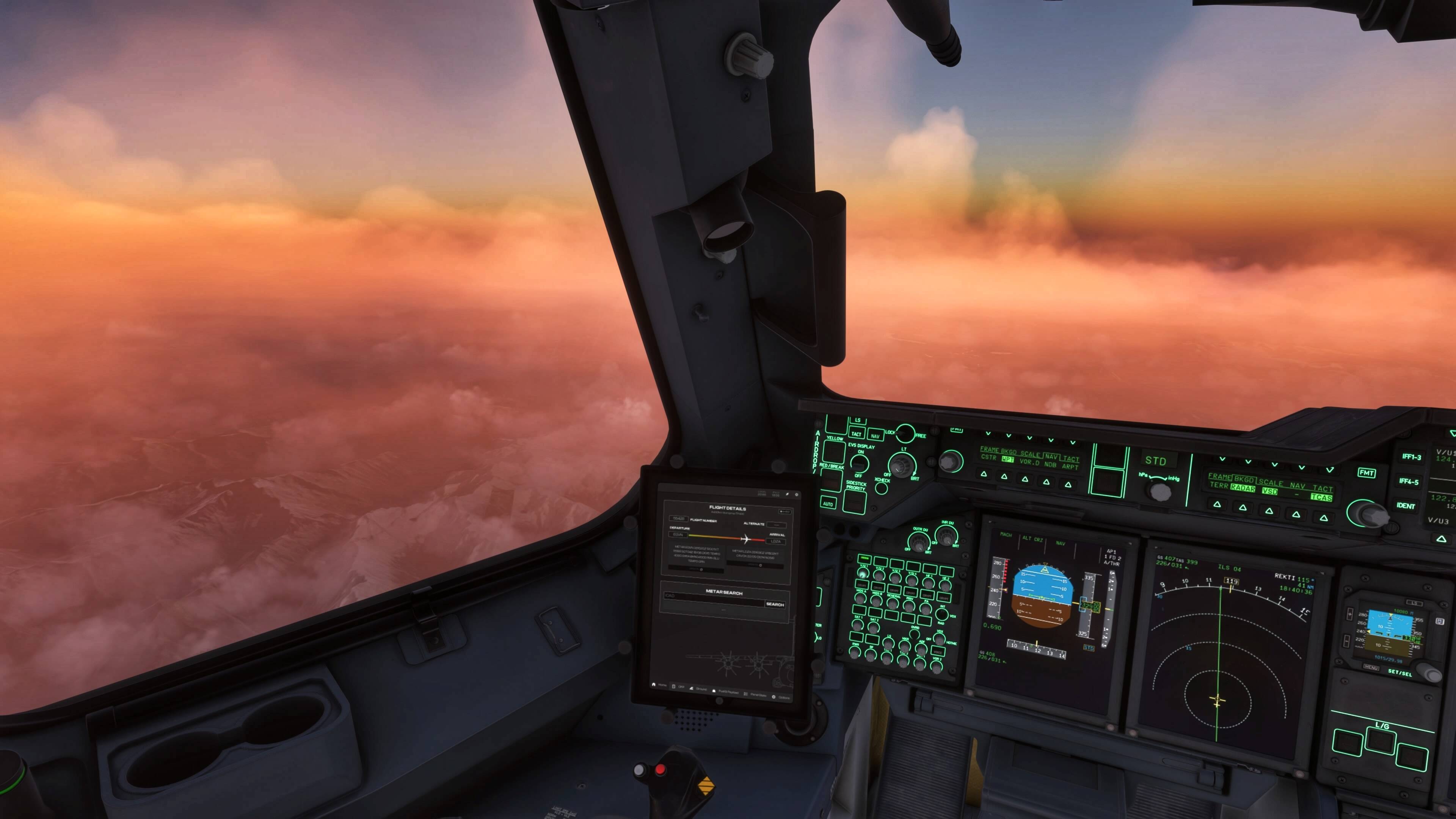
4 Likes
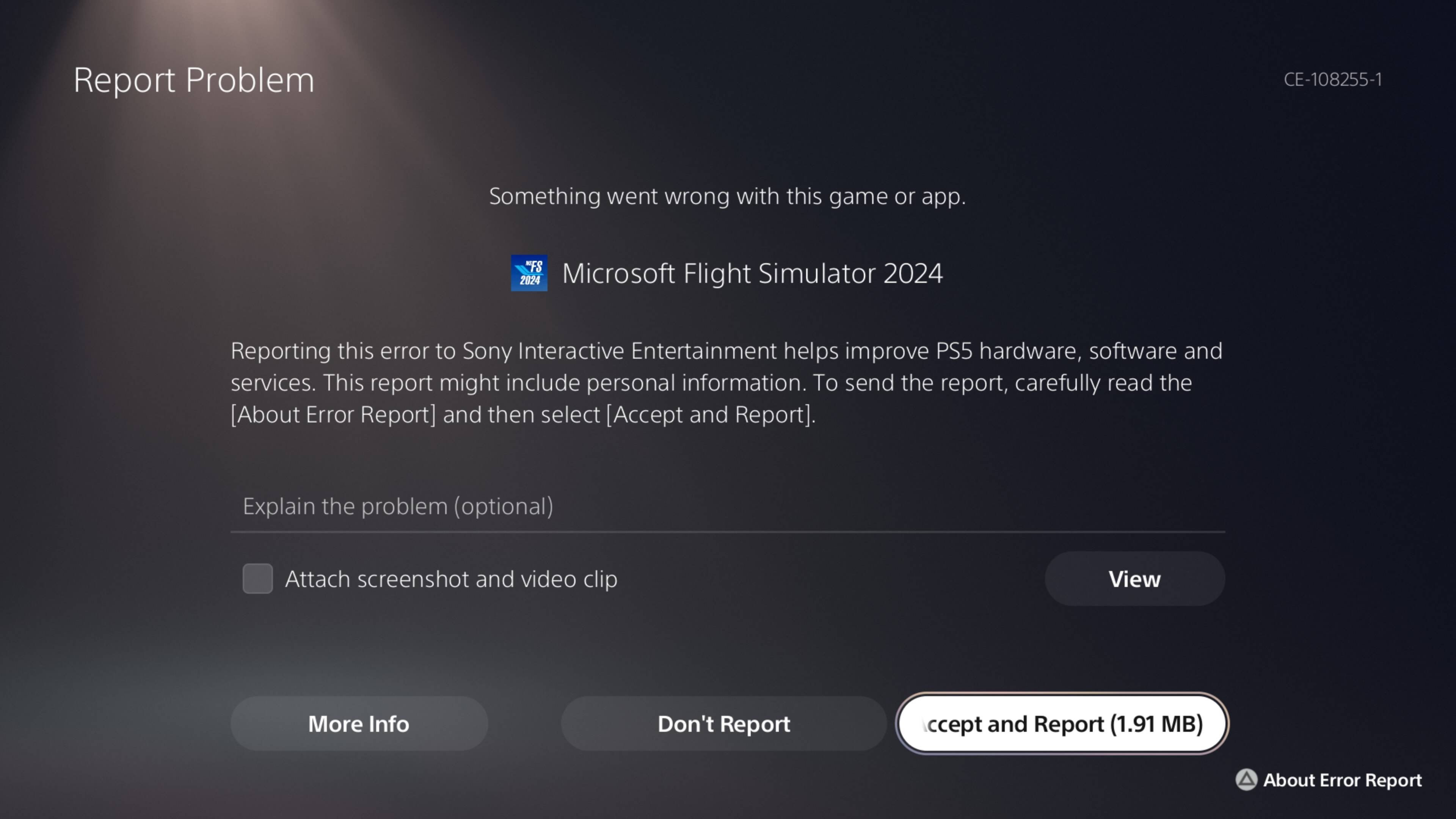

 Crash that caused a corrupted save
Performance is on PC also bad. Not only consoles. The MS statement is wrong. VR quest 3 here.
7 Likes