[Polls] World Update 20: Japan

World Update 20: Japan is now available as a free download from the in-sim Marketplace for both Microsoft Flight Simulator (2020) and Microsoft Flight Simulator 2024. Please see the release notes linked below and use this topic for discussion and feedback.

Poll Questions

Feel free to answer these poll questions after you download and experience the new update.

What was your experience downloading and installing WU20?
  • The installation of WU20 completed successfully, and download speeds were fast and smooth.
  • The update installed successfully, but download speeds were slower than I expected.
  • The download and installation of WU20 did not complete successfully for me.
0 voters
On a scale of 1-10, 10 being the best, how do you like the new photogrammetry and POIs?
  • 1
  • 2
  • 3
  • 4
  • 5
  • 6
  • 7
  • 8
  • 9
  • 10
0 voters
On a scale of 1-10, 10 being smoothest, how is your performance/stability in this update? Please vote once you have played the updated sim for at least an hour.
  • 1
  • 2
  • 3
  • 4
  • 5
  • 6
  • 7
  • 8
  • 9
  • 10
0 voters
Is your performance/stability worse, the same, or better than before the World Update? Please vote once you have played the updated sim for at least an hour.
  • Worse
  • The same
  • Better
0 voters
On a scale of 1-10, 10 being the best, how would you globally rate this update? (This question will be used as a reference between each update)
  • 1
  • 2
  • 3
  • 4
  • 5
  • 6
  • 7
  • 8
  • 9
  • 10
0 voters
1 Like

EDIT: Polls are now open.

Please note that all Polls are currently closed to allow players the opportunity to experience World Update 20 before voting.

We will notify users via this thread once the Polls have been opened.

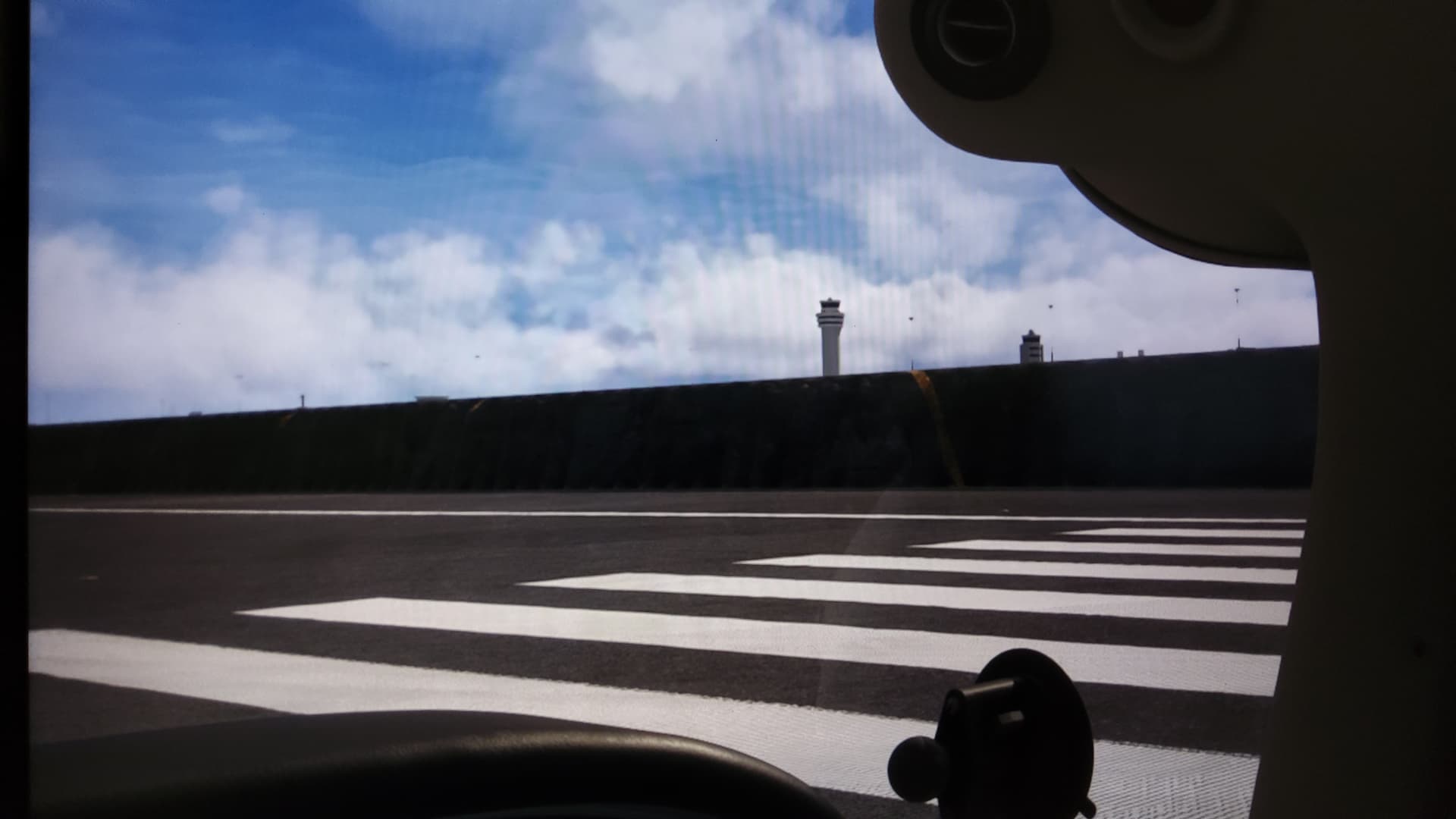
We’re currently aware of and investigating a minor issue affecting ground scenery (runways, taxiways, aprons, etc.) at RJTT (Tokyo Haneda Airport).

3 Likes

Ok, please, can someone explain to me how I get my road traffic to look like this.

I have road traffic set to max and it never looks this good. I hate when game studios add false things in their trailers.

If yous have a build with traffic like that please give it to us Asobo. Not the one we have where the cars are almost transparent and move at 5fps

20 Likes

There are a list of all 23 Photogammetry regions ?

Hi @Pilothead3646,

You can find a full list of the upgraded regions here: World Update 20: Japan - Points of Interest (POI) List

Thanks
The MSFS Team

3 Likes

Has this been announced previously, I feel like it comes completely out of nowhere; at least I cannot remember it being mentioned in the last dev stream. Strange.

My feedback for World Updates remains the same

  • I’d rather have new regions instead of updated countries that had WUs before
  • Without bush trips, those WUs feel incomplete to me. Bring them back.
4 Likes

dears, whats with the first japan world update now, can i delete this in msfs2020 ?

in 2024 its streamed so dont care tbh

This has arrived at the perfect time for me - I literally just installed WU1 as I have arrived at the south western end of Japan on my round the world tour, and I had planned to go slowly up through the country to the north east in a series of small trips. Really looking forward to seeing the sights!

Oh, can I also say that the music in the trailers for these is totally fantastic!

It probably won’t replace it. Both the UK and Germany have had 2 updates and in each there were features the other did not have. I would keep both installed for the best experience.

This is not about Japan specifically, but the WU download experience could be better (2024)

I get a big screen on startup telling me “new world update available!”

But there is only a continue button, not a button to take me to marketplace.

So I go to marketplace…see nothing.

Scroll down, up, left, right… nothing. Not featured anywhere.

I click on world category, still can’t see it.

I try searching “Japan”… I find 100000 sceneries, still cannot see it.

So then I filter for “not owned” and “free” and FINALLY find it.

Surely this can be improved for something as important as free world update.

17 Likes

I’m curious to know how such an ICAO JP0052 can be used. Simbrief won’t accept it and most aircraft will only allow 4 characters.

1 Like

POIs are the biggest brakesman of xbox performance. I never install them…

2 Likes

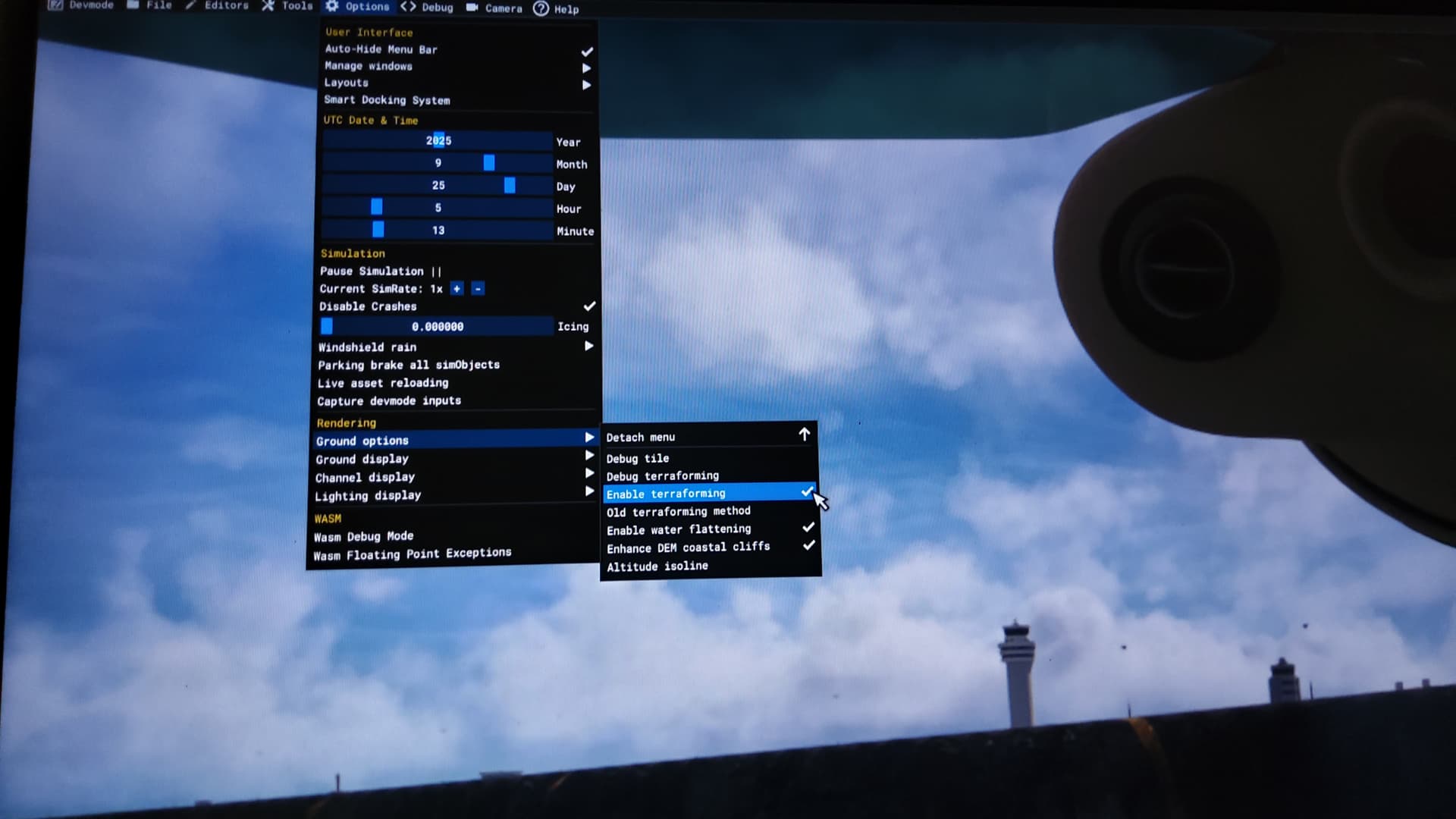
May you find yourself in sunken runway


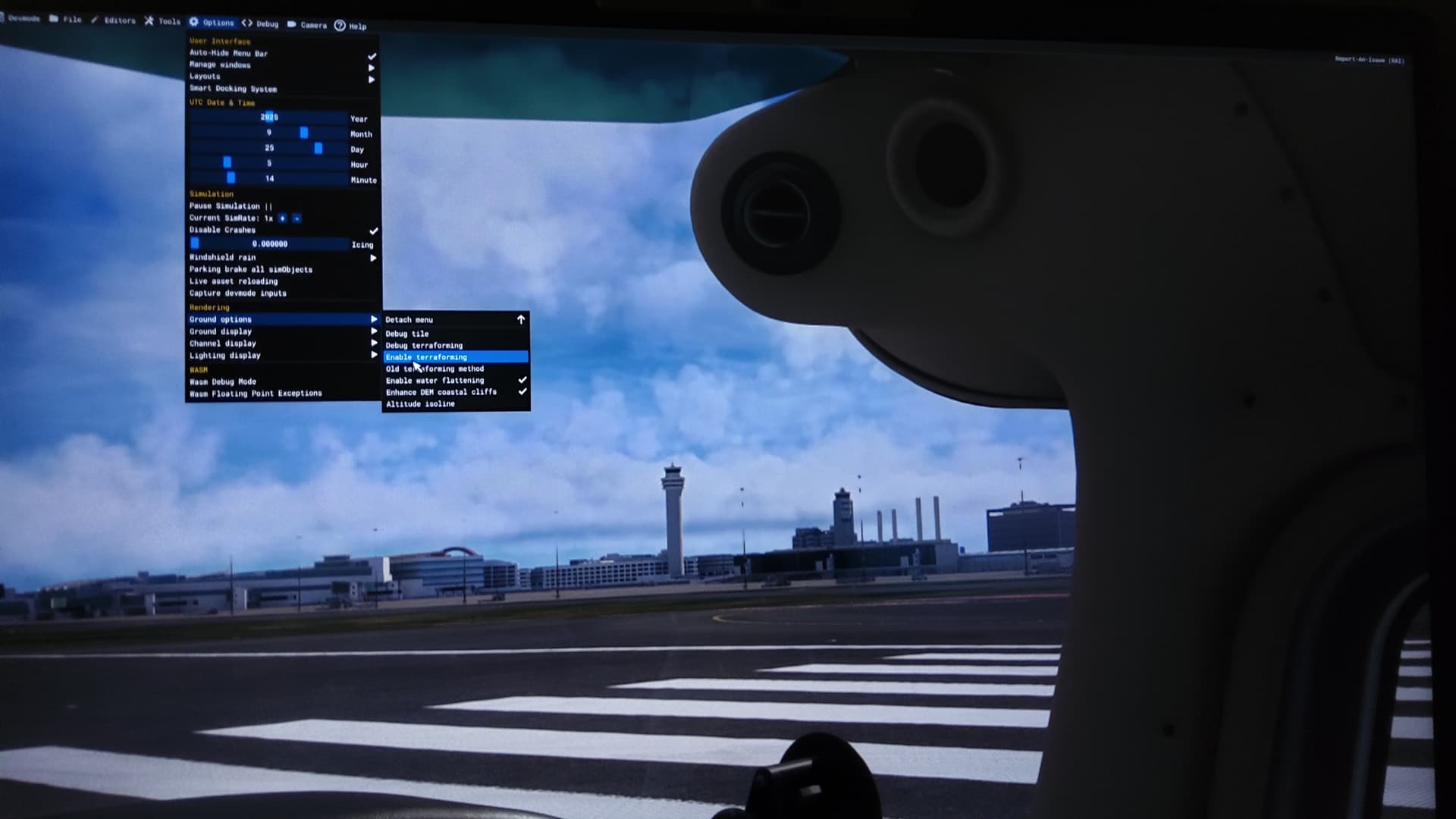
It can be usefull to check the dev mode settings under options -->ground option and disable
the uncheck enable terraforming
This

And it will look like this
2 Likes

Where is this? This sunken runway is in the new release?

EDIT: it must be pertaining to this post:

Is that for RJTT?

Hi folks,

We are aware of issues with the elevation at RJTT. This is already being investigated by the development team. Please contribute any further reports for this specific issue in the following thread: All runways of Haneda Airport (RJTT) are now depressed 10 feet into the ground surrounded by shear cliffs!

Thanks
The MSFS Team

2 Likes

Delighted to see this. When I check the WU20 entry in my library, everything is streamed EXCEPT the TIN scenery for WU20 which is disabled. Is this correct? (Should we change that setting?)

…

Hmm. After I saw this message, I closed FS2024 and then restarted the simulator. Went to check the WU20 parts and it looks like everything is now Streamed.

Lesson 103 in debugging: Shut it Down and Restart. :wink:

1 Like

Hello @Eraser2727,

You’ll be pleased to hear that World Update 20: Japan includes a new bush trip. From the release announcement:

  • Visit Japan’s most famous mountains in the Mount Fuji to Mount YĹŤtei bush trip.

Thanks,
MSFS Team

3 Likes