Hello, it will be great that we had possibility to change our location
without back to main menu, like in previous simulators.
I suggest to add this feature via an in-game panel.
What do you think about?
There is a hacky way of doing it. But you need to be in dev mode. It’s not the full solution but something which you may be able to use. I need to find the exact steps.
Voted anyway so that a full solution is developed.
It’s the teleport function that you’re looking for. This feature of the dev is also accessible without switching to dev mode with the //42 payware tool Flow which can give you shortcuts to settings as well 
1 Like
Sonicviz Location Manager recently released I think Should achieve some of what you need. Can’t recall if just PC or if available for XBOX as well.
This could be useful feature but don’t think it needs to be a core feature, we have enough bloat in the sim already.
If this is important to some, there’s now an addon you can get, free and pro versions available.
There has to be a degree of allowing 3rd parties to add features rather than us waiting (excessive amounts of time) for Asobo to do everything.
Hi @WnMJolau, thank you for your Wishlist request!
Are you asking for functionality like is described in this other topic?
Hi @Speed1994
I don’t speak about moving plane via VFR map and without using dev mode.
I think about a Menu to do this as in the previous simulators.
Moving your plane in a different airport, on a different gate of the airport we want to go.
I’m thinking of FS9, the last sim i used.
Thanks!
I was reading an article about the Baldur’s Gate 3 developer designing the game for 0.0001% of user cases.
MSFS is designed for the masses, so it will always just try to appeal to the 80% metrics.
Luckily, we have 3rd party for those of us in the sub 1% category but it leaves out xbox users.
2 Likes
But Xbox users have to accept that they have chosen to use a locked down platform.
If they wanted a flexible platform where they could use 3rd party addons, they should be playing MSFS on PC.
Not a popular opinion but I believe MSFS should never have been made available to XBox, it seems a poor fit in terms of both player base and technical requirements.
Just because the hardware can run it doesn’t mean the platform as a whole is up to the task of what is needed for a full flight sim experience.
If external applications are acceptable (for PC only) then you may want to have a look at Sky Dolly which comes with a Location management module that even supports „cold and dark“ starts from anywhere:
For a concrete use case how to define your own helipad start location see here:
Sky Dolly also allows you to exchange „userpoints“ with Little Navmap, via CSV import/export.
Sky Dolly is an „external“ application. For an in-game solution have a look at:
Sky Dolly is a free (open source) flight recorder. Disclaimer: I am the author.
2 Likes
Flow Pro lets you teleport to any location by picking a spot on the satellite map. When I want to start cold and dark and an airport with no parking spots defined within MSFS, I start at a nearby airport with parking and then choose a spot at the airport I want to start at. It’s not a free solution though.
Does that confuse the logbook?
I don’t use the built-in logbook, but it essentially uses slew mode.
I just gave it a try, very interesting!!
It does get the log book confused some. I replayed a flight a few times and noticed it logged each as a takeoff/landing. Then I rewound and it caused a stressed aircraft failure when the airplane flew backwards into the takeoff.
It’s strange seeing everything work without a running engine.
Just double-checked and the SonicViz product, whilst available in the Market Place is PC only:
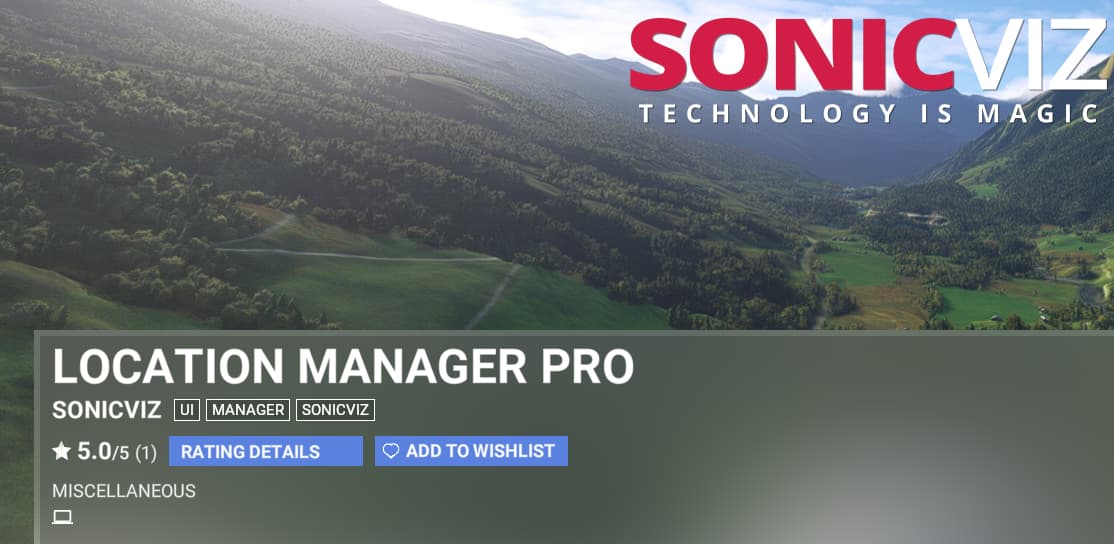
Perhaps there is some limitation of the Xbox platform which makes such an addon not work. The vast majority of marketplace addons works on both platforms.
I just realized you were asking about SkyDolly in regards to the logbook. My apologies, I was referring to Flow Pro.
Not via in game panel, but with an external app on top of MSFS screen.
FStarter24 from simmarket.com