I actually tried both of those (bought a Quest 3 headset now collecting dust) in an attempt to “see” a 1:1 panel I’d built to match the one I fly IRL. While it’s beautiful, not all the instruments are 100% functional and I don’t want to learn bad habits.
I’ve since installed a big monitor and use the mouse for any instrument input. (Still kept the physical throttle, light switches, etc.) I’m not even using VR anymore, except for the rare VFR flight. In IMC conditions, you really only need to see your instruments & straight in front of you. sigh
I may go back to the black setup & hang the above panel on the wall of my basement hangar.
I’ll try again in a couple years when the bugs have been ironed out of the hardware & front facing cameras double in resolution.
First, very nice work on the panel !! It reminds of of some airplanes I’ve owned in the past (Cherokee 140, Cherokee 6, Seneca, Cardinal). Now regarding your comment, as a CFI-I for many decades (airplanes & helicopters), I can understand you’re wanting to make it as perfect as possible, but that would cost a fortune, so I would say that I would prefer you use that setup you have over a mouse, because I don’t remember ever using a mouse in my real flights
I won’t go into the “Laws of Learning” but I will tell you that muscle memory is very real and by simply moving your arm toward the switch in your cockpit (even if the switch doesn’t work) versus using a mouse, will benefit you in the long run in the real plane.
When flying bigger helicopters, the majority of your switches are over your head. In an emergency you won’t be able to look up to find the switch you need. You have to go by muscle memory so you’ll lift your arm up there and flip that switch quickly, while looking at your panel to make sure the outcome is correct.. For example, this is a single pilot certified helicopter so we don’t have the luxury of a co-pilot to flip switches in an emergency, specially important when flying at night, IFR, with a very sick patient in the rear needing for me to get them to the hospital quickly.
I get what you’re saying, I built the panel precisely to reinforce the physical action of pressing buttons, flipping switches, etc.
the problem I ran into was that if I press a physical button on the navigator for example, and the plane’s autopilot didn’t do what I expected it to do, that really messed with me.
The Arrow in the sim just wasn’t developed with all the minute commands to support an integrated AP and advanced avionics, and the physical hardware only makes that worse.
I even went to the extent of building my own GFC500 box, with only supported commands, but the AP in the plane is just too archaic to work.
Maybe someday, but for now, this will have to do.
Don‘t really have the time and space for a full Cockpit Frame etc.
Maybe when the Kids Are older.
Thank you all for the kind words🤗
Here is a pic with everything Running.
Quick update of my dual desktop and motion rig cockpit…
I have just added a force feedback MOZA AY210 yoke, which is just incredible
We really feel all the forces and vibrations applied to the flight controls.
I also found some clever and highly versatile devices called rotAIR. Not very expensive, they allow you to control an incredible number of generic functions for all the planes and avionics in MSFS 2020 and 2024. They are designed and manufactured in Spain by SimFlight Services. I highly recommend them for their ease of use, especially in virtual reality where they require very little muscle memory.
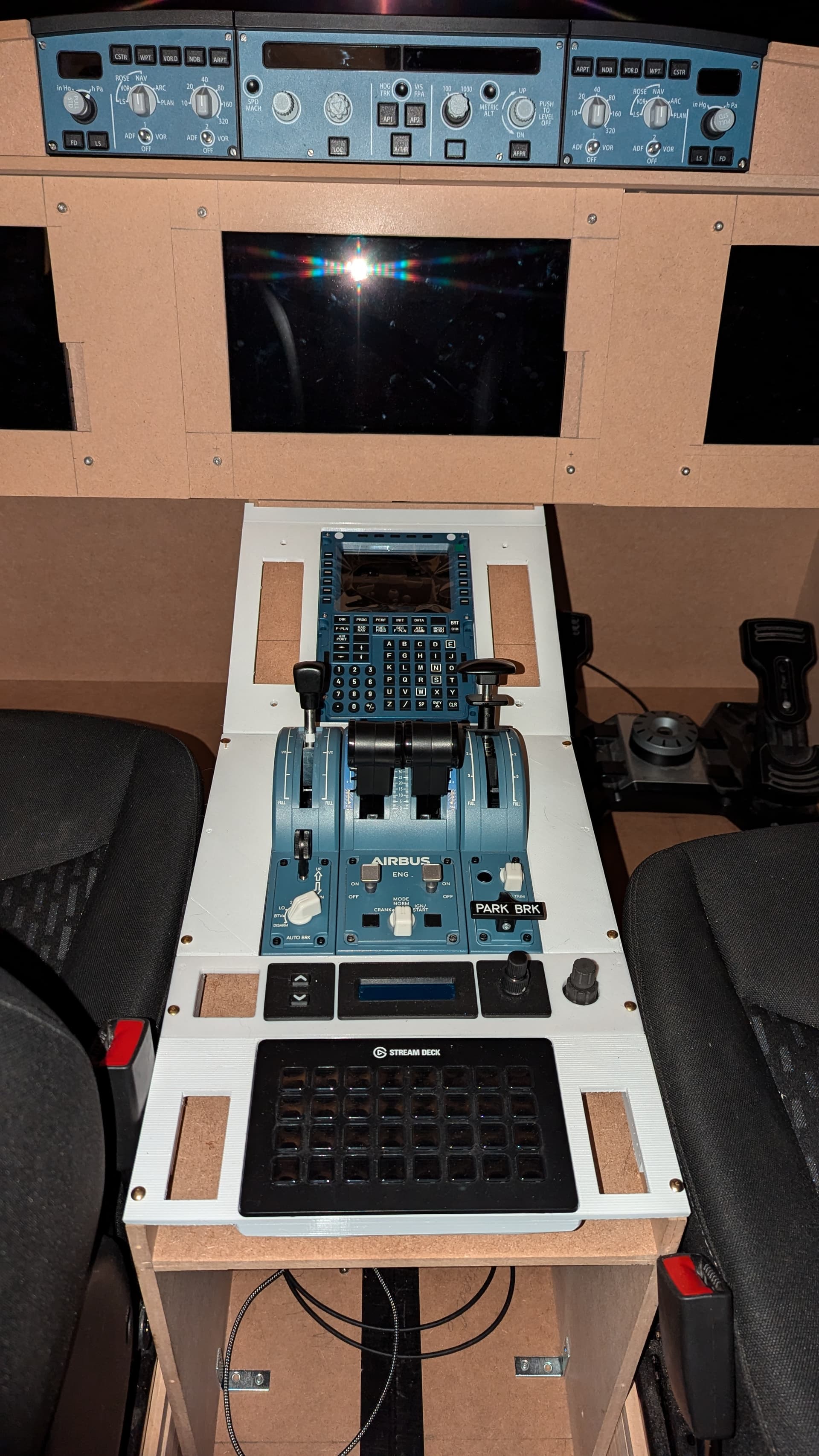
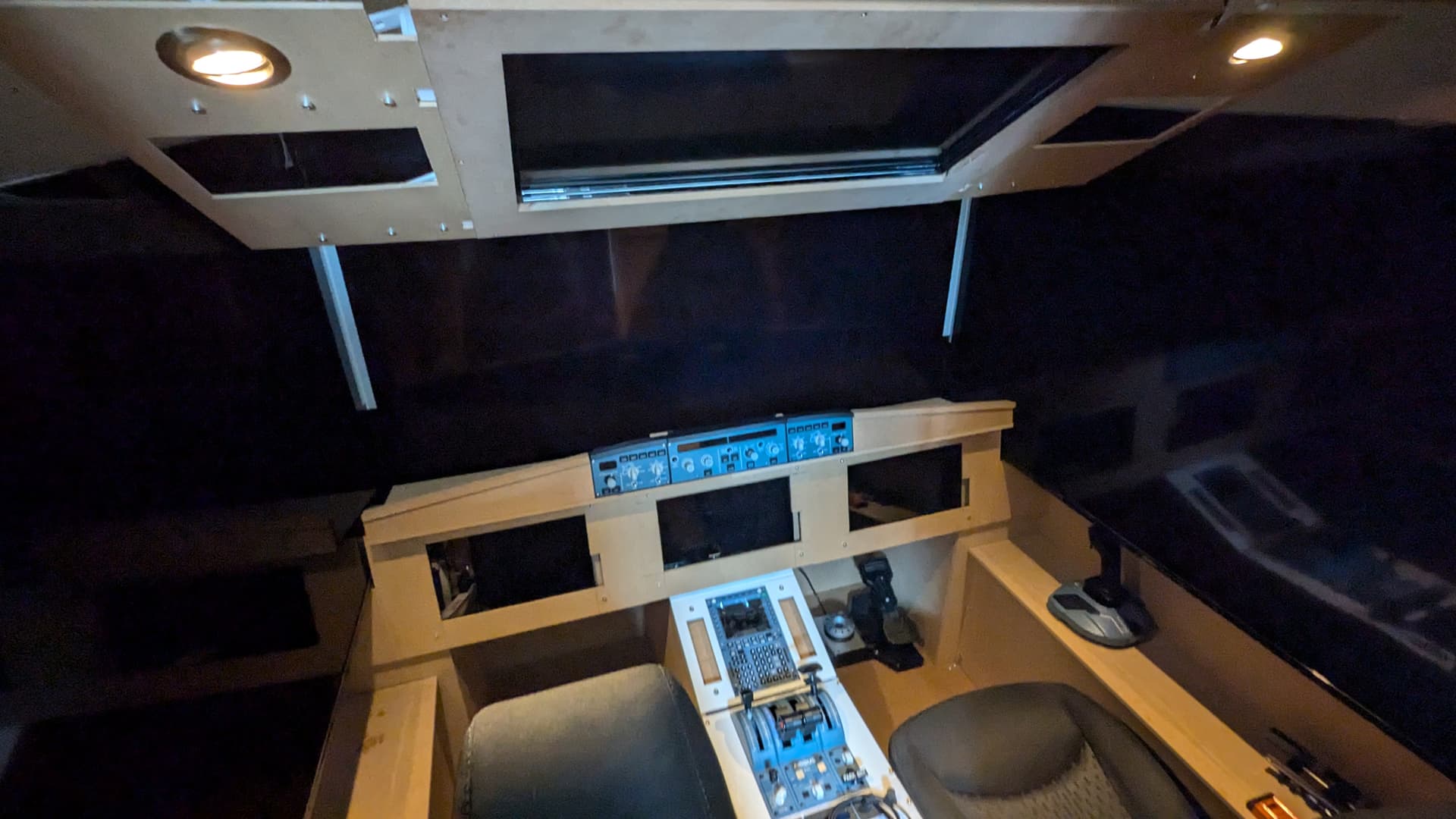
Here’s a little contribution from me. I haven’t been that active in the community so far, but I’ve been building my cockpit since January… now it’s finally time to share it with the world, now that I’ve discovered this thread… it’s good to know I’m not the only crazy DIY nerd in the Sim World, haha


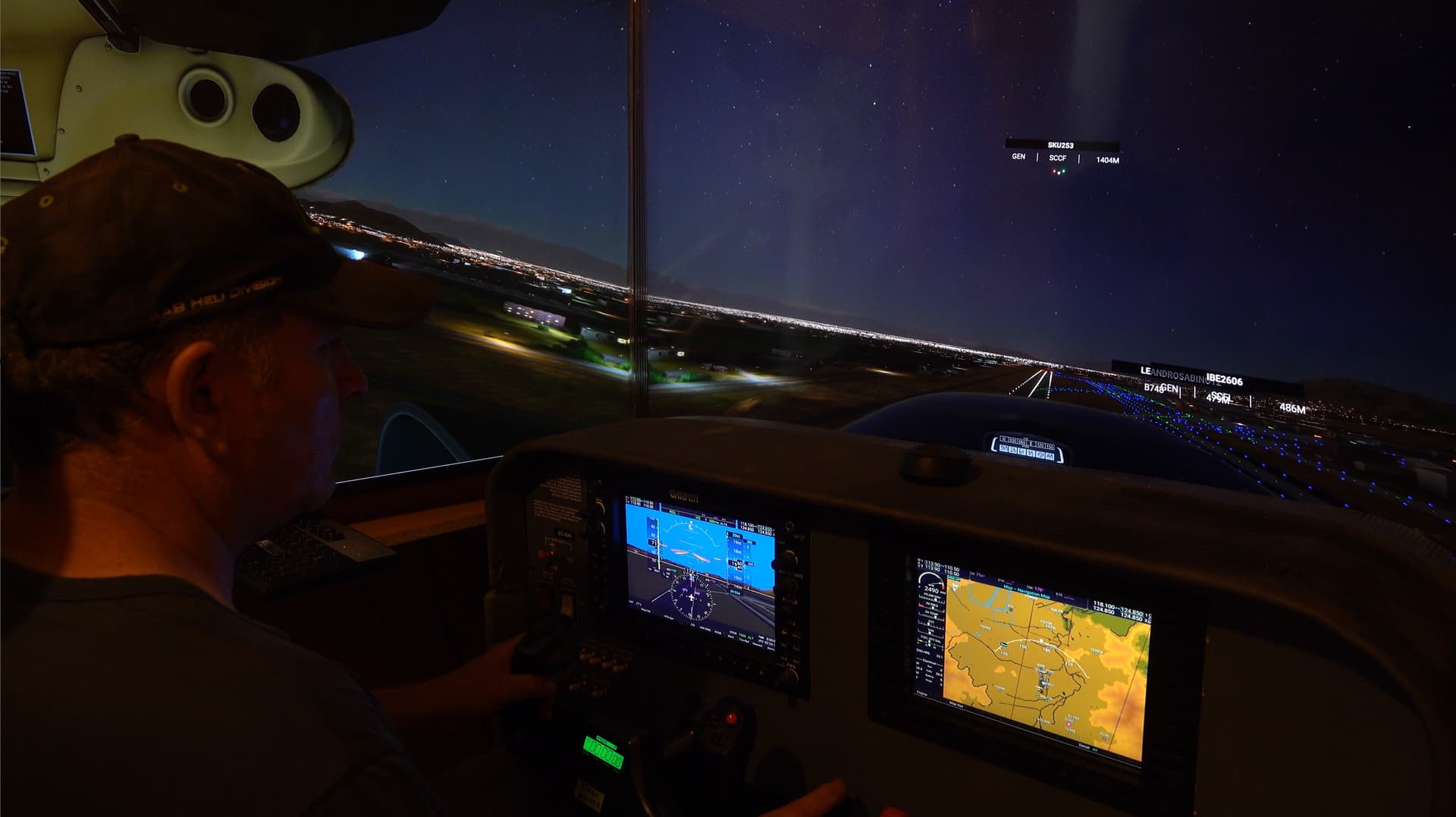
 I guess it’s like mounting a bike. Feels amazing. I’m working on a joystick/HOTAS and racing configuration.