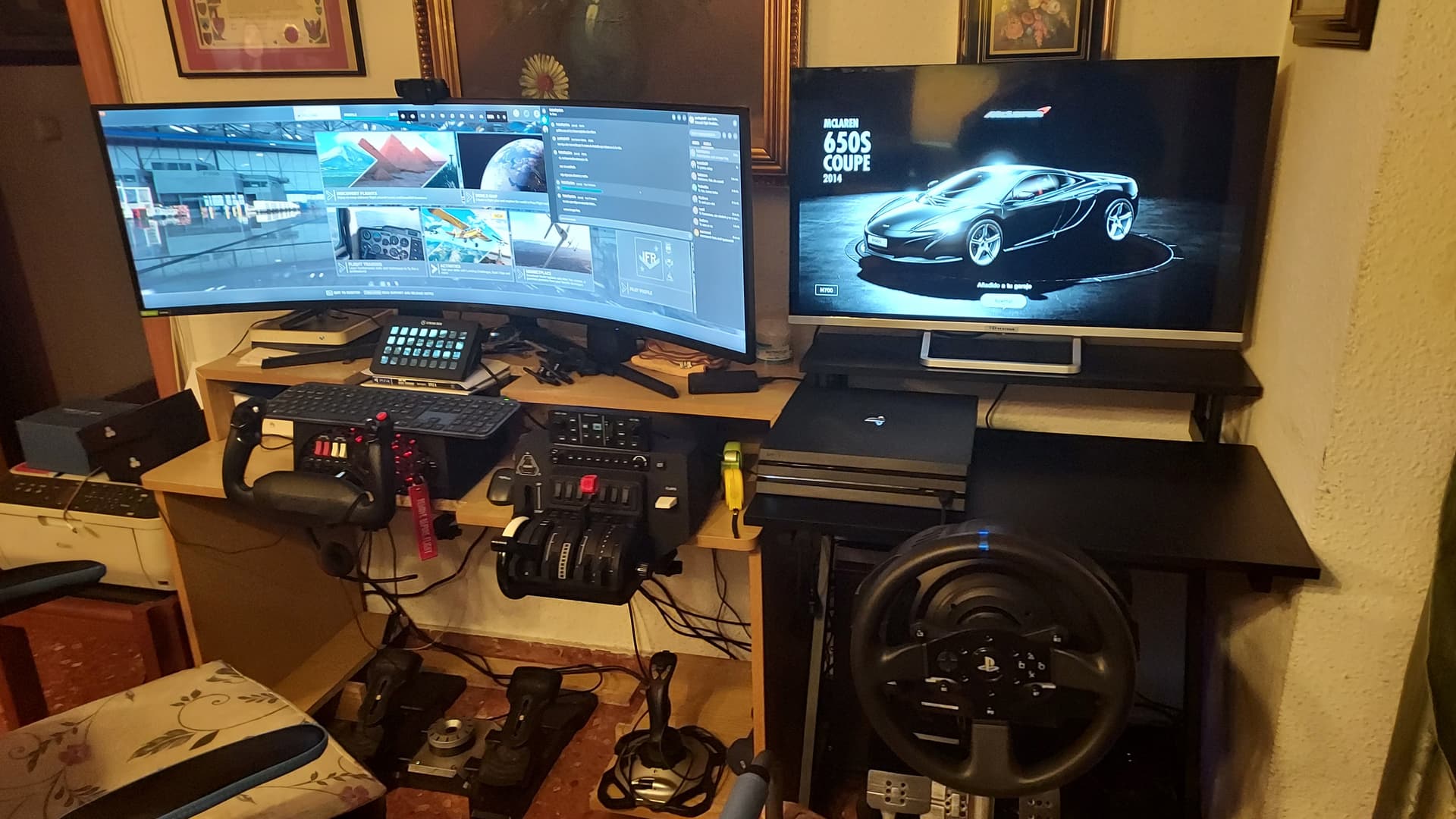
Here is what I have, almost ready. On left side flying, on right side driving LOL
2 Likes
What are the “carbon fiber” stands? Are they available commercially? They look GREAT! Thanks in advance.
Cheers, DIY I’m afraid - made of 32mm CF tube and mostly 3D printed parts
NICE JOB! Did you DIY them or use designs off the WWW? Anyway well done!!!
Nice monitor!
Which one is that?
All my own designs, cheers!
It is the Samsung monitor of 49" I’m very happy flyimg using this monitor
Any chance you could share the designs?
Update aka Avatar 5.0:
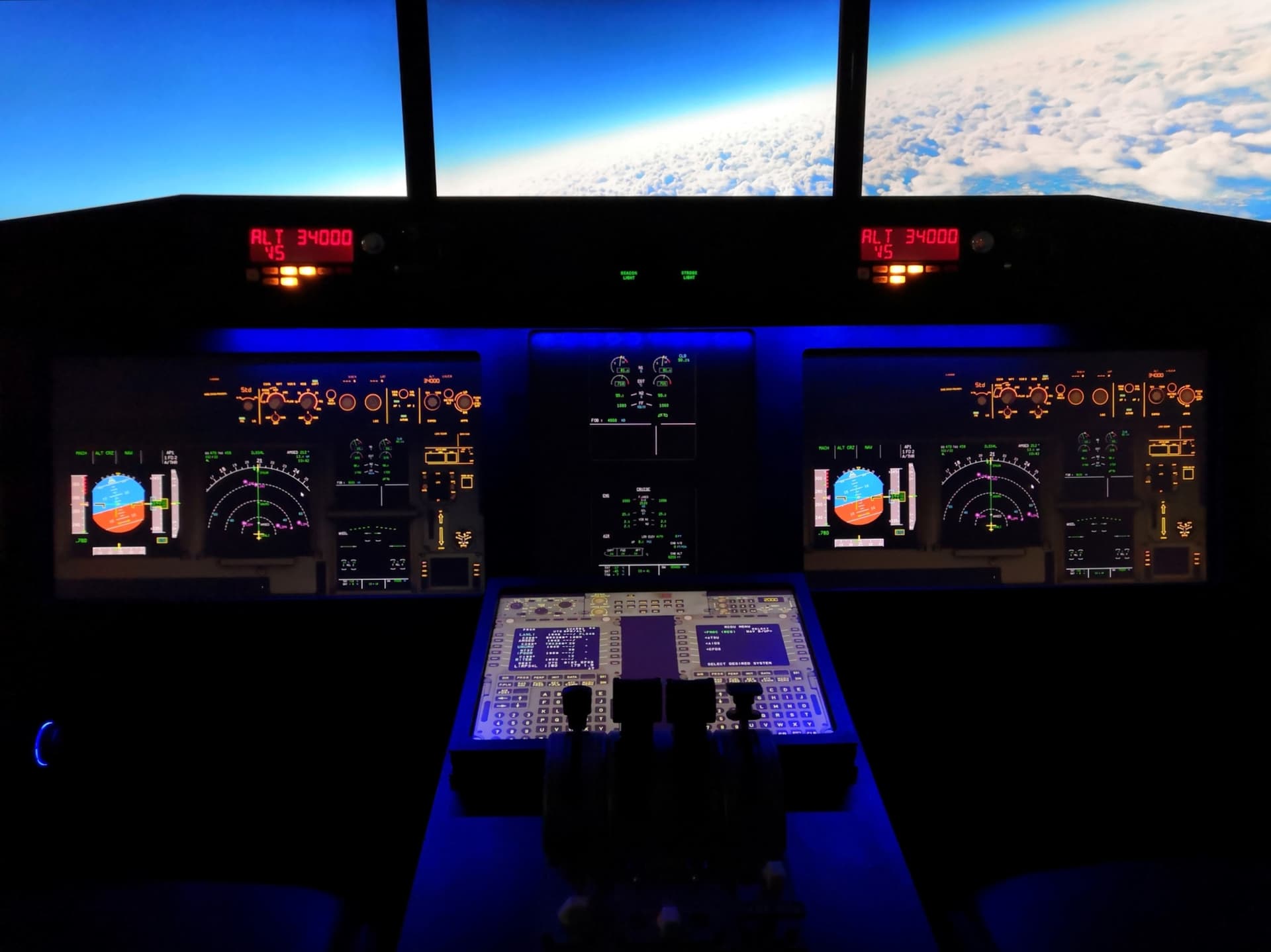
Right now the setup is performing really good, made an GPU Upgrade from 1080Ti to 3080Ti in combination with a smaller GTX 1060 GPU.
So the setup looks like this:
RTX 3080Ti: 3x 27inch monitors, 1x 23inch monitor (in the picture you can see the 2 main instrument monitors show the same picture, they are connected via Y cable).
GTX 1060: 2x 17inch monitors, 1x 24inch monitor (which you can´t see here in the picture, it is my overhead monitor).
All running really good on Win11 with Nvidia Game Ready Driver 472.12, panels displayed via AIR MANAGER (Payware) (thanks to a friend who did a great job - i also think the panels come to an official release in the Air Manager Data later like it was with FFA320 panels for Xplane) and now i also got my Saitek Multi Panel / Backlit Information Panel working with SPAD NEXT (Payware).
13 Likes
Looks GREAT. Congratulations…
Hast Du Dein Overhead Panel mit Air Manager gemacht ??
which panels are air manager?
Yes, in the evening i am showing you a photo of the overhead,
Greets,
Markus
1 Like
Same here 
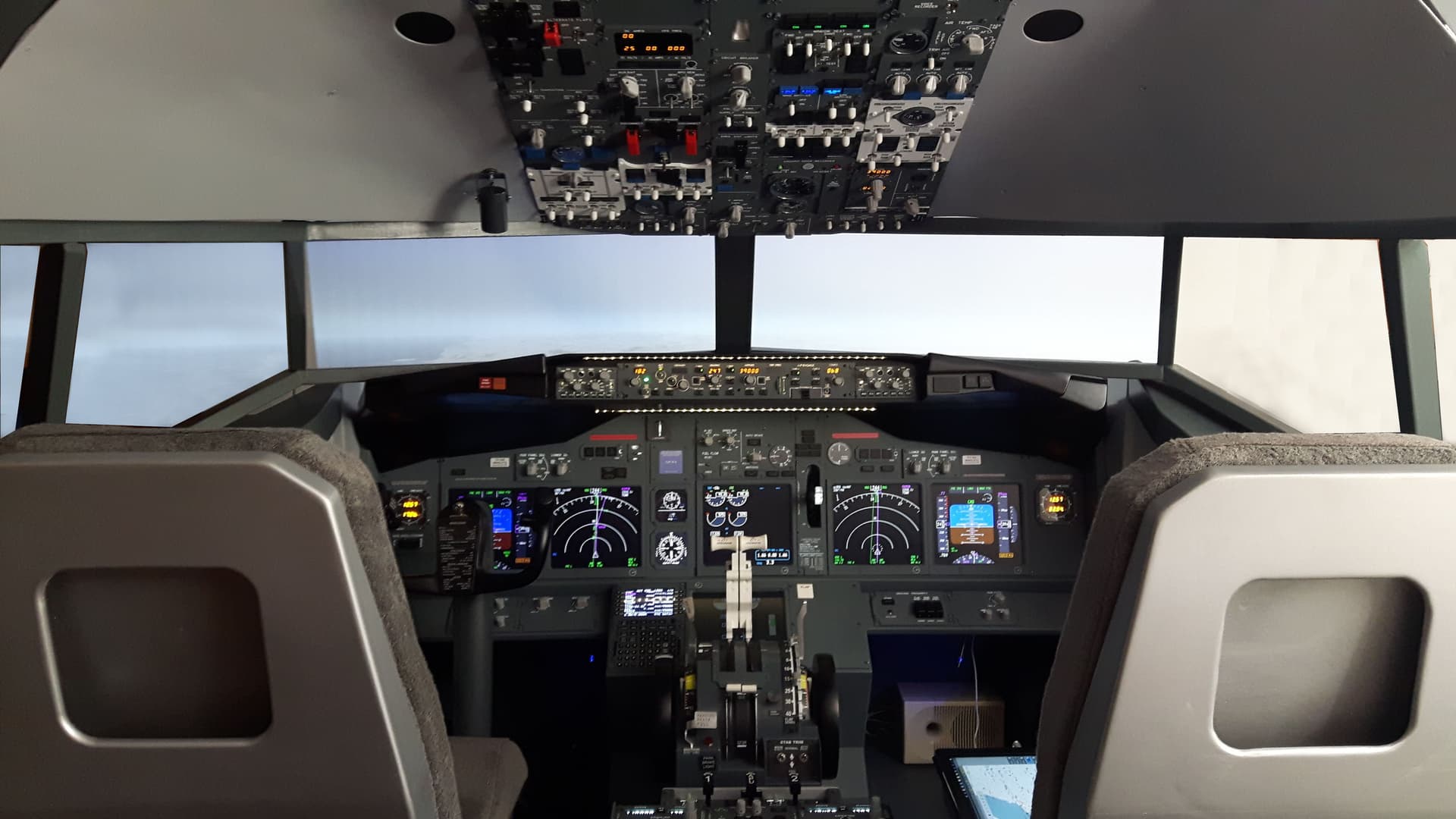
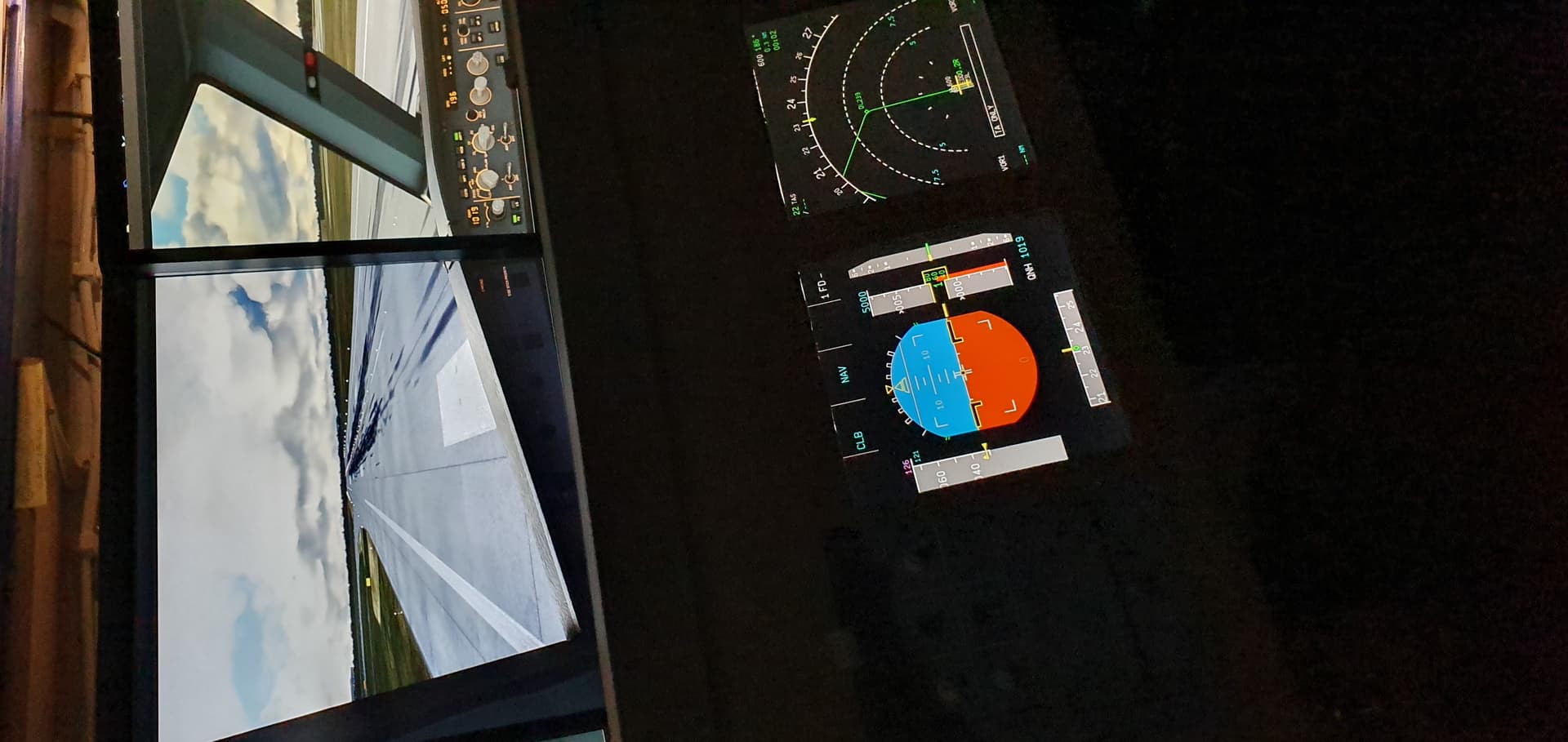
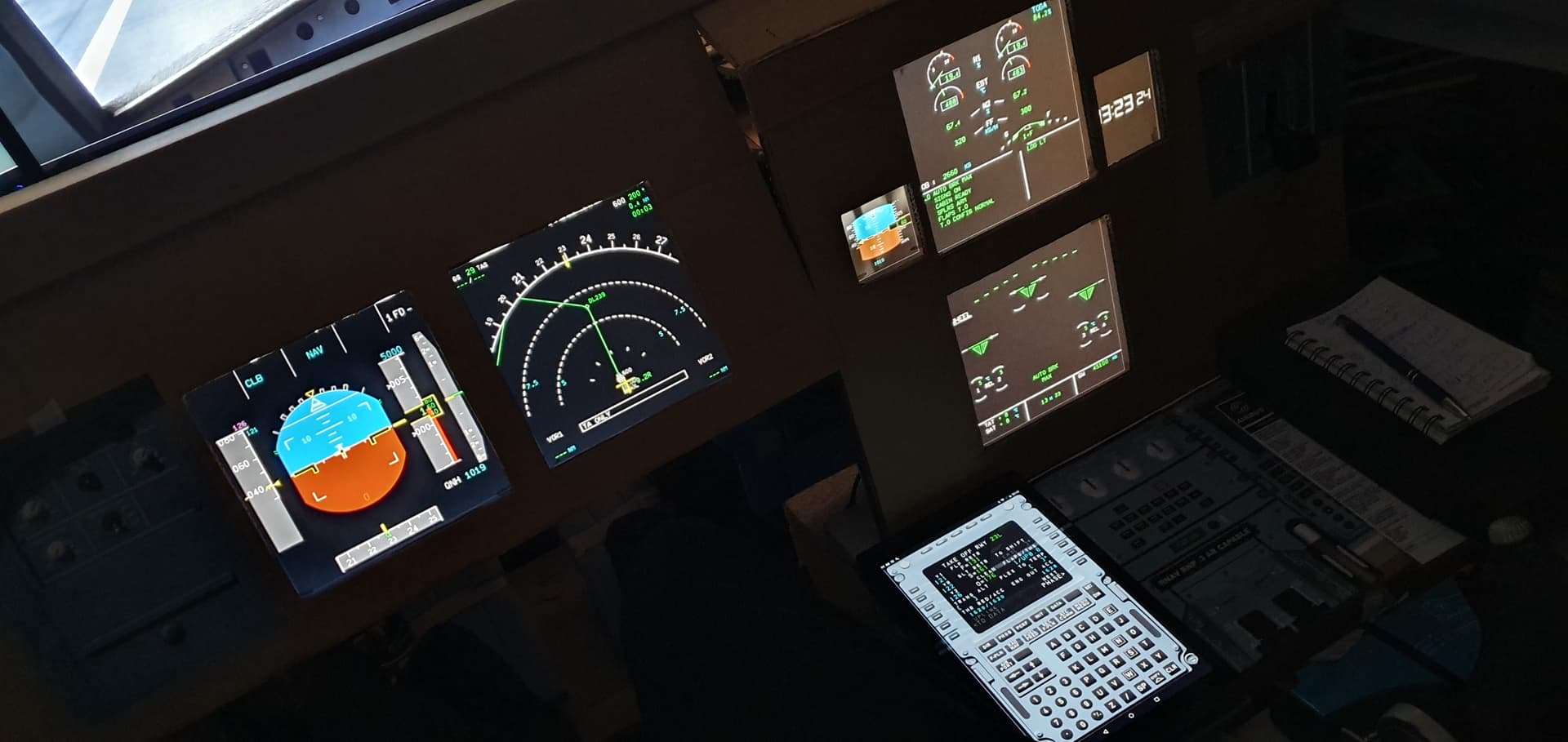

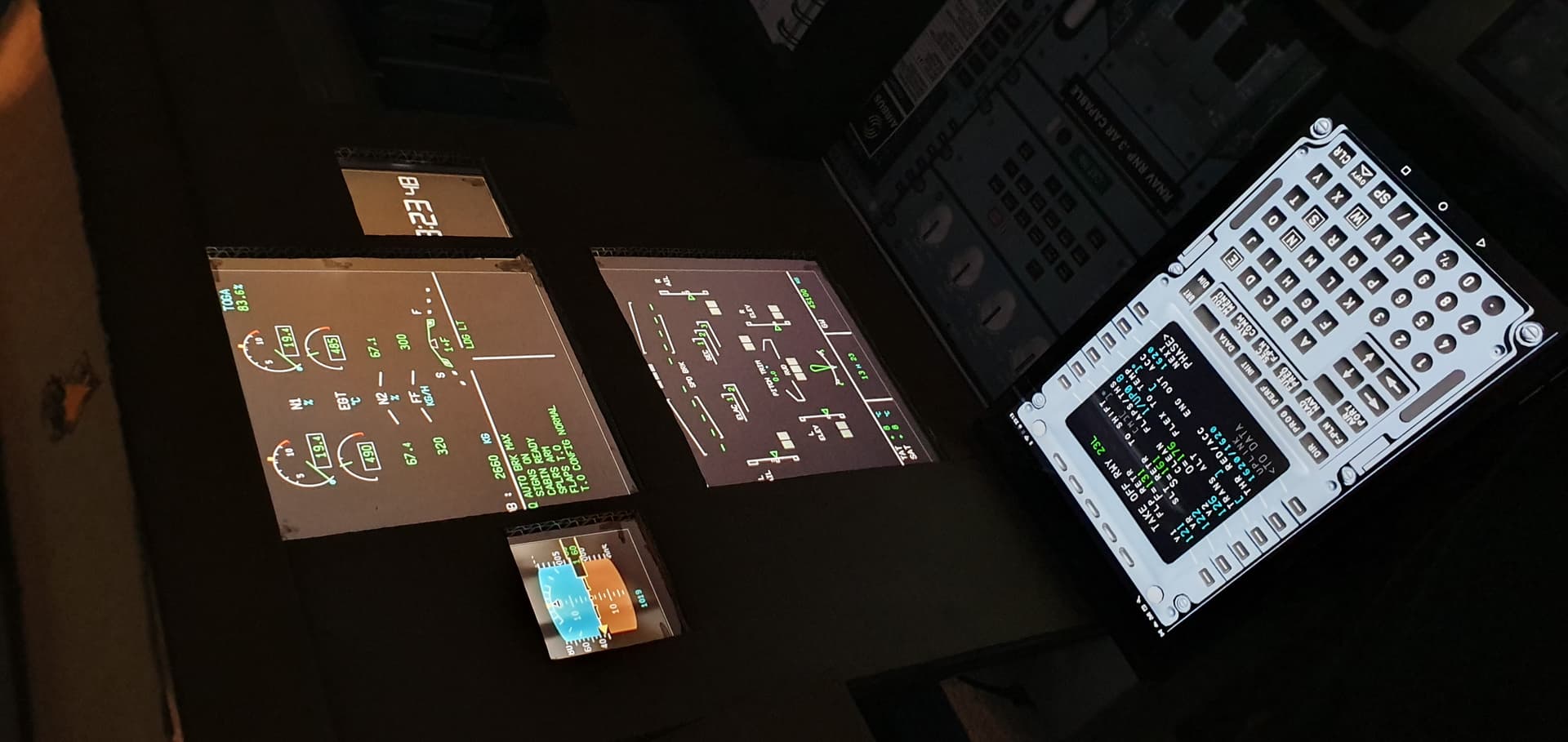
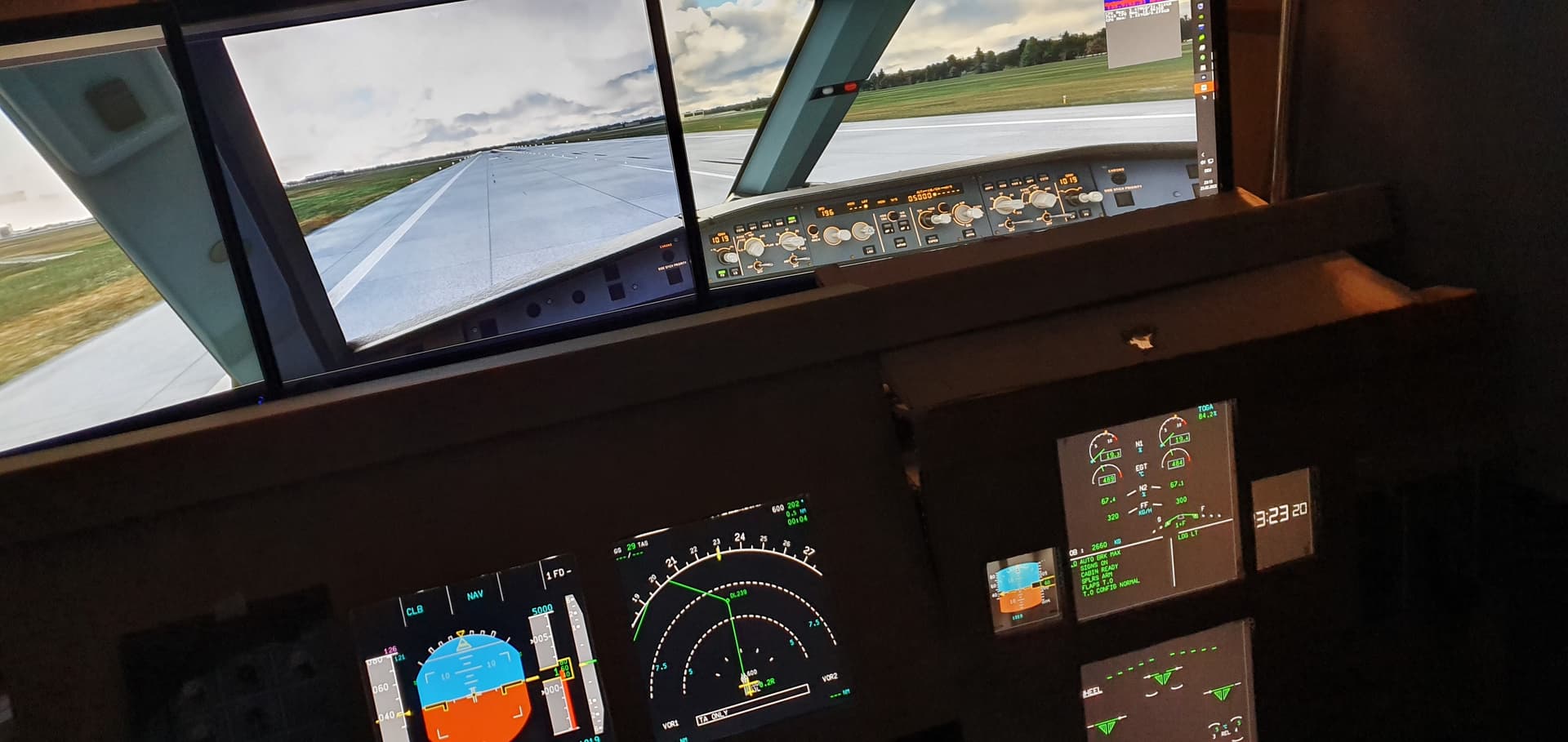
It’s always being diligently built on… the front monitors will eventually be replaced by 2 50-inch 4K TVs. And a 32 inch touch screen for the overhead panel.
3 Likes
How can you rotate the photos, they were correct for me!! Funny!!
1 Like
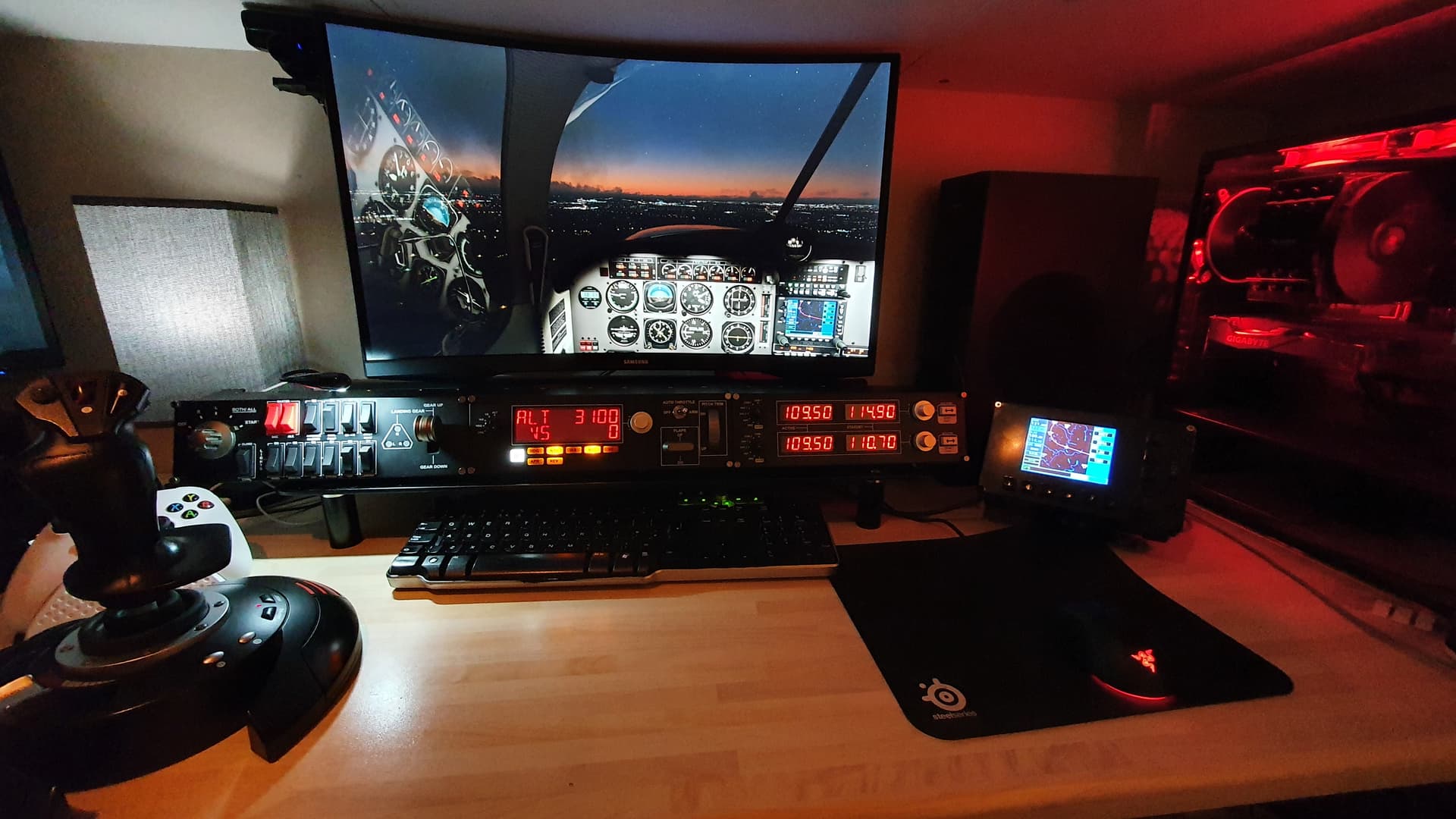
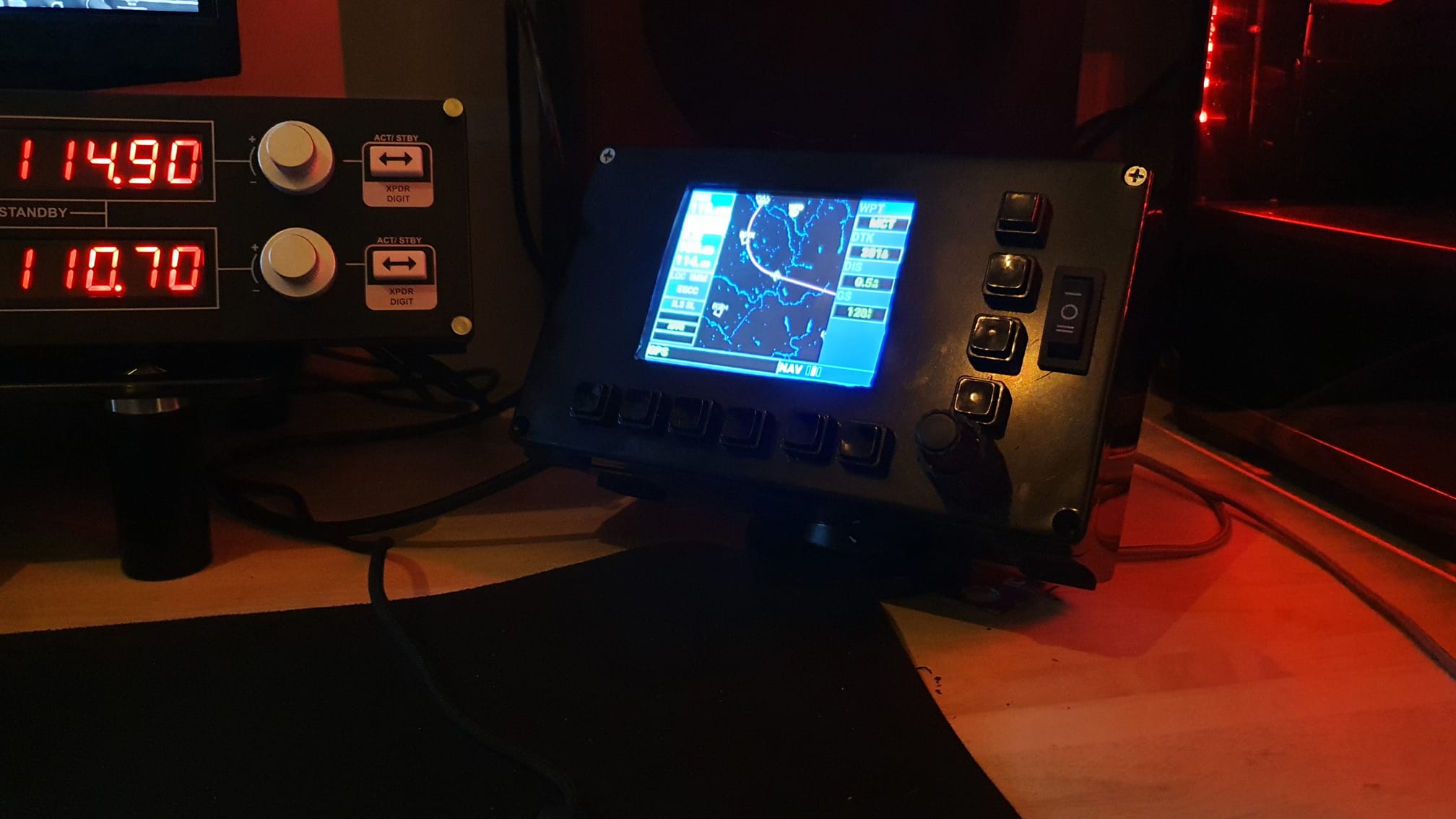
Currently at the compact cockpit stage, although when I decide on a yoke and throttle, may have to arrange into a cockpit frame or something, home made gns530, additional Streamdeck added too
3 Likes
What screen do you use in that gns530?
Waveshare 5 inch TFT LCD Display B 800x480 I changed resolution to 640x480 in windows, drag pop out and ctrl+enter to stretch full screen