Flight simulator will not update via the store as it should with Windows 11. If you attempt to update it will say product still under construction.
EDIT: If you have Windows 11 and MSFS does not update do the following steps:
- Reboot your computer
- Open MSFS and it will prompt you to the store
- Click on update under the play button in the store, will then direct you to the Xbox Game Pass App
- Click update in the Xbox App
- Launch MSFS when update is complete
Mine didn’t I am still on 1.73 etc
I even tried going to get updates in the store and no update
did that as well 1.73.3.0
odd now it is telling me there is an update, maybe it took a bit longer to get into the Win 11 store
They moved the updates to the Xbox App instead of the windows store for Game Pass owners
No MSFS 2020 updates showing for me in the Windows 11 UK Store App 
Thanks Stewy it was your post in another topic that was the solution. Restarting and opening the sim triggered the update dialog. It actually updates in the Xbox app now 620 MB.
Try to restart your PC. It didn’t show up for me until I did it.
Edit: Look for the update in the MS Store. It should also pop-up an update button in the Xbox app as well.
I found the update in the Xbox app. I don’t have a game pass. Once on the page for the game it switched to Update, but it failed a few times. I rebooted and it downloaded the 1.18.13.0 but is downloading 120 GB again.
Well - on this hotfix the game starts and says mandatory update - I go to the store (nothing) and then go to the x-box app - nothing - I’ve rebooted several times - same thing - repaired/reset both the store and x-box apps. – now trying unininstall/reinstall. --guess the penalty for Windows 11.
Doesn’t work here, rebooted multiple times. No update option available in either the store or the xbox app.
Okay just thought about installing Windows 11
What is if i install it now, after i have the hot fix? Then i’m save until the next fix i guess?
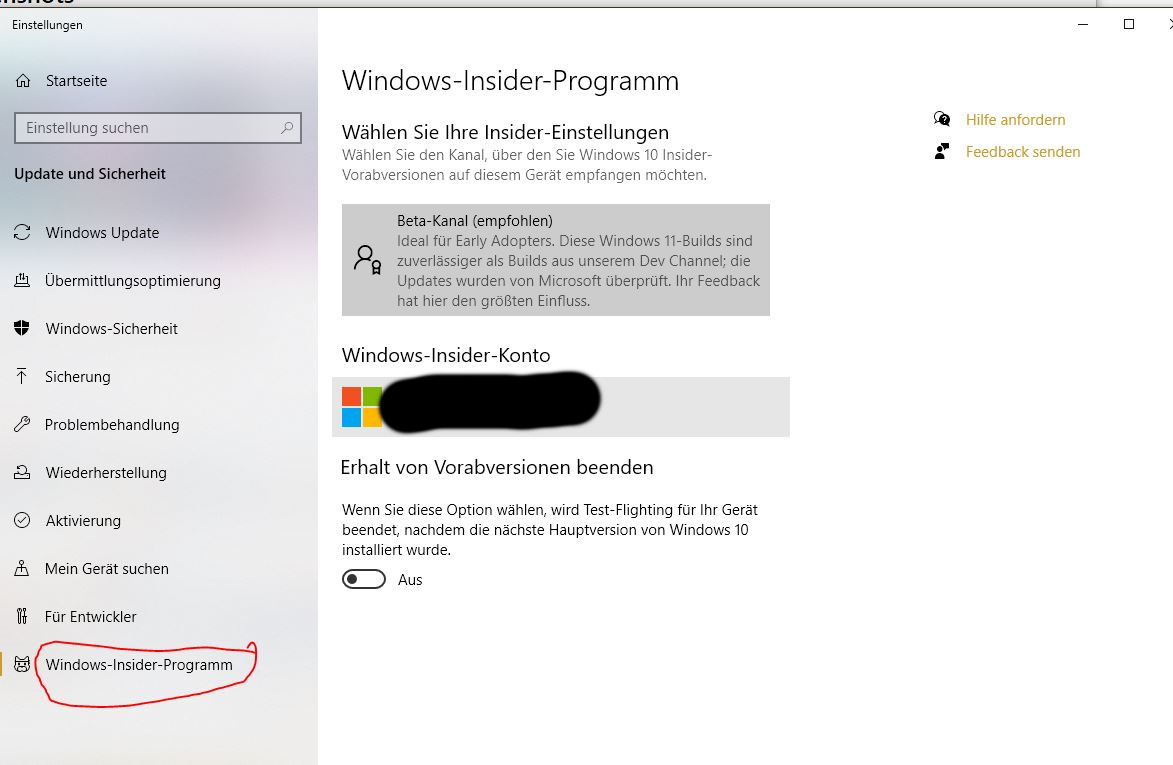
It seems to have moved to the Beta Chanel
Atualização de hoje não apareceu a opçao de atualizar 
One tip – in the store there is Microsoft Flight Simulator: Standard Edition, and another Game Pass enabled version simply called Microsoft Flight Simulator.
The links all took me to standard edition by default, but the update option only showed up when I switched to the other version.