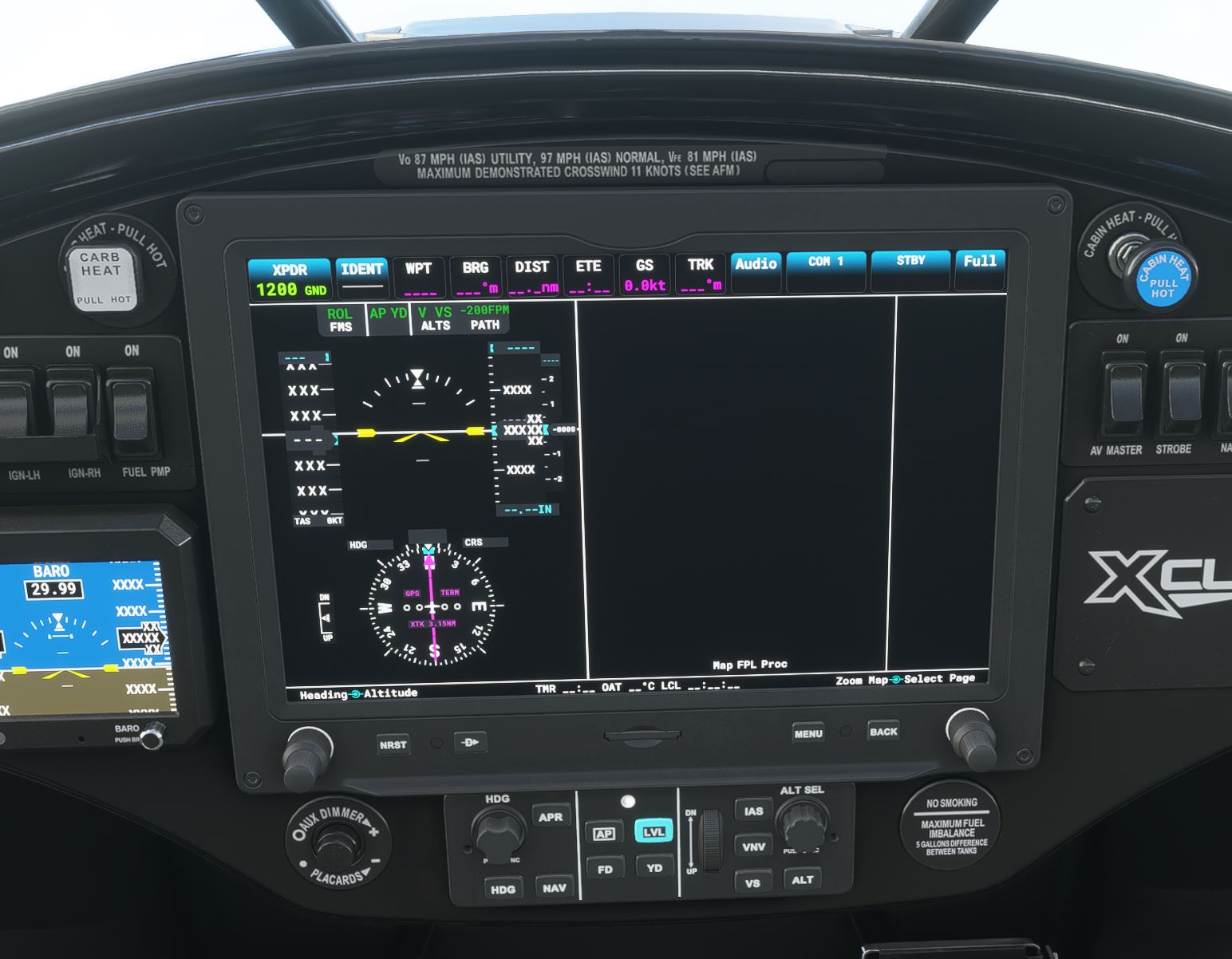
fixed black backgrounds:
Sorry yes, it is the issue with the black maps that has been referred to by others elsewhere that has happened sine the last update.
ok, is it only for certain folks or is this a blanket issue for everyone?
only for those using the Workingtitle-G1000 v0.3.1 Mod … v0.3.2 works.
Sorry but it doesn’t work for me.
Did you delete the old g1000 folder and copy the new one in it’s place?
Yes, I did.
Same issue with TBM G3000
sorry for not knowing this already, but this is a G1000 mod to just certain airplanes, correct? and do i just unzip it and put the folder called “workingtitle-g1000” into the community folder? last question, when todays update comes out , do i just need to do it a 2nd time? (copy the “workingtitle-g1000” folder into the community folder? thx in advance!
No dice, I can’t scroll with anything touching on the screen.
I tried Workingtitle G3000 v3.2. The PDF works great. I still get the black background on the MFD map. While descending from high altitude in the TBM930, the color background flashed on a few time, then stayed black for the remainder of the hour-long flight.
One issue I’m having is with the heading bug and FLC speed setting. They both adjust in increments of 10. Anyone else with this issue?
Correction with the heading, single clicking gives 1 degree adjustments but scroll wheel gives 10 degrees.
1 Like
Community folder will never be touched by MSFS
I reinstalled the whole FlightSim. Now the issue is gone.
Do you buy chance own and use a honeycomb yoke?
If so its a bug with the honeycomb yoke, if you inplug it it goes back to normal
With the 3.2 fix the Synthetic terrain is no longer an option ?
1 Like
ok, thanks…so i just drop in “workingtitleg-1000” into that folder, correct?
thx for update, but for me, G1000/G3000/G3X are Black Screen … bad ^^
Bonjour
j’ai un soucis avec tous les avions FS2020 équipé numérique (non analogique)
J’ai l’impression que je n’ai plus les commandes, impossible de décoller sans activer le PA, pour se poser idem …
Une idée ?