No, I have not (yet). Travelling atm, so I don’t have my proper computer..
Thank you! I always mix this up. My imagination was always like looking on a Map from above with my plane on it and the desired Flight Path. And the VOR Gauge shows me my plane in the middle and the flight path as a line.
That imagination works with the TO version. Because when I am left of the desired flight path, the line on the VOR is to the right of me and I need to fly right towards that line.
But in the FROM mode, if it is reverse of what the Gauge currently does, then when the Flight path is at the right of me, the needle is shown on the left and I still have to fly to the right to pull the needle over to the right.
I just have to remember how it is, because logically it makes no sense that it is reversed when I fly away from the VOR 
Just remember the movie “Cannonball Run”… “I don’t need no stinkin’ mirror, what’s behind me doesn’t matter!”
OFFICIAL UPDATE 1.0.2. IS RELEASED
Don’t forget to update your GTN750 Replacement Packages to 1.0.2. as well! If you plan on using the GTN750 and don’t update your package, your KAP140 will not work!
Version 1.0.2. Changelog:
Current Changelog for 1.0.2. uploading today, will advise you all when its uploaded.
- New Model Behaivor Files
Fixes Random Black Screens Targeting some Steam Users - New GTN750 Replacement Package 1.0.2. Uploaded
- New GTN750 WTT Replacement Package 1.0.2 Uploaded
- CDI Markers Animation Fixed (VOR)
- CDI GPS Emmisive Fixed (On/Off)
- CDI Nav Emissive Fixed (On/Off)
- Attitude Calibration Bar Animation Fixed
- Adjusted, Fine Tuned and Fixed Auto-Pilot Configurations
- Added KAP 140 Basic Instructions in PDF Manual
https://flightsim.to/product/29352/ea-7-edgley-optica
https://flightsim.to/file/29699/ea-7-edgley-optica-gtn750-replacement-package
https://flightsim.to/file/29660/ea-7-edgley-optica-gtn750-wtt-replacement-package
8 Likes
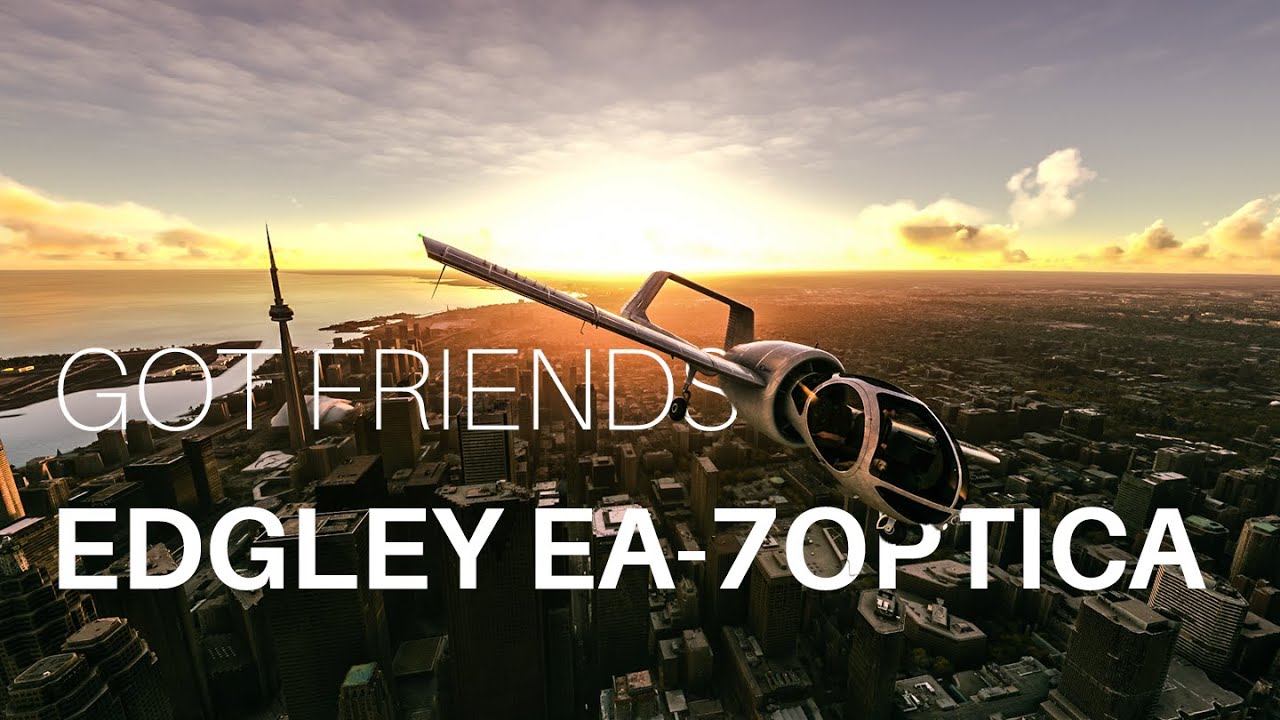
SHE FINALLY ARRIVED ON THE MARKETPLACE IN GAME! 
1 Like

3 Likes
100% agree. A slight variation is to set
altimeter_indicator = 0, and then the AP baro ref will be slaved off the Panel Altimeter
( a more EXPENSIVE option, but one that saves having to adjust TWO instruments .)
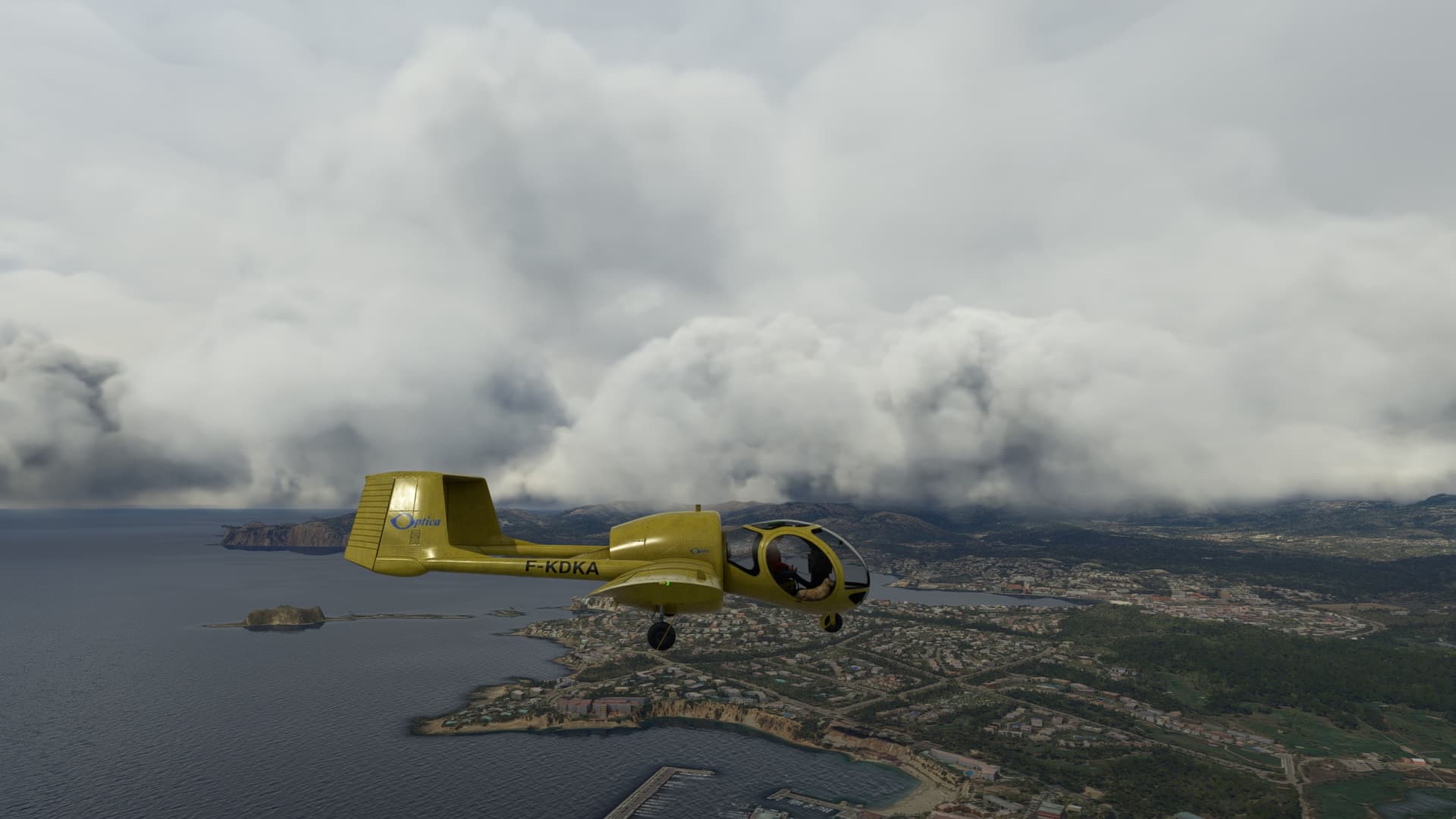
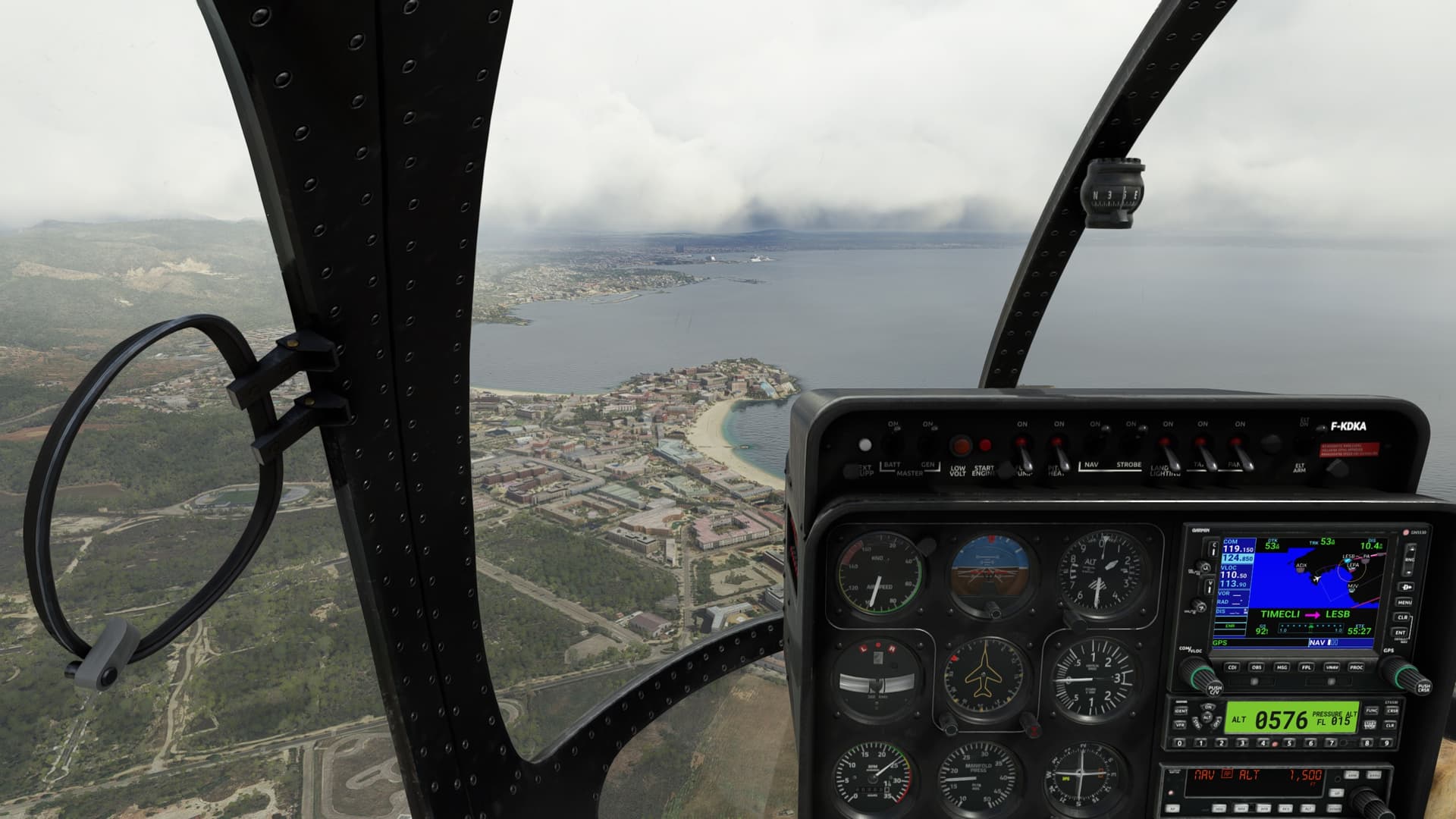
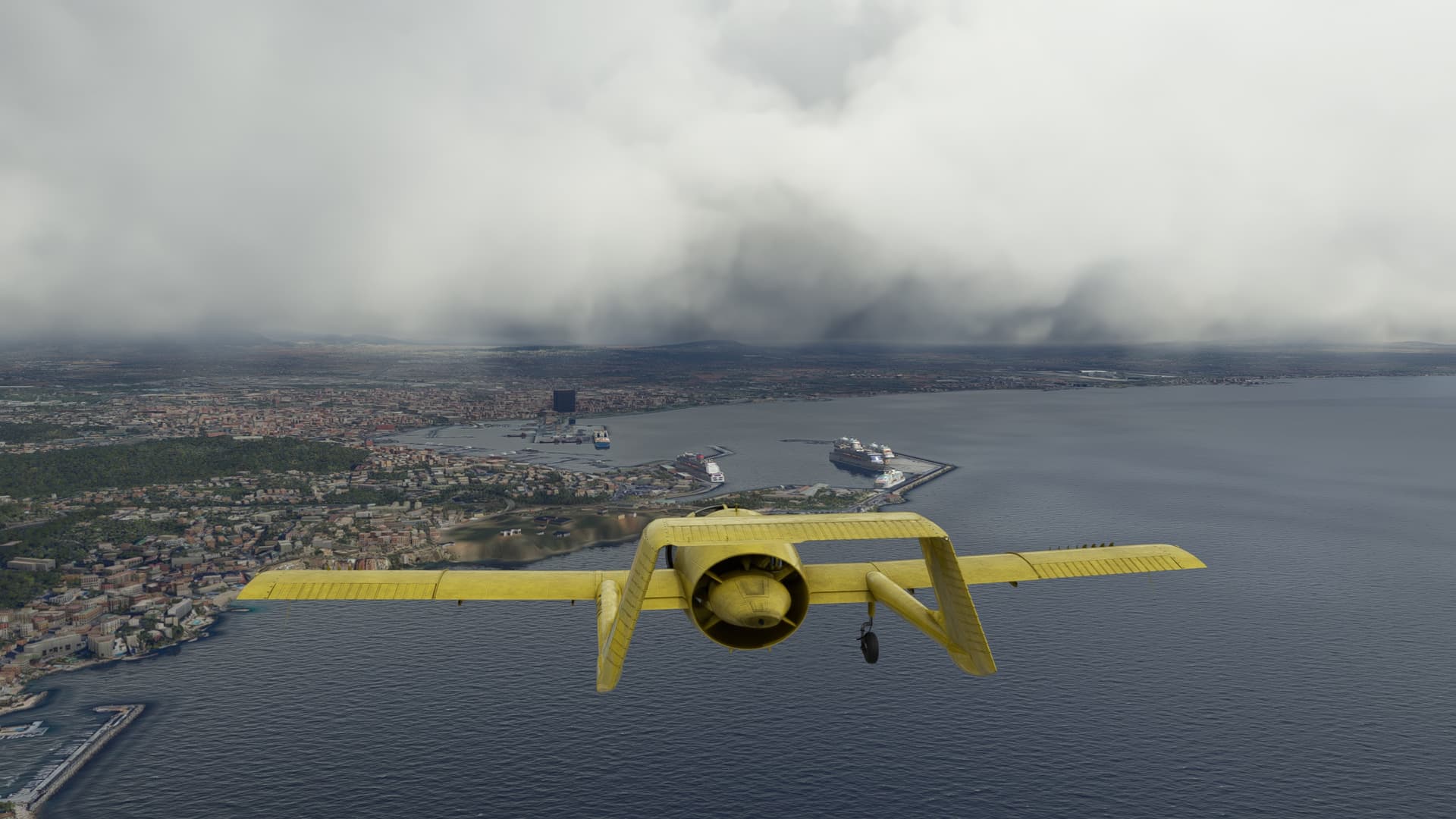
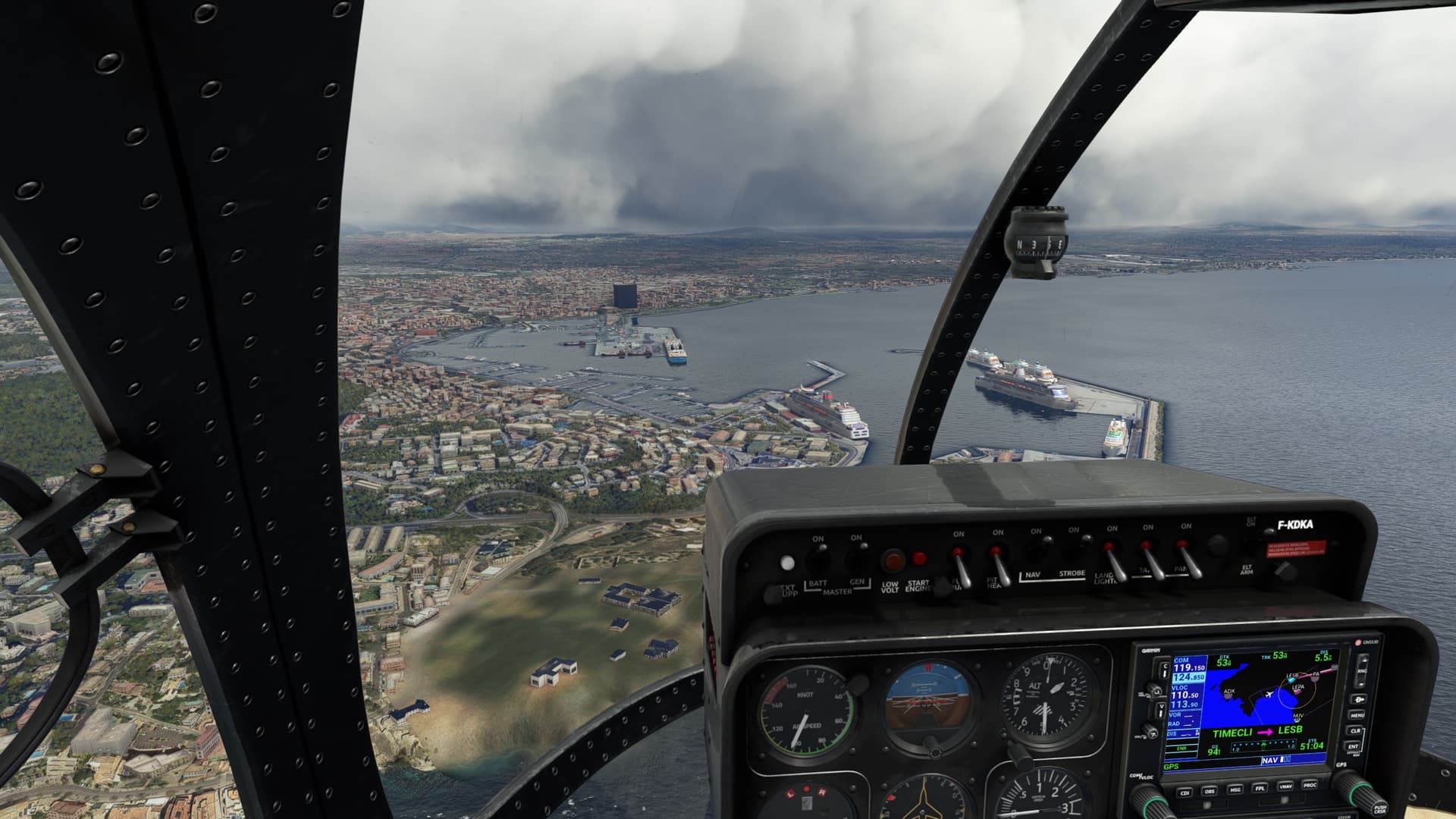
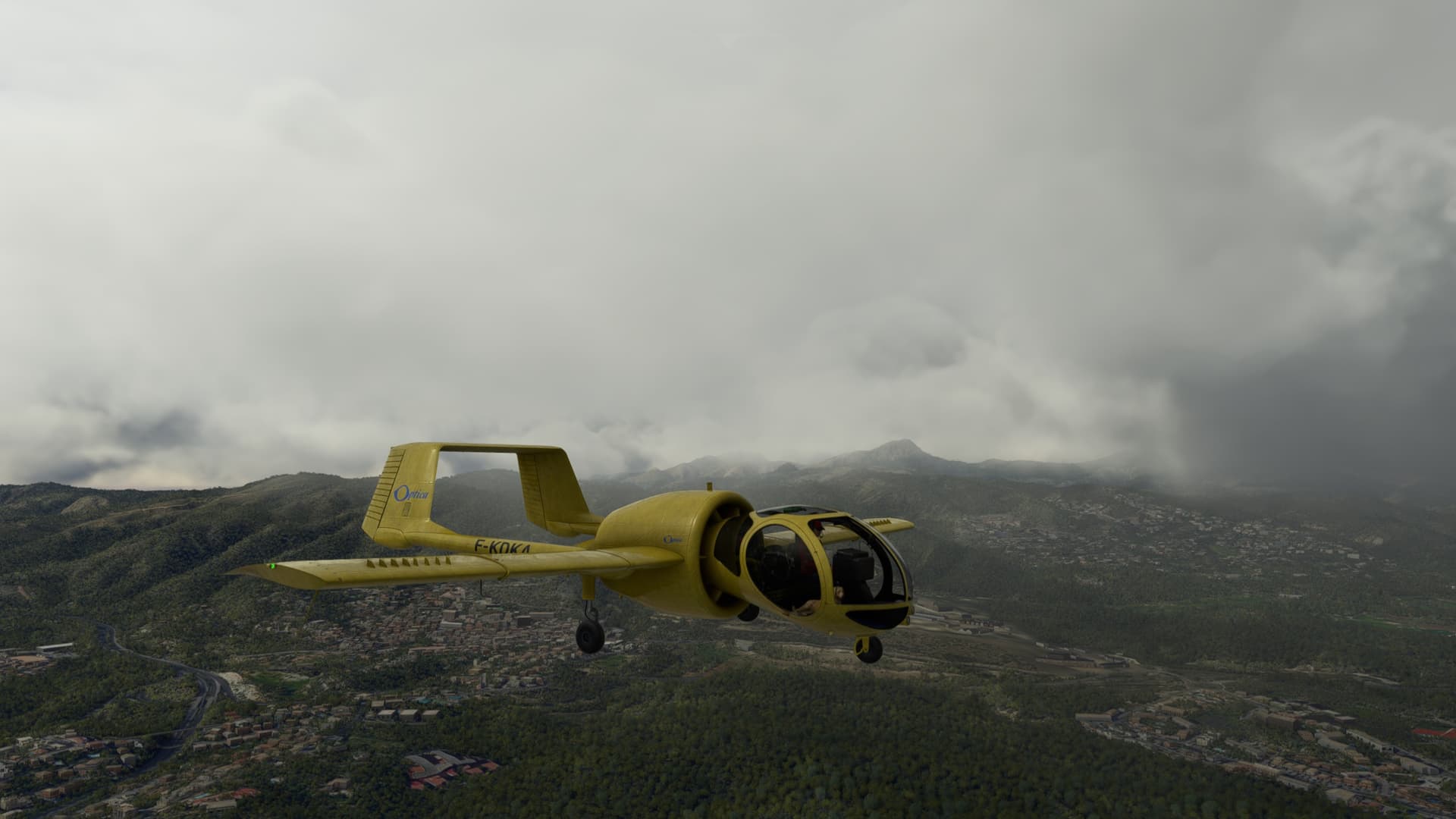
After owning the Got Friends Edgley Optica for a couple of weeks, all I can say is it is excellent! If you like to fly low and slow and bought the ORBX Optica but were disappointed with it, uninstall it and buy the Got Friends Optica…you won’t be disappointed.
The Got Friends Optica has that feeling of flight and detail that is comparable to the Just Flight PA28 Arrow and the Milviz PC-6 Porter. It is a top shelf product all the way. Got Friends showed up with huge game with the Optica, and has established themselves as a top tier developer for MSFS 2020 IMO.
And the Got Friends Optica has several liveries (maybe all?) that allow you to change the registration number using the MSFS 2020 Custom Registration Number feature. So you can register your Optica anywhere in the world that makes sense for the country/region you are flying in. Not even Milviz has that!
The Got Friends Optica is superb!



3 Likes
Here, here!
1 Like
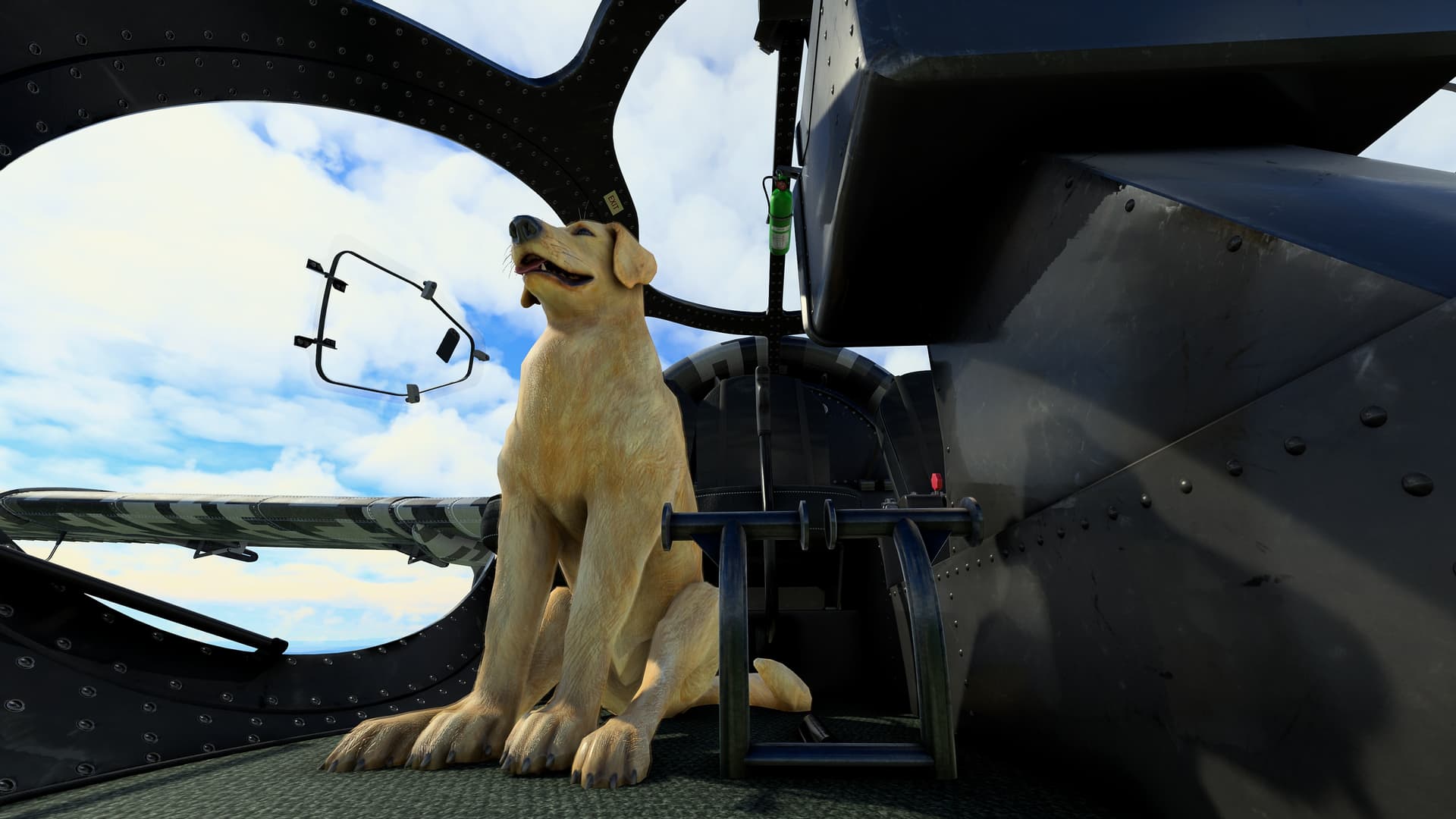
Thank you for the support everyone. These last two weeks has been somewhat successful and the reviews and feedback has been overwhelmingly successful!
Thanks to the community, we now have some extra funds to throw at other Freeware, Better Payware and Custom Assets like Sounds, Experience and More.
Hopefully soon you will see all the great updates to all our products in the future! Great things to come from Got Friends and that’s entirely because of you! Thank you to everyone who has always supported our small team! We look forward to delivering more detail and products in the future!
Next Update will fix some things and add GTNXi Support. Thank you!
- Got Friends
5 Likes
Hello everyone here is a new livery for EA-7 Edgley Optica from Gotfriends
https://flightsim.to/file/30023/livery-photo-safari-company-v1-02-1-ea-7-edgley-optica-by-newdeclic
Hi there. Loving this aeroplane. Thank you.
I am Xbox series x. Can I ask, should the GPS nav be working?
I turn on autopilot but does not seem to work for navigation. GPS is selected on screen.
Is there a manual?
Cheers
Brodes
The manual will hopefully turn up on their website soon.
Thanks for the link. Can you confirm the autopilot coupled to the GPS is working on the Xbox at the moment. I just can’t seem to get it operational.
Sorry Guys! Forgot to update the website! Totally forgot Xbox users don’t have access to their main folders.
Here is the digital version until we add it to our website later today.
https://drive.google.com/file/d/1gCYFsGNRKRubb4nSSwEuD3hYEYEdg9dz/view?usp=drivesdk
When I tested Autopilot on the Xbox Series X, all seemed fine. Maybe trying Uninstalling and Re-Installing if it still gives you issues. There should be a new update for consoles coming out in a day or two as well and hopefully it addresses some of your Auto Pilot issues. The primary focus of this update was AutoPilot fixes, so if re-installing doesn’t work, please wait for the update. If still not working, I will do my best to troubleshoot as Xbox is super hard to troubleshoot…
1 Like
I’m on xbox and flown several flights using the auto pilot and it works as expected (with usual quirks of KAP140 that I’m used to). Curious what known issues there are with auto pilot as I haven’t encountered any yet.
Amazing plane btw, replaces the Top Rudder 103 that I used to use for “sight seeing” but was annoying to fly. The Optica is smooth and quiet inside so makes for relaxing flying. Glad I can remove the pets too, as I’m allergic.
3 Likes
I think I saw something like that in Elden Ring.

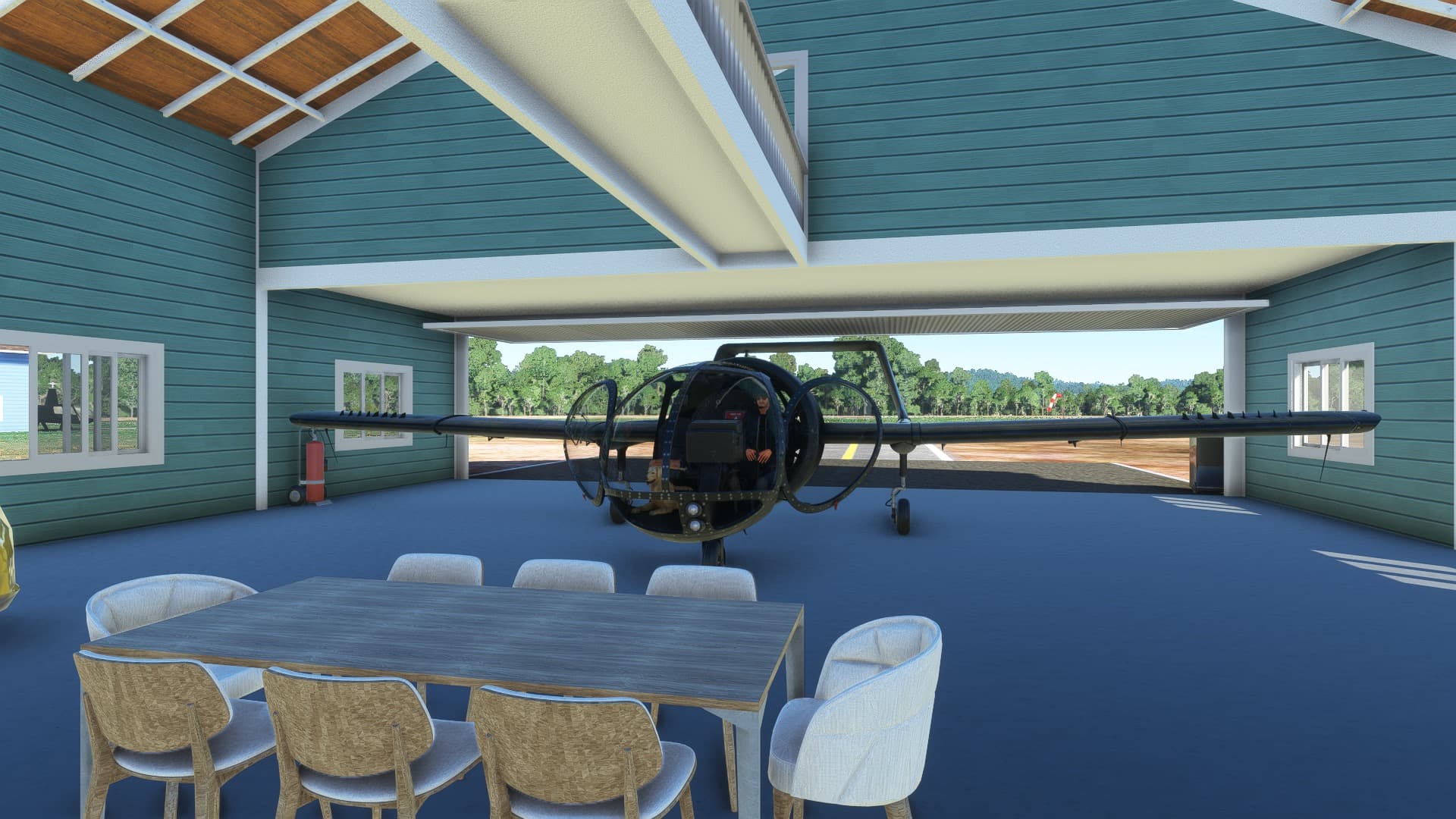
This is hands down my favorite “flightseeing” aircraft. It is nothing short of stunning in VR when you’ve got the sim’s CPU / GPU settings dialed in properly. Thank you @GotGravel, @DigitalJonx and the rest of the GotFriends team for a stellar addition to MSFS.
5 Likes
Really nice job on this one, gents. Not that I expected anything less…
It is definitely #1 on my list of aircraft that allow me multiple cat/dog options…
2 Likes