Never really been a fan of this dev’s work but they seem to slowly be getting better. At least I hope so, given the price increases! Exclusive to IniBuilds for two weeks.
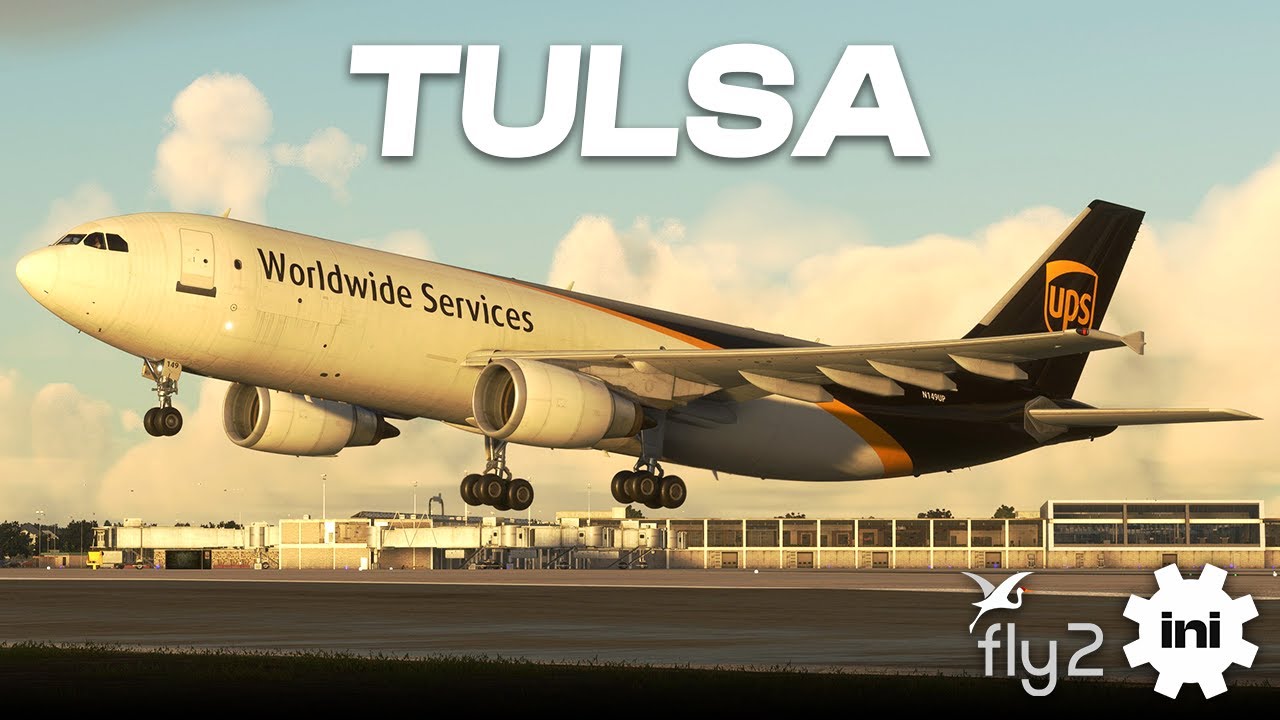
Never really been a fan of this dev’s work but they seem to slowly be getting better. At least I hope so, given the price increases! Exclusive to IniBuilds for two weeks.
Fly2High went the quantity way where a sloppiness is inevitable, so I’m careful. I’ll wait for a discount.
I honestly don’t get some of their development choices. Decent interiors (normally — Savannah aside), great custom airfield lighting and signage, and gritty photoreal textures that remind me of Marcus Nyberg’s work. But poor landsides (default cars and a lot left to default ground imagery), bits of perimeter fence missing, and never any modelled airfield surroundings. Some of their ortho is fairly poor quality, too.
I’ve just watched the trailer and your description is spot on.
This evening I spent time messing with KTUL. Immediately I noticed that 2024 performs significantly worse than 2020. When manuvering around KTUL in 2024, you’ll get some periodic performance drops that are pretty significant. This is not reproduced in the 2020 version. It seems like something isn’t optimized here and that’s pretty frustrating. Below I included three youtube videos. The first one is 2024 showing the performance drops. The second is 2020 showing that it’s mostly butter smooth and finally the third video shows 2024 KSFO from FlightBeam for a reference that it’s not my computer/sim that’s having issues - you’ll see KSFO performs flawlessly. This isn’t the first airport I’ve seen released for both 2020 and 2024 where the 2024 version seems to perform worse.
MSFS 2024 - KTUL (STUTTERS)
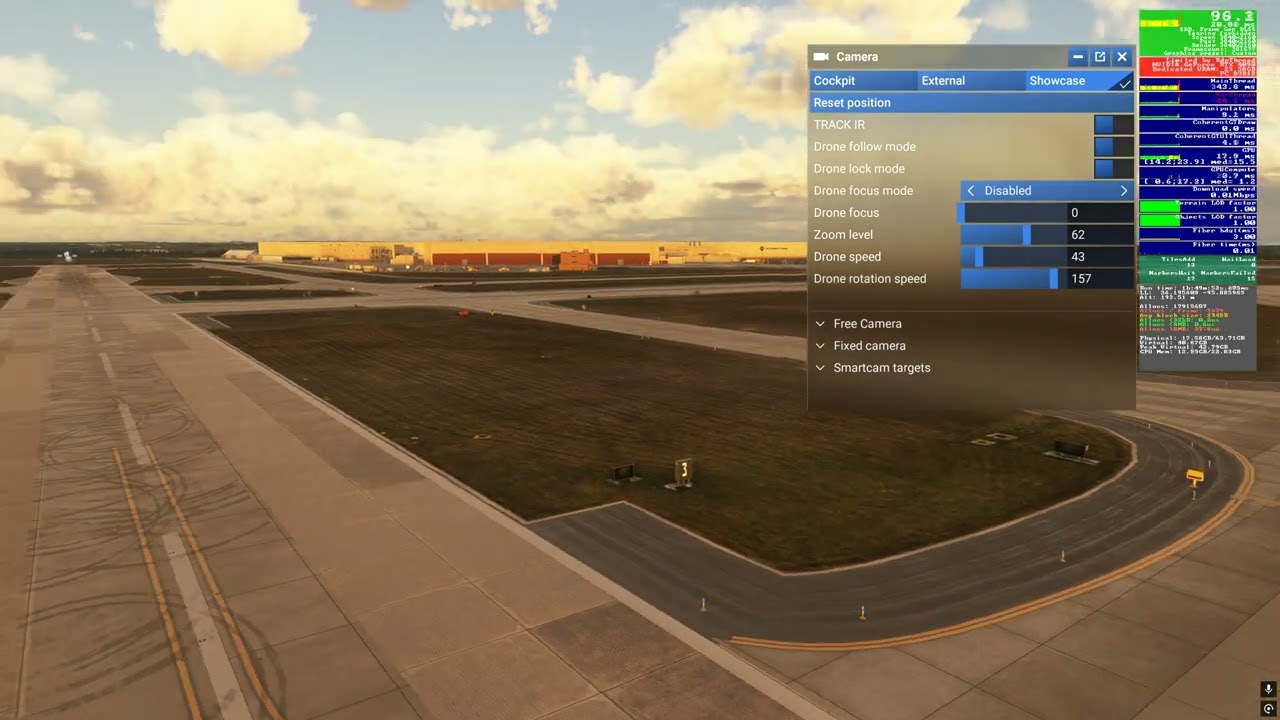
MSFS 2020 - KTUL (SMOOTH)
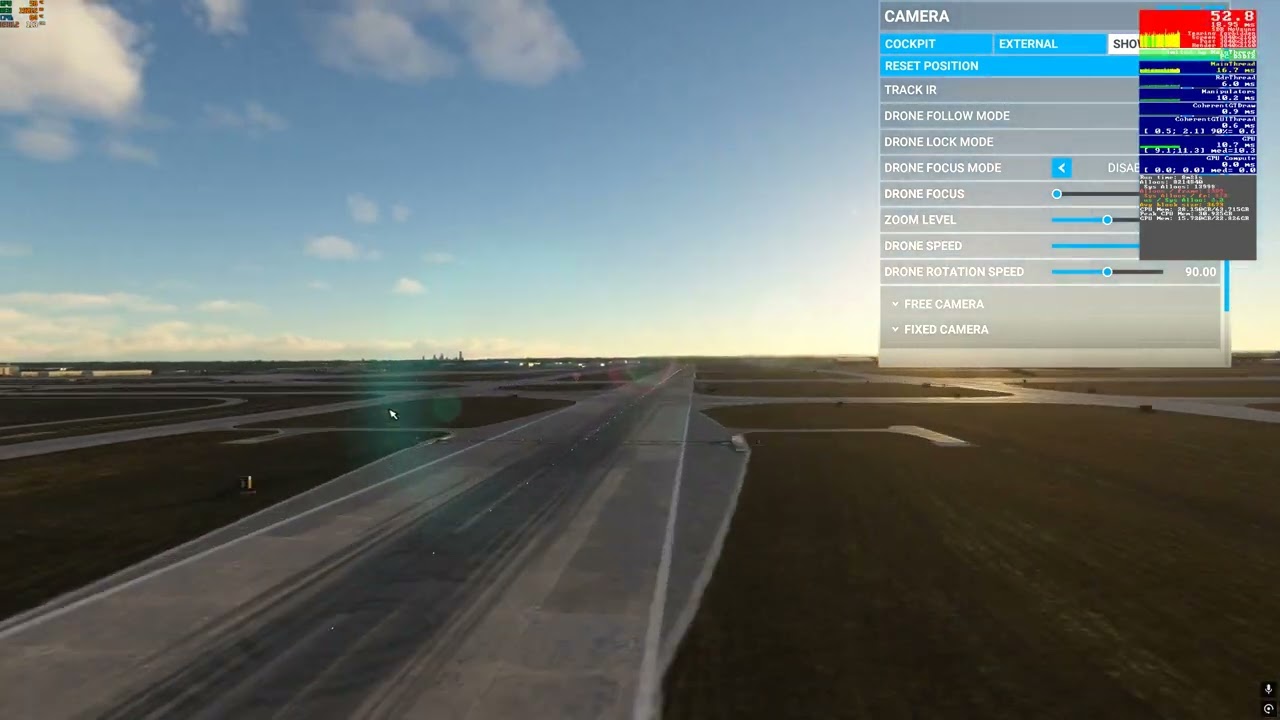
MSFS2024 - KSFO FlightBeam (For Reference)
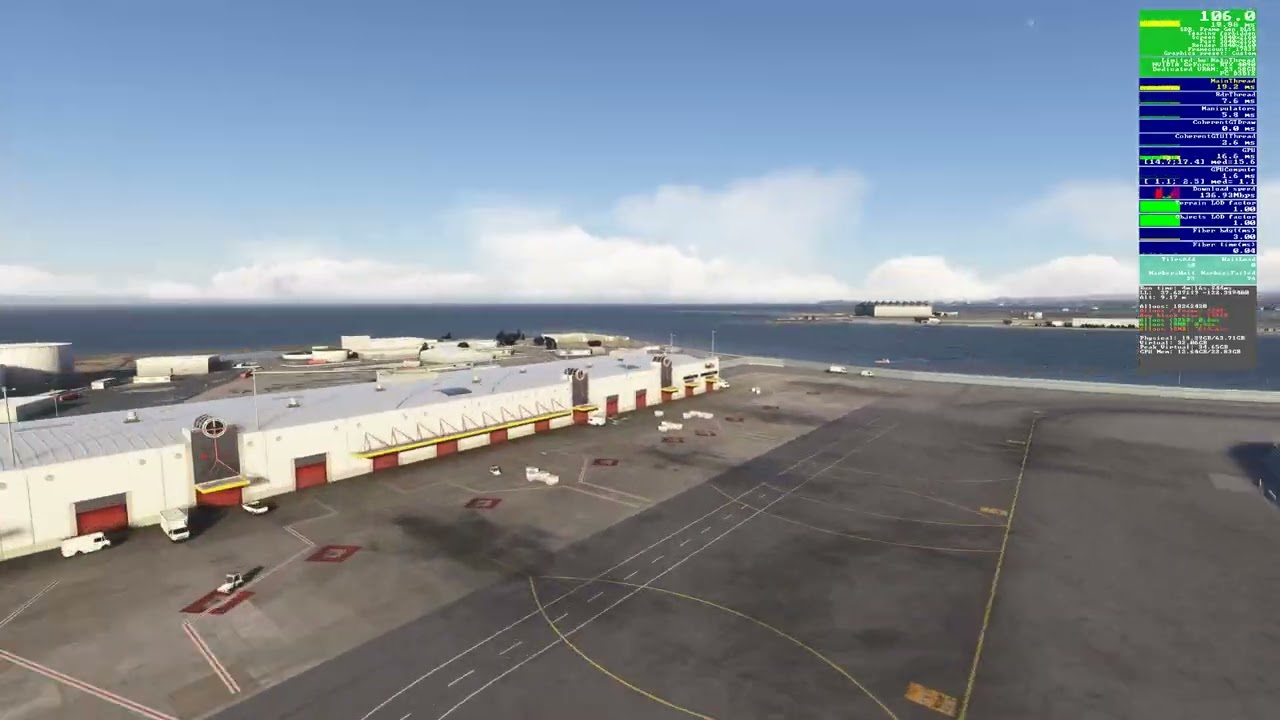
Version 1.0.1 was just released. Still doesn’t look like the performance issues with panning around the airport have been resolved yet. Once they fix it for 2024, I’ll give it some more time. Notes below for the release.
Jul 7, 2025
Change the Runway Arresting System, only appear when needed
Add some small details
Fix runway 8/26 lighting
I’ve never been a big fan of Fly2. They show real potential — particularly in their airfield signage/lighting, gritty photoreal textures and attention to interior detail — but their airports seem fundamentally flawed in some of the most crucial areas. Thy rely far too much on custom assets (cars, GSE, etc.) and the airfield ortho they use is always quite poor. Add to that missing bits of perimeter fence and a total lack of surrounding POIs, and I think they’ve a way to go before they convince me.
Savannah has no terminal interior lighting at night, and they responded by saying they “don’t see a problem.” Its only saving grace is Asobo’s surrounding PG. Harlingen Valley is better — that’s the last airport of theirs I bought and I am actually fairly satisfied with it (although missing fences and zero peripheral detail are still issues).
In 2024 this was a stutter fest for me. Unfyable with a RTX 4090 7950x3D 64 GB RAM. I emailed the developer and they said they are working on optomizing it further. We will see.
Yep - glad it wasn’t just me. I’m running a similar system. Also a 4090 with 64GB RAM, but a 13900K. I agree in 2024 it’s miserable. Something is up for sure. @FL2DEV
It’s not a bad scenery, certainly way better than the default. Hopefully once it’s optomized for 2024 it will be fine. I have no issues with it in 2020.
I would agree with you. It does look pretty good, but yes, they need to optimize it. 2020 works perfectly for me as well and I suspect this is yet again another 2024 issue where Asobo/Microsoft oversold and underdelivered about how easy it would be to make 2020 products work in 2024.
I agree with you.
So Fly2High claims to have pushed an upgrade for 2024, but this was extremely confusing trying to understand exactly what they were saying. There was a lot of back and forth on their facebook page trying to get a better explanation of exactly what was upgraded. There is no change log or real explanation of improvements with the exception of a couple one liners.
I uninstalled and reinstalled their 2024 version as they requested and I’m seeing absolutely no improvement in 2024. You can see I have a consistent 112+ FPS several miles out from the field, but as I get closer, things begin to deteriorate. You start to see significant performance drops/stutters, terrain issues, and significant pop-in.
So I’m not at all sure what exactly they did, but this is starting to become frustrating.

I only see micro freezes as the main issue (of course there will be always some fps drop at addon airports) and a lot of popping. And landing with flaps 1, lol. Do you use Dynamic Settings?
This is the reason I now steer clear of Fly2’s airports. They seem not to be able to see the same issues their users see.
It was a play back using the flight recorder. The flight had already been completed. Just wanted to show the issues. I never screen record with the nvidia overlay while I’m actually flying. That’s why the flaps were at the #1 position. You can also see no flight plan is loaded for reference.
I don’t have the airport (yet) but I never see such micro-freezes and terrain popping in MSFS2024 (Intel Core Ultra 9 + RTX5080 16GB VRAM + 64GB RAM) when approaching any addon airport. That’s why I asked if you use Dynamic Settings. I have that setting off, all my other settings are on High, except Off screen precaching which is on Ultra (recommended by Nvidia).
This product is still absolute garbage after their update today. I have made a promise that going forward, I will no longer buy a Fly2High product. Performance issues, gates disappearing, shimmering texture issues. I thought Fly2High had potential, but it’s clear they’re still very much an amateur player in the scenery market… for 2024 at least. Not sure why their 2020 version is fine, but they can’t seem to figure out 2024.

Once bitten, twice shy. That’s my attitude towards F2H. Their Harlingen Valley is okay (better in 2024 than 2020, incidentally) but Savannah is awful. Most devs with potential tend to come good on it after 12 months; not so with F2H…
