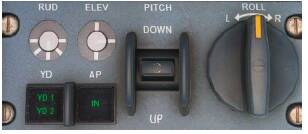
Anyone else having issues with finding the click spot for the autopilot button… all other buttons work regarding autopilot functions i.e vas and heading… just not the autopilot itself…
Also find the f/o call outs alittle hit and miss but lastnight had no issues… mainly just the flaps stage ‘currently’ as I feel it is alot slower to come, especially flaps 20 onwards as apposed to earlier updates
The AP ‘button’ on the glareshield isn’t a button. It’s just an indicator light telling you when the autopilot is engaged/disengaged. I know, it looks exactly like the buttons below it … confusing indeed.The manual even refers to it as the ‘… AP button …’.
NSW does not work as expected. Even with small steering adjustments the angle is way too large. I have it mapped to the Z-Axis of an additional joystick, the rudder is not connected to the nose wheel. This only happens in the BAE.
This is a link to a very good calibration tool for Logitech controllers.
Use it to confirm yours is correct, MSFS is quite fussy with Logitech calibration.
You can also try reversing your sensitivity curve.
Try a value of +48 on both with a 0 deadzone, see if that helps!
I had it too when I started flying the Bae, the AP engage button being a bit out of my range during a manual departure. So I just assigned my backspace key to the Autopilot ON function for quick handling.
I just finished a 2 hours flight from Vancouver to Sitka. Good this plane has 2 ADFs. VOR coverage at 30,000 ft is poor until ANN (PANT) kicks in. The LDA/DME RWY 11 approach I used features a DME arc and there is no GS. This is quite some work to do.
With regards to the difficulties experienced with crosswind take offs and landings. Since Sim update 10 I have been experiencing increased difficulties with landings and take offs, even in quite low crosswinds, with the aircraft tending to lean dramatically.
I think there are two reasons:
I think Microsoft may have overdone the crosswind effects on aircraft in the Sim, as I also find landing the A320 more difficult now.
The Bae146 is a high wing aircraft with a relatively small undercarriage width and a high centre of gravity, making it less stable on the ground than a low wing aircraft like an A320. In addition I suspect that any tendency to lift a wing is exaggerated if that wing is upwind of the fuselage and the wind starts to push under the wing surface.
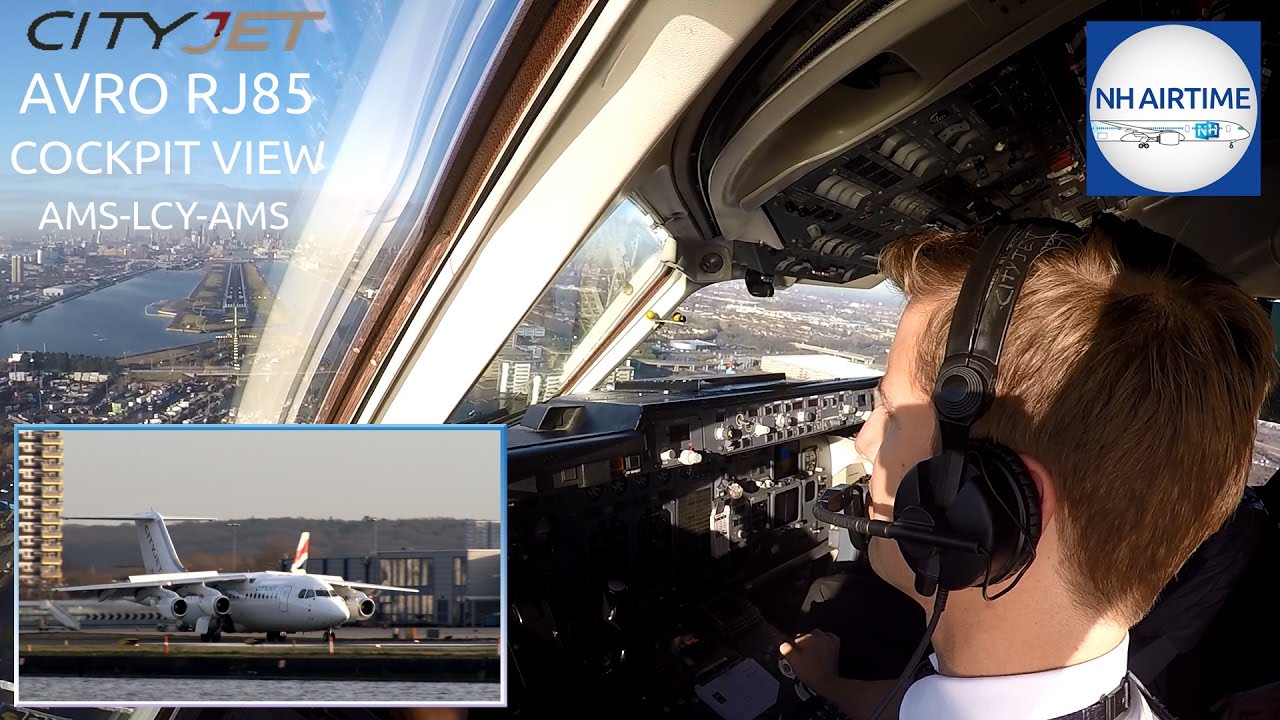
I found the attached video of a City Jet Avro RJ extremely informative and useful. As they line up for take off, about 1.5 minutes into the video, the Captain tells the Co pilot that the wind is slightly from the left, and they immediately apply left airleron on the yoke to counteract the wing lift during the take off roll.
CITYJET AVRO RJ85 COCKPIT VIEW SCHIPHOL TO LONDON CITY.
I now adopt this procedure and find it helpful.
In my view the 146 is the most realistic and stimulating aircraft to fly in MSFS, and a great credit to Just Flight. The ability to fly at jet speeds, yet land and take off from relatively small airfields with steep approaches make this aircraft a joy to fly. The forthcoming Avro version will be a must have aircraft, with its improved autopilot and navigation capabilities.
Ought to be adding aileron in anything really, but a useful reminder. I’m not sure that’s what’s causing people’s problems though, I’ve not had any issue with crosswinds in the 146t since SU11 ( admittedly not much time in it either ).
I think the difference is that this crew were adding significant into wind aileron, for even a “slight crosswind” before commencing the take off. In my ignorance I was waiting until the aircraft started to tilt and then trying to correct it. I find that their method is beneficial.