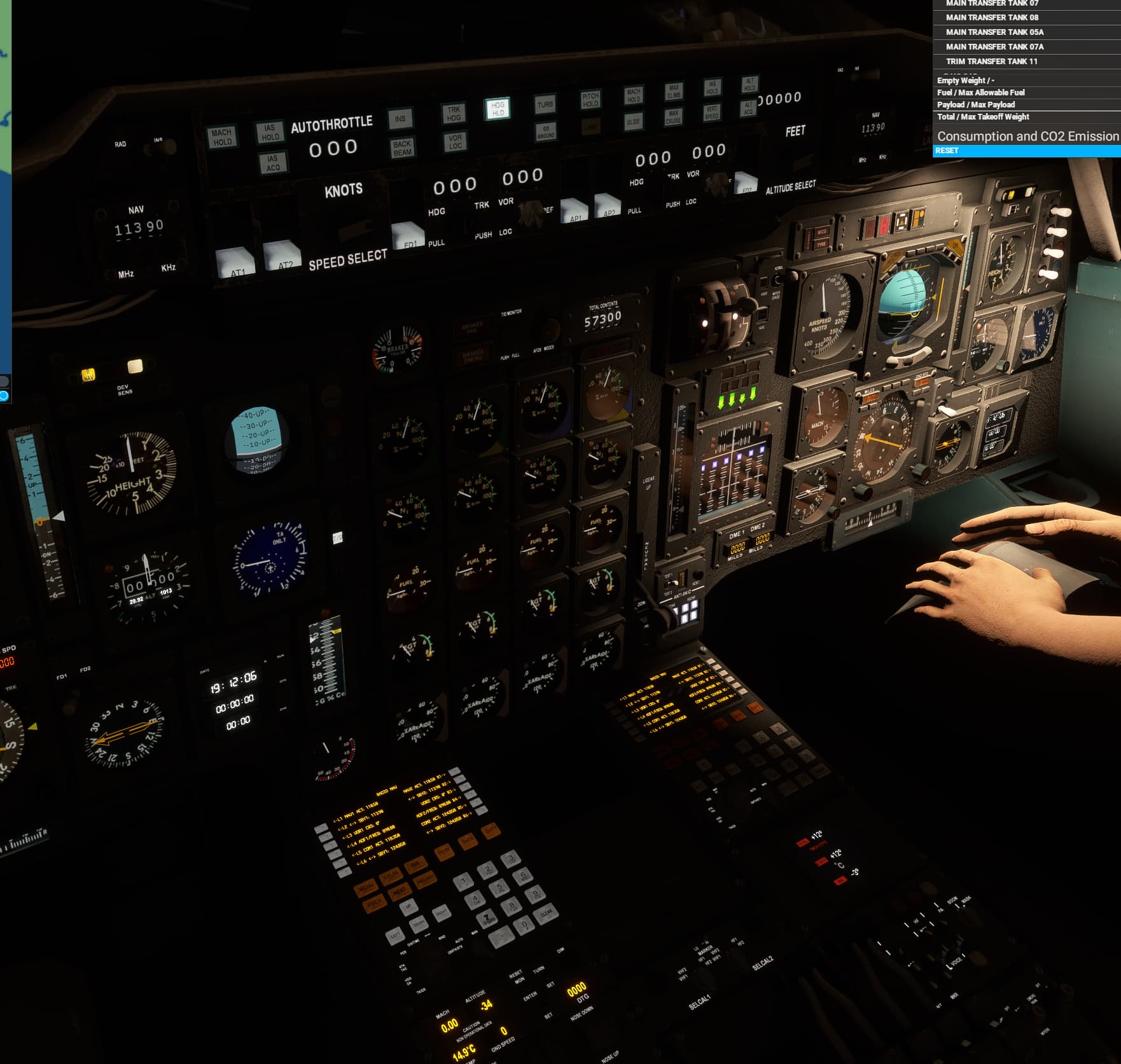
I have uploaded another one, this time with TRKHDG before switching to RAD, VORLOC and LAND after. you’ll have to wait a bit
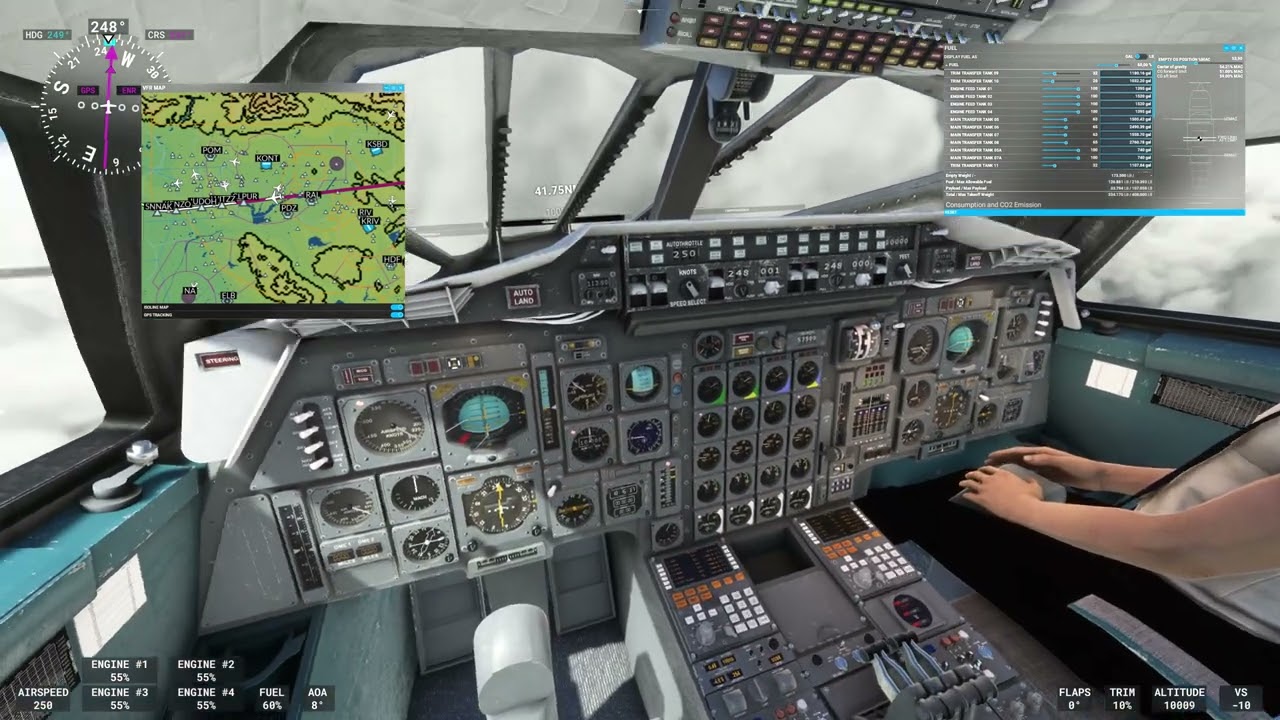
I have uploaded another one, this time with TRKHDG before switching to RAD, VORLOC and LAND after. you’ll have to wait a bit
So another SU9 Beta bug - the little Wx Radar display on the Captain’s amrest area is basically blank except the for some text at the top but no data, no overlay, etc.
I tried a flight from KSFO to PHNL and once again, the INS/LNAV mode just wanders around almost aimlessly. Using HEADING HOLD work to fly the course, but that is far from ideal. Given everyone else’s posts, I think the extent of the issues I’m having are related to SU9 but not sure.
I am also seemingly unable to transfer fuel out of or in between the trim tanks no matter what position of valves, pumps, etc. I think this is likely another SU9-related bug not 100% sure. I even spawned C&D at an airport, started the engines and then tried to move fuel around on the ground to affect CG but to no avail. I will play around with it more tomorrow.
Despite all the above, I had no issue climbing to FL600 and Mach 2.04, but quit the flight halfway through because CG was getting far out of limits forward and I didn’t want to fly another two hours only to try to land a nose-heavy plane.
More weirdness with ILS. Just finished a KJFK - KLAX trip. This time I tried the method detailed by @CodenameJack447. All seemed to be going fine. I was lined up on the Anjell approach, DME to 25L was about 18 miles. Switched over to Heading HOLD, then RAD, then VOR LOC. However even though the two small NAV needles showed the runway to be directly ahead, the CDI was pointed at about 2:00. The plane started turning to follow this so I cancelled that and went back to GPS/INS. I was in the middle of trying to figure out what was happening when I looked at the DME and they both read 0. It’s like the ILS signal just disappeared. I had the ILS frequency loaded in NAV 1 and 2, in both Active and Standby with COURSE = 251 (so don’t say that’s the problem).
I can’t explain why the DME disappeared. Seems like there are still a few teething problems with the software. Otherwise a great plane.
I don’t know if any of these tutorial videos are doing a long flight to check if there are problems that don’t show up right away. Seems like all of the examples I see are short demo flights and not long-hauls.
If DC Designs is using the default autopilot system, I can’t really fault them too much.
So Jack, I see your video. There is a definite difference between your aircraft and mine. For example, you are in TRK HDG and push VOR LOC. TRK HDG pops out and VOR LOC turns white. That does not happen to me.
For me, TRK HDG stays pressed.
Maybe I have a bad install. Or its a problem with a livery. I’m using the PAN AM livery.
You actually want the CG forward for descent and landing. Having the CG too far forward just means your cruise will be inefficient.
Listen - I’m an aerospace engineering by formal undergraduate education and training. I understand very well how CG affects flying and handling qualities. But when the CG of the aircraft continues to move forward through the course of the flight AND WILL NOT MOVE REARWARD despite the positions of the valves and pumps, the aircraft will become uncontrollable in pitch, especially with that giant delta wing and the CL (center of lift) so much further aft than the center of gravity.
Concorde Autopilot Tutorial - DC Designs - Microsoft Flight Simulator - YouTube
Above is an autopilot tutorial I made yesterday. It demonstrates each mode of the AP. From what I understand, ALT ACQ does not have to be used when MAX CLIMB is used, but ALT ACQ is needed to make the airplane level off at the selected altitude. MAX CRUISE seems to set the Mach speed at 2.04 and it is supposed to keep the airplane at M2.0 but also slow it down if 127C TMO is reached. I did pose this question to DC Designs earlier today if it is possible to have the ATs back the speed off when 127C is exceeded like Concorde did in real life.
To open the flight plans in the file, when the flight loads and FLY NOW has been pressed, press the ESC key and select LOAD/SAVE at the bottom of the screen then select LOAD FROM THIS PC. From there, load the appropriate route by going to Community folder>DC Designs Conorde>Documents>Concorde>Flight Plans and select the route you want. The routes can also be loaded in the FMC manually as they are done in the default A320 FMC.
As far as a video on fuel management and CG, I may do a video on that in the future but it just depends on the need for it because that video will be very involved and time consuming. Just remember tanks 9-10 are forward trim tanks and 11 is the aft trim tank in the tail. CG is forward for takeoff and landing and aft for cruise. The CG bugs move based on speed. The faster Concorde goes, the further aft the CG envelope goes and the range is tightens around M1.5. Concorde crews would select AFT TRIM on the fuel panel and the trim tanks to rearward CG to start moving the CG toward the aft limit on the ground. I’ve been trying to figure this system out and spent 3 hours on it today with another YouTuber. So yes, there may be a video in the future but nothing is for certain. The CG movement also eliminated the need for a lot of trim adjustment during flight. It is a crazy system, but somewhat genius at the same time. I’m also thankful for simple fuel systems on the jets I fly. Concorde’s fuel system seems like witchcraft mixed with luck.
To load the VOR frequency input the frequency in the FMC to NAV 1 which is the RAD NAV page and the top left button (L1). Make sure the source selector (to the left of MACH HOLD) is on RAD and not INS. The AP will fly the VOR course with INS or VOR/LOC, but VOR/LOC is the more correct choice. This is also in the above video.
What I have noticed in some of my videos is that the VOR 1 localizer were pointing to a different place than the runway, my theory is that it is possible that another airport in the area shared the same frequency. In the second video you will see that i switch to VOR LOC when I see that the needle is already pointing to the runway.
I flew in TRK/HDG hold close to the LOC and tried to turn on it in TRK/HDG and shortly before beeing on the LOC i switched VOR/LOC on and it captured. I trained at EGLL. But I also had 1 times out of 8 where it just didn´t work, and I could not figure out why. The only thing that I made diffently, was the that I used the FMC RAD/NAV Page and not the analog dial the time it didn´t worked. But I can say, if that was the reason.
Guys, gals… this is the reason I have not installed the SU9 beta - too many uncertainties with how it affects stuff. Dean, Jack, et al - I implore you to react proactive as I am sure you will - this is the reality with Asobo/MS shenanigans. We adapt the best we can. I don’t know anything about SU9 and how it breaks things but I am confident that DC Designs will adjust accordingly with time. That’s just the reality with this BS moving target of a platform. But make no mistake, this IS the platform. I wondered if Navigraph surveys were off when they said P3D is experiencing 3rd party exodus - I can confirm it that not only devs are done, but the USERS are done. My P3D views on the channel are about 10% of MSFS to the point where as much as I love P3D, I don’t want to do any more videos. As great as it is, it’s dying.
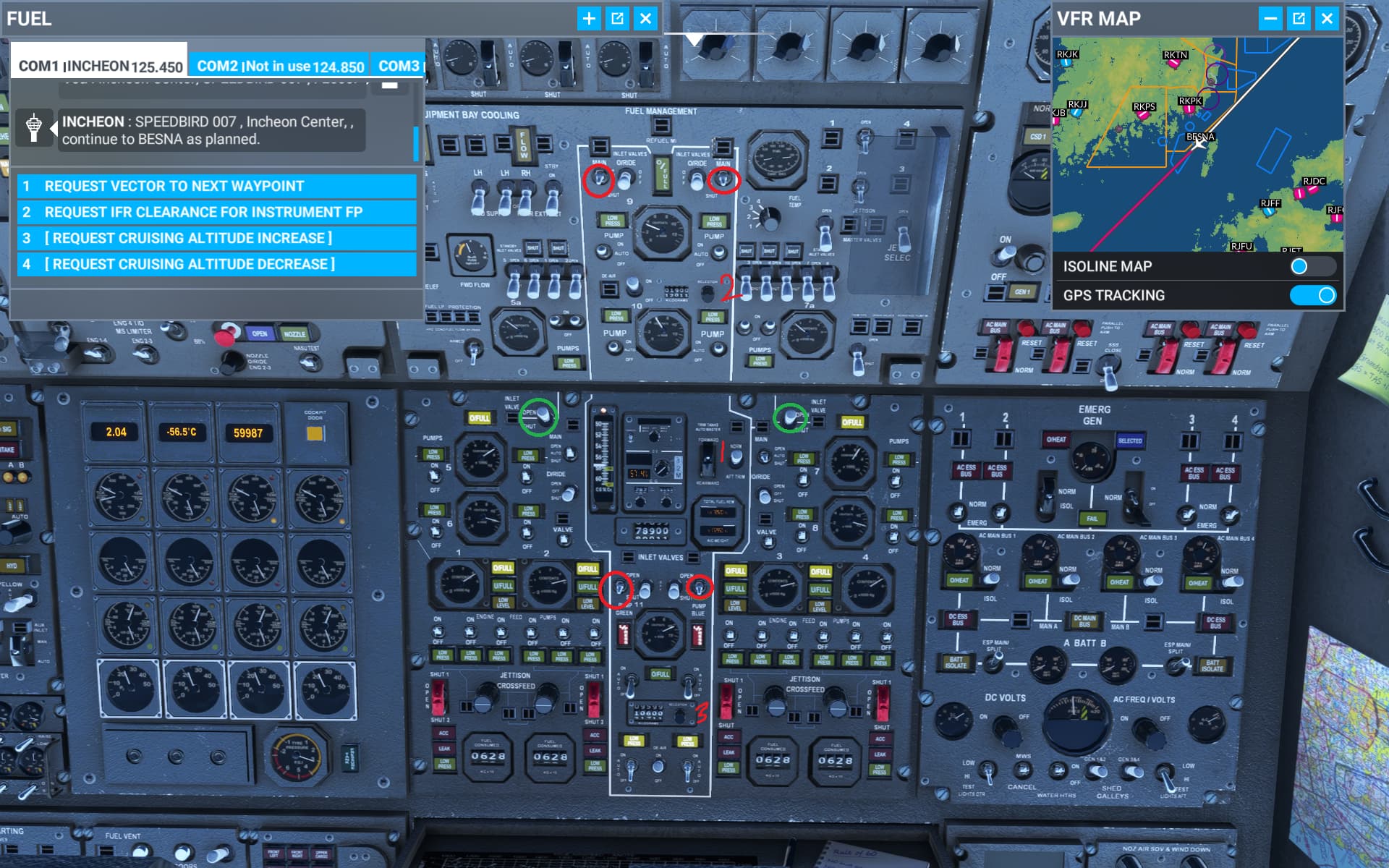
ok I thought I have missed that the inlet valves need to be open for the fuel transfer to work properly, now it works fine!
another dumb question about mach hold function.
I have been manual thrust climb to cruise, then when reaching mach 2 I engaged AT and pressed mach hold, somehow it kept wanting to slow down, and I have to go the the control below the FMC and keep pressing the increase to make it kept at mach 2 again.
the question is are there any indicator somewhere showing the targeted mach speed for mach hold set? so when apply auto throttle it will follows the selected mach speed?
The only time i use AT is for transition to supersonic, and for descent, you shouldn’t have issues !
It’s because while I’m making the videos, I’m supporting the users and so on, I’m making corrections on the fly. What you have seen is that I am correcting emissives especially for night lighting:
when you reach mach 2.0 at altitude just engage max cruise. It will try to Hold mach 2.04 during cruise
AT on the Concorde works differently than on actual airliners, it doesn’t need to be on for 90% of the flight.
I suggest having a donut from Krispy Kreme while doing that. It will make things better. I also am 100% percent aware that the glass of wine I am having after spending a day testing a Boeing 247D is a good thing to unwind to and testing a Concorde flight in a bit - what else 2 weeks off work is good for? Last night I almost drove my grandma who is about to turn 95 with a hair-raising approach to Chicago on a Concorde, she made me promise I’d never get her blood pressure so high again. Anyway, I hope you and Dean are enjoying a few days off from a stressful release. Improvements are coming and I will be sure to torture my grandma in her excitement of supersonic aviation while my parents are in the Bahamas. 
Due to my poor background and understanding on thte various manual pages, can I try summarize the procedure I understand and see if it’s correct?
(a) the auto transfer switch to middle position (auto)
(b) the inlet valves denoted by red circles to be in the auto position all the time
(c) green inlet valves open if tanks 9,10 and 11 are all full and some fuel wanted to transfer to tank 5, 7
(d) the fuel weight selection knobs marked 2 is the targetted fuel in forward trim tank 9 & 10
(e) the fuel weight selection knobs marked 3 is the targetted fuel in forward trim tank 11
so if I want to move CG backward, I should increase the fuel knob of 3 to the targeted fuel weight, meanwhile lower the fuel weight at knob 2, and if I want to move CG forward then decrease fuel for knob 3 and increase fuel at knob 2, shut off the red circled valves if the targetted CG is achieved
Yes, but the switch needs to be in the position forward or rearward depending what you want to do, while inlet valves in auto position
ic, thanks for the guide! I think I now knows what to do
so any suggestion on having these balance tanks loaded on takeoff? I mean should I kept them empty, half full or complete tank?