I have a question about a feature called “Rolling Cache”.
Currently I gave the flight sim a tini-tiny 16 gigabytes of rolling cache just to have this feature on but without even knowing how it is used.
Can it be used to keep a specific scenery kept it in highest visual quality with photogrammetry always active and satellite data always active and shown in-flight even with low bandwith and constant disconnections?
Does the flight sim keeps it´s awesome visuals and photogrammetry offline when the rolling cache is big enough?
(Yes it´s another topic about low bandwith users who wanting this awesome graphics finally usable offline )
If the flight sim would keep the high quality stuff saved and usable on the NVMe, I could offer him 512 gigabytes or an absolute maximum of 800 GB of rolling cache (but the negative side of making the rolling cache bigger is: this takes a tremendous time to load! Even 128 gigabyte of rolling cache size takes almost 15 minutes or longer to load that´s why I have reduced rolling cache to 16 GB.)
How is the rolling cache feature used the best way?
The rolling cache continually updates - exactly how, is not explained to us. I guess that it buffers streaming data in the area where you are flying so that variation in internet speed does not cause stuttering and most assets needed by the sim are already available on your drive.
There has been a lot of debate about how big the rolling cache should be. If it is too big, accessing the stored data will actually slow down the sim and cause pauses. I can’t remember (can’t find) the Asobo recommendation. I keep mine at 32Gb and that seems to work … but it’s bigger than recommended I think.
Storing a specific area can be done by setting up and downloading a manual cache instead of the rolling cache. I have never done that so can’t provide any advice. That would probably let you have access to the awesome graphics offline for at least a small area.
This sim is built around streaming data. Best way to use the rolling cache is just as you are. Set a modest size and just let it do it’s work. I do delete and refresh mine if I start a flight in a new region, or if my internet has gone off and the sim switches to offline mode for example.
I had a spare HD just gathering dust so I decided to use that. It’s 500GB and the cache is 460GB. It works very well with no stuttering and the scenery looks very good and all fully populated. It might seem excessive but the HD isnt doing anything else so…
I have a spare 3 TB and use it almost full for the rolling cache. Took a long time to create the rolling cache. But since then when I for example fly in New York I can hear and see that all the photogrammetry data is coming from my hard disc rolling cache. Very nice so I can cache automatic all the data while flying the world. And if I don’t have network access I still have good quality.
Of course when I fly 40k feet I just cache the low resolution data, but as soon as I go low near the airport it caches also the high resolution data.
So far I’m happy with the setup
@SwiftTugboat430 I had already done exactly the same. I have a 400GB rolling cache on a devoted 500GB SSD. Since I did that at SU5, I have had no stutters, no pop-ins and no CTDs whatsoever. I don’t think it’s excessive at all. My system is not particularly high end:
2 x GTX 1080 in SLI (I know SLI is not supported, but the second card runs at about 25% and absorbs the load of background tasks)
Ryzen 5800XT (vanilla - no o/c)
64GB 3200 MHz memory
I have all settings on Ultra (apart from reflections, which I have turned off because they are now totally unrealistic)
I also have render scaling resolution set at 80% simply because the GPU(s) are not capable of dealing with the ultra settings without dropping frame rates. I set LODs in usercfg.opt as 2.0 for terrain, and 5.0 for textures. My system gives me 30FPS or better at 4K, silky smooth. I think if I had better GPUs, I could set render scaling at 100%(+) and get far better FPS. I really think that’s the only thing limiting my setup.
Tbh, I think the extreme cache size I use is the reason I get no pop-ins at all, and if anyone else has the capacity to try a much larger cache than they have, I strongly suggest trying it. It might solve CTDs or pop-ins for you!
From my pov, SU5 and the Hotfix have given me the best sim I have ever had- bar none. Thank you Asobo and Microsoft!
The rolling cache continually updates - exactly how, is not explained to us. I guess that it buffers streaming data in the area where you are flying so that variation in internet speed does not cause stuttering and most assets needed by the sim are already available on your drive.
For over 6 months I have disabled the rolling cache and no problems with it at all.
Try it and see - there’s nothing to lose. It only takes 5 minutes to delete and rebuild - especially on a NVMe drive. It would be interesting to hear the outcome from you.
Hi and thanks for the answers.
So the rolling cache is not permanently storing already overflown sceneries to enjoy these again in highest quality even with low bandwith internet?
Hm ok… well I am going to set the rolling cache to 128 gigabyte and see what will happen.
edit:
Hmm… nothing happened after setting the rolling cache to 64 gigabytes (more was not possible because my Corsair Force MP600 NMVe drive which I bought especially for the new flight sim, is almost full.)
The loading time has not become longer with 64 GB.
The sim continues to switching offline constantly because of my bandwith and from now on I give up on all these online scenery streaming stuff and wait for OrbX to bring out offline HD satellite images with offline photogrammetry.
In the meantime this absolutely looks good enough for me, even without photogrammetry and 80% offline without satellite date.
One has to consider that every other flight simulator on the market was stagnating for decades with absolute trash-graphics and trash-shaders from twenty years ago, with simple buildings and every 20 meters a 2D-cardboard-box tree on a flat green texture tile being a “forest” tzzzz… (only the DCS had significant graphics upgrades lately) so this new gorgeous Flight Sim 20 looks absolute wonderful even with all these online features not functioning properly with my internet bandwith.
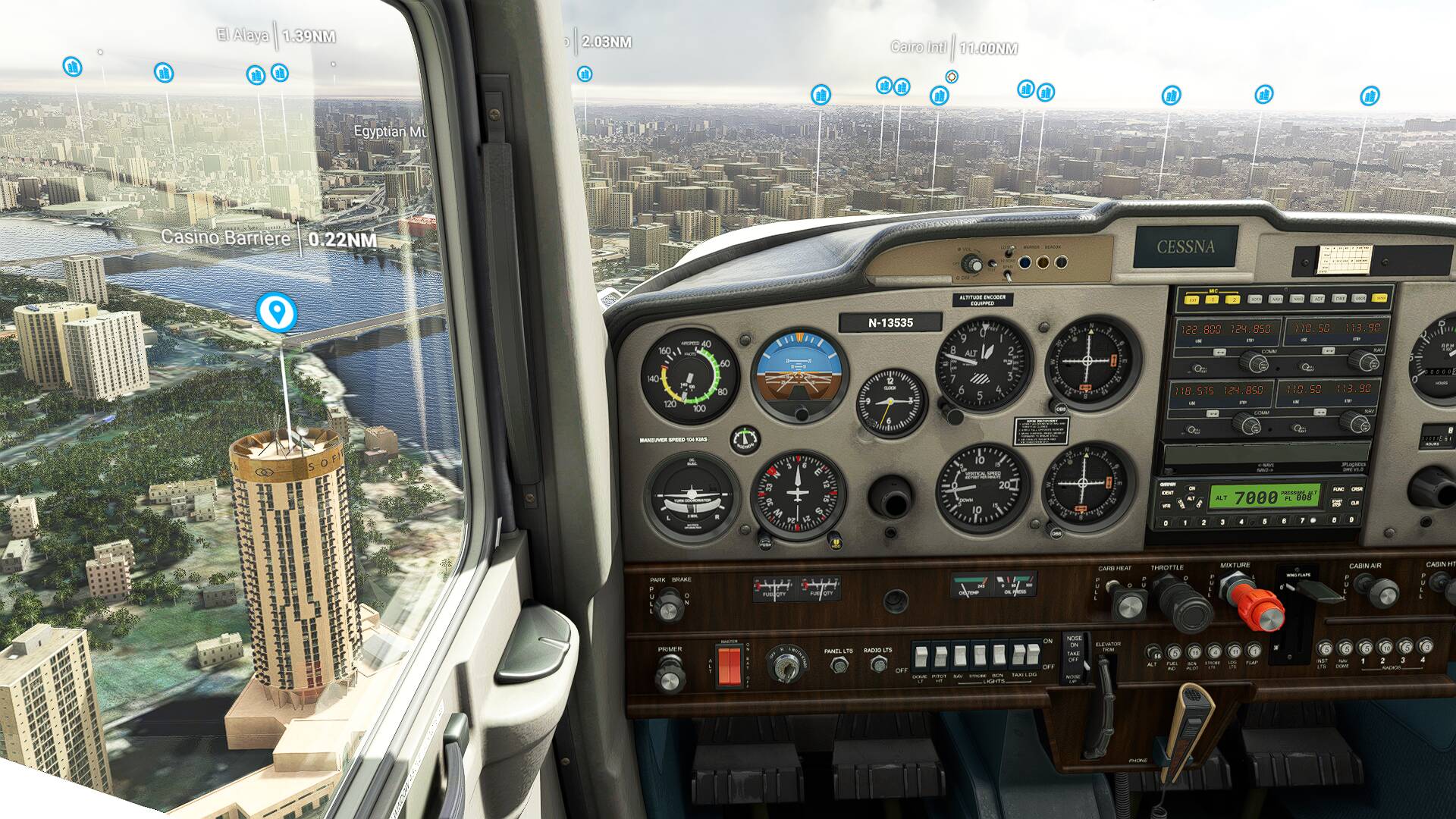
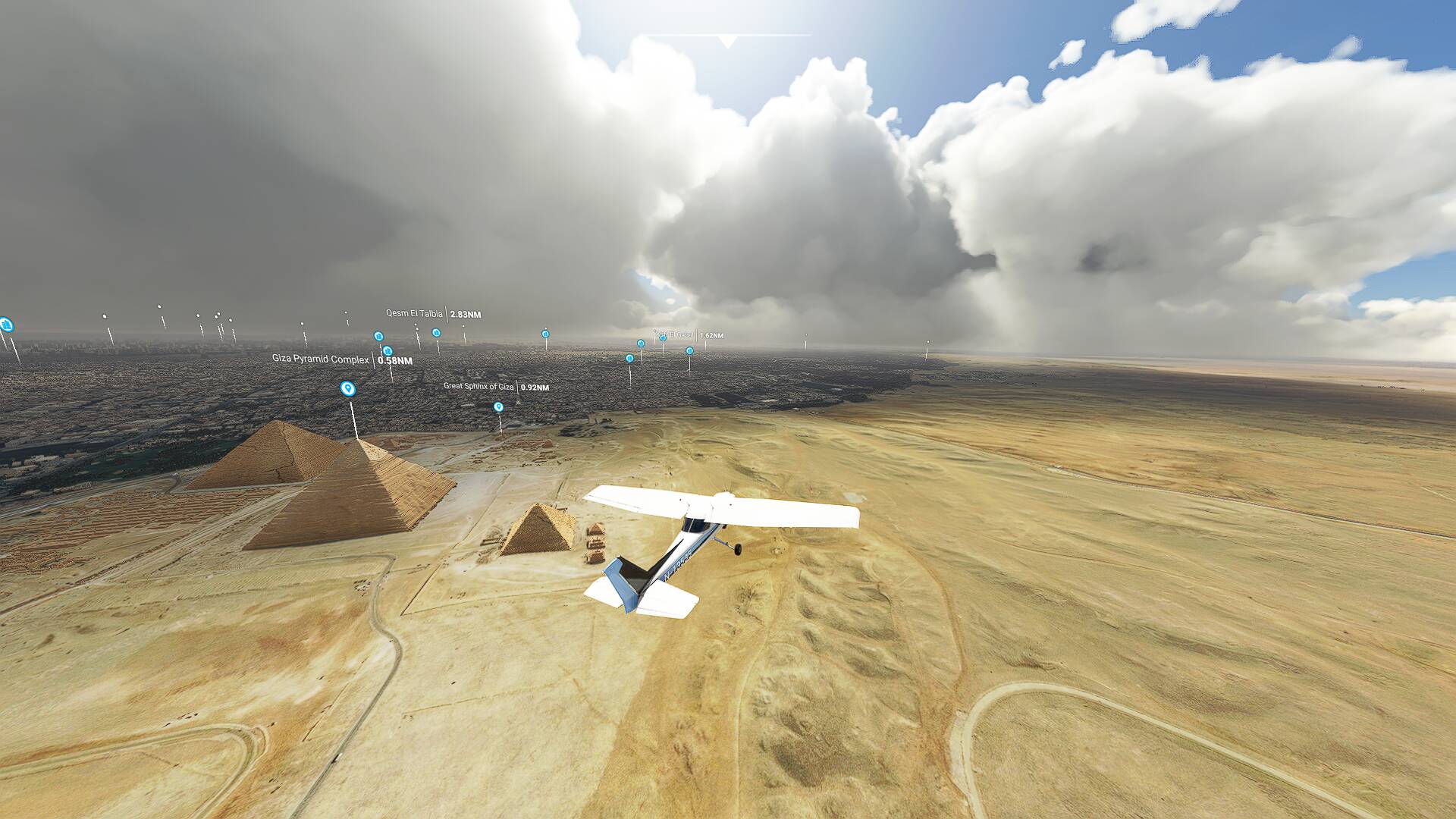
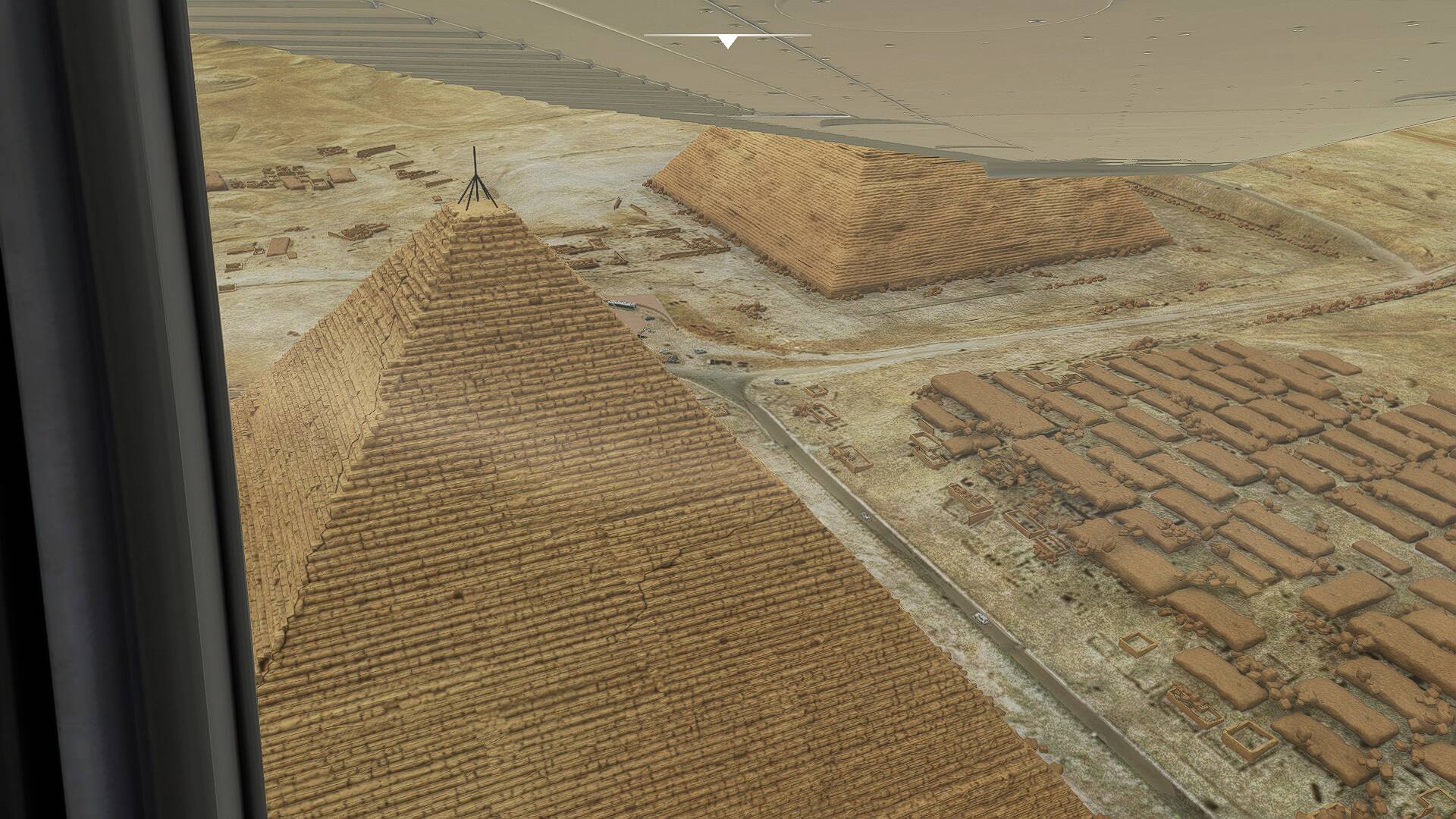
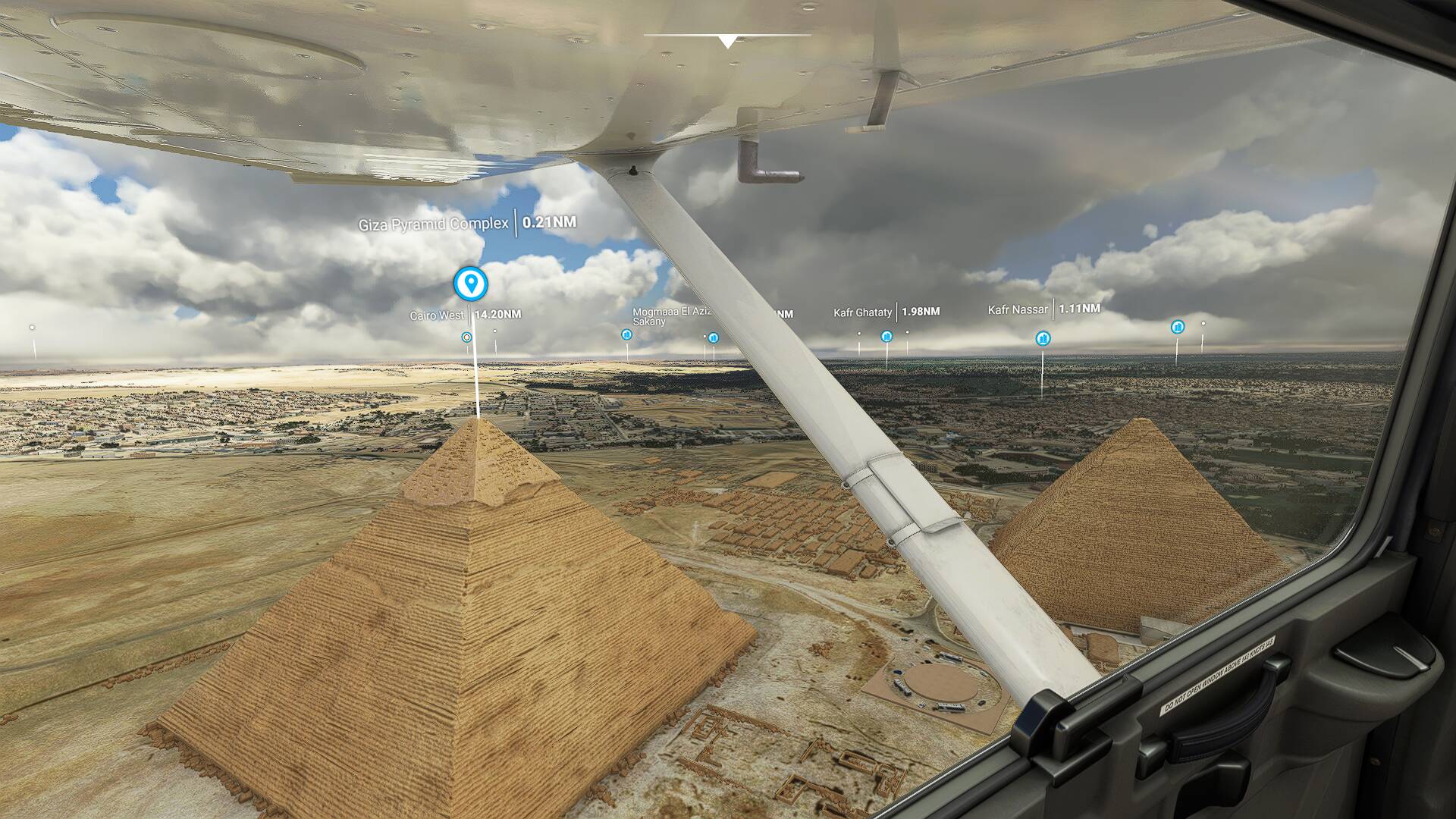
Here are some screenshots from the testflight after making a higher rolling cache over the pyramides with the modded Cessna 152:
Just to add to this discussion - I was getting constant CTDs, especially in the world map, in su5 until I remembered my rolling cache was off. Once I turned it back on, set it to 20GB, I have not had a CTD since.
Yes it would be helpful to get some real info from Asobo developers how Rolling Cache actually works.
I am not yet convinced that setting it to a really big value eg more than eg 32G is improving anything. But it is just an assumption as the many others here. My assumption is based also on the amount of data being transferred via the network which is displayed in the Data menu. For me that is usually way below 40G over several weeks of flying. If that is indeed the case why would a big cache make a difference?
I’ve had mine turned off. The topic was explained early on last year.
My understanding it that it depends on your flight habits and helps keep traffic down on the servers.
If you are flying cross country for instance, you will be continuously adding to and deleting from the rolling cache. If you are constantly flying in and out of the same area, the rolling cache keeps the network traffic down and uses the hard drive.
My personal decision is that with a fast internet connection and visiting new airports, all the cache does is taxes system resources while burning to the hard drive, and adds wear to the SSD.
No crashes are being experienced, knock wood.
a 500GIG rolling cache ??? seems not realy usefully
PS: and may be not cleaning these 500GIG rolling cache was the reason for the CTD he got. Also these rolling cache will be cleaned auto from time to time.
I guess one method of estimating the ideal size would be to manually cache an area that simulates 25nm around an aircraft (full 360 degree) at around 1500ft and see how much storage space that takes up.
yep.. or just set the rolling cache to somewhat like 16GIG and don’t carry about.
In special if the flight-profile is like to never visit the same place again, or circle around, I would say “dont worry about the rolling cache and let the default as it is”.
In each case is 500GIG not usefull and can cause issues. The users can just use the forums search function. We spoke about these topic so often ( and also that users mix up rolling cache and manual cache ).
FWIW I recently upgraded my system to 64GB of RAM and I’m using a 16GB RAM drive for my rolling cache and it seems to be working pretty well. Tough to gauge with no formal benchmark suite but it seems like the performance is maybe a bit better.
You can find one of the previous Dev Q&As where Seb stated he didn’t see any gains beyond setting rolling cache to more than 2x on-board System RAM. Hence mine is set to 32GB on the same physical partition as the sim.
 )
)